
Pricing your online course correctly is the difference between $500/month and $5,000/month in revenue. Most course creators charge between $97 and $2,997, but the right price depends on your transformation, market positioning, and delivery format.
I watched a course creator triple her revenue by raising her price from $497 to $1,497. Not by adding more content. Not by running better ads. Just by changing one number on her sales page.
That single decision transformed who bought her course. The $497 buyers consumed content passively and rarely implemented. The $1,497 buyers showed up to every call, did the work, and got results worth sharing.
Pricing your online course incorrectly can sabotage your business before you make your first sale. Set it too low and you attract tire-kickers who never complete the material. Set it too high without proper positioning and your sales page becomes a ghost town.
This online course pricing guide shows you exactly how to calculate your course price using proven frameworks
Answer 5 questions and get an honest recommendation — even if BuddyBoss isn't the right fit for you.
Before diving into pricing strategies, understanding these shifts is essential for online course pricing in 2026. The online course market has shifted dramatically, and these changes directly affect how you should price. Let's break down each trend.
The market has matured significantly. The global e-learning market hit $325 billion in 2025 and is projected to reach $400 billion by 2026. That's both good news and a challenge. More buyers exist than ever, but they've also become more sophisticated. They've purchased courses before. They know the difference between a $47 PDF and a $2,000 transformation program.
AI has changed production expectations. AI tools now reduce course creation time by 50%, according to Gartner's 2024 research. About 80% of course creators use AI for content creation. This means production quality alone no longer justifies premium course pricing. Your unique perspective and transformation methodology matter more.
Cohort-based courses are commanding premiums. Self-paced courses still dominate by volume, but cohort-based programs with live components see completion rates of 85-90% compared to roughly 10-15% for self-paced alternatives. Platforms like Maven report programs priced between $800 and $2,500 performing strongly, with some flagship courses like Ali Abdaal's Part-Time YouTuber Accelerator charging $4,995 and generating over $1.5 million in nine months.
Subscription fatigue is real. While the e-learning subscription market is projected to hit $50 billion by 2026, individual creators are finding that one-time purchases often convert better than recurring models. Buyers are exhausted from managing dozens of subscriptions. They're increasingly willing to pay more upfront for lifetime access rather than commit to another monthly fee.
Credentials matter more. About 40% of employers now recognize digital certificates as legitimate alternatives to degrees. This shifts how you can position and price skill-based courses, especially in professional development niches.
These trends shape everything that follows. Keep them in mind as we work through the pricing strategies.
These three online course pricing mistakes cost creators thousands in lost revenue. Here's what to do instead.
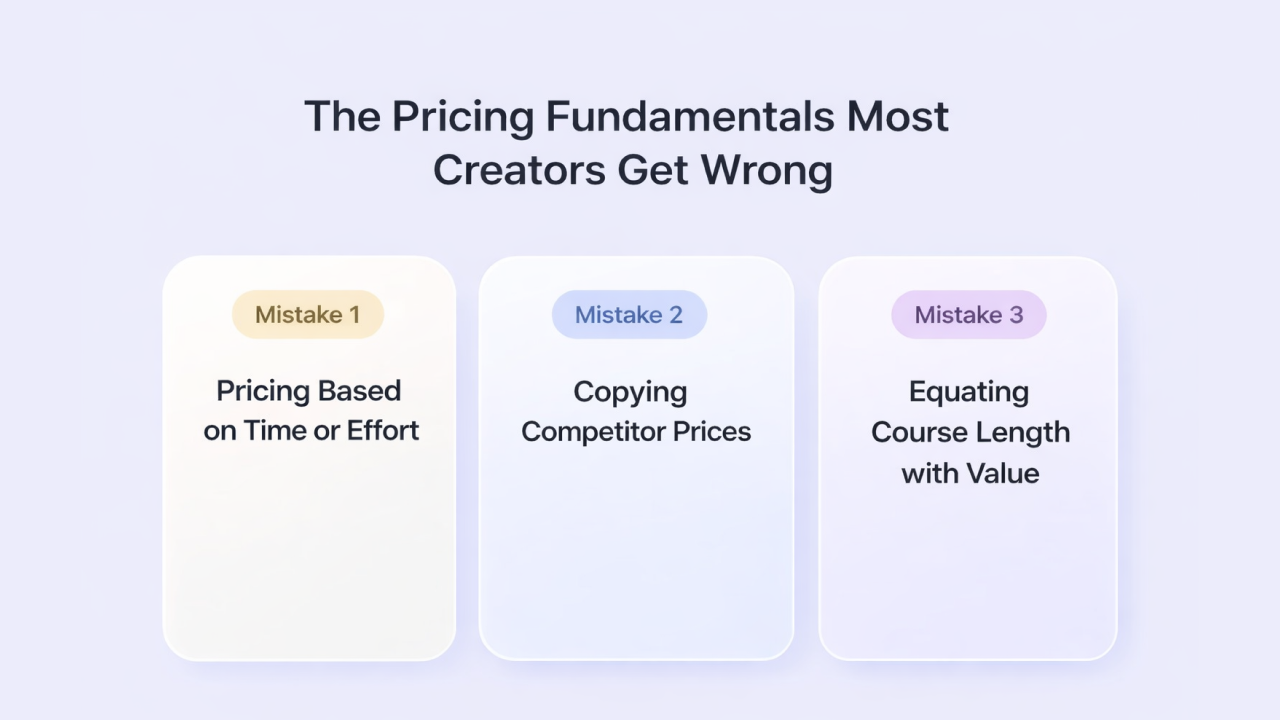
Mistake 1: Pricing Based on Time or Effort
Your course took 200 hours to create. That's completely irrelevant to what you should charge. Buyers don't care about your hours. They care about their transformation.
A course that teaches someone to land their first $5,000 freelance client in 30 days can command $500+ easily. A course that took twice as long to create but only teaches a hobby skill might struggle at $97. The input doesn't determine the price. The output does.
Mistake 2: Copying Competitor Prices
I understand the instinct. You see a similar course at $297, so you price yours at $247 to undercut them. This approach fails for two reasons.
First, you don't know if that competitor's price actually works. They might be struggling. They might have a completely different business model where the course is a lead generator for high-ticket coaching.
Second, competing on price is a race to the bottom. There's always someone willing to go lower. The customers who buy purely on price are also the most likely to request refunds, leave negative reviews, and never actually complete the material.
Mistake 3: Equating Course Length with Value
A 40-hour course is not automatically worth more than a 4-hour course. In fact, longer courses often signal poor instructional design, not greater value.
If you can teach someone to achieve a specific result in 4 hours, don't pad it to 20 hours to justify a higher price. Buyers increasingly value efficiency. They want the fastest path to their goal, not the most comprehensive tour of everything tangentially related to their problem.
That said, expectations matter. If you charge $500 for 30 minutes of content, buyers will feel shortchanged regardless of the value. A reasonable benchmark: if you're charging $500+, aim for at least 3-5 hours of core content.
Here's something counterintuitive that research consistently supports: higher prices often lead to better outcomes.
When someone pays $4,997 for a course, they show up differently than someone who paid $47. The higher investment creates psychological commitment. They've put enough skin in the game that they're motivated to do the work and get results.
One leadership development course tested this directly. At $497, it attracted hobbyists who rarely completed assignments. When repriced at $4,997 with identical content, it attracted serious professionals who implemented immediately and achieved measurable results.
The price didn't just change revenue. It changed who bought and how seriously they engaged.
Online courses generally fall into four price tiers. Each serves a different purpose in your business.
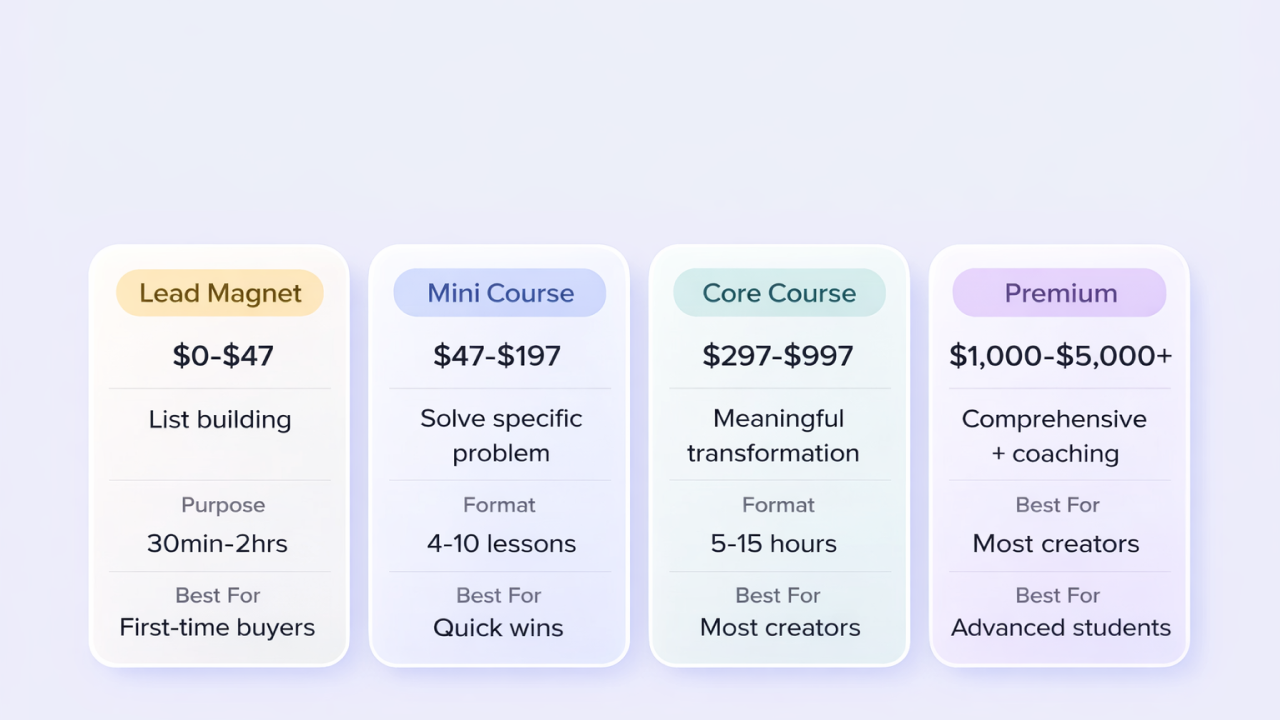
| Tier | Price Range | Purpose | Format | Best For |
| Lead Magnet | $0-$47 | List building | 30min-2hrs | First-time buyers |
| Mini Course | $47-$197 | Solve specific problem | 4-10 lessons | Quick wins |
| Core Course | $297-$997 | Meaningful transformation | 5-15 hours | Most creators |
| Premium | $1,000-$5,000+ | Comprehensive + coaching | Full curriculum + live | Advanced students |
Purpose: Build your email list, demonstrate expertise, create first-time buyers
Format: Mini-courses, email courses, short video series (typically 30 minutes to 2 hours)
Example: Amy Porterfield, an online marketing expert, regularly runs free 5-day challenges like her “List Builders Lab Challenge.” Participants receive daily video lessons and worksheets via email teaching specific email marketing strategies.
At the end of the challenge, graduates receive an offer for her flagship course “Digital Course Academy” priced at $1,997.
This free challenge has helped her build an email list of over 300,000 subscribers and generated millions in course sales. The free challenge proves her teaching ability, delivers immediate value, and naturally positions the paid course as the next logical step.
Free or low-cost courses work best as entry points, not primary revenue drivers. Don't expect to build a sustainable business at this tier alone. The real value lies in converting 5-10% of free participants into paying customers for higher-priced offerings.
Purpose: Solve a specific, narrow problem quickly
Format: 4-10 video lessons, each under 15 minutes, with basic supporting materials
Example: Graham Cochrane from The Recording Revolution sells focused mini-courses on specific music production skills. His course “EQ Strategies: Your Action Plan for Better Mixes” sells for $97 and teaches one specific skill—how to use EQ effectively in audio mixing, in under 3 hours.
The course includes 12 video lessons (each 10-15 minutes), downloadable cheat sheets, and before/after audio examples. It solves one narrow problem for home studio owners who struggle with muddy mixes. This focused approach has helped him sell thousands of copies while building trust for his higher-priced offerings like his $497 “Compression Breakthroughs” and $997 “Mix With Us” membership.
This tier works well for impulse purchases and testing market demand. If your $97 course sells consistently, you have validation to develop a more comprehensive offer at a higher price point. Graham used this exact strategy, his early mini-courses validated demand before he created more expensive, comprehensive programs.
Purpose: Deliver meaningful transformation on a defined topic
Format: 4-8 modules covering a complete methodology, typically 5-15 hours of content, with worksheets, templates, and community access
Example: Vanessa Lau's “YouTube Starter Kit” sells for $497 and teaches content creators how to launch and grow a YouTube channel. It includes 6 modules covering strategy, filming, editing, SEO, and monetization, plus video templates, scriptwriting frameworks, and access to a private community. Students get a complete system to go from zero to their first 1,000 subscribers and monetized channel.
This is the sweet spot for most creators. You're charging enough to attract committed students while keeping the barrier to entry reasonable. If you're launching your first substantial course, start here.
Purpose: Comprehensive transformation with high-touch support
Format: Full curriculum plus live calls, coaching, personalized feedback, certification, or done-with-you elements
Example: Marie Forleo's “B-School” is a flagship 8-week business training program priced at $2,000. It includes comprehensive video modules, live Q&A calls with Marie, guest expert trainings, personalized feedback on business plans, a private community of 75,000+ entrepreneurs, and lifetime access to all updates. The program runs as annual cohorts with specific start dates, creating urgency and peer accountability. B-School has generated over $100 million in revenue since launching in 2010.
Premium pricing requires more than just content. You need live components, community, coaching, or certification to justify the investment. The course content itself might represent only 30-40% of the total value at this tier. The real value comes from access, accountability, and transformation.
Beyond the price itself, you need to decide how you'll collect that payment.
One-Time Payment
Best for: Evergreen courses, results-focused programs, first-time course creators
Students pay once, get lifetime access. This is the simplest model and often converts best because the transaction is easy to understand. No ongoing commitment, no fear of being locked in.
The downside: you need to continuously acquire new customers to maintain revenue. Each sale is a standalone transaction rather than recurring income.
Pro tip: One-time payments build your customer list faster. Each buyer becomes a potential purchaser for your next course, coaching program, or premium offering. The lifetime value of a customer extends far beyond their initial purchase.
Subscription or Membership
Best for: Continuously updated content, community-focused programs, ongoing skill development
Students pay monthly or annually for access to your course library and ongoing content. This creates predictable recurring revenue, which makes business planning easier.
The reality check: subscriptions require constant content creation to justify ongoing payments. Average membership retention tends to be 4-6 billing cycles, meaning a $50/month member is actually worth roughly $200-300 in total revenue, not $600/year.
Subscriptions also demand more customer support. People expect immediate responses when they're paying you every month.
Payment Plans
Best for: Higher-priced courses ($500+) where the upfront cost creates friction
Offer 3-6 monthly payments as an alternative to paying in full. This increases accessibility without permanently lowering your price.
Example: A $1,497 course might offer 3 payments of $547, totaling $1,641. The slight premium on the payment plan compensates for the added risk (some payments will fail) and encourages buyers who can afford it to pay in full.
Warning: Payment plans are not subscriptions. Once the payment plan completes, the student has lifetime access. Don't structure it as “$47/month as long as you want access”, that's a membership model with different expectations.
Cohort-Based Pricing
Best for: Courses with live components, programs where peer accountability drives results
Students enroll during specific windows and progress through the material together with live sessions, group work, and structured deadlines.
Cohort courses typically command 2-3x the price of equivalent self-paced content because the completion rates are dramatically higher. When students know they're accountable to peers and have live interaction with the instructor, they engage differently.
Example: A self-paced marketing course might sell for $500. The same content delivered as an 8-week cohort with weekly live Q&As and a private Slack community could sell for $1,500.
Here's the framework I use to determine a starting price.
Your online course price should represent roughly 10% of the value it delivers. If your course helps someone land a $50,000 job, $5,000 is a reasonable price. If it saves them 100 hours of trial and error worth $5,000 in their time, $500 makes sense.
Step 1: Identify the tangible outcome your course delivers. Be specific. Not “learn marketing” but “launch your first profitable Facebook ad campaign.”
Step 2: Quantify that outcome in dollars. How much money will they make, save, or avoid losing by achieving this result?
Step 3: Divide by 10. That's your starting price point.
Example: Your course teaches freelancers to raise their rates. If the average student goes from $3,000/month to $5,000/month, that's $24,000 in additional annual income. A $2,400 price point represents 10x value. Even $1,200 offers 20x return, making it an obvious investment.
What would someone pay to achieve this result through other means?
If one-on-one coaching costs $200/hour and would take 20 hours to achieve the same result, the alternative cost is $4,000. Your course at $997 represents significant savings while still being substantial enough to attract committed buyers.
Stacking Value: How Bonuses and Support Shift Pricing
The core course content establishes your baseline. What you stack on top determines how high you can price.
Templates and swipe files: Add $50-200 in perceived value. Buyers love done-for-you resources that shortcut implementation.
Community access: Add $100-500 in perceived value. A private space to ask questions and connect with peers is often worth more than the course itself.
Live calls or coaching: Add $200-1,000+ in perceived value. Any live interaction with you justifies significant price increases.
Certification: Add $200-500 in perceived value. Official recognition that students can display on LinkedIn or their website.
A $497 course with templates, community, and monthly Q&A calls can become a $1,497 program. The content might be identical, but the total value delivered is significantly higher.
Small pricing decisions can significantly impact conversion rates. Here's what research and testing actually supports.
The Left-Digit Effect
$997 feels meaningfully cheaper than $1,000, even though the difference is just $3. Our brains process the leftmost digit first, so $997 registers in the “hundreds” while $1,000 registers in the “thousands.”
Use this for entry-level and mid-tier courses where price sensitivity is higher: $97, $197, $297, $497, $997.
Prestige Pricing
Round numbers signal confidence and quality. Premium courses and high-ticket programs often use $2,000 rather than $1,997 precisely because it feels more substantial and less “salesy.”
If you're positioning as the premium option in your market, round numbers reinforce that positioning.
Anchoring with Tiers
Offering a single price forces a binary decision: buy or don't buy. Offering tiers changes the question to: which tier should I buy?
Example structure:
Most buyers select the middle option. It feels like the sensible choice: not the bare minimum, not the extravagant maximum. Many who would have balked at $997 as a single price will select it when positioned between $497 and $1,997.
Bonuses Beat Discounts
Instead of offering 20% off your $997 course, offer “free bonuses worth $497.” Even if the buyer might save more with the discount, the bonus feels like getting something extra rather than the course being worth less.
Discounts erode perceived value. Bonuses enhance it.
How you price during launch differs from how you price for ongoing sales.
Your first launch is for learning, not maximum revenue. Consider offering a significant discount (40-60% off your planned price) to early buyers in exchange for their feedback and testimonials.
Example: “Join the founding cohort at $297 (regular price $497). As a founding member, you'll get direct access to me for feedback, and I'll use your input to make the course even better.”
This framing positions the discount as an exchange rather than a sign that your course is worth less. Founders get a deal. Future students pay full price.
Early Bird Strategies
For subsequent launches, early bird pricing creates urgency without permanently devaluing your course.
The key: make every discount feel earned and time-limited. “This price is available because you're part of my audience” works. Random 50% off coupons destroy credibility.
Raise your price when:
How to communicate price increases:
Be direct. “On [date], the price of [course] is increasing from $497 to $697 because of [specific additions/improvements]. If you've been considering enrolling, now is the time.”
This approach is honest, creates legitimate urgency, and often drives a wave of sales from fence-sitters.
Once you're selling continuously rather than in launches, resist the urge to discount constantly.
I've seen creators run “limited time 50% off” sales so frequently that no one ever pays full price. This trains your audience to wait for the next sale and signals that your full price is inflated.
If you discount evergreen courses, do it rarely (1-2 times per year), with legitimate reasons (Black Friday, course anniversary), and for limited periods.
Host courses, build community, keep profits. All with BuddyBoss.
You have to understand that pricing is not a one-time decision. It's an ongoing experiment.
If you have sufficient traffic, test price points directly. Send half your audience to a $497 sales page and half to a $697 page. Measure total revenue, not just conversion rate.
Example: $497 converts at 3% on 1,000 visitors = 30 sales = $14,910. $697 converts at 2% on 1,000 visitors = 20 sales = $13,940. The lower price wins on revenue despite higher conversion at the higher price point.
But if $697 converts at 2.5%? That's $17,425 in revenue. Small differences in conversion at higher prices can significantly impact total revenue.
You might be priced too low if:
Conversion rates are unusually high (8%+) but revenue is still modest
Students don't complete the course or take it seriously
You're attracting buyers who are problematic (complaints, refunds, neediness)
People frequently say “I would have paid more”
You might be priced too high if:
Conversion rates are very low despite strong traffic
Price objections dominate your sales conversations
You're unable to articulate the value clearly enough to justify the investment
Your target audience genuinely cannot afford your price (know your market)
International and PPP Pricing
A $997 course is a different commitment in San Francisco than in Mumbai. Purchasing Power Parity (PPP) pricing adjusts your price based on the buyer's location.
Many platforms now support automatic PPP discounts. You might offer 30-60% off for buyers in countries with lower purchasing power, expanding your reach without devaluing your course in primary markets.
The tradeoff: some buyers will use VPNs to access lower prices. Most won't. The expanded audience usually more than compensates for any lost revenue from gaming.
The Product Ladder
Your course shouldn't exist in isolation. It's part of a larger ecosystem.
Example ladder:
Each rung builds trust and demonstrates value, making the next purchase easier. Someone who bought your $97 course and got results is far more likely to invest $497 in your next offering than a cold lead.
Here's your step-by-step online course pricing action plan to implement everything we've covered.
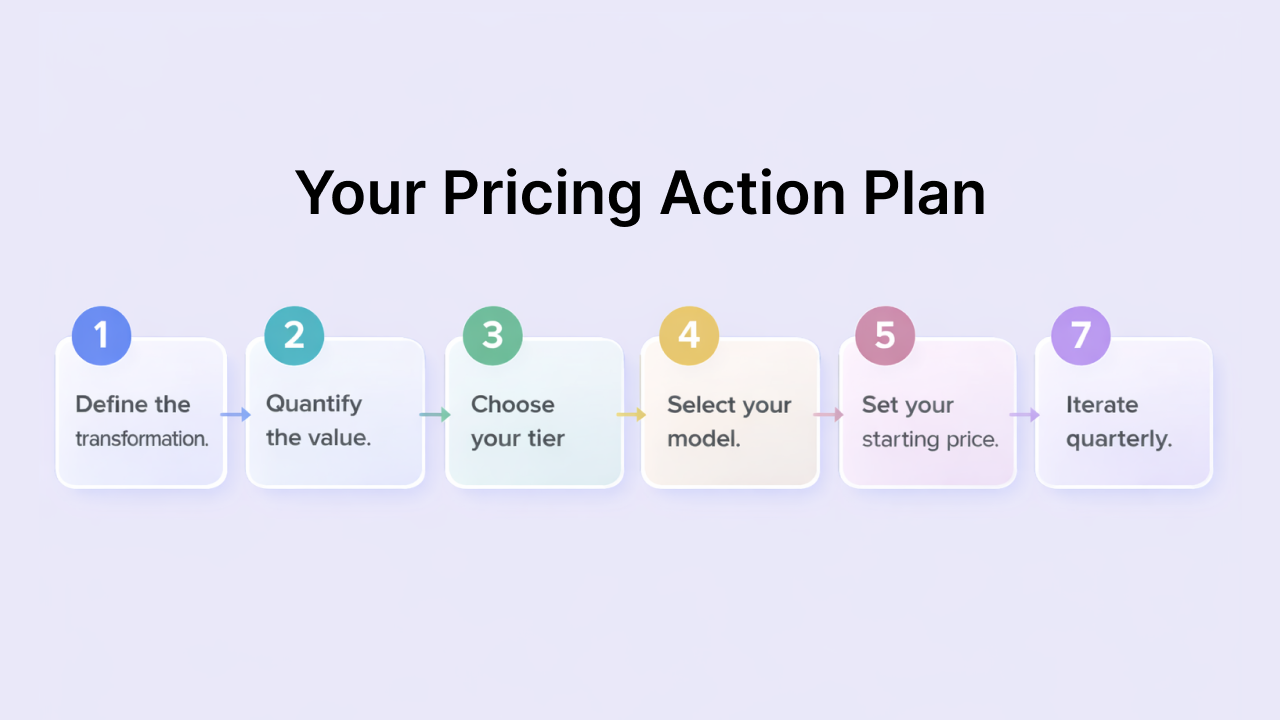
Step 1: Define the transformation. What specific outcome does your course deliver? Write it in one sentence.
Step 2: Quantify the value. What is that outcome worth in dollars? Consider money earned, saved, or time reclaimed.
Step 3: Choose your tier. Based on your content depth and delivery format, which tier fits? Mini course, core course, or premium program?
Step 4: Select your model. One-time payment, subscription, payment plan, or cohort-based? Match the model to how your content delivers value.
Step 5: Set your starting price. Use the 10x value formula as your starting point. Adjust based on alternative costs and value stacking.
Step 6: Launch and learn. Get your course in front of real buyers. Their behavior will tell you more than any theoretical framework.
Step 7: Iterate quarterly. Review your pricing every 90 days. Look at conversion rates, revenue, student quality, and completion rates. Adjust as needed.
How much should I charge for my online course?
Charge based on the value you deliver, not creation time. Use the 10x value formula: if your course helps someone earn or save $5,000, charge around $500. Most successful courses range from $97 (mini-courses) to $997 (core courses) to $2,997+ (premium programs with coaching). The right price depends on the tangible outcome students achieve and how you deliver it (self-paced vs. cohort-based).
What is the average price of an online course?
The average online course price is $182, but this includes everything from $10 Udemy courses to $10,000 executive programs. More useful benchmarks: self-paced courses typically cost $100-$500, cohort-based programs with live components average $800-$2,500, and certification programs with coaching range from $1,500-$5,000+. Professional development courses command higher prices than hobby courses.
Should I offer payment plans for my course?
Yes, offer payment plans for courses priced above $500. They increase conversions by 15-30% without permanently lowering your price. Structure them as 3-6 monthly payments with a 10-15% premium over the full-pay price. For example, a $1,497 course could offer three payments of $547 (total $1,641). The premium compensates for processing fees and failed payments while encouraging upfront payment.
How do I know if my course is priced too high?
Your course is priced too high if conversion rates stay below 1% despite targeted traffic, price objections dominate sales conversations, and you can't clearly articulate value justifying the investment. But don't confuse “too high” with poor marketing. Test improving your sales page clarity, adding testimonials, and strengthening your value communication before dropping your price. Run an A/B test: if lowering the price 30% doesn't improve total revenue, pricing wasn't the problem.
What's the difference between course tiers?
Course tiers differ in transformation scope and support level, not just length. Lead magnets ($0-$47) build trust with 30-minute to 2-hour content. Mini-courses ($47-$197) solve specific problems in under 5 hours. Core courses ($297-$997) deliver complete transformations with 5-15 hours plus community access. Premium programs ($1,000-$5,000+) add live coaching, certification, and personalized feedback. Choose the tier matching your audience's needs and the transformation you deliver.
Is it better to charge a one-time fee or monthly subscription?
One-time fees convert 2-3x higher and work better for most creators because they're simple and build your customer list faster. Subscriptions ($20-$100/month) only make sense if you continuously add new content, maintain an active community, or deliver ongoing skill development. Reality check: average subscription retention is 4-6 months, so a $50/month member generates $200-$300 total, not $600/year. Choose one-time for defined transformations, subscriptions for ongoing value.
Should I discount my course for launch or keep the price consistent?
Discount 40-60% for your first beta launch to gather testimonials, then use time-limited early-bird pricing (15-20% off) for future launches to create urgency. Once established, discount rarely—maximum twice yearly—to avoid training your audience to wait for sales. Position first discounts as exchanges: “Join as founding member at $297 (regular $497) in exchange for feedback.” After launch, raise prices as you add value rather than constantly discounting.
How often should I raise my course price?
Raise prices when conversion rates consistently exceed 5% (you're underpriced), when you've added significant value like new modules or coaching, or when improved student results give you strong testimonials. Review pricing quarterly and increase by 20-40% annually as your offer matures. Communicate increases honestly: “On April 1st, [Course] increases from $497 to $647 due to [specific additions]. Enroll now at current pricing.”
Do cohort-based courses really justify 2-3x higher pricing?
Yes. Cohort courses achieve 85-90% completion rates versus 10-15% for self-paced, justifying premium pricing through better results. Students willingly pay $1,500 for an 8-week cohort over $500 for identical self-paced content because live accountability, peer interaction, and scheduled structure deliver measurable transformation. You're not just charging more—you're delivering dramatically better outcomes. Example: same marketing content sells for $497 self-paced or $1,497 as an 8-week cohort with weekly live calls.
What's the biggest pricing mistake course creators make?
Pricing based on personal comfort level rather than actual value delivered. If $500 feels expensive to you but your course helps someone earn $10,000, you're leaving money on the table and attracting uncommitted buyers. Other critical mistakes: constant discounting that trains audiences to wait for sales, competing on price instead of value, never raising prices as your offer improves, and pricing by content hours instead of transformation delivered. Fix it: Use the 10x value formula and test with real buyers.
Online course pricing is not just a number. It's a statement about who your course is for, what it delivers, and how seriously you take your own expertise.
The creators I've seen succeed don't obsess over finding the “perfect” price. They set a reasonable price based on clear thinking, launch, and iterate based on real data.
Your price will evolve. Your first course might be $297. Your fifth might be $2,997. That's not inconsistency, it's growth.
Start where you are. Price with confidence. Deliver more value than you charge for. Everything else follows from there.
Happy Growing!
I still remember the frustration. Stuck on a concept at 11pm, course forum empty, no one to ask. I posted my question anyway.
Three days later, still no response. By then I'd moved on, left the course half-finished, and convinced myself the topic “wasn't for me.”
That moment had nothing to do with my ability to learn. It had everything to do with learning alone.
And I'm not unique. Self-paced online courses see completion rates as low as 3-15%. Thousands of students sign up, hit a wall, and quietly disappear. Not because the content fails them, but because no one's there when they need help.
Now flip the perspective and think about learning experiences that actually stuck. A classroom debate that rewired how you saw a problem.
A study group that pushed through confusion together.
A mentor who answered your question before you fully knew how to ask it.
The best learning has always been social.
Community-based learning brings that dynamic into online courses and memberships. Instead of students consuming content in isolation, they learn alongside others, ask questions, share breakthroughs, and stay accountable to each other.
The result? Higher completion rates, stronger retention, and students who actually transform instead of drift away.
Let’s see what community-based learning really means, the research behind why it works, and practical ways to build it into your own courses or memberships.
Community-based learning is simple in concept: learning that happens through interaction, relationships, and shared experiences rather than solo content consumption.
Traditional education treats learning as a transfer. The expert has knowledge, and the student receives it. But that model misses how people actually retain and apply information. We learn by discussing, debating, teaching others, and working through problems together.
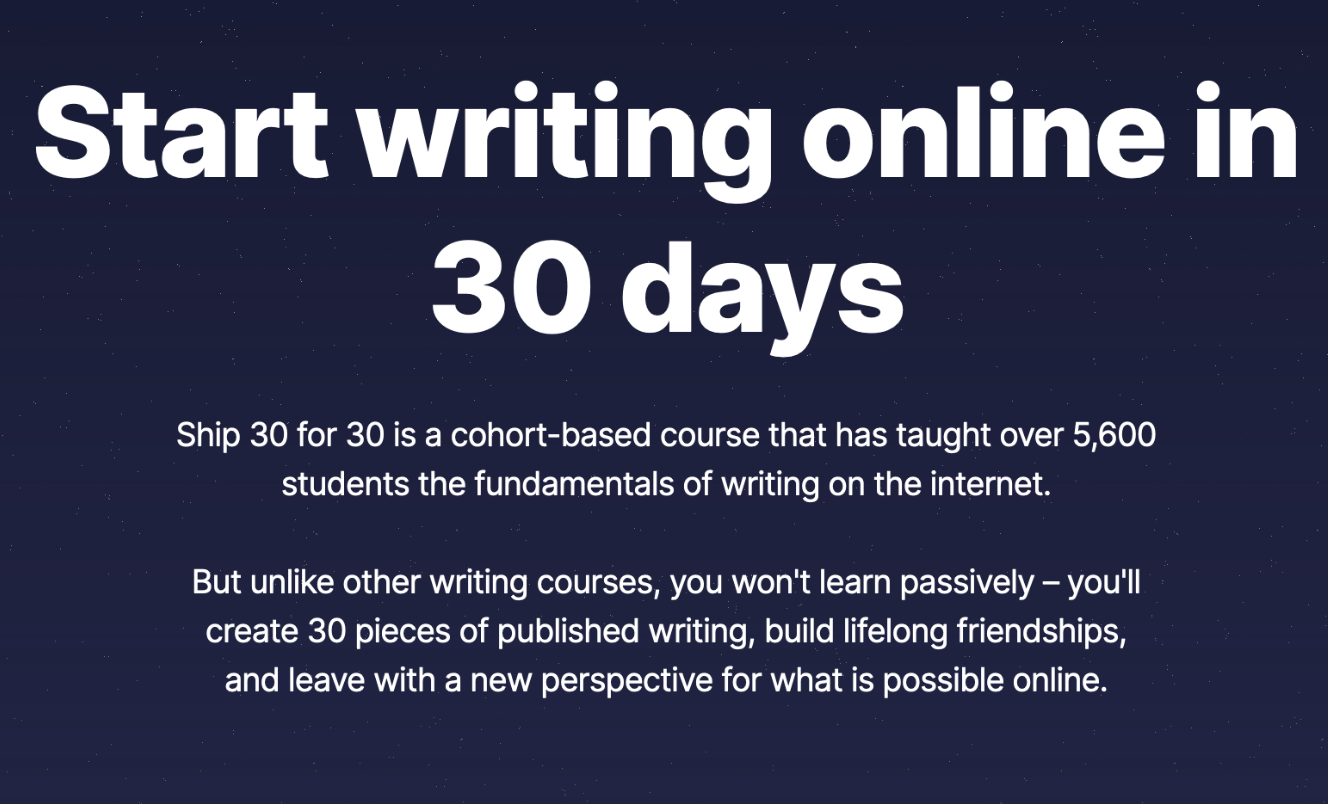
Look at Ship 30 for 30, a writing course by Dickie Bush and Nicolas Cole. Students don't just watch tutorials about online writing. They commit to publishing 30 short essays in 30 days, get paired with accountability partners, and share work daily for peer feedback. Over 4,000 writers have gone through the program, many crediting the community pressure and support for finally building a consistent writing habit.
Or Pencil Kings, an illustration community with 8,000+ members. Aspiring artists learn directly from working professionals in game design, comics, and animation. But the real value comes from structured peer feedback, shared challenges, and watching others navigate the same career path. Members regularly land jobs in gaming and animation, not just from the curriculum, but from the connections and confidence built alongside peers.
Both approaches serve different needs and learner types. Understanding the distinction helps you choose the right platform for your content.
Self-paced learning offers flexibility and independence. Learners access content on their schedule, progress at their own speed, and control their learning experience completely. This works exceptionally well for highly motivated individuals, those with unpredictable schedules, or anyone learning technical skills that don't require discussion.
Community-based learning adds structure, accountability, and peer interaction. Learners progress alongside others, discuss concepts together, and benefit from scheduled milestones. This approach excels when content involves interpretation, when learners benefit from feedback, or when building relationships is part of the value.
| Aspect | Community-Based | Self-Paced |
| Structure | Learn with others | Learn alone |
| Accountability | Peer motivation | Self-discipline |
| Engagement | Discussion, feedback, collaboration | Content consumption |
| Completion rates | 40-60% in cohort programs | Often under 15% |
| Connection | Built-in networking | Isolated experience |
Community-based learning benefits everyone involved. Here's what's in it for learners and creators.
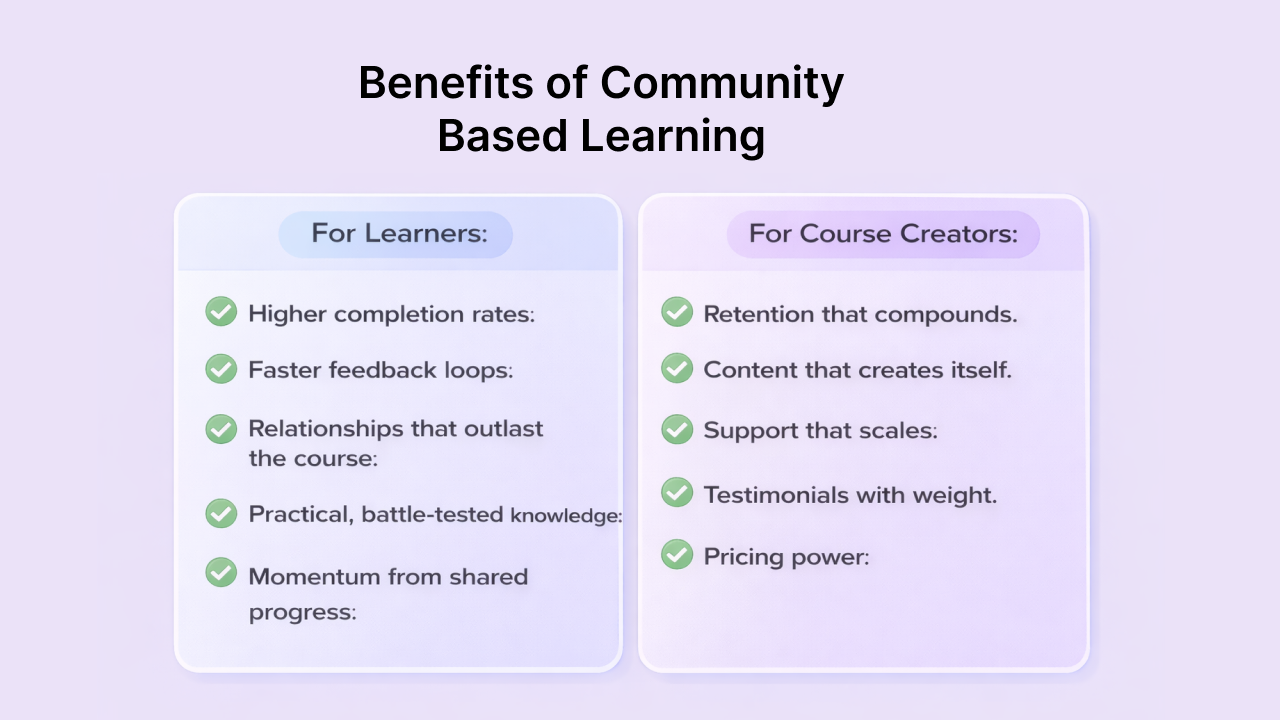
For Learners:
For Course Creators:
Adding a forum to your course doesn't automatically create community. You need the right building blocks in place.
Discussion spaces: Topic-based forums where learners ask questions, share resources, and help each other. Structure matters. Too few spaces and conversations get buried. Too many and engagement scatters.
Member profiles: Let people share their background, skills, and goals. When learners can see who else is in the room, connections happen naturally.
Live sessions: Real-time Q&As, workshops, or office hours. These moments build trust in ways pre-recorded content never can.
Progress sharing: Give learners a place to post wins, milestones, and work-in-progress. Public commitment keeps people moving. Celebrating others reminds everyone that results are possible.
Recognition system: Reward members who show up and help others. Badges, shoutouts, leaderboards, or featured posts. Recognition turns lurkers into contributors.
Small groups: Cohorts, pods, or accountability circles. Large communities can feel overwhelming. Small groups give members a home base where they're known by name.
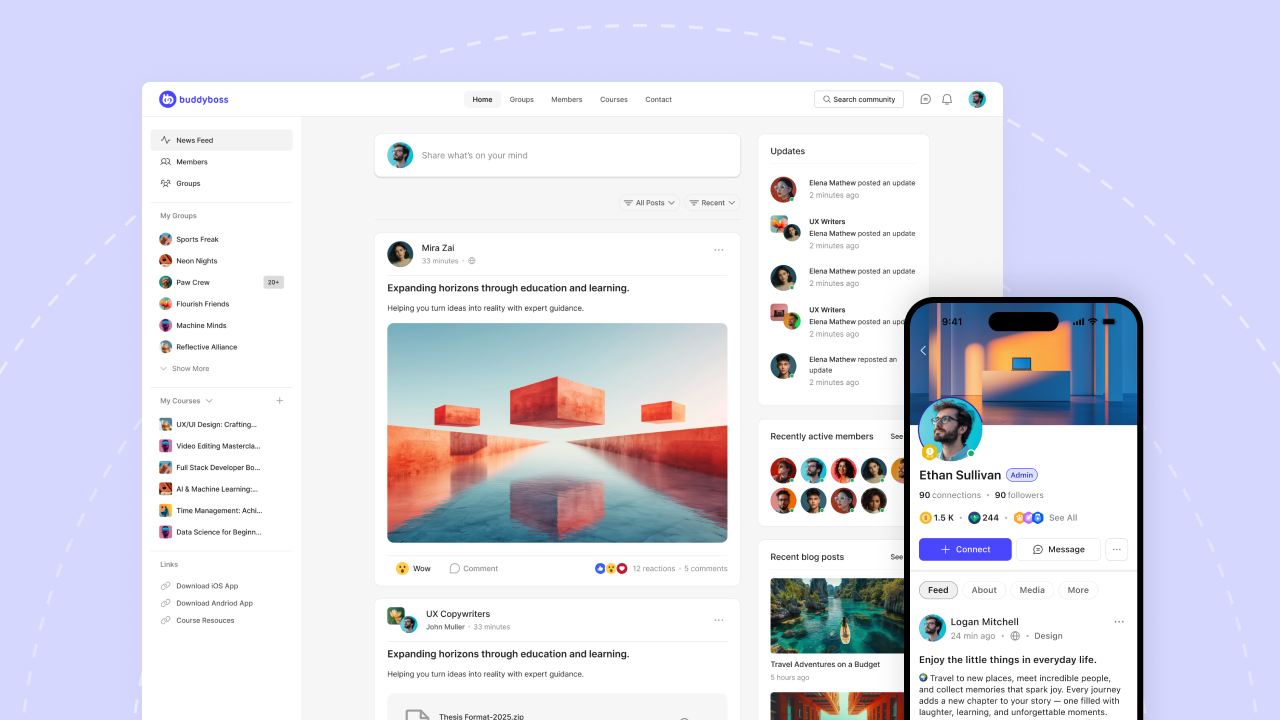
One of the best ways to learn anything is alongside others. If you want to create community-based learning that brings members together to master something meaningful, that's exactly what BuddyBoss is built for.
BuddyBoss gives you everything you need to build a learning community on WordPress: discussion forums, member profiles, groups, private messaging, live events, gamification, and a fully integrated course platform with LearnDash.
And the best part? You own it all. Your platform, your brand, your members, your data.
Whether you're launching your first cohort or scaling a membership with thousands of learners, BuddyBoss grows with you.
Ready to build your learning community? Get started with BuddyBoss →
The Female Entrepreneur Association has around 5,000 members paying $47–$97 per month. That's roughly $235,000 in monthly recurring revenue and it’s not from a course launch nor from a one-time product but from a membership site that generates income every single month.
That's the kind of business I wanted to understand better. So I went looking for real examples. Who's building memberships? What are they charging? What keeps members paying?
I put together 21 membership ideas with real sites behind them. Real pricing. Real communities. Some are solo creators working from home. Some are larger companies. All of them built something people pay for consistently.
The pattern I kept seeing? The best memberships combine content with community. Members don't just watch videos and leave. They connect with each other, ask questions, and share progress. The value grows over time, and that's why they stay.
Let me show you what's working.
A membership site is a website where people pay to access exclusive content, community, or both. Members log in, get access to things non-members can't see, and pay on a recurring basis to keep that access.
The content can be anything: courses, tutorials, templates, live calls, forums, downloadable resources, private communities. What makes it a membership is the gate. You're inside or you're not.
Most memberships charge monthly or yearly. Some offer lifetime access for a one-time fee. The model works because members aren't just buying a product. They're buying ongoing value, and they stick around as long as that value keeps showing up.
If you've ever paid for a Patreon, a private Slack group, or a premium newsletter, you've been part of a membership site.
A membership site changes how you earn money. Instead of chasing new sales every month, you build recurring revenue that grows over time.
Here's why creators and businesses are making the shift:
Predictable income. You know what's coming in each month. That makes planning easier and stress lower. No more revenue rollercoasters from launch to launch.
Higher customer lifetime value. A member who stays for 12 months at $47/month is worth $564. That's more than most one-time course sales. And some members stay for years.
Deeper relationships. Members aren't just customers. They're part of something. They ask questions, share wins, and help each other. That connection builds loyalty you can't buy with ads.
Content compounds. Every piece of content you create adds to the library. A course you made two years ago is still delivering value today. The longer you run a membership, the more valuable it becomes.
Community builds itself. Once you reach a certain size, members start helping each other. They answer questions, share resources, and create conversations without you doing all the work.
Want to see how it works? BuddyBoss lets you build a membership site with courses, community, and your own mobile app.
The membership model keeps evolving. Here's what's shaping the industry right now.
Note: These statistics are based on industry reports from 2024-2025. Market data changes frequently, so verify current figures before making business decisions.
These aren't hypothetical ideas. Every example below is a real membership with real members paying real money.
I've tagged each one with a category so you can find ideas that match your expertise. For each, I'll show you what they offer, what they charge, and what makes the model work.
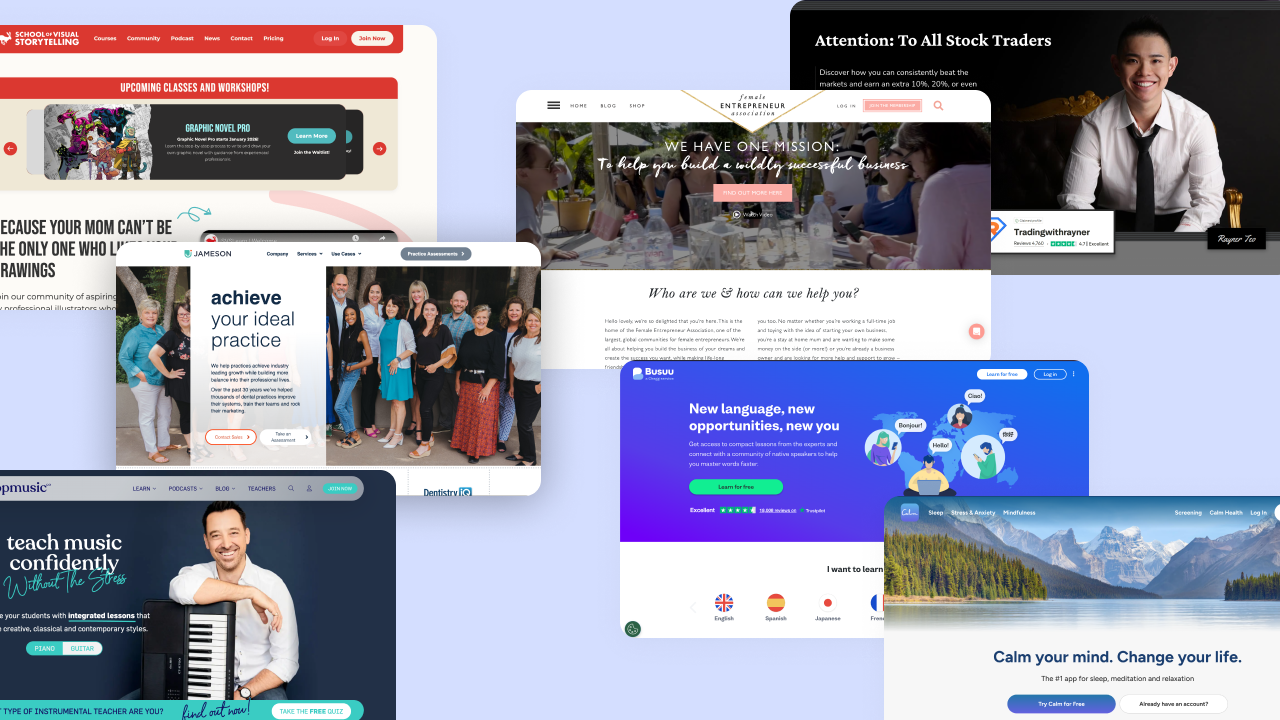
TradingwithRayner · Online Trading & Investing Education
Rayner built a 1.5 million person community around trading education. His site gets over 200,000 monthly readers, and his premium membership costs $490 per year.
The model is straightforward. Free YouTube videos bring people in. Helpful blog content builds trust. Then a percentage of that audience joins his paid courses and private community.
What makes it work: Free content that actually teaches something valuable. The paid membership goes deeper, with structured courses and a community where traders can ask questions and share strategies.
Female Entrepreneur Association · Professional Development for Women
I mentioned them in the intro, but they're worth a closer look. Over 5,000 members paying $47–$97 per month. That's a membership built specifically for women building businesses.
Inside, members get monthly masterclasses, business bundles, coaching calls, and a private community. It's not just content—it's ongoing support.
What makes it work: A clear audience (women entrepreneurs), consistent new content every month, and live coaching that makes the membership feel personal.
TopMusicPro · Music Education
Tim runs a membership for piano teachers. Not students but teachers. That's a smart niche. He provides lesson plans, teaching strategies, and a community forum where music educators help each other improve.
What makes it work: A specific audience with a specific problem. Piano teachers need fresh lesson ideas and want to get better at teaching. Tim gives them both, plus a place to connect with peers.
Busuu · Language Learning
Language learning memberships work because progress takes time. People need months or years of practice, which makes a subscription model a natural fit.
Busuu has built a community of over 100 million language learners across 14 languages. Premium plans run $5.25 to $13.95 per month depending on commitment length, with annual subscribers paying around $63/year.
What sets Busuu apart is how they've built community correction into the learning process. You complete a speaking or writing exercise, submit it, and native speakers in the community review your work and provide feedback. It's not just software grading you; it's real people helping you improve. In return, you can review submissions from people learning your native language.
Premium members get grammar lessons, AI-powered vocabulary review, personalized study plans, offline access, and official McGraw-Hill certificates upon completing levels. For learners who want more, Busuu Live offers private tutoring sessions and live group classes at an additional cost.
What makes it work: The community feedback loop. Free apps can teach vocabulary, but Busuu members pay for real human correction from native speakers. Add gamification (streaks, progress tracking), structured lessons, and certificates that validate your level, and you have a membership that keeps learners engaged through the long journey to fluency.
NurseCon · Professional Certification & Continuing Education
NurseCon offers accredited continuing education courses for nurses. The membership is free, which sounds counterintuitive until you understand the model. They partner with employers and sponsors who pay for access.
Nurses get free career development. Employers get a trained workforce. NurseCon builds a massive audience.
What makes it work: Removing the paywall and finding alternative revenue. If your audience has employers who benefit from their education, B2B partnerships can fund a free membership.
Shaw Elite Club · Niche Fitness
Brian Shaw is a 4x World's Strongest Man champion. His membership costs $8.99 per month or $89.99 per year. Members get exclusive training programs, a private community, and access through a dedicated mobile app.
He's not trying to compete with generic fitness apps. He built something for a specific audience: people serious about strength training who want to learn from someone who's actually competed at the highest level.
What makes it work: Authority you can't fake, plus a focused audience that trusts his programming. The mobile app keeps members engaged daily.
Chloe Bruce Academy · BMABA · Martial Arts & Flexibility
Chloe Bruce is a world champion martial artist and stunt performer. Her academy offers video training for people who want to learn martial arts and flexibility at home.
BMABA takes a different approach. It's a membership association for martial arts business owners with over 30,000 members. They provide insurance, certifications, and business resources for gym owners and instructors.
What makes it work: Two models here. Chloe sells training directly to students. BMABA sells professional benefits to business owners. Both work because they solve specific problems for specific audiences.
Calm · Wellness & Self-Care
Calm is one of the most successful wellness memberships in the world. The app offers guided meditations, sleep stories narrated by celebrities, breathing exercises, and relaxing music. Premium membership costs $69.99 per year or $399.99 for lifetime access.
Wellness memberships thrive because self-care is an ongoing practice, not a one-time fix. The best ones offer daily content: guided meditations, journaling prompts, breathing exercises, sleep routines. Members build habits over time, and the membership becomes part of their daily life.
What makes it work: Low friction, high consistency. Calm asks for five to fifteen minutes a day. That's it. Members stay because the content fits into their routine without feeling like a chore. The daily cadence creates a habit that's hard to break.
Healthy Grocery Girl · Nutrition & Meal Planning
Megan Roosevelt built Healthy Grocery Girl around simple, healthy recipes. Her membership includes meal plans, shopping lists, and cooking videos.
Meal planning memberships work because they solve a recurring problem. Every week, people need to figure out what to eat. A membership that answers that question is worth paying for month after month.
What makes it work: Practical content people use weekly. Recipes, shopping lists, and meal prep guides that save time and reduce decision fatigue. Community challenges add accountability.
Saifedean.com · Cryptocurrency Education
Saifedean Ammous is the author of The Bitcoin Standard, one of the most influential books in the crypto space. He has over 200,000 followers and charges $45 per month for his membership.
Members get access to four courses, two of his books, weekly live seminars, and a private forum community. The membership isn't about trading tips or get-rich-quick schemes. It's economics education with a Bitcoin focus.
What makes it work: Author authority. Saifedean wrote the book people reference when explaining Bitcoin's value. That credibility turns into a membership people trust and stick with.
Motivating the Masses · Personal Development & Mindset
Lisa Nichols is one of the most recognized personal development speakers in the world, with over 2 million followers. Her company, Motivating the Masses, offers memberships that include workshops, meditation content, and transformational coaching.
Personal development memberships work because growth is ongoing. People don't read one book and become the best version of themselves. They need consistent input, accountability, and community.
What makes it work: A recognizable name combined with content that speaks to real struggles. Members stay because personal growth isn't a destination. It's a practice.
SPI Pro · Coaching & Consulting
Pat Flynn built Smart Passive Income into one of the most recognized brands in the online business space. His membership, SPI Pro, offers tiered access starting at $59 per month for the All Access Pass and $99 per month for the Pro membership. Members get access to courses, live office hours with Pat, curated masterminds, cohort-based learning, and a private community of entrepreneurs.
Group coaching memberships let coaches scale their impact without trading all their time for money. The model usually combines pre-recorded courses with live group calls, community access, and sometimes member matching. Members get ongoing support instead of a one-time session. Coaches get recurring revenue instead of chasing new clients every month.
What makes it work: The combination of structure and access. Courses provide the foundation. Live calls and community provide accountability. Members feel supported without needing one-on-one time for every question. SPI Pro also uses an application process to filter members, which keeps the community quality high and creates exclusivity.
Grow by Jameson Group · Industry-Specific Professional Networks
Grow is a membership for dental professionals. Members get access to career development resources, continuing education, networking opportunities, and industry-specific training.
Professional networks work because people want to connect with others in their field. They want to learn from peers, find job opportunities, and stay current on industry trends.
What makes it work: Specificity. A general “business networking” membership competes with LinkedIn. A membership for dental professionals solves problems LinkedIn can't. The more specific the industry, the more valuable the community.
Sudhir Shivaram · Photography Education
Sudhir Shivaram is a wildlife photographer who turned his expertise into a membership business. He offers courses, photography tours, webinars, and community discussions for photographers who want to improve their craft.
Photography memberships work because there's always more to learn. New techniques, new gear, new editing software. Photographers who are serious about improving want ongoing education, not just a single course.
What makes it work: A mix of content formats. Courses teach the fundamentals. Webinars cover new topics. Community discussions let members share work and get feedback. Photography tours add a premium, experiential layer.
SVSLearn · Art & Illustration
SVSLearn was founded by working illustrators Jake Parker and Will Terry to teach visual storytelling and children's book illustration. Their membership tiers range from $50 to $800 per year, with a standard subscription at $24.99 per month or $198 per year. Members get access to 100+ courses, live Q&A sessions with professional illustrators, and structured learning paths. Their Pro courses on children's books and graphic novels run as paid cohorts several times per year, with students finishing with portfolio-ready work.
Art memberships help creators move beyond YouTube tutorials and into structured learning with real feedback. The best ones combine video lessons with critique workshops and portfolio reviews. Members don't just watch someone else paint. They submit their own work, get feedback, and improve over time.
What makes it work: Accountability and feedback. Anyone can watch a free tutorial. What keeps members paying is the chance to have their work reviewed by someone who knows what they're doing. SVSLearn pairs a paced curriculum with live mentorship sessions, so members aren't just consuming content alone. That interaction is hard to find for free.
Project Manus · Maker Spaces & DIY
Project Manus is MIT's maker space, offering over 130,000 square feet of resources for students and community members. While this is an institutional example, the model translates to online memberships too.
DIY memberships provide how-to videos, project templates, and community collaboration. Members share what they're building, ask questions, and learn from each other's projects.
What makes it work: Community collaboration. DIY projects often hit snags. Having a group of people who've solved similar problems makes the difference between finishing a project and abandoning it halfway through.
40 Aprons started as a recipe blog focused on Whole30, paleo, and clean eating. Their Premium membership costs $3.99 per month or $39.99 per year. Members get ad-free access to 1,500+ recipes, exclusive member-only recipes, monthly meal plans with shopping lists, downloadable eBooks, and a clean eating course. They also have a mobile app where members can save recipes, build grocery lists, and plan weekly menus.
Cooking memberships solve a simple problem: what should I make for dinner? The best ones offer video libraries, meal plans, shopping lists, and community challenges. Members get new recipes regularly, so they never run out of ideas. Challenges keep things interesting and give people a reason to try something new.
What makes it work: Consistent new content and practical tools. Recipes alone aren't enough. Meal plans and shopping lists turn inspiration into action. 40 Aprons makes it easy: pick a meal plan for your dietary needs (Whole30, keto, dairy-free), get a ready-made grocery list, and cook. That simplicity is what keeps members paying $4 a month instead of searching through ad-cluttered free sites.
Our Daily Bread Ministries · Faith & Spiritual
Our Daily Bread Ministries has over 5 million users. They offer daily devotions, prayer requests, events, and ministry updates. The membership is built around consistent, daily content that fits into members' spiritual routines.
Faith-based memberships work because spiritual growth is ongoing. People want daily encouragement, a place to connect with others who share their beliefs, and resources that help them go deeper.
What makes it work: Daily touchpoints. A devotion every morning. A prayer community that responds. Content that becomes part of someone's routine is content they don't cancel.
Outdoorsy Black Women · Niche Identity Communities
Outdoorsy Black Women is a community built around a specific identity and shared interest. Members get access to groups, forums, events, book clubs, and even eCommerce offerings.
Identity-based memberships create belonging. Members aren't just learning something or consuming content. They're connecting with people who share their experience and perspective.
What makes it work: Shared identity plus shared interest. The combination creates a community people actually want to be part of. Members stay because the relationships matter, not just the content.
Choose901 · Local Job Boards & Professional Networks
Choose901 is a Memphis-focused job board and community. They offer rich profiles, employer and job seeker matching, and local events. The membership connects people to opportunities in a specific city.
Local job boards work because they solve a problem national sites can't. They know the local market, the local employers, and the local talent pool.
What makes it work: Geographic specificity. A national job board has millions of listings but no local context. A Memphis-focused board knows which companies are hiring, which neighborhoods are growing, and what the local job market actually looks like.
Reckitt · Corporate Training (B2B)
Reckitt is a multinational company that uses membership-style platforms for internal training. They provide remote training, partner communication, and internal communities for employees across the globe.
B2B training memberships work because companies need to train employees at scale. A membership model lets them provide ongoing education without flying people to headquarters for every session.
What makes it work: Scalability and consistency. Every employee gets the same training. Updates roll out instantly. Progress is tracked automatically. For companies with distributed teams, a membership model is often the only way to keep everyone aligned.
You don't need a massive audience or a revolutionary idea. Every membership site on this list started with one person who knew something valuable and found others who wanted to learn it.
Pick the idea that matches your expertise. Start small. A handful of committed members beats thousands of disengaged subscribers every time.
The best part? You can launch a basic membership in a weekend. A simple community, a few resources, and a clear promise to your members. You can always add more later.
The recurring revenue, the deeper relationships, the community that builds itself: it all starts with that first step.
Ready to build yours? BuddyBoss gives you everything you need to launch a membership site: courses, community, gamification, and your own branded mobile app. No coding required.
Circle is a solid platform. Clean design, easy setup, courses and community in one place. If you're building your first online community, it gets the job done.
But here's the thing (and that always happens with any platform or tool!)
The longer you use Circle, the more you notice what's missing. Transaction fees on every sale. Email marketing that costs extra. Customization options that only go so far. It works, until your community starts growing and you realize you're paying more while getting less flexibility.
That's what pushed me to look at circle alternatives. And honestly? There are some really good options out there.
In this guide, I'm breaking down 9 Circle alternatives worth considering in 2026 and beyond, breaking down real pricing, actual features, and which platform fits which situation. Whether you're actively planning a move or just curious about your options, you'll find everything from budget-friendly tools to fully customizable self-hosted solutions.
Let's start with what actually matters when choosing a Circle alternative.
Circle works well at the start. But as your community scales, its limitations become more noticeable.
Transaction fees on every plan:
Circle charges 0.5% to 2% on every sale you make, depending on your plan. Sell $10,000 in memberships and you're handing over $100 to $200. Scale to $50,000 monthly and that's up to $1,000 gone, every single month, on top of your subscription.
Email marketing costs extra:
Want to email your members? Circle's marketing hub is a $100/month add-on. For a platform that calls itself “all-in-one,” charging extra for email feels like a stretch.
No native email integrations:
This is a surprising part I found. Circle doesn't natively connect with ConvertKit, Mailchimp, or ActiveCampaign. You'll need Zapier workarounds to sync your member data with the tools you're already using.
Workflows locked behind higher plans:
Automation is powerful. Onboarding sequences, engagement triggers, member journeys. But on Circle, workflows only unlock at the $199/month Business plan. That's a steep jump just to automate the basics.
Limited LMS features
If you're serious about courses, Circle might feel thin. No certificates. Limited assessment options. It handles simple course delivery fine, but anything more advanced and you'll start looking elsewhere.
Not every platform will be right for you. Before jumping into the list, here's what you need to look at when comparing your options.
Community features: The basics: activity feeds, groups, messaging, member profiles. Some platforms nail this. Others treat community as an afterthought bolted onto a course platform.
Course and content hosting: Do you need drip content? Progress tracking? Certificates? If courses are central to your business, you'll want a platform with real LMS capabilities, not just a place to upload videos.
Monetization: Subscriptions, one-time payments, bundles. But also look at what the platform takes. Transaction fees range from 0% to 10% depending on where you land. That difference adds up fast.
Customization: Can you make it yours? Some platforms let you white-label everything down to the mobile app. Others give you a logo upload and call it a day.
Ownership model: This one's big. SaaS platforms host everything for you, which is convenient until you want to leave. Self-hosted options like WordPress give you full control, but you're managing the infrastructure.
Integrations: Email marketing, payment processors, Zapier, CRMs. If a platform doesn't connect with your existing tools, you'll spend hours on workarounds.
Total cost: Don't just look at the monthly price. Add transaction fees, add-ons, and hidden costs. A $99/month platform with 2% fees can cost more than a $299/year solution with none.
Now let's get into the platforms worth considering. I've researched pricing, features, and real user feedback for each one. Some are direct Circle competitors. Others take a completely different approach. Here's what you need to know.
| Platform | Starting Price | Transaction Fees | Mobile App | Course Hosting | Data Ownership | Best For |
| BuddyBoss | $299/year | 0% | $99/month | Deep LMS Integrations | ✅ Full | WordPress users wanting ownership |
| Mighty Networks | $41/month | 1%-3% | Mighty Pro only | Built-in | ❌ Hosted | Community-first creators |
| Kajabi | $71/month | 0% | $89-199/month | Built-in | ❌ Hosted | Course sellers needing marketing |
| Scool | $9/month | 2.9%-10% | Included | Basic | ❌ Hosted | Simplicity-focused creators |
| Podia | $39/month | 0%-5% | ❌ None | Built-in | ❌ Hosted | Budget-conscious beginners |
| Beettermode | Free | 0% | ❌ None | ❌ No | ❌ Hosted | B2B/SaaS communities |
| Disciple | $399/month | 0% | Branded | Add-on | ❌ Hosted | Brands needing mobile apps |
| Thinkific | Free | 0% | ❌ None | Excellent | ❌ Hosted | Course-first creators |
| Teachable | Free | 0% | ❌ None | Solid | ❌ Hosted | Simple course selling |
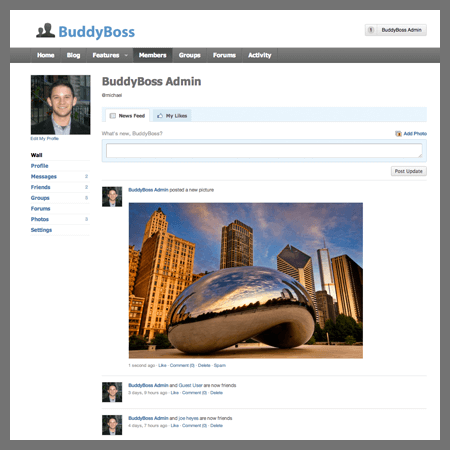
Best for: WordPress users who want full ownership and zero transaction fees
BuddyBoss is the best Circle alternative, because of these major things: Platform ownership, No transaction fees, Full control over data.
BuddyBoss is built for creators who want complete control over your community. It's a self-hosted platform built on WordPress, which means you own everything: your content, your members, your data.
What makes it stand out
BuddyBoss feels like an actual social network, not a course platform with a comment section added on. Members get full profiles with cover photos, bios, follower counts, and tabs for their activity, connections, groups, courses, and awards.
There's a “complete your profile” widget that nudges members to fill out their information, which helps with engagement from day one.
The activity feed works like Facebook or LinkedIn. Members post updates, filter by topic, and interact with each other's content. Private messaging supports group conversations with threading and search. Forums handle deeper discussions with proper topic organization and reply tracking.
Groups are flexible. Public, private, different types for different purposes. Each group gets its own activity feed and member list, so sub-communities can form naturally.
On the learning side, BuddyBoss integrates natively with LearnDash, Tutor LMS, and LifterLMS. You get progress tracking, certificates, completion badges, and structured learning paths.
Their other integrations include WooCommerce for payments, FluenCRM to automate your email campaign and you've got a full membership business running on your own infrastructure.
They also offer white-label mobile apps. iOS and Android, fully branded as yours, sitting in the app stores under your name. When most platforms charge $30,000/year for that. BuddyBoss starts at $179/month.
Pricing: Free platform available | 1 Site License: $299/year | 5 Sites: $499/year | 10 Sites: $799/year | Mobile App: $99/month | App Lite: $79/month
The Bestest Part is that there’s no transaction or platform fee. You’ll only pay your payment processor.
What I like about BuddyBoss
What to consider
Bottom line
BuddyBoss is built for creators who want to own their platform, not rent it like Circle. You get full control, no transaction fees, and flexibility that SaaS tools simply can't offer.
Screenshots only tell you so much. BuddyBoss offers a live demo so you can click around and see if it fits.
Keep 100% of your revenue. Pay once yearly. Own everything forever.
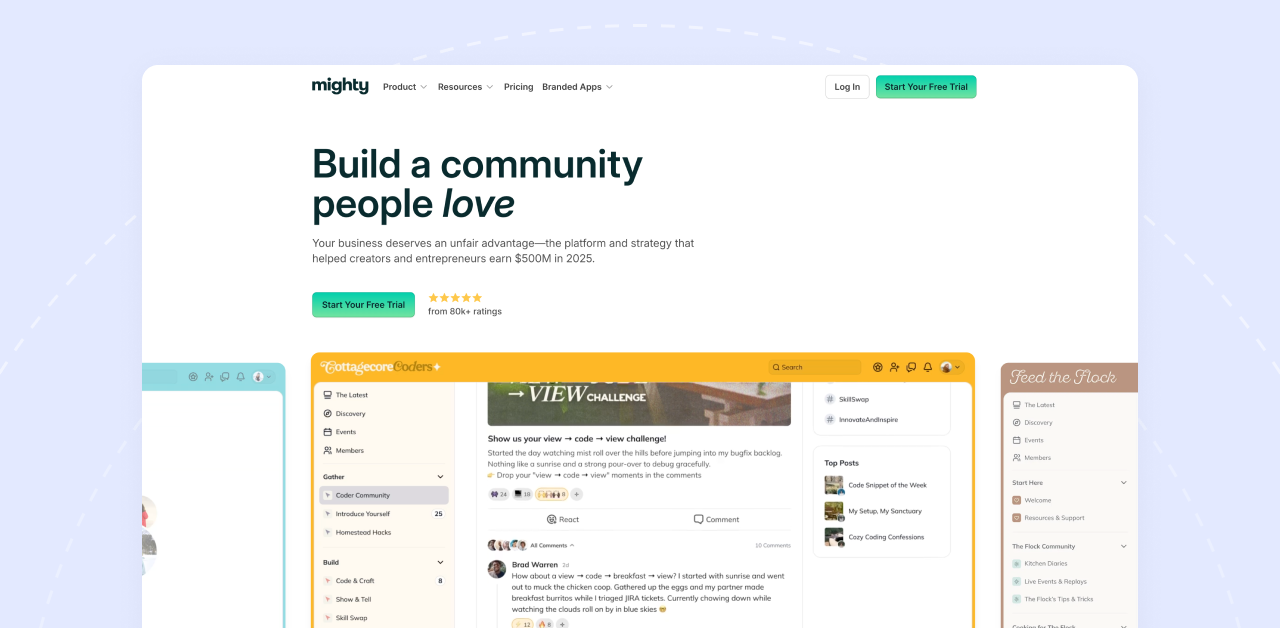
Best for: Creators who put community engagement first
Mighty Networks is built around one idea: people come for the content but stay for the connections. If you want your members interacting with each other, not just consuming your courses, this platform is designed for exactly that.
What makes it stand out
Mighty Networks calls their secret sauce “People Magic.” It's an AI that suggests connections between members based on shared interests, location, and activity. Sounds gimmicky, but it actually works.
Members find each other, conversations spark organically, and your community starts feeling alive without you doing all the heavy lifting.
The platform uses “Spaces” to organize everything. One Space for your course, another for discussions, another for events. You can mix community, courses, and live content in whatever combination fits your model. It's flexible in ways that Circle isn't.
They also have native live streaming, cohort-based courses, and a solid mobile experience. Your community shows up in the Mighty Networks app, which members can download from the app stores.
Pricing: Community: $41/month | Courses: $99/month | Business: $179/month | Growth: $360/month | Mighty Pro: Custom (all annual pricing, 1–3% transaction fees)
Transaction fees: 1% to 3% depending on your plan, plus Stripe's processing fees.
What I like about Mighty Networks
What to consider
Mighty Networks: Starts at $49/month | 1–3% transaction fees
Bottom line
Mighty Networks shines when community engagement matters more than pure course delivery. If you want members building relationships, not just watching videos, it's worth a serious look. Just factor in the transaction fees when you're running the numbers.
Best for: Course creators who want marketing and sales built in
Kajabi isn't really a community platform. It's a business platform that happens to include community. If your priority is selling courses, coaching, and digital products with serious marketing muscle behind it, Kajabi is the heavyweight.
What makes it stand out
Most platforms make you stitch together tools. Course platform here, email marketing there, landing pages somewhere else.
Kajabi puts everything under one roof. Courses, community, email marketing, sales funnels, website builder, affiliate program. All of it.
The marketing automation is where Kajabi pulls ahead. You can build entire customer journeys: someone joins your email list, gets a nurture sequence, sees an upsell, enrolls in a course, and lands in your community. All automated, all tracked, all inside one dashboard.
Community features came later through their Vibely acquisition. You get unlimited community groups and spaces now, but it's clearly not the core focus. If community is your main thing, other platforms do it better. If selling is your main thing then Kajabi is the one for you.
Pricing: Kickstarter: $71/month | Basic: $143/month | Growth: $199/month | Pro: $319/month (annual pricing, scales from 250 to 100,000 contacts)
Add-ons:
Transaction fees: Zero.
What I like
What to consider
Bottom line
Kajabi costs more upfront but could save you money overall. If you're currently paying for Circle plus ConvertKit plus a landing page builder plus funnel software, Kajabi consolidates all of that. The community features won't wow you, but if your business is built around selling courses and memberships, it's the most complete package out there.
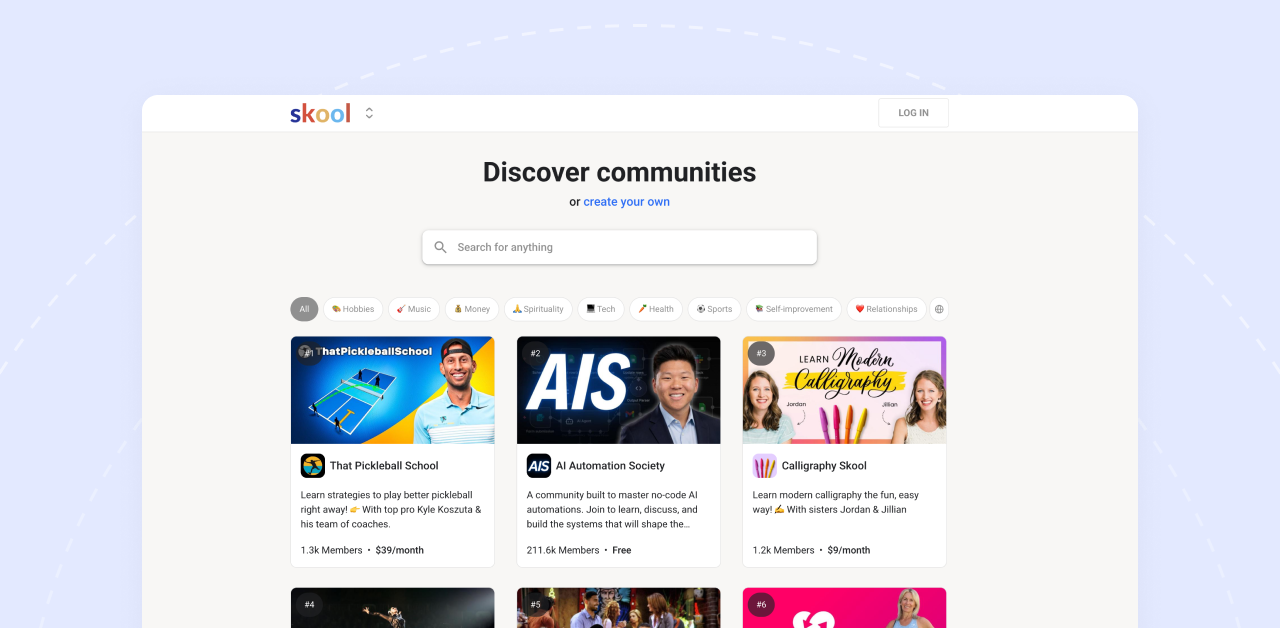
Best for: Coaches and creators who want dead-simple setup with built-in engagement
Skool doesn't try to do everything. It does community and courses, keeps it simple, and adds gamification that actually gets people participating. If you've ever felt overwhelmed by platform features you'll never use, Skool is the opposite of that.
What makes it stand out
The platform is stripped down to what matters: a community feed that feels like a Facebook Group, a classroom for your courses, a calendar for events, and a leaderboard that turns engagement into a game.
Members earn points for posting, commenting, and completing courses. When they level up, they compete on leaderboards.
It sounds small, but it changes behavior. People actually show up and participate because there's a visible reward for doing so.
The setup takes minutes. It starts with picking a name, uploading your content, and inviting members. That's it. No complicated Space structures, no endless settings menus.
Pricing: Hobby: $9/month (10% transaction fee) | Pro: $99/month (2.9% transaction fee)
Transaction fees: 2.9% on Pro, 10% on Hobby. Plus payment processor fees.
What I like
What to consider
Bottom line
Skool won't win any feature comparison. But that's the point. If you want a simple community with courses and don't need advanced customization or deep LMS tools, Skool gets you running fast. The gamification alone makes it worth considering. Just do the math on those transaction fees before you commit.
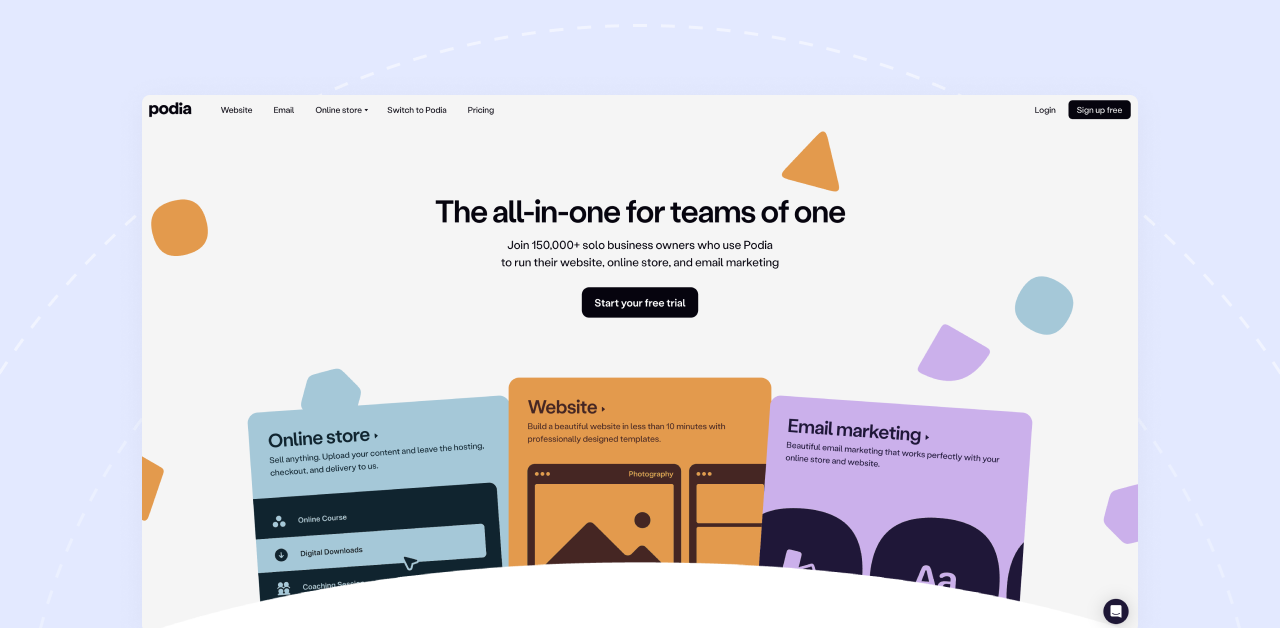
Best for: Solo creators and beginners who need affordable simplicity
Podia is the budget-friendly all-in-one. Courses, digital downloads, memberships, community, email marketing. Everything a solo creator needs to start selling, without the price tag of bigger platforms.
What makes it stand out
Podia keeps things simple without feeling stripped down. You can sell courses, coaching, webinars, digital downloads, and memberships from one storefront. The community feature plugs right into your products, so members land in the right place after purchase.
The good thing about Podia is that they have built in email marketing. Not a $100/month add-on like Circle. You get broadcasts, automations, and segmentation included with your plan. For creators juggling multiple subscriptions, that consolidation matters.
Moreover, The interface is clean and setup is quick. If you've ever struggled with a complicated platform and just wanted something that works, Podia delivers that feeling.
Pricing: Mover: $39/month (5% transaction fee) | Shaker: $89/month (0% transaction fee) — annual billing
Email marketing costs:
Transaction fees: 5% on Mover, 0% on Shaker.
What I like
What to consider
Bottom line
Podia won't compete with Circle on community features. That's not what it's for. But if you're a solo creator selling courses and digital products, need email marketing included, and want to keep costs low while you grow, Podia makes a lot of sense. Upgrade to Shaker when sales pick up and the transaction fees disappear.
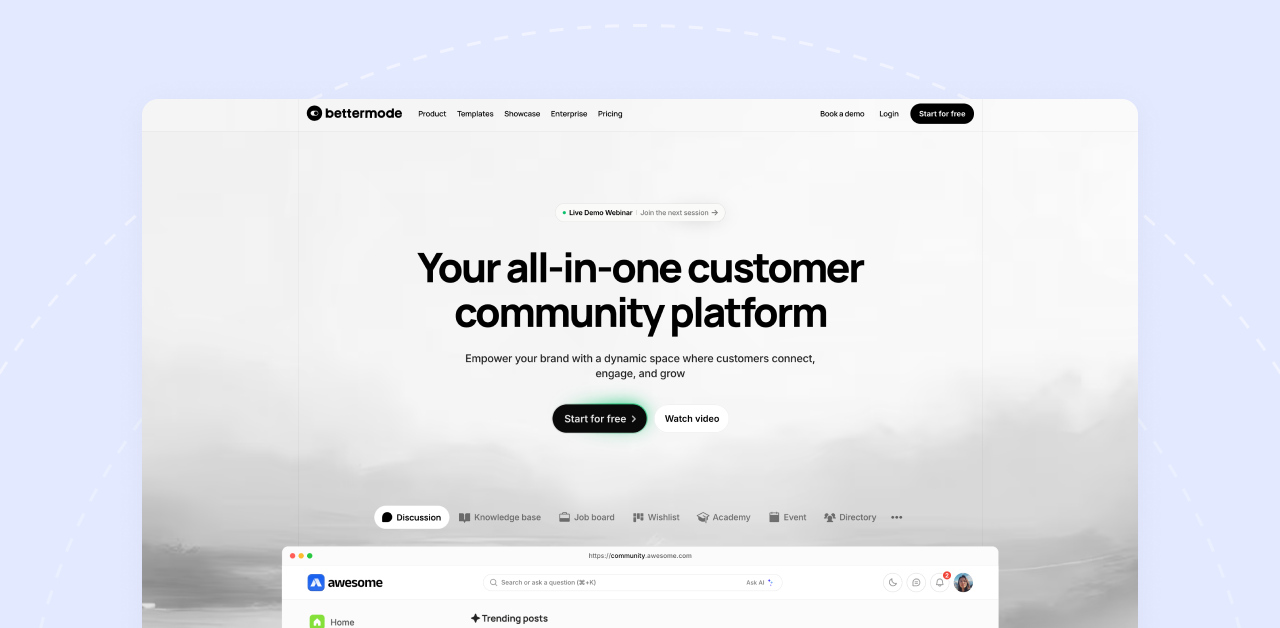
Best for: B2B companies and SaaS teams building customer communities
Bettermode is different from everything else on this list. It's not built for course creators or coaches. It's built for companies that want to engage customers, deflect support tickets, and gather product feedback.
What makes it stand out
Bettermode started as Tribe, a forum platform for tech companies. They've evolved into something more powerful: a fully customizable community engine you can embed into your product or website.
The platform handles discussion forums, Q&A boards, knowledge bases, product roadmaps, and idea voting. Your customers help each other, surface feature requests, and find answers without flooding your support inbox. For SaaS companies, that's real money saved.
Customization is where Bettermode shines. API access, webhooks, SSO, white-labeling. You can make it look and feel like part of your product, not a third-party tool bolted on.
It also supports 30+ languages out of the box, which matters if you have a global customer base.
Pricing: Free Starter (100 members) | Pro: $59/month (custom domain, integrations) | Advanced: $599/month (API, SSO, white-label) | Enterprise: Custom
Transaction fees: None.
What I like
What to consider
Bottom line
Bettermode isn't a Circle replacement for most people reading this. But if you're running a SaaS product, building a customer community, or need deep customization and enterprise features, it's in a different league. The free plan lets you test it without commitment.
Best for: Brands and enterprises that need fully branded mobile apps without the $30K/year price tag
Disciple is the mobile-first option. While most platforms treat mobile apps as an expensive add-on, Disciple builds everything around native iOS and Android apps that carry your brand, not theirs.
What makes it stand out
Disciple gives you white-labeled mobile apps from day one. Your logo, your colors, your name in the App Store and Google Play. Members download your app, not a generic platform app where your community sits alongside hundreds of others.
The platform handles everything: community feeds, member profiles, direct messaging, events, courses, and live streaming. Everything runs through your branded app, which creates a premium feel that justifies higher membership prices.
On the backend, you get role-based permissions, moderation tools, and analytics that show exactly how members engage with your content. The admin controls are designed for teams, not just solo creators, which makes sense given their enterprise focus.
Courses exist as an add-on through their partnership with Thinkific. It's not native, but it works. If courses are central to your business, this integration might feel like a compromise. If community is your main thing and courses support it, the setup works fine.
Pricing: $399/month (includes branded iOS and Android apps)
Transaction fees: 0% on all plans.
What I like
What to consider
Bottom line:
Disciple makes sense for established creators and brands that need the credibility of branded mobile apps at a fraction of Mighty Pro's cost. If you're charging $300+/year memberships and want a premium mobile-first experience, the $399/month investment works out. Compare this to BuddyBoss App at $99-179/month for similar branded app functionality, or Mighty Pro at ~$2,000/month. Disciple sits in the middle, premium features without the insane enterprise pricing. But if you're just starting out or running a side project, grow your revenue first before committing to this price point.
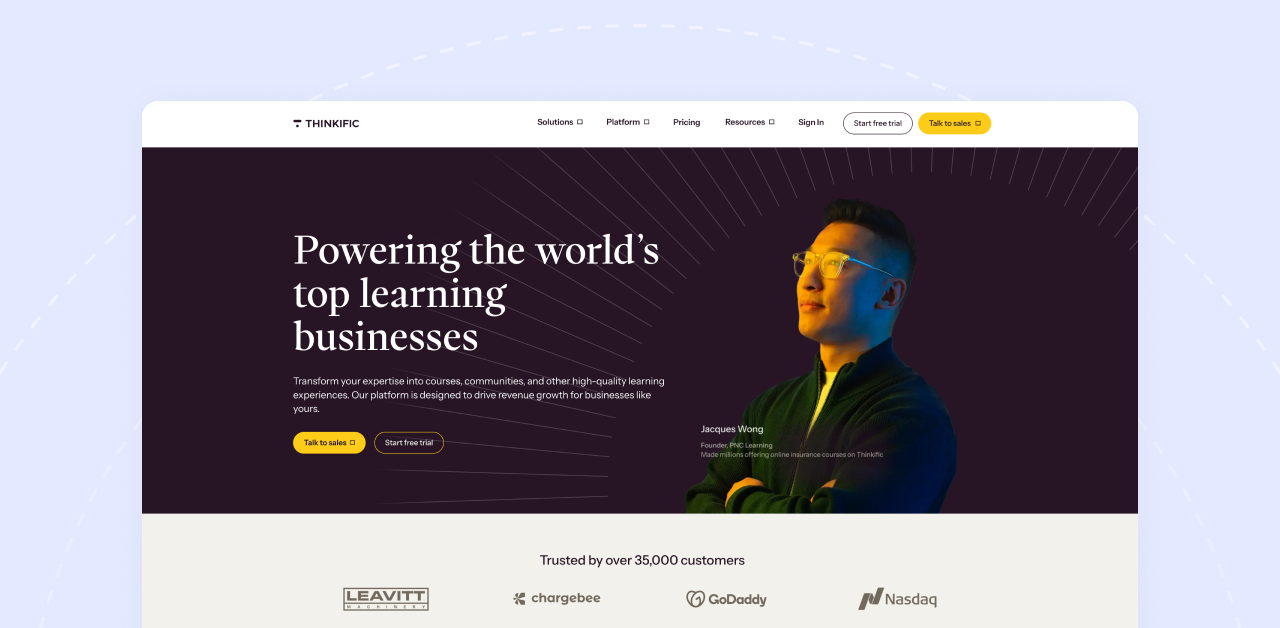
Best for: Course creators who want serious LMS features with community as a bonus
Thinkific is a course platform first. Community came later. So, if your business revolves around online courses and you want robust learning features, Thinkific delivers. The community piece works, but it's clearly not the main attraction.
What makes it stand out
Thinkific takes course creation seriously. Progress tracking, completion certificates, quizzes, assignments, drip content, multimedia lessons. Everything you need to build a real learning experience, not just a video library.
The course builder is flexible. Mix video, text, PDFs, downloads, and assessments in whatever structure fits your content. Students can track their progress, earn certificates, and actually feel like they're moving through a program.
Community exists as an add-on feature on higher plans. You get discussion spaces, member interaction, and basic engagement tools. It works fine for course discussions and student support, but don't expect Circle-level community depth.
Where Thinkific stands out is the free plan. You can launch one course without paying anything. It's limited, but it lets you test the platform and start selling before committing money.
Pricing: Free (1 course) | Basic: $49/month | Start: $99/month | Grow: $199/month | Plus: Custom enterprise
Transaction fees: None on paid plans. Free plan has limited monetization options.
What I like
What to consider
Bottom line
Thinkific makes sense if courses are your core product and community is a supporting feature. The LMS capabilities are genuinely strong, certificates and assessments actually work, and the free plan removes the barrier to getting started. But if community engagement is what you're building around, Thinkific will feel like a compromise.
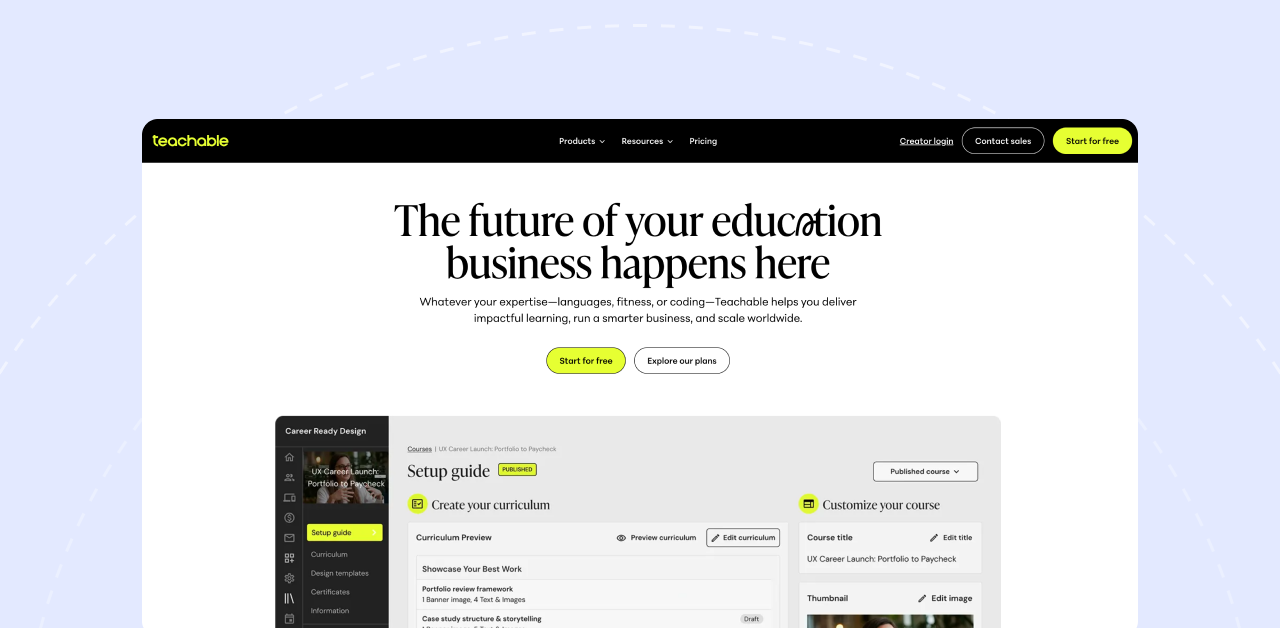
Best for: Creators who want simple course selling without the complexity
Teachable keeps things straightforward. Build a course, set up a sales page, start selling. No complicated funnels, no overwhelming feature lists. If you want to get a course online and collect payments quickly, Teachable removes the friction.
What makes it stand out
Teachable has been around since 2014. In that time, they've refined the basics: course creation, checkout, and payments. The course builder is intuitive. Sales pages convert. The checkout process is smooth. For pure course selling, the experience is polished.
Coaching products are a nice addition. You can sell one-on-one or group coaching sessions alongside your courses, with scheduling and milestone tracking built in.
Community exists, but let's be honest. It's basic. Discussion areas for students, some interaction features, nothing that will replace a dedicated community platform. Teachable knows this. They're not trying to be Circle. They're trying to be the easiest way to sell courses online.
The free plan lets you start without paying anything. You'll pay transaction fees, but you can validate your course idea and make sales before committing to a subscription.
Pricing: Free plan available but charges $1 + 10% per transaction. Basic at $59/month drops that to 5%. Pro at $159/month and Pro+ at $249/month eliminate transaction fees entirely.
Transaction fees: 0% to 10% depending on your plan. The free plan hurts.
What I like
What to consider
Bottom line
Teachable is for creators who want course selling simplified. Build it, price it, sell it. The community features won't impress anyone, but that's not the point. If your priority is getting courses online fast with a proven checkout system, Teachable does that well. Just move to Pro once your revenue justifies dropping the transaction fees.
Deciding to leave is one thing. Actually migrating without losing members or breaking your business is another. Here's what to think through before you make the move.
Export your content and member data
Circle lets you export members and content via CSV. Do this before you cancel anything. Download everything: member emails, purchase history, course content, community posts. Even if you don't think you'll need it, grab it anyway. Better to have backups sitting in a folder than scrambling to recover data after your account closes.
Figure out payment migration
This is where things get tricky. If you have active subscriptions running through Circle, you'll need to move those payment relationships to your new platform. Circle offers payment migration services to help transfer active subscriptions. Talk to both Circle's support and your new platform about the process. Some platforms like Podia and Kajabi have migration teams that handle this for you.
Tell your members what's happening
Don't surprise your community with a sudden change. Announce the move in advance. Explain why you're switching, what's changing, and what they need to do. Give them clear instructions and a timeline. Most members won't care which platform you use as long as the transition feels smooth.
Set up redirects if your domain is changing
If your community URL is changing, set up proper redirects from the old links to the new ones. This protects your SEO, prevents broken bookmarks, and keeps members from landing on dead pages. If you're using a custom domain and taking it with you, the transition is simpler.
Give yourself 2-4 weeks
Migrations always take longer than expected. Content needs reformatting. Integrations need reconnecting. Something will break and need fixing. Build in buffer time for testing before you flip the switch. Soft launch with a small group first if you can.
Here's how I'd break down the best choice based on what matters most to you:
If you're frustrated with Circle's transaction fees eating into your revenue, or you're tired of feeling like you're renting your business on someone else's platform, BuddyBoss is worth a serious look.
Here's why: the annual licensing model means no monthly fees draining your account. Zero transaction fees means you keep what you earn. And complete data ownership means you're never locked in. If you decide to move, your content, your members, your community, it all stays yours.
For most course creators and community builders, that combination of features, flexibility, and long-term value is hard to beat.
Start your free BuddyBoss trial and see the platform in action
Start a demo if you want a walkthrough tailored to your specific needs
Read our guide on building thriving online communities to plan your migration strategy
The right platform won't just save you money. It'll give you the foundation to build something that lasts.
Patreon's new 10% platform fee just went live in August. That means for every $10,000 you earn, $1,000 goes to Patreon before you even factor in payment processing fees.
If you're reading this, you're probably hitting one of three pain points: fees that scale with your success, zero control over your brand, or limitations that make it impossible to build the business you actually want.
The good news? The creator economy has evolved.
Patreon alternatives now give you everything from complete platform ownership to specialized tools for courses, communities, and content monetization, often at a fraction of the cost.
I prepared a guide that breaks down 14 proven Patreon alternatives across every budget and use case. It doesn’t matter if you're earning $500 or $50,000 monthly, there's a better option for where you're headed.
| Platform | Best For | Pricing | Fees |
| BuddyBoss | Complete ownership + community | $299/year | 0% — You keep 100% |
| Mighty Networks | Community-first approach | $49/month | 2% (Community/Business); 0% on Business+ |
| Circle | Clean, modern interface | $89/month | Transaction fees apply on all plans |
| Kajabi | Course creators building businesses | $89/month | 0% with Kajabi Payments |
| Podia | Simplicity + digital products | $39/month | 5% (Mover); 0% (Shaker) |
| Memberful | Existing WordPress sites | $49/month | 4.9% + Stripe fees |
| Ko-fi | Simple support without fees | Free ($12/mo Gold) | 5% (Free); 0% (Gold) |
| Buy Me a Coffee | Quick setup + lower fees | Free | 5% on all payments |
| Substack | Writers & newsletters | Free1 | 0% + Stripe fees |
| Gumroad | Individual digital products | Free to start | 10% on all sales |
| Thinkific | Course-focused membership | Free; $49/mo paid | 0% on paid plans |
| Uscreen | Video-first memberships | $149/month | 0% |
Patreon is a membership platform that lets creators collect recurring payments from fans in exchange for exclusive content and perks. Artists, podcasters, YouTubers, and writers use it to turn followers into paying supporters through tiered subscriptions.
It's been the default choice since 2013. But “default” doesn't mean “best fit” for everyone.
Patreon now charges a flat 10% platform fee (people joining after August 4, 2025) plus 2.9% + $0.30 payment processing on every transaction. That's 13% total.
The math: At $5,000/month revenue, you're paying $650 monthly in fees, $7,800 annually. Scale to $10,000/month and you're losing $15,600 per year.
Many Patreon alternatives charge zero platform fees. You pay hosting or a flat monthly rate regardless of how much you earn.
Your Patreon page lives at patreon.com/yourname. You can't use your own domain. You can't fully customize the design. Your membership site looks like everyone else's.
For creators building a brand, this is a dealbreaker. Patreon alternatives like BuddyBoss, Ghost, and Mighty Networks let you control every aspect of your member experience.
Patreon's discovery features are minimal. Unless someone already knows your name, they won't find you browsing Patreon. You must bring 100% of your own traffic.
Several alternatives offer marketplace discovery, SEO benefits, or built-in growth tools that actually help you get found.
Patreon owns your audience data. If they change policies, raise fees (which they just did), or your account gets flagged, your entire income stream is at risk.
Even Patreon's own CEO acknowledges this problem:
We spent years investing in these platforms, building followers, building communities, and these changes remind us once again that these are not our followers. — Jack Conte, Patreon CEO
Here he was referring to social platforms. But the irony? The same applies to Patreon. Your patrons are Patreon's users first.
WordPress-based Patreon alternatives like BuddyBoss give you complete data ownership. Your members. Your platform. Your rules.
Patreon does one thing: recurring memberships with content posts. Want to add online courses? You'll need a separate platform. Need advanced community features? Not available. Want live streaming, events, or webinars? Look elsewhere.
Modern Patreon alternatives combine memberships, courses, communities, and content delivery in one platform.
Before we dive into specific platforms, here's what matters:
WordPress solutions (BuddyBoss, FluentCommunity) give you complete control but require technical setup. SaaS platforms (Mighty Networks, Circle, Kajabi) are easier to launch but you're building on rented land.
Compare total costs, not just platform fees:
Revenue share gets expensive fast. At $5,000/month, Patreon's 10% costs $6,000 annually. BuddyBoss costs $228-600 total for the year.
Depending on your content type, you might need:
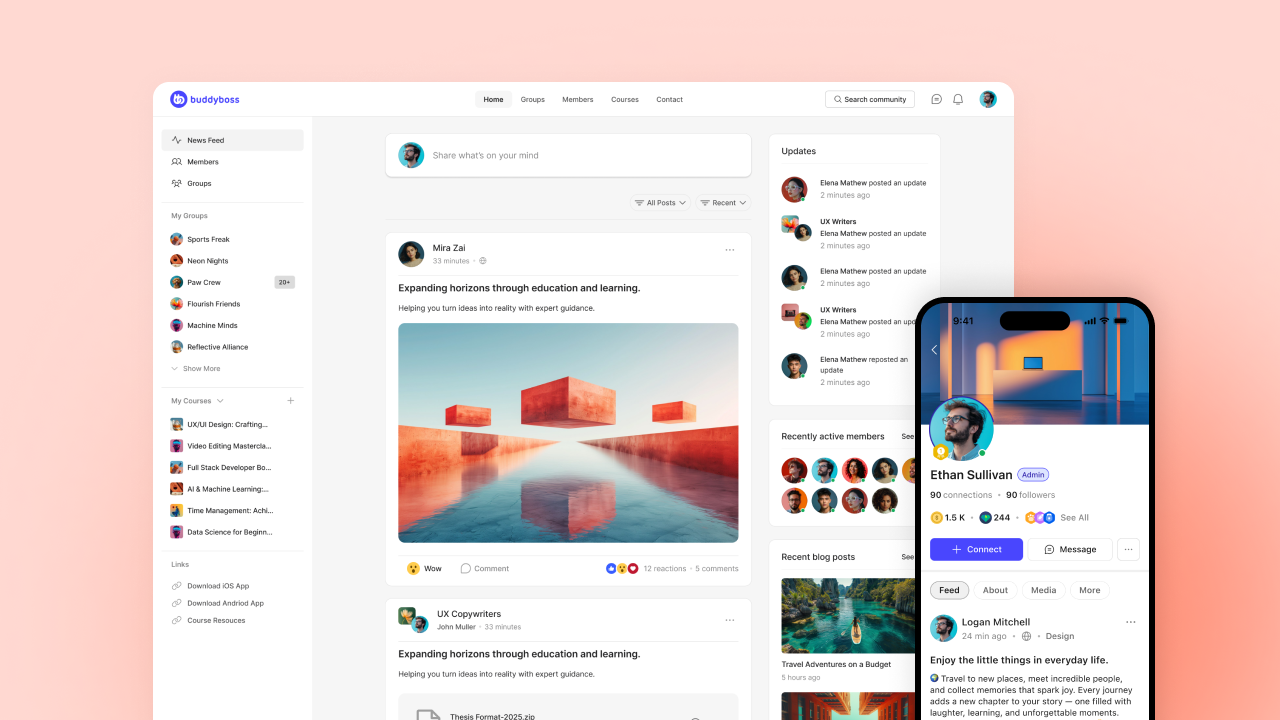
BuddyBoss is a WordPress-based platform that transforms any WordPress site into a fully-featured social network, online community, and membership site. Founded in 2009, BuddyBoss has powered thousands of online communities, membership sites, and e-learning platforms worldwide.
Unlike SaaS platforms where you're building on rented land, BuddyBoss gives you complete ownership. Your content, your member data, your revenue, all yours.
The platform combines the flexibility of WordPress with purpose-built community features that rival (and often exceed) what hosted platforms offer.
BuddyBoss is known for being the go-to solution for people who want professional-grade community features without giving up control or paying percentage-based fees.
It's particularly popular among course creators, coaching businesses, and membership site owners who need deep integration between learning content and community engagement.
BuddyBoss at a Glance
| Best For | Creators, course creators, coaches, and membership site owners who want complete platform ownership |
| Communities Powered | 30,000+ active communities worldwide |
| Platform Type | Self-hosted (WordPress-based) |
| Standout Feature | Native branded mobile apps + complete data ownership |
| Pricing Model | One-time annual fee (no revenue sharing) |
| Starting Price | $299/year; Bundles available with Theme + App |
| Platform Fees | 0% — You keep 100% of your revenue |
| Mobile Apps | Native iOS & Android apps under your brand |
| Course Integration | LearnDash, LifterLMS, Tutor LMS, LearnPress |
| Payment Integration | WooCommerce, Stripe, PayPal, Paid Memberships Pro, Restrict Content Pro |
| Email Integration | FluentCRM, Mailchimp, ActiveCampaign, ConvertKit |
| Other Integrations | Zapier, GamiPress, Elementor, Zoom, bbPress |
| Support | Documentation, video tutorials, ticket-based support |
| Free Trial & Guarantee | Free demo site, free platform, 14-day money-back guarantee |
You own everything. Your content, your data, your member list, your brand. No revenue sharing ever. Pay an annual fee and scale to thousands of members without additional percentage cuts.
Cons:
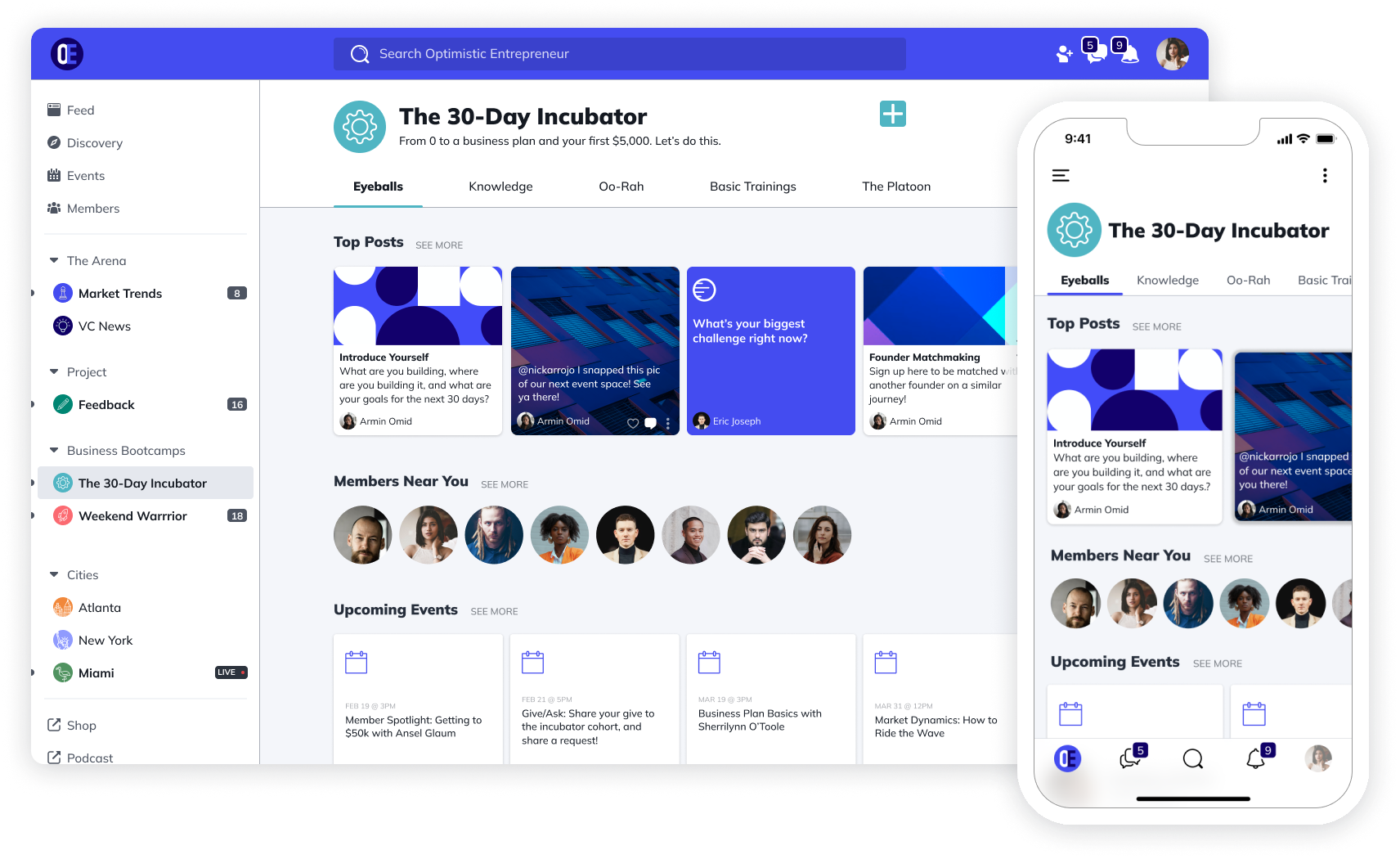
Mighty Networks emphasizes member-to-member connections, not just creator-to-fan relationships. Members interact with each other, forming relationships that increase retention and reduce your content creation burden.
Mighty Networks at a Glance
| Best For | Community-first creators who want members connecting with each other |
| Starting Price | $49/month (Community); $109/month (Courses) |
| Transaction Fees | 2% on lower plans; 1% on Growth and other plan |
| Mobile Apps | Native apps (Business plan+) |
| Standout Feature | Member-to-member engagement + built-in courses |
| Free Trial | 14-day free trial |
Why it beats Patreon:
Your community engages with each other, not just you. This creates stickiness Patreon can't match. Plus you get branded mobile apps, built-in courses, and events.
Pros:
Cons:
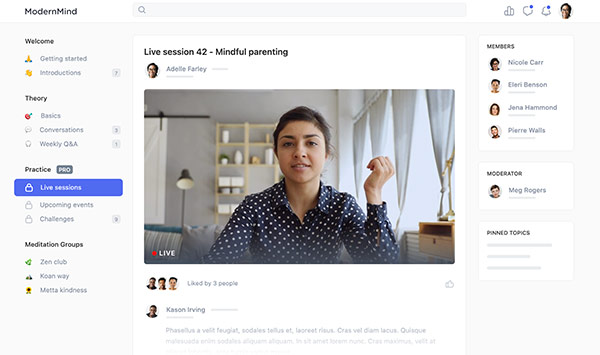
Best for: Creators who want a polished, professional-looking community without technical complexity.
Pricing: Professional $89/month; Business $149/month; custom Enterprise pricing.
Circle delivers a beautiful, modern community platform with intuitive navigation and clean design. It's easier to use than Mighty Networks while still offering courses, events, and robust member engagement.
Why it beats Patreon:
Gorgeous interface that's customizable under your brand (to an extent). Organize content into Spaces. Use your own domain. Integrate courses and live events without leaving the platform.
Pros:
Cons:
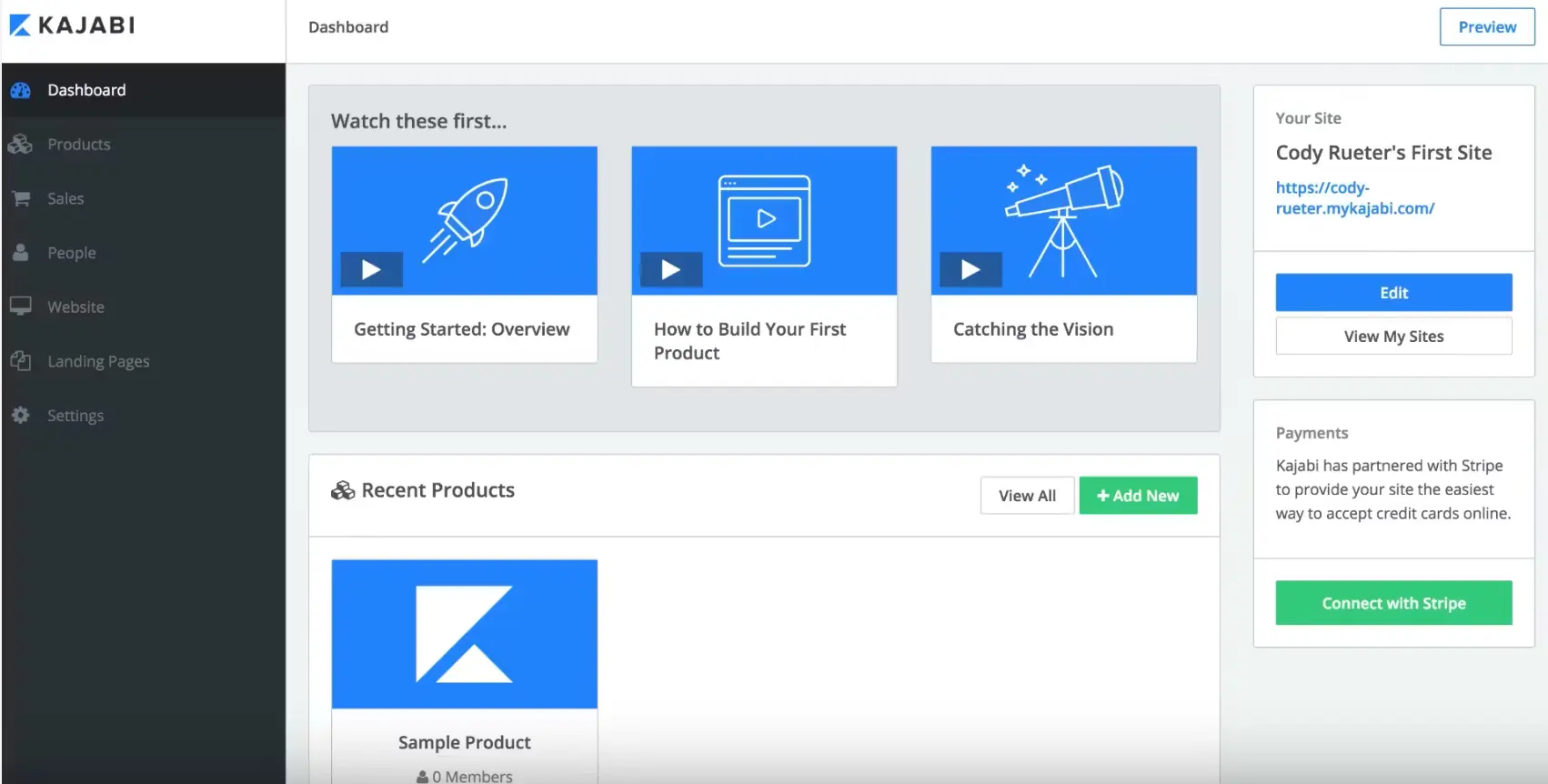
Best for: Established creators building 6-7 figure businesses who need courses, marketing automation, and memberships in one platform.
Pricing: Kickstarter $71/month; Basic $143/month; Growth $199/month (annual pricing; monthly available at higher rates).
Kajabi is the premium all-in-one platform for creators selling courses, coaching, and memberships. It includes everything: website builder, email marketing, sales funnels, payment processing, and community features (recently added).
Why it beats Patreon:
Zero revenue sharing. You pay a flat monthly fee and keep 100% of your sales minus payment processing. Plus you get professional marketing automation, landing pages, and pipeline management that Patreon doesn't offer.
Pros:
Cons:
Best for: Creators who want to sell courses and digital products alongside memberships without overwhelming complexity.
Pricing: Mover $33/month (5% transaction fee); Shaker $75/month (0% transaction fee).
Podia positions itself as the simple alternative to Kajabi. Sell courses, digital downloads, webinars, and memberships all from one clean platform. No transaction fees on paid plans.
Why it beats Patreon:
Patreon locks you into a membership-only model with platform fees eating into every payment. Podia lets you sell one-time products, bundle offerings, and run memberships, all with zero transaction fees on the Shaker plan. You keep more of what you earn while offering your audience more ways to buy.
Pros:
Cons:
Best for: Creators with existing websites who want to add membership functionality without rebuilding everything.
Pricing: $49/month + 4.9% transaction fee (plus processing fees).
Memberful adds membership functionality to your existing website. It integrates with WordPress, Ghost, and custom sites, giving you Patreon-like memberships with more control and better analytics.
Why it beats Patreon:
Integrates with your current site and brand. You get better analytics, more customization, and you own the member experience. Owned by Patreon but operates independently with creator-friendly terms.
Pros:
Cons:
Best for: Creators who want a digital tip jar with minimal fees and maximum simplicity.
Pricing: Free (5% platform fee on memberships/products); Ko-fi Gold $12/month (0% platform fee).
Ko-fi makes it incredibly easy for fans to support you with one-time “coffees” (donations) or monthly memberships. With Ko-fi Gold ($12/month), you pay zero platform fees, only payment processing.
Why it beats Patreon:
Zero platform fees with Gold membership. Instant payouts to your PayPal or Stripe account. Ko-fi never touches your money. Plus you can sell digital products and offer commissions.
Pros:
Cons:
Best for: Creators who want casual supporter contributions without the structure of full memberships.
Pricing: Free with 5% transaction fee on all payments.
Similar to Ko-fi, Buy Me a Coffee focuses on making fan support as frictionless as possible. Supporters don't even need to create an account, they just pay and leave a message.
Why it beats Patreon:
Lower fees (5% vs Patreon's 10%), simpler interface, and supporters can contribute without creating accounts. Great for creators who want easy support without membership complexity.
Pros:
Cons:
Best for: Writers, journalists, and podcasters focused on newsletter-based content.
Pricing: Free (10% of paid subscriptions + payment processing fees).
Substack is purpose-built for writers and podcasters to publish and monetize newsletters. The platform handles everything: publishing, email delivery, payments, and subscriber management.
Why it beats Patreon:
Perfect for writers. Built-in audience discovery helps readers find you. Powerful publishing tools designed specifically for long-form content. You own your subscriber list.
Pros:
Cons:
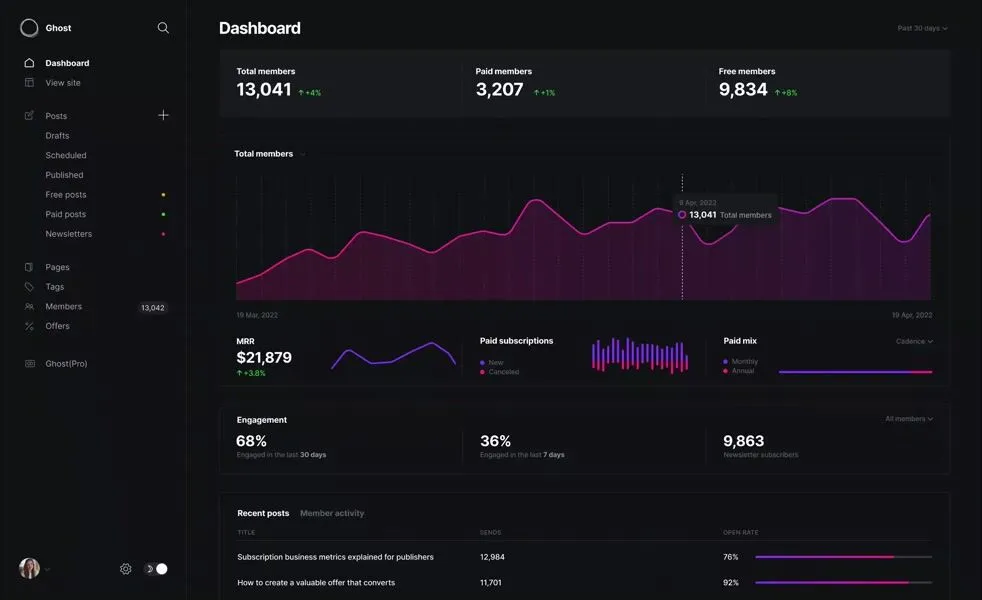
Best for: Serious writers and publishers who want complete control and professional publishing tools.
Pricing: Managed hosting from $15/month; self-hosted free (you pay server costs).
Ghost is an open-source publishing platform with built-in membership and newsletter features. Unlike Patreon and Substack, Ghost charges zero transaction fees. You pay hosting only.
Why it beats Patreon:
0% platform fees. Complete customization. Own your content and code. Professional publishing tools with SEO built in. Can self-host or use Ghost's managed hosting.
Pros:
Cons:
Best for: Creators selling ebooks, software, templates, courses, or art as one-time purchases (with optional membership upsells).
Pricing: 10% + $0.50 per transaction fee on all sales.
Gumroad is a marketplace for digital products: ebooks, software, templates, courses, music, art. You can also offer memberships, but it's primarily built for one-time product sales with marketplace discovery.
Why it beats Patreon:
Marketplace means new customers can discover you. Simple to sell any type of digital product. Fast payouts. Good for creators selling discrete items rather than ongoing content subscriptions.
Pros:
Cons:
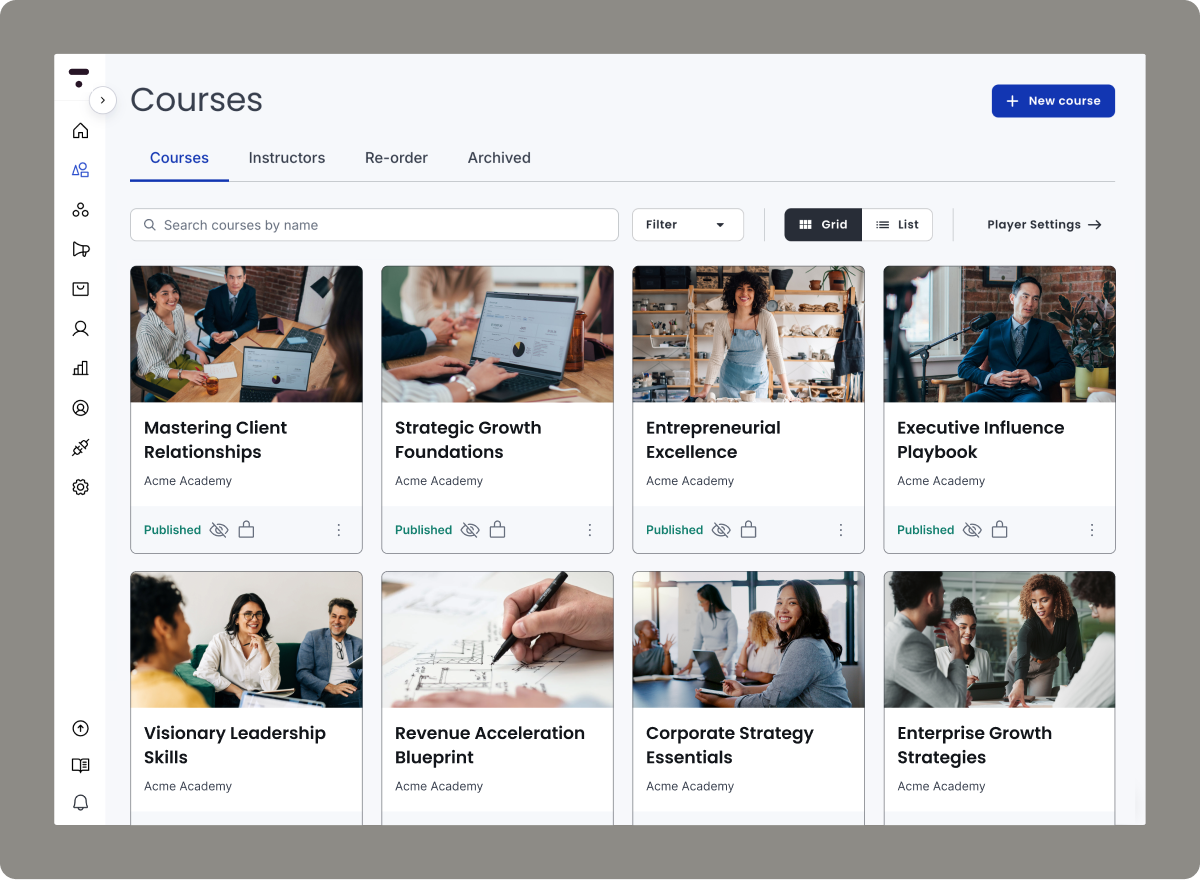
Thinkific is a learning platform that also supports memberships. If your membership centers around educational content, Thinkific gives you advanced course tools with student management, certificates, and quizzes.
Why it beats Patreon:
Excellent course creation tools. Student progress tracking. No transaction fees on paid plans. Can bundle courses with membership access.
Best for: Educators selling structured courses with membership options.
Pricing: Free plan available; Basic $36/month; Pro $74/month.
Pros:
Cons:
Patreon served its purpose as an early creator economy platform. But in 2026, creators need ownership, lower fees, and tools that grow with them.
The decision is clear:
If you're earning under $1,000/month and just starting, Patreon or Ko-fi work fine. But the moment you cross $2,000/month, you're losing thousands annually to fees.
For serious creators building businesses:
BuddyBoss gives you complete ownership, zero revenue sharing, and unlimited scalability. Yes, it requires WordPress. But the savings pay for a developer within 3-6 months.
For creators wanting simplicity:
Mighty Networks or Circle deliver professional communities without technical complexity. You'll pay more than Patreon initially, but you get more features and better member experiences.
For course creators:
Kajabi or Podia combine courses, memberships, and marketing in one platform, something Patreon can't touch.
The creator economy is shifting from renting platforms to owning them. Among Patreon alternatives, the platforms that give you control, fair pricing, and room to grow are winning.
Ready to own your creator business?
Explore BuddyBoss Plans & Pricing →
Try BuddyBoss Platform, It’s Free →
Can I migrate from Patreon to these alternatives?
Yes. Most platforms offer import tools or migration support. BuddyBoss and other WordPress solutions let you export member data from Patreon and import it. Expect 1-4 weeks for full migration depending on content volume and member count.
Which Patreon alternative has the lowest fees?
WordPress solutions (BuddyBoss, FluentCommunity) have zero revenue sharing. Ko-fi Gold ($12/month) also charges 0% platform fees. However, calculate total costs: WordPress needs hosting ($20-100/month), while SaaS platforms include hosting in their pricing.
Do I need technical skills for WordPress alternatives?
Basic WordPress knowledge helps. BuddyBoss requires WordPress installation, theme setup, and plugin configuration. If you can install WordPress and plugins, you can handle it. Many creators hire a developer for initial setup ($500-2,000) then manage it themselves. The savings versus Patreon fees pay for this in 2-3 months.
Which platform is best for mobile communities?
BuddyBoss, Mighty Networks (Business tier+), and Uscreen include native mobile apps. BuddyBoss apps are fully branded iOS and Android apps under your name. Most SaaS platforms are mobile-responsive but lack dedicated apps on lower pricing tiers.
What happens to my Patreon subscribers if I switch?
Export your member list from Patreon, email them about the migration with a special offer, and import them to your new platform. Typical member retention during well-executed migrations: 85-95%. Clear communication and migration bonuses (discounted rates, exclusive perks) help retention.
How do refunds work on different platforms?
WordPress platforms give you complete refund control since you process payments directly. SaaS platforms have varying refund policies, most support refunds within 7-30 days. Check each platform's specific terms before committing.
If you've spent any time on the internet, you've probably landed on a forum.
Maybe it was a Reddit thread answering a question Google couldn't.
Maybe it was a Stack Overflow post that saved your project at 2 a.m.
Or maybe it was a niche community where people who share your obscure hobby actually get it.
Discussion forums have powered online communities since the earliest days of the web. And while social media has grabbed the spotlight, forums haven't gone anywhere.
In fact, they're evolving. Today's forums are sleeker, smarter, and more integrated than ever, powering everything from customer support to course communities to brand advocacy programs.
This guide covers what discussion forums are, why they still matter, and where to build one if you're ready to start your own.
A discussion forum is an online platform where people hold conversations through posted messages. Unlike real-time chat, forums are asynchronous, you post a question or comment, and others respond when they can. Those conversations are organized into threads, archived, and searchable.
Here are the key terms you'll encounter:
Chat platforms like Slack and Discord are built for real-time conversation. Messages flow fast and disappear into the scroll. Great for quick exchanges, but terrible for building searchable knowledge.
Social media platforms like Facebook Groups offer reach but come with trade-offs: algorithm-controlled visibility, limited ownership of your audience, and ads competing for attention.
Forums sit in the middle. They're slower and more deliberate than chat, but conversations stick around. They're searchable, organized, and owned by you, not an algorithm.
Not all forums serve the same purpose. Here's how they break down:
Public vs. Private Public forums are open to anyone. Think Reddit or Stack Overflow—anyone can browse, and most can participate. Private forums require membership or approval, making them ideal for paid communities, internal teams, or exclusive groups.
Niche vs. General Interest Niche forums focus on specific topics: photography gear, language learning, indie game development. General interest forums cover broader ground, often organized into subforums by category.
Standalone vs. Embedded Some forums exist on their own as the primary destination. Others are embedded within larger platforms, like a discussion space inside a course or membership site. This embedded model is increasingly popular for creators who want community built into their learning experience.
Support Forums vs. Engagement Forums Support forums are built to answer questions and solve problems. Engagement forums prioritize connection, discussion, and relationship-building. Many communities blend both.
Forums deliver value in ways that chat and social media simply can't match.
For Businesses:
Reduce support costs through peer-to-peer answers. When customers help each other, your support team handles fewer tickets. A well-maintained forum becomes a self-service knowledge base where common questions get answered without staff involvement.
Collect product feedback directly from users. Forums give you a window into what your customers actually think. Feature requests, complaints, and suggestions surface naturally in discussions—no surveys required.
Build SEO through user-generated content. Every thread is a page. Every answer is content. Forums generate a steady stream of indexable, keyword-rich material that drives organic traffic over time.
Turn customers into advocates. Active forum members often become your most loyal fans. They answer questions, defend your brand, and recruit others, all because they feel ownership in the community.
Marc Benioff, CEO of Salesforce, puts it plainly:
The future of communicating with customers rests in engaging with them through every possible channel. Customers are discussing a company's products and brand in real time. Companies need to join the conversation.
HP discovered just how valuable that conversation can be. Their support forum handles 20% of global customer care requests and delivers $50 million in annual ROI. The forum hosts over 500 million posts, serves 40 million customers, and runs with 230 HP experts alongside 100,000 engaged community members. The kicker? 95% of the content comes from customers themselves.
For Communities and Courses:
Create belonging and connection. Forums give members a home base. A place to introduce themselves, share wins, ask for help, and build relationships that extend beyond any single course or event.
Enable peer-to-peer learning. The best insights often come from fellow learners, not instructors. Forums create space for members to teach each other, share resources, and compare notes.
Build searchable knowledge over time. Unlike chat, forum conversations don't disappear. A question answered today helps someone searching for the same answer a year from now.
Keep engagement alive between live sessions. For cohort-based courses or membership communities, forums fill the gaps between calls, workshops, and events. They keep momentum going when you're not live.
Not all community platforms serve the same purpose. The right choice depends on what you're building and what outcomes matter most.
Forums excel at building lasting, searchable knowledge through asynchronous conversations. A question posted today remains discoverable for years, turning every answered thread into a resource for future members. This permanence creates compounding value and serious SEO benefits: Ubuntu's forums have attracted over 1.8 million members, with millions more finding answers through Google searches. Stack Overflow built an entire business on this model, ranking for virtually every programming question imaginable.
The trade-off is speed. Forums move slower than real-time chat and require consistent moderation. But for brands willing to invest, the payoff is substantial: HP's support forum handles 20% of global customer care and delivers $50 million in annual ROI.
Forums work best for: customer support communities (HP, Autodesk), knowledge-sharing platforms (Stack Overflow, Reddit), online course and membership communities (BuddyBoss, Coursera), software user communities (Ubuntu, WordPress), and professional networks where searchable expertise matters.
Chat platforms thrive on immediacy. Questions get answered in minutes, creating energy that forums can't match. Midjourney built its entire 15-million-member community on Discord, where users share prompts, showcase creations, and help newcomers in real time.
The downside is impermanence. Messages vanish in the scroll within hours, and valuable insights get buried forever. The “always-on” culture can also exhaust members and moderators alike. Many Slack communities, including some run by Zapier and Buffer, have scaled back because the maintenance burden outweighed the benefits.
Chat works best for: gaming communities (Discord servers for games like Valorant or Minecraft), creator fan bases (YouTuber and streamer communities), real-time collaboration teams, crypto and Web3 projects, and casual interest groups where quick interaction matters more than lasting content.
Social groups offer the fastest path to an active community. Zero technical setup, built-in audiences, and familiar interfaces remove nearly every barrier. Peloton's Facebook community has over 400,000 members sharing workout wins and motivating each other.
The fundamental problem is ownership. Algorithms control who sees your posts, and reach can vanish overnight. Facebook's 2018 algorithm update devastated brand communities that spent years building engaged groups. You don't own the data, ads compete for attention, and the platform's priorities will never align with yours. Sephora recognized this and built their own Beauty Insider Community, giving them full control over 6 million members and direct access to customer insights.
Social groups work best for: local communities and meetup groups, hobbyist communities (gardening, cooking, fitness), early-stage communities testing demand, brand fan pages where quick launch matters more than long-term control, and professional networking (LinkedIn industry groups).
Forums aren't a relic of the past. Some of the most valuable communities on the internet still run on the forum model.
Reddit, with over 100,000 active communities (subreddits) covering virtually every topic imaginable, Reddit proves that the forum format scales. From r/personalfinance to r/skincareaddiction, subreddits have become go-to resources for millions of people seeking advice, recommendations, and connection.
Stack Overflow The developer Q&A powerhouse has over 100 million users and 23 million questions answered. Stack Overflow's strict moderation and voting system surface the best answers fast, making it an essential resource for programmers worldwide. According to their own data, 81% of the global developer population visits Stack Overflow weekly.
Ubuntu Forums One of the largest open-source support communities, Ubuntu Forums has helped millions of Linux users troubleshoot problems, learn new skills, and contribute back to the community. It's a testament to how forums can power peer-to-peer support at scale.
Sephora Beauty Insider Community With roughly 6 million members, Sephora's community forum lets beauty enthusiasts share tips, ask questions, post photos, and discuss products. It's a masterclass in using forums to build brand loyalty and gather authentic user-generated content.
Adobe Community Adobe runs one of the largest branded support forums, where users help each other navigate complex creative software. By enabling peer support, Adobe reduces ticket volume while building goodwill among its user base.
If you're ready to build your own forum, here's what matters:
Customization and branding: Your forum should look and feel like yours. Look for platforms that let you customize colors, logos, layouts, and domains.
Moderation tools: Healthy communities need guardrails. Strong moderation features—spam filters, flagging, user permissions, and content approval workflows, making management easier.
Mobile experience: Most users will access your forum from their phones at least some of the time. A clunky mobile experience kills engagement.
Integration with courses or LMS: If you're running a course or membership, your forum should integrate seamlessly with your learning platform. Separate logins and disconnected experiences create friction.
Scalability: What works for 100 members might break at 10,000. Choose a platform that can grow with you.
Ownership of your data: You should be able to export your content and member data. If the platform disappears tomorrow, your community shouldn't disappear with it.
Here are four solid options, each with different strengths:
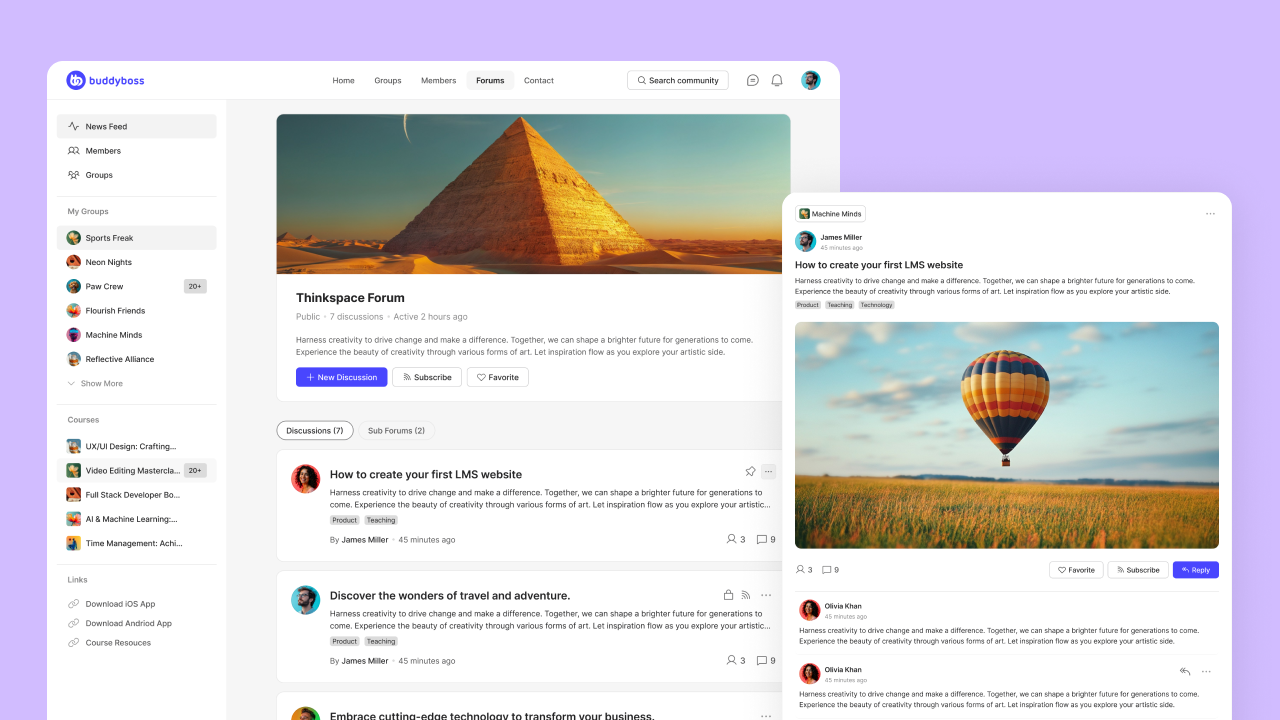
BuddyBoss Built on WordPress, BuddyBoss combines forums with full social community features: activity feeds, groups, member profiles, and messaging. It integrates natively with LearnDash and other LMS plugins, making it ideal for course creators who want discussion built into their learning experience. You own everything and can customize freely.
Discourse Open-source and modern, Discourse powers over 3,000 communities including some of the biggest names in tech. Founded by Stack Overflow co-founder Jeff Atwood, it's built for civilized discussion with smart features like trust levels, real-time updates, and robust moderation. Free to self-host or available as a managed service.
Vanilla Forums Now part of Higher Logic, Vanilla is enterprise-ready forum software with gamification, Q&A features, and strong analytics. It's popular with larger organizations that need scalability and integrations with existing business tools.
XenForo A traditional forum platform with modern features. XenForo is self-hosted and highly customizable, popular with gaming communities and hobbyist groups who want full control over their setup.
Forums create lasting value: searchable knowledge, reduced support costs, and real community that keeps members coming back. The question isn't whether forums still matter, it's where you'll build yours.
If you want full control over your community, BuddyBoss gives you everything you need: forums, groups, member profiles, activity feeds, gamification and native LMS integration, all on WordPress, all under your brand. No renting someone else's platform. No algorithm deciding who sees your content. Just your community, your way.
Try BuddyBoss free for 14 days and build your first forum →
Remember the first time someone showed you how to use a keyboard shortcut instead of clicking through three menus?
You probably learned it from a coworker, not a training manual. That's peer-to-peer learning in action.
And it's not just happening at your desk.
From Reddit threads solving coding bugs to fitness communities sharing workout tips, people are teaching each other constantly, often more effectively than formal courses ever could.
For community builders, course creators, and workplace L&D teams, peer-to-peer learning has become essential.
Why?
Because It drives engagement, reduces the burden on instructors, and creates the kind of connection that keeps members coming back.
And to exactly that let’s see what exactly is peer-to-peer learning, why it works so well, and which platforms can help you harness it for your online community or training program.
Peer-to-peer learning happens when people at similar skill levels teach and learn from each other, no formal instructor required.
Unlike traditional top-down teaching where an expert delivers information to students, P2P learning is collaborative and mutual. Everyone brings their own experiences, questions, and insights to the table.
P2P Learning Isn't New but It's Just Getting Better
British educators Andrew Bell and Joseph Lancaster introduced peer-to-peer learning in the late 18th century as a cost-effective solution when Educate Me teachers were scarce. Students taught students. It worked.
Two centuries later, we're doing the same thing, just with better tools. Online forums replaced study halls. Video calls replaced library meetups. Platforms like BuddyBoss replaced bulletin boards.
How P2P Differs From Other Learning Styles
It's not collaborative learning. Collaborative learning is structured. You can think about it like group projects with clear roles, facilitators guiding the process, and predetermined outcomes.
P2P learning is messier, more organic. Someone asks a question in your community forum at 2am, another member answers by 8am. That's peer learning!
It's not mentoring either. Mentoring is hierarchical and an experienced person guides someone less experienced over time.
P2P learning happens between equals. Two designers with different specialties swap feedback. Three developers debug code together. Nobody's “the expert.”
There's solid science behind why learning from peers sticks better than passive consumption.
Psychologist Albert Bandura proved that people learn by observing others. When a member sees someone like them solve a problem, they think: “If they can do it, so can I.”
Ever had an expert explain something using jargon you didn't understand? Peers explain things in simpler terms because they recently learned it themselves. They remember what confused them and adjust their explanations accordingly.
Learning alone is isolating. Learning together creates bonds. Members who learn from peers report feeling more connected to the community and they stick around longer because of it.
Here's a powerful insight: teaching someone else is one of the best ways to learn. When members explain concepts to peers, they solidify their own understanding. It's the “learning by teaching” effect in action.
Study groups work because nobody wants to show up unprepared. Peer learning creates natural motivation loops—members push each other forward simply by showing up and participating.
If you're building a community, membership, or course, here's why P2P learning should be part of your strategy:
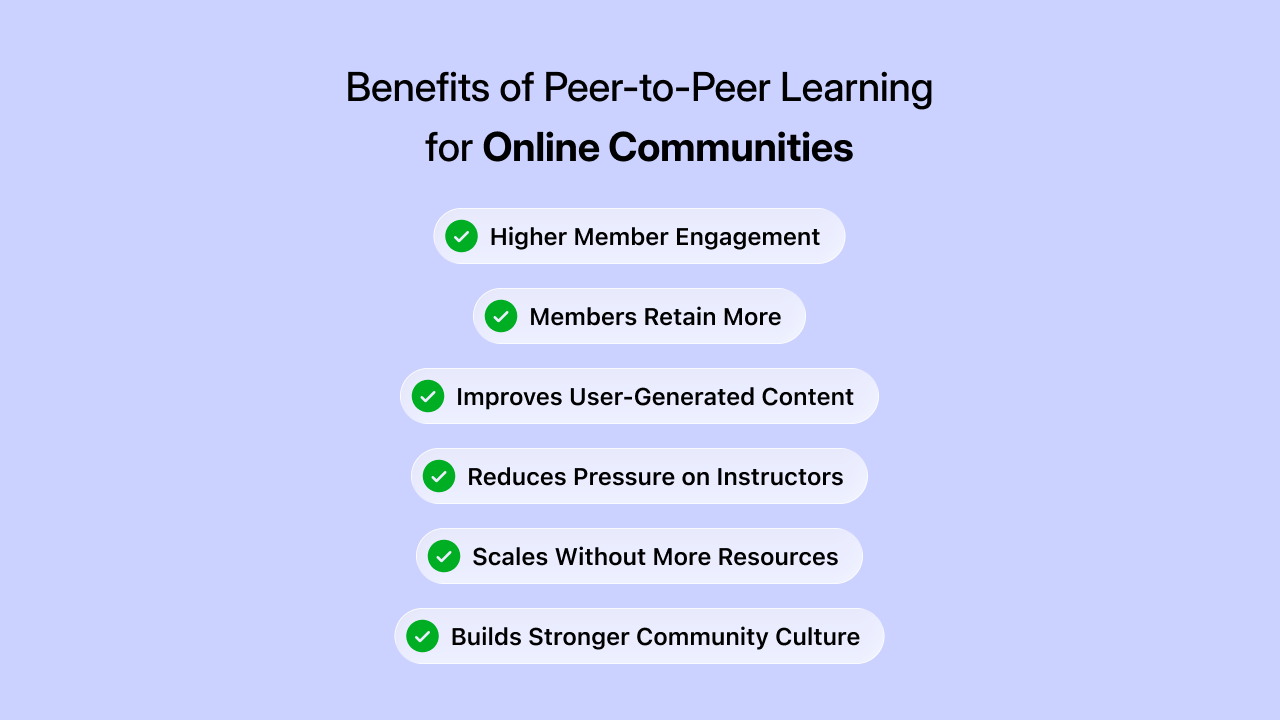
When members help each other, they interact more. They post questions, share wins, and jump into discussions because they feel responsible to the group.
According to LinkedIn research, 94% of employees would stay at a company longer if it invested in their career development Whatfix. The same principle applies to communities, members value spaces where they're actively learning and growing.
Your members become content creators. Their questions, answers, and shared experiences fill your community with valuable content you didn't have to create yourself.
You don't need to answer every question or be present 24/7. Your community becomes partially self-sustaining as members support each other.
Ten members can support a hundred. A hundred can support a thousand. P2P learning scales beautifully because the resource (your members' knowledge) grows with your community.
Helping behavior creates culture. When experienced members naturally mentor newcomers, you've built something special, a community that takes care of its own.

With over 5 million members, r/learnprogramming proves peer learning doesn't need fancy platforms to work. A beginner posts their broken code at midnight. By morning, three developers have explained the bug, one suggested a better approach, and another linked to a helpful tutorial.
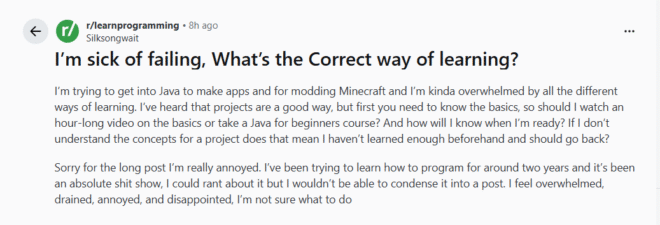
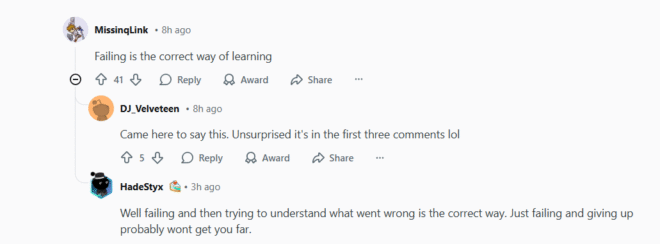
Nobody's getting paid. There's no formal structure. But thousands of programmers level up their skills daily because experienced coders remember being stuck on the same problems. The peer learning loop sustains itself, today's help-seeker becomes tomorrow's helper.
The lesson: Sometimes the best peer learning happens with minimal structure. Create the space, and your community will do the rest.
Tiago Forte's Building a Second Brain started as a popular blog post, transformed into a cohort-based course, then expanded into a membership where students continue to learn and connect after the cohort finishes.
Here's where it gets interesting: the official course teaches the method, but the real learning happens in member discussions. Students share their note-taking systems, troubleshoot each other's workflows, and adapt the framework for different professions. A designer shows how they organize inspiration. A researcher explains their academic paper system. Everyone learns from everyone.
The community spaces buzz with members teaching methods Tiago never covered in the course. That's peer learning creating value beyond the original curriculum.
The lesson: Your course teaches the framework. Your community lets members teach each other how to apply it to their specific situations.
In intensive bootcamps like Lambda School or General Assembly, peer code reviews are mandatory. Developers give feedback on each other's code, improving problem-solving and coding skills while building trust within the team.
But it's not just about catching bugs. When a junior developer reviews a senior's code, they learn advanced patterns. When they explain their own code to peers, they crystallize their understanding. Pair programming sessions—two developers, one keyboard—force real-time peer teaching.
The structure matters here. Without dedicated review sessions and clear feedback frameworks, peer learning becomes optional and inconsistent. Bootcamps formalize it because the stakes are high, students need job-ready skills in 12 weeks.
The right platform makes or breaks your P2P learning strategy. Here's how the top platforms stack up:
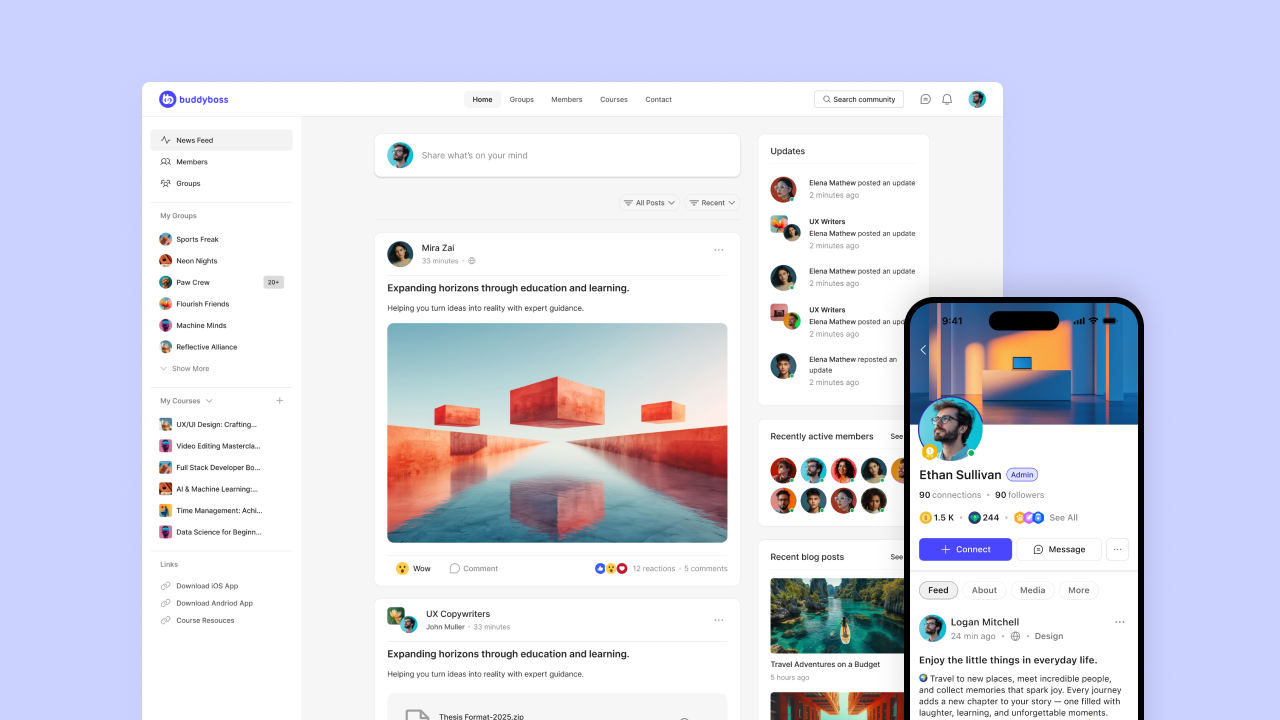
Best for: WordPress users building community-driven learning
BuddyBoss turns WordPress into a powerful social learning platform. You can think of it like Facebook-style profiles, activity feeds, and discussion groups, but completely under your brand.
Key P2P Features:
The Happy Pear cooking school, BuddyBoss coaching businesses, professional associations, and course creators who want full control over their platform without monthly SaaS fees.
Best for: Corporate peer learning and internal teams
Slack dominates workplace learning with channels for different topics and easy integration with work tools.
Key P2P Features:
The catch: Not designed for external communities. Better for internal employee learning than customer-facing memberships.
Best for: Open peer-to-peer environments (not monetized courses)
These platforms offer massive reach and zero setup cost, but you don't own the platform or control the experience.
Setting up the platform is easy. Keeping P2P learning alive? That's where most communities struggle.
Don't just open a forum and hope for the best. Create specific spaces for peer learning:
As the community leader, answer questions by tagging knowledgeable members: “Great question! @Member has experience with this—they might have insights.” You're teaching members to look to each other, not just to you.
L&D teams should publicly acknowledge employees who create or share learning content. The same applies to communities. Spotlight helpful members, create contributor badges, or feature “Member of the Month.”
Member profiles showing skills, experience, and contributions help members find the right peers to learn from. Circle's member directory makes this simple.
Host member-led workshops, AMA sessions, or skill swaps. When members teach formal sessions, it elevates peer learning beyond casual chat.
Mandatory participation kills intrinsic motivation. Create opportunities, recognize participation, but let P2P learning emerge organically.
Skip vanity metrics like “number of posts.” Focus on what matters:
If you're considering building a community platform, peer-to-peer learning should be at its core, not an afterthought.
The most successful learning communities aren't built around one-way content delivery. They're built around member-to-member interaction, where learners become teachers and everyone contributes value.
Want to see how BuddyBoss can power peer learning in your community? Explore how 30,000+ communities use BuddyBoss to bring members together for learning, connection, and growth.
Discover BuddyBoss Features →
Here's a stat that should make every course creator pause: Massive Open Online Courses (MOOCs) have a 90% dropout rate. Meanwhile, cohort-based courses regularly hit 90% completion rates.
Same content. Opposite results. The difference? Learning together vs learning alone.
If you've ever launched a course only to watch completion rates crater, you know the pain. Students sign up excited, then disappear by week two. The problem isn't your content, it's the isolated learning experience.
In 2025, the online learning model is fundamentally shifting. The era of passive content consumption is giving way to community-driven experiences where people learn together, push each other, and actually finish what they start.
This guide breaks down exactly what cohort-based courses are, why they work, and whether this model is right for you, whether you're a creator considering launching one or a learner deciding where to invest your time and money.
Learn more about Massive Open Online Courses (MOOCs) in our Online Learning Platforms blog
A cohort-based course (CBC) is a time-bound learning experience where a group of students start, progress, and finish together. Think of it as the online evolution of the traditional classroom, but without the geographic limitations.
The core elements that define a CBC:
The “together” part of that definition matters more than anything else. Because students are going through the experience as a group, they're able to learn from and support one another, form real connections, and hold each other accountable throughout the journey.
The easiest way to understand cohort-based learning is to compare it against its predecessor: self-paced courses.
| Factor | Self-Paced Course | Cohort-Based Course |
| Schedule | Flexible, anytime access | Fixed start/end dates |
| Community | Isolated learning | Built-in peer cohort |
| Accountability | Self-driven only | Group + instructor accountability |
| Interaction | Pre-recorded content | Live sessions + discussions |
| Feedback | Limited or none | Real-time from peers & instructor |
| Completion Rate | 3-15% | 80-96% |
| Typical Pricing | $50-$500 | $500-$5,000+ |
The completion rate gap is the headline number, but it's really a symptom of everything else on this list. When you combine structured schedules, built-in community, and real accountability, people actually finish what they start.
The magic of Cohort-Based Courses isn't complicated. It's rooted in how humans actually learn and stay motivated.
Social accountability creates commitment
Think back to those late-night study sessions in college, cramming for exams with your friends. That's social accountability in action. When you know others are watching, waiting, and counting on you to show up, you show up. The collective momentum of moving forward as a group ensures everyone stays committed.
Learning sticks better with discussion
Research consistently shows that active learning, including discussions, debates, and applying concepts in real-time, beats passive consumption. It's like the difference between reading about swimming and actually getting in the pool. When you have to explain an idea to a peer or defend your position in a group discussion, you understand it at a deeper level.
Community creates motivation
When you're surrounded by peers all working toward the same goal, learning feels more motivating, fun, and achievable. You're not just consuming content alone. You're part of something. That sense of belonging is powerful fuel for pushing through the hard parts.
Structured deadlines prevent procrastination
Let's be honest: “I'll get to it later” easily becomes “never” when there's no due date. Thoughtful deadlines add just the right amount of pressure to keep participants on track. The structure of a cohort removes the decision fatigue of deciding when to learn, so you can focus on actually learning.
For learners
For creators
The cohort-based model has produced some remarkable success stories. Here are a few that have defined the space:
Founded by Seth Godin in 2015, the altMBA is a 4-week intensive leadership workshop that reports a 96% completion rate. The program uses a 10:1 student-to-coach ratio and emphasizes learning-by-doing with 13 projects over four weeks. Students complete 3-5 hours of work daily on top of their regular jobs. Alumni have gone on to roles at Nike, Google, Kickstarter, and Coca-Cola.
David Perell's 5-week writing course teaches professionals how to build an audience by writing online. Priced at $4,000-$10,000 depending on the tier, the course has been described as the “Y Combinator for Writers.” Students have included people from Google, Twitter, and Intel. One participant noted that in five weeks, they published more than in the previous five years.
Tiago Forte's course on personal knowledge management has grown from a popular blog post to a comprehensive cohort program. With offerings ranging from $499 self-paced to $5,000 coaching editions, the program has evolved into a thriving ecosystem that includes in-person summits. Their community runs on Circle, providing continuous engagement beyond the course itself.
Ali Abdaal's cohort-based course has scaled from $400K to $1.9M per cohort by leveraging community-powered learning. The program teaches people how to grow a YouTube channel while keeping their day jobs, proving that the CBC model works across creative disciplines.
If you're a creator thinking about launching a CBC, ask yourself these questions:
Can you commit to a fixed schedule? CBCs require you to show up live at specific times. This isn't passive income. It's active teaching.
Do you have a transformation to deliver? The best CBCs promise a specific outcome: write better, build a business, develop leadership skills. If you're just teaching information, self-paced might be simpler.
Is your topic enhanced by peer interaction? Writing, leadership, marketing, and creative skills all benefit from feedback and discussion. Purely technical skills might not need the cohort format.
Can you start small? The most successful CBCs started with 10-15 students and grew from there. You don't need a huge audience to begin.
Are you ready for feedback? The tight feedback loop means you'll hear what's working and what isn't. That's a feature, not a bug.
If you checked most of these, you're probably a good fit for the cohort model.
If you're serious about building a cohort-based course, build it on a platform you control.
BuddyBoss combines courses, private groups, live sessions, and community features, all under your brand, on your terms. Own your content. Own your community. Own your business.
Explore live groups, course integration, community features, and engagement tools that keep students showing up.
See BuddyBoss in Action (Live demo) →
Did you know that posts with images receive 150% more engagement on social media than those without visuals.
Yet most community platforms send shared links out into the world looking like broken previews, missing images, generic text, zero visual appeal.
In our previous post, we explained why SEO matters for community growth and why most community sites struggle with discoverability. Search engines can't properly index your discussions. Potential members never find your content. Growth stalls.
But there's another piece of the puzzle: what happens when your existing members do share your content?
Photo posts on Facebook produce 114% higher impressions and 100% higher engagement compared to basic link posts. When your community links show up as broken previews on social media, you're losing that advantage. Fewer people click. Less traffic flows back to your site. Your members' sharing efforts get wasted.
The technical solution that fixes this: Open Graph protocol. When implemented correctly, it transforms how your community content appears across social media and search results, giving you the professional previews that drive clicks and the structured data that search engines love.
Open Graph is a standard created by Facebook in 2010 to improve how website content displays on social media.
Before Open Graph, platforms guessed what to show when someone shared a link, usually grabbing random images and generic descriptions that made no sense.
Open Graph tags tell social platforms exactly what title, description, and open graph image to display when your content gets shared. You control the preview instead of leaving it to chance.
Facebook, LinkedIn, X, WhatsApp, and most social platforms support Open Graph. When you share a link with proper implementation, you control what thousands of people see in their feeds.
An OG image is the visual preview that appears when your content gets shared on social media. It's the first thing people see in their feed, and it determines whether they scroll past or stop to click.
Without a custom OG image, platforms grab whatever image they find first: a tiny logo, a random sidebar graphic, or nothing at all. The result looks broken and unprofessional.
With a proper OG image, you control exactly what appears. Your branded visual, sized correctly, optimized for each platform.
| Element | Recommendation |
| Recommended size | 1200 x 630 pixels |
| Minimum size | 600 x 315 pixels |
| Aspect ratio | 1.91:1 |
| File format | PNG or JPG |
| File size | Under 1MB (ideally under 300KB) |
| Text placement | Keep important text centered (edges may crop) |
| Branding | Include logo, but don't let it dominate |
Open Graph uses meta tags in your website's HTML header. These tags specify four core elements that social platforms look for:
og:title – The headline that appears in the preview
og:description – The context text that appears below the title
og:image – The visual that appears in the preview
og:url – The canonical URL being shared
Your Page URL
↓
Social Platform Requests Page
↓
Reads HTML <head> Section
↓
Extracts OG Tags (og:title, og:description, og:image, og:url)
↓
Renders Preview Card in Feed
↓
User Sees Professional Preview → Clicks → Visits Your Community
When someone shares your link, social platforms read these tags from your HTML and format the preview accordingly. Without Open Graph tags, platforms fall back to whatever content they find first, often with terrible results.
A random sidebar image becomes your preview. A generic site tagline replaces your content-specific description. The shared link looks unprofessional and unclear, so fewer people click.
With proper Open Graph implementation, you specify exactly what appears. Your branded image, compelling description, and clear title create a professional preview that encourages clicks and makes your members look good for sharing.
Open Graph doesn't directly impact search engine rankings. Google doesn't use Open Graph tags as ranking factors, and implementing it won't move you up in search results tomorrow.
But Open Graph provides significant indirect SEO benefits through a cascade of effects:
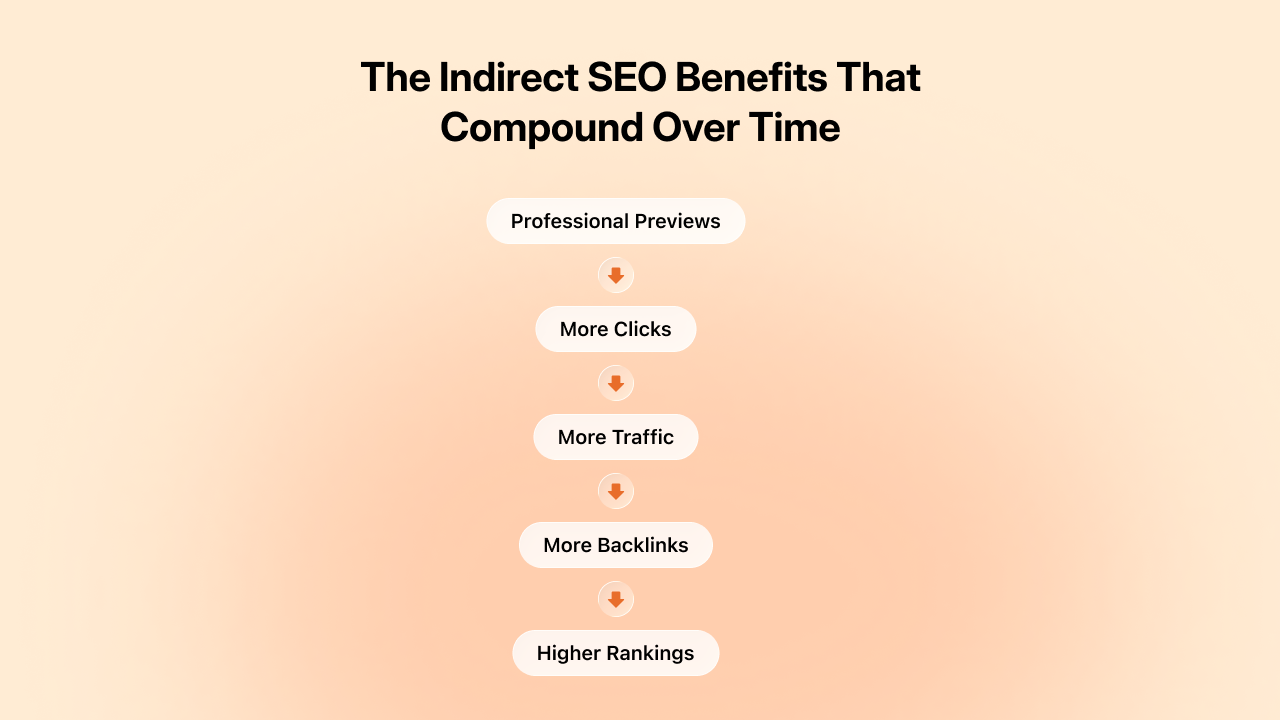
Professional previews → More clicks: When your open graph image looks good, more people click. Higher click-through rates from social platforms signal content quality.
More clicks → More traffic: Increased traffic to your community from social sources improves overall site metrics that search engines do consider.
More traffic → More backlinks: When content reaches more people, some of them link to it from their websites, blogs, or resources. Those backlinks directly improve your domain authority.
Better authority → Higher rankings: Improved domain authority from quality backlinks leads to higher search rankings over time.
The chain flows from professional social previews to increased sharing to more traffic and backlinks to improved SEO performance. Open Graph is the first link in that chain. Break it, and the entire sequence fails.
Not all platforms handle Open Graph the same way. Here's what to expect:
| Platform | OG Support | Image Display | Notes |
| Full | Large preview card | Created OG protocol, best support | |
| Full | Large preview card | Strong OG support, caches aggressively | |
| X (Twitter) | Fallback | Card format | Prefers Twitter Cards, falls back to OG |
| Full | Preview with image | Reads OG tags for link previews | |
| Partial | Image-focused | Uses og:image, ignores most other tags | |
| Slack | Full | Rich unfurl | Excellent OG support in message previews |
| Discord | Full | Embed preview | Displays OG data in link embeds |
| iMessage | Partial | Link preview | Basic OG support on iOS |
| Telegram | Full | Link preview | Good OG implementation |
Tip: Implement Open Graph once, and most platforms handle it. Add Twitter Cards for optimal X previews. Test on the platforms your members use most.
Understanding abstract benefits is one thing. Seeing concrete outcomes is another. Here's what communities and platforms actually experienced after implementing proper SEO with professional social previews.
Brainly, an online education platform leveraging peer-to-peer learning, saw its popularity surge after implementing proper SEO. Users generated over 2 million question landing pages, and this user-generated content earned recognition from search engines, tripling Brainly's keyword rankings year-over-year.
The pattern repeats across community platforms. Someone searching “how to improve email deliverability” discovers a valuable discussion in your marketing community. They join to participate. One new member from search becomes ten as the pattern compounds.
Course platforms with indexed catalog pages see enrollment inquiries from organic search jump 30-50% after proper metadata implementation. Search engines understand your course structure, pricing, and instructor credentials. You appear in relevant searches without paying for ads.
These gains compound. Better search visibility brings more members. More members create more content. More content creates more search visibility. The flywheel accelerates.
Tumblr increased its Facebook traffic by 250% after implementing Open Graph. Neil Patel saw his social traffic increase 174% with proper Open Graph implementation. A client in the finance sector increased their social media traffic by 78% after implementing proper Open Graph tags—simply because their content became more clickable.
The research backs this up. A 2024 INMA study showed that Facebook posts with images had 100% more engagement and 114% more impressions than posts without images. According to Moz, posts with optimized Open Graph data can see up to 50% more engagement.
Communities that implement professional Open Graph previews typically see click-through rates on shared content increase 2-3x compared to broken or generic previews. Posts with images on social media platforms receive 150% more engagement compared to those without visuals.
At a $100 average acquisition cost through paid channels, the organic inquiries from improved social sharing represent significant marketing spend savings. The ROI on proper SEO and Open Graph implementation is immediate and measurable.
Less quantifiable but equally important: members share more actively when they know content will look good.
Before implementation: Members hesitate. “Will this make me look unprofessional? Will the link even work?” That friction reduces sharing frequency.
After implementation: Member confidence increases. They share freely because they trust the system. This behavioural shift drives long-term growth more than any single feature.
Tracking community engagement metrics helps you measure this cycle. Monitor traffic sources to see how much comes from social sharing. Track conversion rates from social traffic. Measure which shared content drives the most new member signups.
This data reveals which content types to create more of and which sharing channels to prioritize. SEO and social sharing aren't just technical features, they're growth strategies backed by measurable results.
Professional social previews solve half the sharing equation. They make your content look good when it travels to external platforms. Clear Open Graph images, compelling descriptions, and proper formatting ensure that when members share content, it represents your community professionally.
But you still need to make sharing easy in the first place.
If members have to manually copy text, upload images separately, and paste links to share content from your community, friction kills momentum. Even with perfect Open Graph implementation, most members won't bother with that process regularly.
Native sharing features, letting members reshare content to groups, profiles, messages, or external platforms with one click, turn social previews into actual growth. When sharing is effortless and the results look professional, members share actively.
This is why SEO and sharing features work together:
One without the other leaves opportunities on the table. Professional previews with difficult sharing means fewer shares. Easy sharing with amateur previews means low click-through rates. You need both working together.
Twitter (X) uses its own system called Twitter Cards, which works similarly to Open Graph but with different tags.
| Feature | Open Graph | Twitter Cards |
| Created by | Facebook (2010) | Twitter (2012) |
| Tag prefix | og: | twitter: |
| Primary platforms | Facebook, LinkedIn, WhatsApp, Pinterest | X (Twitter) |
| Image tag | og:image | twitter:image |
| Fallback behavior | Twitter reads OG tags if Twitter Cards missing | Facebook ignores Twitter Cards |
What this means for you:
If you only implement Open Graph, Twitter will use your open graph image as a fallback. But for optimal Twitter previews, implement both.
Most modern platforms and SEO tools handle both automatically. If you're using BuddyBoss or similar built-in SEO platforms, both tag sets are generated without extra work.
When evaluating community platforms, use these questions to assess SEO capabilities:
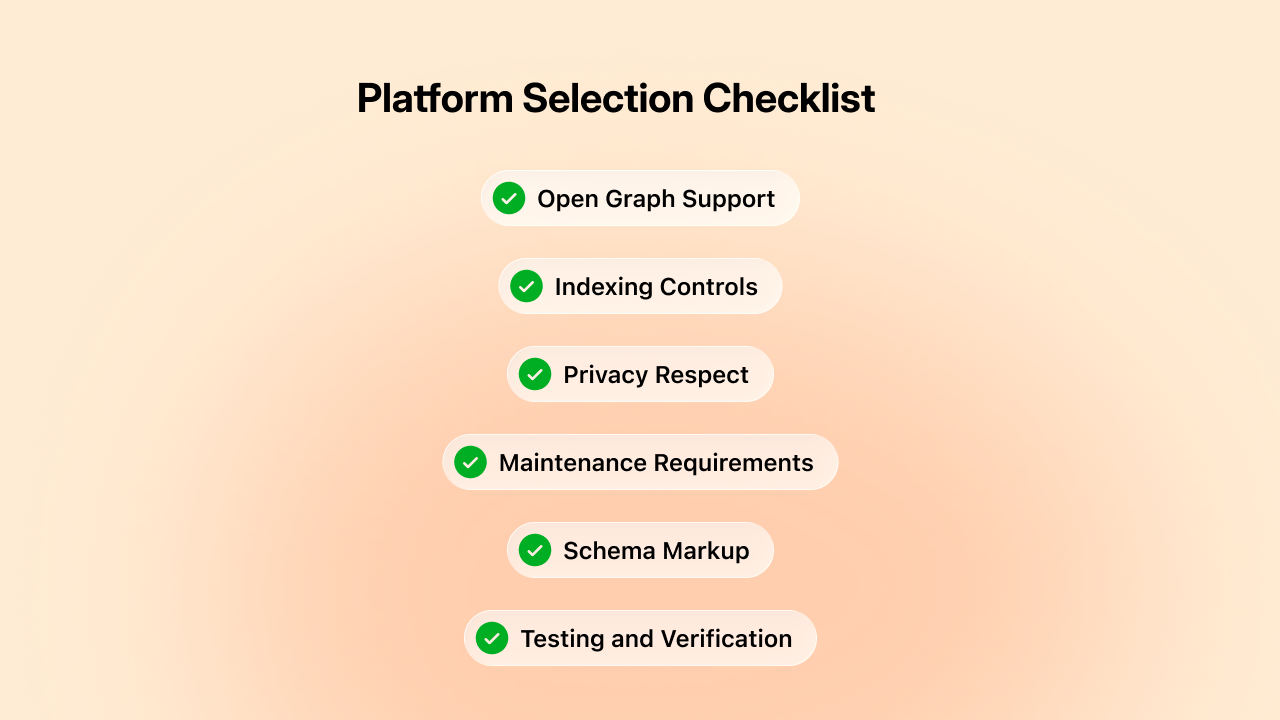
Platforms with built-in SEO answer yes to most of these questions. Plugin-dependent platforms require ongoing work. No-SEO platforms can't address these needs without custom development.
The platform you choose today determines your growth opportunities for years. Choose one that makes SEO accessible instead of treating it as an afterthought.
If you're building a community from scratch, choose a platform that treats SEO as a core feature rather than an afterthought. Evaluate how each platform handles Open Graph, indexing controls, and privacy protection. Test how shared content looks on LinkedIn, Facebook, and X before committing.
If you're running an existing community with poor SEO, evaluate whether your current platform can support proper implementation. Calculate the cost of staying (lost growth, ongoing maintenance) versus the cost of migrating to a platform with built-in SEO support.
If you're satisfied with your current growth but want to accelerate, optimize your SEO configuration. Small improvements in click-through rates compound dramatically over time. The difference between 1% and 2% engagement on shared content is thousands of additional visitors annually.
The platforms that make SEO easy win. The communities that implement it properly grow. The members who share confidently become your best marketing channel.
Make sure your platform supports this, and make sure you're using it effectively.
Open Graph tags determine how your community looks when members share it. Choose a platform where OG customization is built-in, not an afterthought.
BuddyBoss offers:
See how BuddyBoss makes social sharing work for your community growth.
Try BuddyBoss Demo →
It starts with a routine check.
Just logging into your hosting dashboard like you do every month. Except this time, there's a number that makes your stomach drop.
$547 for media storage.
You scroll up to last month's invoice. $280. Six months ago? $95.
Wait. How did this happen?
Your community is thriving. 8,000 members. High engagement. Members post workout videos, transformation photos, and progress updates constantly. Exactly what you wanted when you launched.
The storage bill? Not what you wanted.
You do the math. At this rate, you'll hit $800/month by January and over $1,000 by March. Storage costs are scaling faster than your revenue.
Three options sit in front of you: raise prices and risk losing members, restrict uploads and kill engagement, or fix the problem you don't fully understand yet.
You're not alone. Thousands of community founders hit this exact wall.
Also the $547 bill? That's just the symptom. The real problem runs deeper.
Here's what nobody warns you about: the money problem shows up second. The performance problem shows up first.
It starts subtly. Your site feels slightly slower. Page loads that used to be instant now take 2-3 seconds. You refresh a few times. Seems fine. You move on.
A few weeks later, members start mentioning it. “Is the site slower for anyone else?” in your community chat.
You check, everything looks normal on your end. Must be their connection.
Then the real problems start.
I have a large film website that hit 200 GB of uploads … the only option was to spend $600/year for more space. — WordPress User on Reddit, profmoxie
A member uploads a 200MB video during your community's peak hours.
Your server tries to process it, generating thumbnails, creating database entries, handling the file transfer.
Meanwhile, 50 other members are trying to load pages, stream videos, and upload their own content.
Your server maxes out its resources. Pages time out. The video uploader gets an error message.
Three other members get white screens trying to access their profiles. Your hosting provider sends an automated email: “High resource usage detected.”
You upgrade your hosting plan. Problem solved. Only for now.
As your video library grows, everything compounds. Your admin dashboard now takes 45 seconds to load the video library.
Moderators complain they can't review flagged content efficiently. You try to find a specific member's uploaded photo, the page times out before loading all the thumbnails.
Even members start reporting buffering videos. A 2-minute workout clip stutters every 10 seconds.
Comments roll in: “Anyone else having playback issues?” You test it—plays fine for you.
But you're on fast Wi-Fi. Your members? They're on mobile data, at the gym, streaming from a server that's already handling 50 simultaneous video requests.
The breaking point usually arrives during your best moments. A course launch. A challenge kickoff. A viral post that drives traffic.
Suddenly hundreds of members are uploading content simultaneously.
Your server can't handle it. The site slows to a crawl. Then it crashes completely. Error 503: Service Unavailable.
It's down for 2 hours while your hosting provider “investigates resource usage.”
Members flood your email. Some request refunds. Others just leave quietly, assuming your platform isn't reliable.
When service returns, you get the diagnosis: your video library is overwhelming your server.
The hosting bill hasn't spiked yet, but your infrastructure is already breaking. The costs come later, after the damage to member trust is done.
This is the pattern successful communities need to avoid. Performance degradation isn't a maybe, it's a when. Understanding the economics of storage means planning for this moment before it arrives.
At first, media storage feels like a small detail. A few videos here, a couple of members uploaded there.
But as your online community starts thriving, those “small details” quietly grow into a costly problem.
As one community manager put it:
Our library is 72 GB and going up around 1.5 GB per month … It’s just the storage that is an issue. — Reddit user on WordPress media scale
Every new course module, tutorial recording, or shared image adds weight to your hosting server.
And it’s not just about the space those files occupy. Each upload affects your bandwidth, backups, and performance — multiplying costs in ways that aren’t always visible at first.
But behind the scenes, your hosting plan is struggling to keep up and your monthly bill is growing faster than your membership count.
That’s the $500/month trap so many creators fall into.
If you’re running a community on WordPress or BuddyBoss Platform, understanding how file uploads impact hosting performance is crucial.
What starts as a shared hosting plan for $50 quickly snowballs as your media library expands.
Soon, you’re paying for additional storage, premium bandwidth, and constant backups, just to keep your site running smoothly.
The irony? The more engaged your community becomes, the more you end up paying to support that success.
This is where understanding the cost you pay for media storage becomes critical.
If you’re still in the early growth phase, We have a blog, where we’ve broken down how structured learning pathways can help you create engagement that scales without unnecessary bandwidth spikes.
Most hosting providers advertise their plans based on “unlimited storage” or generic tier names.
Here's what those plans truly cost (approx.) when you're running a real community with real users uploading real content.
What you get: 50GB storage
What they tell you: Perfect for small businesses and growing sites
What works: 500-1,000 members in a text-focused community
This tier works if your community is primarily discussion-based. Forum posts, text updates, maybe small profile avatars.
The moment members start uploading workout photos, recipe images, or any kind of media content, you're done.
A single high-resolution photo from a modern smartphone is 3-5MB. Do the math: 50GB divided by 4MB per image equals roughly 12,500 photos.
Sounds like a lot until you have 800 members each uploading 15-20 images over a few months.
Breaking point: Around 800-1,200 members with moderate image sharing.
What you get: 200GB storage
What they tell you: Designed for growing businesses
What works: 3,000-5,000 members, light media usage
You upgrade here thinking you've solved the problem. You haven't. You've bought yourself 6-12 months.
This tier handles text discussions plus regular photo sharing. Members can upload progress pics, event photos, the occasional short video.
But the ceiling comes fast once you hit critical mass.
At 4,000 members posting an average of 3 images per month at 4MB each, you're generating 48GB of new content monthly.
You've got four months of runway, maybe five if members are less active than average.
Breaking point: 5,000-7,000 members, or earlier if video content becomes popular.
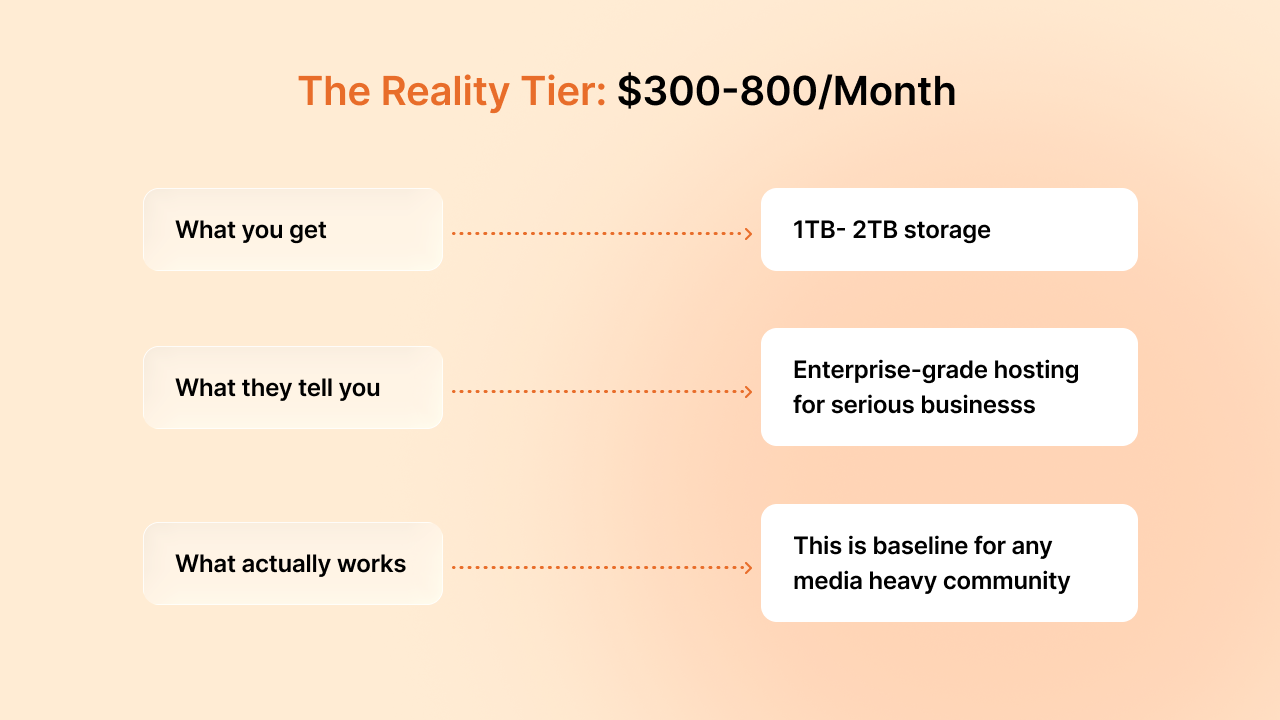
Welcome to where successful communities actually operate.
This is the tier nobody talks about in those “start your community for $50/month” blog posts.
1TB sounds massive until you break it down.
A community with 8,000 members uploading workout videos, transformation photos, and tutorial content will fill 1TB in 12-18 months.
Then you're looking at the 2TB plan, which is closer to $600-800/month depending on your provider.
At this tier, you're not just paying for storage. You're paying for the bandwidth to deliver all that content, the processing power to handle uploads, and the backup systems to not lose years of member content.
Breaking point: 10,000-15,000 members, or sooner with heavy video usage.
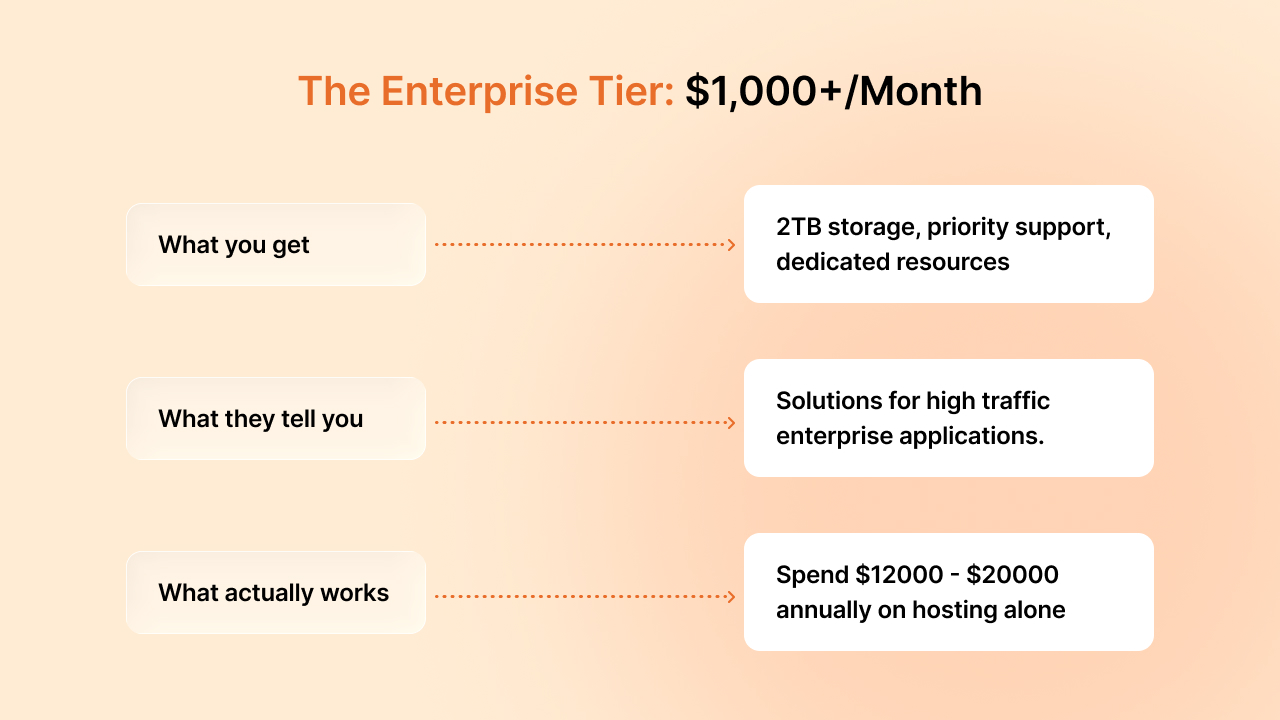
This is where community founders have their existential crisis.
You're successful enough to need enterprise hosting but may not be successful enough to comfortably afford it.
Your community has 15,000+ members. Engagement is strong. Revenue is decent.
But 30-40% of your gross revenue goes to hosting infrastructure.
Investors (if you have them) start asking uncomfortable questions about unit economics. You start looking at alternatives because the math stops working.
The trap: You can't go backwards. You can't delete member content. You can't restrict uploads without killing engagement. You're stuck paying enterprise prices or rebuilding your entire infrastructure.
Here's the metric that truly matters when planning your community economics: cost per member per month.
Understanding this number helps you build sustainable pricing from day one.
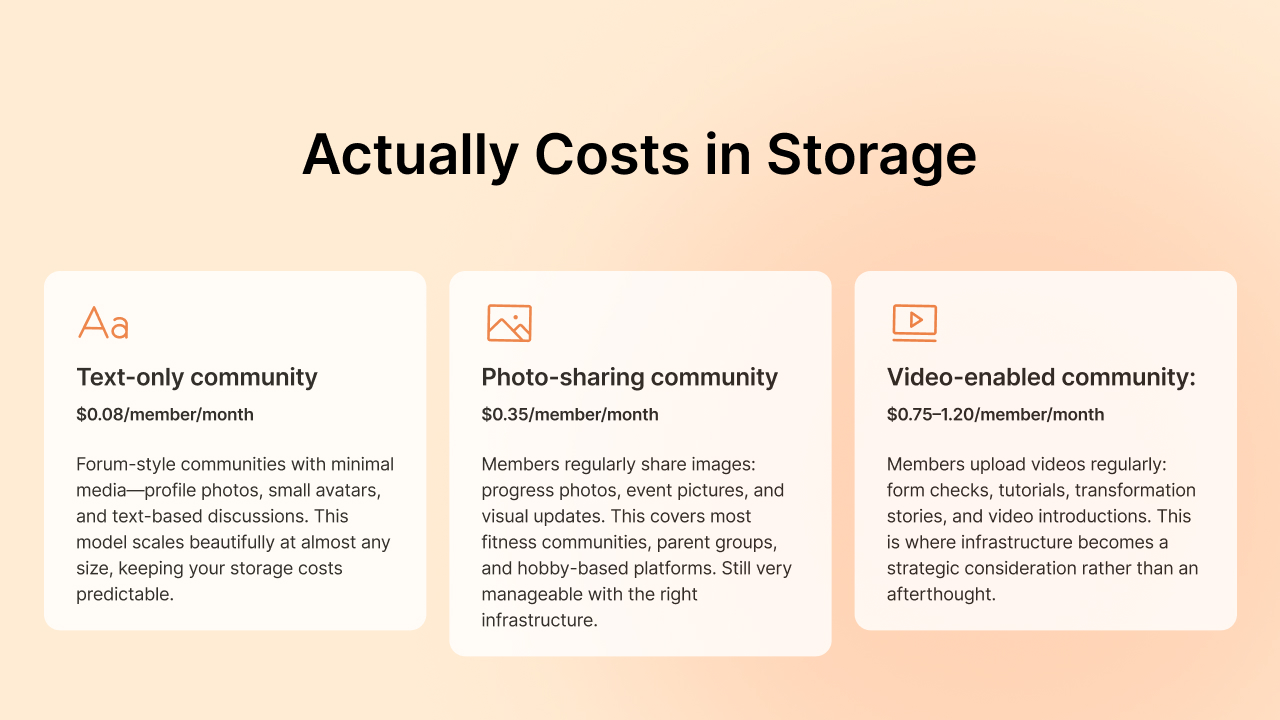
Text-only community: $0.08/member/month
Forum-style communities with minimal media—profile photos, small avatars, and text-based discussions. This model scales beautifully at almost any size and keeps your storage costs predictable.
Photo-sharing community: $0.35/member/month
Members regularly share images like progress photos, event pictures, and visual updates. This covers most fitness communities, parent groups, and hobby-based platforms. Still very manageable with the right infrastructure.
Video-enabled community: $0.75-1.20/member/month
Members upload videos regularly—form checks, tutorials, transformation stories, video introductions. This is where infrastructure becomes a strategic consideration rather than an afterthought.
Let's run the numbers: If you charge $29/month for membership and you're running a photo-sharing community, you're spending about 1.2% of gross revenue on storage ($0.35 per member). That's healthy and sustainable.
For video-enabled communities at $0.75-1.20/member, you're looking at 2.5-4% of revenue on storage. Add payment processing (2-3%) and platform costs, and suddenly infrastructure is a significant line item. Not a dealbreaker, but definitely something to plan for in your pricing strategy.
The good news? Knowing these numbers means you can make informed decisions about your membership tiers and what features to include at each level.
Note: Actual costs vary by vendor and region
The storage bill you see every month? That's not the full picture. It's basically just the foundation.
As your community grows and becomes more sophisticated, you'll need additional infrastructure pieces that work together to deliver a great member experience.
These costs typically show up as separate line items on your hosting bill, and they're easy to miss when you're planning your initial budget.
The good news is that these costs are predictable and directly tied to your growth. They're not surprises, they're milestones.
When you need CDN delivery or automated backups, it means your community is successful enough to require professional-grade infrastructure.
Here's what to expect and when.
Storage is the space your files occupy. Bandwidth is how often members access those files.
Most hosting plans bill these separately, and understanding the difference matters—especially for video.
Here's a practical example: You upload a 50MB workout video once. That's 50MB of storage. But when 1,000 members view it, that's 50GB of bandwidth.
Your hosting plan might include 1TB of monthly bandwidth, which covers most communities comfortably, until you have a few viral videos.
Bandwidth overages typically cost $0.10-0.20 per GB. If you're consistently hitting your limits, it's a signal that your community is thriving and it might be time to evaluate your hosting setup.
Planning tip: Track your bandwidth usage monthly. If you're consistently using 70-80% of your allocation, it's time to upgrade or explore alternative delivery methods before overages hit. Video streaming can consume 10-20x more bandwidth than photo viewing.
Backing up member content isn't optional. It's a trust issue.
Members are trusting you with their videos, photos, and content. A solid backup strategy protects that trust.
The standard approach is maintaining off-site backups of everything, which essentially doubles your storage costs. If you're paying $400/month for 1TB of live storage, budget $200-300 for backup infrastructure.
Think of it like business insurance. You hope you never need it, but when you do need it, it's invaluable.
A single server issue without backups can cost you far more in member trust and reputation than years of backup fees.
Planning tip: Automated daily backups with 30-day retention is a good starting point. Most hosting providers offer this as an add-on service for 30-50% of your hosting cost.
Many managed WordPress hosts, like Kinsta, include daily backups with multi-week retention for high-traffic sites and recommend keeping at least several weeks of restore points
Your hosting server lives in one location. Your members? They're everywhere.
A member in Sydney accessing video content from a US server means longer load times and buffering.
Content Delivery Networks (CDNs) solve this by caching your files on servers worldwide.
Members get content from the closest server, which means faster load times and smooth video playback everywhere.
CDNs typically charge per GB delivered, expect to pay $0.08-0.12 per GB.
For a community serving 2TB of video content monthly to global members, that's $160-240/month. It sounds like a lot until you realize it's buying you a consistently fast streaming experience for members on every continent.
Planning tip: Start with CDN for video content first, that's where you'll see the biggest performance impact. Images can often wait until you're serving truly global audiences.
Every media upload creates database records; file paths, timestamps, user associations, post connections.
Video files create even more: thumbnail references, processing status, duration metadata, view counts. Over months and years, these add up.
As your database grows, queries slow down. Load times increase.
Your hosting provider might recommend upgrading your database resources, typically adding $50-200/month to your costs.
The real cost isn't the money, it's maintaining that snappy, responsive experience members expect.
Slow-loading video galleries or laggy activity feeds impact engagement more than any feature you could add.
Planning tip: Database optimization isn't just about upgrading. Regular maintenance, proper indexing, and strategic caching can extend your current setup significantly before needing the next tier.
Let's explore a few frequently asked questions about media storage and media offloading-
Media storage for video communities costs $0.75-1.20 per member per month when factoring in storage, bandwidth, backups, and CDN delivery. A 5,000-member community uploading videos regularly typically spends $400-600 monthly on infrastructure.
Upgrade when you consistently use 70-80% of your storage or bandwidth allocation, or when page load times exceed 3 seconds. For video communities, this typically happens at 3,000-5,000 active members.
Storage is the space your files occupy on servers. Bandwidth is how often those files are accessed and delivered. A 50MB video stored once but viewed 1,000 times generates 50GB of bandwidth, often costing more than the storage itself.
Free or shared hosting works for text-based communities under 1,000 members. For video content or communities over 2,000 members, you'll need dedicated hosting or cloud storage solutions to maintain acceptable performance.
Multiply your member count by average monthly uploads per member, then by average file size. Add 40-60% for backups, thumbnails, and metadata. Video communities should budget for 2-3x initial estimates to account for engagement growth.
Viral content, challenge launches, or course releases trigger simultaneous uploads. A single popular video driving 10,000 views can generate unexpected bandwidth charges of $100-200 if you're near your limit.
Cloud storage scales automatically and usually offers lower per-GB costs at high volumes, especially when combined with a CDN. Traditional single-server hosting is simpler at small scale, but for 5,000–8,000+ members with regular video uploads, it can become significantly more expensive and harder to scale.
WordPress generates several size variations per image (often 4–6 by default). Community platforms multiply this across profiles, groups, feeds, and forums — so each upload can result in many more database entries and file references than a simple blog.
You're not stuck with escalating hosting bills.
Successful communities solve this through media offloading, infrastructure that separates media storage from WordPress hosting and delivers files from external sources designed for scale.
Media offloading comes in several forms: cloud object storage (AWS S3, Cloudflare R2, Wasabi), CDN delivery networks, hybrid setups combining both, or aggressive media compression. Each approach has tradeoffs in cost, complexity, and performance.
Some media offloading solutions are cheap but technically complex.
Others are simple but expensive at scale.
A few work great for standard WordPress but break with community-specific features like member profiles, activity feeds, and group uploads.
The right media offloading strategy depends on your community size, technical resources, and growth trajectory. There's no one-size-fits-all answer.
Ready to compare your options? We're coming soon with our next article- “WordPress Media Offloading: We Compared 5 Solutions for BuddyBoss Communities”
We break down actual implementation costs, technical requirements, and honest assessments of what works for video-heavy WordPress communities.
So, If your community’s media bills are getting out of hand, check out our detailed comparison of offloading solutions for BuddyBoss.