
Your online course just hit 1,000 students. Your community has grown from 50 members to 5,000. Now what?
The answer isn't hiding in another productivity app or social media strategy. It's standing in a convention hall in Las Vegas, San Diego, or Nashville, surrounded by people who've built what you're trying to build.
The top tech conferences in the USA aren't just networking events.
They're where course creators discover the platforms that can significantly improve monetization when implemented strategically.
Where community moderators learn strategies that improve engagement metrics through proven community strategies, and where casual conversations at coffee breaks turn into high-value partnerships that can shape your business trajectory.
With 2025 winding down and 2026 on the horizon, course creators and community builders face a crowded conference calendar. This guide cuts through the noise to spotlight the events that actually matter for your growth.
Building courses in isolation creates blind spots. You can't see the AI tools reshaping education delivery. You miss the community platforms that solve your retention problems.
You don't hear about the monetization strategies working right now.
The education technology sector continues evolving rapidly, with professionals needing to stay informed about emerging trends in AI, online learning platforms, and community engagement tools.
Course creators who attend conferences gain three critical advantages: direct access to platform developers, real-world case studies from successful creators, and hands-on demos of tools before they hit the mainstream market.
Community moderators gain even more. Managing online communities requires understanding behavior patterns, conflict resolution frameworks, and engagement mechanics that change constantly. The top tech conferences in the USA bring together community professionals who've solved the exact problems you're facing.
Oops! We could not locate your form.

When: 6-9, January 2026
Where: Las Vegas, Nevada
Why Attend: First look at education hardware and software
CES brings together global brands and rising startups to showcase breakthrough technologies, with opportunities to engage with industry leaders and explore solutions through immersive demonstrations.
For course creators, CES offers something unique: you'll see the devices and platforms your students will use before they're widely available. VR headsets for immersive learning. AI tutors that adapt in real-time. Community platforms with features you didn't know existed.
The education technology section has expanded significantly. Expect demonstrations of tools for video production, interactive assessments, and student engagement tracking.
This isn't theory, many exhibitors provide live demos and prototypes attendees can explore.
Start building your own post-conference community with BuddyBoss

When: March 12-18, 2026
Where: Austin, Texas
Why Attend: Creator economy insights and cross-industry innovation
SXSW features a dedicated Creator Economy track exploring tools, trends, and tactics for success in the fastest-growing sector in small business, with nearly one in four people participating globally.
SXSW isn't just about music and film anymore. The Creator Economy track has become essential for anyone building courses or communities. Workshops cover monetization strategies, platform selection, and audience building tactics you won't find in generic marketing courses.
The networking here hits different. You’ll often meet creators across industries, including established YouTubers and educators, podcasters running seven-figure businesses, and community builders managing 100,000+ member platforms.

When: January 13-14, 2026 (Las Vegas) and July 28-29, 2026 (New York City)
Where: Las Vegas and NYC
Why Attend: Data-driven influencer marketing and creator strategies
Creator Economy Live serves as the original influencer marketing event for brands, featuring insights on maximizing campaigns and connecting platforms, networks, and creators through data and metrics.
This conference speaks directly to course creators treating their work as a business. Sessions dissect conversion rates, lifetime customer value, and retention metrics. You'll learn how successful creators structure their offers, price their products, and build sustainable revenue streams.
The dual-coast format means you can attend based on location and focus. The Vegas event coincides with Affiliate Summit West, adding partnership opportunities. The NYC summer event taps into the East Coast's creator community and brand partnerships.
Oops! We could not locate your form.
When: 2026 (to be announced, check website for exact dates)
Where: TBD
Why Attend: Platform-independent business building
Content Entrepreneur Expo focuses specifically on serious content creators building content-first businesses without relying on social platforms, offering actionable strategies and lasting relationships with fellow creators.
Social platforms change their algorithms overnight. Your reach drops 70% without warning. Content Entrepreneur Expo addresses this vulnerability directly, teaching creators how to build email lists, owned platforms, and direct customer relationships.
For community moderators, this conference offers frameworks for building standalone communities rather than relying on Facebook Groups or Discord servers. You'll discover membership platforms, engagement strategies, and retention tactics that work across any hosting solution.
When: February 18-20, 2026
Where: San Jose, California
Why Attend: Developer education and technical community building
DeveloperWeek serves as the world's largest developer and engineering technology conference, bringing together the brightest minds in tech for comprehensive exploration of development's future.
Teaching technical skills? DeveloperWeek shows you how it's done at scale. The conference features workshops on creating technical content, building developer communities, and monetizing coding education.
You'll meet course creators teaching programming languages, software tools, and development frameworks. They'll share their curriculum structures, student support systems, and pricing strategies. The expo floor showcases learning management systems built specifically for technical education.
Start building your own post-conference community with BuddyBoss

When: October 20-22, 2025
Where: Columbia University, New York City
Why Attend: Education transformation and CEO networking
EdTech Week brings together 200 world-class speakers and offers access to 300+ investors, with exclusive networking opportunities including an invitation-only CEO Summit.
EdTech Week occupies a unique space among the top tech conferences in the USA. It's not just about technology; it's about the transformation of learning itself.
Course creators discover pedagogical approaches backed by research, not just the latest shiny tools.
The CEO Summit (invitation-only) connects serious course creators with investors and established education companies. If you're scaling beyond solo creator status, this event opens doors to partnerships and funding opportunities unavailable elsewhere.
When: January 14-17, 2026
Where: Orlando, Florida
Why Attend: Hands-on education technology training
The Future of Education Technology Conference offers dynamic sessions, inspiring keynotes, and extensive expo access, with flexible pass options including complimentary expo-only passes for qualified professionals.
FETC strikes the balance between inspiration and implementation. You won't just hear about AI in education, you'll use AI tools in workshops.
You won't just learn about engagement strategies, you'll experience them through interactive sessions.
The expo-only pass option makes this accessible for course creators on tight budgets. You can explore vendor booths, attend learning labs, and connect with solution providers without paying for full conference access.
When: April 2025 (check website for exact dates)
Where: Florida
Why Attend: Creator economy metrics and brand partnerships
The Influencer Marketing Show connects leading brands, agencies, and technology shaping the creator economy, providing strategies and confidence to demonstrate measurable results in authentic ways.
Course creators often overlook influencer marketing strategies, but these tactics apply directly to course promotion and community building. You'll learn how successful creators negotiate sponsorships, structure partnerships, and measure campaign effectiveness.
Community moderators gain frameworks for working with brand partners within their communities. The sessions cover maintaining authenticity while monetizing, setting boundaries, and creating value for both members and sponsors.
Start building your own post-conference community with BuddyBoss
When: October 27-30, 2025 (Nashville) + November 12-13, 2025 (Online)
Where: Nashville, Tennessee and Virtual
Why Attend: Higher education technology and institutional partnerships
EDUCAUSE gathers higher education technology leaders to explore latest trends, connect with community peers, and discover innovative solutions, with both in-person and online components.
If you're creating academic courses or targeting institutional buyers, EDUCAUSE opens doors. University decision-makers attend this conference, looking for solutions to their online learning challenges.
The hybrid format (in-person plus online) maximizes accessibility. Course creators can attend virtually to learn about institutional needs, accreditation considerations, and bulk licensing opportunities without travel expenses.

When: April 23-24, 2026
Where: Hyatt Regency Miami
Why Attend: Specialized technical education communities
React Miami and similar JavaScript conferences bring together hundreds of developers for expert-led sessions, interactive workshops, and exclusive networking opportunities within specific technology communities.
Creating courses in specific programming languages or frameworks? These specialized conferences show you how active communities operate. You'll observe how conference organizers create engagement, structure learning experiences, and build lasting connections.
The community dynamics at language-specific conferences provide masterclasses in engagement. Notice how attendees interact, what content generates discussion, and which formats keep people engaged. Apply these observations directly to your course communities.
When: 22 – 26 June 2026
Where: Pittsburgh, Pennsylvania
Why Attend: Creator economy and brand building
The Platform Conference brings content creators together to discuss all aspects of the creator economy and brand building in a focused, one-day format.
Smaller conferences like Platform offer intimacy larger events can't match. You'll have actual conversations with speakers, not just see them on stage. The Pittsburgh location keeps costs manageable compared to coastal conferences.
Single-day formats work well for creators testing conference waters. You can attend without major time investment, gauge the value, and decide whether larger multi-day events fit your professional development strategy.
Oops! We could not locate your form.

When: Summer 2025 (typically late July/early August)
Where: Las Vegas, Nevada
Why Attend: Cybersecurity for course platforms and communities
Black Hat brings together cybersecurity experts to present cutting-edge research on vulnerabilities and real-world threats, with training offering hands-on skills and the Arsenal showcasing latest security tools.
Running an online community means protecting member data. Hosting courses means securing payment information and student records. Black Hat shows you what threats exist and how to defend against them.
The training, while technical, offers practical knowledge for course creators managing their own platforms.
You'll learn about authentication systems, data encryption, and privacy regulations affecting online education businesses.
Start building your own post-conference community with BuddyBoss

When: September-October 2025
Where: San Francisco, California
Why Attend: Startup ecosystem and emerging platforms
TechCrunch Disrupt showcases revolutionary startups and game-changing technologies, featuring the Startup Battlefield competition where early-stage companies compete for funding and recognition.
The top tech conferences in the USA include events focused on the startup ecosystem. TechCrunch Disrupt lets you spot emerging platforms before they become mainstream.
That new course hosting platform? That innovative community tool? You'll see them first here.
Startup Alley showcases hundreds of early-stage companies. Many specifically target creators, educators, and community builders. You can influence product development by providing feedback directly to founders, potentially shaping tools you'll use within months.
You can't attend everything. Smart course creators and community moderators choose strategically based on current needs.
Early-stage creators benefit from creator-focused events like Creator Economy Live and Content Entrepreneur Expo. These conferences address fundamental questions about monetization, audience building, and platform selection.
Technical course creators gain more from DeveloperWeek, React Miami, and similar technology-specific conferences. You'll learn from peers teaching similar content and discover tools built for technical education.
Scaling creators need EdTech Week, EDUCAUSE, and larger conferences connecting them with institutional buyers, investors, and enterprise solutions. These events facilitate business growth beyond solo creator status.
Community moderators should prioritize SXSW (Creator Economy track), FETC, and conferences with dedicated community management sessions. The focus on engagement, retention, and conflict resolution directly applies to daily moderation work.
Oops! We could not locate your form.
Conference attendance costs money and time. Extract maximum value through preparation and follow-through.
Before attending: Research speakers and attendees. Many conferences share attendee lists or have networking apps. Identify 10-15 people you specifically want to meet. Prepare your introduction of what you do, what you're building, what you're seeking.
During the event: Attend fewer sessions than you think. Hallway conversations and expo floor meetings often deliver more value than sitting through presentations. Schedule coffee meetings. Join dinner groups. Show up to unofficial gatherings.
After attending: Follow up within 48 hours while you're fresh in people's minds. Connect on LinkedIn. Send that resource you promised. Schedule the follow-up call. Many conference relationships die because nobody follows through.
Attending a tech or creator conference? Don’t let the energy fade once the sessions end. With BuddyBoss, you can turn that momentum into a thriving post-conference hub.
Use BuddyBoss to build a private community exclusively for attendees where ideas, insights, and collaborations continue long after the event. Host follow-up discussions, share key takeaways, and create mastermind groups to deepen the learning.
Its native web and mobile apps support makes engagement effortless whether you’re sharing presentation slides, hosting a live recap, or networking with peers on the go.
Start building your own post-conference community with BuddyBoss
Are There Virtual Or Hybrid Attendance Options For Major Tech Conferences?
Yes, several top tech conferences including EDUCAUSE Annual Conference, CES, and others offer virtual and hybrid attendance options. This allows participants to access keynotes, workshops, and networking sessions online, making it easier for those who can't travel to still benefit from the experience.
How Can I Attend Tech Conferences On A Tight Budget?
Many conferences provide early bird rates, group discounts, or complimentary expo-only passes for educators and qualified professionals. Prioritize events with expo-only tickets (like FETC) or leverage virtual passes, which are typically less expensive. Organizing group attendance with other creators can also reduce costs per person.
What Are The Best Conferences For Educators And Course Creators?
Recommended picks include CES for emerging EdTech, SXSW (Creator Economy track) for platform and content trends, EdTech Week and EDUCAUSE for instructional innovation, and FETC for hands-on technology training. Events like Content Entrepreneur Expo are great for those seeking platform independence, while DeveloperWeek serves technical course creators.
Are There Networking Opportunities For Community Moderators At These Conferences?
Absolutely! Many conferences host dedicated networking lounges, official apps, or after-hours gatherings designed for community professionals to connect, share insights, and collaborate on solutions.
What Tech Topics Are Trending In 2025-2026 Conference Programs?
Expect a strong focus on AI integration, platform independence, community engagement, hybrid learning models, and practical uses of new hardware (like VR and AR devices) in both course creation and moderation.
How Do I Choose The Right Conference For My Current Needs?
Consider your goals: early-stage creators should opt for platform or creator-focused events (like Creator Economy Live), technical educators for DeveloperWeek, and those aiming to scale for EdTech, EDUCAUSE, or SaaStr Annual. Review session tracks, speakers, and networking opportunities to match your priorities for professional growth.
The calendar above shows numerous opportunities across the next 12 months. Pick one conference aligned with your current needs. Register for early bird pricing. Block travel dates on your calendar before other commitments fill the space.
If you're uncertain which conference fits best, start with creator-focused events like Creator Economy Live or Content Entrepreneur Expo. These gatherings specifically address course creator and community moderator challenges, making them accessible entry points to the conference circuit.
The top tech conferences in USA offer more than education—they provide inflection points where your trajectory shifts. You'll implement one strategy learned at a breakout session that doubles your revenue. You'll meet one person who becomes a business partner. You'll discover one tool that solves a persistent problem.
Your course isn't going to build itself bigger. Your community won't suddenly engage more actively. Growth requires new knowledge, fresh strategies, and expanded networks. Conferences deliver all three in concentrated form.
The question isn't whether you can afford to attend. It's whether you can afford not to.
When Netflix introduced its binge-watching features and achievement-style viewing progress bars, Streaming services, including Netflix, have surpassed traditional TV in terms of viewing hours, reflecting a significant shift in entertainment consumption patterns.
This same psychological framework now drives everything from fitness apps that celebrate daily step goals to corporate training programs that turn mundane compliance courses into competitive challenges.
Just like the same way, your membership community already has valuable content and a growing audience.
To take engagement to the next level, you need a way to keep members consistently motivated and excited to participate.
Gamification adds the motivation and fun that keep people coming back, transforming casual visitors into committed contributors.
By introducing points, badges, and rewarding milestones, you create a dynamic experience where every interaction feels meaningful and engaging.
By 2027, the gamification market is projected to reach $30.7 billion, and 70% of Global 2000 companies use gamification in some form.
The reason is simple: gamification increases employee engagement by up to 48% and boosts retention rates by as much as 90%.
This guide walks you through the BuddyBoss gamification setup in your membership community step-by-step, with specific instructions for BuddyBoss, a platform that makes implementing badges, points, and rewards surprisingly simple, without writing a single line of code.
Gamification setup involves adding game-like mechanics to your membership site to drive specific behaviors.
Instead of hoping members engage, you create a system that rewards participation with points, badges, levels, and tangible perks.
Why gamification works: The neuroscience is straightforward. When members earn rewards, their brains release dopamine, the “feel-good” chemical that generates pleasure and reinforces behavior.
This creates a psychological loop: complete action → receive reward → feel good → seek more rewards.
Studies show that gamified learning experiences can increase retention rates by as much as 90%, and 78% of employees say gamification makes their work more enjoyable.
The effect isn't limited to corporate training; it transforms membership communities by making every interaction feel rewarding.
Let’s look at the most common gamification elements that make communities more interactive and enjoyable:-
Badges: Visual achievements displayed on member profiles (e.g., “First Post,” “Helpful Member,” “Course Completionist”)
Points: Digital currency earned for actions like posting, commenting, completing lessons
Levels or ranks: Progressive tiers that unlock as members accumulate points (Bronze, Silver, Gold, Platinum)
Leaderboards: Rankings that show top contributors, fostering friendly competition
Progress bars: Visual indicators showing how close members are to their next achievement
Streaks: Consecutive days of activity that members work to maintain
Before diving into technical implementation, understand the building blocks of effective gamification setup:
Points are your gamification currency. Members earn them for completing desired actions, creating immediate feedback that reinforces behavior.
Strategic point allocation:
Keep point values meaningful. If everything earns 1 point, members won't perceive value. Create clear hierarchies where significant contributions earn proportionally more.
Badges tap into our psychological need for recognition and achievement. They're digital trophies that members display with pride.
Badge categories that work:
Make badge designs visually distinctive. Members should feel proud displaying them on their profiles.
Levels give members a clear path forward. Instead of an endless point accumulation, levels segment progress into achievable goals.
Example level structure:
Each level should unlock something meaningful—access to exclusive content, special badges, or recognition in the community. This gives members reasons to climb the ladder.
Leaderboards leverage our competitive nature, but use them carefully. The key is making competition feel motivating rather than discouraging.
Leaderboard best practices:
Gamification elements like leaderboards are recommended as proven strategies to increase the effectiveness of referral programs. Competition works when it's designed thoughtfully.
While points and badges provide psychological rewards, tangible perks create additional motivation.
Reward ideas:
Align rewards with your community's purpose. A fitness community might offer workout gear; a business community might provide consulting hours.
BuddyBoss provides native GamiPress integration, making rewards visible in profiles, groups, and the app. It is a free WordPress plugin specifically designed for this purpose. Here's your step-by-step implementation guide and complete BuddyBoss gamification setup.
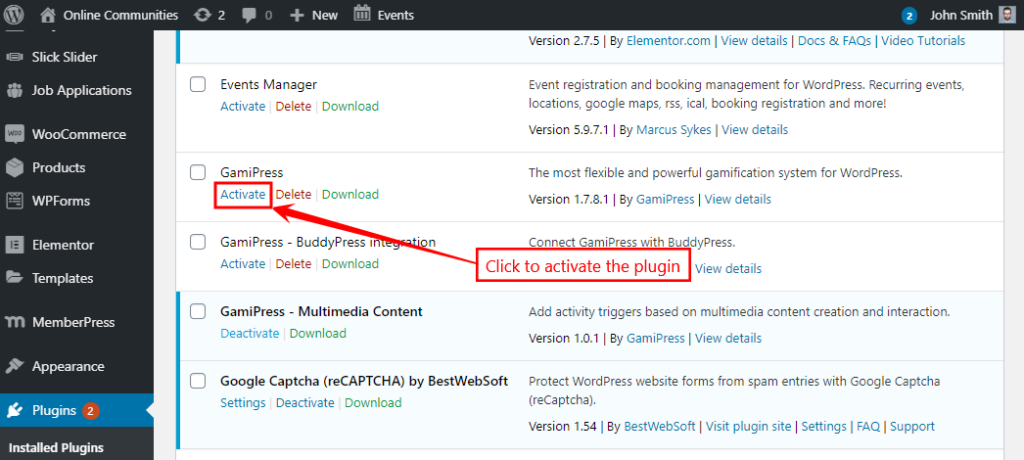
The integration plugin ensures gamification elements display seamlessly within your BuddyBoss theme and platform, blending points, achievements, and ranks naturally into your community interface.
Jump to Full Guide
Before creating specific awards, configure how gamification displays in your community.
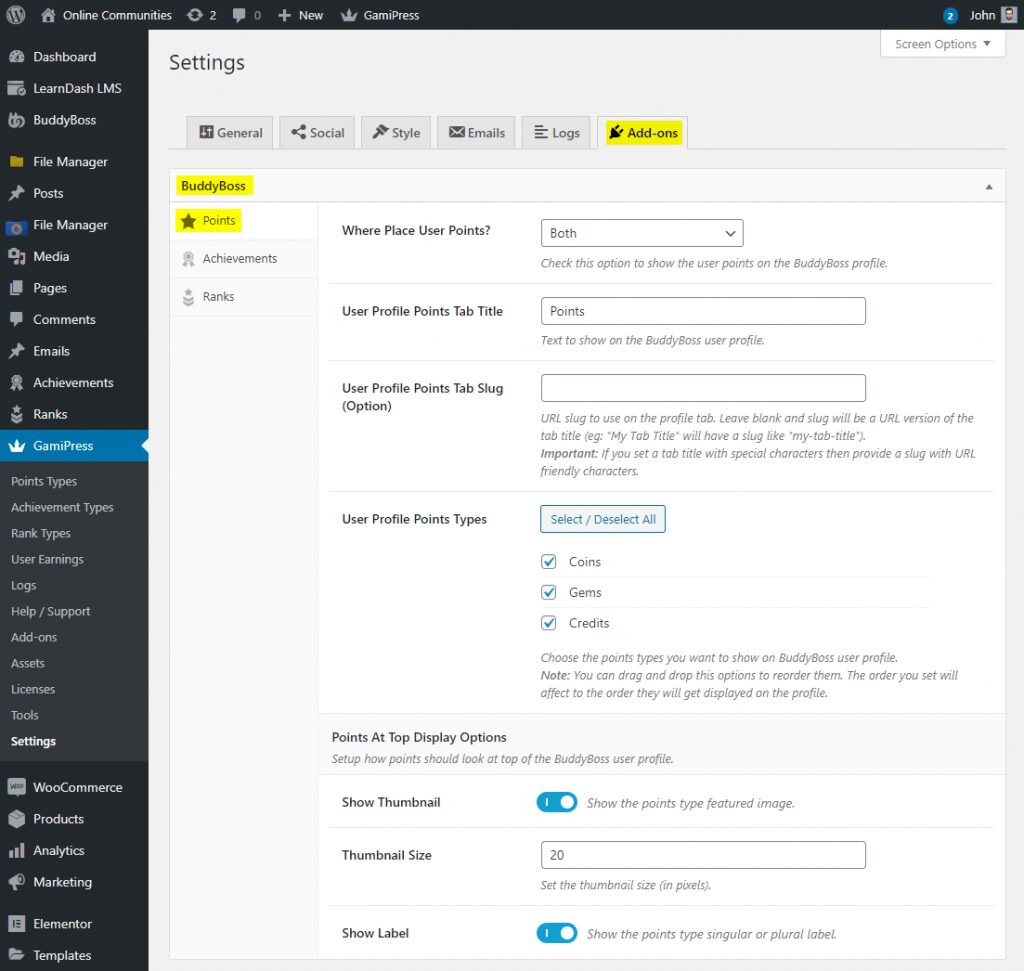
These settings control visibility. Make achievements prominent enough to motivate members but not so overwhelming that they clutter the interface.
Point types let you create different point systems for different purposes. You might have “Community Points” for social interactions and “Learning Points” for course completions.
You can create multiple point types if your community has distinct areas for example, “Forum Points” for discussion participation and “Course Points” for learning activities.
Point rules define what actions earn rewards. This is where BuddyBoss gamification setup gets strategic to choose actions that drive your community goals.
Within your Point Type, scroll to the “Automatic Points Awards” section. (take a look at above image for Automatic Points Awards)
Click “Add New”
In the “When” dropdown, select a BuddyBoss trigger:
→ Reply to a topic
→ Post an update
→ Comment on an activity
→ Complete profile
→ Send friendship request
→ Join a group
→ Upload avatar/cover image
Set how many times members can earn points for this action:
Enter the number of points to award
Add a descriptive label (members see this in their activity feed)
Click “Save All Points Awards”
Example point rule structure:
Create 5-10 core rules initially. You can always add more as you identify which behaviors need reinforcement.
Achievements are milestone-based rewards that recognize specific accomplishments. They're more prestigious than points because they're earned through significant effort.

Strategic achievement examples:
Make achievements feel meaningful. If everyone earns every badge in their first week, they lose value.
Ranks create a progression system where members “level up” as they accumulate points or achievements.
Go to WordPress Dashboard > GamiPress > Rank Types
Click “Add New”
Name your rank type (e.g., “Community Ranks”)
Configure settings
Click “Publish”
For each rank:
Members automatically move up ranks as they meet requirements. This creates visible progression that motivates continued engagement.
Leaderboards display rankings, creating healthy competition. GamiPress includes leaderboard shortcodes you can place anywhere on your site.
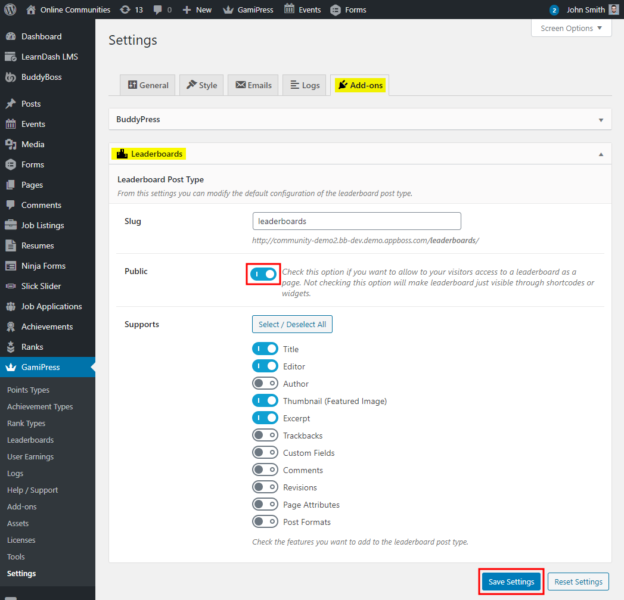
Create a leaderboard page:
Add this page to your main menu so members can easily find it. Consider creating multiple leaderboards for different categories most helpful answers, top course completers, most active forum participants.
Before announcing your gamification system, test everything thoroughly.
Testing checklist:
Fix any issues before launching to your full community. First impressions matter, BuddyBoss gamification setup should feel polished and seamless.
Roll out your gamification with excitement. Don't just flip the switch make it an event.
Launch strategies:
Sample announcement structure:
Day 1: Introduce the concept and why you're adding gamification
Day 2: Explain the points system and how to earn them
Day 3: Showcase available badges and achievements
Day 4: Reveal rank levels and progression paths
Day 5: Launch leaderboards and announce launch week contests
Make the launch feel celebratory. Members should be excited to start earning, not confused about what changed.
Experience Points, Badges & Rewards Live
Once your basic system runs smoothly, level up your gamification with these advanced techniques.
Use automation tools like Uncanny Automator to celebrate member achievements automatically:
Automated celebration examples:
These automated touches make members feel valued without requiring constant manual moderation.
If you use LearnDash for courses within BuddyBoss, GamiPress integrates seamlessly:
This integration turns passive course consumption into an engaging achievement hunt.
Keep gamification fresh with rotating challenges:
Scarcity creates urgency. Members engage more when they know rewards won't always be available.
Link gamification to tangible business outcomes:
This creates an upsell opportunity while rewarding your most engaged members.
Effective gamification setup doesn't just make things more fun; it drives measurable business results.
Retention skyrockets: The use of badges, is a key motivator and can significantly increase user engagement and retention in online communities and learning environments. When people invest time earning points and achievements, they develop emotional attachment to your community.
Daily activity increases: Gamification creates daily check-in habits. Duolingo's streak feature, for example, has driven millions of users to practice languages daily for years. Members return to maintain streaks, check leaderboards, and work toward their next level.
Positive behaviors multiply: Want more members answering questions? Award 50 points for helpful replies. Need course completion rates to improve? Give badges for finishing each module. Gamification setup lets you incentivize exactly the behaviors your community needs.
Belonging deepens: When members see their rank, achievements, and progress displayed publicly, they feel like recognized contributors rather than anonymous users. This sense of status and belonging reduces churn dramatically.
Organizations with gamified loyalty programs see a 22% increase in customer retention. The return on investment for proper gamification setup is clear: engaged members stay longer, buy more, and become advocates who recruit others.
Gamification can backfire if poorly implemented. Follow these principles to keep it motivating rather than manipulating:
Start simple: Launch with basic points and a few badges. Add complexity gradually as members adapt. Overcomplicating BuddyBoss gamification setup from day one overwhelms people.
Reward quality over quantity: Don't just award points for posting—award extra points when posts receive likes or helpful reactions. This prevents spam and encourages thoughtful contributions.
Balance individual and community goals: While leaderboards foster competition, also create team challenges where groups work together toward shared objectives. This builds collaboration alongside competition.
Make early wins easy: New members should earn their first badge within their first session. Early success hooks people into the system.
Regular refresh: Update challenges quarterly, rotate featured badges seasonally, and adjust point values if certain actions become too easy or too hard. Stale gamification loses effectiveness.
Combine with human recognition: Gamification supplements personal appreciation—it doesn't replace it. Community managers should still personally thank helpful members and highlight great contributions.
Track analytics: GamiPress provides reports on which achievements members pursue most, which points awards drive behavior, and which badges people display proudly. Use this data to refine your system.
Gather feedback: Ask members what motivates them. Some prefer competition, others like milestone achievements. Create systems that appeal to different motivational styles.
BuddyBoss's integration with gamification plugins creates a seamless experience that feels native rather than bolted-on.
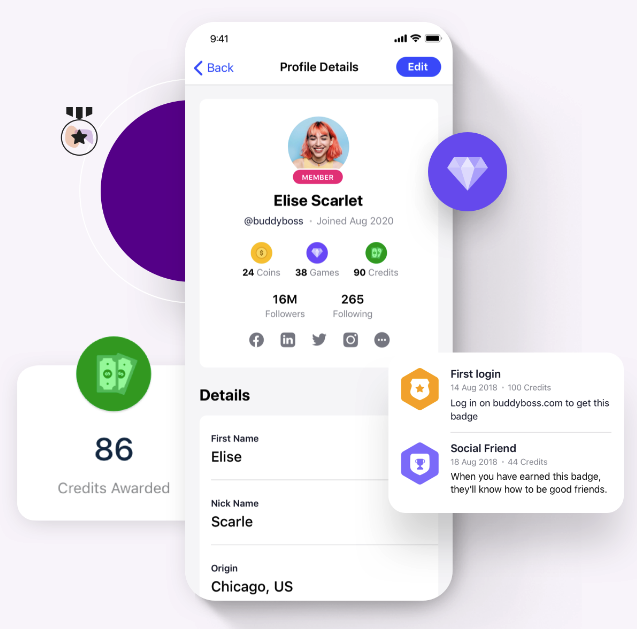
Seamless ecosystem integrations:
LearnDash: Award achievements for course progress
MemberPress: Create membership level perks based on points/ranks
WooCommerce: Offer point-based discounts on products
bbPress: Gamify forum participation
BuddyPress: Reward social interactions
These integrations mean your entire community ecosystem works together, reinforcing engagement at every touchpoint.
Mobile-friendly gamification: The BuddyBoss app displays points, badges, and achievements on mobile devices. Members can check leaderboards, track progress, and earn rewards from their phones. Mobile accessibility keeps engagement high even when members aren't at their desks.
Scalability: BuddyBoss is architected to scale effectively, its performance for large communities being primarily dependent on robust hosting infrastructure and server optimization, rather than inherent platform limitations. Your gamification setup scales automatically.
How do you set up gamification?
Begin by setting clear goals for engagement or learning. Decide which user actions you want to encourage, then pick game elements like points, badges, or leaderboards that match your audience’s interests. Integrate these elements smoothly into your platform and review user activity regularly to refine your setup as needed.
Can gamification be done correctly?
Yes, when game elements connect directly to meaningful goals and user motivation. The best approach is to design strategically, use feedback to improve, and avoid superficial rewards that don’t match real value.
Can we add custom badges?
Definitely! Custom badges are a great way to reward important actions or milestones, boosting motivation and helping users feel recognized for their unique achievements.
How does gamification affect learning?
It makes learning enjoyable and interactive. Learners stay motivated through features like instant feedback, progress tracking, and engaging challenges, which help improve knowledge retention and completion rates.
How can I gamify my curriculum?
Start with one or two game elements like points or quests linked to specific learning goals. Use pilot programs to see what works; then expand and fine-tune based on student feedback and engagement.
How do I measure gamification success?
Track activity rates, assignment completions, and test or survey results. Watch for improvements in participation, performance, and satisfaction to see if your system is working.
How does gamification increase user engagement?
It motivates users by creating clear challenges, goals, and rewards. Social features and friendly competition foster a sense of belonging, keeping people returning and participating more fully.
How much gamification is too much?
Too much can distract from your purpose. Keep mechanics meaningful and embedded in your experience, if users focus more on collecting rewards than learning or contributing, it’s time to scale back.
How to plan a marketing gamification strategy?
Clarify your campaign goals, explore what motivates the audience, and select relevant game mechanics to fit your brand. Measure results with analytics and adjust your approach to maximize success.
Is gamification only for learning?
Not at all. It’s used in marketing, HR, health, product design, and customer loyalty, anywhere you want people more engaged or motivated.
What tools can help gamify a classroom?
Platforms like Moodle, Canvas, Kahoot, ClassDojo, and Open Badges add points, quizzes, and badges to lessons, making learning more fun and interactive.
What game elements suit different age groups?
Kids: Bright visuals, simple points, and stories.
Pre-teens: Badges, team activities, and clear goals.
Teens: Leaderboards, more advanced challenges, and customization.
Adults: Achievements tied to real benefits and skill-building.
Start with BuddyBoss and GamiPress today. Your first badge could be “Gamification Pioneer” awarded to community creators who set up their first gamification system this week.
What achievement will your members chase first?
Stats source-
https://www.fortunebusinessinsights.com/industry-reports/gamification-market-100632
The online course market is projected to reach $65.17 billion by 2027, an incredible opportunity for course creators. What sets the most successful programs apart is not just great content, but the thriving communities built around them.
In 2025, paid communities are becoming the heart of online learning experiences, as learners increasingly seek connection, interaction, and accountability alongside rich course material.
By evolving your course into an interactive community, you unlock new revenue streams, increase learner satisfaction, and build long-term loyalty.
This guide explores the most effective community growth strategies for course creators in 2025—creative, low-cost approaches that turn motivated learners into lifelong advocates.
Growth hacking is the practice of finding creative, data-driven shortcuts that achieve fast, measurable growth often with limited budgets.
Unlike traditional marketing, which focuses on awareness and branding, growth hacks are small, repeatable experiments that use user behavior, incentives, and product loops to drive exponential results.
A true growth hack:
How to implement a growth hack:
Example: Duolingo’s “Streak” feature began as a growth hack, testing whether visible progress bars increased daily logins. Result: retention rose 3× among streak users.
Your course content might be excellent, but content alone doesn't build businesses anymore. Communities do three things content can't:
Transform one-time buyers into recurring revenue.
Courses paired with active communities see higher retention, referrals, and subscription renewals. Members who feel connected stick around, renew memberships, and buy your next offering.
Generate marketing that actually works.
Word-of-mouth from satisfied community members beats any ad campaign. When learners share wins inside your community, they're creating social proof that attracts new members organically.
Build the peer-to-peer learning engine.
When learners share insights, post reflections, and recommend resources, they turn from passive consumers into active contributors. This reduces your workload while increasing perceived value.
In 2025, thriving online communities are essential for course creators looking to scale their impact and revenue. Implementing proven growth hacks can help foster engagement, increase retention, and drive organic growth. Here are seven effective community growth strategies to consider this year and beyond:
Stop treating your entire audience as one monolithic group. The smartest course creators split their communities into targeted micro-groups based on skill level, career track, or specific interests.
Why it works: Personalization drives retention. When a beginner marketer joins a space specifically for people learning Facebook ads, they're more likely to engage than in a general marketing community where advanced practitioners dominate conversations.
How to implement: Start with three segments—beginner, intermediate, advanced. As your community grows, create additional spaces around specific outcomes like “landed my first client” or “building my agency.”
Use platforms like BuddyBoss, or Slack channels to create these divisions without fragmenting your community completely. Members can belong to multiple spaces simultaneously.
Proof in Practice: Peloton built exclusive groups for members and fostered a sense of belonging through live classes, user-generated content, and virtual challenges, leading to high engagement and loyalty.
Highlighting student achievements in newsletters and social media creates powerful social proof that drives organic marketing. But most creators miss the systematic approach.
Create a recognition system: Each week, spotlight three member win big or small. Someone finished module 2? Celebrate it. Someone landed their first client? Feature their story with permission.
Make sharing frictionless: Create a dedicated channel or thread where members can drop wins. Ask three questions: What did you accomplish? What surprised you? What are you tackling next?
Turn testimonials into assets: With permission, transform these stories into case studies, social posts, and landing page content. Brand communities benefit because members buy more, remain loyal, and reduce marketing costs through grassroots evangelism.
Proof in Practice: Pat Flynn's Smart Passive Income community features “Win Fridays” where members share weekly victories. This creates a steady stream of social proof while fostering celebration culture.
Well, not exactly a hack but it works as a retention accelerator. Syncing events with course content creates timely touchpoints that boost engagement and reinforce learning objectives.
Live AMAs (Ask Me Anything): Monthly Q&A sessions where you answer burning questions. Record them for those who can't attend live.
Cohort challenges: Time-bound challenges create urgency. “30-Day Content Challenge” or “Launch Your Product in 6 Weeks” give members concrete goals and built-in accountability.
Hybrid meetups: If your members cluster in specific cities, organize quarterly local meetups. Even small gatherings of 5-10 people deepen bonds that translate to online engagement.
Guest expert sessions: Bring in specialists for 90-minute deep dives on adjacent topics. This adds value without stretching your expertise and attracts their audiences.
Pro tip: Learners can RSVP, add events to their calendars, and receive reminders, making it easier for them to show up and participate. Use calendar integrations to reduce no-shows.
Proof in Practice: Peloton’s virtual events and interactive classes foster real-time engagement and community bonding, encouraging ongoing participation and retention.
By 2025, the market value of gamification is expected to exceed $32 billion, and gamification can boost conversions by up to seven times across marketing campaigns.
Points and badges: Award points for completing lessons, posting in forums, helping others, and referring friends. Badges for milestones can include enrolling in a course, posting to a discussion board, or completing an assignment.
Progress trackers: Visual progress bars showing course completion or community participation tap into our psychological need to finish what we start.
Tiered membership levels: Bronze, Silver, Gold, Platinum. Each tier unlocks perks: early access to new content, exclusive office hours, or course discounts.
Referral rewards tied to gamification: Many of the consumers say they'd refer more frequently if they could see their rank on a leaderboard. Create a referral leaderboard where top referrers each month win prizes but keep it friendly, not cutthroat.
Implementation tools: Xperiencify specializes in gamified course experiences with built-in progress tracking, points, and leaderboards. For simpler setups, LearnDash offers free gamification add-ons.
Proof in Practice: Duolingo's streaks and badges significantly increased daily logins and course completion, exemplifying how gamification elements boost sustained engagement and learning.
This community growth hack is more like an ‘Audience Piggybacking Hack’. The fastest community growth happens when you tap into someone else's audience, ethically and strategically.
Cross-promotions with complementary creators: Find course creators serving the same audience with different expertise. If you teach email marketing, partner with someone teaching copywriting. Run joint challenges or bundle offerings.
Guest experts build credibility: Influencers can provide valuable feedback and insights about your products from both their perspective and that of their audience. Invite recognized experts for community takeovers, guest lessons, or collaborative projects.
Podcast and YouTube appearances: Getting featured on established shows introduces your community to warm audiences already interested in your topic. Offer genuine value, not just promotion.
Affiliate partnerships: Build a structured affiliate program where partners earn commissions for referrals. Use tiered rewards and gamification to drive repeat referrals.
Proof in Practice: Dropbox's referral program offered bonus storage for sharing, resulting in exponential user growth from 100,000 to 4 million users in 15 months, demonstrating the power of strategic partnerships and incentives.
This community growth hack is more like AI Personalization Growth Loop hack. 88% of community professionals admit to communities playing a critical role in achieving their company's mission. But scaling personalized engagement seems impossible until you add AI.
Personalized onboarding sequences: Use AI to analyze new member responses and deliver customized welcome paths. Someone interested in advanced tactics gets different first-week content than a beginner.
Automated engagement prompts: AI can identify quiet members and send personalized check-ins. “We noticed you haven't posted yet—what question can we help you with?”
Smart content recommendations: Based on what members engage with, AI suggests relevant discussions, resources, or connections to other members with similar interests.
Quiz feedback and adaptive learning: Use GenAI to automate and personalize marketing content, including quiz feedback and engagement prompts.
Budget-friendly options: Many community platforms now include basic AI features. Start with automated workflows in tools like Circle or Skool before investing in custom AI solutions.
Proof in Practice: Calendly's product-led growth shows how focusing on user experience and organic word-of-mouth, powered by simple yet effective AI features, can drive massive adoption without aggressive marketing.

When you encourage user-generated content, you turn passive consumers into active contributors. The best communities run partially on member contributions.
Member-created resources: Encourage learners to share templates, checklists, tutorials, or shortcuts they've discovered. Create a resource library that members can contribute to.
Peer teaching opportunities: Advanced members can lead workshops on specific topics. This builds their authority while reducing your content creation burden.
Study groups and accountability pods: Assign students to small groups where they can share information and create study groups for the course. These self-organizing groups keep members engaged between your official touchpoints.
Spotlight member initiatives: When members create something valuable, feature it prominently. This recognition motivates others to contribute while diversifying your content sources.
Proof in Practice: Community initiatives that encourage members to share resources, lead discussions, or organize study groups tend to create self-sustaining ecosystems that scale naturally through active contributions.
Don't reinvent the wheel. Smart course creators leverage platforms purpose-built for community management.
All-in-one course and community platforms:-
BuddyBoss: BuddyBoss is a purpose-built solution for community creators who want to grow without cobbling together multiple tools.
Instead of juggling separate apps or platforms, BuddyBoss brings courses, memberships, forums, events, and engagement features into one seamless ecosystem on WordPress.
these are some tools in Buddyboss that make community growth easier:-
Discussion Forums and Groups
BuddyBoss makes it simple to spark conversations with structured forums, private or public groups, and social-style activity feeds that encourage members to interact naturally.
Built-In Gamification
Using integrated tools like achievements, ranks, and badges, course creators can drive engagement, motivate learners, and celebrate progress—all from within their community.
Membership and Access Control
With BuddyBoss, you can control who sees what content. Segment members based on their course or membership level to foster a sense of exclusivity and progression.
Event Management
Organize live workshops, online meetups, or community Q&A sessions with BuddyBoss events. Members can RSVP directly inside the platform, supporting better participation.
Mobile App for Engagement Anywhere
Unlike most solutions, BuddyBoss gives you your own fully branded mobile app. Push notifications, mobile-first design, and community accessibility keep members active on the go.
Seamless Course Integration
Natively working with LearnDash, BuddyBoss lets you merge coursework with community features. Learners don’t just consume content—they engage with peers, ask questions, and collaborate in real time.
Private Messaging & Notifications
Direct messaging and real-time notifications ensure your members stay connected and never miss important updates or interactions.
Gamification Specialists:-
LearnDash: A powerful WordPress-based LMS that supports gamification through free and premium plugins. Features like points, certificates, quizzes, and course progression tools keep learners motivated and engaged.
MemberPress: Beyond managing memberships, MemberPress can integrate with gamification plugins such as GamiPress to add badges, points, and achievement systems. This combination encourages member participation, rewards progress, and strengthens community loyalty.
Engagement automation:
Analytics and tracking:
Every growth hack in this guide whether gamification, micro-communities, or referral loops works best when your platform supports it natively without patchwork solutions. BuddyBoss brings together courses, communities, and automation on WordPress, empowering creators with full ownership and unmatched flexibility.
With its robust built-in engagement features, seamless LMS integration, mobile app access, and powerful gamification tools, BuddyBoss provides the perfect foundation to test, implement, and scale real growth hacks effectively and sustainably.
How BuddyBoss Supports Key Growth Hacks:
Micro-Communities → Groups & Access Controls
BuddyBoss lets you create targeted micro-communities through flexible groups and granular access controls, making it effortless to build niche cohorts and exclusive content areas that boost engagement.
🏅 Gamification → Native GamiPress Integration
Integrated directly with GamiPress, BuddyBoss offers native gamification with points, badges, ranks, and achievements that motivate members to actively participate and stay engaged.
📅 Event-Led Engagement → Built-in Events Module
BuddyBoss supports event-led engagement through built-in or integrated event management solutions. While BuddyBoss itself does not have a native events module built directly into its core, it integrates seamlessly with popular WordPress event management plugins such as Eventin and Modern Events Calendar (MEC).
📱 Mobile Push Notifications → Re-engagement Loop
Keep members coming back with real-time mobile push notifications, reminding them about activities, events, or milestones, fueling ongoing engagement even on the go.
🔗 Social Proof & Referrals → Activity Feeds & Mentions
BuddyBoss’s activity feeds, social mentions, and user tagging generate organic social proof, encouraging sharing and referrals that bring new members organically.
Discover how BuddyBoss powers communities that grow faster, engage deeper, and retain longer
Chasing vanity metrics: Course creators are more interested in course purchases and student completion rates than raw member counts. A thousand inactive members is worse than 100 engaged ones.
Over-relying on paid ads: Ads can seed your community, but organic growth through referrals and word-of-mouth sustains it. Creators face challenges with rising production costs and the need for strategies that don't rely on social media algorithms.
Ignoring member feedback: Your community is a rich source of direct feedback, offering unfiltered insights into customer preferences and ideas for innovation. Create regular feedback loops through surveys, polls, and open discussions.
Inconsistent presence: Communities die when founders disappear. If you can't be present daily, build systems and empower community moderators or champions to maintain energy.
Focusing on growth before engagement: Get your core members deeply engaged before scaling. Build quality over quantity. Create an environment where members can connect, learn, and grow together.
Pick one strategy that resonates with your teaching style and audience. Test it for 30 days. Measure the impact. If it works, refine and expand. If it doesn't, try another approach.
Most successful course creators follow this pattern: start with micro-communities and social proof loops, add monthly events, then layer in gamification once you have baseline engagement. The growth compounds from there.
Your next step: Choose one community growth hack from this guide and implement it this week. Start small, track what happens, and iterate. The course creators winning in 2025 aren't necessarily the ones with the most polished content, they're the ones fostering the most vibrant communities.
What will you try first?
https://www.social.plus/blog/40-statistics-you-should-know-about-online-communities
https://botsify.com/blog/7-growth-hacking-strategies-that-work-in-2025/
You’ve built a thriving paid community, and new members are joining regularly.
To create an even better experience, it’s important to streamline daily operations from managing payments and sending welcome emails to updating access levels and tracking engagement.
By automating these essential tasks, you’ll free up valuable time, reduce errors, and set your community up for long-term growth and member satisfaction.
The subscription economy grew by 435% in less than a decade. It reached $650 billion in 2024. By 2025, it will hit $1.5 trillion. Yet most community owners still manage everything by hand.
The difference between thriving communities and struggling ones? Smart integrations.
Integrations for paid communities connect your tools so they work together. They automate boring tasks. They create smooth experiences for members. And they free you to focus on what matters, building relationships and creating content.
This guide covers the essential integrations for paid communities. You'll learn which tools to connect and how they transform your membership site.
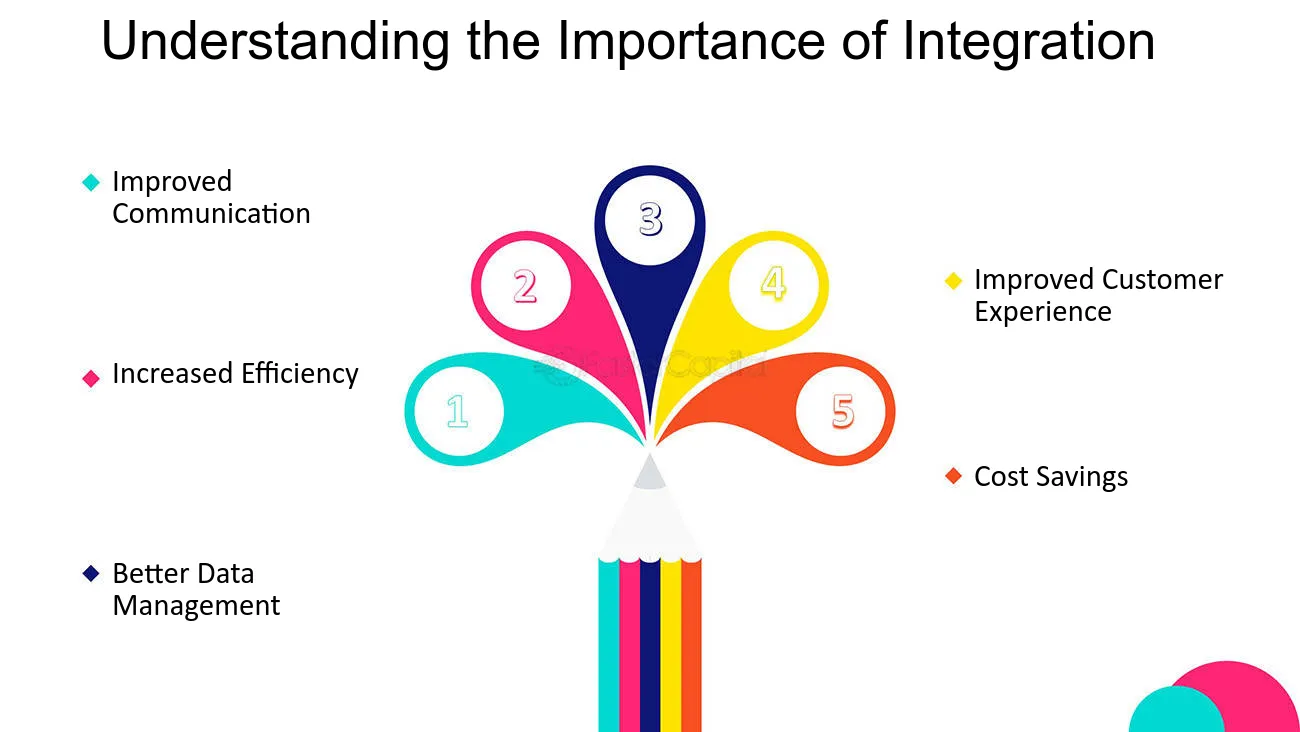
Think of integrations as your community's nervous system. They connect all the parts so they work together smoothly.
Time back in your schedule. The global membership management software market reached $5.43 billion in 2024. It's growing because people are tired of manual work. Good integrations save 10-20 hours per week on admin tasks.
Better member experience. When systems talk to each other, members never hit roadblocks. They buy a course. They instantly get access. They see their progress. They earn badges. Everything happens automatically.
Data that makes sense. Most businesses use 6-10 different tools. Without integrations, your data lives in separate silos. You have payment info in Stripe, engagement data in your community, and email metrics in ConvertKit. Integrations create one complete picture.
Fewer mistakes. Manual data entry causes errors. When a member upgrades, integrations update everything instantly. Access levels change. Email sequences trigger. Premium content unlocks. No forgotten updates or duplicate charges.
Payment processing is the heart of your paid community. Get this wrong and nothing else matters.
Stripe handles subscriptions better than anyone. It manages recurring billing automatically. When cards fail, it retries them for you. It works in 135+ currencies. And it syncs payment data to your membership platform in real-time.
PayPal has over 400 million users worldwide. Many people prefer PayPal because they don't need to enter card details. It's especially strong for international buyers and anyone who trusts the PayPal brand.
WooCommerce turns WordPress sites into complete stores. It manages products, coupons, and subscriptions. And it connects seamlessly with membership plugins.
Automate recurring payments. Members subscribe once. After that, payments are processed automatically. When cards fail, the system retries in the background. This reduces involuntary churn by 20-30%.
Since 71% of businesses face payment fraud, modern integrations include built-in fraud detection. This saves thousands in potential losses.
Create flexible pricing. Set up multiple membership levels. Basic costs $29/month. Premium costs $79/month. Enterprise costs $199/month. Each level unlocks different features.
Run limited-time promotions. Offer founding member discounts. Provide annual prepay options. The system handles all the logic.
Sync access instantly. The moment payment clears, members get access. Forum permissions activate. Course enrollment happens. Community features unlock.
When subscriptions end or cards decline, access revokes automatically. Your premium content stays protected without constant monitoring.
BuddyBoss makes this easy. Connect your community to WooCommerce or Stripe. Set up products linked to membership levels. Every purchase automatically grants the right access. Members see unified profiles showing purchase history, membership status, and activity—all synced through integration.
The average membership site sees 0.6-0.9% chargeback rates without proper payment integration. With automated fraud detection and secure processing, this drops significantly. Plus, 81% of consumers buy directly from merchant websites. Strong payment integrations improve both experience and sales.
CRM stands for Customer Relationship Management. These systems turn raw data into insights about your members.
Payment integrations handle transactions. CRM integrations handle everything else about understanding and engaging your community.
HubSpot combines everything. Contact management, email marketing, automation workflows, and detailed analytics. The free tier works for growing communities. Paid plans add advanced features.
ActiveCampaign specializes in marketing automation. Its conditional logic creates sophisticated member journeys based on behavior triggers.
ConvertKit was built for creators. It focuses on email marketing with visual automation builders, subscriber tagging, and landing pages.
Track everything members do. Course completions. Forum posts. Event RSVPs. Content downloads. All this flows into your CRM automatically. You build detailed profiles showing engagement patterns and interests.
Automate your communication. New member joins? Send a seven-email onboarding sequence. Introduce community features. Highlight popular content. Encourage first interactions.
Member hasn't logged in for 30 days? Send a re-engagement email featuring content they missed.
Segment your audience. Divide your community into groups. By membership tier. By engagement level. By course progress. By interests.
Send targeted emails to each segment. Announce advanced features only to premium members. Share beginner resources with new joiners.
Connect your community to ConvertKit. When members complete their first course, ConvertKit tags them “Course Completer.” It sends congratulations with the next steps.
Members who haven't engaged in 21 days get a personalized “We miss you” message. It features content relevant to their interests.
Only 38% of membership sites have processes to re-engage churned members. Automated CRM workflows give you a major advantage.
The global LMS market was valued at $23.35 billion in 2024. By 2032, it will reach $82 billion.
Educational content drives community value. LMS integrations for paid communities make delivering education seamless.
LearnDash is the most popular WordPress LMS. Fortune 500 companies use it. So do universities and training organizations. It offers course building, drip content, quizzes, certificates, and gamification.
LifterLMS provides similar features plus built-in eCommerce. It's strong for selling courses directly without requiring WooCommerce.
TutorLMS is a lightweight, modern option. Clean interfaces and solid features at a lower price than LearnDash or LifterLMS.
Combine community with courses. Members don't just chat. They learn. Package your expertise into organized courses. Create modules, lessons, quizzes, and assignments.
When course content lives inside your community, learning becomes social instead of isolated.
Track learner progress. See exactly where members are on their journey. Identify who's racing ahead. Spot who's stuck.
Award badges for completing modules. Give certificates for finishing courses. Assign ranks based on overall progress.
Create certification paths. Build multi-course learning paths. Completing Course A unlocks Course B. Members earn recognized credentials that showcase expertise. This increases the perceived value of your community.
BuddyBoss's LearnDash integration makes learning truly social. Here's what happens automatically:
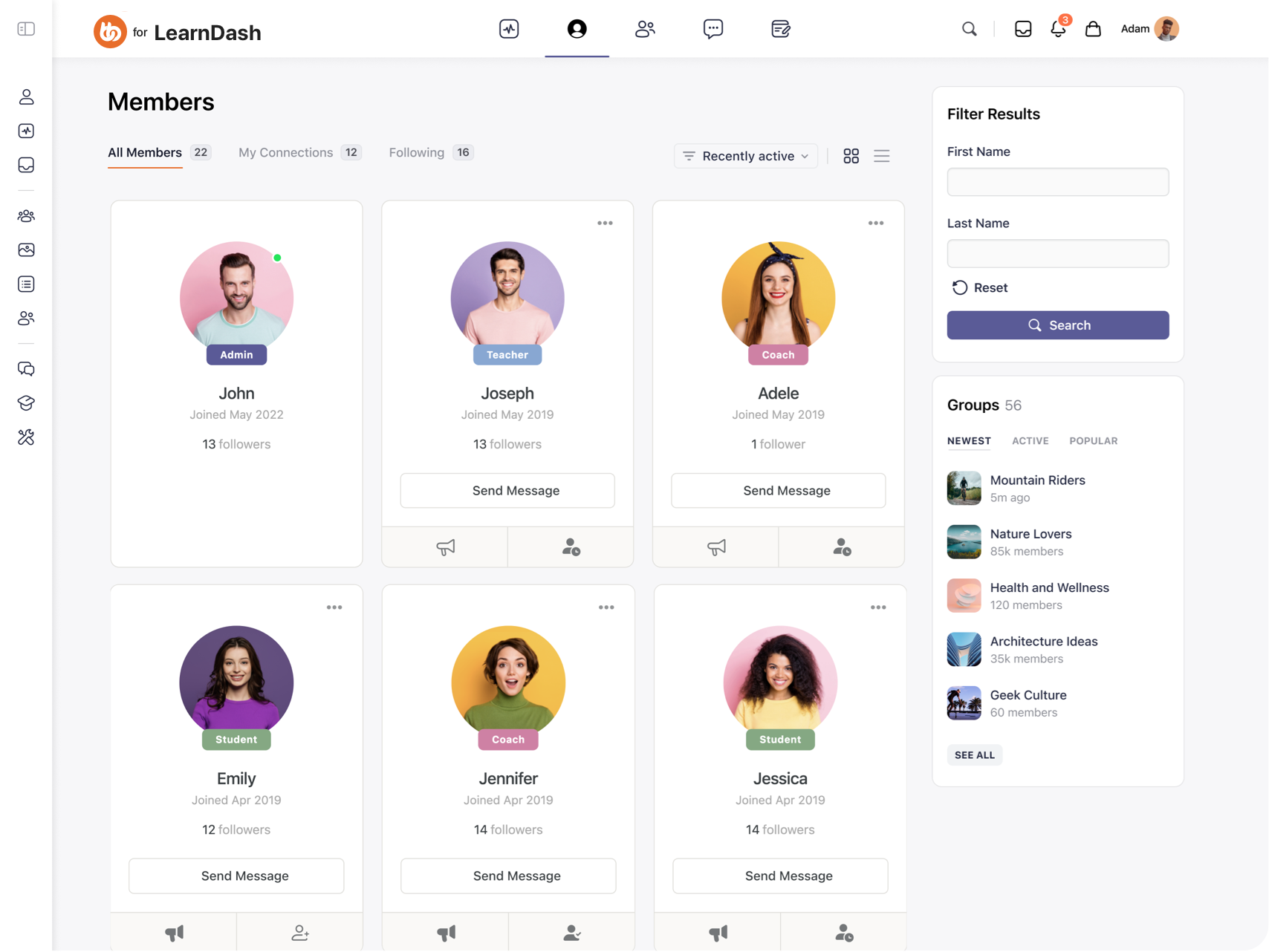
Unified access control. A member purchases a course through WooCommerce. Payment processes. LearnDash enrollment happens instantly. BuddyBoss group access grants automatically. All from one transaction.
Social learning. Each course has an associated BuddyBoss group. Members discuss lessons. They share insights. They help each other. Peer learning happens naturally within the course context.
Progress visibility. Member profiles display course progress, earned certificates, and achievement badges. This creates social proof. It motivates other members to engage.
Activity integration. When members complete lessons or earn certificates, these achievements appear in the activity feed. Public recognition encourages continued progress.
Gamification connection. Combine LearnDash courses with GamiPress. Award points for starting courses. Give badges for completion. Assign ranks based on certifications earned.
Create a LearnDash course called “Community Building Mastery.” Link it to a WooCommerce product priced at $297. Connect the product to a private BuddyBoss group called “Community Builders.”
Set up GamiPress to award:
The result? Members purchase once. They gain course access. They join the discussion group. They earn recognition for progress. They unlock new community tiers. Everything automated through integrations.
Email remains the highest ROI marketing channel. Integrations for paid communities make email automation effortless.
Mailchimp is the household name. Templates, automation, segmentation, and analytics. Works well for communities up to 10,000 members.
ConvertKit focuses on creators. Visual automation builders. Subscriber tags. Landing pages. Strong for content-based communities.
MailPoet is WordPress-native. It integrates directly with your WordPress site. Create and send newsletters without leaving your dashboard.
Automated onboarding. New member signs up at 2am? They receive a welcome email instantly. It introduces your community and guides first steps.
Weekly newsletters compile top discussions and new content. They send it automatically every Monday.
Re-engagement sequences. Member hasn't visited in 14 days? Trigger an automated sequence:
Activity-based triggers. Sync community activity with email lists. Member completes a course? Send congratulations plus recommended next courses.
Members post their first forum question? Email community champions to engage with newcomers.
Behavior-based sequences. Tag members based on actions. Then trigger appropriate emails:
Lifecycle communication. Automate messages for milestones:
Winback campaigns. For cancelled members, automated sequences offer incentives to return:
Connect BuddyBoss with ConvertKit via Zapier or native integration. Every new member registration adds them to ConvertKit automatically. Tags indicate their membership level and signup source.
Course completions, group joins, and achievement badges trigger relevant email sequences. No manual list management required.
You can't improve what you don't measure. Analytics integrations for paid communities transform data into decisions.
Google Analytics is the foundation. Track page views, member behavior flows, traffic sources, and content performance.
Metorik focuses on WooCommerce. Detailed insights into revenue, order trends, customer behavior, and product performance.
WP Fusion connects WordPress membership sites to CRMs. It tracks member behavior, course progress, and engagement patterns.
Revenue metrics. Track monthly recurring revenue (MRR), annual recurring revenue (ARR), member lifetime value, and churn rate.
Identify patterns. Do members typically cancel after three months? Does engagement drop before cancellation?
Engagement metrics. Measure daily active users (DAU), monthly active users (MAU), average session duration, and feature adoption rates.
Discover which content drives engagement. Find what sits unused.
Conversion funnel. Track the journey from visitor to free trial to paying member. Identify drop-off points.
Are people abandoning at signup? Failing to activate accounts? Not upgrading after trials?
Cohort analysis. Compare different member groups. Do annual subscribers have better retention than monthly? Do members who complete onboarding engage more? Which acquisition channels produce highest lifetime value?
Learn how success metrics can help you measure and accelerate your community’s growth.
What to create next. Which courses have the highest completion rates? What topics generate most discussion? Where do members spend time?
How to price effectively. Which tier converts best? Does offering annual options reduce churn? What discount level maximizes conversions?
When members need help. Spot at-risk members before they churn. If members who don't complete onboarding cancel 80% more often, prioritize onboarding improvements.
Where to focus marketing. Which traffic sources produce paying members? What content attracts your best members? Which partnerships drive quality signups?
With integration, analytics happen automatically. No manual spreadsheet work. Make decisions based on real data, not gut feelings.
Most community platforms give you two options: adapt to their limited integrations, or pay for expensive proprietary tools you don't own.
BuddyBoss eliminates this compromise. BuddyBoss offers 100+ integrations to meet your needs, in any need, at any stage.
BuddyBoss stands out by offering native integrations for paid communities. You don't need dozens of separate plugins that might conflict.
Stripe & WooCommerce- Connect payment processing directly. Members purchase through WooCommerce. Payment processes via Stripe. BuddyBoss access grants automatically.
LearnDash & LifterLMS- Seamless LMS integration makes social learning possible. Courses, discussions, and community exist in one unified experience.
Zoom- Schedule and host video meetings directly within BuddyBoss. Members join events without leaving the platform.
MemberPress- Combine membership management with BuddyBoss's community features for powerful access control.
GamiPress- Award points, badges, and ranks for participation without plugin conflicts.
WP Fusion (not native)- Sync member data to CRMs like HubSpot, ActiveCampaign, and Salesforce.
Check some of our top integrations-
| Category | Native Integrations | Third-Party Integrations |
| LMS Platforms | LearnDash, LifterLMS, Tutor LMS | 0 |
| Payment Processing | WooCommerce + Stripe | PayPal (via WooCommerce) |
| Membership Management | MemberPress, PMPro, Restrict Content Pro, WishList | 0 |
| CRM & Marketing | WP Fusion | 10+ via WP Fusion, unlimited via Zapier |
| Video/Communication | Zoom, OneSignal | Slack, Telegram, WhatsApp (via connectors) |
| Gamification | GamiPress (full suite) | 0 |
| Event & Jobs | Events Calendar, Modern Events, WP jobs | 0 |
| Page Builders | Elementor, Beaver Builder | 0 |
| Total Platform Reach | 25+ native | 150+ via connectors, 5000+ via Zapier |
Centralized profiles. Everything lives in one place. Members see purchase history, course progress, achievement badges, group memberships, and activity on their profile. No navigating between disconnected systems.
Synchronized data. When data syncs automatically, members never face confusing discrepancies. Their membership level, course enrollments, and community access always match.
Fewer conflicts. WordPress sites often break when plugins conflict. BuddyBoss tests integrations thoroughly. Updates happen in coordination.
Unified support. When issues arise, contact one support team. No playing “not my problem” ping-pong between plugin developers.
Here's what happens automatically with proper integrations:
Everything happens while you sleep. Members experience seamless progression. That's the power of integrations for paid communities done right.
Over-integrating from day one. Start simple. Add integrations as you need them. Each integration adds complexity.
Ignoring data privacy. GDPR, CCPA, and other regulations govern how you collect and share member data. Ensure integrations comply with privacy laws.
Not testing integrations. Every time you add or update integrations, test the complete member journey. Broken automation destroys trust.
Forgetting onboarding. Integrations help your efficiency. But members don't see backend automation. Clear onboarding ensures they understand how to use your community.
Neglecting maintenance. Plugins update. APIs change. Services deprecate features. Schedule quarterly integration audits to catch problems before members do.
Choosing incompatible tools. Not every tool works nicely with others. Before committing to platforms, verify they integrate with your existing stack.
Skipping documentation. Document your integration setup. When something breaks (and it will), having a map saves hours of troubleshooting.
The difference between struggling membership sites and thriving communities isn't luck. It's a system.
BuddyBoss brings these integrations together in one unified platform. It eliminates plugin conflicts while providing seamless member experiences.
When payment processing, course delivery, community engagement, and marketing automation work as one system, you build a self-sustaining membership business.
The compound effect. Each integration saves hours weekly. Five key integrations save 25 hours per week. That's half a full-time job eliminated.
Invest those hours into creating better content. Build deeper relationships. Or simply have a life outside your business.
Ready to streamline your paid community? Start integrating with BuddyBoss for a unified, scalable experience.
Begin with payment automation. Add email sequences. Integrate your LMS. Connect analytics. Watch your community grow while your workload shrinks.
The future of paid communities isn't bigger teams. It's a smarter system. Build yours today.
The future of education and community building has changed dramatically with artificial intelligence.
Course creators, teachers, and community owners now have access to powerful AI tools for course creators that can can reduce initial draft time dramatically from weeks to hours while maintaining quality and engagement.
Whether you're building your first online course, managing a classroom, or growing an engaged community, the right AI tools can multiply your impact while freeing up time for what matters most: connecting with your learners and members.
This comprehensive guide explores the most effective AI tools for course creators across every stage of the content creation and community management process, organized by use case and pricing to help you build your perfect AI toolkit.
Bonus: Start with exploring our video on helpful tools you need to deliver your online courses-
Traditional course creation demands immense time investment.
industry estimates suggest that a typical online course requires hours of development time for content creation, video production, assessment design, and platform setup.
Community management adds another layer of complexity with constant content needs, member engagement, and administrative tasks.
AI tools for course creators address these challenges by automating repetitive tasks, generating initial content drafts, personalizing learning experiences, and scaling your reach without proportionally scaling your workload.
The result? Creators report huge time savings on course development, teachers spend less time on administrative tasks and more time with students, and community owners engage members more effectively with personalized content at scale.
Choosing the right AI tools can make a big difference in cost, features, and results. This quick reference compares free and paid options side-by-side, so you can build your ideal toolkit without overspending or missing essential capabilities:
| Category | Tool Name(s) | Price/Access |
| Free AI Tools | Coursebox AI (limited), Mini Course Generator (trial), Learning Studio AI (credits), Google Gemini for Education, ChatGPT (limited), Canva for Education (K-12), NotebookLM, Perplexity AI (limited), Claude (limited), Gamma AI (limited) | Free or limited/trial |
Best Value Paid (<$30/mo) | CourseAI, MagicSchool AI, Grammarly Premium, Otter.ai, Notion AI (per user), Descript, ElevenLabs | $5–$29.99/month |
| Premium Investment ($30+) | Heights AI, Jasper AI, Synthesia, HeyGen, Murf.ai, Thinkific AI (Platform plans) | $19–$39+/month |
| Enterprise/Institutional | Lingio (custom), Turnitin AI Detection, Gradescope, MagicSchool Enterprise | Custom pricing |
Choose tools based on your budget, technical comfort, and primary use case. Mix free and paid tools to create your optimal stack while managing costs effectively.
Let's get started with Free AI Course Creators-
Coursebox stands out among ai tools for course creators with its all-in-one approach to course generation. Upload your existing materials PDFs, documents, presentations and watch as the AI transforms them into structured learning experiences complete with quizzes and interactive elements.
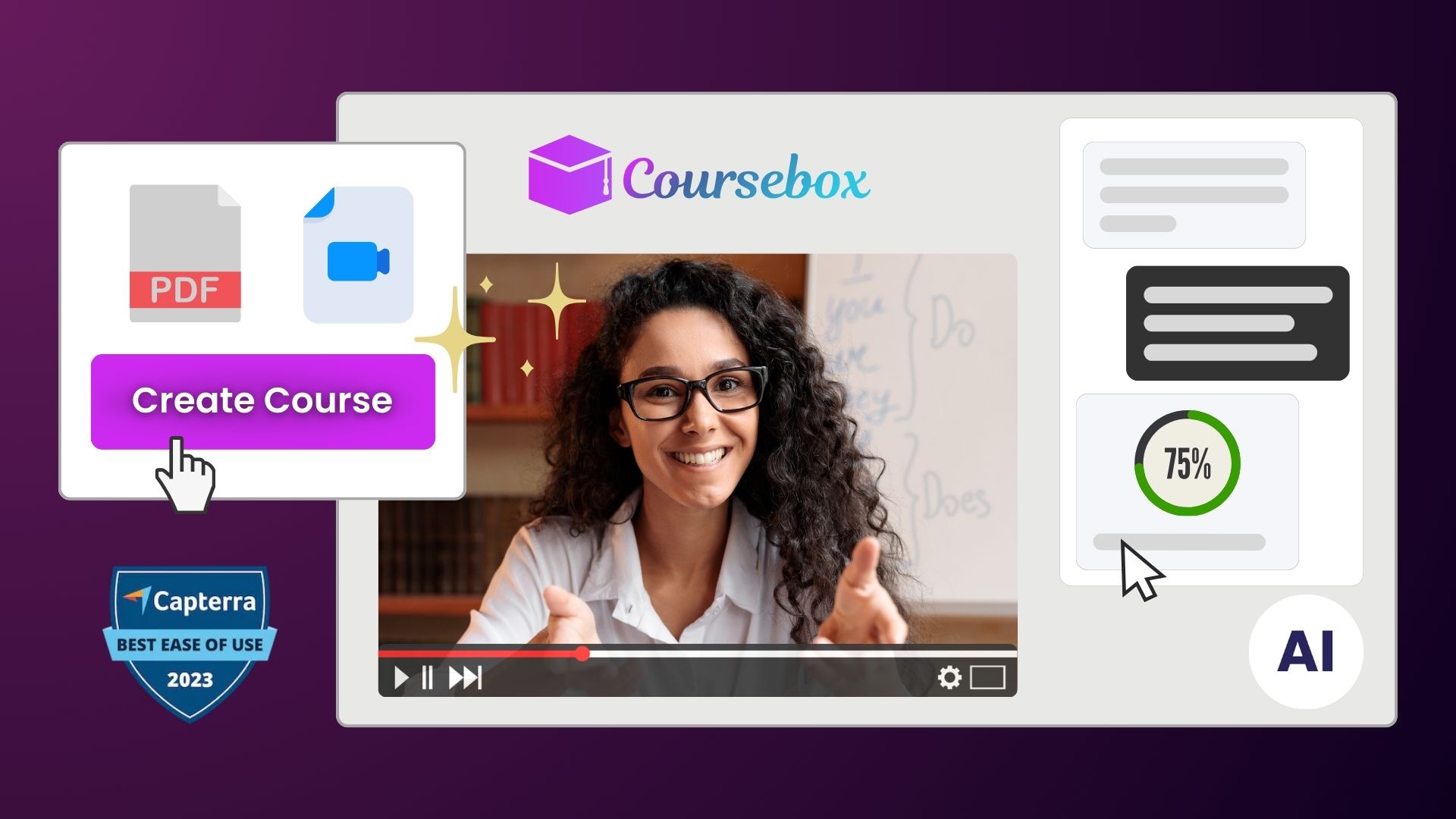
Key Features:
Best For: Corporate trainers needing rapid course deployment, educators converting existing materials into interactive experiences
Pricing: Free tier with limited courses; paid plans from $49/month
Mini Course Generator specializes in creating bite-sized learning experiences perfect for lead magnets, customer onboarding, or micro-learning initiatives. Vendor claims reduced hallucinations content by grounding AI generation in your uploaded resources.
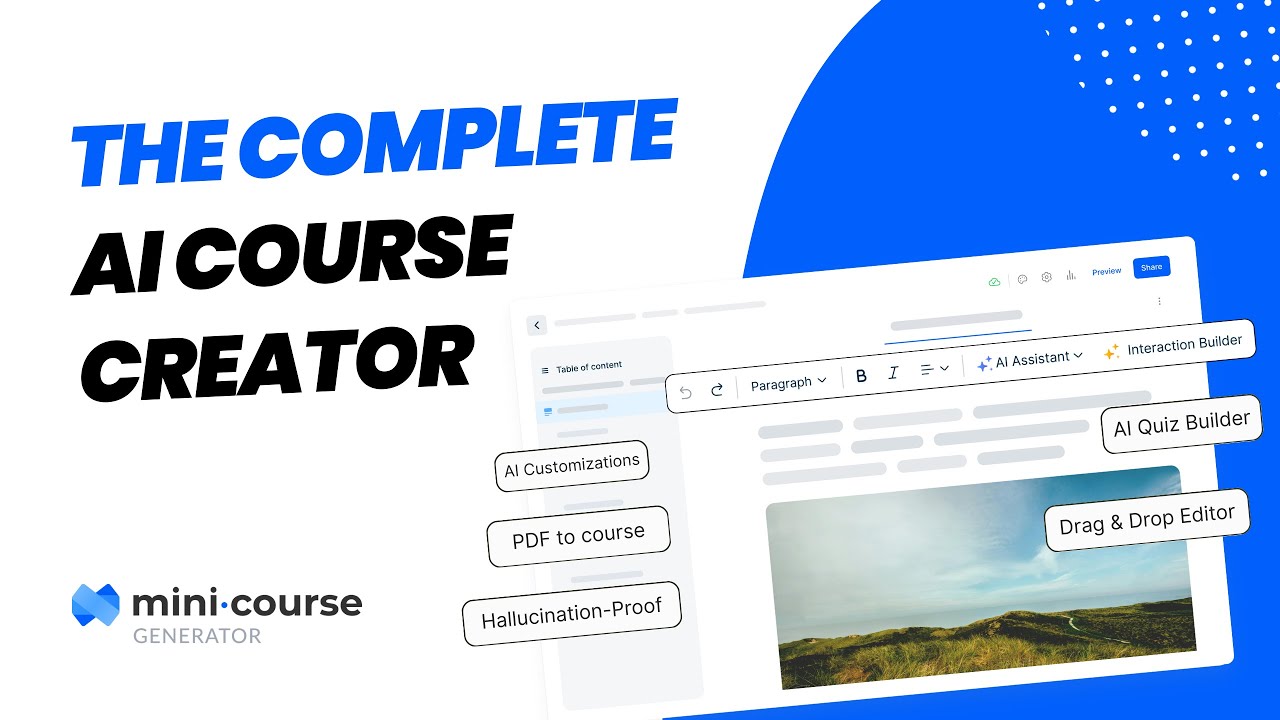
Key Features:
Best For: Community owners creating member onboarding sequences, coaches developing lead magnets, product managers building customer education
Pricing: Free trial; paid plans from $19/month
Shiken transforms documents, links, or text into card-based courses with interactive quizzes and conversational role-plays. Background processing means you can continue working while your course generates, receiving email notifications when complete.
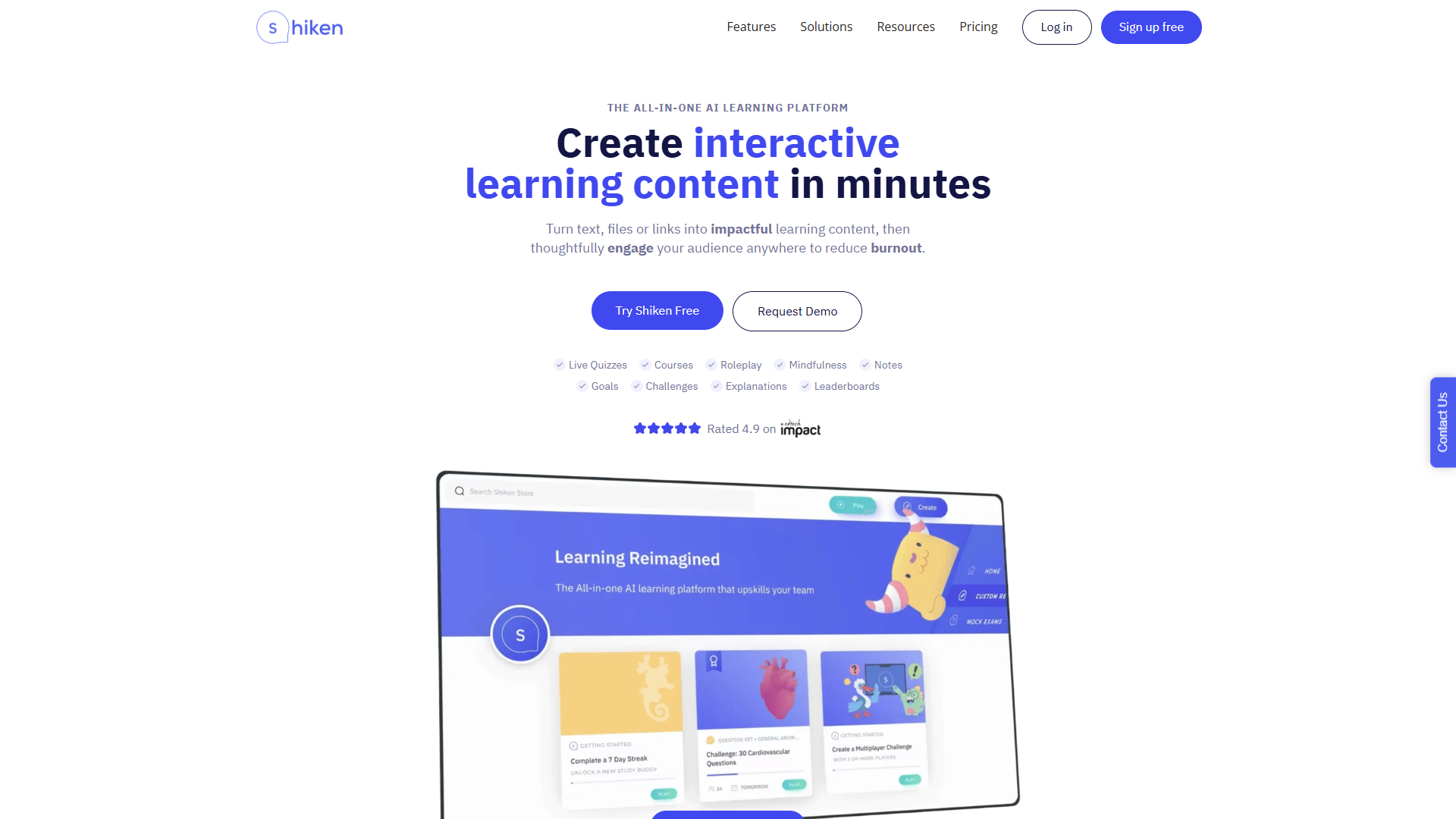
Key Features:
Best For: Organizations building knowledge bases, creators focused on mobile learning experiences
Pricing: Free plan available; paid plans from £39/month
Learning Studio AI offers a unique aesthetic approach to course creation, generating visually distinct learning experiences. The platform provides generous free credits for testing and emphasizes speed of deployment for just-in-time training needs.
Key Features:
Best For: Creating supplementary training materials, building quick product tutorials, rapid response training.
Pricing: 40 free credits; paid credits available for purchase
These tools can be paired with community platforms like BuddyBoss to transform static materials into interactive member experiences
Now let's start with Premium AI Tools for Course Creators–
CourseAI provides end-to-end course creation including content generation, video script writing, and marketing email creation. The platform considers your audience demographics and psychographics to create truly targeted learning experiences.
Key Features:
Best For: Solopreneurs building their first courses, creators monetizing expertise through Teachable or similar platforms.
Pricing: $29.99/month after trial
Heights AI functions as your 24/7 AI coach for course creation and business growth. Beyond generating courses, it provides strategic guidance on growing your online education business.
Key Features:
Best For: Entrepreneurs building course-based businesses, creators needing both tactical and strategic support
Pricing: From $39/month
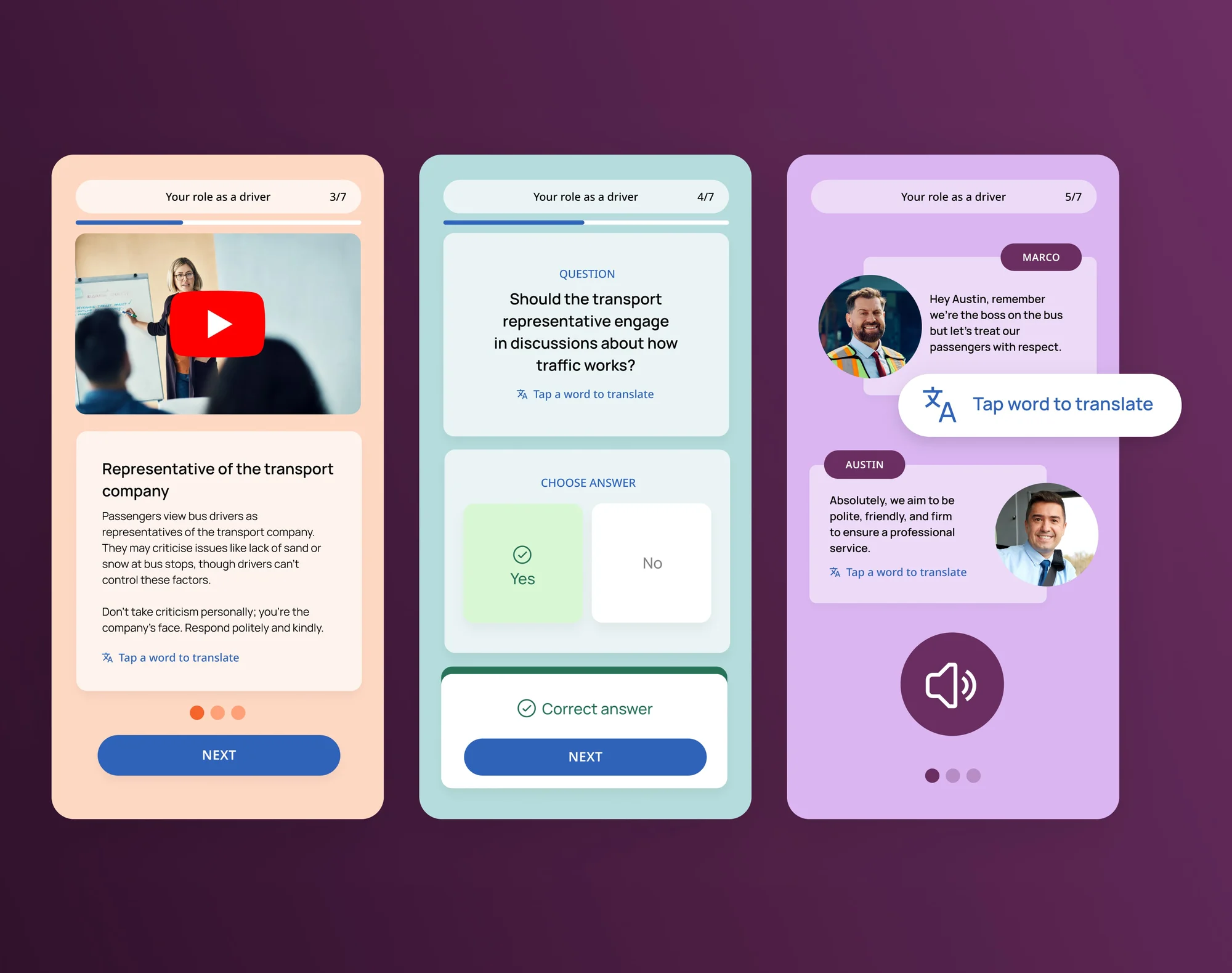
Lingio specializes in AI-driven employee training with gamified, mobile-friendly courses. Large corporations and public authorities trust it for skills development and compliance training.
Key Features:
Best For: Corporate L&D teams, companies training frontline workers, organizations with compliance requirements
Pricing: Enterprise pricing; contact for quote
Creators using BuddyBoss can combine these AI-generated courses with their existing LMS plugins (e.g., LearnDash, LifterLMS) to deliver structured learning inside their communities.
Let's Start with Free Teaching AI Tools
Google's Gemini for Education provides premium AI models with enterprise-grade data protection at no cost for educational institutions. Built with Gemini 2.5 Pro, it offers significantly higher limits than consumer versions.
Key Features:
Best For: K-12 and higher education institutions, Google Workspace for Education users
Pricing: Free for educational institutions
ChatGPT's Study Mode provides structured, classroom-ready outputs specifically designed for educational contexts. Teachers generate lesson outlines while students access 24/7 tutoring support.
Key Features:
Best For: Teachers needing quick lesson supplements, students seeking additional support, homeschool educators
Pricing: Free with limits; ChatGPT Plus ($20/month) for unlimited access
Canva for Education provides thousands of templates and AI-powered design tools specifically for teachers and students. Magic Write generates text paired with professional design templates.
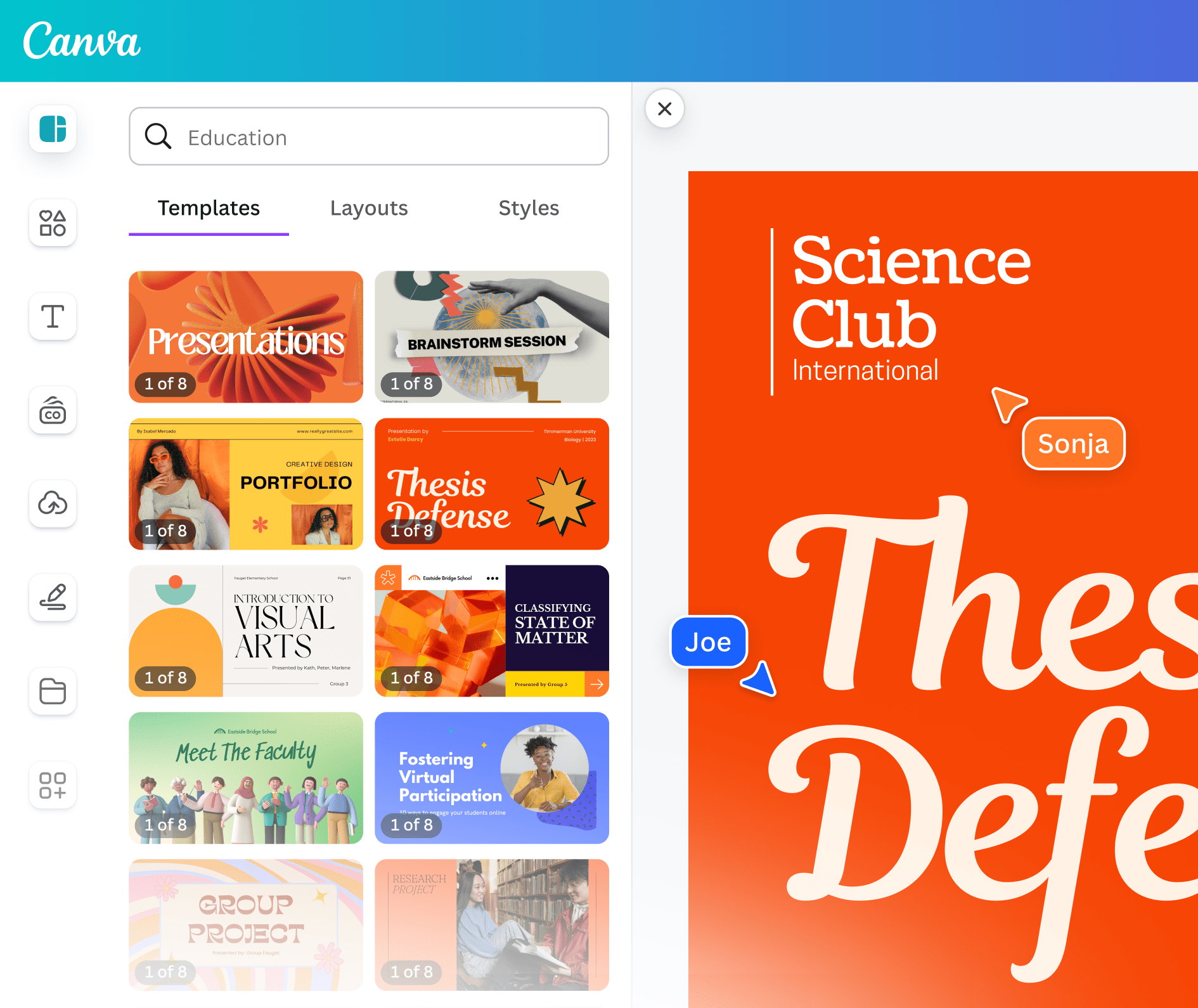
Key Features:
Best For: Visual learners, flipped classroom models, teachers creating engaging presentations
Pricing: Free for K-12 teachers and students
NotebookLM transforms uploaded sources into interactive learning materials. Teachers receive lesson plans, study guides, and discussion questions with in-line citations ensuring accuracy.
Key Features:
Best For: Research-heavy subjects, literature courses, graduate education, professional development
Pricing: Free
Now let's go ahead with Premium Teaching Tools
MagicSchool provides 60+ AI-powered tools specifically for educators, trusted by over 5 million teachers. The platform offers both teacher and student-facing tools with robust community support.
Key Features:
Best For: Individual teachers across all subjects, school districts seeking comprehensive solutions, administrators supporting AI adoption
Pricing: Free tier; full access $12.99/month or $99.96/year; enterprise plans available
Eduaide.AI offers 100+ tools organized into Generators, Organizers, and Games. The platform includes Raina, an AI assistant that helps differentiate content for diverse learners.
Key Features:
Best For:Teachers managing diverse classrooms, special education, English language learning, elementary through high school
Pricing: Free trial; professional plans available
Turnitin expanded beyond plagiarism detection to include AI content detection. The platform provides probability scores indicating whether content may have been AI-generated, maintaining academic integrity.
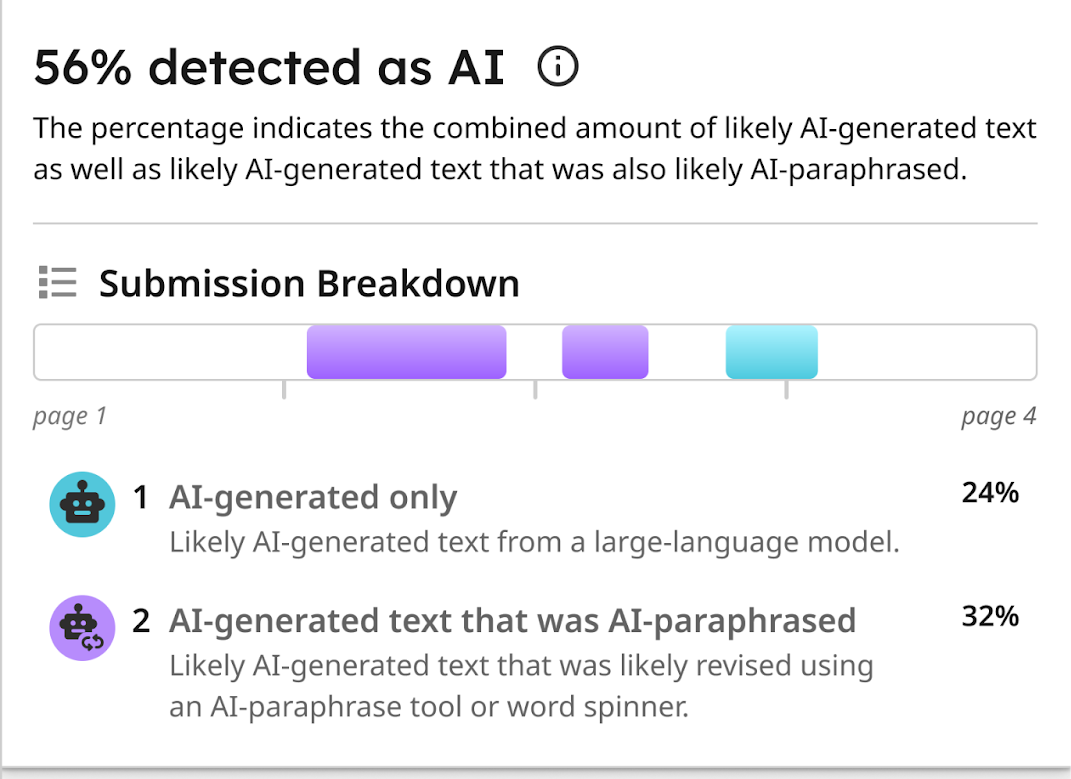
Key Features:
Best For:Universities, high schools, any institution concerned with academic honesty
Pricing: Institutional licensing
Free Content Creation Tools
Claude excels at long-form content creation, analysis, and educational material development. The AI maintains context over extended conversations, perfect for iterative course development.
Key Features:
Best For: Course creators developing technical content, community owners creating long-form guides, teachers creating comprehensive curriculum
Pricing: Free with limits; Pro ($20/month) for expanded access
Gamma AI revolutionizes presentation and website creation for educators. No design or coding skills required the AI generates beautiful, professional layouts automatically.
Key Features:
Best For:Teachers creating lesson presentations, course creators building landing pages, community owners developing resources
Pricing: Free tier; paid plans for additional features
Napkin.ai converts lecture notes and ideas into visual mind maps and diagrams. Students and teachers use it for brainstorming, project planning, and thesis outlines.
Key Features:
Best For:Visual learners, project-based learning, group collaborations, concept mapping
Pricing: Free basic features; premium for advanced capabilities
Free Video/Audio Tools (with limitations)
HeyGen generates AI avatar videos with text-to-speech in multiple languages. The platform also offers voice cloning and translation capabilities for truly global reach.
Key Features:
Best For: Course creators building video content without filming, international education, accessibility features
Pricing: Free trial; paid plans from $29/month
ElevenLabs provides natural-sounding text-to-speech AI perfect for course narration. Multiple voices and languages make content accessible to global audiences.
Key Features:
Best For: Course audio narration, podcast intro creation, accessibility features, voiceover work
Pricing: Free tier with 10,000 characters/month; paid plans from $5/month
Premium Video/Audio Tools
Murf.ai transforms text-based educational content into audio formats with diverse AI voices. The platform ensures you find the right tone for your video or audio content.
Key Features:
Best For: eLearning voice overs, podcast creation, video course narration, audiobook production
Pricing: From $19/month
Descript combines transcription, editing, and AI-powered improvements for video and podcast creation. Edit audio by editing text, revolutionary for educational content.
Key Features:
Best For: Podcast creators, video course producers, tutorial creators, interviews and discussions
Pricing: From $12/month
Free Specialized Tools
Quizizz generates AI-powered interactive quizzes and assessments with gamification elements. Instant feedback and analytics help track student understanding.
Key Features:
Best For: Formative assessment, review sessions, homework assignments, student engagement
Pricing: Free for teachers; paid plans for advanced features
Gradescope uses AI-assisted grading to speed up assessment while maintaining consistency. Particularly effective with structured assignments and rubrics.
Key Features:
Best For: Higher education, structured assessments, large class sizes, consistent grading needs
Pricing: Institutional licensing
Premium Specialized Tools
Synthesia creates professional AI avatar videos in 120+ languages without cameras, studios, or actors. Course creators produce video content at scale.
Key Features:
Best For: Corporate training at scale, multilingual courses, professional video content without production costs
Pricing: From $29/month
Free Productivity Tools
Google Workspace integrates AI across Docs, Sheets, Slides, and more. Help me write generates content while Help me organize structures information.

Key Features:
Best For: Google Workspace users, collaborative education, K-12 and higher ed institutions
Pricing: Free for education; business pricing available
Grammarly provides AI-powered writing assistance ensuring clear, error-free communication. Tone detection helps educators communicate appropriately across contexts.
Key Features:
Best For: Email communication, lesson plan writing, student feedback, professional correspondence
Pricing: Free basic; Premium from $12/month
With dozens of AI tools for course creators available, selection can feel overwhelming. Use this framework to build your perfect toolkit:
Course Creation Focus: Begin with course generation tools like Coursebox or Mini Course Generator
Teaching Focus: Start with MagicSchool or Eduaide.AI for lesson planning
Content Creation Focus: Begin with ChatGPT, Claude, or Jasper for writing
Video Focus: Start with Synthesia, HeyGen, or Descript
Don't rely on a single AI tool stack complementary solutions:
Nearly every ai tool for course creators offers free trials or tiers. Test 3-5 tools simultaneously to compare workflows, outputs, and ease of use before committing to paid plans.
Tech-Comfortable Creators: Embrace tools with customization options, API access, and integrations
Tech-Hesitant Creators: Prioritize user-friendly interfaces with templates and guided workflows
Enterprise Users: Seek tools with SSO, admin controls, and compliance features
Compare tool costs against time savings:
Can I use AI tools inside BuddyBoss?
Yes, AI tools can be integrated into BuddyBoss. For example, you can add AI-powered chatbots like ChatGPT using tools such as Uncanny Automator, Zapier, or Zoho Flow. These integrations let you automate community tasks, provide instant AI-powered support, and even generate content or moderate discussions all within your BuddyBoss community.
Are AI tools accurate enough for teaching?
Most leading AI tools offer a high level of accuracy for tasks like generating educational content, auto-grading, and providing feedback. However, it’s important for teachers to review AI-generated outputs for relevance and appropriateness since no tool is completely error-free. AI is best used as a supportive assistant to enhance teaching and save time, while human educators remain responsible for final review and context.
Which AI tools are free for educators?
There are several free AI tools for teachers and educators, including SlidesGo for presentations, Gemini AI for content creation, Magic School’s essential plan, Copyleaks for content detection, Quizizz and Conker AI for basic assessments, Eduaide AI for lesson development, Brisk Teaching for feedback and planning, and Curipod for interactive activities. Many of these tools offer robust free plans or generous trial tiers specifically for educational use.
The AI tools for course creators revolution isn't coming—it's here. Educators, course creators, and community owners who embrace these tools gain enormous competitive advantages: faster content creation, broader reach, and deeper personalization.
Start small with free tools aligned to your immediate needs. As you gain confidence and see results, layer additional tools and invest in premium features. The goal isn't replacing your expertise but amplifying your impact.
Whether you're creating your first course, managing a classroom, or building a learning community, AI tools for course creators can transform your workflow and multiply your results. The technology exists. The only question is: when will you start using it?
Online communities bring together diverse individuals from different backgrounds, cultures, and perspectives.
While this diversity creates vibrant discussions and valuable connections, it inevitably leads to disagreements and conflicts.
A heated debate in a Facebook group about parenting styles can spiral into personal attacks.
Technical discussions in developer forums can turn into ego battles. Even supportive communities face tensions when members misinterpret tone or clash over fundamental values.
The difference between thriving communities and toxic environments lies in how effectively leaders handle inevitable conflicts.
Effective community conflict management isn't about eliminating disagreements but it's about transforming potential destructive situations into opportunities for deeper understanding, stronger relationships, and clearer community standards.
This guide explores seven proven strategies that successful community leaders use to resolve disputes constructively, maintain member engagement, and build lasting trust within their communities.
No matter how welcoming an online community is, disagreements are inevitable. When people from diverse backgrounds, cultures, and perspectives interact, friction can occur. Understanding the root causes of these conflicts helps leaders address them constructively before they escalate.
Common triggers include:
If these conflicts remain unresolved, the consequences extend beyond temporary tension. Members may disengage, lose trust in leadership, or even leave the community altogether.
Over time, repeated unresolved disputes create a negative environment that discourages new members from joining and existing members from contributing.
Conflict is a natural part of every online community, given the diversity of personalities, backgrounds, and viewpoints within a digital space. Below you will find 7 ways to resolve conflicts and also learn how BuddyBoss helps to resolve these:-
Prevention remains the most effective form of community conflict management. Clear, comprehensive community guidelines serve as the foundation for peaceful interactions by setting expectations before conflicts arise.
The Reddit Success Story: Reddit's community-specific rules demonstrate how clear guidelines prevent conflicts.
Each subreddit establishes its own rules beyond site-wide policies. r/AskHistorians, with over 1.5 million members, maintains exceptional quality through detailed guidelines about sourcing requirements, acceptable answer formats, and respectful discourse. Their comprehensive rules prevent most conflicts before they start, creating one of the most respectful large communities on the internet.
BuddyBoss Implementation: On BuddyBoss platforms, community leaders can pin guidelines prominently, require acceptance during member signup, and integrate rules into the onboarding process. The platform allows customizable member handbooks that new users must acknowledge before accessing community features.
Essential Elements of Effective Guidelines:
Effective community conflict management requires creating an environment where members feel safe expressing concerns while maintaining respect for different viewpoints.
Training Moderators for Success: Community leaders must equip moderators with specific communication skills:
Why BuddyBoss for Better Communication?
BuddyBoss includes features that help community members communicate more effectively and respectfully.
Discussion threading keeps conversations organized, while reaction options allow members to respond with nuance beyond a simple like.
For sensitive matters, private messaging enables secure one-on-one exchanges.
And when conversations become heated, moderated discussion areas provide a structured space to handle controversial topics constructively.
Successful community conflict management intervenes early before minor disagreements escalate into major disputes that damage community relationships and drive away members.
The Stack Overflow Model: Stack Overflow's developer community handles millions of interactions with remarkably low conflict rates through proactive moderation systems:
BuddyBoss Moderation Capabilities:
Learn How One Can Moderate Members in BuddyBoss- Read Here
Moving conflicts away from public view protects both the disputing parties and the broader community atmosphere. Private mediation allows community conflict management to address sensitive issues without creating spectacles that attract negativity or damage relationships.
BuddyBoss Private Resolution Features
Get to know all the features of messaging within the Platform
Private Mediation Best Practices:
Trust in community conflict management depends on members understanding how decisions are made and seeing consistent application of community standards. Transparency doesn't mean sharing private details, but rather ensuring the process is clear and fair.
The Wikipedia Approach: Wikipedia's dispute resolution process demonstrates transparent conflict management at scale:
Enhancing Transparency with BuddyBoss Moderation Tools
BuddyBoss provides essential transparency tools to foster trust and fairness in communities. Public community standards clearly explain how rules and violations are managed, promoting openness.
Member activity logs track moderation actions and interactions for consistent rule enforcement. Feedback systems empower members to share their views on moderation, making the process more collaborative. Additionally, anonymized case studies of conflict resolutions offer valuable insights for learning, while maintaining privacy.
For further guidance, check out these resources:
Empowering community members to resolve smaller conflicts themselves builds stronger relationships and reduces moderator workload. Effective community conflict management includes teaching members skills to handle disagreements constructively.
The Slack Community Success: A 5,000-member entrepreneurship Slack community reduced moderator interventions by 60% through peer resolution training:
Practical Tools for Members:
Every conflict provides valuable data about community dynamics, guideline gaps, and potential improvements. Smart community conflict management treats disputes as learning opportunities rather than just problems to solve.
Case Study – Discord Gaming Community: A 10,000-member gaming Discord analyzed conflict patterns over six months and discovered:
BuddyBoss Analytics for Conflict Management
BuddyBoss integrates with analytics tools like BuddyPress Analytics to track member activity and engagement, helping identify conflict patterns.
It offers dashboards for monitoring recurring issues and community health trends after conflicts. While survey features aren’t built-in, BuddyBoss supports third-party plugins for gathering member feedback on resolution satisfaction. These tools provide valuable data to improve conflict management strategies.
Conflicts are a natural part of any online community and can arise from a variety of sources, including differences in opinions, misunderstandings, and personality clashes.
Recognizing the common types of conflict helps community managers address issues early and maintain a healthy, engaging environment. Here’s a list of typical conflicts that often occur within online communities:
And many more.
Successful conflict resolution strategies depend heavily on the platform's capabilities.
Many SaaS community platforms lack granular role controls or the ability to export detailed data, limiting moderation effectiveness and community insights.
BuddyBoss, built on WordPress and available as mobile apps, offers full control with flexible moderation options, private spaces for sensitive discussions, and scalable rule enforcement.
This flexibility enables community leaders to implement tailored, robust conflict management systems that grow with their communities.
Simply put, strategies succeed faster when your platform gives you the control you need.
Below is a snapshot of key BuddyBoss features that streamline conflict management for communities of all sizes:-
| Feature | Description |
| Guidelines & Rules | Require acceptance at signup; pin rules in groups |
| Moderation Tools | Role-based permissions, content reporting, bulk actions |
| Private Mediation | Direct messages and private groups for sensitive issues |
| Transparency | Member logs, activity tracking, reporting tools |
| Scalability | Supports 100 to 100,000+ members with consistent workflows |
What is community conflict management?
Community conflict management is the ongoing process of identifying, addressing, and handling conflicts within a community in a fair and efficient way to maintain harmony and collaboration.
How can guidelines reduce conflict?
Clear guidelines set expectations for behavior, help prevent misunderstandings, and provide a common framework for resolving issues, reducing the chances of conflict.
What tools help with online conflict resolution?
Online conflict resolution can be supported by moderation tools, role-based permissions, content reporting, private messaging, transparency features, and analytics to detect patterns and measure resolution outcomes.
Is BuddyBoss good for managing conflict?
Yes, BuddyBoss offers flexible and scalable moderation tools, private mediation options, clear guideline enforcement, and activity tracking, making it well-suited for managing community conflict effectively.
Conflict is inevitable, but with the right strategies and platform support, leaders can turn it into trust and growth.
See how BuddyBoss helps you implement proven conflict management strategies. Use features like Unanswered Filter to ensure realtime engagement and avoid bad scenario from happening.
Try BuddyBoss demo for Free or Explore Online Community Features
Online communities have become the cornerstone of digital engagement in 2025 and beyond.
Discord communities boast over 200 million active users monthly.
Reddit's community-driven model continues attracting billions of interactions.
Slack workspaces power collaboration for millions of teams worldwide.
The message is crystal and clear: building communities isn't just a trend but it's essential for business growth, education, and meaningful connection.
Yet behind every successful online community lies a critical decision that shapes its long-term viability: choosing the right platform foundation.
The WordPress vs SaaS for community building debate extends far beyond initial pricing sheets. Hidden costs, scalability challenges, and long-term strategic implications can make or break community investments.
This analysis reveals the true financial picture of both approaches, examining not just obvious expenses but the subtle costs that emerge as communities grow from dozens to thousands of engaged members.
Community platform decisions create cascading effects that compound over time. Your choice determines not just immediate costs but long-term ownership, scalability potential, and strategic flexibility as your community evolves.
The Three Critical Pillars:
Ownership and Control: Who ultimately controls your community data, member relationships, and platform features? SaaS platforms retain ownership while WordPress gives you complete control.
Cost Predictability: Do expenses scale linearly with actual resource usage, or do artificial limits and percentage fees create exponential cost increases?
Growth Flexibility: Can your platform accommodate unique features, specialized integrations, and custom branding as your community matures and develops specific needs?
Understanding these pillars reveals why the WordPress vs SaaS for community building decision shapes everything from monthly budgets to exit strategy options.
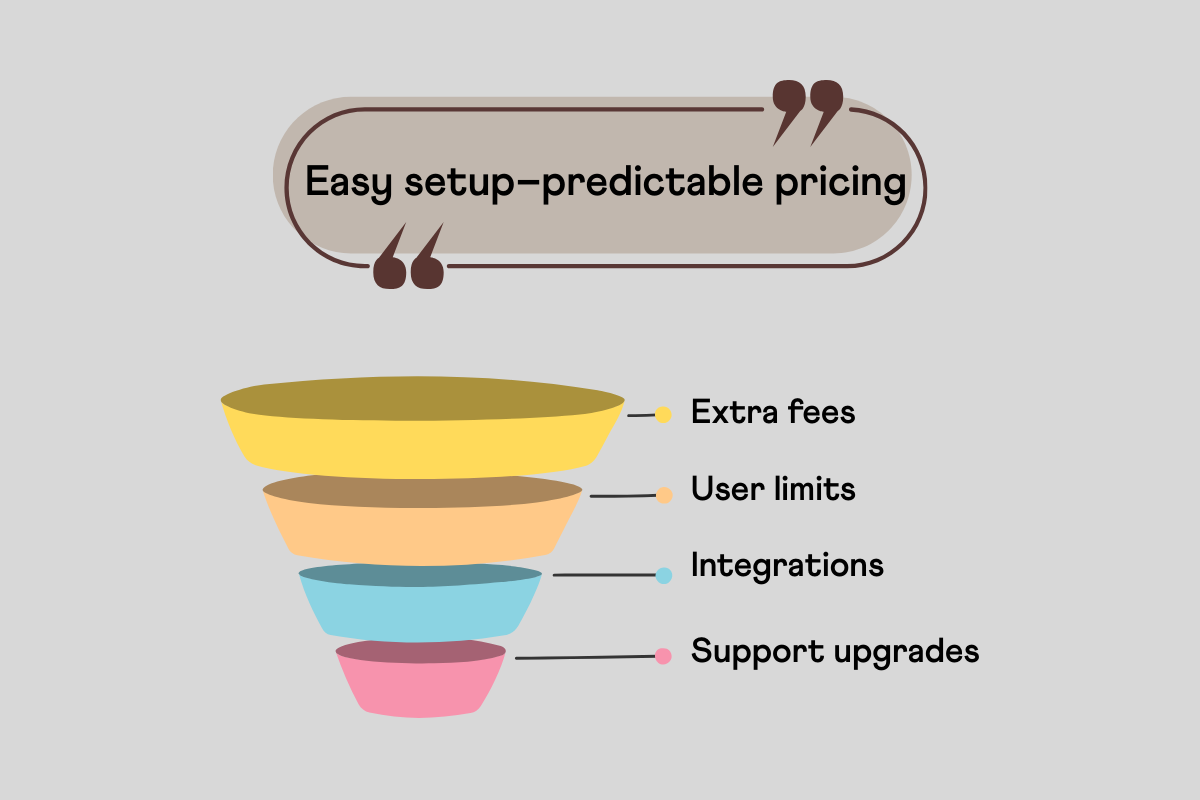
The WordPress vs SaaS for community building decision fundamentally shapes your community's long-term trajectory, affecting everything from monthly costs to strategic flexibility.
This choice determines whether you're building a valuable business asset or paying rent for features you don't control.
WordPress Community Ownership: WordPress installations provide complete platform control. You own the server files, database, member information, and community content. This ownership enables data export, platform migration, custom feature development, and even selling your community as a business asset. Changes happen on your timeline, not a vendor's schedule.
SaaS Platform Dependency: SaaS communities exist within vendor-controlled environments. Circle, Mighty Networks, or Tribe can modify features, change pricing, or discontinue services regardless of your community's needs. While this eliminates technical responsibilities, it creates strategic vulnerability to decisions outside your control.
WordPress Cost Predictability: WordPress has mostly fixed costs that grow gradually with usage, such as hosting and annual plugin fees. For example, hosting for 1,000 to 10,000 members might cost $35 to $75 monthly, manageable and proportional.
SaaS Cost Escalation: SaaS pricing is tied to member tiers and features, causing sudden jumps. Costs can double or triple quickly, with added transaction fees that increase as your community grows.
WordPress Technical Investment: WordPress communities require hosting setup, security management, plugin coordination, and ongoing maintenance. While this demands technical knowledge or professional support, it provides unlimited customization potential and prevents vendor lock-in situations.
SaaS Simplicity Trade-offs: SaaS platforms handle technical infrastructure, security, and maintenance automatically. This convenience appeals to non-technical founders but restricts customization options.
WordPress Scalable Architecture: WordPress grows with your community through hosting upgrades and performance tuning. Costs rise gradually, and larger communities often benefit from reduced per-member expenses.
SaaS Scaling Penalties: SaaS pricing increases sharply with member tiers and feature limits, meaning successful communities face higher costs just as they grow most valuable.
WordPress Flexibility: WordPress ecosystems support virtually any community feature through plugins, custom development, or third-party integrations. Need specialized functionality? WordPress makes it possible without vendor approval or premium plan requirements.
SaaS Feature Limitations: SaaS platforms provide curated feature sets designed for broad appeal rather than specific needs. Unique requirements often require expensive enterprise plans or remain impossible within platform constraints.
WordPress Migration Freedom: WordPress communities can switch hosting providers, change platforms, or integrate with new services without data loss. Member information, content history, and interaction data remain accessible in standard formats.
SaaS Migration Challenges: Exporting community data from SaaS platforms ranges from difficult to impossible. Proprietary formats, limited export options, and integration restrictions create effective vendor lock-in that becomes more expensive to escape as communities mature.
WordPress with BuddyBoss provides the control, flexibility, and cost predictability needed for serious community building without the escalating expenses and restrictions that plague SaaS platforms.
Your Data, Your Rules: WordPress communities own all member information, content, and interaction data completely. Export everything, analyze patterns, or migrate platforms without restrictions or proprietary format limitations.
Platform Independence: Host your community wherever performance and costs make sense. Switch hosting providers, upgrade resources, or implement custom security measures based on your specific needs rather than vendor limitations.
Strategic Asset Value: WordPress communities become valuable business assets that can be sold, franchised, or scaled without platform dependency. Your community investment builds equity rather than ongoing rental payments.
| Cost Category | WordPress and BuddyBoss | SaaS Platforms |
| Initial Setup | $299 (BuddyBoss platform + theme) | $0-200 (templates, setup) |
| Monthly Base Fee | $15-$75 (hosting, scales with traffic) | $99-499+ (platform charge, scales with members) |
| Transaction Fees | Free | 5-10% (platform + processing) |
| Additional Features | $0-$400 (for advance tools) | Often impossible or $200+/mo |
| Total Year 1 | $600-$2000+ | $1200-$5,000+ |
Please Note: This above comparison shows the different costs after analyzing and reviewing the actual platform. These prices do not decide your end goal with a Platform.
Linear Cost Scaling: WordPress hosting costs increase gradually with actual resource usage. A community growing from 1,000 to 10,000 members might see hosting costs rise from $35 to $75 monthly, predictable and proportional to value created.
No Artificial Limits: BuddyBoss doesn't restrict member counts, storage usage, or feature access based on pricing tiers. Your community's growth isn't penalized by arbitrary platform limitations designed to force upgrades.
Investment Protection: WordPress development and BuddyBoss customizations become permanent community assets. Unlike SaaS platforms where cancelled subscriptions eliminate all functionality, WordPress investments improve your community permanently.
Comprehensive Community Features: BuddyBoss provides member profiles, activity feeds, private messaging, groups, forums, course integration, and mobile apps, eliminating the plugin hunting and compatibility issues that traditionally complicated WordPress community building.
Native Mobile Applications: BuddyBoss includes white-label iOS and Android apps that mirror your website's functionality and branding. Members get native mobile experiences without expensive custom app development.
Learning Management Integration: Seamless LearnDash and LifterLMS compatibility transforms communities into social learning environments where course discussions, peer support, and instructor interaction happen naturally within the community platform.
Advanced Customization Options: WordPress themes, plugins, and custom development enable any conceivable community feature. Need specialized member verification? Custom gamification systems? Industry-specific integrations? WordPress makes everything possible.
BuddyBoss eliminates the traditional complexity of WordPress community building while preserving all the platform's flexibility and cost advantages.
All-in-One Community Solution
Instead of piecing together multiple plugins with potential compatibility issues, BuddyBoss provides integrated social networking, learning management, and community engagement features in one cohesive package.
Professional Design Out-of-the-Box
BuddyBoss themes offer modern, mobile-responsive designs that rival premium SaaS platforms while maintaining complete customization flexibility for unique branding requirements.
Scalable Architecture
Built for communities ranging from hundreds to hundreds of thousands of members, BuddyBoss maintains performance and functionality as your community grows without requiring platform migrations or architectural overhauls.
Developer-Friendly Ecosystem
Extensive documentation, hooks, and customization options enable unlimited expansion while maintaining update compatibility and platform stability.
SaaS community platforms attract founders with promises of rapid deployment and predictable pricing. However, the reality reveals escalating costs, restrictive limitations, and vendor dependency that becomes expensive as communities succeed.
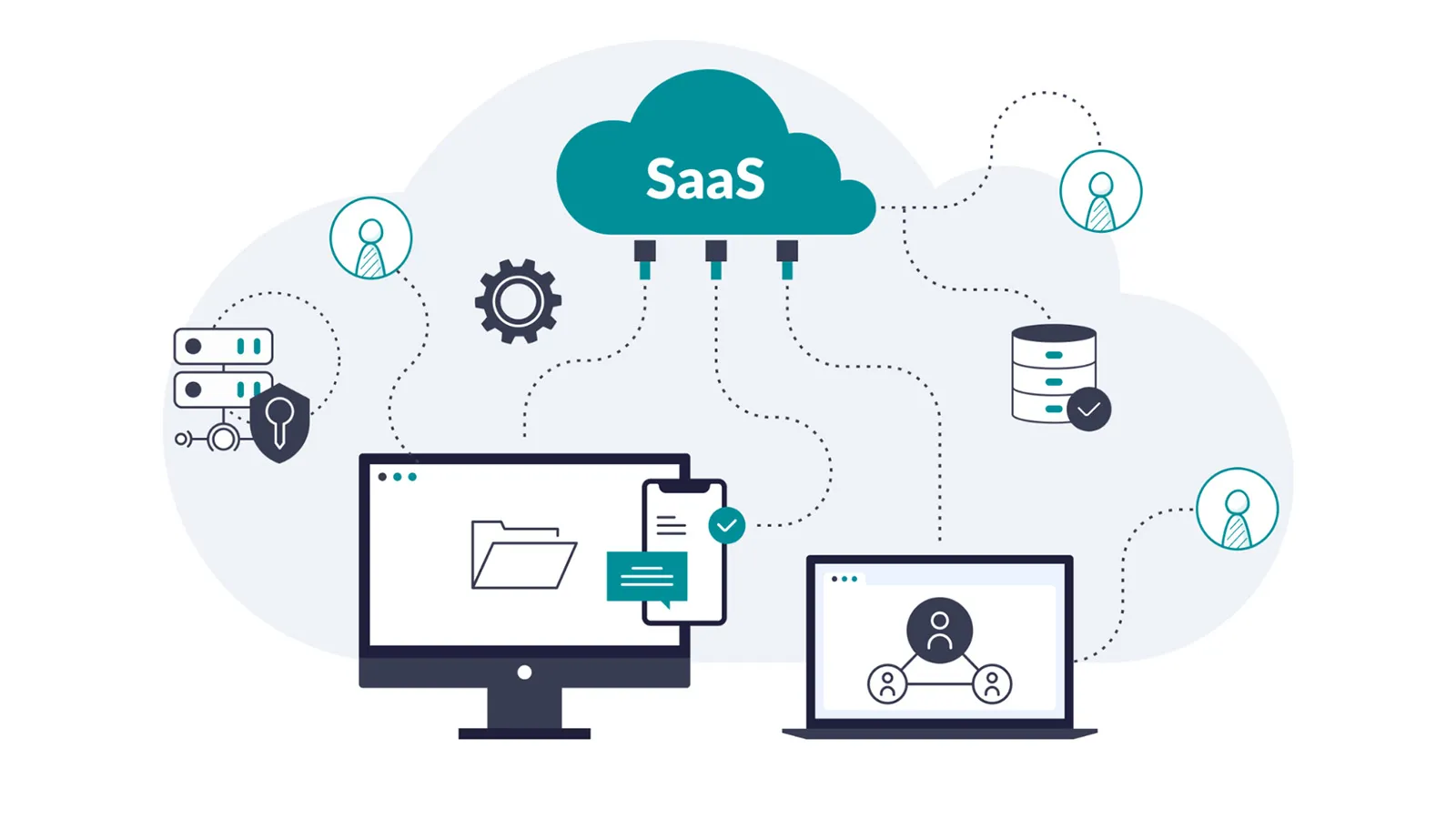
Member Count Pricing Traps: Circle charges $99 monthly for up to 1,000 members, jumping to $219 monthly for 10,000 members, a 220% increase. Mighty Networks follows similar patterns, with pricing tiers that sometimes punish growth success.
Transaction Fee Compound Pain: Most SaaS platforms charge 2-8% transaction fees on top of payment processing costs. A community generating ,000 monthly in membership or course sales faces 0-800 monthly in platform fees alone, costs that grow directly with success.
Feature Upgrade Requirements: Basic SaaS plans restrict essential features like custom branding, advanced moderation, or detailed analytics. Accessing full functionality requires premium upgrades that often double or triple monthly costs.
Rigid Customization Boundaries: SaaS platforms offer template-based customization within predefined limits. Your community looks similar to thousands of others using the same platform, limiting brand differentiation and unique member experiences.
Integration Restrictions: Adding specialized functionality requires platform approval and often involves expensive enterprise plans. Custom integrations with existing business systems become impossible or prohibitively costly.
Data Portability Concerns: Member information, discussion history, and community content remain locked in proprietary formats. Switching platforms risks data loss and relationship disruption, creating effective vendor lock-in.
Scalability Walls: SaaS platforms impose artificial limits on storage, features, or functionality based on pricing tiers rather than actual resource usage, forcing expensive upgrades even when communities could operate efficiently at lower costs.
The WordPress vs SaaS for community building analysis reveals that SaaS platforms serve primarily as expensive testing grounds that become cost-prohibitive as communities succeed. While SaaS might help validate concepts quickly, any serious, lasting community benefits significantly from WordPress + BuddyBoss advantages.
For Community-Driven Business Growth: WordPress with BuddyBoss provides the ownership, flexibility, and cost structure needed to build valuable community assets rather than expensive platform dependencies.
For Long-Term Success: Communities that survive and thrive require platforms that scale cost-effectively while providing unlimited customization potential capabilities that only WordPress delivers.
For Strategic Value: WordPress communities become business assets that appreciate over time, while SaaS communities remain ongoing expenses that increase with success.
Stop paying escalating SaaS fees that penalize your community's growth. WordPress + BuddyBoss provides the professional features, mobile capabilities, and scalability you need without the vendor dependency and cost escalation that limit SaaS platforms.
Ready to build a community that scales profitably?
Try the BuddyBoss demo today and see how WordPress community building combines platform control with professional polish
Or get BuddyBoss now and start building your community asset immediately.
Email marketing consistently outperforms social media, search, and display advertising in conversion rates.
Despite the rise of TikTok, Instagram, and other platforms, email delivers an average ROI of $42 for every dollar spent in 2025.
WordPress site owners have a distinct advantage: direct integration capabilities that external email platforms can't match.
Instead of juggling separate systems and complex integrations, the right plugins can extend your WordPress site into a powerful email marketing hub.
This guide reviews the best email marketing plugins for WordPress that simplify audience growth while providing enterprise-level features.
Whether you're launching your first newsletter or scaling an established business, these tools eliminate the complexity of email marketing.
WordPress email marketing plugins offer advantages that standalone platforms struggle to match.
The integration runs deeper than simple API connections, these plugins understand your content, users, and site behavior intimately.
Direct WordPress integration eliminates data silos.
Your subscriber information, purchase history, and content preferences live in one place. When someone downloads your lead magnet, purchases a product, or joins your community, the plugin captures that context automatically.
Subscriber management becomes effortless.
WordPress user roles integrate seamlessly with email segments. Community members, customers, and newsletter subscribers get appropriate content without manual list management.
Cost savings compound over time.
Popular email platforms charge based on subscriber count, often reaching hundreds monthly for growing lists. WordPress plugins typically offer unlimited sending with one-time purchases or modest annual fees.
Personalization reaches new levels.
Your plugin knows which blog posts each subscriber reads, products they've purchased, and pages they visit most. This behavioral data powers highly targeted campaigns that external platforms can't replicate.
While we gathered some really useful email marketing plugins we had a list features we looked for in all those plugins and reviewed them to know what least and the most you need in email marketing plugins for WordPress-
Drag-and-drop email builders:- Look for plugins offering pre-built templates, mobile-responsive designs, and visual editing interfaces. The best builders let you create professional emails without touching code.
Automation workflows:- Welcome series for new subscribers, abandoned cart recovery for WooCommerce, and drip campaigns for course launches should run automatically. Advanced plugins offer conditional logic based on subscriber behavior.
Native integrations prevent headaches. Your chosen plugin should work seamlessly with WooCommerce, membership plugins, LMS platforms, and community tools like BuddyBoss. Direct integrations beat API connections for reliability and data accuracy.
Analytics and reporting inform strategy decisions. Open rates, click-through rates, and conversion tracking help optimize campaigns. The best plugins provide WordPress dashboard reporting without requiring separate analytics platforms.
Pricing transparency matters for scaling. Understand costs upfront, including subscriber limits, sending restrictions, and premium feature requirements. Many plugins offer generous free tiers before requiring paid upgrades.
Choosing the right email marketing plugin can have a big impact on how you grow your WordPress site and keep your audience engaged. With dozens of options available in 2025, it’s important to find a plugin that matches your needs:-
ActiveCampaign combines advanced marketing automation with CRM functionality, making it one of the most powerful email solutions for WordPress users. Its official WordPress plugin seamlessly connects forms, site tracking, and WooCommerce data with your ActiveCampaign account.
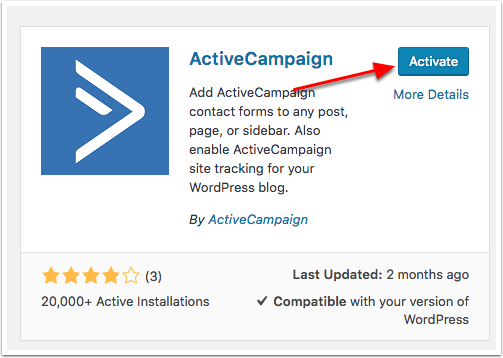
Key Features:
Pros:
Cons:
Ideal Use Case: Businesses and community builders who need enterprise-grade automation, CRM, and email in one platform. Perfect for BuddyBoss communities that want advanced segmentation and member lifecycle campaigns.
HubSpot is not just an email plugin but it’s a full CRM that also includes email marketing, live chat, and analytics. For WordPress communities (including BuddyBoss), HubSpot’s segmentation and CRM features make it a good fit for organizations that need to manage relationships alongside email campaigns.
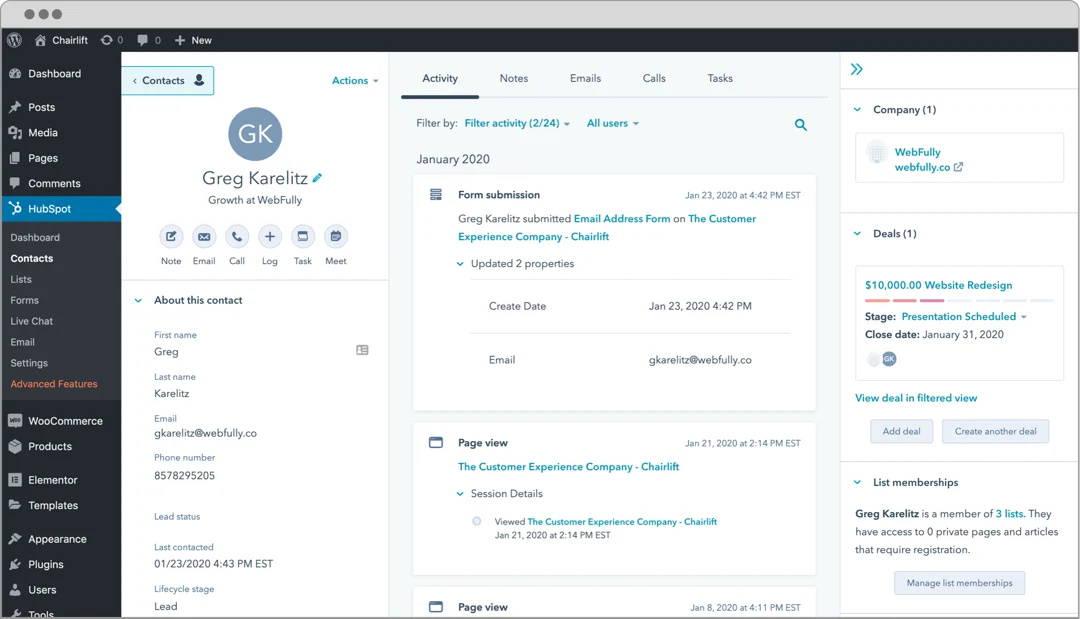
Key Features:
Pros:
Cons:
Ideal Use Case: Growing businesses that need CRM functionality alongside email marketing, particularly B2B companies with longer sales cycles.
MailPoet was built specifically for WordPress users who want email marketing without platform switching. The plugin handles everything from newsletter creation to automated sequences directly within your WordPress dashboard.
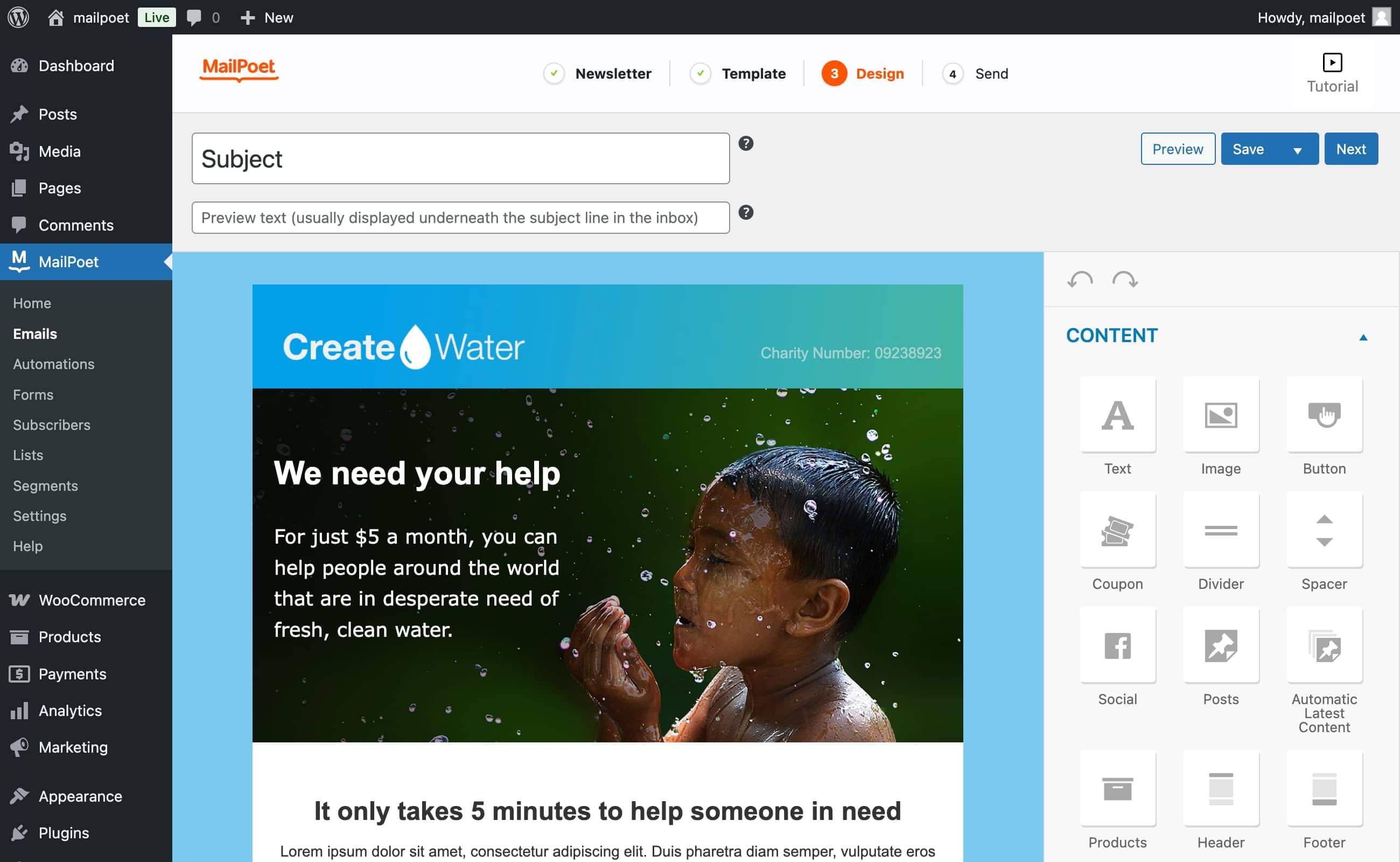
Key Features:
Pros:
Cons:
Ideal Use Case: WordPress site owners who want comprehensive email marketing without leaving their dashboard, especially those running WooCommerce stores.
This plugin bridges WordPress forms with Mailchimp's powerful platform, combining WordPress's content management with Mailchimp's advanced email marketing features.
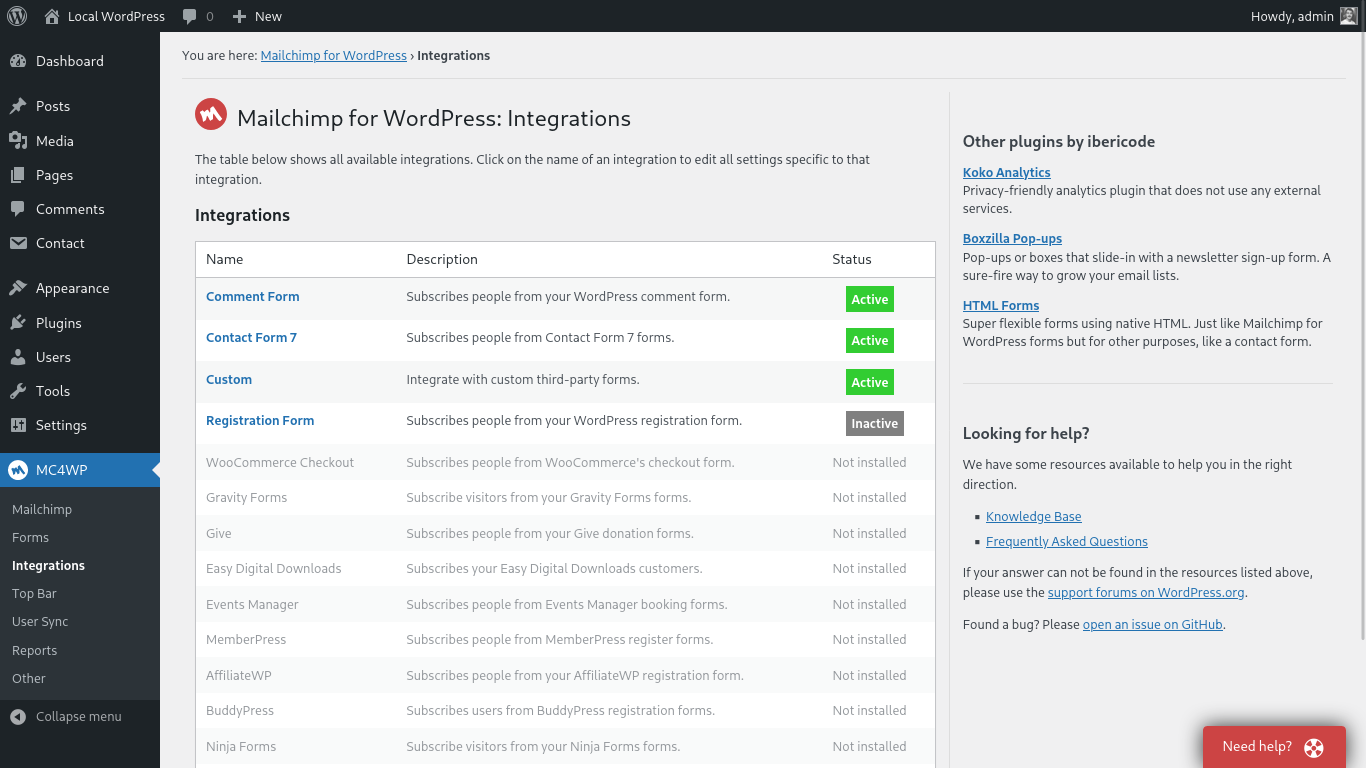
Key Features:
Pros:
Cons:
Ideal Use Case: Existing Mailchimp users who want better WordPress integration, or beginners who prefer Mailchimp's user-friendly interface with WordPress flexibility.
FluentCRM offers self-hosted customer relationship management and email marketing, giving you complete control over subscriber data and sending infrastructure.
Key Features:
Pros:
Cons:
Ideal Use Case: WordPress users who prefer self-hosted solutions, privacy-conscious businesses, and those seeking cost-effective email marketing without ongoing subscription fees.
Sendinblue's plugin brings transactional and marketing email capabilities to WordPress, plus SMS marketing for multi-channel campaigns.
Key Features:
Pros:
Cons:
Ideal Use Case: Businesses that need both transactional emails (order confirmations, password resets) and marketing campaigns, particularly those interested in SMS marketing integration.
Newsletter Plugin provides straightforward email marketing directly within WordPress, focusing on simplicity and essential features without overwhelming complexity.
Key Features:
Pros:
Cons:
Ideal Use Case: Bloggers and small businesses wanting simple newsletter functionality without ongoing costs or complex features.
OptinMonster is not an email sender, it’s a lead generation plugin that integrates with other email marketing tools (ActiveCampaign, Mailchimp, HubSpot, etc.). Use it to capture leads effectively, then send campaigns via your chosen email platform.
Key Features:
Pros:
Cons:
Ideal Use Case: Websites prioritizing lead generation and subscriber growth, particularly those with significant traffic wanting to maximize conversion rates.
Constant Contact's plugin connects WordPress sites with their reliable email marketing platform, offering user-friendly tools backed by excellent customer support.
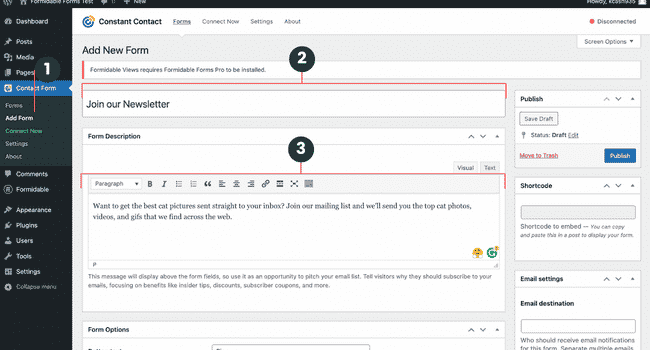
Key Features:
Pros:
Cons:
Ideal Use Case: Small businesses and organizations that prioritize customer support and user-friendly interfaces, particularly those hosting events or workshops.
When choosing the right email marketing plugin for your WordPress site, don’t just settle for the first option you see.
Think about your list size, the types of emails you want to send, and how much automation or segmentation you’ll actually use.
Look for a plugin that integrates smoothly with your existing tools, offers solid deliverability, and gives you design flexibility with easy-to-customize templates.
If You’re A Blogger Or Content Creator
You’ll benefit from lightweight solutions that integrate seamlessly with WordPress posts. Newsletter Plugin or MailPoet provide essential features without complexity. Focus on plugins that automatically include your latest posts in email campaigns.
For eCommerce Stores,
require sophisticated WooCommerce integration for abandoned cart recovery, product recommendations, and customer lifecycle automation. MailPoet and FluentCRM excel in this area, offering specialized eCommerce features that drive revenue.
Running a Community With BuddyBoss or A Membership Site?
Go for tools with advanced segmentation based on user roles, membership levels, and community activity. HubSpot and FluentCRM provide the flexibility to create highly targeted campaigns for different member segments.
IfY Your Service Business Needs CRM Features
Service businesses often need CRM functionality alongside email marketing to track leads through longer sales cycles. HubSpot's all-in-one approach or FluentCRM's integrated solution work well for professional services, consultants, and B2B companies.
If You’re Running A High-Traffic Site
You’ll want a plugin backed by robust sending servers, Mailchimp integration or Sendinblue’s dedicated infrastructure will help make sure your emails actually land in inboxes
Lead magnets drive subscriber growth more effectively than simple newsletter sign-ups. Create valuable resources—guides, checklists, templates, or discount codes—that solve specific problems for your target audience. Gate this content behind email subscriptions to build your list with engaged subscribers.
Segmentation transforms generic broadcasts into personalized communications. Use WordPress user data, purchase history, and content consumption patterns to create targeted segments. Send different content to new subscribers versus long-time customers, or tailor messages based on interests and behavior.
Subject line testing can double your open rates. A/B test different approaches: questions versus statements, urgency versus curiosity, personalization versus generic messaging. Most email marketing plugins for WordPress include testing features—use them consistently.
Consistency builds trust and anticipation. Whether you send weekly newsletters or monthly updates, maintain a predictable schedule. Subscribers appreciate knowing when to expect your content, and regular sending improves deliverability rates.
Mobile optimization isn't optional. Over 60% of emails are opened on mobile devices. Choose plugins with responsive templates and test your emails on various screen sizes before sending.
With the right email marketing plugins for WordPress, you can build and grow an engaged audience that supports their business goals.
The tools exist- now it's time to put them to work for your WordPress site.
Stat Source:- https://firework.com/blog/marketing-roi-statistics
Discord hit 150 million monthly users in 2022.
Reddit's communities grew by 30%.
Facebook Groups continue dominating social interaction.
The message is clear: people crave connection, and community websites are experiencing continued growth.
Your WordPress theme shapes everything; how members interact, whether content loads fast enough to keep attention, and if your site feels welcoming or confusing. The right theme can provide the foundation of your website.
Here's the surprising part: you don't need expensive premium themes to build something remarkable.
The best free WordPress themes for community sites in 2025 rival their paid counterparts in functionality and design.
Not every theme handles community features well. Forums crash under poor coding. Membership areas look broken on mobile devices. Social features feel like afterthoughts.
Mobile-first responsive design isn't optional anymore. Over 60% of community interactions happen on smartphones. Your theme must adapt flawlessly across devices, or you'll lose members before they even join.
Plugin compatibility determines your site's potential. The best community platforms integrate seamlessly with BuddyPress for social networking, bbPress for forums, BuddyBoss for comprehensive community management, and LearnDash for learning communities. Your theme should support these tools without conflicts.
Speed matters more than aesthetics. Google's research shows that 53% of mobile users abandon sites that take longer than 3 seconds to load. Community sites with multiple user-generated content streams need themes optimized for performance.
Customization flexibility lets you create unique branding without hiring developers. Look for themes offering color schemes, typography controls, layout options, and header/footer customization.
Accessibility compliance ensures all members can participate fully. Screen readers, keyboard navigation, and proper contrast ratios aren't luxury features, they're requirements for inclusive communities.
Active development and support matter even for free themes. Abandoned themes become security risks and compatibility nightmares.
If building a true member-driven community or learning platform is your goal, the BuddyBoss Platform Pro (web) which includes the BuddyBoss Theme is widely considered the premier WordPress theme designed exclusively for this purpose.
Unlike general multipurpose themes, BuddyBoss is built with deep integration for community-focused plugins, most notably the BuddyBoss Platform plugin, which powers the core social and interactive features your site needs.
The BuddyBoss Theme offers a sleek, modern design that feels professional yet welcoming, optimized from the ground up for social networks, membership sites, online courses, and niche communities.
Thanks to its mobile-first responsive design, your members get a seamless experience across devices, matching the fluid user experience of leading social apps.
Native integration with BuddyBoss Platform: Provides membership management, social profiles, activity feeds, private messaging, groups, forums via bbPress, notifications, and more.
LearnDash and LifterLMS compatibility: Ideal for online course creators looking to build engaging social learning communities.
Visual customization tools: Easily adjust colors, typography, layout, and spacing with a user-friendly customizer, no coding required.
Pre-built demo content: Launch quickly with starter templates tailored for social networking, membership, or LMS sites.
White-label Branding: Add your own branding, hide BuddyBoss logos, and fully personalize your community’s look and feel.
Optimized for Performance and SEO: Designed with performance and accessibility in mind.
Seamless Mobile App Integration: When paired with the BuddyBoss App, your website and mobile platform deliver a unified, branded experience.
What truly makes BuddyBoss one of the best choice for community builder is the complete ecosystem it provides. The Platform plugin powers robust community features, while the Theme brings everything together visually and functionally, ensuring a smooth interface optimized for engagement and usability.
This combination helps creators get their communities up and running quickly, with minimal custom development necessary, yet offers deep extensibility for advanced users.
Membership sites, online course communities, niche social networks, and organizations seeking a custom-branded, scalable, and mobile-optimized WordPress community platform.
Let's start exploring the popular WordPress themes-
Astra is a versatile, multipurpose WordPress theme known for its outstanding performance and flexibility.
The free version of Astra is lightweight and beginner-friendly, making it a favorite among new community builders and site owners who want a fast, customizable platform that works well with popular community plugins.
With its compatibility across all major page builders and integration with bbPress forums, Astra provides a solid foundation for blending content and community features seamlessly.
Its broad array of starter templates and advanced controls allow users to create unique designs tailored to their brand and audience.
Best For: New community builders, multipurpose sites mixing content with community features, and anyone prioritizing speed and flexibility.
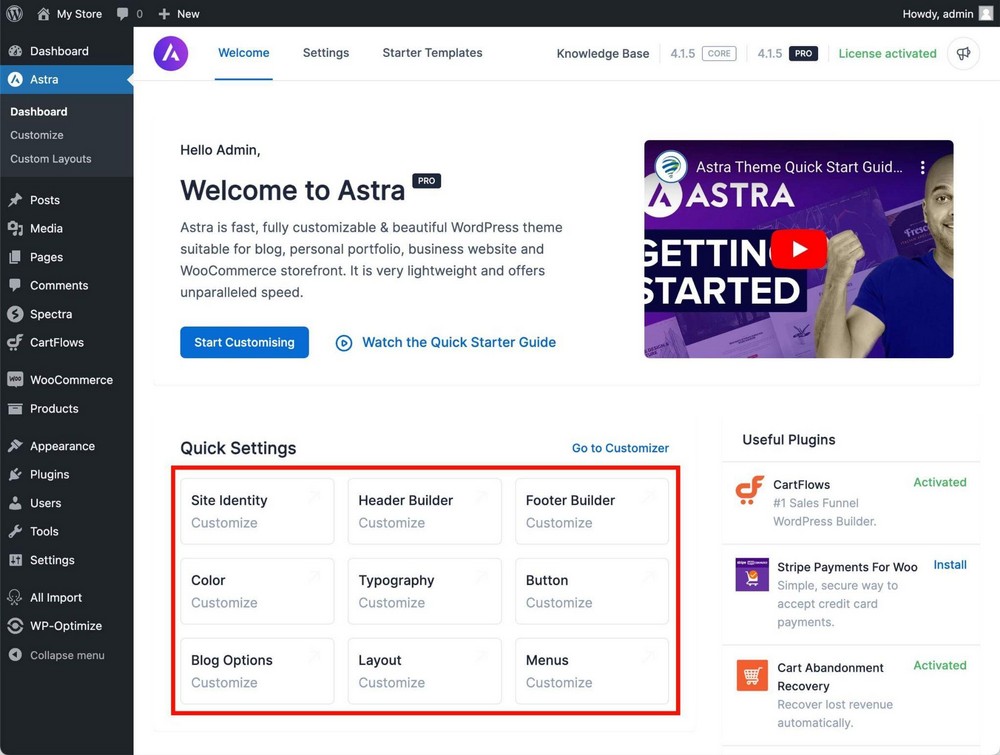
Key Features:
Pros:
Cons:
Overall, Astra’s strength lies in its ability to scale, from small groups to large, complex communities, while maintaining excellent speed and responsiveness.
If you want a theme that offers both ease of use and room to grow, Astra provides a flexible, reliable choice.
However, those seeking highly specific community features or advanced customizations may want to explore premium options or complementary plugins to unlock its full potential.
Neve is another WordPress theme designed to meet the needs of growing communities, especially those prioritizing mobile performance.
Built with AMP support and optimized for quick loading times, Neve ensures your site performs smoothly on all devices while offering flexibility with customizable headers, footers, and WooCommerce integration.
Its modern, clean design and compatibility with popular page builders make it easy for beginners and advanced users alike to create professional-looking community sites.
Best For: Membership communities, learning platforms, startup communities, and mobile-first community strategies.
Key Features:
Pros:
Cons:
Overall, Neve excels in delivering an excellent mobile-first experience without sacrificing customization options.
While some advanced features are locked behind the premium version, its free version is more than capable for startups, learning platforms, and membership communities aiming for fast, accessible performance. If you’re looking for a theme that balances speed, design, and growth potential, Neve is a strong contender.
OceanWP is a flexible and highly customizable WordPress theme popular among community builders and forum-heavy sites.
It offers a wide range of built-in layout options and strong integration with bbPress, making it well-suited for blending community features with content-rich sites.
The theme balances performance and features effectively and has a lively user community supporting regular updates.
While it may have a steeper learning curve than simpler themes and some design elements feel a bit dated, OceanWP provides extensive free customization options that appeal to advanced users who want control without mandatory premium upgrades.
Best For: Forum-heavy communities, sites mixing blogs with community features, and users who want extensive free customization options.
Key Features:
Pros:
Cons:
Overall, OceanWP is a solid choice for users who need a theme that can grow with their community and offer deep customization, especially for forums and content-driven communities.
If you’re comfortable investing a bit of time learning the theme’s full capabilities and want greater design flexibility, OceanWP is worth considering to build a tailored and engaging community experience.
Zakra WordPress theme emphasizes simplicity and performance, making it an excellent choice for small to medium-sized community platforms.
Designed with easy setup and customization in mind, Zakra supports BuddyPress for seamless social features and offers clean, distraction-free layouts that appeal to non-technical users.
Its translation-ready design and flexible color and typography options help you create an inviting community space without unnecessary complexity.
Best For: Small to medium communities, local groups, hobby-based communities, and users who prefer simplicity over extensive features.
Key Features:
Pros:
Cons:
Overall, Zakra is perfect for those who want a straightforward, reliable theme for intimate or niche communities. While it may lack some advanced features of larger themes, its ease of use and solid performance make it a strong candidate for local groups, hobby-based platforms, or anyone prioritizing simplicity with room to grow.
Kadence Theme brings a fresh, modern approach to building community websites by fully embracing the WordPress block editor.
Designed for users who enjoy the flexibility and power of block-based customization, Kadence offers advanced layout options, a robust header builder, and seamless integration with learning management systems.
Its focus on accessibility and performance ensures your community site is not only beautiful but also fast and easy to navigate.
While some features require familiarity with the block editor and premium upgrades, Kadence stands out for users comfortable with modern WordPress editing tools who want a sleek, professional look.
Best For: Learning communities, professional development groups, course-based communities, and users comfortable with modern WordPress editing.
Key Features:
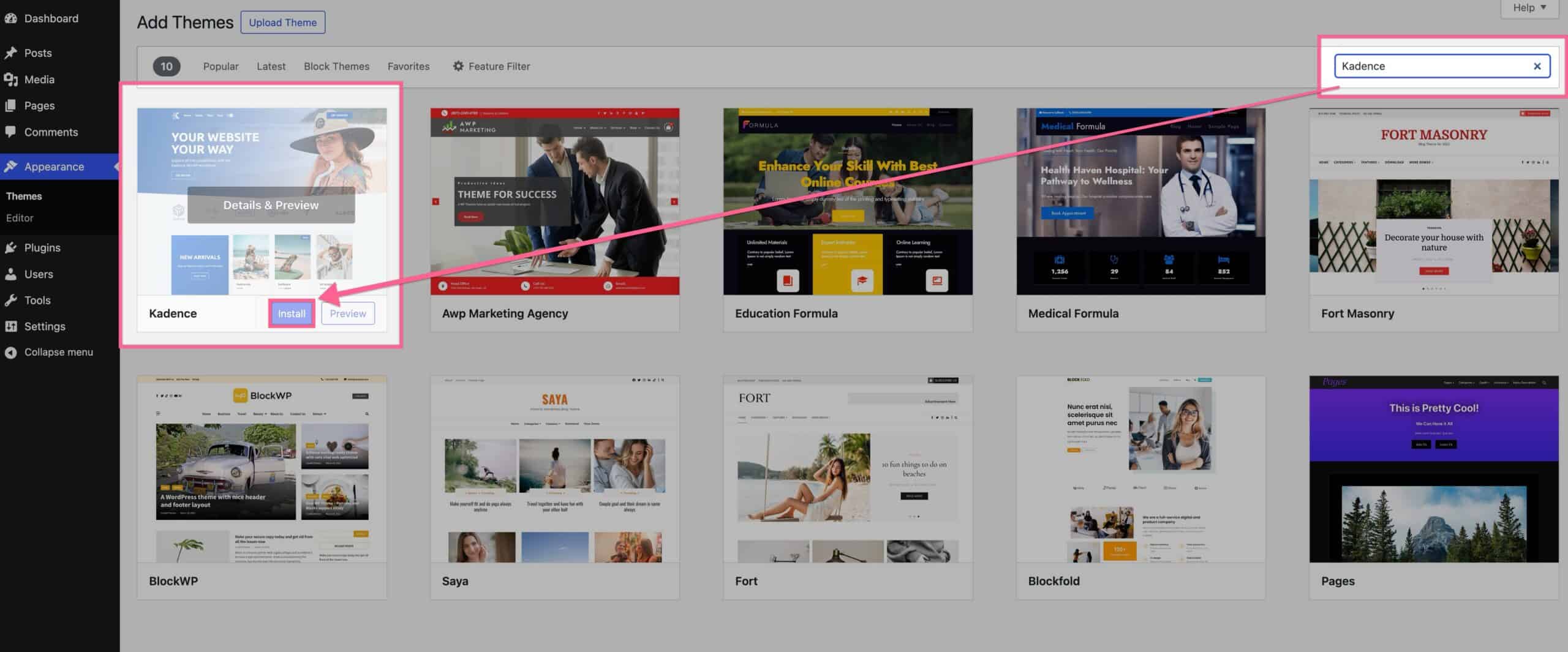
Pros:
Cons:
Overall, Kadence is ideal for learning communities, professional groups, and course-based platforms seeking a block-driven design approach. It balances advanced customization with strong performance, empowering site creators to build dynamic and accessible communities. If aligning with the latest WordPress editing experience and delivering a polished user interface are priorities, Kadence offers a compelling and future-ready solution.
Created by the Elementor team themselves, Hello theme strips away unnecessary bloat and styling to provide a clean canvas that lets your page builder designs shine without interference.
Rather than competing with traditional feature-rich themes, Hello Elementor embraces radical simplicity, offering just enough structure to support Elementor's visual design capabilities while maintaining lightning-fast performance.
Best for:- Those who want complete design freedom using the Elementor page builder, developers who build custom client sites, anyone focused on top performance, and users who prefer crafting landing pages or sales funnels entirely with Elementor.
Key Features:
Pros
Cons
Hello Elementor earns a solid recommendation for Elementor users who prioritize performance, design control, and clean code over convenience features. It's not suitable for beginners or anyone seeking traditional theme functionality, but it excels as a professional foundation for custom Elementor designs.
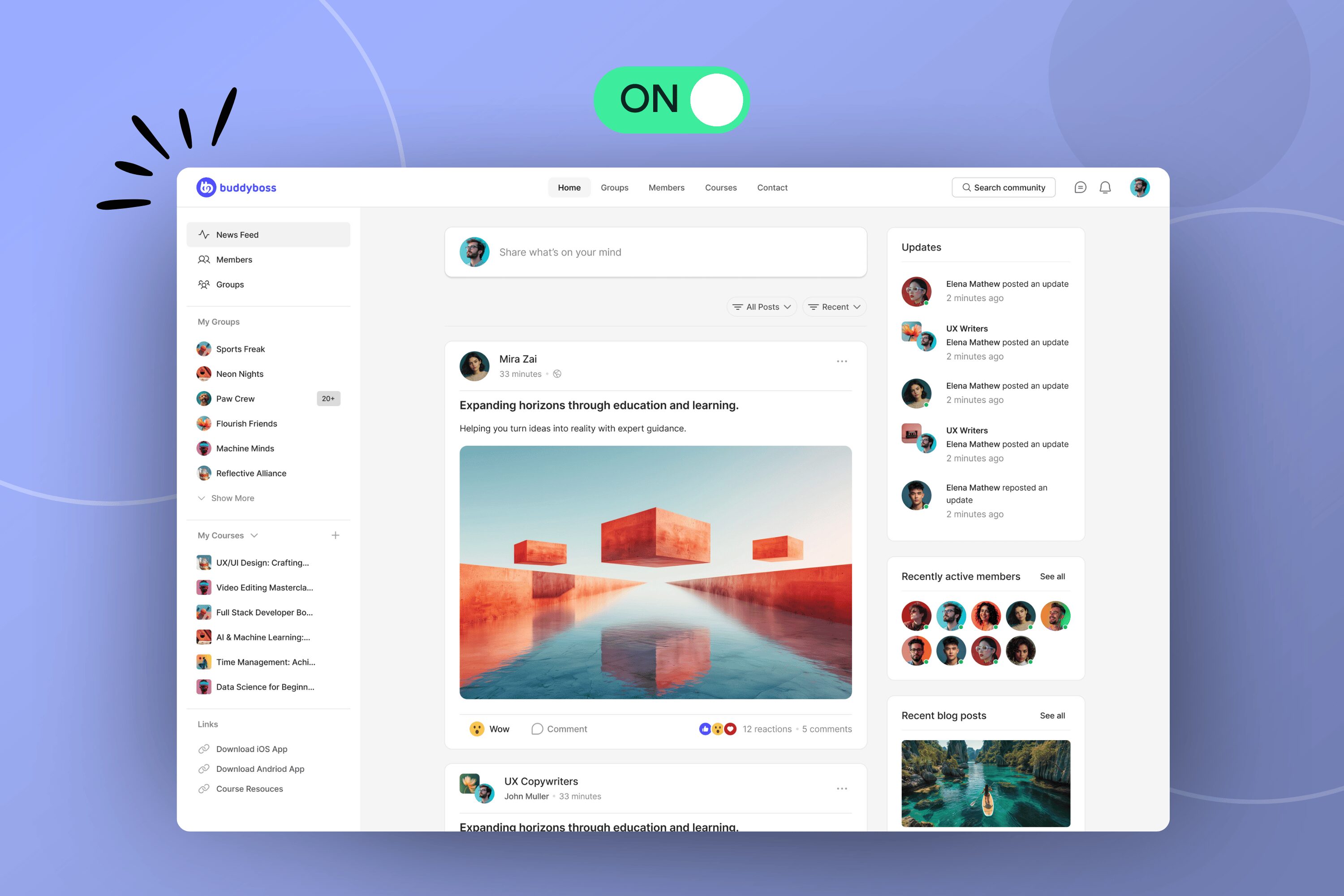
BuddyBoss ReadyLaunch (currently in beta) is a new template solution introduced by BuddyBoss to make launching a feature-rich WordPress community simple, fast, and free.
BuddyBoss ReadyLaunch is a free community template included in the BuddyBoss Platform (for now, soon it will be a standalone solution available on the WordPress repository). It works with any WordPress theme, instantly applying styled templates for profiles, groups, feeds, and courses without requiring a theme switch.
ReadyLaunch is a free one-click activation feature built into the free BuddyBoss Platform plugin. It instantly overlays your WordPress site with modern, pre-styled templates for profiles, activity feeds, messaging, groups, media galleries, and documents. Unlike traditional setups that require switching to the BuddyBoss Theme or wrestling with a page builder, ReadyLaunch works seamlessly with any WordPress theme, preserving your site’s existing look and content.
Key Features and Benefits
Theme Independence: modern, actively maintained themes, so you don’t need to rebuild your site or abandon your favorite design.
Pre-Styled Community Pages: Instantly adds sleek, mobile-friendly layouts for community features like activity feeds, groups, and member directories.
minimal lock-in: Toggle ReadyLaunch on or off without breaking your site or losing your customizations.
Modern UI & Branding Options: Offers easy controls to set your brand colors, logo, and toggle dark/light mode, focusing on speed over deep customization.
LMS Integration: Provides dedicated integrations and layouts for LearnDash and MemberPress, offering course pages and grids that match ReadyLaunch styling.
Ultra-Fast Setup: Launch a polished community hub in minutes, with no coding or advanced technical skills required.
Free to Use: Included within the BuddyBoss Platform plugin, making it a cost-effective alternative to expensive SaaS community platforms.
Best for Engagement: Tailored for creators, coaches, and small-to-medium niche communities, with all community features enabled out of the box.
Easy Rollback: Turn ReadyLaunch off anytime to instantly revert to your original theme and site layout, no lingering effects.
ReadyLaunch is perfect for:
Is it worth it? Absolutely, for its target audience. If you want a no-fuss, beautiful, and professional community experience without switching themes or facing technical hurdles, ReadyLaunch is uniquely positioned.
It gives you a robust, scalable entry point with a clear upgrade path to the full BuddyBoss Theme and Platform Pro when you need deeper customization and advanced features in the future.
Download The BuddyBoss Platform & Try ReadyLaunch Today
| Theme | Performance | Best For | Learning Curve | Download & Demo |
| Astra | ⭐⭐⭐⭐⭐ (<50KB, blazing fast) | General communities, content + community mix, beginners | Beginner-friendly (extensive docs) | Download Free |
| Neve | ⭐⭐⭐⭐⭐ (AMP support, mobile optimized) | Membership sites, startups, mobile-first communities | Medium (intuitive but some complexity) | Download Free |
| OceanWP | ⭐⭐⭐⭐ (good balance, can be optimized) | Forum-heavy sites, content-rich communities | Advanced(steeper learning curve) | Download Free |
| Zakra | ⭐⭐⭐⭐⭐ (lightweight, fast loading) | Small-medium communities, local groups, hobby sites | Easy(simple, straightforward) | Download Free |
| Kadence | ⭐⭐⭐⭐⭐ (performance optimized, modern) | Learning communities, course platforms, professional groups | Medium(requires Gutenberg comfort) | Download Free |
| Hello Elementor | ⭐⭐⭐⭐⭐ (<6KB CSS, ultra-lightweight) | Custom designs, landing pages, Elementor power users | Advanced (requires Elementor expertise) | Download Free |
| BuddyBoss ReadyLaunch Community Template | ⭐⭐⭐⭐ (optimized for community features) | Existing sites wanting instant community, course creators | Easy (one-click activation) | Get BuddyBoss Platform or Try ReadyLaunch Free |
Choosing the right free theme for your community site is an important first step in creating an engaging and functional online space.
The best theme aligns with your community’s goals, technical skills, and future growth plans. Understanding these basics helps narrow down options and ensures your site delivers a smooth experience for members while scaling as your community grows.
Match your community type first. Forums need different features than membership sites. Learning platforms require course integration. Social communities prioritize member profiles and activity streams.
Consider your technical comfort level. GeneratePress offers incredible performance but requires more technical knowledge. Astra provides easier customization with similar results.
Think about future growth. Your community of 50 members might become 5,000. Choose themes that scale well and offer upgrade paths.
Test compatibility with essential plugins before committing. Install your chosen community plugins (BuddyPress, bbPress, or membership tools) and verify everything works smoothly.
Evaluate support quality even for free themes. Active forums, regular updates, and responsive developers prevent future headaches.
Maximizing the potential of your free theme is key to building a fast, secure, and user-friendly community site.
From the start, implementing caching and image optimization helps keep your site running smoothly as traffic grows.
Creating a child theme protects your customizations, while using page builders wisely enhances design without slowing performance.
Prioritizing security measures and regular backups ensures your community stays safe and resilient against threats. With these practices in place, even a free theme can deliver a professional and scalable online community experience.
Implement caching immediately. Install caching plugins like W3 Total Cache or WP Rocket to handle increased traffic as your community grows. Free themes often lack built-in optimization.
Create a child theme before making customizations. This protects your changes during theme updates and prevents losing months of work.
Use page builders strategically. Elementor or the native Gutenberg editor can enhance your theme's capabilities, but avoid overloading pages with heavy elements that slow loading times.
Prioritize security from day one. Install security plugins, keep themes updated, and regularly backup your site. Community sites become attractive targets for spam and attacks.
Optimize images and media since community sites generate lots of user-uploaded content. Implement image compression and consider CDN services for better performance.
Is BuddyBoss Theme available as a standalone theme?
No, BuddyBoss Theme is only available as part of the Platform Pro package, providing deeper integration and premium design features.
What is ReadyLaunch in BuddyBoss?
ReadyLaunch is a free, plug-and-play template system within the BuddyBoss Platform that works seamlessly with any WordPress theme for instant community layouts.
Can I use Hello Elementor for a community site?
Yes, combine Hello Elementor with BuddyBoss and Elementor plugins to create a modern, interactive community experience on WordPress.
The best free WordPress themes offer remarkable functionality without upfront costs.
Don't get trapped in endless theme browsing. Pick two or three options from this list, test them with your specific plugins and content, then commit to building rather than tweaking.
Your community's success depends more on consistent engagement and valuable content than perfect theme selection. Start with a solid foundation from these free options, then upgrade features as your community grows and generates revenue.
Ready to launch? Download your chosen theme, install essential community plugins, and focus on creating the content that brings people together.
Stats Source:- https://en.wikipedia.org/wiki/Discord
Running a WordPress community means ensuring members can log in without hurdles.
Yet, login problems are among the most common frustrations site owners face.
Whether it’s failed redirects, endless login loops, or password reset errors. These issues don’t just affect user experience; they can stall community growth and engagement.
The good news? Many login problems can be resolved with basic troubleshooting steps and do not always require advanced technical skills.
In this guide, we’ll walk you through six common login challenges in WordPress communities and how to resolve them quickly, so your members can get back to connecting.
First impressions determine community success. New members who encounter login difficulties often abandon the registration process entirely.
Most of all, studies suggest a significant portion of users abandon login attempts after initial failure (around 70%).
Returning members face different challenges. They've invested time building profiles and connections within your community.
Login friction for established members creates frustration that compounds over time, leading to decreased engagement and eventual departure.
Security considerations add another layer of complexity. Misconfigured login systems can expose your community to vulnerabilities while legitimate members struggle to access their accounts.
The balance between security and usability requires careful attention to prevent login problems in WordPress communities.
Among all the problems and issues, these are some of the most common login problems in WordPress communities. Let’s take a look at them and their solutions:
The Problem: Members enter correct usernames and passwords but can't access their accounts. Password reset emails either don't arrive or create endless loops without successful login.
Quick Fix Steps:
WordPress stores password hashes securely, but browser cache conflicts often prevent successful authentication even with correct credentials.
The Problem: Third-party plugins interfere with WordPress's authentication system, preventing successful logins despite correct setup.
Quick Fix Steps:
Security plugins often cause login problems in WordPress communities by implementing overly aggressive authentication rules.
WooCommerce, membership plugins, and certain SEO tools can also interfere with standard login processes.
The Problem: Custom login pages create redirect loops, display broken forms, or fail to process authentication properly.
Quick Fix Steps:
Custom login pages enhance user experience but require careful configuration. Mixed HTTP/HTTPS protocols frequently cause authentication failures that appear as credential problems.
The Problem: Caching plugins serve static versions of login forms, while security plugins block legitimate login attempts as suspicious activity.
Quick Fix Steps:
Popular caching solutions like WP Rocket and W3 Total Cache can interfere with dynamic login processes.
Security plugins such as Wordfence may block legitimate users who trigger rate limiting rules.
The Problem: New members don't receive confirmation emails, existing users can't get password reset messages, or activation links don't work properly.
Quick Fix Steps:
WordPress's default mail function relies on server configuration that often fails on shared hosting.
SMTP plugins provide reliable email delivery essential for login problems in WordPress communities.
The Problem: Community members can't log in successfully on mobile devices despite desktop login working perfectly.
Quick Fix Steps:
Mobile login requires special attention to form field sizing, button placement, and responsive design.
BuddyBoss prioritizes mobile experience with both responsive design and native apps. However, WordPress customizations or conflicting plugins may sometimes impact mobile logins.
Prevention beats troubleshooting every time. These maintenance practices minimize future login issues:
Keep everything updated consistently. WordPress core, community themes, and plugins receive security patches and bug fixes regularly. Enable automatic updates for security releases, but test major updates on staging sites first.
Use staging environments religiously. Test all changes, new plugins, theme modifications, security configurations on staging before applying to your live community. Most hosting providers offer one-click staging creation.
Document standard troubleshooting procedures. Create a simple guide for common member login issues. Include steps for cache clearing, password resets, and alternative browser testing. This reduces support requests and empowers members to solve simple problems independently.
Implement two-factor authentication strategically. 2FA enhances security but adds complexity to the login process. Use it for administrators and power users while keeping member login simple.
Monitor login analytics. Track failed login attempts, popular login times, and common error patterns. This data helps identify emerging issues before they affect large numbers of members.
While BuddyBoss is designed to provide smooth and secure member access, some administrators and users occasionally encounter login-related issues.
These are usually tied to server settings, third-party integrations, or configuration gaps and can be resolved quickly with the right approach.
Here are a few common scenarios:
BuddyBoss App Gets Stuck On The Launch Screen Or Fails To Log In
Possible reasons: Server response delays, Jetpack integration quirks, or caching issues.
Solution: Review server configuration, disable conflicting plugins, and clear app cache to restore smooth login.
Login Issues On The Buddyboss App
Possible reasons: Incorrect API setup, plugin conflicts, or outdated app versions.
Solution: Verify API credentials, test login after deactivating recent plugins, and ensure both the BuddyBoss app and platform are updated.
Facebook Or Twitter Social Login Not Working
Possible reasons: Expired or misconfigured API keys, incorrect redirect URLs, or missing HTTPS setup.
Solution: Update your social platform credentials, confirm redirect settings, and make sure your site uses HTTPS for authentication.
Set up your Facebook Social Login
Set up your Twitter Social Login
Forums Locked Down But Still Visible To Logged-Out Users
Possible reasons: Misconfigured visibility settings in BuddyBoss or WordPress permissions.
Solution: Adjust forum display rules under BuddyBoss settings to ensure only logged-in members can access restricted areas.
👉 For more detailed instructions, check the official BuddyBoss login troubleshooting guides.
If login issues persist, consider professional support to fine-tune your setup and give members a seamless entry point to your community.
1. How to fix WordPress login page refreshing and redirecting issues?
This problem often occurs due to cookie conflicts, incorrect site URL settings, plugin conflicts, or corrupted login files. Fix by clearing browser cache and cookies, ensuring WordPress Address and Site Address URLs match and use HTTPS, disabling conflicting plugins or themes, and if necessary replacing the wp-login.php file with a fresh copy.
2. How to fix error log in WordPress?
If you mean fixing login errors, check your error logs in your hosting control panel to identify issues. Common fixes include correcting file permissions, disabling problematic plugins or themes, repairing corrupted core files, and ensuring PHP memory limits are adequate. Debug mode in WordPress can also help diagnose errors.
3. How do I reset too many failed login attempts in WordPress?
If you use a security or login limit plugin (e.g., Wordfence, Limit Login Attempts), log into your WordPress dashboard or access your hosting control panel to reset or clear the block on IP addresses. Alternatively, temporarily disable these plugins via FTP by renaming their folders to remove login restrictions, allowing you to try logging in again.
Login issues in WordPress communities can seem daunting but are usually resolved by systematic troubleshooting.
Start with cache clearing and simple checks before moving to deeper plugin or server fixes. Regular maintenance and educating members help prevent most problems.
Smooth login experiences keep members engaged and support community growth.
Need help resolving login challenges fast? Get expert BuddyBoss support today!