
Creating a new $299
Read More about BuddyBoss | View Demo
The Woostify theme is built with optimized conversion rate and usability in mind. It is fast, lightweight, responsive and super flexible. The theme supports popular page builders likes Elementor, Beaver Builder, SiteOrigin, Thrive, Visual Composer, etc. It is compatible with all well-coded popular plugins, such as BuddyPress, bbPress, WooCommerce, LifterLMS, LearnDash, GamiPress, and OrbitFox, Yoast, etc. You can build any type of website like shop, business agencies, online community, corporate, education, university portal, consulting, and so on with this theme.
Features:

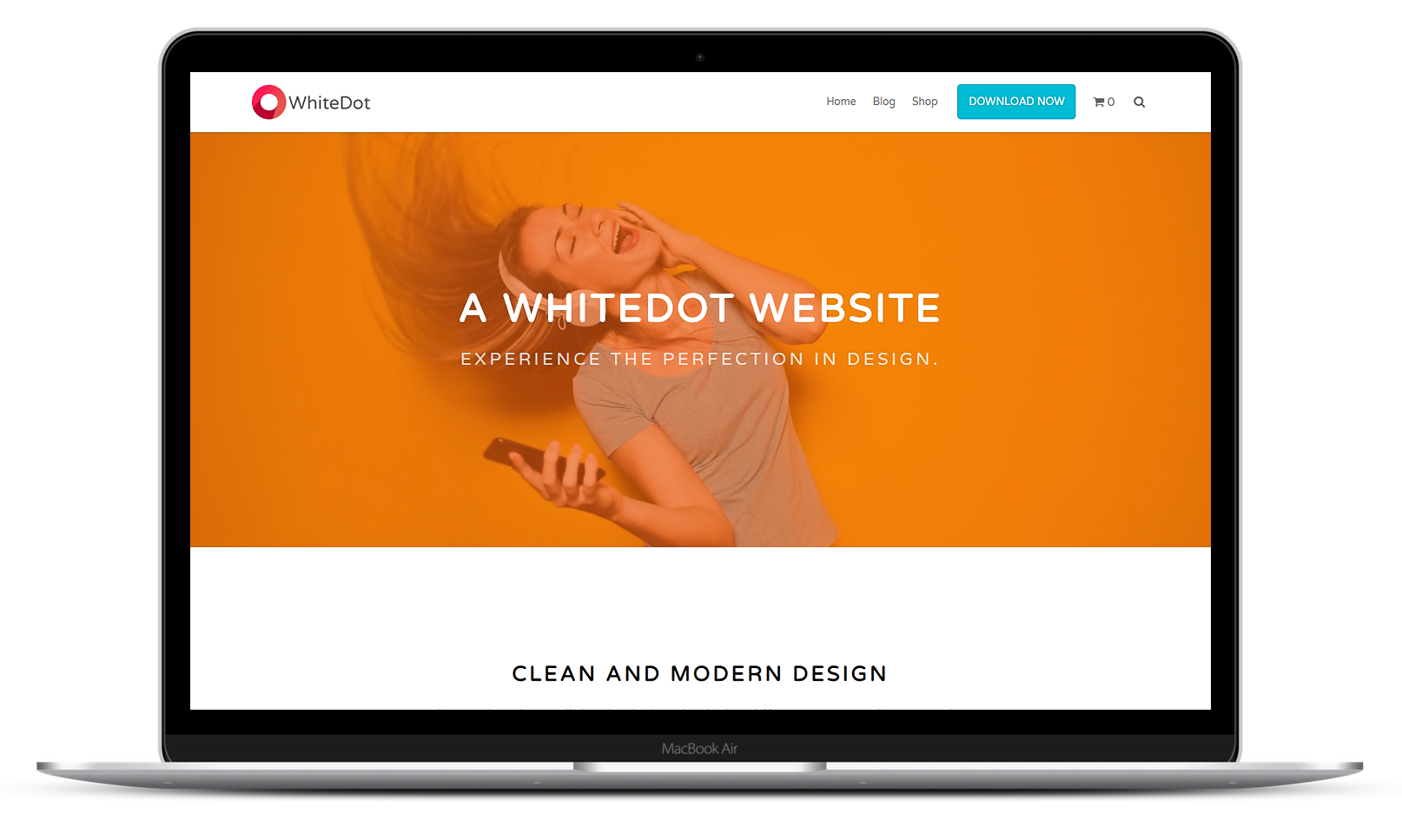
The WhiteDot theme is a fast and SEO-Friendly WordPress Theme. The theme offers deep integration with WordPress page builders such as Beaver Builder, Divi or Elementor and major plugins like WooCommerce, GamiPress, LifterLMS, bbPress, and BuddyPress. It is lightweight and super fast to optimize your website’s performance. The theme is 100% responsive and looks flawless on any device, be it mobile phones or large TV monitors.
Features:
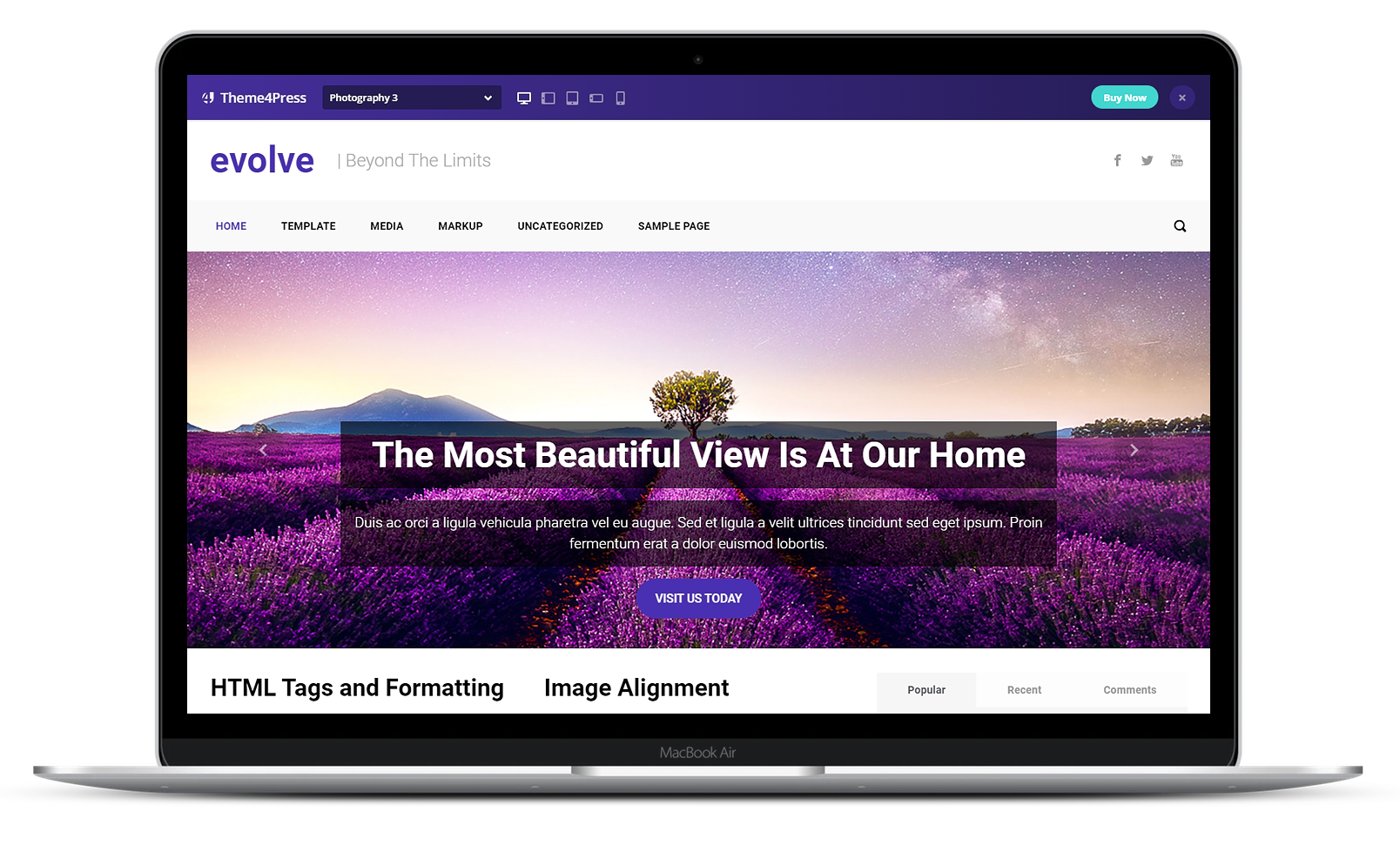
The Evolve theme is a multi-purpose WordPress theme. It has a clean and responsive design. It combines white and light blue colors. It has a modern aspect, with different slider options. You can choose to have a Revolution Slider, a FlexSlider, a Posts Slider or a LayerSlider. The theme is easy to customizable and has a built-in contact page with Google Maps.
Features:
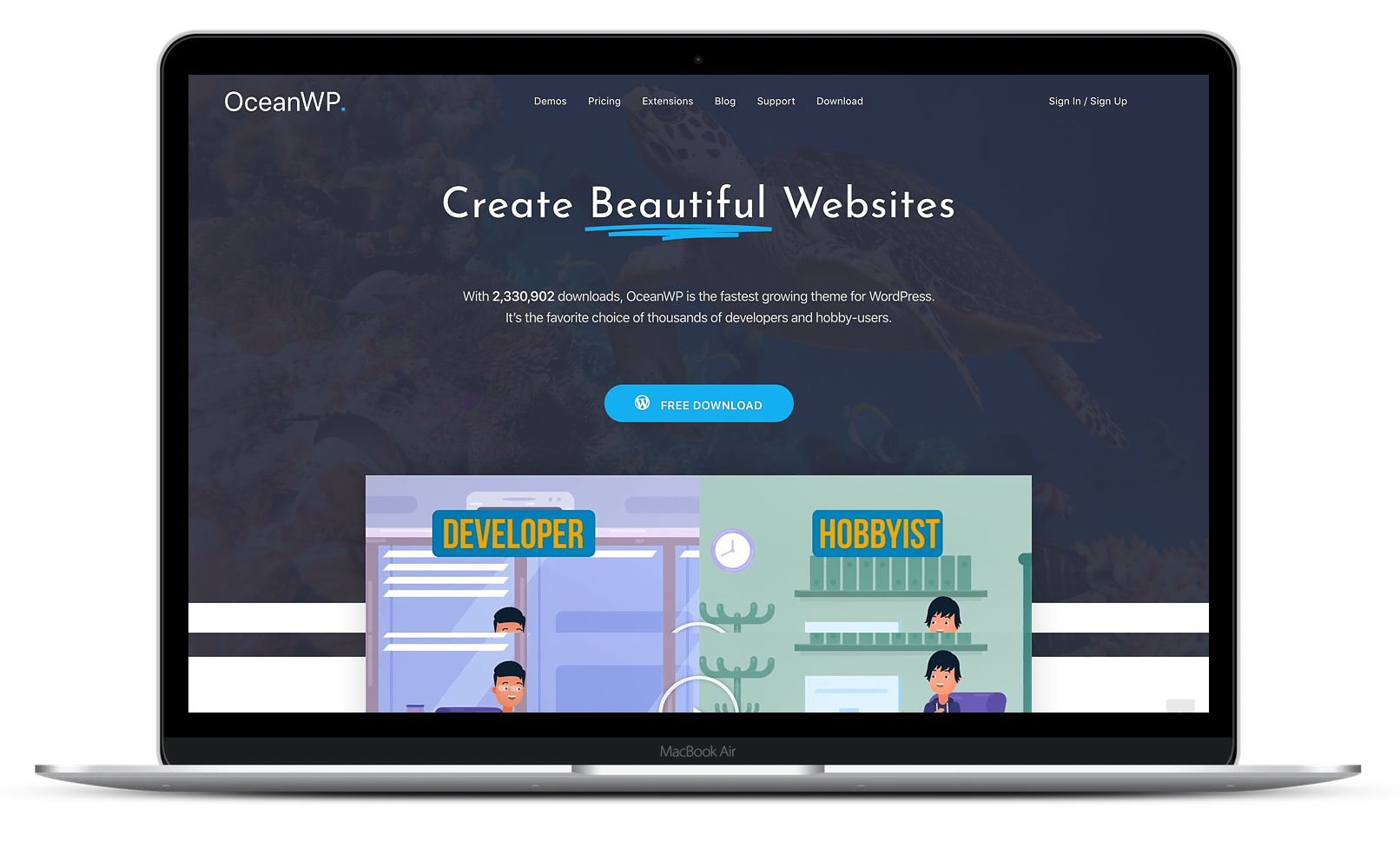
The OceanWP theme is perfect for any community website. It is a highly extendible theme to create a beautiful and professional-looking online community website. You can personalize your website with multiple widget regions. The theme contains a free import extension to import any demo with a single click. OceanWP is designed to work smoothly with the best page builders in the market such as Divi, Elementor, Thrive Architect, Beaver Builder, Brizy, King Composer, SiteOrigin, and many more.
The theme is compatible with popular plugins such as LifterLMS, LearnDash, bbPress, BuddyPress, GamiPress, etc. for integrations.
Features:
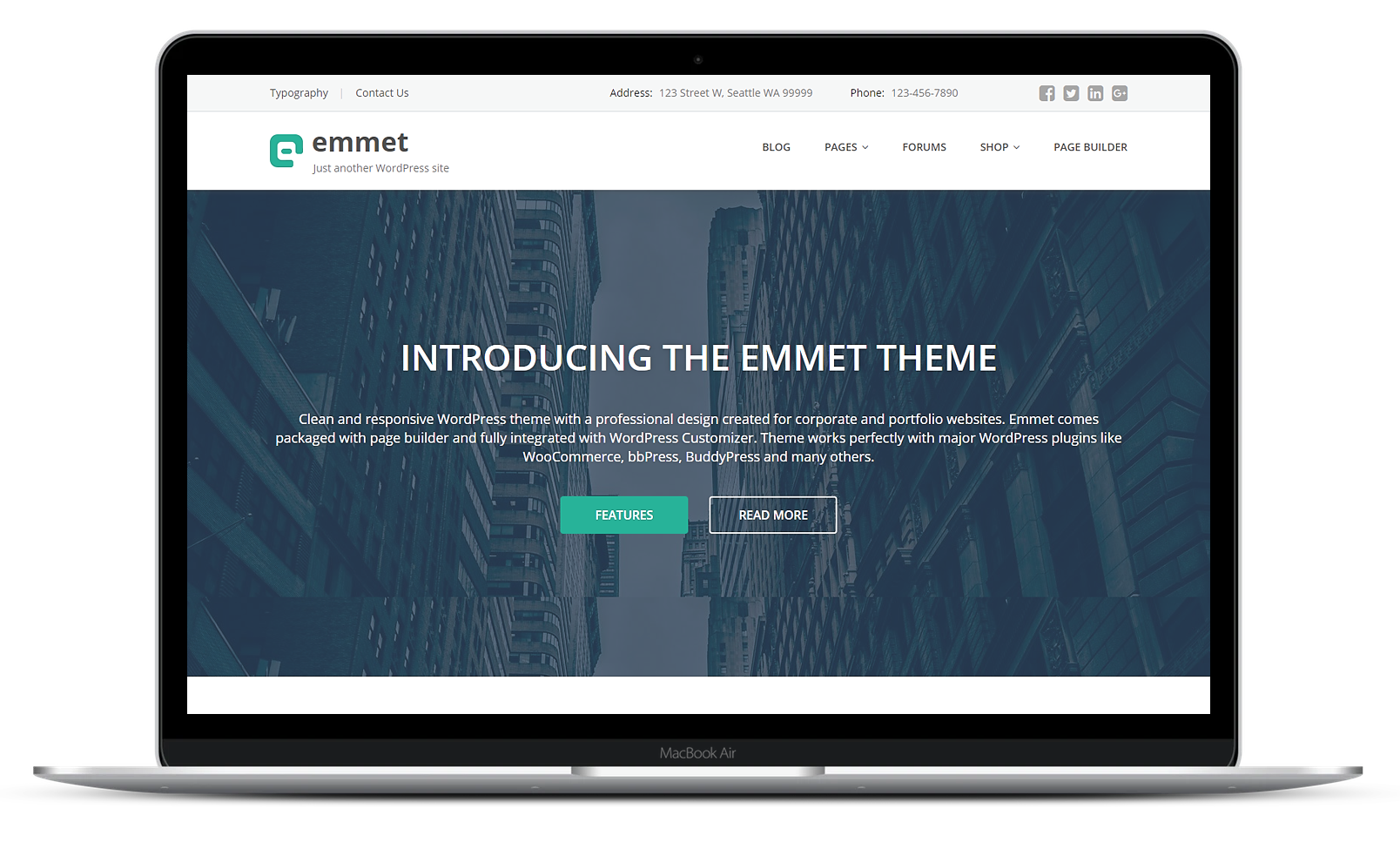
The Emmet Lite theme is a responsive WordPress theme with a sleek design. The theme contains customizable content sections for the homepage to create a stunning homepage in a few clicks. This innovative theme fully supports popular plugins like bbPress, LifterLMS, GamiPress, BuddyPress, WooCommerce, and many others. With the help of Visual Composer, it is easy to build striking layouts and stunningly customized pages. The theme offers you the built-in color presets to match the branding of your business.
Features:
The MesoColumn is a free BuddyPress theme. It is a responsive theme that supports BuddyPress, bbPress, WooCommerce, and many more popular plugins. It comes with an unlimited color choice on Menu for category and pages, layout, background, footer, and sidebar. You can instantly set up an online community website with no tweak or any need to customize the template. The theme offers unlimited sidebar featured category widgets and is translation ready.
Features:
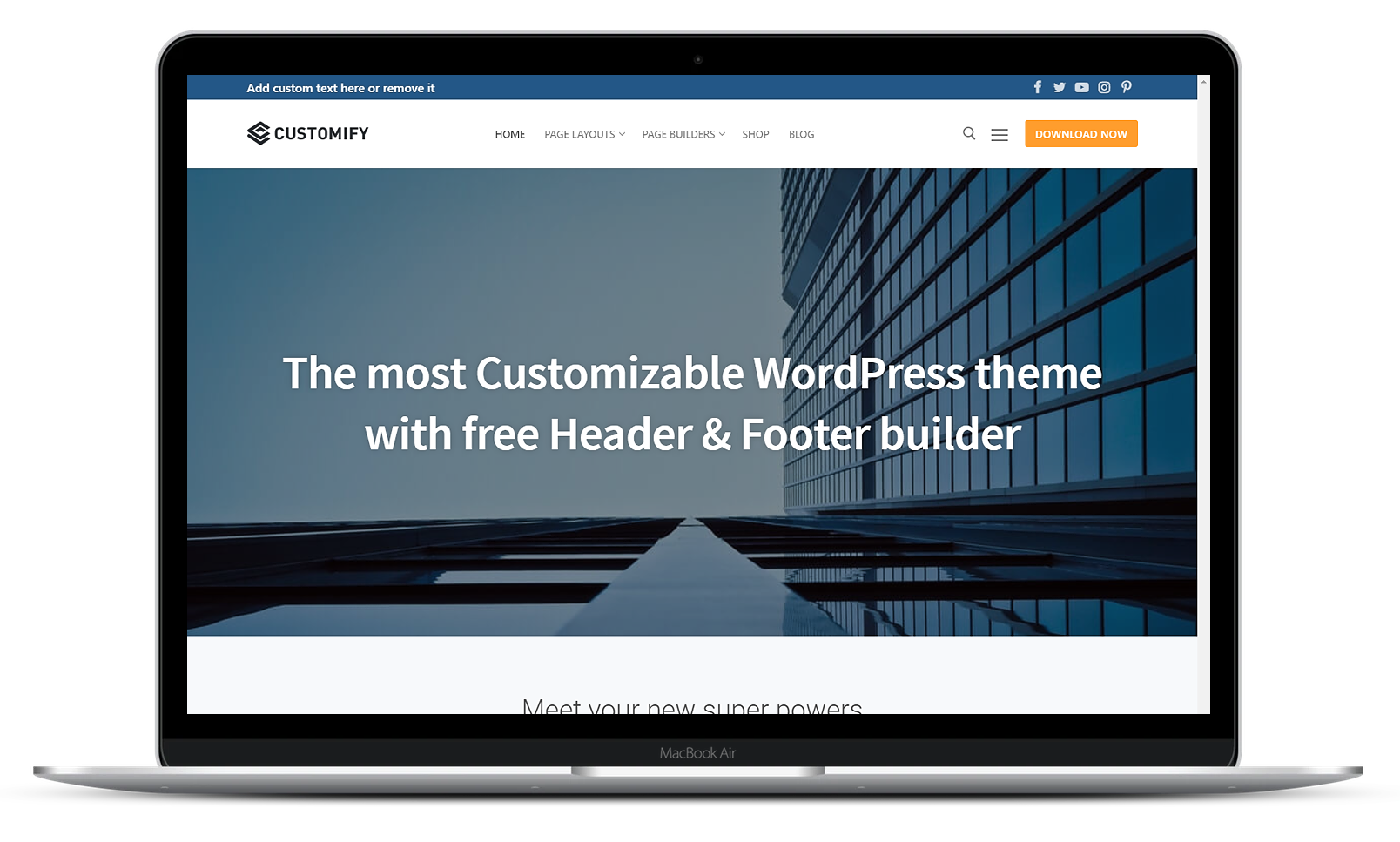
The Customify theme is a lightweight multipurpose SEO-friendly theme. Customify is compatible with all well-coded plugins, including major ones like BuddyPress, bbPress, LearnDash, WooCommerce, LifterLMS, GamiPress, Yoast, etc. Use the WYSIWYG Header & Footer builder (inside the WordPress Customizer) built exclusively for this theme to create stunning online communities’ websites. The theme works seamlessly with most page builders likes Beaver Builder, Elementor, SiteOrigin, Divi, Thrive Architect, Visual Composer, etc.
Features:
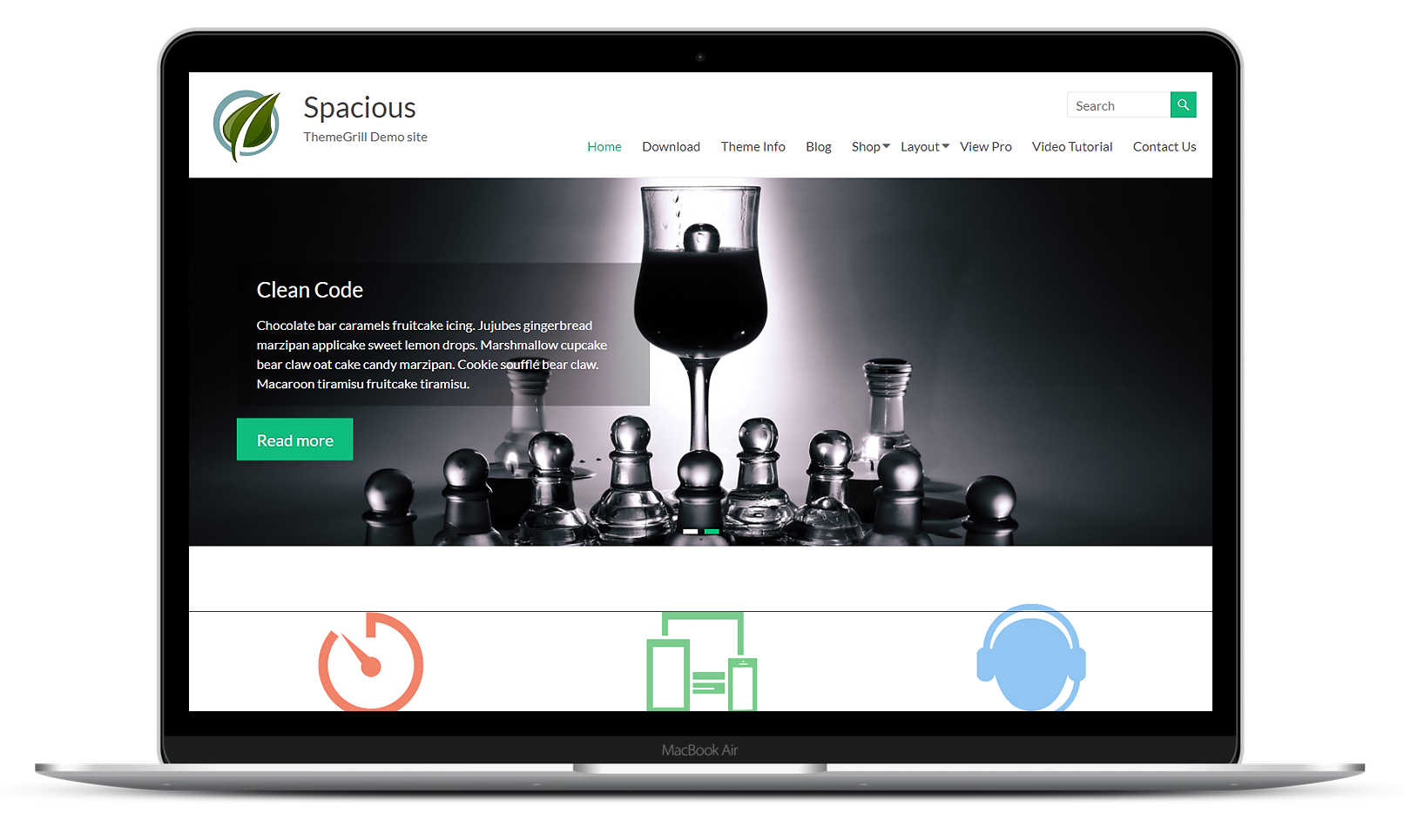
The Spacious theme is a simple yet highly flexible WordPress theme. You can create your business, portfolio, blogging, agency or any type of site. The theme offers 13 different widget areas giving you plenty of control over your content. It follows the best SEO practices to deliver your important content to search engines. It is compatible with popular plugins such as WooCommerce, bbPress, BuddyPress, GamiPress, LifterLMS, LearnDash, etc.
Features:
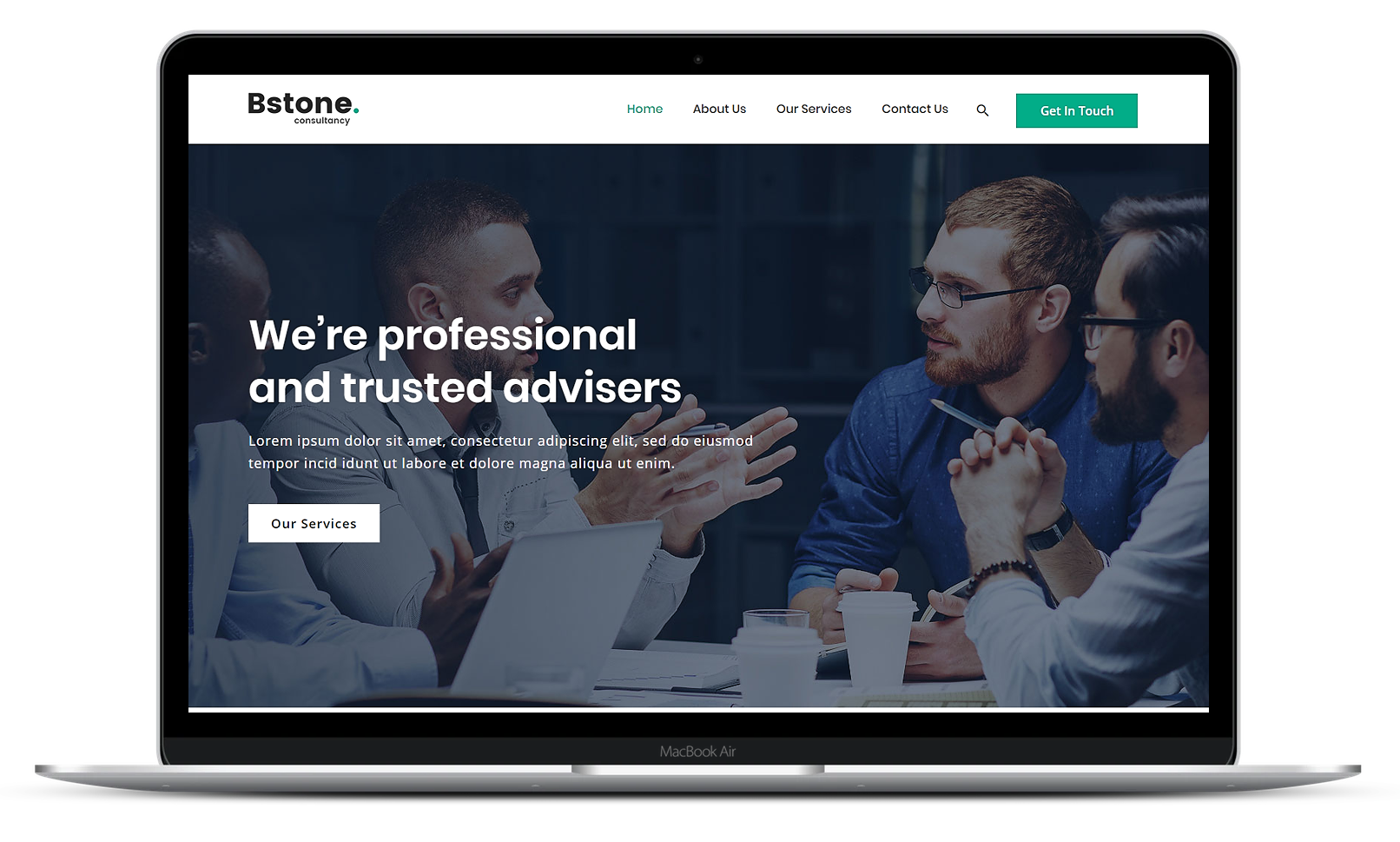
The Bstone theme is a super flexible multipurpose theme built with SEO, speed, and usability in mind. Bstone is compatible with all well-coded plugins, including major ones like BuddyPress, bbPress, LearnDash, LifterMS, WooCommerce, Yoast, etc. The theme does not require any coding skills for set up. You can edit and finetune your website as the theme supports most of the popular page builders such as Divi, Elementor, Beaver Builder, etc.
Features:
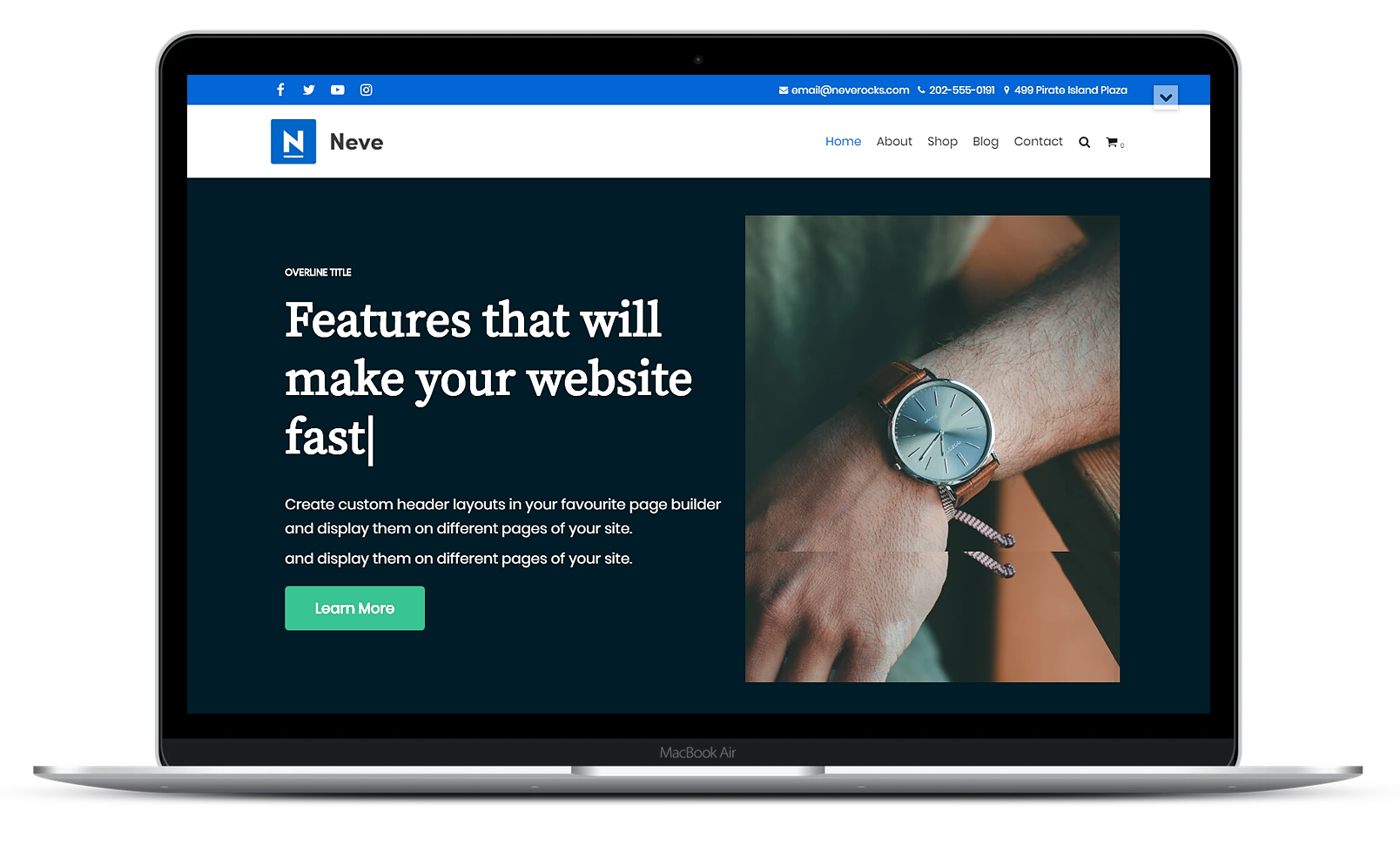
The Neve theme is an easy to use WordPress theme. It is a multi-purpose theme and can be used to create online communities, shop, online courses website. Neve is fully compatible with the most popular free page builders Divi, Elementor, Beaver Builder, Brizy, Visual Composer, SiteOrigin. It is a fully AMP optimized theme which makes your website look great on any devices with its fully responsive design.
Features:
Now that you have the 10 best free BuddyPress themes, get your online communities website sorted and give your users a platform to collaborate and communicate with each other.
Ready for a premium theme? Check out the BuddyBoss Theme (Web) – the most advanced solution for building online communities, and membership sites on WordPress. It’s the only-one-you’ll-ever-need kind of BuddyPress theme that has the FREE BuddyBoss Platform built into it.
Our CEO created an in-depth video explaining the advantages of choosing the BuddyBoss Platform over BuddyPress. Watch it today and choose the most innovative online community solution for your website just like the industry experts – Adam Preiser (WPCrafter) Vito Peleg (WP FeedBack) and Michael Short (WaaS.PRO).
Hosting a BuddyBoss platform website demands specialized attention. Unlike traditional blog websites that are content-heavy yet static, a BuddyBoss site is dynamic, reflecting the ever-changing nature of a social networking platform. With users constantly logging in, posting, and interacting, the content remains in flux. Traditional page caching plugins, such as W3 Total Cache, and server site caches, such as Varnish and Breeze, fall short in this scenario, as they could lead to users receiving outdated content. It's clear, then: the very essence of BuddyBoss demands a specialized server environment capable of handling constant database interactions.
In the past, we had recommended platforms like KnownHost, Cloudways, and AWS. While they served their purpose at the time, they weren't the ultimate solution. Cloudways, while user-friendly, doesn't extract the full performance potential for BuddyBoss. On the other end of the spectrum, AWS, despite its robustness, can become a labyrinth for the average user.
This propelled us to design our own hosting platform, encompassing all the above elements and more. Crafted to perfection over 18 months, this solution epitomizes what a dynamic WordPress site requires.
Our journey through hosting comparisons led to an epiphany: many WordPress hosts cater primarily to simpler blogs and websites. Their offerings, while commendable, don't align with the needs of dynamic sites. This realization birthed Rapyd. After 18 months of dedication, we've sculpted a hosting solution tailored for dynamic WordPress sites and apps.
Infrastructure Grounded in AWS: AWS is more than just a cloud provider. When tailored right, it provides a robust foundation for any high-performance website, especially dynamic WordPress sites and apps. While AWS remains our top pick, other cloud providers might also fit the bill for certain needs although the performance may suffer.
LiteSpeed Enterprise Server – Speed Personified: Dynamic websites crave speed and concurrency. Enter LiteSpeed Enterprise Server. With a track record that outshines other servers, its prowess shines brightest when juggling multiple tasks, ensuring BuddyBoss sites are consistently snappy.
MariaDB – The Swift Data Conduit: In the dynamic world of WordPress, data needs to flow seamlessly. MariaDB, equipped with specialized engines, ensures data moves rapidly, underpinning agile sites.
The Art of Benchmarking: Any claims of superiority need backing. Tools like the WPPerformanceTester plugin provide tangible evidence, allowing for comparisons between hosting providers. Such tests, while not exhaustive, spotlight those that reign supreme in the hosting arena.
LiteSpeed Cache – Always Ready: The significance of caching systems is paramount. Integrating with LiteSpeed Cache ensures content remains at the fingertips, slashing load times impressively.
The Dynamic Quartet – Redis Cache, Relay, LiteSpeedPHP & Object Cache Pro Plugin: Elevating the caching and efficiency frontier, Redis Cache, paired with Relay, delivers superior caching solutions. In sync with LiteSpeedPHP and aided by the efficiency-boosting Object Cache Pro, this powerful quartet supercharges WordPress sites, enhancing responsiveness, concurrency and ensuring seamless operations with reduced database strains.
Adapt and Conquer: Being adaptable in the tech world is pivotal. Leveraging the power of cutting-edge servers, and being flexible to migrate to newer, more potent servers ensures BuddyBoss sites harness the best tech available.
This isn't just about hosting. It's about providing an environment where BuddyBoss platforms can thrive. It's about speed, efficiency, and seamless user experiences, even with a surge of concurrent users. While some community owners opt for custom setups through freelancers, the challenges of initial setup costs, software expenses, and ongoing maintenance surges can be daunting.
For a deeper dive into our hosting journey, insights, and Rapyd's capabilities, check out our podcast episode.
Discover more about Rapyd, the ultimate hosting solution for hosting dynamic WordPress sites & apps.
Twelve years of training content. Hundreds of workshop recordings. Thousands of templates, coaching calls, and community discussions. All of it scattered across different platforms, forcing students to hunt for what they'd already paid for.
That was the reality Brent Weaver faced at uGurus, the agency coaching company he'd built from a scrappy 30-person Bootcamp into a business that's mentored over 2,000 digital professionals. The content was valuable. The delivery system wasn't keeping up.
Brent needed a central hub where online courses, live training, private coaching, and community discussions could exist in one place. He partnered with BuddyBoss to make it happen.
Here's how the project came together and what it took to consolidate an entire training ecosystem under one roof.
Brent Weaver built his first website at 15 for a Phish fan site. By his late twenties, he'd grown HotPress Web into one of Denver's top five fastest-growing businesses two years running, eventually selling the agency in 2012.
That same year, he launched uGurus, a coaching company dedicated to helping digital agency owners close bigger deals and scale their operations. The flagship $10K Bootcamp program started scrappy: Brent sold 30 seats at $2,000 each before the curriculum even existed, then stayed one week ahead of each live session while personally handling every client concern.
That scrappy approach worked. Over the next decade, uGurus graduated 600+ agency owners from their Bootcamp programs and mentored more than 2,000 digital professionals. Graduates consistently used words like “transformative” to describe their results, with some turning $3K proposals into $18K contracts after just a few coaching calls.
Running a training business at that scale meant managing an increasingly complex content ecosystem. uGurus wasn't just selling courses. They were delivering:
All of this content lived in different places. Students had to jump between platforms to access what they'd paid for. The team spent unnecessary time managing fragmented systems instead of focusing on what mattered: helping agency owners succeed.
“The most important thing is to get into your market and really figure out what your customers want,” Brent has said about his approach to building programs. That same customer-first philosophy meant he needed a platform that eliminated friction for students, not one that created it.
Brent needed a central hub that could handle everything: self-paced courses, live workshop recordings, community discussions, private coaching access, and resource libraries. The platform had to be responsive, customizable, and capable of scaling with a business that had already proven it could grow.
BuddyBoss offered the combination uGurus needed. The platform integrates with LearnDash for course delivery while adding the community layer that makes social learning possible: discussion forums, private messaging, member profiles, activity feeds, and group spaces where agency owners could connect with peers facing similar challenges.
For a business built on the principle that agency owners shouldn't have to figure things out alone, community features weren't optional. They were core to the product.
Brent worked with the BuddyBoss team to bring everything under one roof. The project consolidated course content with progress tracking and completion certificates alongside community features for peer networking and accountability. Private coaching access and group workshop spaces were integrated into the same environment, and a centralized resource library made templates and training recordings accessible from a single location. The entire platform was built mobile-responsive so members could access content from anywhere.
The result was a single destination where uGurus members could find everything they needed without bouncing between platforms.
Brent's philosophy has always been that agency owners should invest more in themselves than they ask clients to invest in them. Building a proper training infrastructure was part of practicing what he preached.
When your business model depends on helping people transform their operations, the experience of accessing your content matters. Fragmentation creates friction. A unified platform removes it.
Watch Brent discuss his experience working with BuddyBoss:
About Brent Weaver: Brent is the founder of uGurus, author of Get Rich in the Deep End, and has helped agency owners add over $100K in net income to their businesses. He started building websites at 15 and has spent 20+ years in the digital agency space.
Have you considered turning your traditional sales model into a membership model?
In the three years between 2014 and 2017, the number of people visiting websites employing a subscription based model grew by 800%
The reason for this incredible growth is that there are many benefits to utilizing a membership model. While it won’t work for every business, there are plenty of reasons to consider it for yours. Here are six of our favorites:
The membership model might not guarantee more income, but it should stabilize it. This is a significant benefit for your business as it will help you make better predictions about future income. With greater certainty over future income, it's easier to invest in growing your business.

It will be advantageous four your members to consume your content instead of your competitors. Plenty of people sign up to Netflix to watch Black Mirror. After they finish watching Black Mirror, they may have chosen to watch The Man in the High Castle, had all choices been equal. However, as they are Netflix subscribers, they instead chose to watch Stranger Things. Had they merely paid to see Black Mirror, they may well have rented their next series from Amazon Prime under a traditional rental model. Even with an option of a free trial to Amazon Prime, customers are minded to stick with Netflix. They want to get as much value as possible from the money they invested in their subscription.
You can expect your members to ignore similar content on your competitor's site if you can offer something roughly equivalent.

Members have reasons for subscribing to your site. Those reasons might not cover every item you offer. Their continued exposure to other items may eventually prompt enough interest to lead to an additional sale. Imagine your shop at a supermarket for frozen goods, but buy your fruit and vegetables from the greengrocer. You just think the produce is fresher. However, you routinely encounter the fruit and vegetables at the supermarket. Eventually, you stop going to the greengrocer and buy apples at the supermarket. You're a member of the supermarket’s membership scheme, earning cashback on goods bought. Being a member convinced you to buy a product you wouldn't have otherwise bought.
Not all of these benefits are exclusive to the business. The membership model also has benefits for the consumer. The traditional sales model is more open to scams or abuse. A poorly made product or service can be well marketed and the consumer hoodwinked. With the membership model, it’s harder to deceive the consumer. You might be able to convince a consumer to pay an initial month’s subscription for an inferior product. That customer isn't likely to pay for the second month once they’ve had time to properly assess your offering though.
It’s not only the customer who benefits. Businesses who provide a good service will retain their customers and inherit customers from the businesses who don’t. Only picking up a month’s subscription from new customers isn’t enough to sustain a membership model. If you are doing good quality work for your members this can be even more of a competitive advantage than in other models.

In the traditional model of selling, the exchange of goods or services occurs and the interaction is complete. The buyer is unlikely be seen again by the seller.
In the membership model, there is an ongoing relationship between the membership owner and member. The membership site owner gets to see the development of the member and interact with them on a regular basis. For many, seeing the progress of their members over time is a very rewarding experience. It gives them feedback on their work and validates what they do.
In the traditional sales model, to sell a product, you have to market it. This means well-planned product launches that capture the attention of your potential market. In the membership model, you have to ensure that you are regularly producing enough new content for your members to keep them satisfied. This means that products don’t have to be sold as full fledged courses, but can instead be released in installments. Your members will also be more forgiving of products that are not completely refined. They know you will continue working on the content. Customers in the traditional sales model however will expect immediate perfection.
These are just some of the benefits from using a membership model in your business. Whether you ultimately choose to employ a membership model will depend on you and your business.
By the way, BuddyBoss has a growing library of helpful articles with tips on running your membership or community business. Why not start with these tips on how not to screw it up on your first try?
Running a membership site means you have a lot of different plates spinning. Regardless of the groundwork you have already put in, there will still be times where you feel like you’re losing control.
Maybe you’re losing members or failing to reach your membership targets; hitting security problems; dealing with payment issues; or facing complaints about your site’s loading speed.
As your site matures and grows, you’re bound to face a few problems.
Thankfully, there are lots of ways to improve your site’s functionality – as well as identify weak spots in your processes.
If you want a quick reference guide to troubleshooting the top 5 membership site operating issues, then you’re in the right place.
This guide breaks down the most common mistakes that hurt membership sites and shows you how to fix them using proven benchmarks and processes.
I’ll cover two areas:
This section is all about the things that you can improve within your site’s functionality to make it work more smoothly and securely. It might be about the plugins you are (or aren’t) using, dealing with failed payments, or leveraging a content delivery network.
Failed payments are one of the most common and most overlooked causes of involuntary churn in subscription and membership businesses.
Across the subscription economy, companies lose an average of about 9% of revenue to failed payments when no recovery strategy is in place.
What’s striking is not just how often payments fail, but how much recoverable revenue sits on the table.
Research shows that top-performing subscription businesses recover roughly 60% of failed payments through strategic retries and recovery workflows.
Stripe (one of the largest recurring billing platforms) reports that for every $1 spent on Stripe Billing tools, its users recovered about $9 in otherwise lost revenue by using automated payment recovery features.
In 2023 alone, Stripe’s recovery tools helped merchants recover over $5.3 billion in failed subscription payments.
What to Track
What to Do: Set up an automated payment recovery process that includes:
As membership sites grow, performance often degrades due to video content, downloads, plugins, and logged-in user complexity. Speed issues don’t just frustrate users, they directly reduce engagement and increase cancellations.
An example comes from the BBC, which publicly reported that it lost around 10% of users for every additional second its pages took to load. For membership sites, where users log in frequently, even small delays can compound into long-term disengagement.
Performance benchmarks to consider:
Falling outside these benchmarks is often an early indicator that infrastructure is no longer keeping pace with growth.
A real-world example comes from the BBC, which publicly reported that it lost around 10% of users for every additional second its pages took to load. For membership sites, where users log in frequently, even small delays can compound into long-term disengagement.
What to do: To address slow loading speeds, start by running quarterly performance audits using tools like GTmetrix or WebPageTest to pinpoint bottlenecks.
If server response times exceed performance benchmarks, especially as concurrent logged-in users increase, consider upgrading your hosting.
Implementing a Content Delivery Network (CDN) ensures large assets are served from locations closest to your members, while offloading video hosting to dedicated platforms prevents media files from overwhelming your server.
Additionally, caching should be used aggressively, including object caching for logged-in users, particularly on WordPress-based membership sites, to maintain smooth performance as your site grows.
If your site is built on WordPress, then you have lots of reasons to feel secure. However, if you’re not keeping your software updated, then you inevitably reveal vulnerabilities.
When a widely used plugin called Post SMTP was installed on more than 400,000 sites, it was found to contain a critical vulnerability that could allow attackers to hijack admin access and view email logs.
Although a patched version was released quickly, roughly 160,000 websites remained unpatched and vulnerable weeks later because site owners hadn’t updated the plugin.
The common threats you’ll see on unmaintained WordPress sites include brute‑force attacks that guess passwords repeatedly, malware injection through plugin weaknesses, and cross‑site scripting (XSS) that tricks your site into executing harmful code.
The good news is that many of these risks are entirely preventable.
What to do: Religiously updating your WordPress core, themes, and plugins ensures you receive the latest security patches as soon as they’re released.
While you’re at it, strengthen login security by enforcing strong passwords and enabling two‑factor authentication to make brute‑force attacks virtually impossible.
Finally, setting up a regular backup schedule ideally off‑site is essential: in the event something does go wrong, a recent backup lets you restore clean versions without prolonged downtime, reputational damage, or loss of member trust.
Want to know more? Refresh yourself with our five tips on building a secure membership site.
You’re bound to find that, as your site grows, the processes around it need to adapt. You might have unanticipated consequences to the way you are creating content, or you may have underestimated the planning involved in promotions.
Subscriber retention should be a top priority: retaining an existing member is far cheaper than acquiring a new one.
Research from Recurly shows that involuntary churn alone accounts for roughly 20–40% of total churn in subscription businesses, highlighting the importance of active retention strategies.
For content-driven membership sites, a healthy monthly churn rate is typically 3–7%; if churn exceeds 8% for two consecutive months, it’s a signal that onboarding, engagement, or perceived value needs attention.
What to do: To track and improve retention, run monthly cohort analyses to identify when members disengage, for example during the first 30 days versus month three.
Use this data to trigger re-engagement emails after 14–21 days of inactivity, and guide new members through a structured 30-day onboarding sequence that delivers early “quick wins.”
For instance, a site might send a welcome email on Day 1, highlight key features on Day 7, provide usage tips on Day 14, and check in on Day 21.
Whatever targets you had in place at launch, you may be finding that you’re falling short somewhere. If not, then you should be sharing your experiences in your own blog!
Whatever your issue – be it not enough traffic or not enough new members – you are probably in need of a strategy around your content and promotions.
MasterClass, a high‑profile subscription education platform that faced stagnating growth in its early years.
MasterClass didn’t just publish more content but redesigned its SEO strategy, created high‑profile thematic campaigns tied to celebrity instructors, and aligned content launches with promotional bursts.
Within a year of these changes, the company reported double‑digit increases in organic search traffic and stronger user acquisition growth, which helped drive membership numbers from the low six figures into the millions.
This illustrates how coordinated SEO, content, and promotional planning can move the needle even for sites with strong content already in place.
What to do: It’s a big one, this. There are three key areas to address:
SEO:- If traffic to your site is causing concern, then you should focus on Search Engine Optimisation. You might have thought that this doesn’t apply to membership sites: wrong. At a minimum: your blog needs to be optimised for search engines; your site structure needs to be clear; and you need to be focusing on keywords. There is a lot more detail in our SEO Practices blog.
Promotions:- A solid plan for marketing your site is essential. You should be running three promotions per quarter: two minor and one major. Promotions can include offers, content, events, themes and buzz builders. Promotions are the source of ongoing membership. Just be wary about what you are offering for free, and what value paid members receive.
Content strategy:- Content marketing is all about how to distribute content to market your site. It helps to project a certain authority to your expertise and helps to provide visibility to the great content on your site. Every site owner needs a good content strategy. Learn how to build one here.
Now that you know what to look out for, remember this: struggling with your site doesn’t mean you’ve failed. It’s something almost every growing community and business faces.
Performance issues, scaling problems, and messy workflows don’t fix themselves but they can be fixed. And they don’t have to cost a fortune or wait until things break.
If you spotted gaps in your setup while reading this, now is the best time to address them. A few small changes today can save you major headaches tomorrow.
And if you want a platform that’s built to scale with your community and not fight against it, BuddyBoss gives you full ownership, flexibility, and the tools you need to grow without limits.
👉 Explore BuddyBoss and see how it can support your community long-term.
If your membership site is slow, it is going to cost you money.
Patience used to be a virtue. Nowadays we don't have quite as much of it. Online users just don’t wait around for slow load times.
They’ll bounce right off your page if they can’t see it almost instantly, meaning they’re missing your content, driving down your cost per click ratios and killing your numbers.
Research has proven that the time it takes to load your web page is directly connected to the number of sales you make. It might seem strange that a few seconds of loading time is enough to make or break a sale.
But that's the reality.
Research from Akamai has shown that just a one second increase in the load time of a website will result in 7% less conversions. How many people sign up to your website in a year? What would 7% of their total membership fees be? Are you beginning to see why this is important?
Amazon understands how important page speed is. Their own data has revealed that every additional 100ms of page load time is enough to account for 1% of their sales. When you are Amazon, that means shaving 100 miliseconds off the load time of their site is genuinely worth billions.
Your site probably doesn't make billions, but think of your day to day activities. How many of them will increase your revenue by 1%? Optimizing a website for performance is not a time intensive chore. If you are using WordPress, it's not even particularly difficult. You can probably save seconds on your load time if your site is currently unoptimized.
That Amazon data is actually ten years old. Do you think the always connected generation of 2019 are likely to be more patient than the generation of 2009? In 2009, 7% of internet users still used dial up connections.
Imagine one of your members has an excellent experience on your site and recommends you to a friend. The likelihood is that these friends won't be hanging out around a laptop in their house. They are more likely to be in a public place. Your member's friend takes the recommendation seriously so takes out his phone to look up your site.
But the connection isn't great. Your site isn't optimised for speed and it's taking ages. Your member isn't a paid sales rep and changes the subject to something else. His friend gives up on waiting for your slow loading site and engages in conversation. Your site is forgotten.
With mobile the numbers are even more dramatic. On mobile, a one second delay will lose you 20% of your conversions. Mobile users are now responsible for more than half of all internet traffic. The average page still takes more than 15 seconds to load on mobile, however. With the benchmark set so low, this could be considered an opportunity to gain a competitive advantage.
One way of fixing this is by turning your site into a native app, assuming your content lends itself to one. Users who subscribe to your content or belong to a community are the prime audience for a fast mobile app that keeps them engaged throughout the day – and native apps load your content ten times faster.
Another negative impact of a slow site is that it will impact your SEO ranking. Google is very concerned with page speed, and with good reason. Google's prerogative is to give their users a great user experience. If Google isn't the best search engine, users have plenty of alternatives. If Google sends their their users to infuriatingly slow loading sites, they haven't delivered a good experience.
You shouldn't expect to see your site shooting up the ranks if you can get it to load in 0.3 seconds. You can expect your site to be penalised in search rankings if it loads in more than 3 though.
There is no strict rule about how fast your site should be, or which page speed metric to use. Unless it's absolutely packed with features, loading in two seconds shouldn't be overly ambitious. 53% of users will abandon a site that takes more than three seconds to load. Aiming for under two seconds should be sufficient to avoid such a huge bounce rate.
If your site is full of images, functionality and other assets that slow it down, make sure the most important content appears first. If you have some JavaScript functionality and images at the bottom of your page, off screen, make sure to load them last. You can do this with techniques such as lazy loading images and asynchronous JavaScript. Prioritize the content your user sees first. Your site might fully load in three seconds, but ensure it is functional in less. As long the site is functional to the user within two seconds you can continue loading while they begin using your site.
Page speed is fundamentally about user experience. There's plenty of other websites that can meet a user's needs. Your user won't be prepared to wait around to see your solution. If people aren't waiting, they aren't paying. Make that wait time as small as you possibly can, and don't let your site's load time impact your bottom line.
One of Wordpress’ problems is actually its own popularity.
People often claim that alternative content management systems are more secure than WordPress.
But is this because those other platforms are more secure, or is it because hackers have a greater incentive to target WordPress?
If your goal was to spam links across the internet, which platform would you target? WordPress, which powers 33% of the internet, or Drupal which only has 1.9%?
WordPress’ popularity is not by accident.
The WordPress team make decisions to ensure the software is easy to use and widely compatible.
This can sometimes compromise security. For example, WordPress is currently compatible with older versions of PHP and MySQL.
WordPress themselves acknowledge that using these legacy versions of PHP and MySQL is a security risk, but still allow it.
So whether WordPress is insecure, or just too popular, WordPress site owners need to take security seriously.
A strong approach to Cyber Security and Cyber Resilience ensures not only protection against attacks, but also faster recovery if a breach occurs.
Here are some of our best tips to prevent unauthorized access to your site.
Since outdated code is a security risk, updating these technologies is an obvious first step towards protecting your site.
In addition, you should make sure that plugins, themes and WordPress itself are all kept up to date, which can be handled in the WordPress backend.
Also make sure to only use themes and plugins that are regularly updated by their developers.
The best things in life are free: we all love to extend the functionality of our websites by using a plugin given away for free by some super-generous developer, but be careful.
It’s unlikely that a developer will spend so much of their time on plugin that earns them nothing.
This is a big advantage of premium plugins: the developers have a financial incentive to continue to support them and ensure they are secure.
If you use a free plugin, check to see how regularly it is updated.
Regular updates are likely if there is a business model that offers an incentive for the developer to keep the plugin updated.
An example of this would be WooCommerce.
The core WooCommerce plugin is free, but there are plenty of extensions to sustain the business, and a comprehensive support team.
Another common point of entry for hackers is basically via the front door. Fortunately, this is the security issue you have the most control over.
According to themetrust.com, 8% of WordPress hacks can be attributed to something as simple as an insecure password.
The worst offenders use passwords such as ‘password’ or ‘12345’. Worse still, they chose the username ‘admin’.
Consider using the complex auto-generated passwords and a less obvious user name. Keep a note of it somewhere for your eyes only.
A step up on a complex password is a plugin which limits user login attempts. WP Limit Log-in Attempts will block a user after a certain amount of failed attempts to log in to your site. This stops bots making hundreds of millions of attempts to guess your password.
You could prevent bots even finding your site's login page by hiding it with a plugin.
This plugin allows you to change the admin URL of your site from the default /wp-admin. It’s much more difficult to break into a house if you can’t find the door.
To take your site’s security to another level, consider installing a specialist security plugin.
iThemes security and Sucuri are two of the biggest names in the market.
Both are plugins available for free, with premium upgrades for an extra layer of security.
A common feature of both plugins is malware scanning.
If hackers breach your defences, it often won’t be immediately obvious that your site has been infected.
Malware can lie dormant for months before becoming active, meaning you won’t be able to fix your site with a simple backup. Malware scanning will help you detect any malicious code within your site as soon as it arrives.
Both plugins also have further features to block unauthorised access to your site. They can blacklist IP addresses of potential threats, make backups of your site and force other legitimate users of your site to use strong passwords.
Whether WordPress is an insecure platform or merely a victim of its own success, there is plenty you can be doing to secure your website. Keep the front door locked, be careful with other ports of entry and hire additional security.
If you are interested in building a membership site, you might be (probably are) concerned about the cost.
You can see the potential income in building a membership site but aren't quite sure about the initial costs.
And what about the ongoing costs of running the site?
We can't tell you the exact number your site will cost – exact costs will obviously vary on many project-specific factors.
We can, however, give you an understanding of what you should expect to spend money on when building and running your membership site.

The first things you will need to consider are a domain name and hosting. The hosting is essentially where your website lives.
The domain is the address that directs people to it.
Next, you will need to build your website – and for a membership site, you will need a content management system like WordPress.
You will then need a design for your website and to have that design implemented by a developer.
With most CMSs, you will need to implement additional functionality to create a membership site.
The primary functionality is the ability to restrict access from non-members but allows access for members. You will also need a way to accept payments.
There will be further running costs, such as marketing, to consider once you build the site.
With almost every aspect of building a membership site, there will be a relatively cheap option and a more expensive option.
In most cases though, there will be a reason why it's cheap, and a reason why the higher-priced option may be the better choice.

Domains are a relatively cheap place to start. More obscure domain extensions like .club or .xyz can often be purchased for a few dollars per year. A .com domain is generally more expensive, at around $10 per year.
Domains can get expensive should they already be taken.
In 2009, Insure.com was bought for $16 million. Hopefully you have a more original, and therefore available, domain in mind.
Expected cost – $10 p/y

Costs of hosting vary hugely. The cheapest type of hosting, shared hosting, can cost as little as a few dollars per month. It is even possible to host a website for free, but with certain limitations.
These options will eventually prove insufficient as your business scales. Shared hosting means that your website would share space with many other websites. If they use up a lot of bandwidth, that means less bandwidth available for your site. If they are infected with malware, your site could be vulnerable.
Dedicated hosting solutions mean that your website will have its own server. You would have complete control of its configuration, all of the bandwidth, and no nuisance neighbors to share with. This could easily cost hundreds or even thousands of dollars per month though. Virtual private servers are the middle-ground option.
If you're starting out, shared hosting would make sense. Be prepared to upgrade in the future to handle the increased traffic a popular membership site could demand.
Expected cost – $5 p/m to $100 p/m

A content management system is an application that you can install in your hosting that will allow you to publish content to your website. A CMS comes with a back-end interface which allows you to control what displays on the public facing website (the front-end).
Fortunately, the base cost of the most popular CMSs is nothing. This isn't a case of WordPress, Drupal or Joomla being inferior CMSs, rather that you will undoubtedly want to extend the core product.
WordPress is a popular choice due to the amount of options you have to extend the platform. WordPress actually lacks the functionality to be a membership site. Upon installing WordPress, you have the choice of a few fairly plain themes which control the design. It does little more than allow you to create some blog posts and pages. But thanks to tens of thousands of themes and plugins, you can easily change that.
You may want functionality in addition to the membership plugin and payment processor. BuddyPress is a popular social media plugin which will allow your users to chat, create profiles and user groups. BbPress is another popular plugin which would allow you to create a forum on your membership site. Both of those plugins are free, open source and very popular in the WordPress community.
Depending on your aims for your membership site, you may require other functionality which might not be free. Thanks to the generosity of developers and their commitment to open source software, there are often free plugins to help you. The advantage of premium plugins is generally the ongoing support offered.
Expected cost $0 – $250 p/y
Alternatively, you could combine your hosting, CMS and domain name into a single package. These are often referred to as Software as a Service (Saas) or cloud based systems. The big difference between these services and installing your own CMS onto your own hosting service is, well, ownership.
With a lack of ownership, there is a lack of control. The cloud based platforms' monthly costs will often exceed the cost of a self-hosted site. So why use these types of services? Because they are easy to set up, and often the quickest route to market. That monthly fee will usually include support.
Expected cost $50 p/m

Design is more than purely aesthetics. A well designed site is one where a user can achieve their goals. If 100 people attempt to sign up on your website, but 20 of them don't understand how to register, then you've lost 20% of your potential income. If your site is well designed, that potentially lost revenue can be minimised.
Your most expensive option is to hire a professional designer or design agency. These costs could easily run into thousands of pounds. A cheaper option is to buy a premade theme. A well-made WordPress theme will generally cost between $40 and $80.
There are also free options available. These themes won't give your site a unique look, but might be a more affordable option when starting out. Bear in mind that poor design will hit your bottom line. If you are able to invest in a professional, it will save you money in the long run.
Expected cost $40 – $3000
If you choose to have your site designed by a professional, you will need to have that design converted into a website. A professional developer, or development agency, will take your site's design files and turn it into a website using code. Developers can also implement the functionality that makes your site a membership site.
Developers that build sites with code and specialise in membership sites will cost thousands of dollars. The advantage of this approach is that websites will be tailor made. You can specify the exact design and back-end options you want created for you. Sites created by professional developers will also be optimised for speed and more secure.
A cheaper option may be a developer that would adapt a pre-existing theme to your design. Some developers in the WordPress space use premium themes or page builders to create websites. These make building websites possible without using code.
Page builders are designed to be accessible to all. If you have the patience and time available, you could put together a passable website yourself. There will be limitations on what can be created with a page builder. They also have an impact on your website's speed, but they may be a good option for someone keen to do it themselves.
Poorly built sites can run slow, with page builders being just one aspect that can slow your site down. The slower your site, the less potential customers you will convert. Websites lose 1% of their visitors for every extra 100 milliseconds of page load. At 3 seconds of loading time, 53% of your visitors will abandon the site.
Just like with design, investing in a professional developer or agency will pay off in the long run.
Expected cost $0 – $3000
We've completed the costs of building your site, but this won't be the end of your expenditure. A membership site comes with running costs. Again, this will vary pretty significantly based on the purpose of your site, but we've picked out a couple most membership sites will need.
You've built your site, but no one will visit if you don't tell them about it. There are a ton of ways to promote your site, but one form of marketing you are likely to make use of is email marketing.
Email marketing is a great way to promote your offers to people who have registered an interest in your product. It is also a great way to retain existing members. When you post new content on your site, send out an email to all your members letting them know. If you invest time and money into creating new material but your members never know about it, they might lose interest.
MailChimp is a well known service in the email marketing space. It's particularly well known because it offers a free version of its service that allows you to send up to 12,000 emails per month. A more advanced email marketing service is Infusionsoft by Keap. Infusionsoft goes beyond mere email marketing, allowing you to create a complete marketing funnel.
Here is a helpful list of email marketing software you might want to look at.
Expected cost $0 – $300 p/m

For most other types of website, video hosting can be as simple as linking to YouTube. On a membership site, that's inadequate. The problem is that you can't restrict people from viewing your videos on a standard YouTube account. It will be easy to access your content without becoming a member.
You can restrict your content with a premium video hosting service. With a service like Wistia or Vimeo, you will be able to ensure only your members see your content. You'll also have full control over your videos, with no adverts and no possibility for a competitor's video to play after yours..
$20 – $99 p/m
To accept payments for memberships to your site, you'll need a payment processor. You'll probably end up using either one of, or both of, Stripe and PayPal. The base fees are the same for both: 2.9% of each transaction plus $0.30. PayPal has a few extra service fees that might make you want to push your customers towards Stripe. PayPay does have a long history and a big reputation, however. You wouldn't want to lose customers that are more comfortable paying via PayPal over a slightly higher fee on American Express cards.
Expected costs 2.9% + $0.30
As you can see from the above sections, the costs of a membership site can vary wildly. As such it would be misleading to calculate a total from the minimum costs, as almost no one will ever spend the minimum amount.
The main take away from the article is all the costs you will have to account for when building a membership site. It should help you understand how cheap it can be to get started. It will also highlight areas where you can invest in the future to improve your offering. Hopefully, this addresses any of your concerns about cost and will give you the confidence to make your site a reality.
Now, BuddyBoss – of course – can handle all of these steps for you. Over many years in the WordPress development business, we've built numerous communities and streamlined our costs to bring you the most affordable solutions. Whether you need full development from the ground up, or just assistance with customization, design, or some other aspect, we can help.
You've had an amazing idea. The idea is for a membership site, and it's going to be brilliant. Everyone will want to join. You can charge what you like for it. You're going to be a millionaire.
But then that initial wave of giddy optimism fades. You start thinking rationally. Is it actually a good idea? How do you know?
Unfortunately, you can't really trust your own judgment because of your inherent bias toward yourself. The next worst people to judge your idea is your friends and family. All being well in your household and among your group of friends, they should be biased towards you as well.
So how can we get an objective analysis of our ideas? How can we validate them?

Many people think that if their bright idea already exists, it's an opportunity missed.
Other people would see it as a validation of the concept. There may be competition, but now you know a need for your idea exists.
There are few completely original ideas in a world of seven billion people. There are more gaps in markets.
If the market doesn't exist, then it is less likely your idea has an audience. If there is demand, sooner or later someone will attempt to address it. Hopefully, your idea came at the right time, and that someone is you.

You might be shaking your head on the prior point. The most successful ideas in history were wholly original, right?
As the famous Henry Ford quote that he probably never actually said goes, “If I had asked people what they wanted, they would have said faster horses.”
And while a car was an original innovation, the need it met was not. Cars are a means of transportation, the same way horses were. Cars were just a faster, more comfortable means of transport.
So while your idea may exist in one form, could it also be successful in another? There may not be other membership sites out there like yours, but there may be an online course or ebook that conveys similar information. The success of these products and services can be a validation of your idea.

If nothing like your idea exists, it's time to find out if the demand for it does.
Tim Ferris, author of best selling book ‘The Four-Hour Work Week', tested the appeal of his products by creating landing pages for them. He would do this before even creating a prototype. He would pay for ads for his landing pages on Google, and measure the click through and conversion rates. He wanted to know how many people were interested enough to press the buy button, even if he didn't have a product to deliver to them.
Justin Ferriman, the founder of LearnDash, blogged about his idea of a Learning Management System (LMS) for WordPress before developing the product. When the product was first released a year later, he had thousands of email leads from people who had registered their interest in the idea. This not only validated his idea, but gave him useful marketing leads to start his business with.
But if you're not ready to commit to spending time and/or money on blogs or landing pages, there are simpler first steps towards validating your idea.
Question and answer sites like Quora are a great place to find out if people are looking for a service like your proposed idea. If no relevant questions exist, you can ask them yourself.
Forums like Reddit or others specialized in your niche can also help you determine if there is interest in your product.

Ultimately, you want to know if someone would pay to be a member of your site. Having friends say they would pay for it is not enough. Can you actually get a person unconnected to you to part with cash for your service?
Creating a full membership site involves a lot of work and cost. A scaled-down version of your service, a minimum viable product (MVP), is an excellent way to validate your idea.
So if your idea is to run a membership site that helps people lose weight, your MVP could be a one-hour fitness class. Can you get people to book one on one classes with you? It is a lot easier to prepare a one-hour class for one person than it is to run a site for many people. But it is still evidence that people want to lose weight, and of the credibility of your services in helping them achieve that goal.
Your great idea is unlikely to be original. In some form or another, it probably already exists, which is good: it shows demand for your idea exists. If it doesn't exist, work out what need it addresses and whether people are looking for a solution like yours. And if you can prove that they are prepared to pay for your solution, well maybe it actually is an amazing idea.
One of the decisions that give budding membership site owners the most trouble is whether access to their site should be free or paid for.
Similarly, they can have issues determining which content they should charge for or when they should make the switch to a paid subscription.
This post will help you with such decisions by exploring when your site should be free and when you should charge members

Little Content or Traffic
The soundest reasoning for making your membership site free is if you have little content and/or few visitors.
In such a situation, you’re trying to establish yourself and need to concentrate on increasing the amount of content on your site and the traffic it receives before worrying about charging your members.
Chances are, your membership site’s concept, or value proposition, needs a little work before it generates the profits you envision.
Attracting more visitors and paying attention to the kind of content they respond to will help with that.
Content Breadth, But Little Depth
A second reason, related to not having much content, is said content not going into much detail.
While having a lot of content could be described as having a good breadth of content, its detail can be described as its depth.
The greater the content’s depth, the better the reason to charge for it.
Let’s say, for instance, you run an online personal training membership site: Your content breadth would include having lots of articles that extol the virtues of particular exercises and healthy foods.
Content depth, on the other hand, would be a 21-day body transformation program that arranges those exercises into a routine and the healthy food into a meal plan.
Put another way, you’d be providing the what or why for free (the articles) while charging for the how (the program).
Your members signed up to your site to solve a problem.
Much of the time, they’ll have a decent understanding of the whats and whys of the solution to their problem and are turning to you for a how – which they’ll be most willing to pay for.
Lots of Competition

Another reason for allowing your site to be free is if you have a lot of competition.
This would mean there are many alternatives to the products or services you offer.
Your visitors, or rather, potential customers, have choices and have little reason to pay for a subscription to your site.
Often, competition is a matter of perception, namely self-perception, and not yet knowing what distinguishes you from similar membership websites.
In such cases, you need to carry out an honest and thorough assessment, of both yourself and your competition, to discover what makes you stand out.
Surveying your customers, to see what they most value about what your offer will also increase your awareness of what makes you special.

Lots of Content
The first reason for charging for access to your membership site is having a lot of content.
This could mean starting out with a large amount or steadily increasing the volume after starting with very little.
If you have a lot from the get-go, you could charge members for a subscription, with a large content library and the convenience of it all being in one place a key selling point.
A good example of this is a video streaming service.
With such sites, you can prove the value of a subscription with a free trial.
Conversely, if you began with a small amount of content and increased it over time, you can justify making the change from a free membership to a paid one.
Sure, charging for access is bound to upset some of your members; you’re charging them for what they’ve become accustomed to getting for free, after all!
However, those that have noticed the increase in content and receive value from it will be willing to pay.
Deep Content

A second reason for a paid membership is if it offers a degree of content depth worth paying for.
As mentioned above, many content marketing specialists advocate giving away the shallow what or why of a solution while charging for the deeper how – what and why for free, how for a fee!
A good example of this is an online course provider: the what of the course in its description, which details everything you’re set to learn upon signing up.
The why is the reason for prospective enrollees signing up for the course; the benefits they stand to reap.
This could be something as powerful as wanting to significantly improve their job prospects and earning potential, to something as simple as satisfying their intellectual curiosity.
The how is the course content itself, which they have to pay for.
It’s entirely plausible that your site could be free while only containing what/why content, and you could add a paid option, or tier, when you eventually launch some deeper how content.
If you’ve built up a following while your site was free, informing your existing members can yield positive results, as they may be interested in your new offering.
You would have had the time and opportunity to prove your worth before requesting payment for what you bring to the table.
Another way to look at depth is not just the level of detail in the content you produce, but the level of access your members have to you.
For those that work in the service industry, a membership site presents potential liberation from the ‘time for money’ loop.
Instead, a membership site lets you leverage your time, allowing you to package and present your expertise in a way that reaches more people.
Though many, if not most, will be happy with the level of access they have, some will want more – and it’s those clients that will have to pay more. The simplest way of doing this is to offer a paid membership option which grants greater access to you.
Some businesses have used this concept to develop multiple tiers, with access that increases with the subscription fee.
You Have a Niche

Finally, you should charge for membership if you have a solid niche.
A niche makes you a specialist instead of a generalist; almost by definition, it means you have way less competition.
As your prospective members have few alternatives, your products or services have more value.
This means they’re more likely to pay to become a member of your site.
Understanding your niche also means developing an understanding of your market as a whole and where you fit within it.
You’ll know who your closest competition is, what they offer, what they charge for membership, and how you measure up against them.
Knowing this, you can then decide how much to charge and how to improve your offering in order to provide more value, attract more members and increase your profitability.
In conclusion, when considering whether your site’s membership should be paid or free, it’s important to remember that you don’t sell content or even access to yourself or a community.
Above all else, you sell solutions to problems.
Looking at your products and services in this way will help you determine how valuable they are to a prospective customer and how much you can charge for them.
The more value you’re providing, the more you can feel justified in charging for membership.