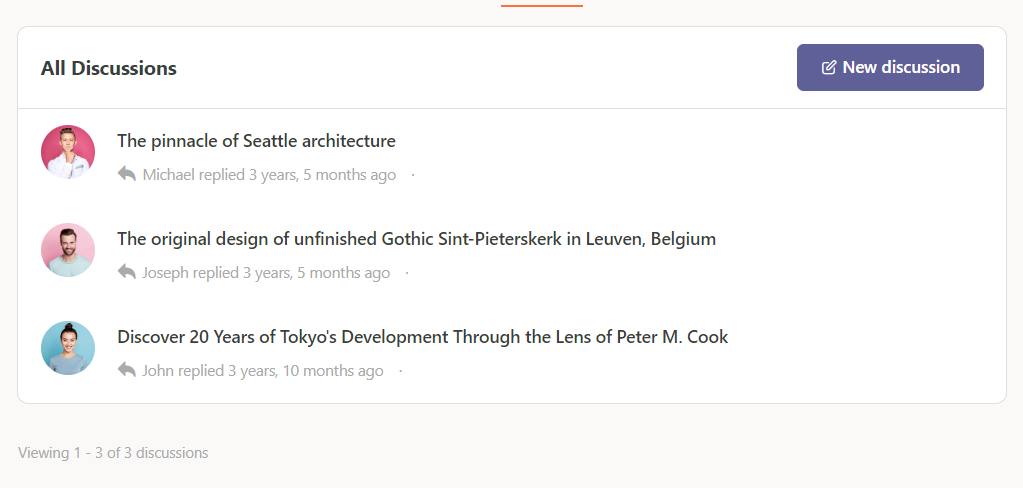
Introduction
BuddyBoss does not include a built in option to hide the number of replies and members (voices) shown in group or forum discussions. These counters are displayed by default to show engagement details. If you prefer a cleaner discussion layout, you can hide them using a simple CSS workaround.
Custom Workaround
Follow the steps below to hide the replies and members count in group or forum discussions:
- Go to BuddyBoss > Theme Options
- Under Custom Codes, enable CSS
- Add the following CSS code:
span.bs-voices,

span.bs-replies {

    display: none;

}- Click Save changes
This will remove the visible count for members (voices) and replies across group and forum discussion listings.
Troubleshooting and FAQs
Q: What do “voices” and “replies” refer to?
A: “Voices” represents the number of unique participants in a discussion, while “replies” shows the total number of responses.
Q: Will this remove replies or members from the discussion itself?
A: No. This only hides the displayed counters. All discussion content and participation remain unchanged.
Q: Does this affect all forums and group discussions?
A: Yes. This CSS applies globally to all areas where these counters are displayed.
Q: Can I hide only replies or only members?
A: Yes. You can remove either span.bs-voices or span.bs-replies from the CSS if you want to hide just one of them.
Q: Could this stop working after an update?
A: Since this relies on CSS selectors, future BuddyBoss updates may require adjusting the code if class names change.
Screenshots
Without code
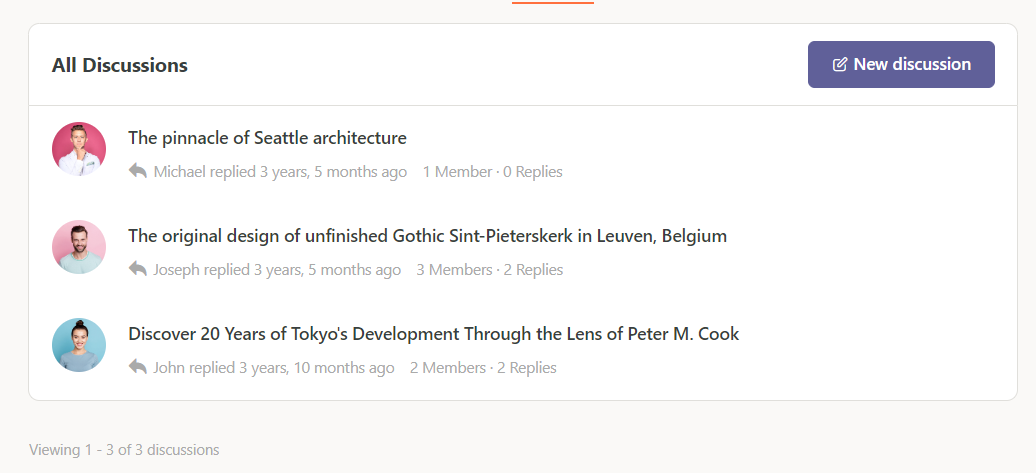
With code