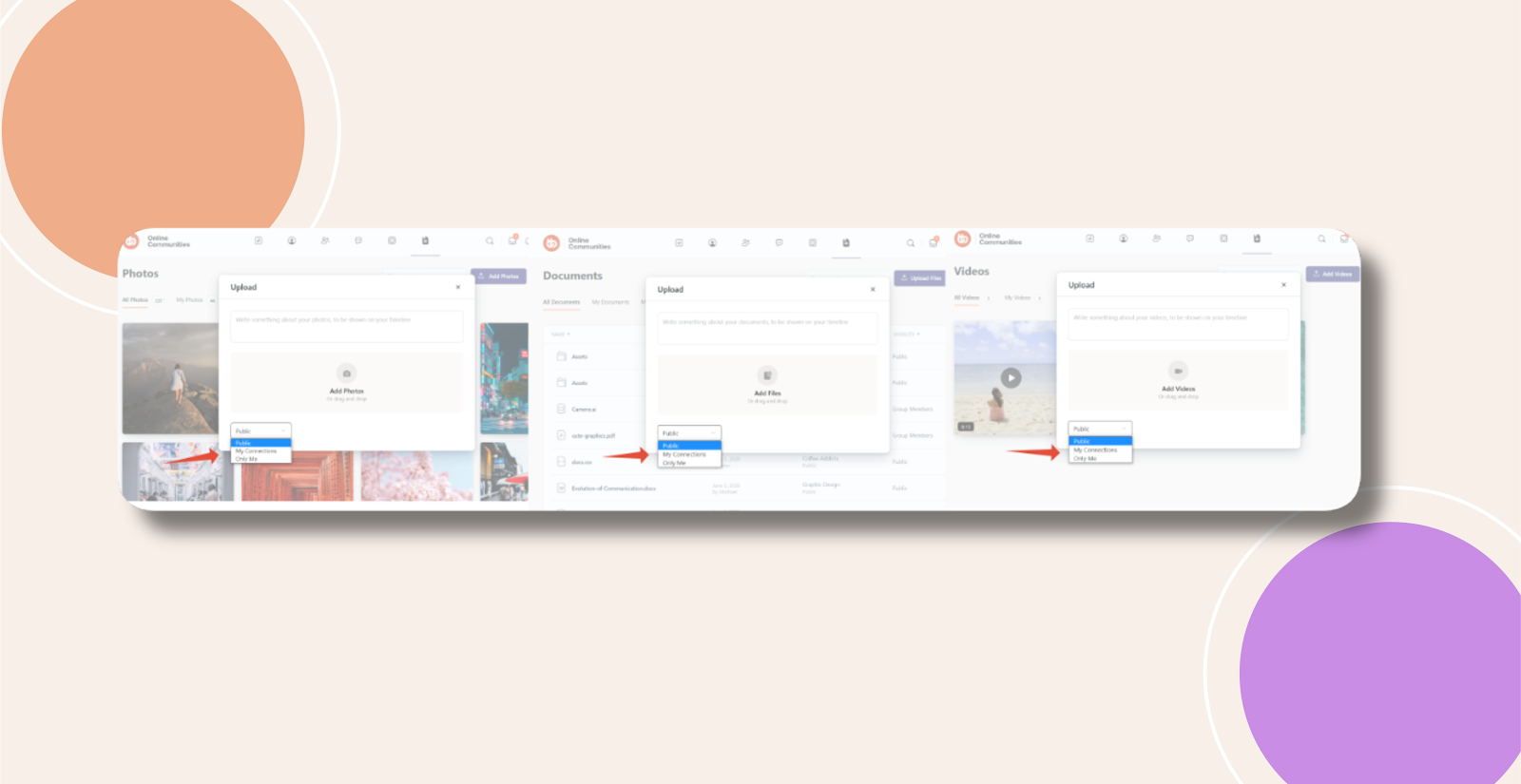
Introduction
In BuddyBoss, the privacy dropdown for media uploads includes an All Members option by default. If you want to restrict visibility choices when users upload photos, videos, or documents, you can hide the All Members privacy option using a simple CSS workaround.
Custom Workaround
Follow the steps below to hide the All Members privacy option when uploading photos, videos, and documents.
- Go to BuddyBoss > Theme Options
- Under Custom Codes, enable CSS
- Append the following code:
#bb-media-privacy option[value=loggedin],

#bb-video-privacy option[value=loggedin],

#bb-document-privacy option[value=loggedin] {

    display: none;

}- Save changes
Troubleshooting and FAQs
Q: What does this code hide exactly
A: This code hides the All Members privacy option from the dropdown when users upload photos, videos, or documents.
Q: Will this affect existing media that was already uploaded
A: No, this only affects the privacy options shown during new uploads and does not change existing media privacy settings.
Q: Does this remove the All Members option from posts or activities
A: No, this only applies to media upload privacy options for photos, videos, and documents.
Q: The code is not working on my site. What should I do
A: If the code does not work as expected, please submit a ticket to the BuddyBoss support team for assistance.
Screenshots
Without Code:
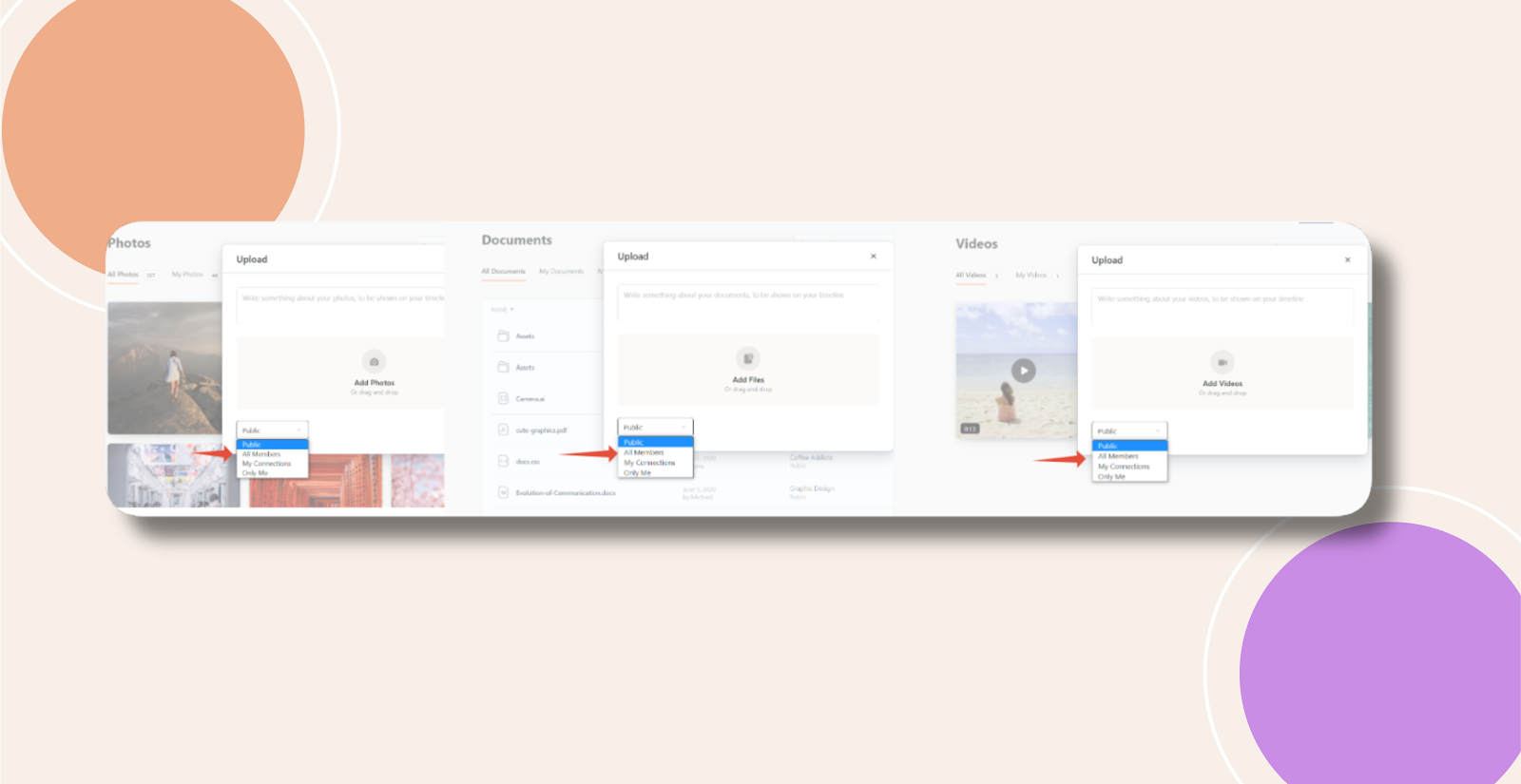
With Code: