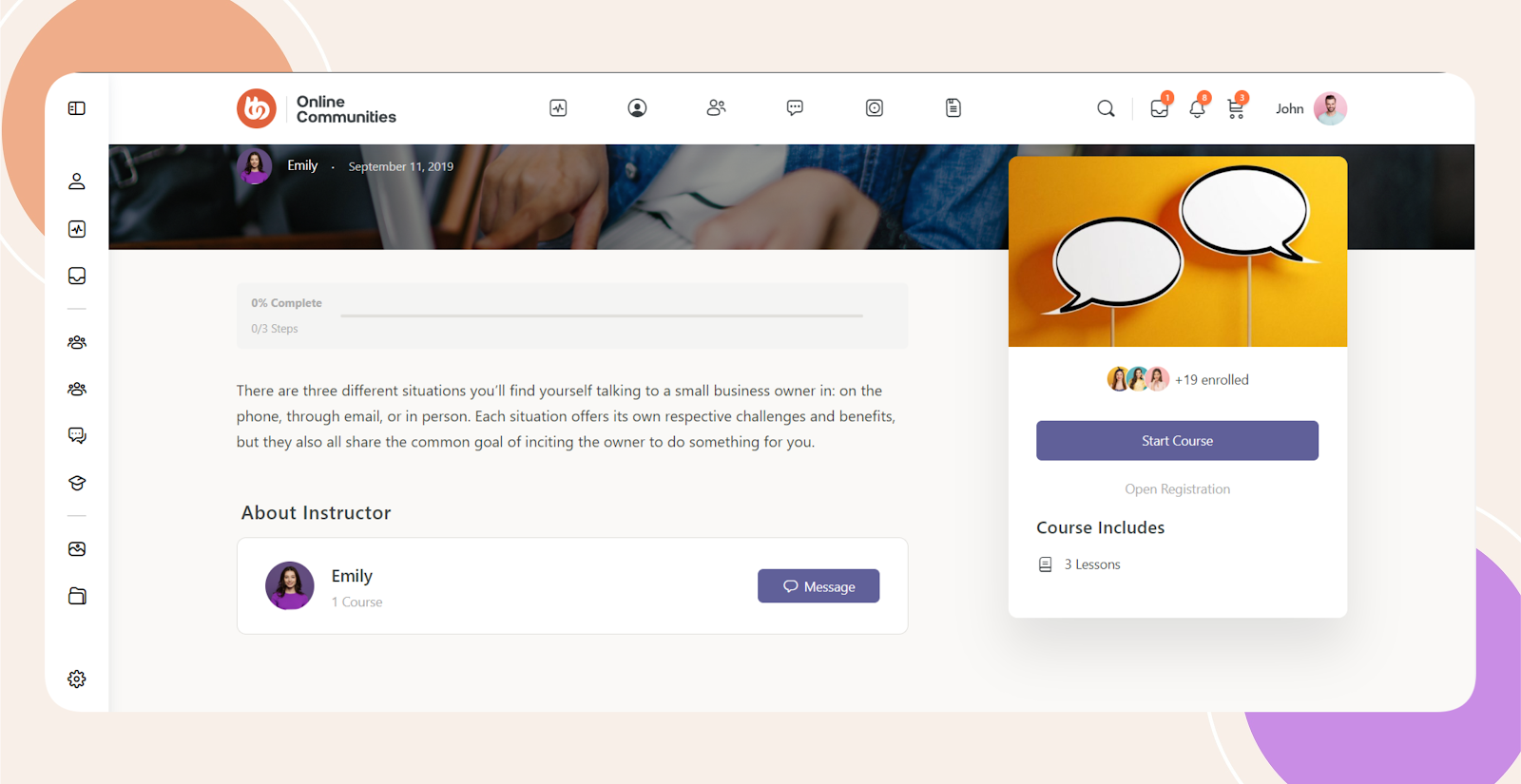
Introduction
In BuddyBoss with LearnDash, the Course Content section displays the list of lessons by default. If you want a cleaner course layout or prefer to control lesson access elsewhere, you can hide the Course Content section in LearnDash using a simple CSS workaround.
Custom Workaround
Follow the steps below to hide the Course Content section on LearnDash course pages.
- Go to BuddyBoss > Theme Options
- Under Custom Codes, enable CSS
- Append the following code:
div.ld-item-list.ld-lesson-list {

    display: none;

}- Save changes
Troubleshooting and FAQs
Q: What does this code hide on the course page
A: This code hides the entire Course Content section, including the list of lessons displayed on the LearnDash course page.
Q: Will this affect lesson access or completion tracking
A: No, this only hides the visual section. Lessons and progress tracking will continue to function normally.
Q: Does this apply to all courses
A: Yes, the CSS applies globally to all LearnDash courses that use the standard Course Content layout.
Q: The Course Content section is still visible. What should I do
A: Make sure the CSS was added under BuddyBoss Theme Options and that caching is cleared. If the issue persists, submit a ticket to the BuddyBoss support team for assistance.
Screenshots
With Code: