Introduction
In BuddyBoss, the Documents feature allows users to organize files using folders. However, there is no built in setting to hide the Create Folder button. If you want to prevent users from creating folders and keep the document structure controlled, you can hide the Create Folder button using a simple CSS customization in BuddyBoss.
Custom Workaround
Follow the steps below to hide the Create Folder button on the Documents page.
- Go to BuddyBoss > Theme Options
- Under Custom Codes, enable CSS
- Append the following code:
#bb-create-folder.bb-create-folder.button.small {

    display: none;

}- Save changes
Troubleshooting and FAQs
Q: What does this CSS code hide
A: This code hides the Create Folder button only. Existing folders and documents will remain visible and accessible.
Q: Will this prevent users from uploading documents
A: No, users can still upload documents. This change only removes the option to create new folders.
Q: Does this affect administrators
A: Yes, the CSS applies globally, so the Create Folder button will be hidden for all user roles unless additional role based CSS is added.
Q: The button is still visible after adding the code. What should I do
A: Make sure the CSS was added under BuddyBoss Theme Options, clear your site and browser cache, and check for theme or plugin conflicts. If the issue persists, submit a ticket to the support team for assistance.
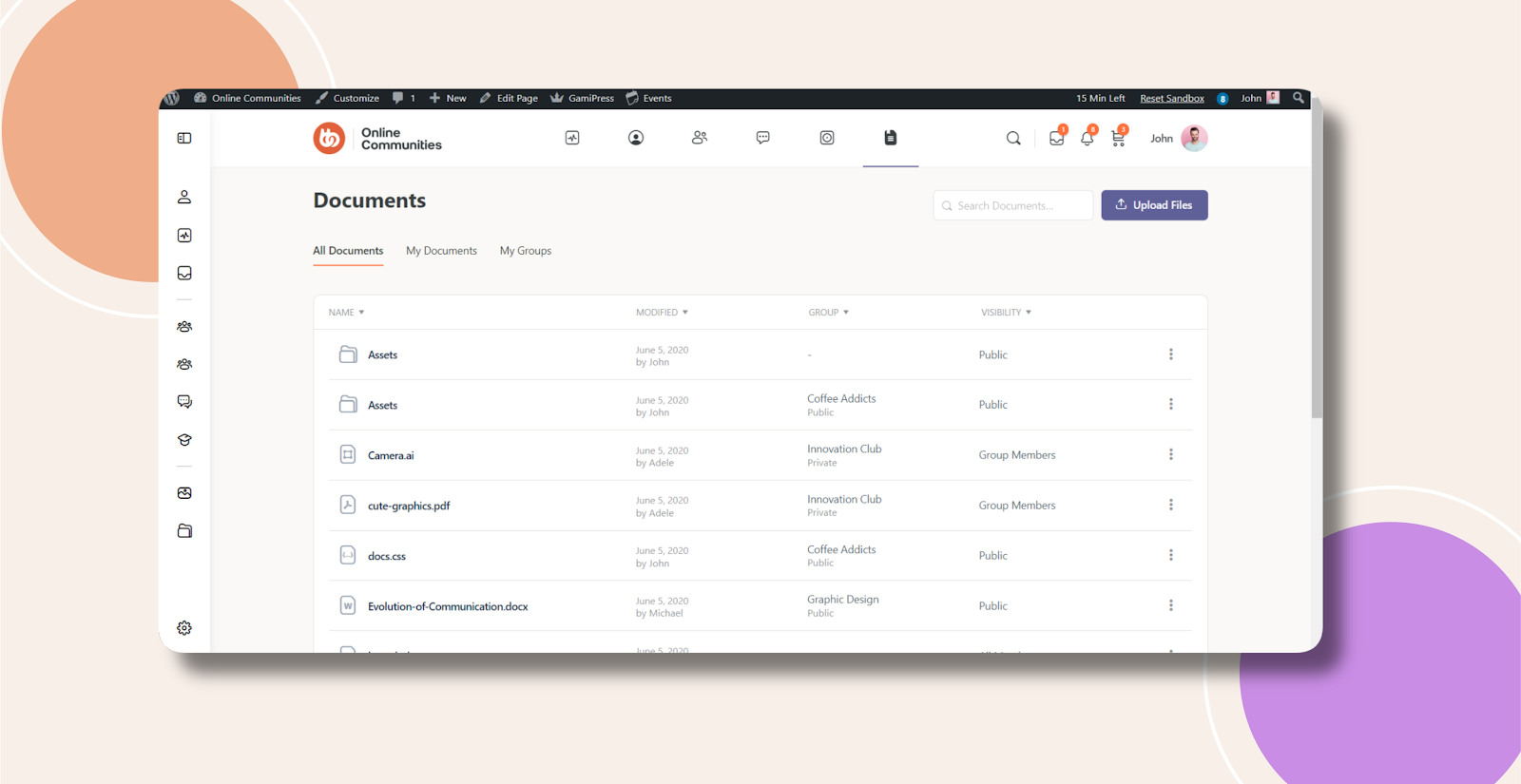
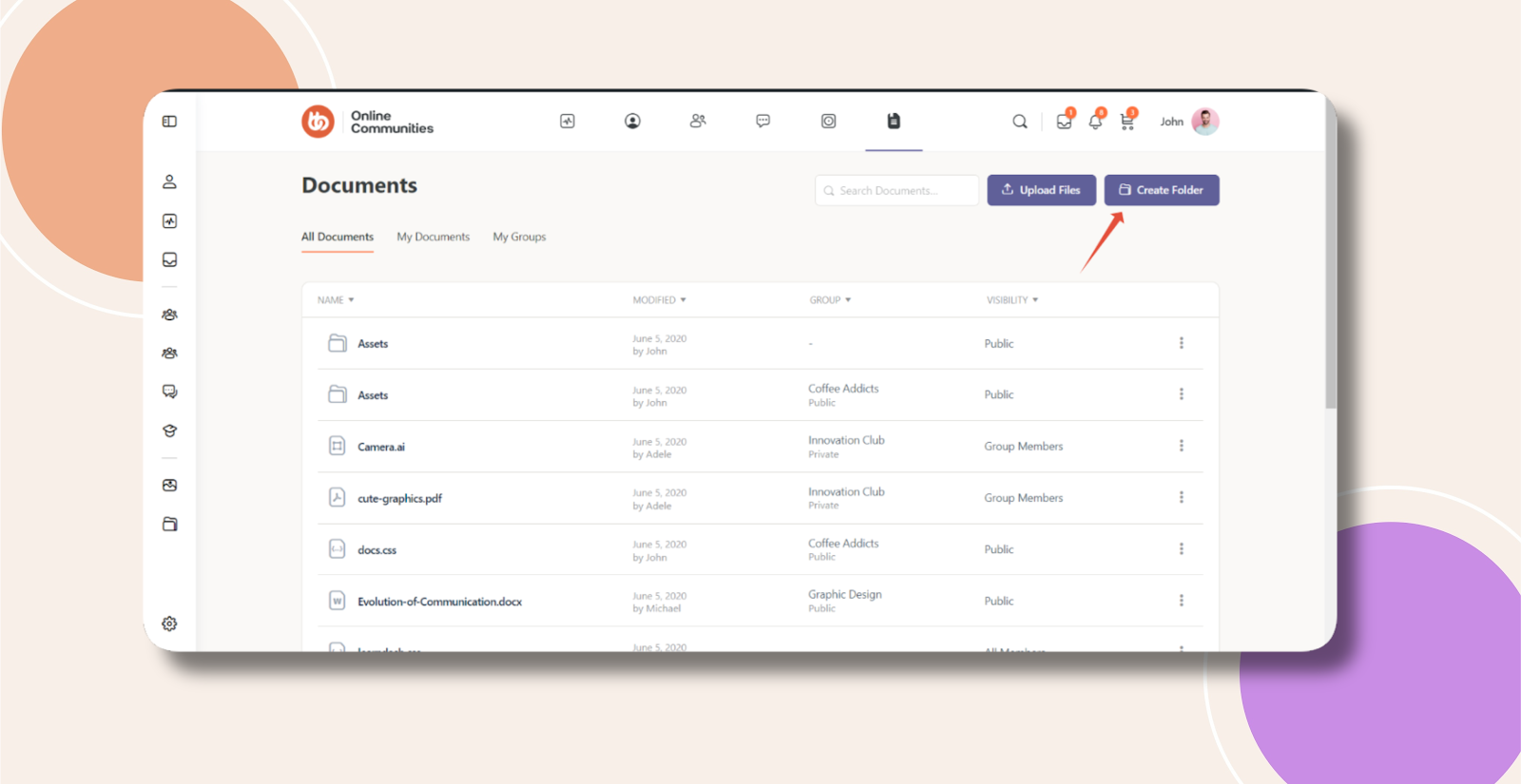
Screenshots
Without Code:
With Code: