Introduction
By default, BuddyBoss does not include a built in option to hide the Group Type and Group Privacy labels in the Groups Directory for logged out users. If you want to simplify the public facing groups list or limit visible group details for visitors who are not logged in, you can apply a custom CSS workaround.
Custom Workaround
Follow the steps below to hide the group type and privacy labels for logged out users only.
- Go to BuddyBoss > Theme Options
- Under Custom Codes, enable CSS
- Append the following:
body:not(.logged-in) .buddypress-wrap .groups-list li span.group-type,

body:not(.logged-in) .buddypress-wrap .item-list.groups-list span.group-visibility {

    display: none;

}- Save changes.
Troubleshooting and FAQs
Q: Who will be affected by this change?
A: Only logged out users. Logged in members will still see the group type and privacy labels.
Q: Does this affect group privacy settings or access rules?
A: No. This change is purely visual and does not modify group privacy behavior or permissions.
Q: Will this work with both public and private groups?
A: Yes. The CSS hides the labels regardless of the group’s privacy type, but only for logged out users.
Q: The labels are still visible after adding the code. What should I do?
A: Try clearing your site cache and browser cache. If the issue persists, submit a ticket to the BuddyBoss support team for assistance.
Screenshots
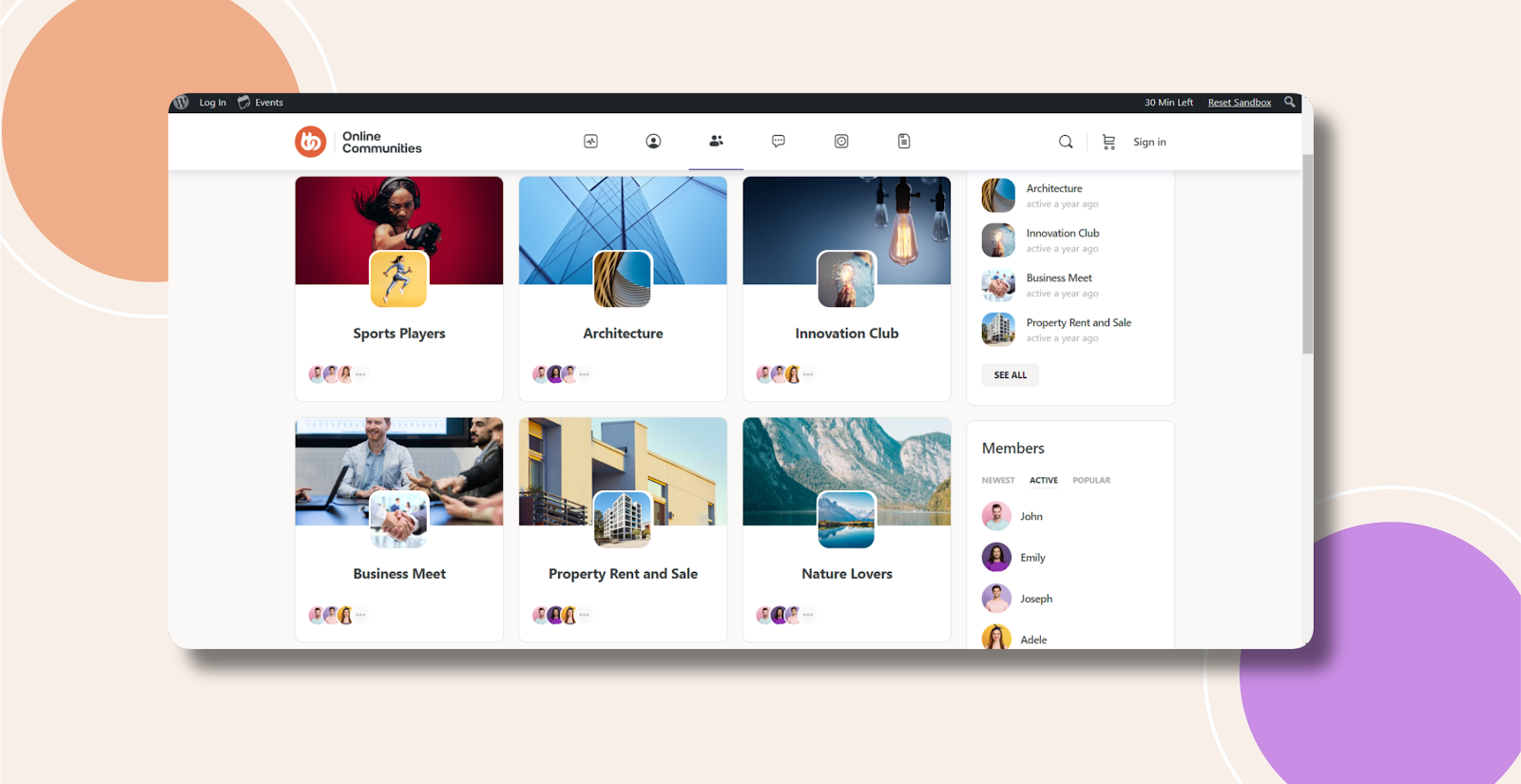
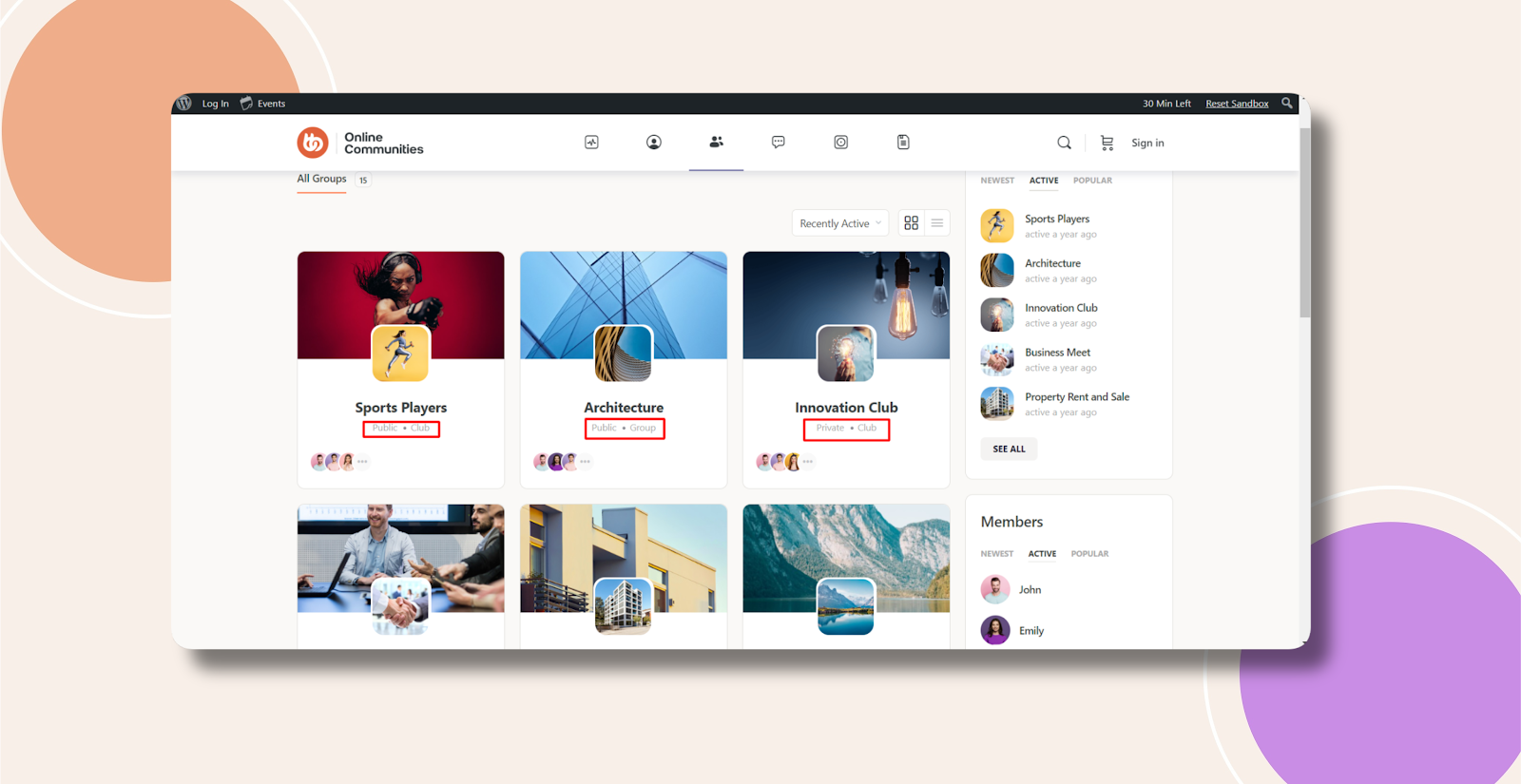
Without Code:
With Code: