Introduction
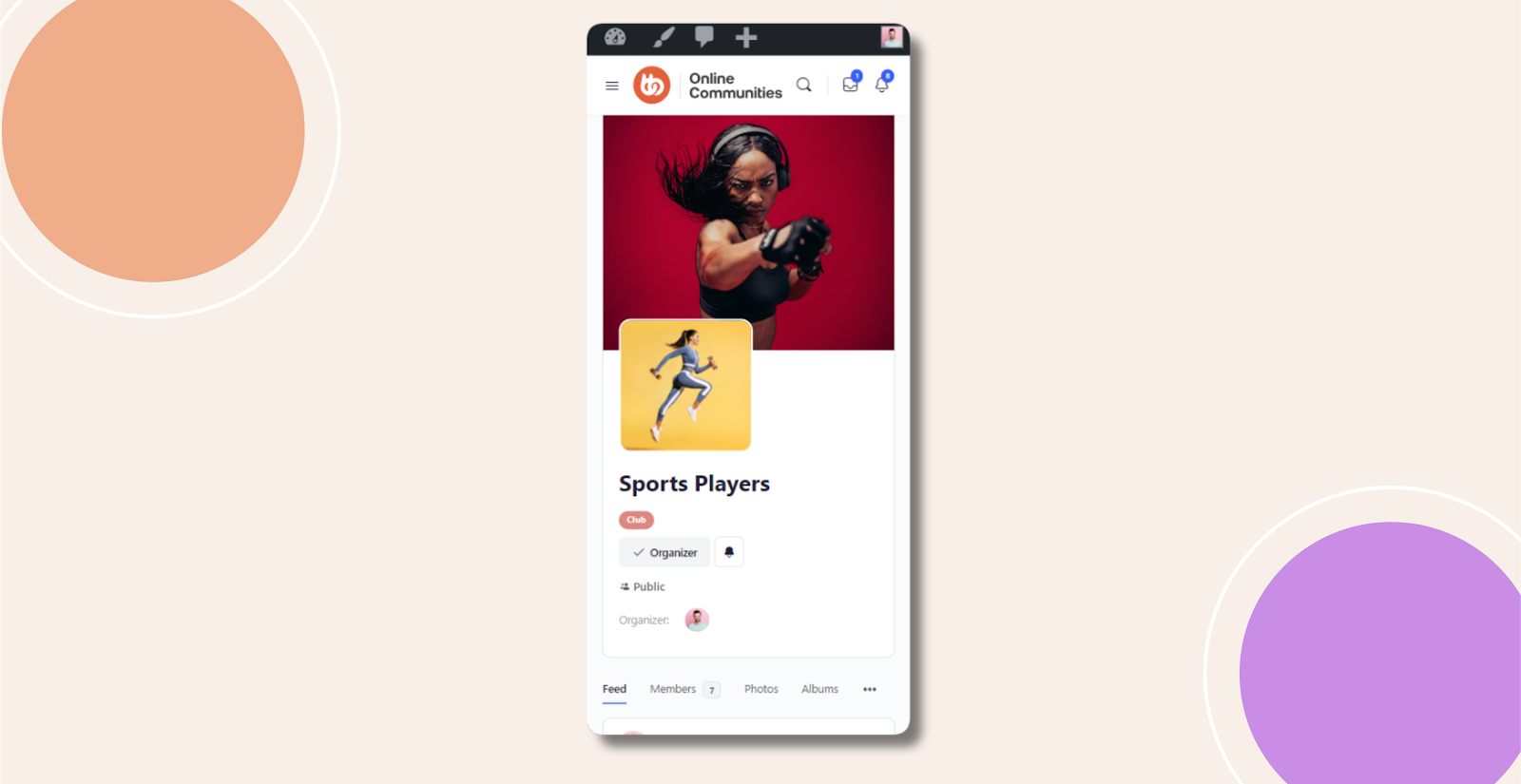
By default, BuddyBoss does not include a built in option to hide the group description when viewing groups on mobile devices. If you want a cleaner and more compact group header on smaller screens, you can achieve this by adding a small CSS snippet.
Custom Workaround
Follow the steps below to hide the group description on mobile view only.
- Go to BuddyBoss > Theme Options
- Under Custom Codes, enable CSS
- Append the following:
@media (max-width: 767px) {

    .groups-header #cover-image-container #item-header-content .group-description p {

        display: none;

    }

}- Save changes.
Troubleshooting and FAQs
Q: Will this hide the group description on desktop as well?
A: No. This CSS only applies to screens with a maximum width of 767px, which targets mobile devices.
Q: Does this remove the group description completely?
A: No. The description is only hidden visually on mobile view. It will still appear on desktop and larger screens.
Q: Will this affect group functionality or SEO?
A: No. This is a front end visual change only and does not affect group features, permissions, or search visibility.
Q: The group description is still visible on my phone. What should I do?
A: Clear your site and browser cache and confirm that your device screen width is within the mobile range. If the issue persists, submit a ticket to the BuddyBoss support team for further assistance.
Screenshots
Without Code:
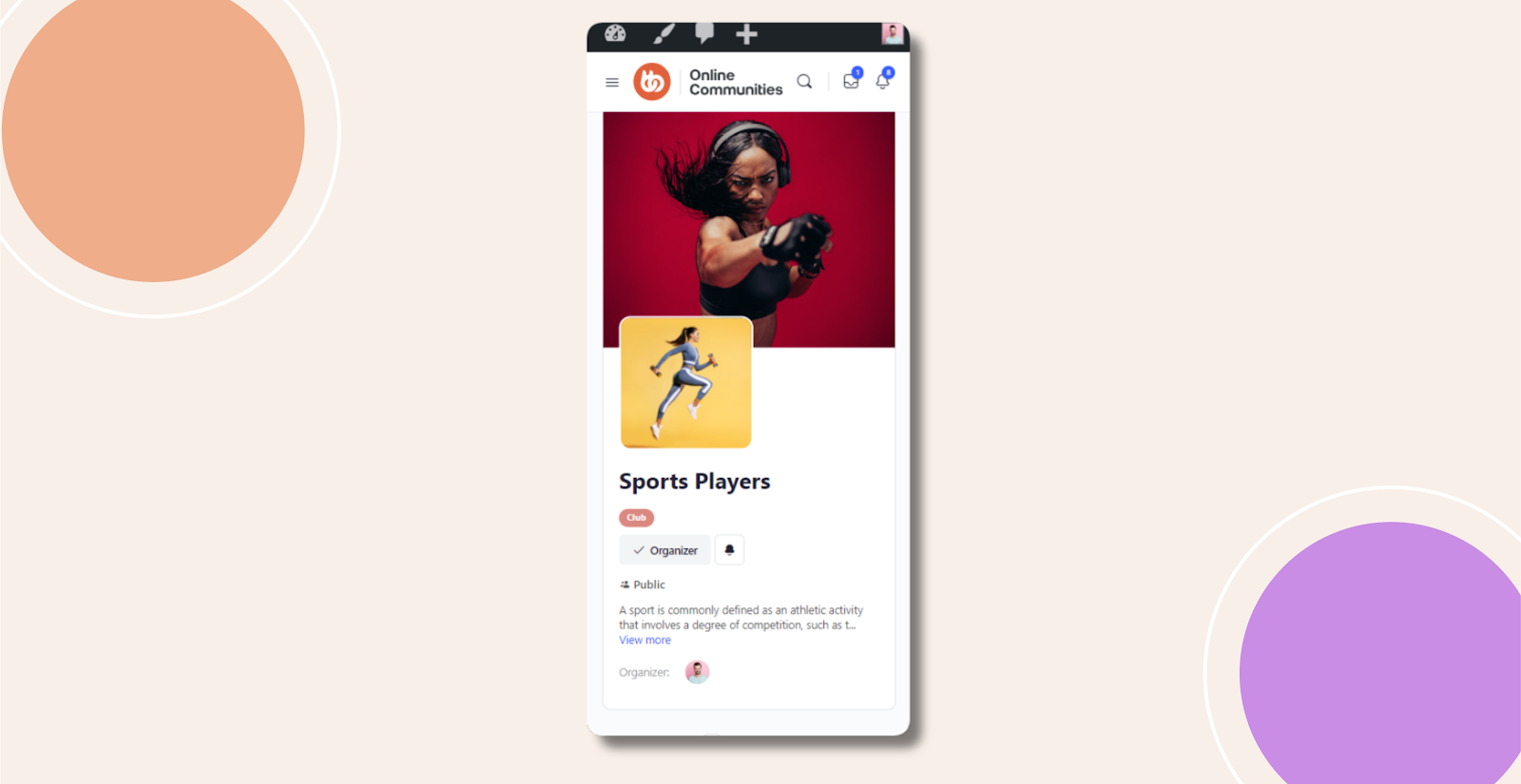
With Code: