Introduction
In BuddyBoss, the Activity Feed includes a Search Feed option that allows users to filter and search posts. Currently, there is no built in setting to disable or hide this feature. If you want to simplify the feed interface or limit filtering options, you can hide the Search Feed button using a CSS customization.
Custom Workaround
Follow the steps below to hide the Search Feed option from the Activity Feed.
- Go to BuddyBoss > Theme Options
- Under Custom Codes, enable CSS
- Append the following code:
button.subnav-filters-opener {

    display: none !important;

}- Save changes
Troubleshooting and FAQs
Q: What does this CSS code hide
A: This code hides the Search Feed button that opens filtering options in the Activity Feed.
Q: Will this remove search functionality entirely
A: No, this only hides the button from the interface. The underlying feed functionality remains unchanged.
Q: Does this affect other pages besides the Activity Feed
A: The code targets the Search Feed button globally, but it is primarily used within the Activity Feed interface.
Q: The Search Feed button is still visible. What should I do
A: Clear your site cache and browser cache, then confirm the CSS was added under BuddyBoss Theme Options. If the code is still not working, submit a ticket to the support team for assistance.
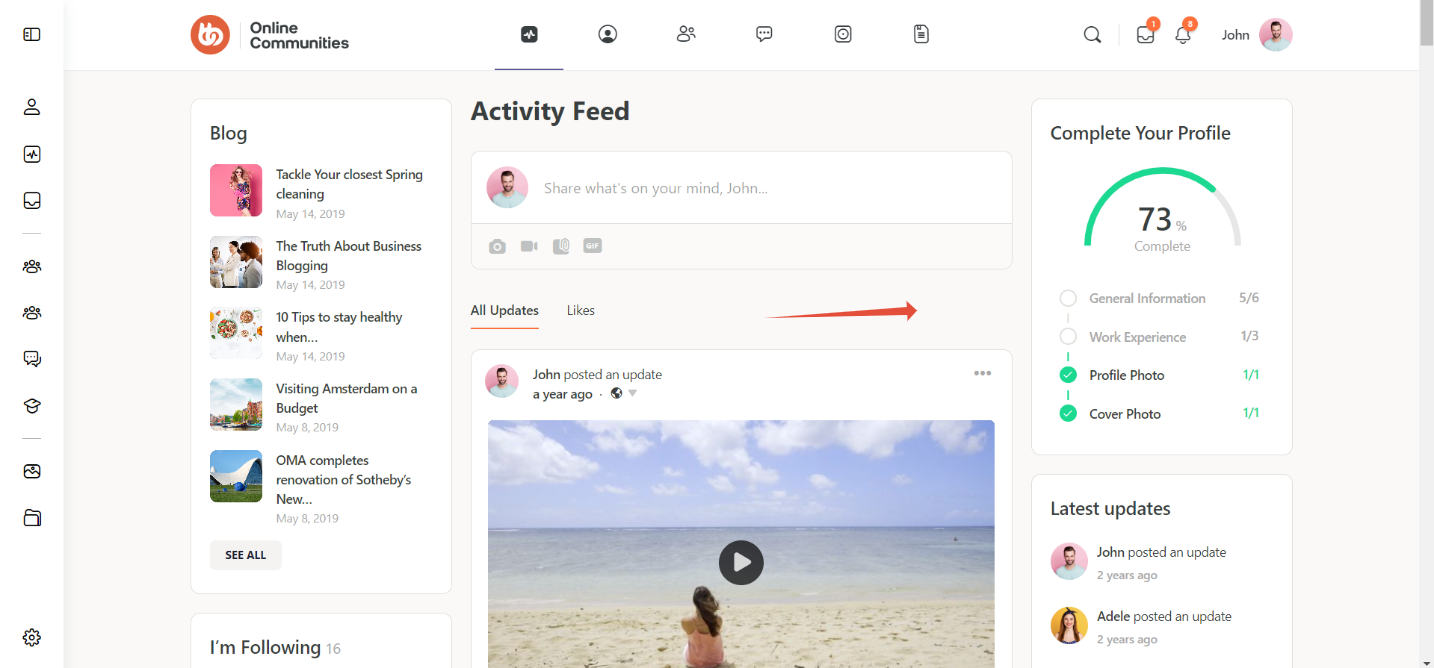
Screenshots
Without code
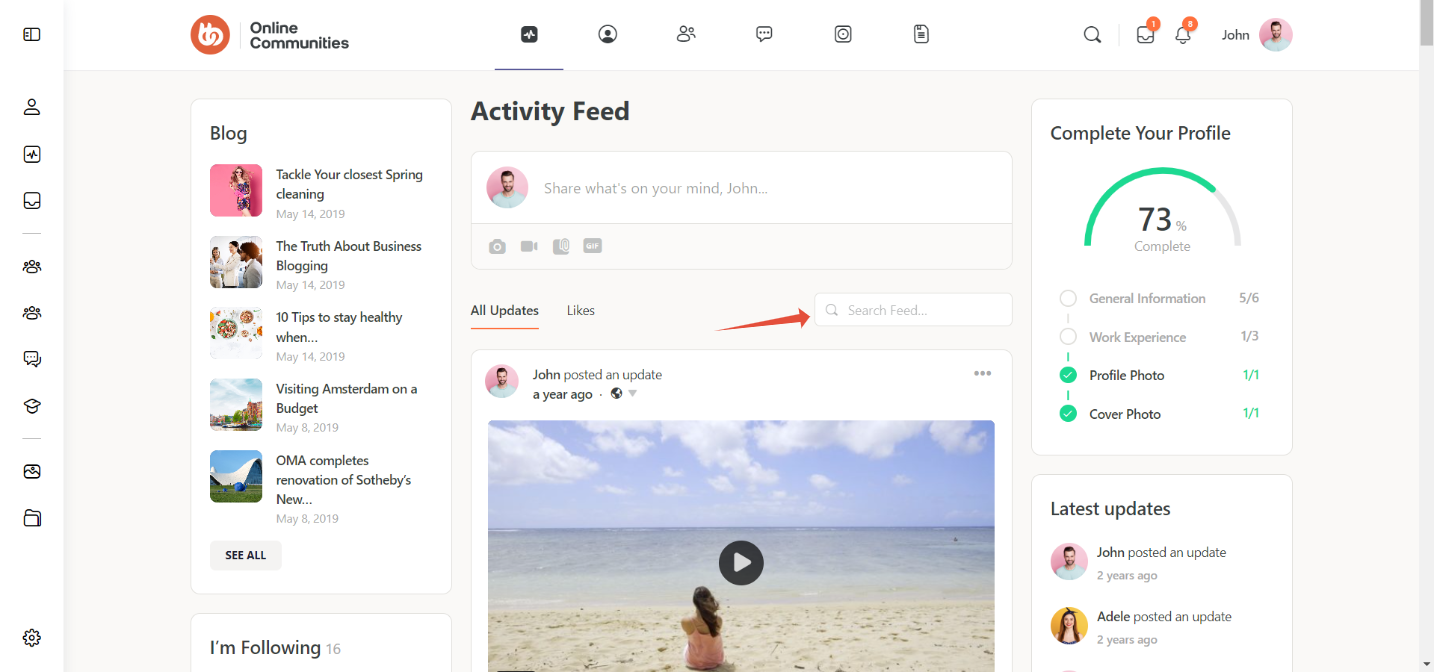
With code