
Introduction
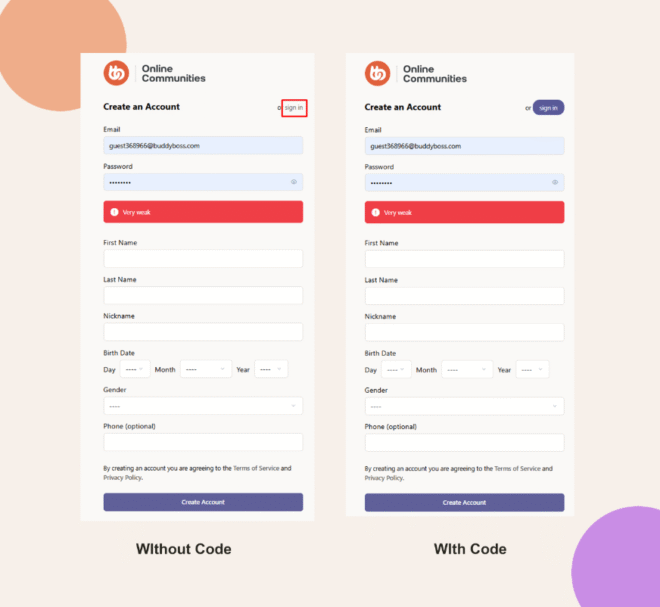
The default Registration screen doesn’t style the “Sign In” link as a button. You can wrap it in a colored rectangle with rounded corners by adding a bit of custom CSS.
Custom Workaround
- In your WordPress admin, go to BuddyBoss > Theme Options.
- Under Custom Codes, enable CSS.
Append the following CSS:
registration .entry-header a {

background-color: var(--bb-login-register-button-background-color-hover);

color: #FFFFFF !important;

padding: 8px 15px;

 border-radius: 15px;

}- Click Save Changes.
Troubleshooting and FAQs
Q: The link still isn’t styled—what should I check?
A: Make sure you cleared any caching (page, object, or CDN) and refreshed the registration page.
Q: How can I revert this styling?
A: Remove or comment out the CSS snippet and save changes; the “Sign In” link will return to its default appearance.