
Introduction
When you use WordPress’s built-in password protection on posts or pages, the default form may appear left-aligned. A small CSS tweak can center the form for a cleaner, more polished look.
Custom Workaround
- Go to BuddyBoss > Theme Options
- Under Custom Codes, Enable CSS
Append the following snippet:
form.post-password-form {

  text-align: center;

}- Save Changes
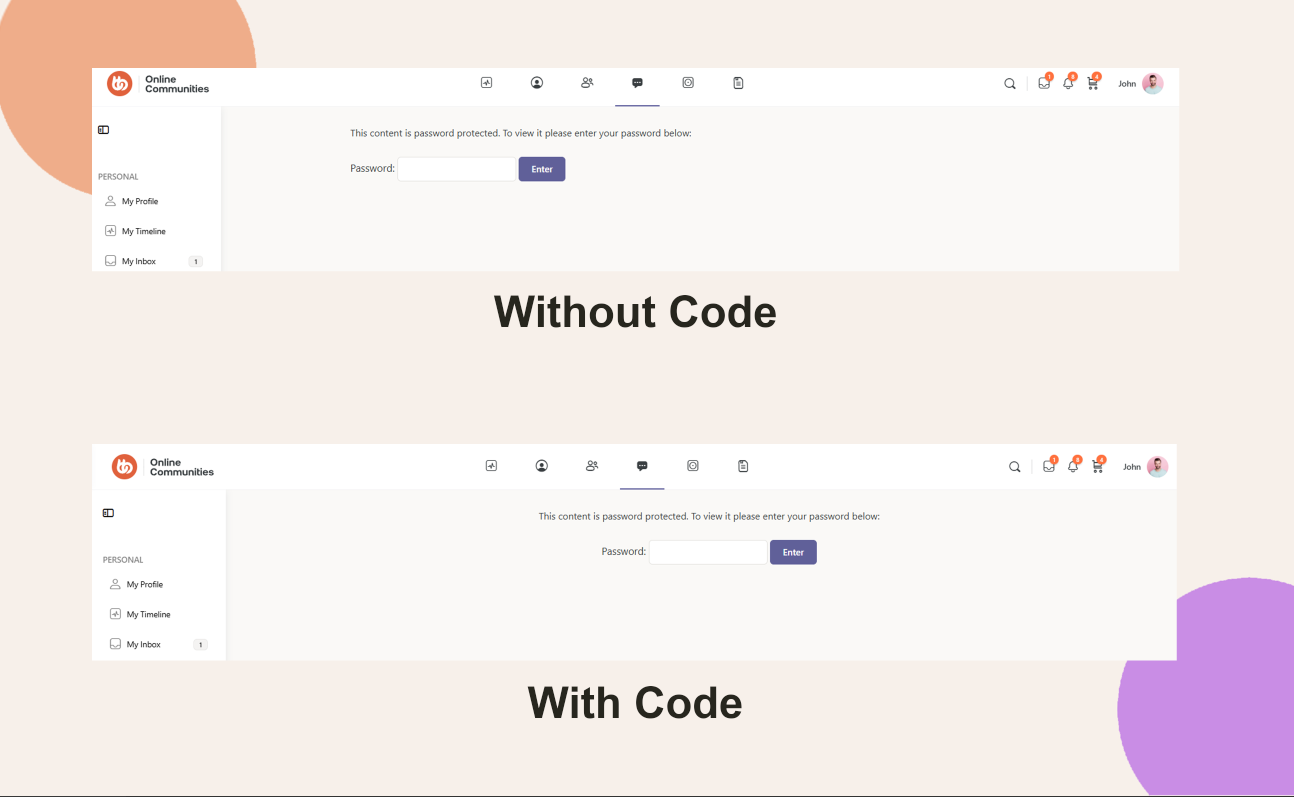
Note: Any modifications are considered “custom work.” Review our Support Policy for details.
Troubleshooting and FAQs
Q: The form is still left-aligned—what now?
A: Clear your site cache, browser cache, and any CDN cache so the new CSS loads.
Q: Does this affect other forms?
A: No. The rule targets only the form.post-password-form selector, leaving other forms untouched..
Q: How do I revert this change?
A: Remove or comment out the CSS from Custom Codes and save your settings.