
Account Deletion Request
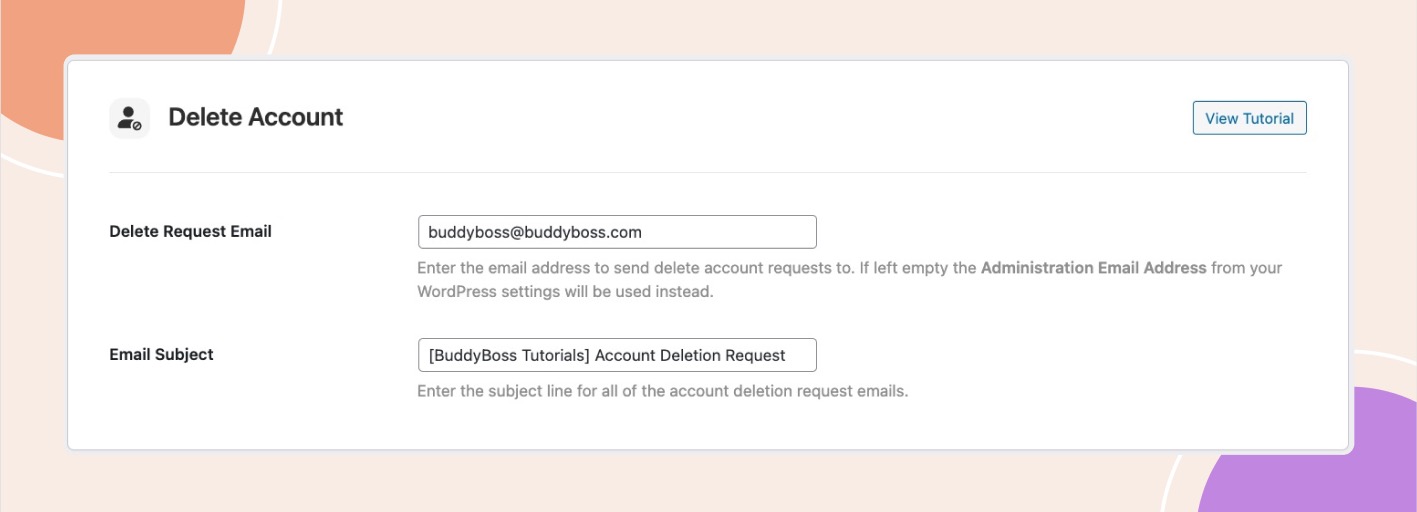
Go to BuddyBoss App – Settings – Feedback. Here the second option is Delete Account.
Note: This section is only available if the BuddyBoss Platform is not activated.
You will notice in the same fashion as the Feedback and Report Bug functionality, you have the ability to be notified by app users who request to delete their account.
From the app interface, users can go into Settings and tap Delete Account to notify you of their request. In this setting, enter the email address to send the request to in the Delete Request Email box. If left empty the Administration Email Address from your WordPress settings will be used instead. Also, you can add the email subject line in the Email Subject field.