














The Private BuddyBoss App Setup allows you to restrict access to your mobile community so only logged-in members can view and interact with app content. This helps keep posts, profiles, courses, groups, and other community content accessible only to authenticated users.
By enabling the app privacy setting, you can remove guest access and require users to log in or create an account before accessing your BuddyBoss App.
Enabling Private App Access
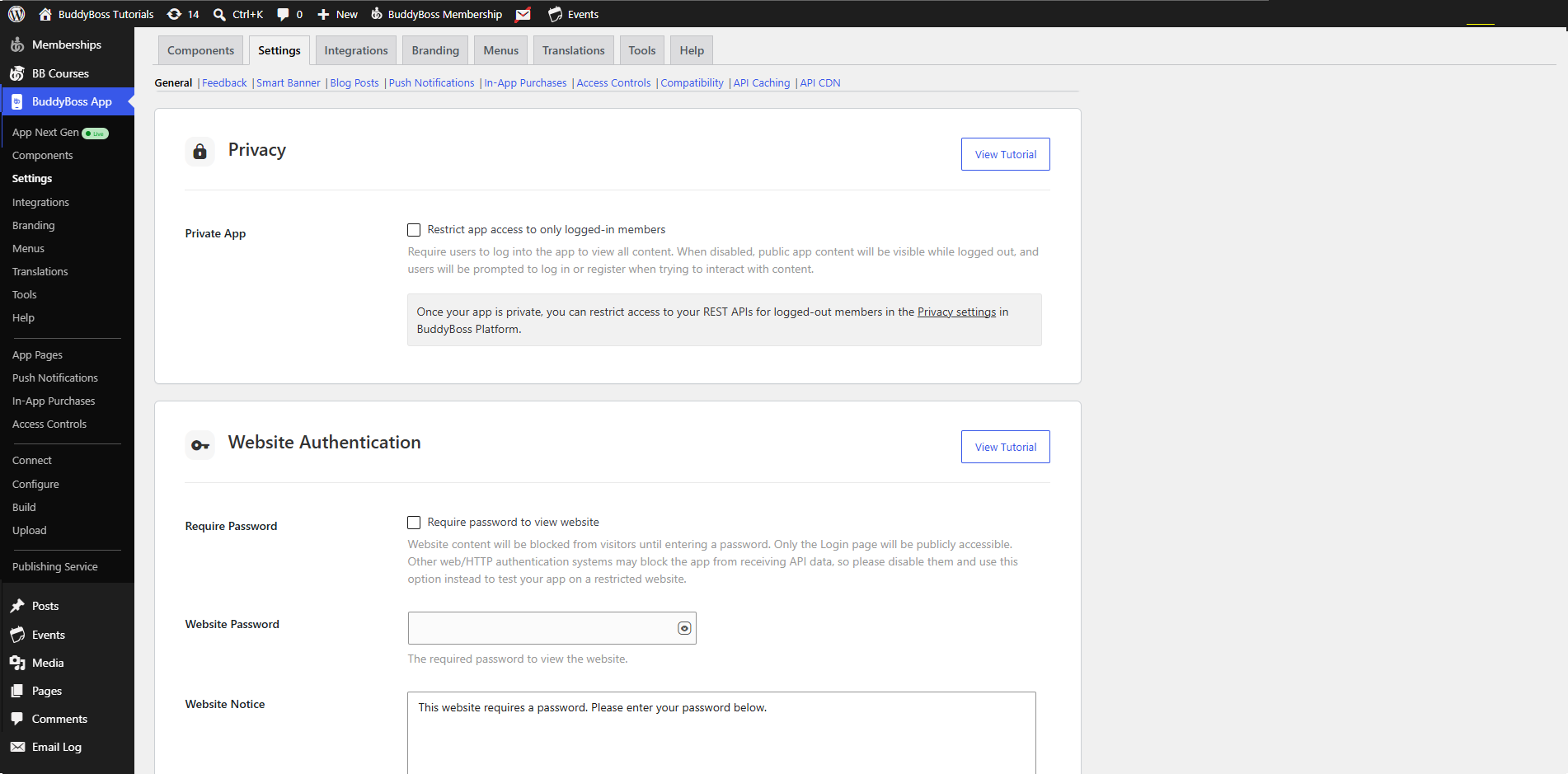
- In your WordPress Dashboard, navigate to BuddyBoss App > Settings > General.
- Scroll to the Privacy section in the Settings panel.
- Tick Restrict App Access to Only Logged In Members.
- Click Save Changes to apply.
Verifying Private App Behavior
- Force-quit the BuddyBoss App on your mobile device.
- Relaunch the app; you should land on the Login screen with Continue Without Logging In removed.
- Attempt to tap any content (e.g., a post, member profile, or course).
- Confirm the Login modal appears, prompting authentication before proceeding.