
REQUIRES: PRO PLAN OR HIGHER • Last updated: Mar 12, 2026 • ~2 min read
The Autocomplete Settings improve the search experience by displaying instant suggestions in a dropdown as members type into search fields. You can enable the autocomplete dropdown and set how many suggestions appear at once. This manual walks you through each setting.
Tutorial Video
Autocomplete Settings
Navigate to your WordPress Dashboard, go to BuddyBoss > Settings > Network Search, then click Autocomplete Settings from the left menu.
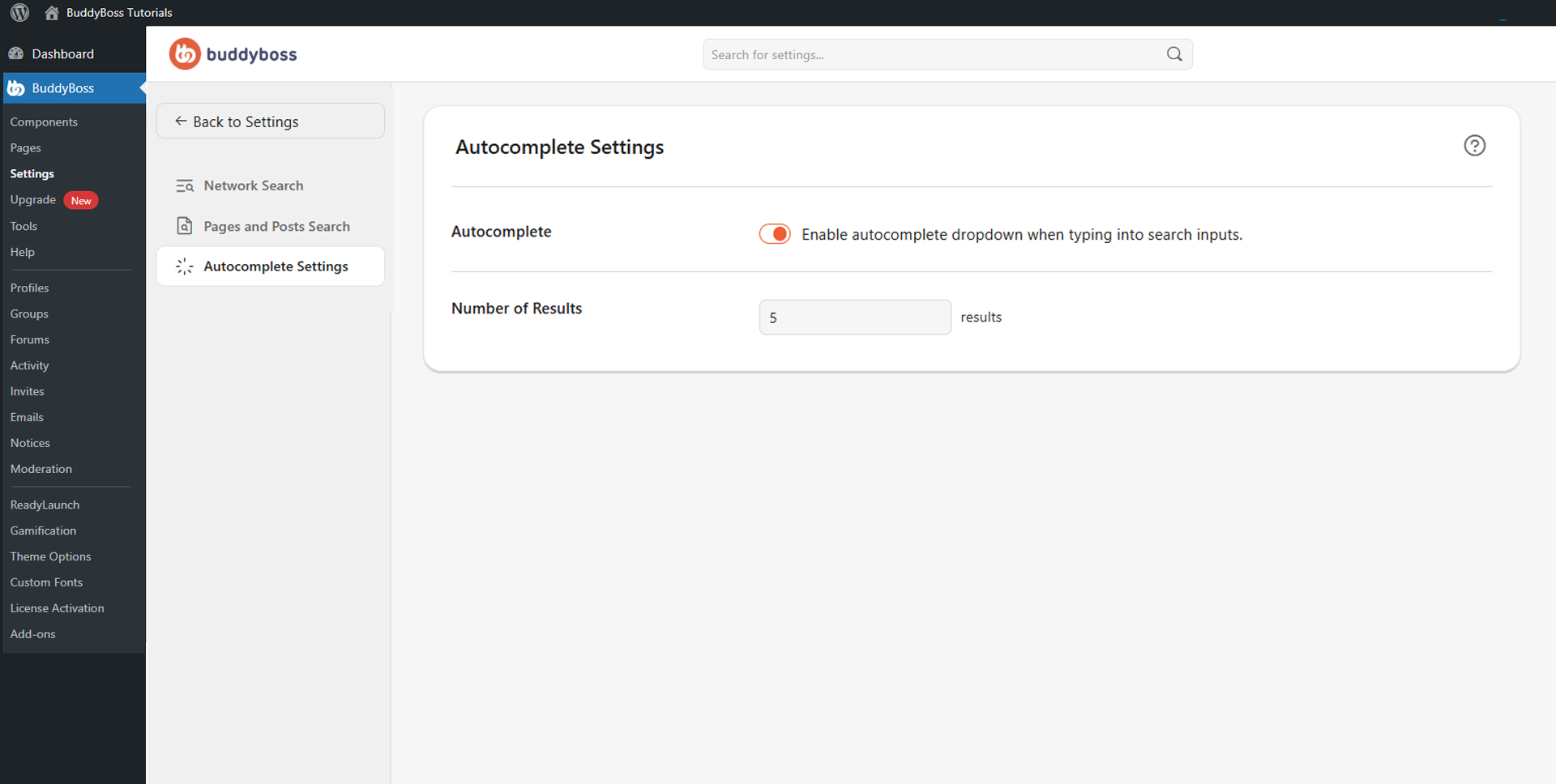
Two settings are available.
- Enable autocomplete dropdown when typing into search inputs: Shows suggested results automatically while members type in search bars, without requiring them to submit a full query.
- Number of Results: Enter how many autocomplete suggestions appear in the dropdown. Most communities use between 5 and 10 results for the best balance of visibility and interface clarity.
© 2026 BuddyBoss LLC. All Rights Reserved. | buddyboss.com