














BuddyBoss Courses
Courses that live inside your community
Use BuddyBoss Courses, or bring LearnDash, Tutor LMS, LifterLMS or MemberPress Courses. Either way the course renders in your own design, inside the community.
— discover —
Find the course before you commit to it
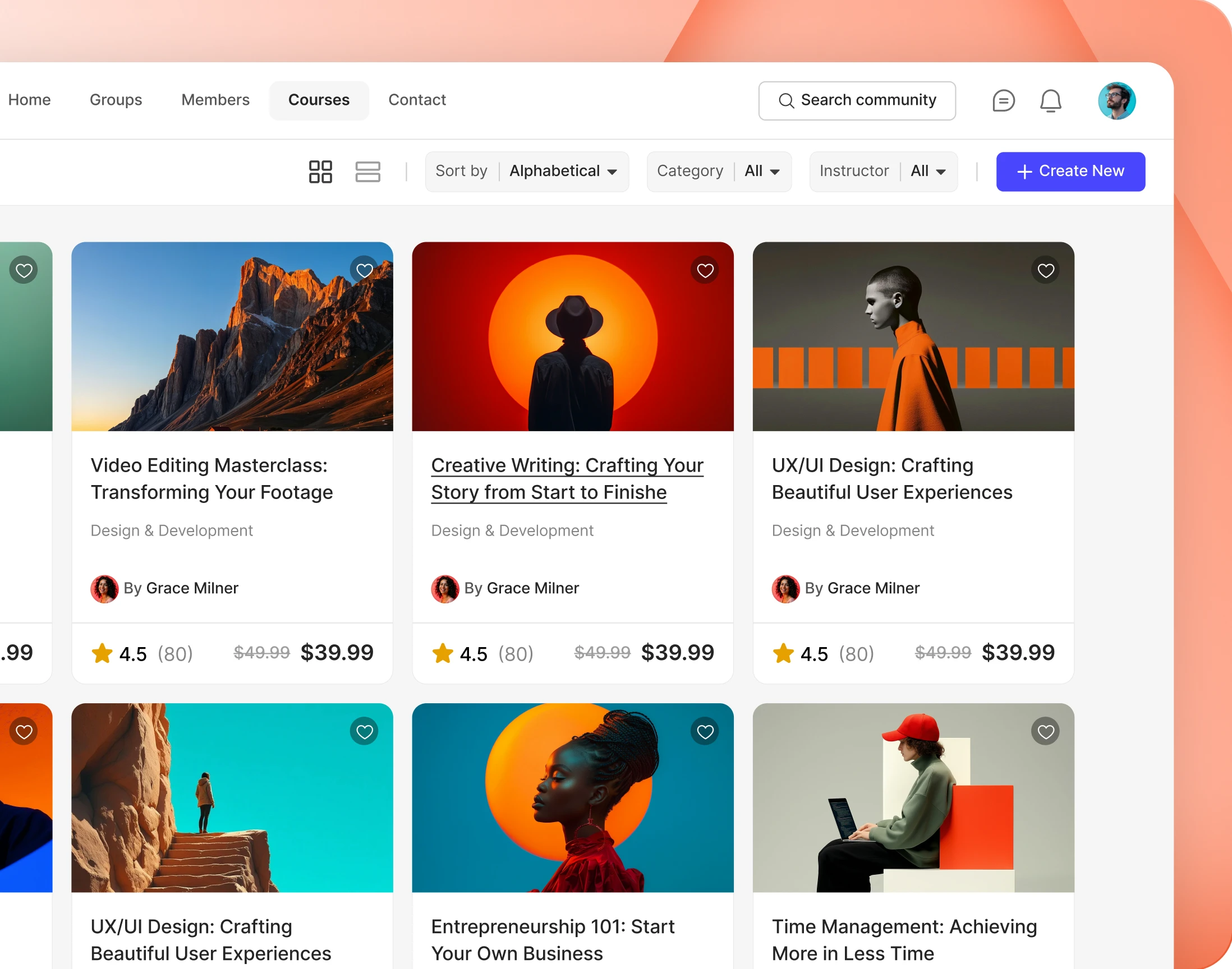
— Course Directory
Every course, listed in one place
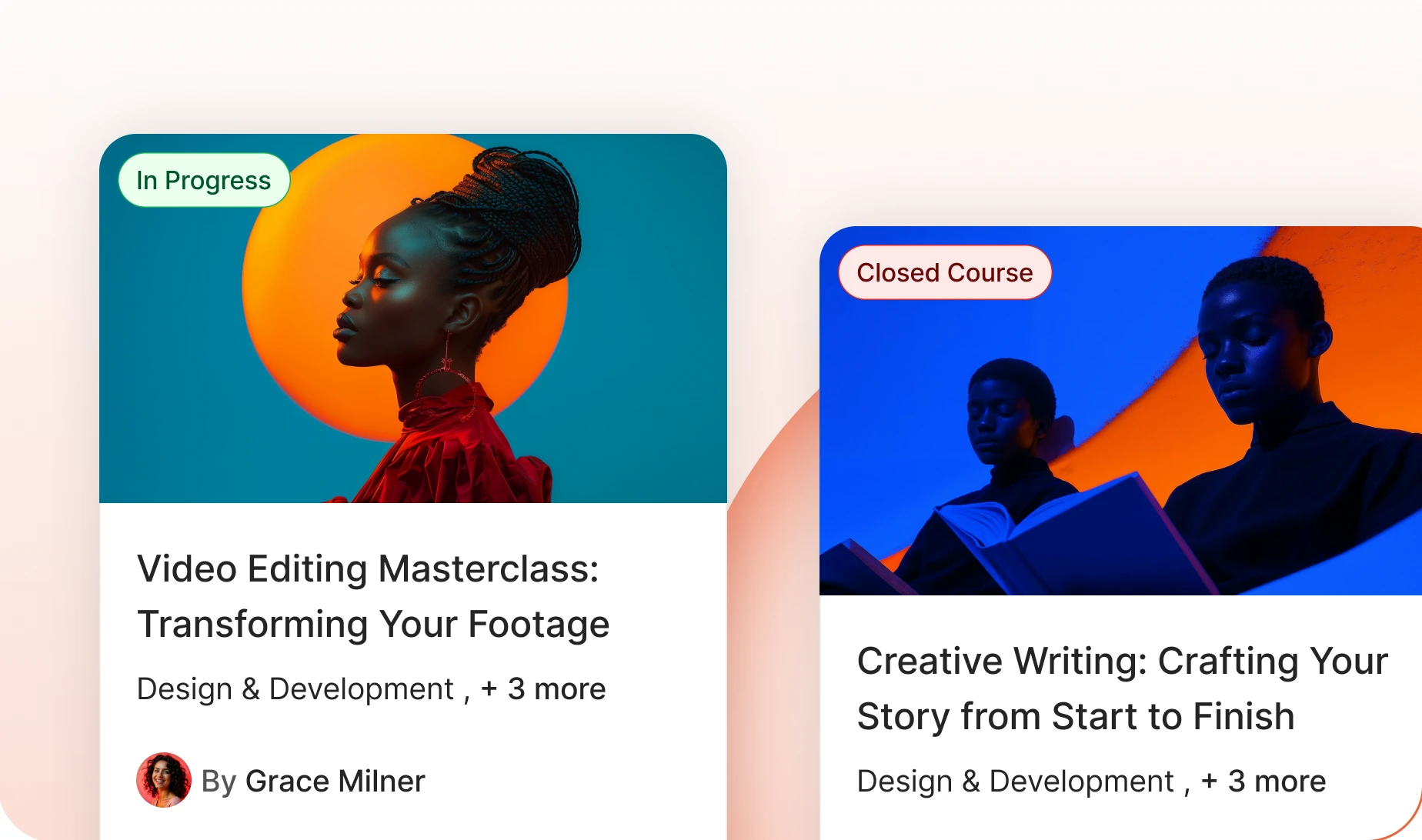
The whole catalogue as a grid of cards, each with its cover, its category and who teaches it. Native courses and integrated ones sit side by side.
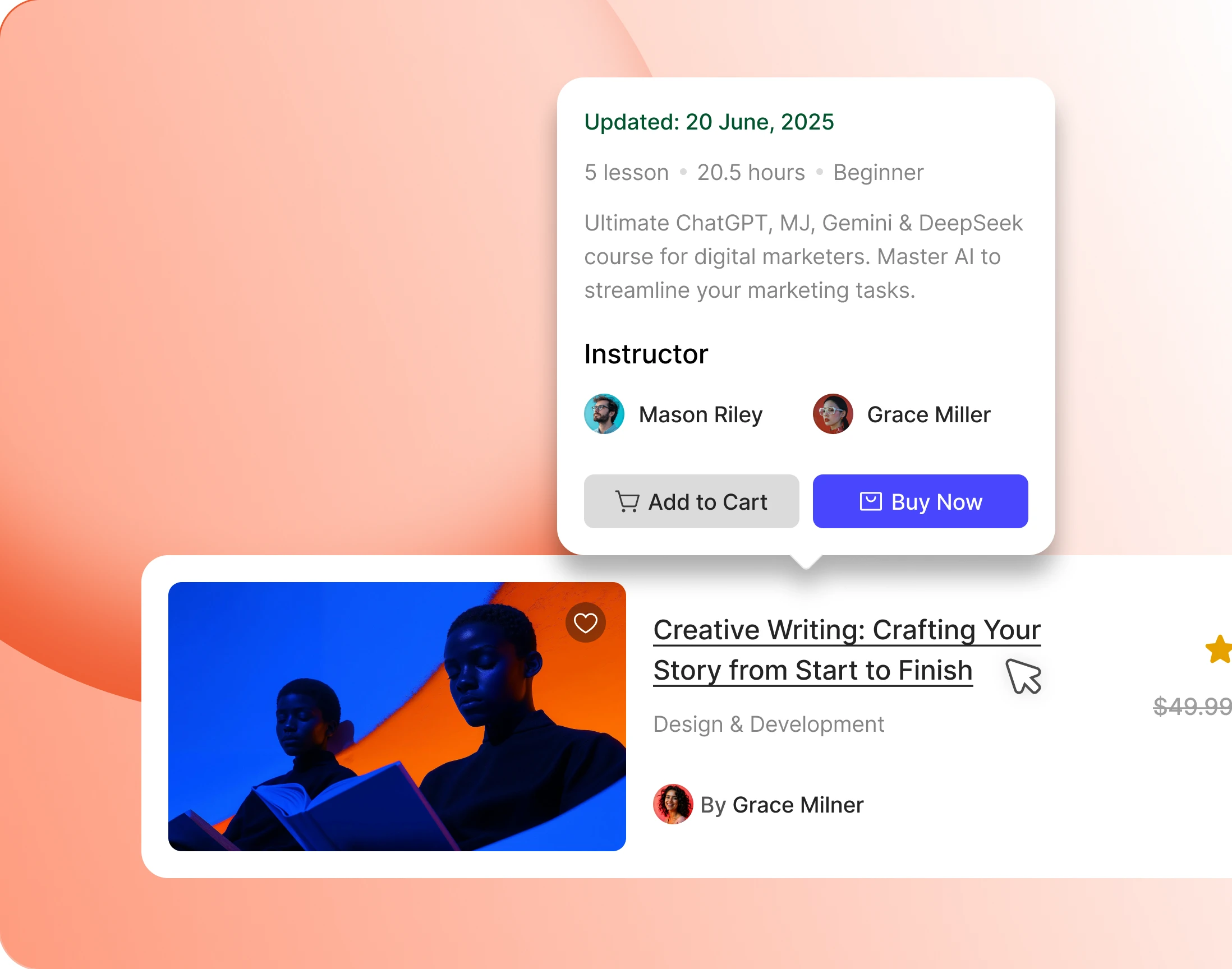
— Hover Preview
Preview a course without leaving the directory
Hover a card and a panel opens with the lesson count, the hours, the level and a short summary. Buy from there, or carry straight on if already enrolled.
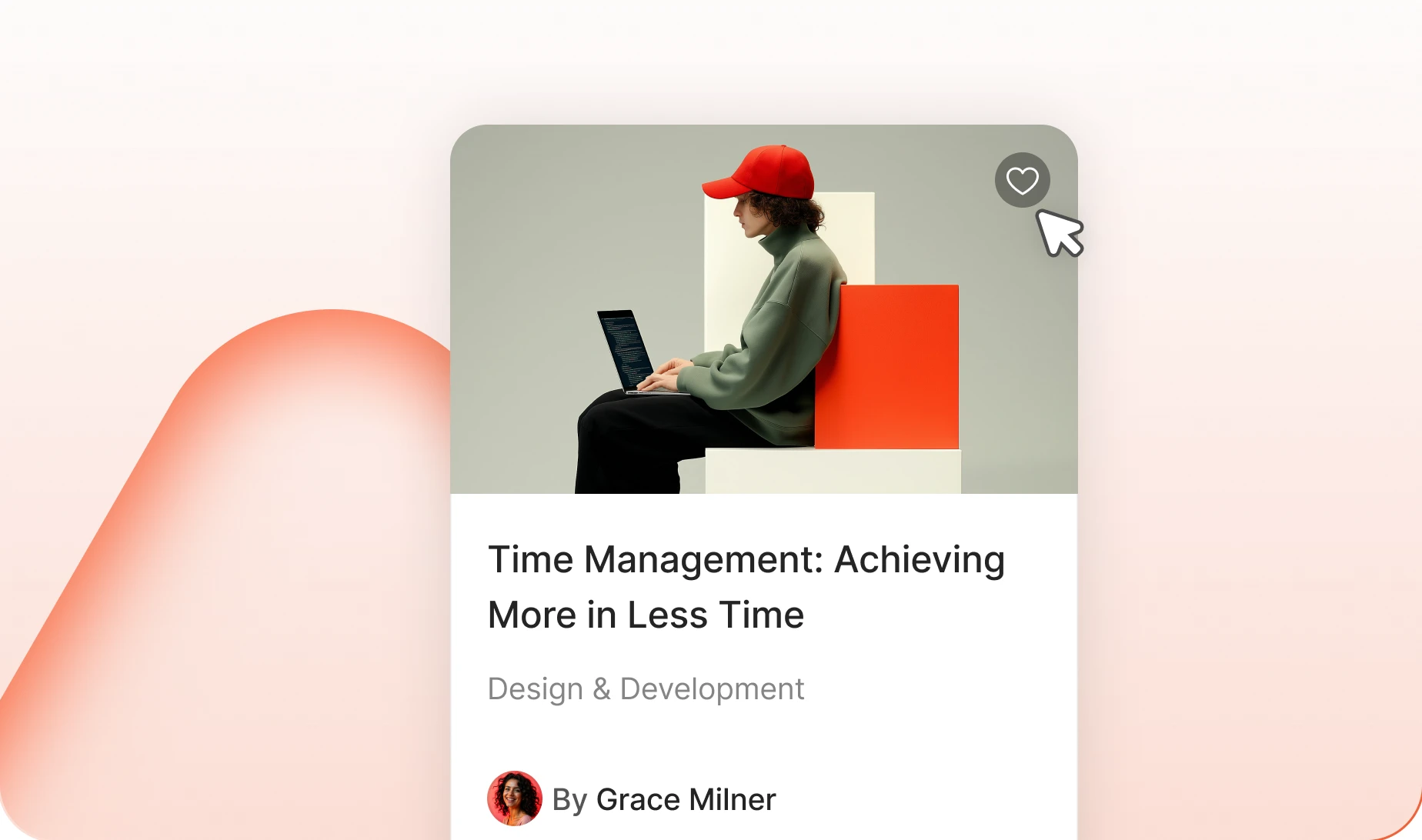
— Wishlist
Save a course from the cover image
One tap on the cover saves a course for later. Members build a shortlist while they browse instead of losing it the moment they close the tab.
— Enrollment Badge
Enrolment status, visible from the grid
A pill on the cover says whether a member is enrolled already, so nobody opens a course to find out something they could have seen from the directory.
— choose —
Everything a learner wants before enrolling
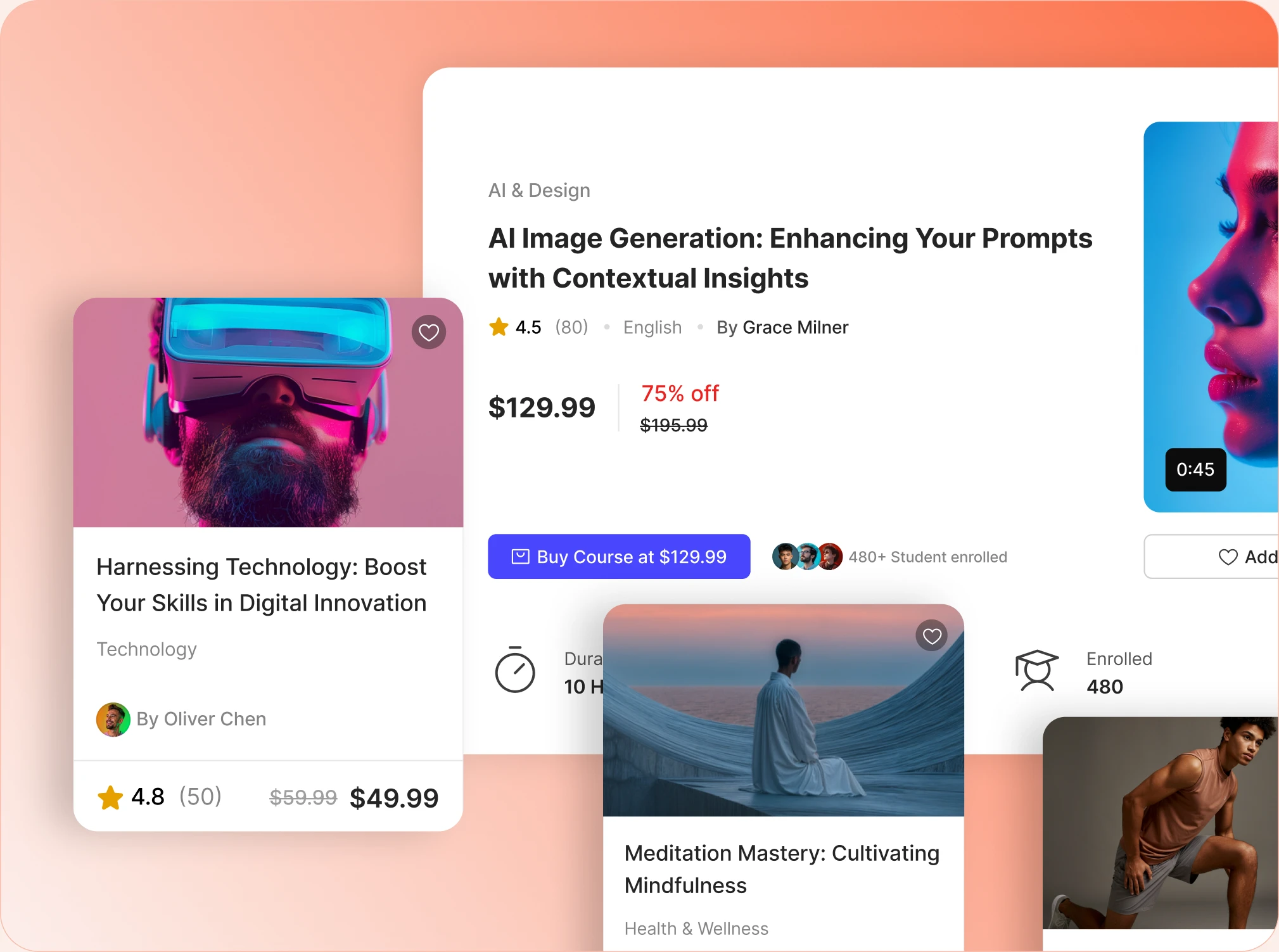
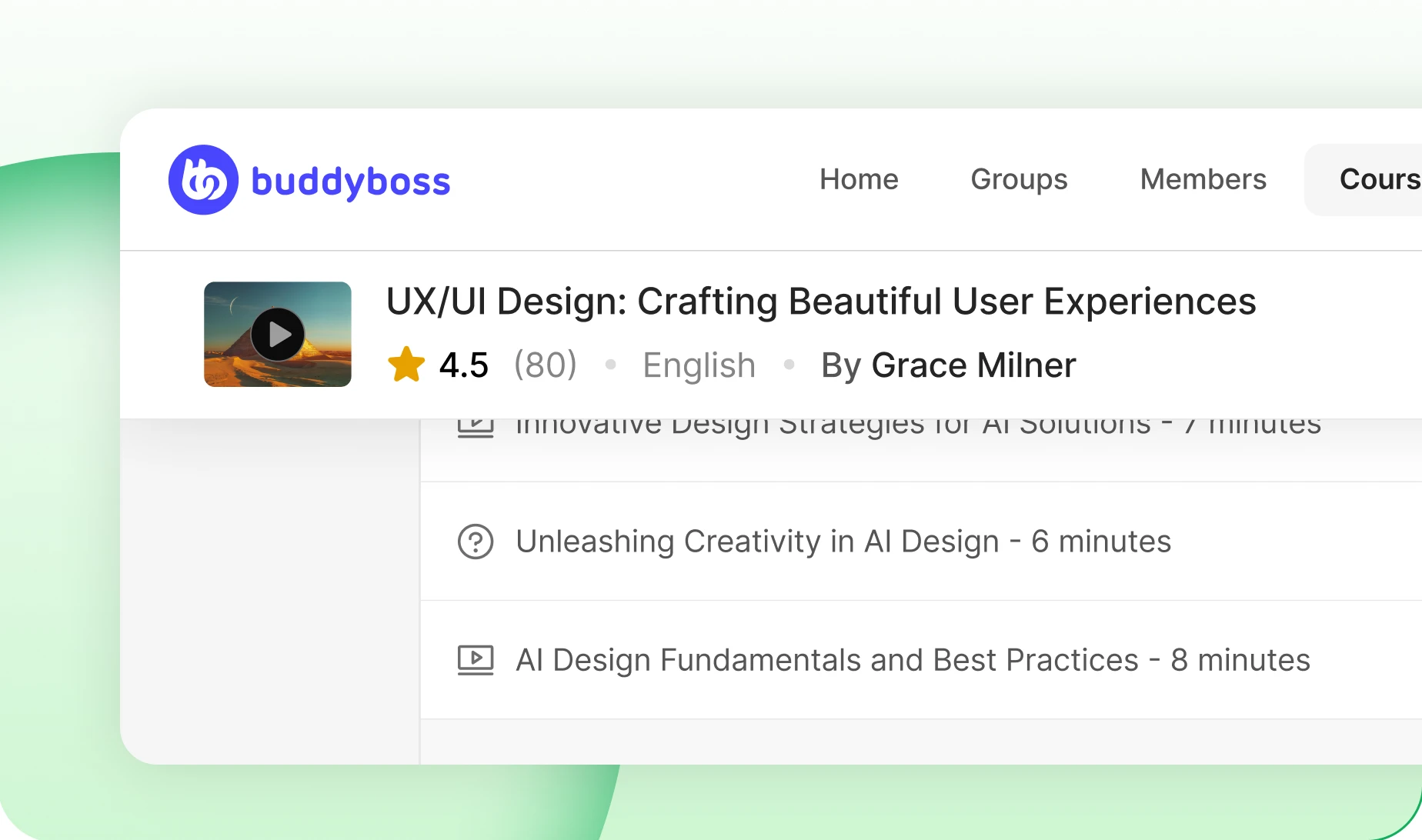
— Course Header
One block answers what and who
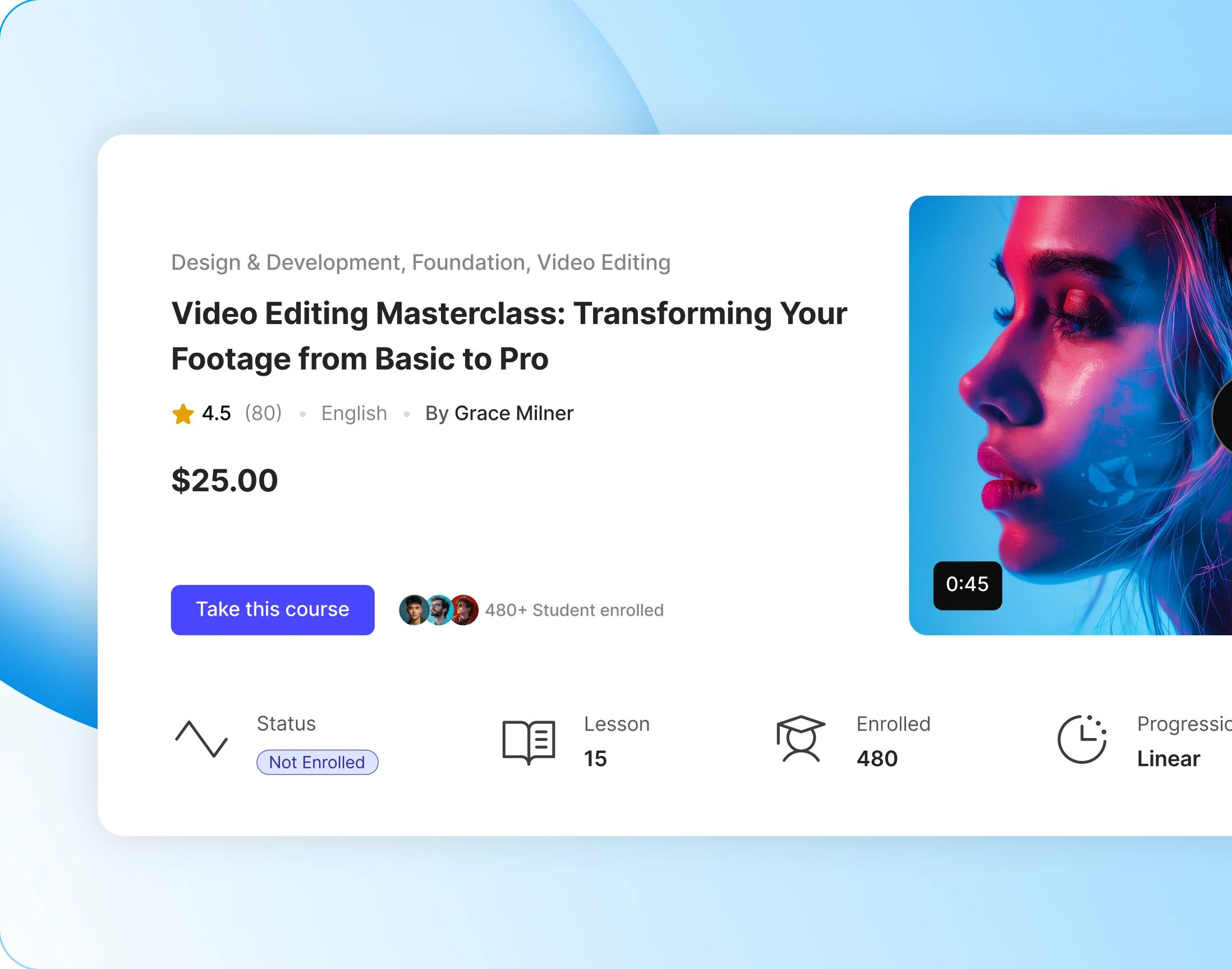
Category, title, rating, language and who teaches it, all in the first block. A learner knows what the course is and whether to trust it before scrolling once.
— Preview Video
A preview video anchors the hero card
A short preview plays right in the course header. Watching thirty seconds of the teacher tells a learner more than any description will.

— Instructors
Every instructor, with their record
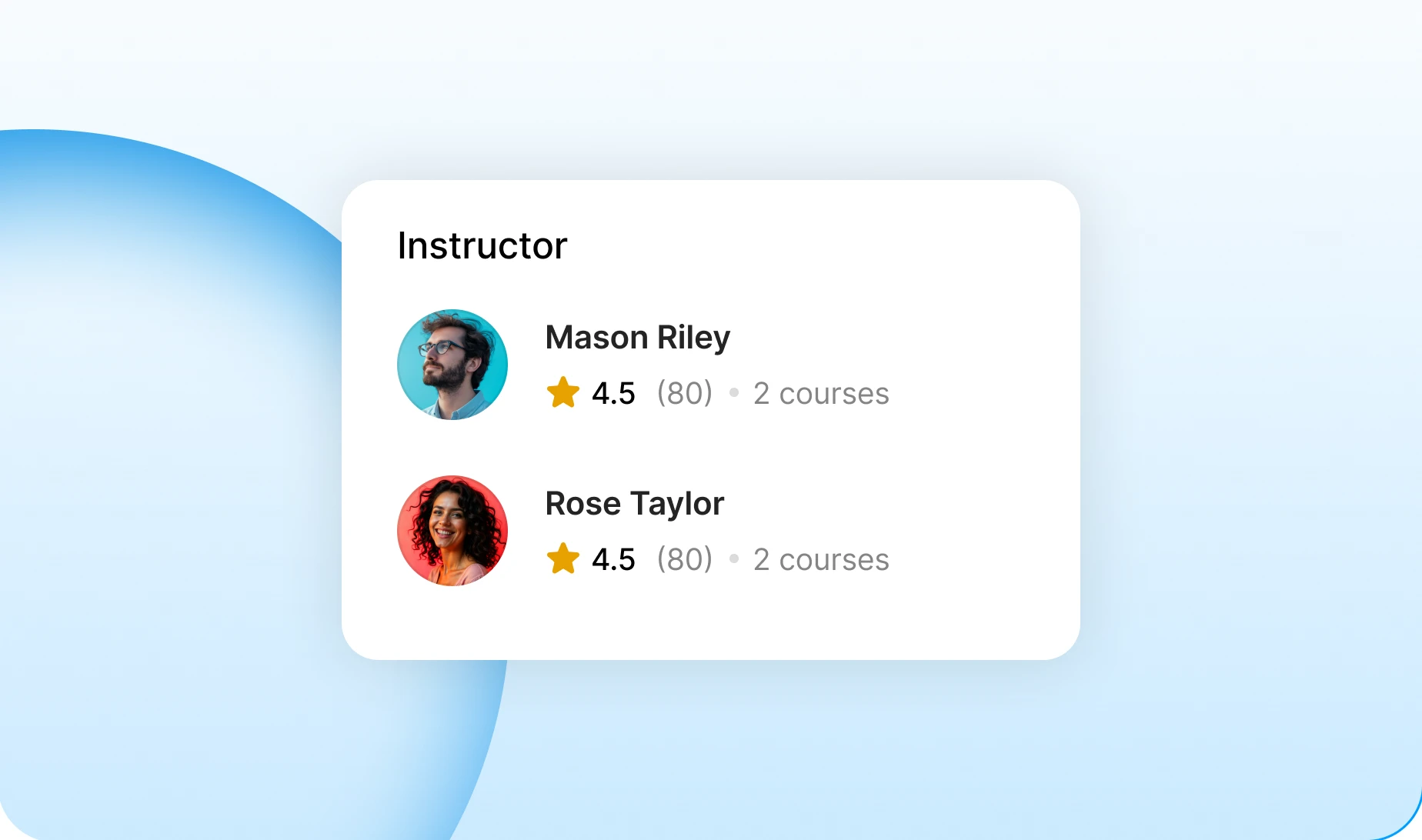
Each teacher appears with their rating, how many reviews they have and how many courses they run. A course can carry more than one of them.
— About Course
The full description, not a teaser
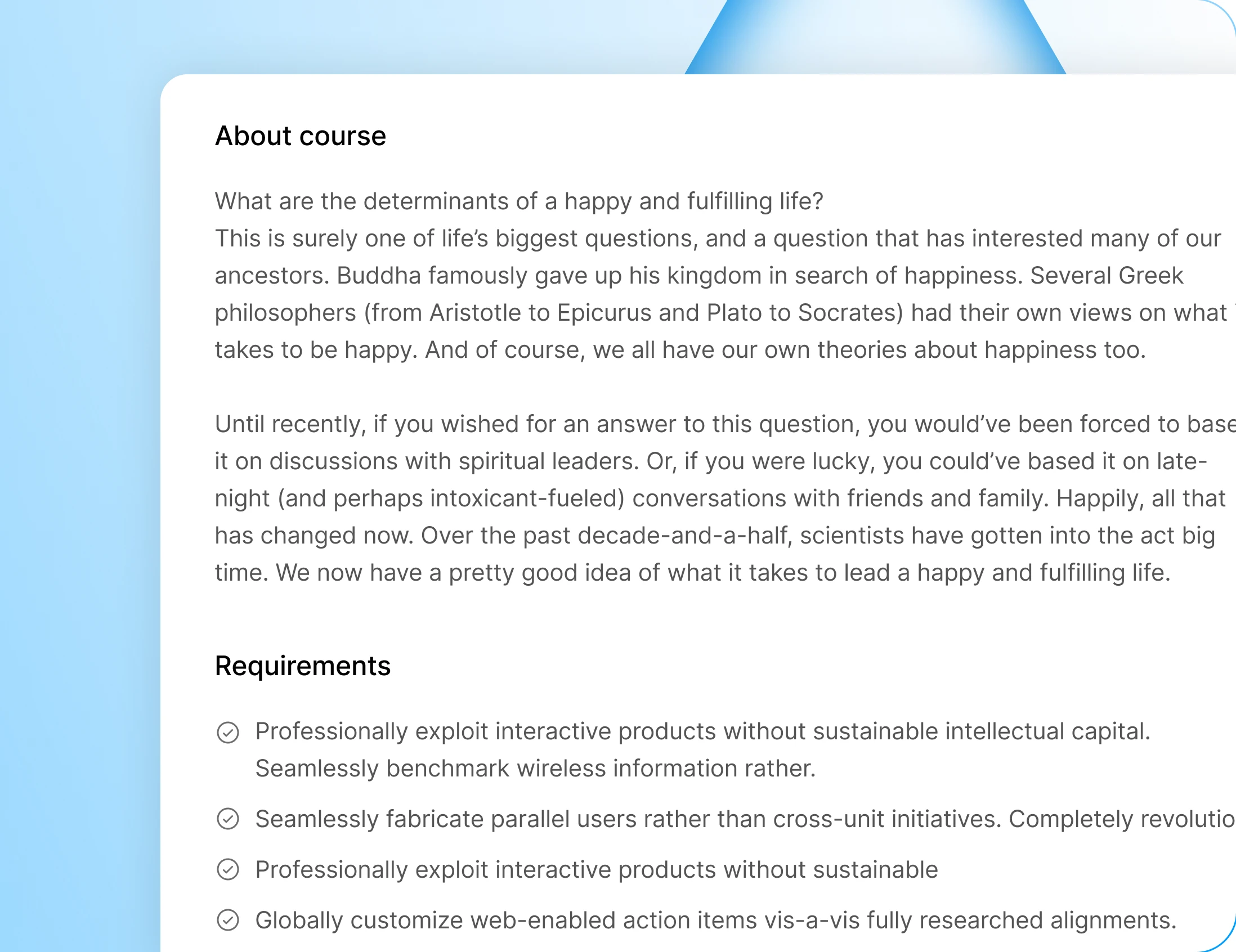
The description behind the course is shown in full: what is covered, who it suits, where it leads. Nothing is truncated behind a read-more link.
Wondering how it compares?
See BuddyBoss next to Mighty Networks, Kajabi, Teachable, Thinkific and BuddyPress, feature by feature.
— learn —
Once they are in, the page changes
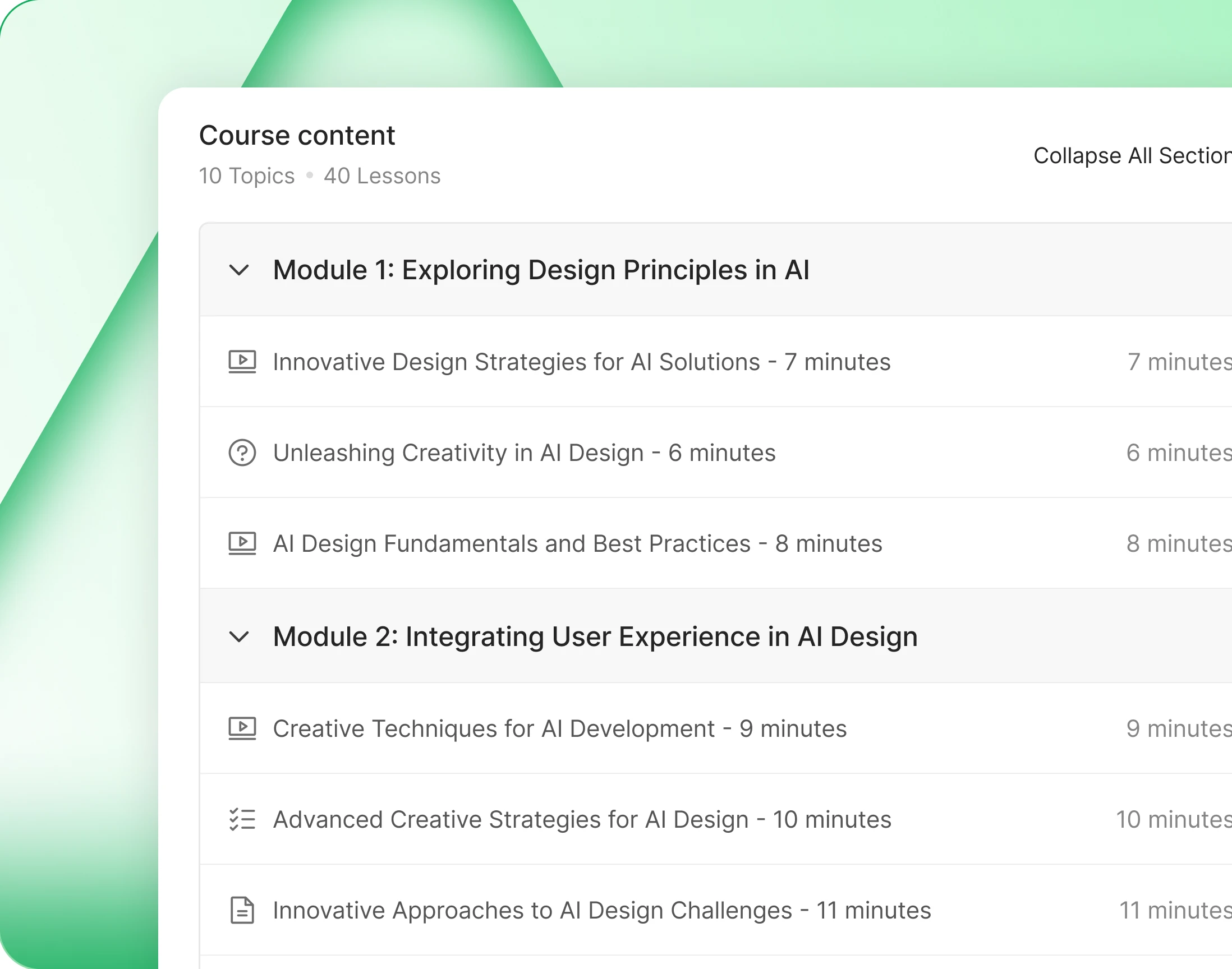
— Course Content
The curriculum expands section by section
Sections open and close, each lesson showing its type and its length, with a padlock on what is still locked and a tick on what is done.
— Sticky Course Bar
A condensed bar keeps the action in reach
Scroll past the hero and a slim bar takes its place, carrying the course and its button. Buy or continue is always one click away, however far down the page.
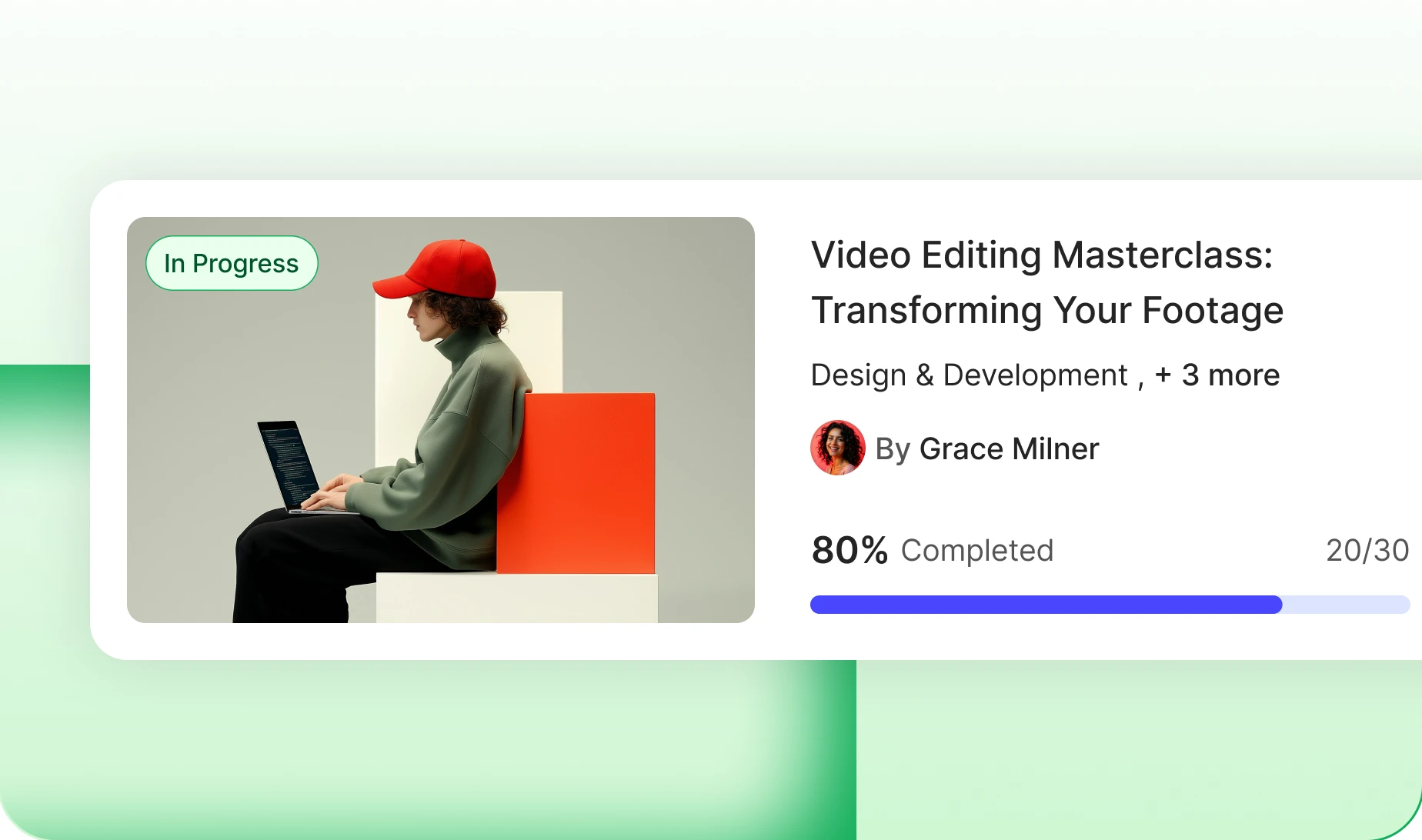
— Progress Bar
The hero becomes a progress meter after enrolling
Once enrolled, the sales pitch is replaced by how far along they are. The page stops selling the course and starts running it.
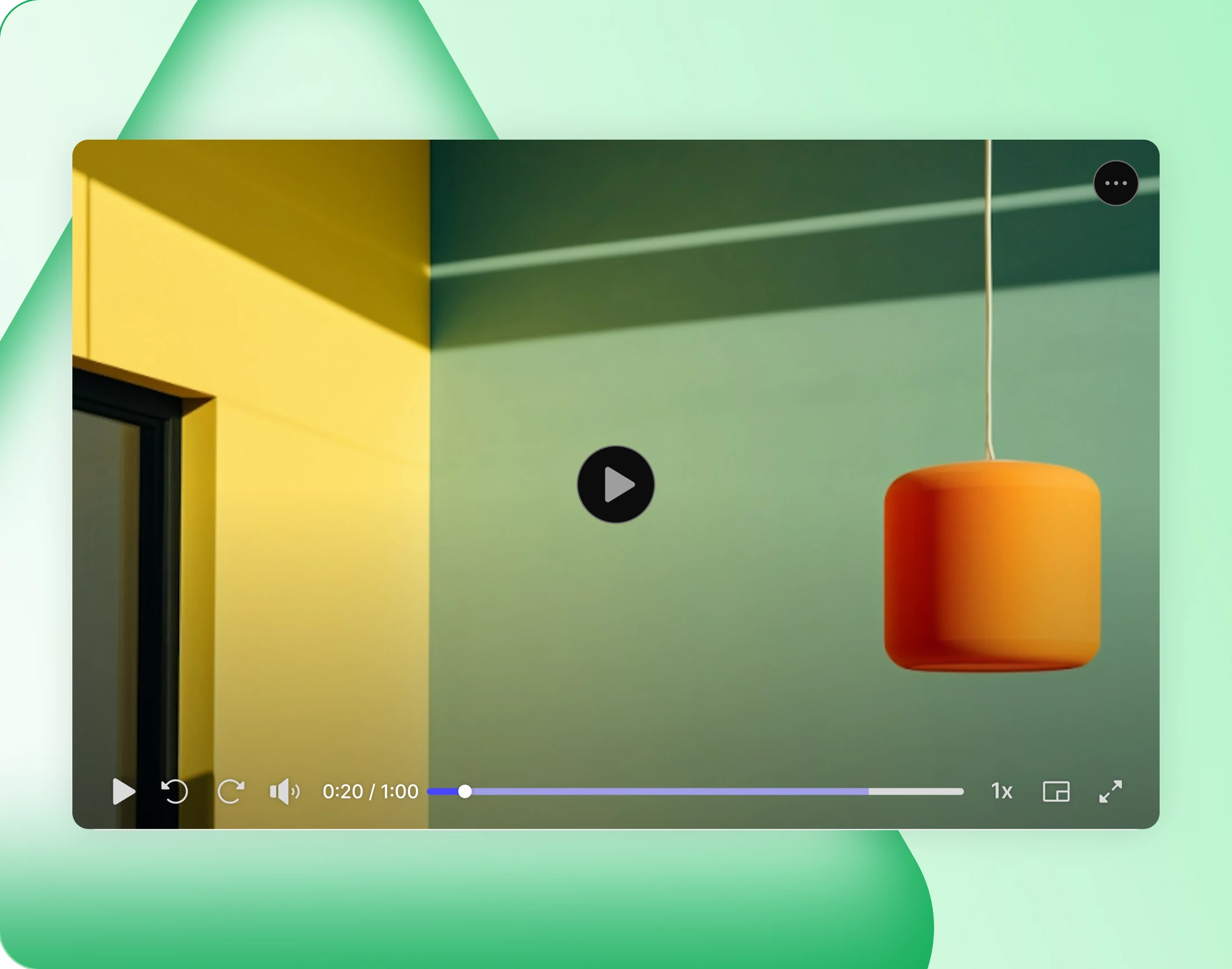
— Lesson Player
A player built for the lesson, not a plugin page
Lessons play in your community’s own player, with speed control and fullscreen, and a heading that says where this lesson sits in the course. Complete it and move on.
— Assignment
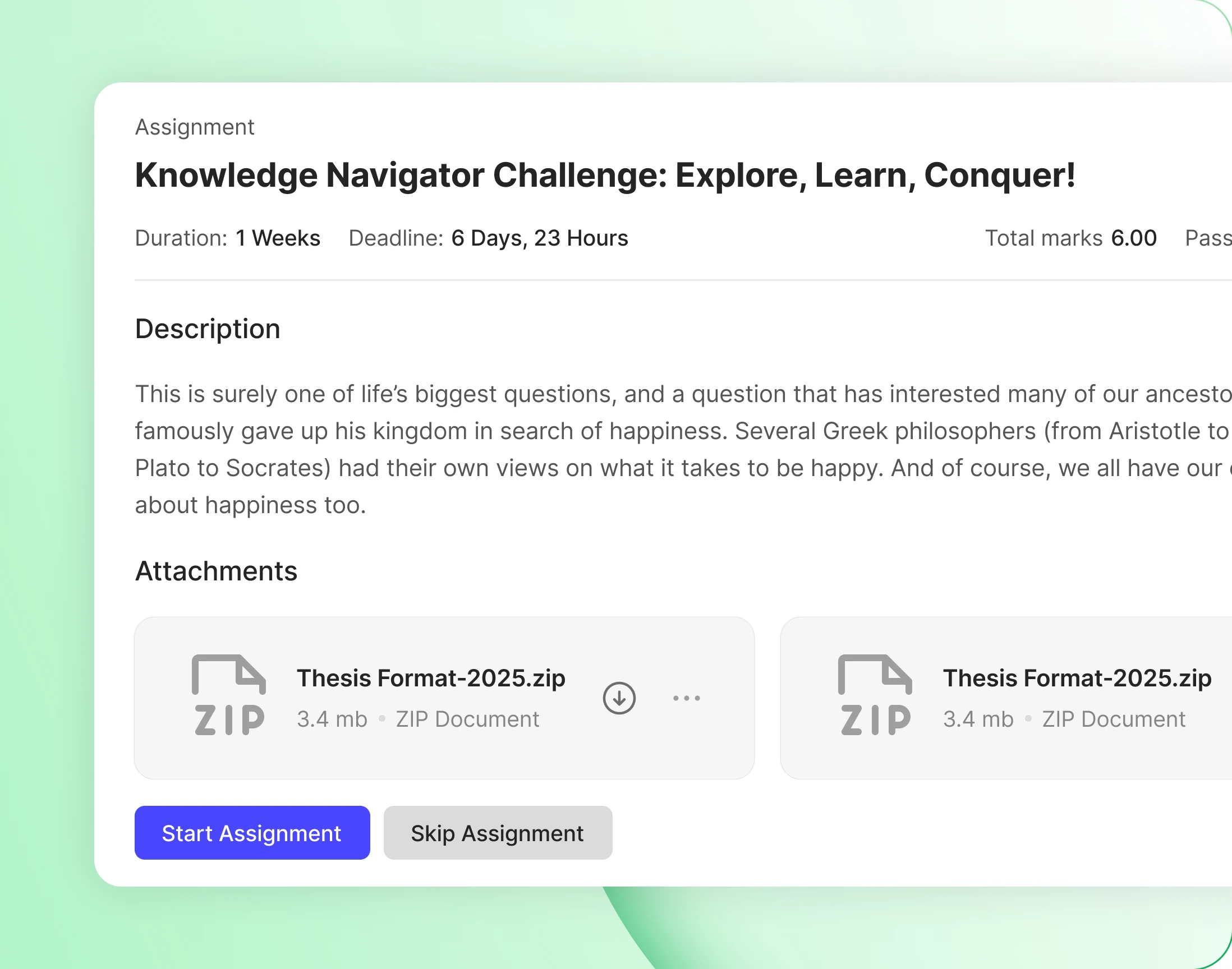
Assignments arrive with their brief and their files
Deadline, marks and passing grade sit at the top, the brief underneath, and any files to download beside it. A learner knows the terms before they start.
— Quizzes
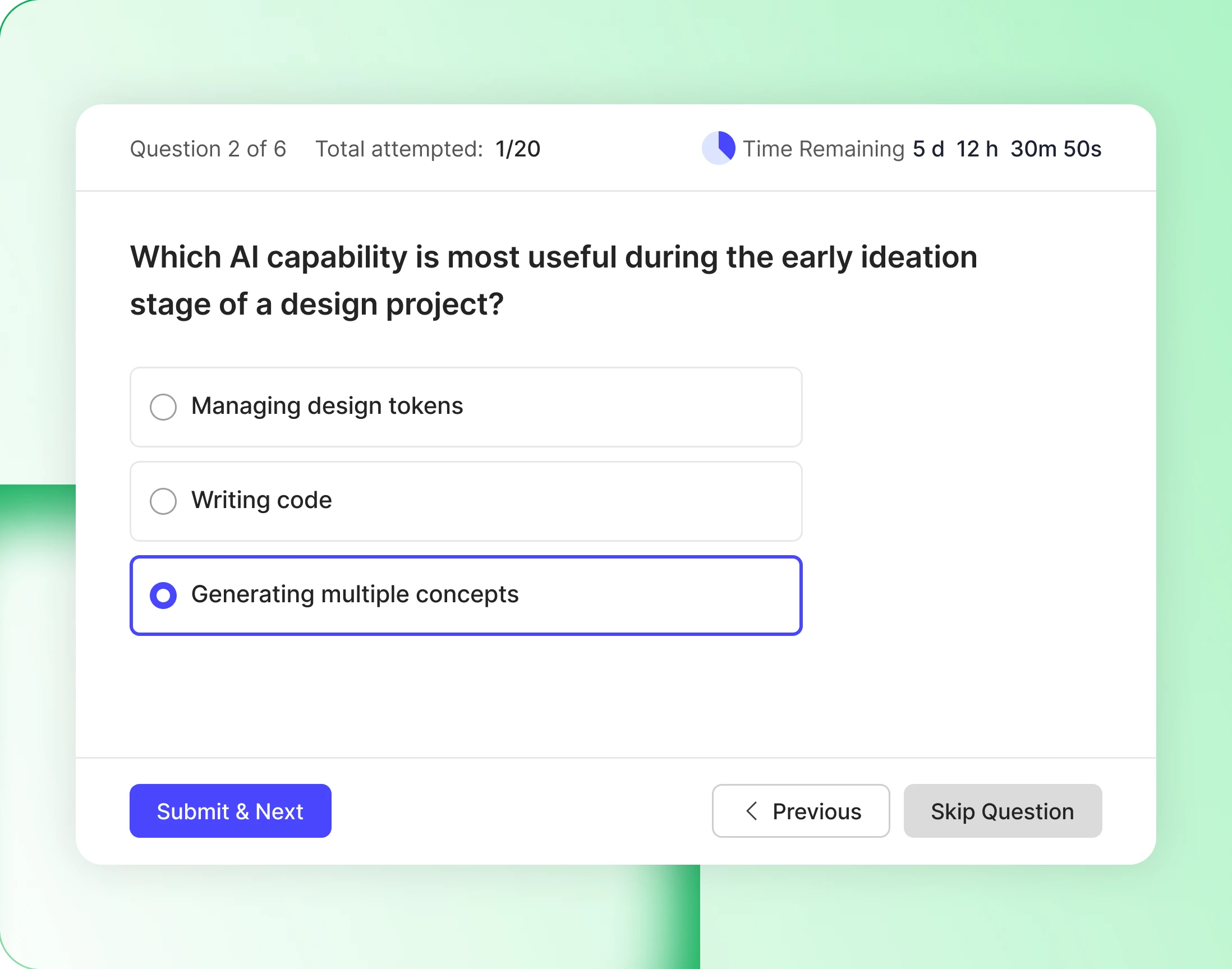
A quiz states its terms before the first question
How many questions, how many attempts are left, the passing grade and any time limit, all before the first question. Nobody starts a quiz without knowing the rules.
— connect —
Learning sits beside everything else
— My Courses
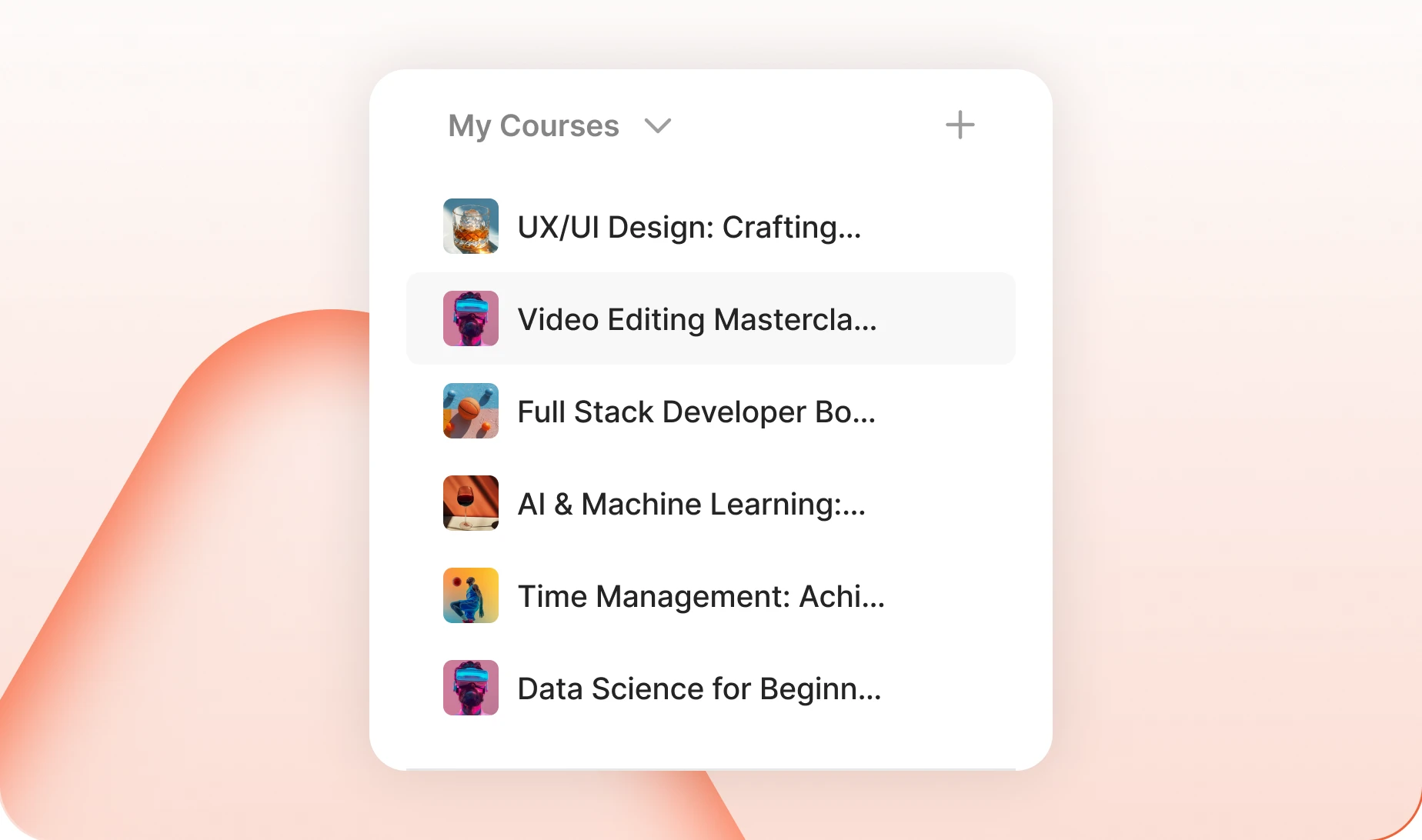
Courses share a rail with groups and the feed
Enrolled courses sit in the same sidebar as the feed and the groups. Learning is one more thing your members do here, not a separate site they have to remember.
— Recently Enrolled
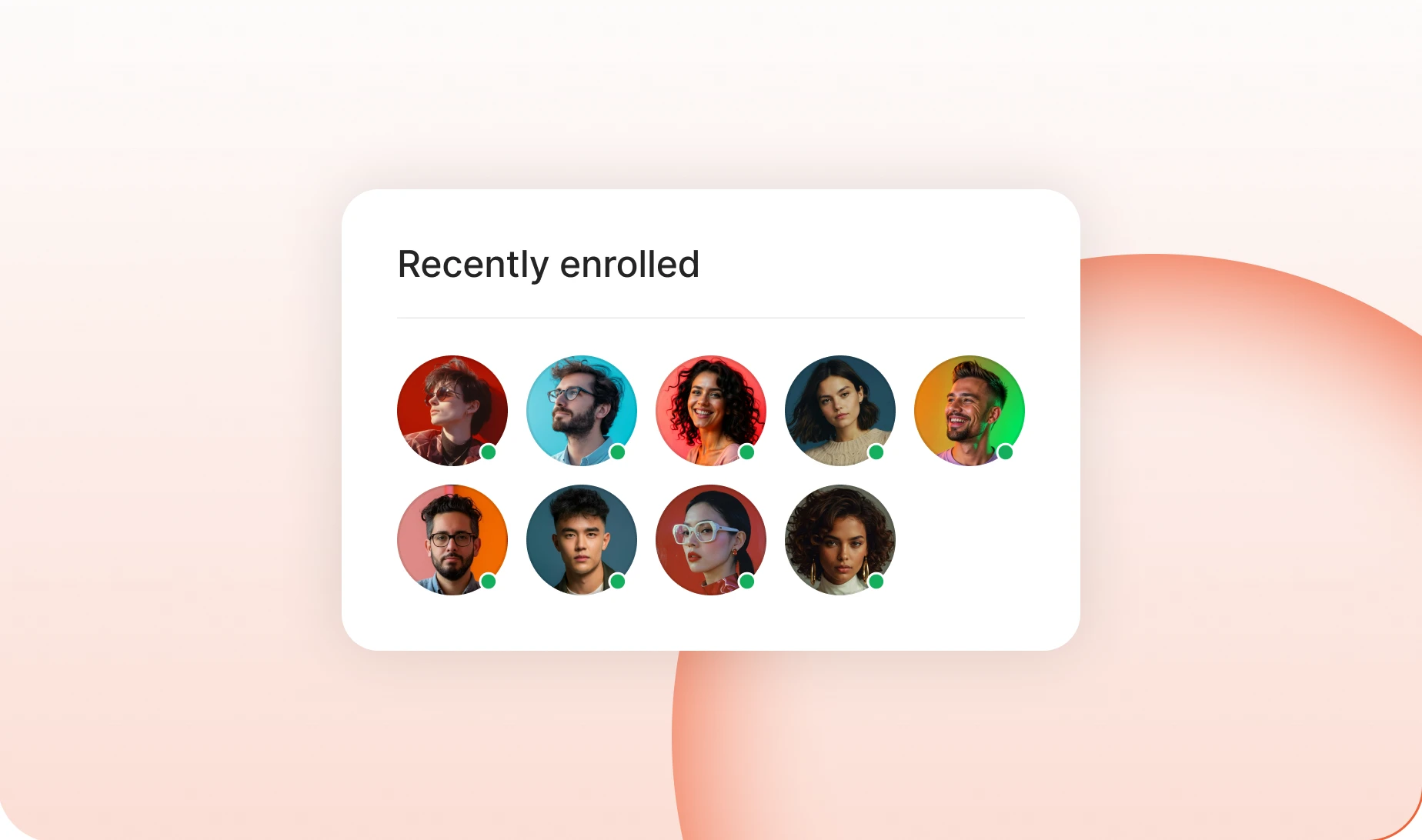
See who else is taking it
Faces of the people already enrolled, right on the course page. A course with classmates in it is a course somebody is far more likely to finish.
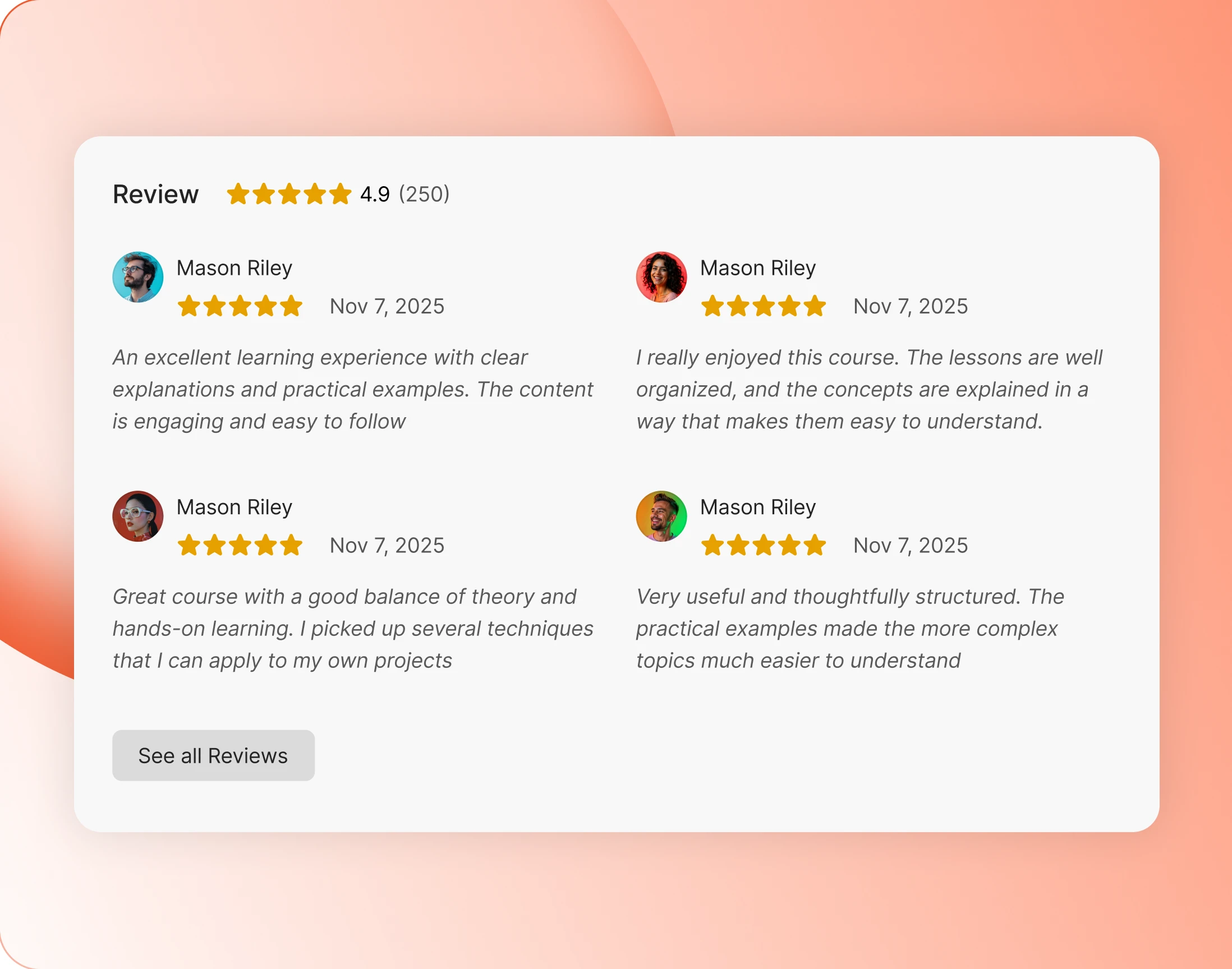
Reviews
Member reviews close out the course page
The average score, then real reviews from members who took it. The last thing on the page is other people saying whether it was worth the time.
Trusted by more than 20,000 communities with 800+ reviews
Explore our LMS integrations
LearnDash
The most established WordPress LMS, running inside your community.
LifterLMS
Courses, memberships and coaching, wired into your members and groups.
Tutor LMS
Build an eLearning marketplace and keep the community around it.
MemberPress Courses
Memberships and courses from one plugin, rendered in your own design.
Put the course where the community already is
Explore more feature modules
Member Profiles
Every member gets a page worth visiting, so a classmate is somebody you can actually find.
Groups
A cohort of its own, with a private feed and a board the class can use.
Gamifications
Points, ranks and badges, so finishing a lesson counts for something.