














Messaging
Private conversations, built into your community
One-to-one and group threads that carry photos, video, audio and files, without sending anybody to another app. You decide who is allowed to start one.
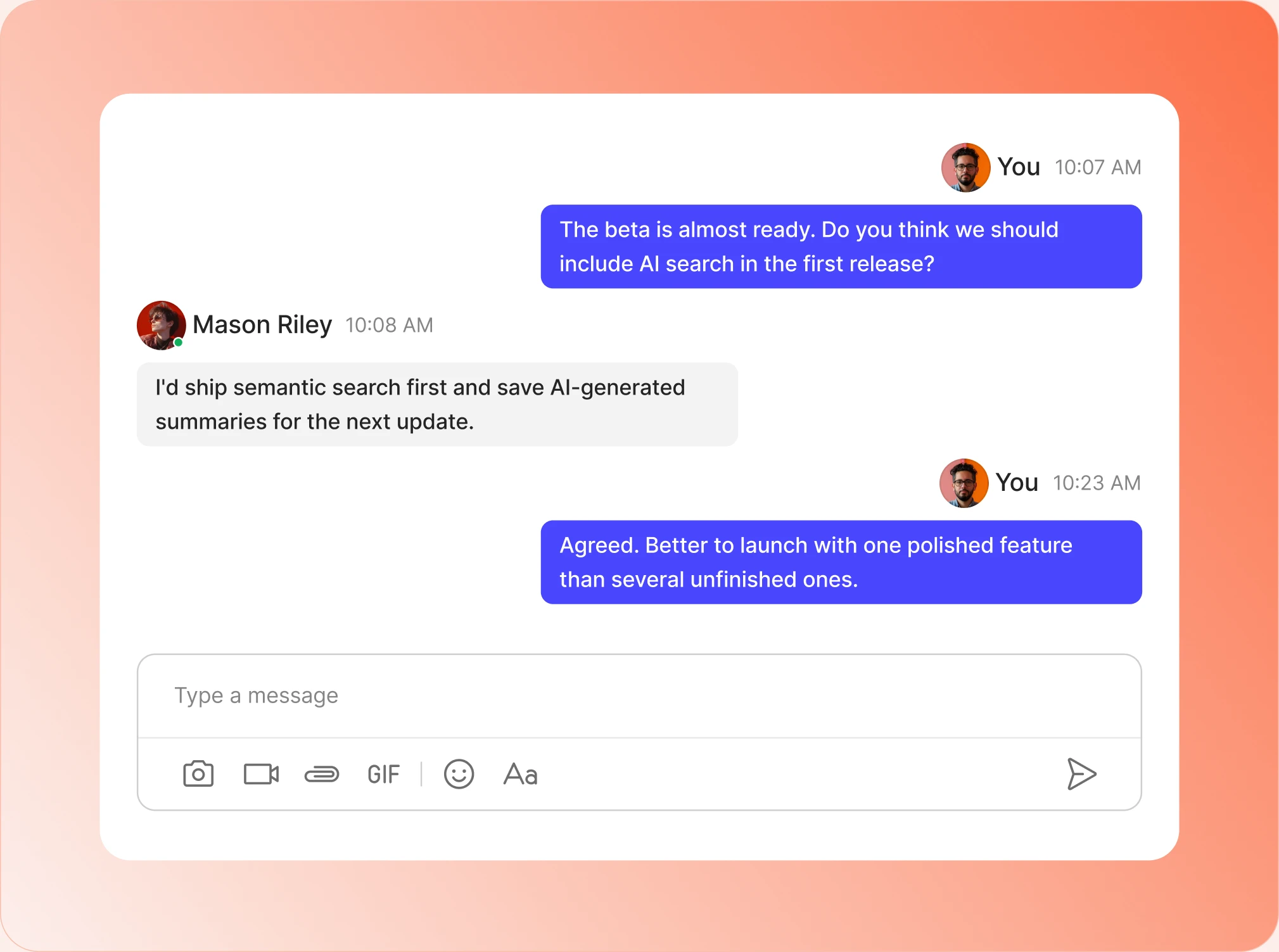
— Inbox
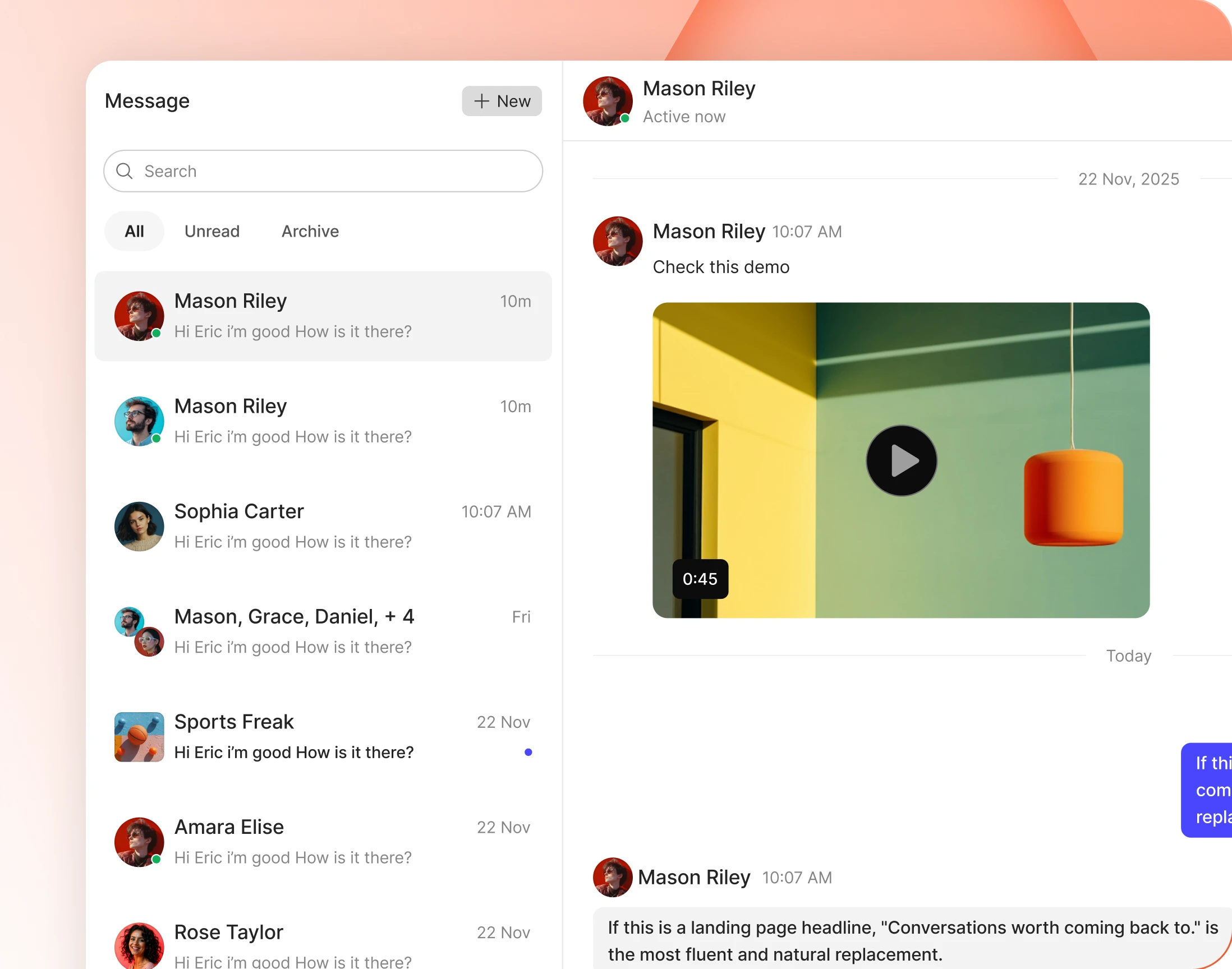
An inbox that stays manageable
Filter to unread or archived, search the whole history, and start a new thread from the same screen. Unread conversations stand out without anybody having to hunt.
— Photos, Videos & GIFs
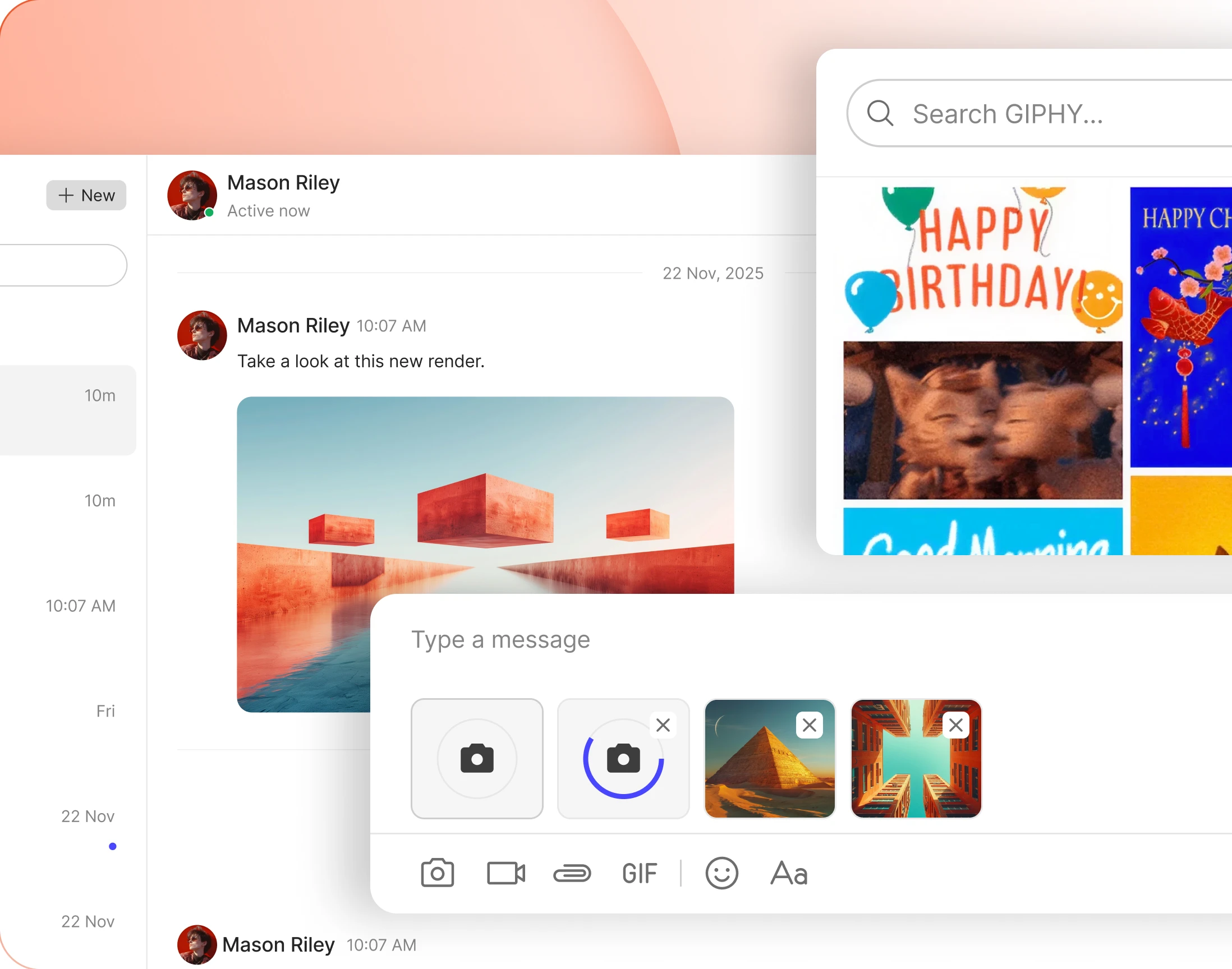
Send more than text
Photos, video, GIFs and emoji sit in the message box next to the formatting buttons. Video plays in the thread, so nobody downloads a clip to watch it.
— Audio, Files & Code
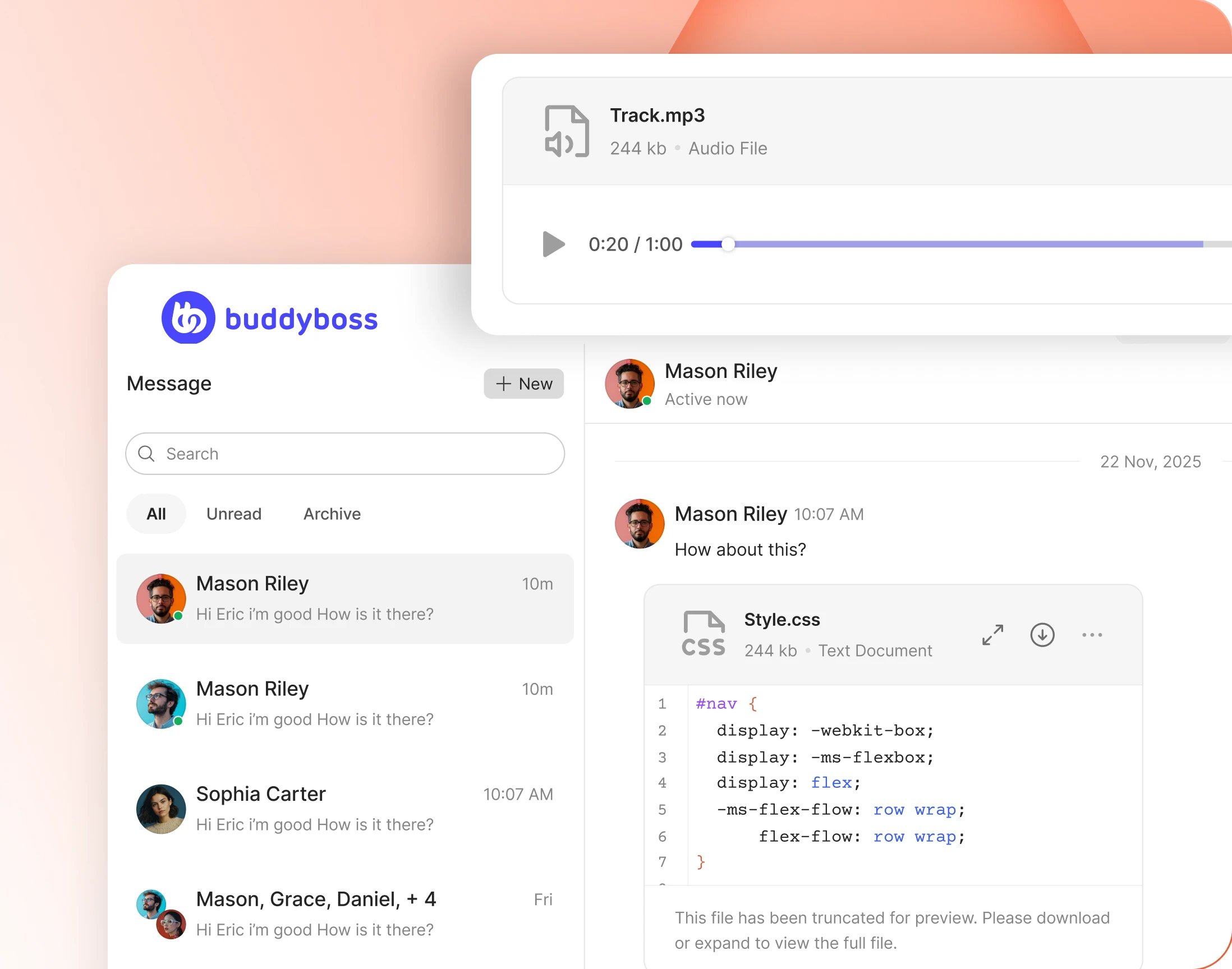
Audio plays, code previews, files explain themselves
An audio file plays where it was sent. A code file previews with line numbers. Everything else shows its name, type and size before anybody commits to a download.
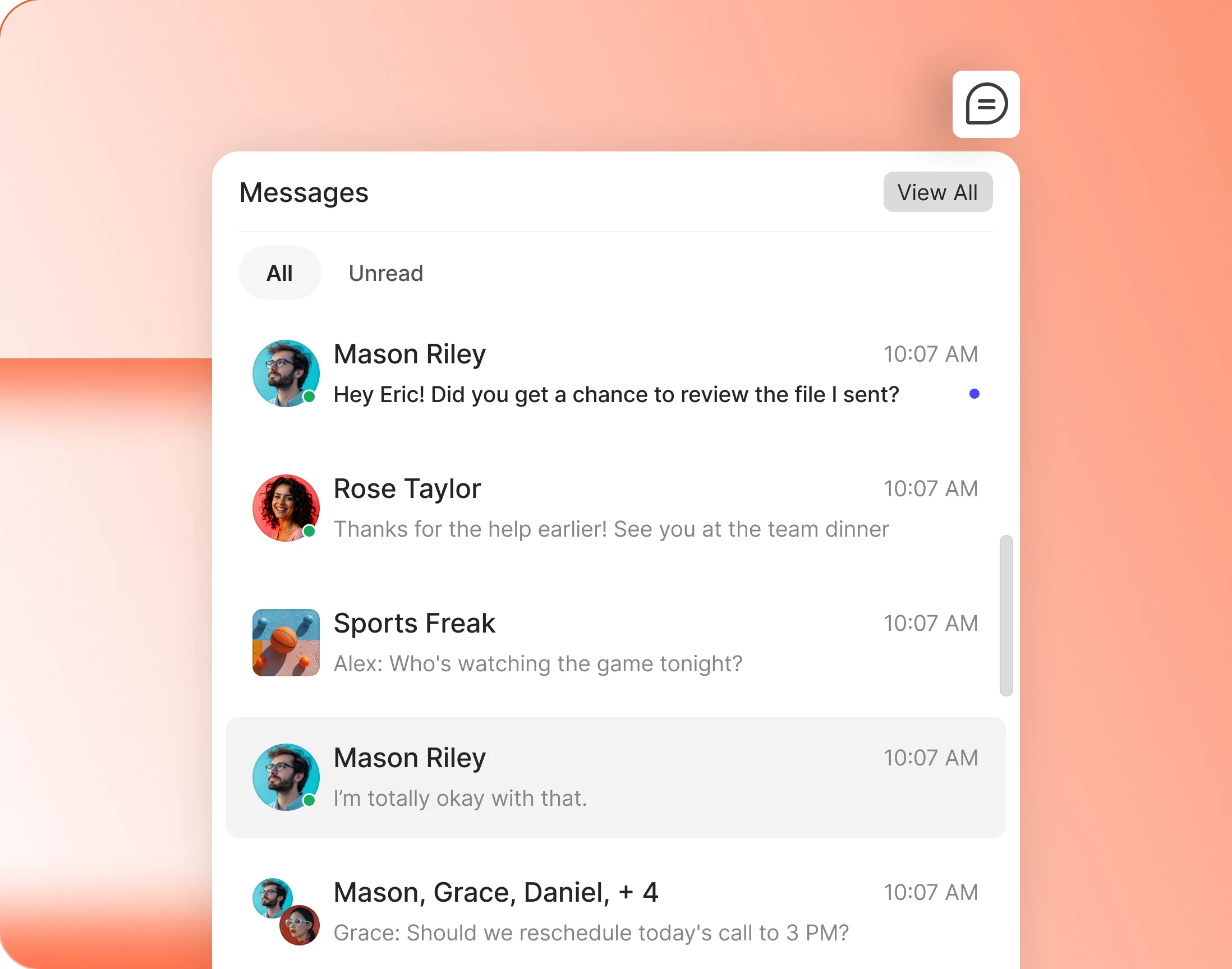
— Messages Popup
Read a message without leaving the page
The message icon in the header drops open a list of recent threads, filtered to all or unread. Members answer and carry on with whatever they were doing.
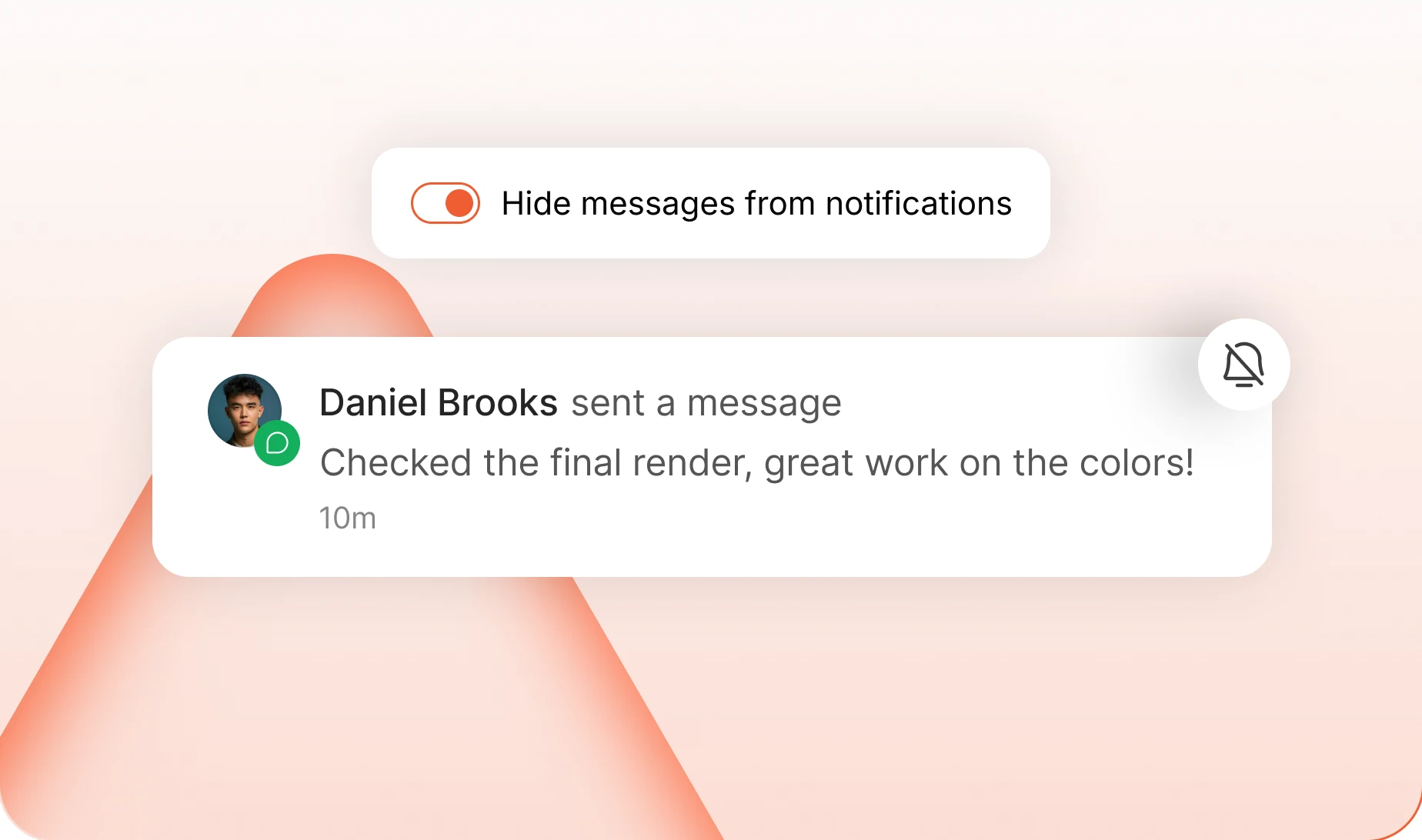
— Hide From Notifications
Keep message alerts out of the notification list
Messages stop crowding the notification list and its unread count. They still arrive by email, web and app, and still show as unread in the inbox itself.
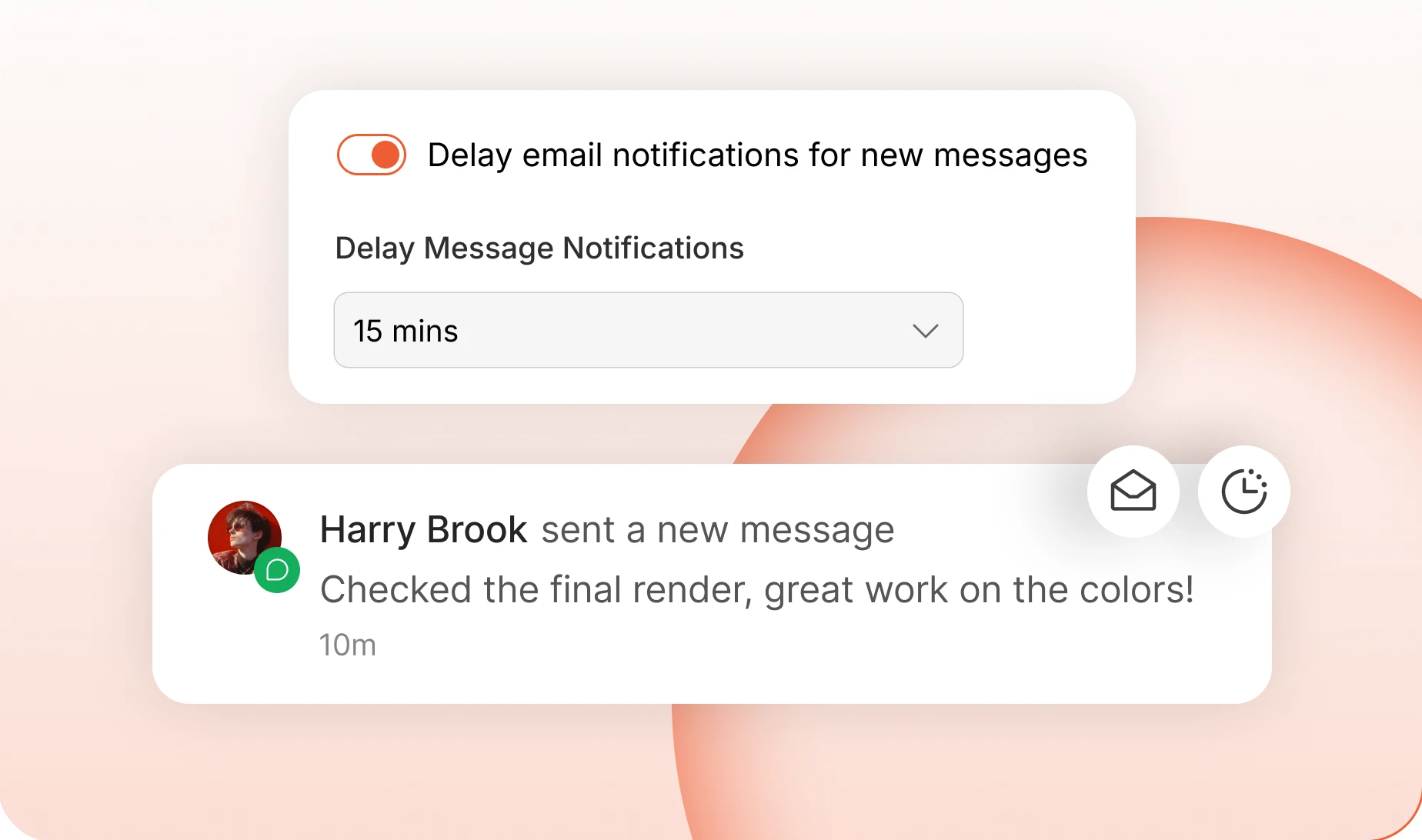
— Delay Email Notifications
Hold the email until a message stays unread
Email waits a while before it sends. Members reading on your site never get one, and several unread messages in the same thread arrive as a single email instead of five.
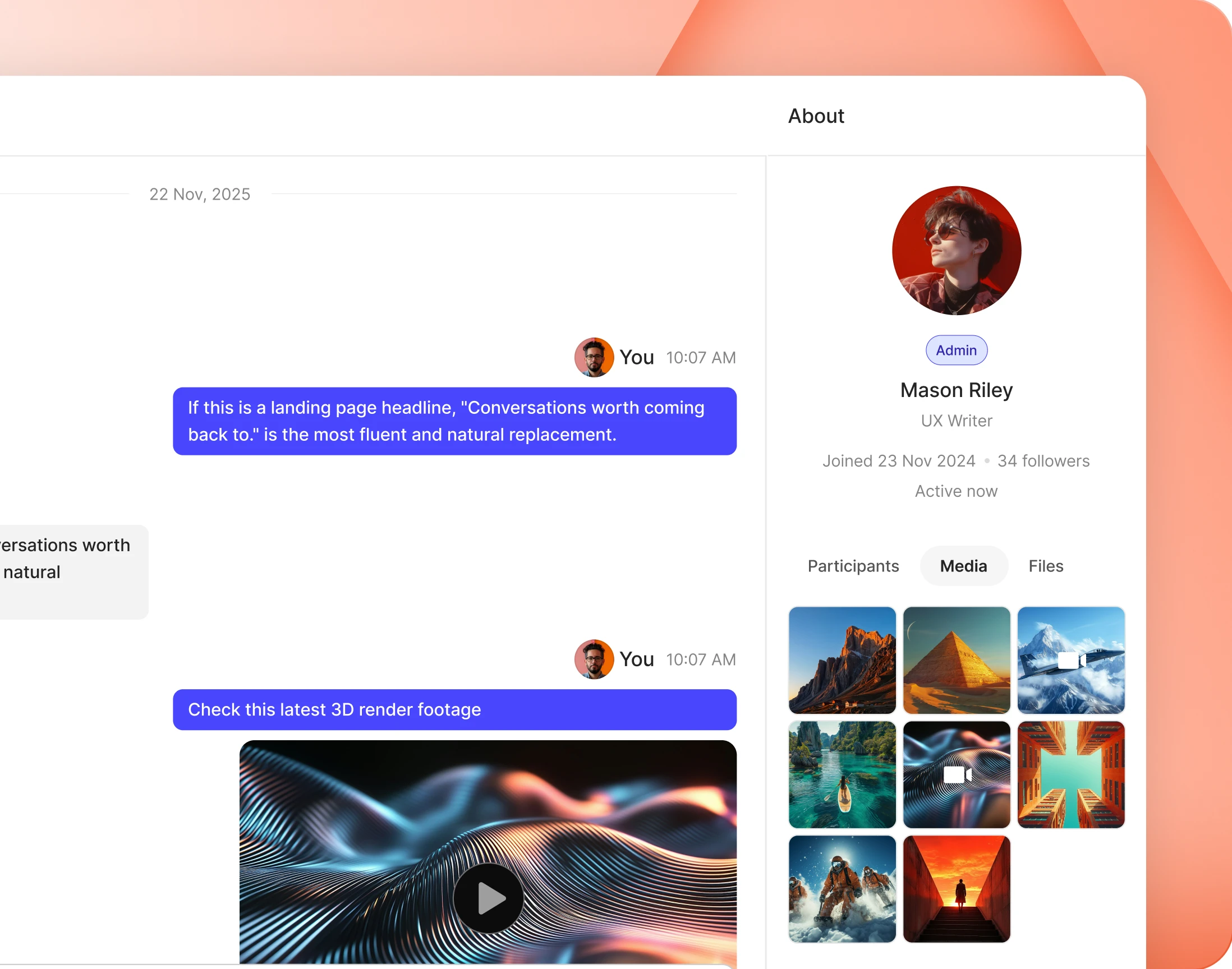
— About Panel
Who you are talking to, beside the conversation
A sidebar carries the other person’s profile, and tabs through everyone in the thread, the media shared and the files sent. On a group thread it lists the room.
— Message Access
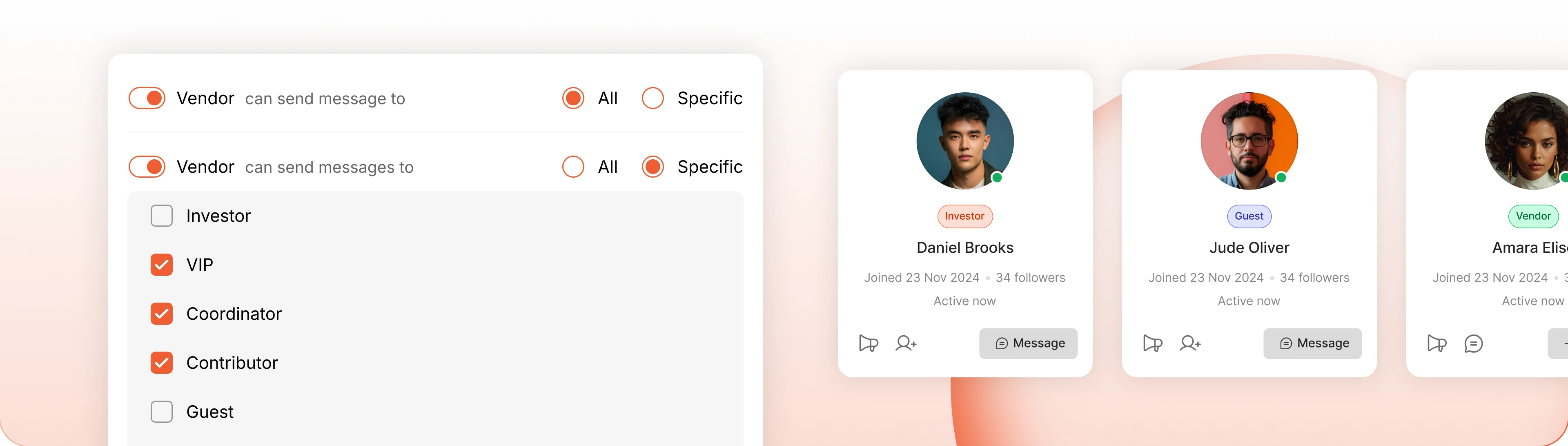
Who can message whom
Let a profile type message everyone, or name exactly which types it can reach. Students can contact coaches without the whole community reaching the coaches back.
Trusted by more than 20,000 communities with 800+ reviews
Give your members somewhere private to talk
Not every conversation belongs in public. Keep the private ones inside your community instead of losing them to WhatsApp.
Explore more feature modules
Member Profiles
Every member gets a page worth visiting, so you know who you are messaging.
Notifications
How a message reaches somebody who has closed the tab, on the channel they chose.
Media Uploading
Photos, video, audio and files, in a private thread as much as in the feed.