













BUDDYBOSS MEMBERSHIP
Paid membership, built in, not bolted on
Create plans, price them, stack them into tiers and take payment through Stripe. It is free on Launch and Scale, and the memberships and courses you sell deliver inside your own branded app.

— SELL —
Choose what to sell and how to get paid
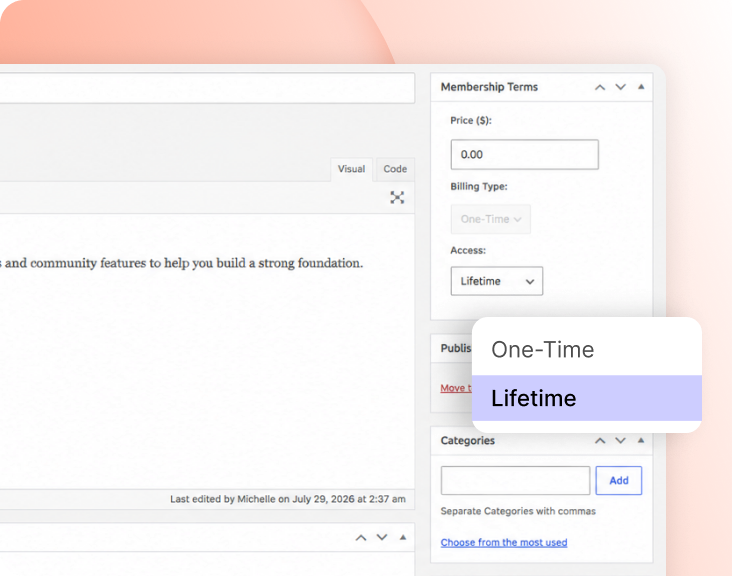
— BILLING TYPE
Take one payment, or keep taking it
Billing Type is a choice of two, made on every membership. One-Time takes a single payment. Recurrent keeps billing the member until the subscription stops.
— ACCESS
Keep it for life, or let it lapse
Access sits beside billing type and answers a different question. Lifetime never ends. Expire closes access when the expiration period you configured runs out.

— STRIPE
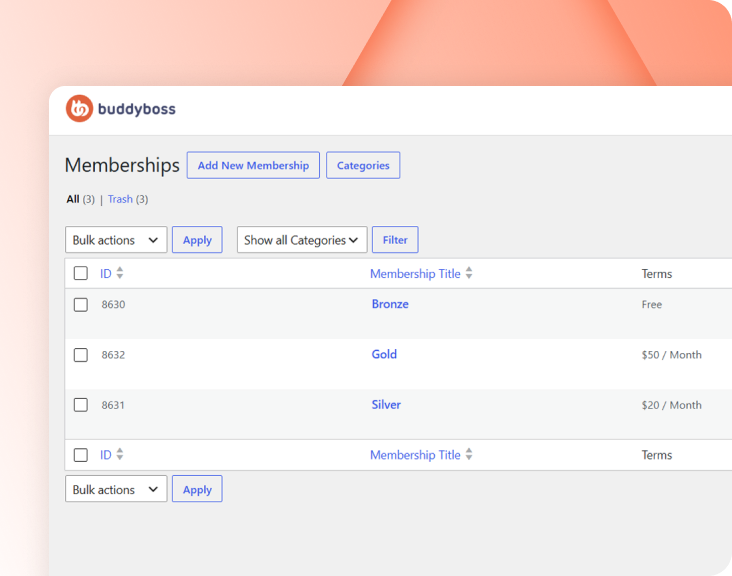
Payments run through Stripe
Stripe is the built-in gateway. BuddyBoss Membership is a lightweight version of MemberPress, made by a sister company under Awesome Motive, and it comes with the platform.
Build your community’s home on BuddyBoss
Build thriving communities, membership sites, and online learning platforms with BuddyBoss, the leading WordPress community platform.
— PACKAGE —
Turn plans into cards, then cards into a table
— PRICE BOX
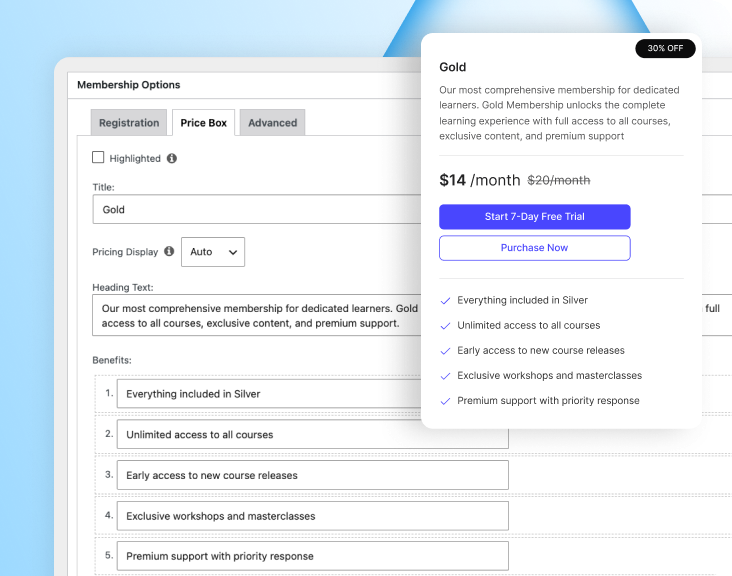
Build the card people actually read
The Price Box is the plan’s card in the price table. A live preview panel on the right shows the card as you build it. Benefits appear as a checklist on the card. Add a benefit with +, remove one with ×, and drag them to reorder.
— PRICING PAGE
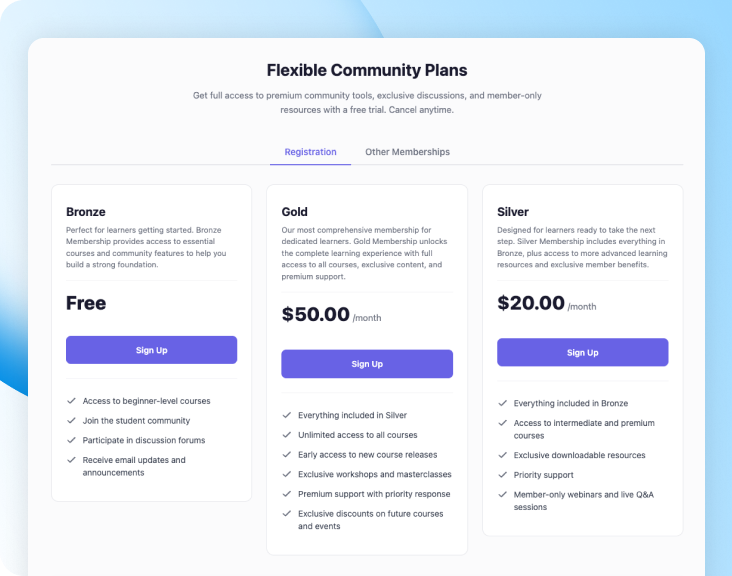
A price table you never build
Settings > Memberships turns your published plans into a native pricing page. The price boxes become the table, and the headings and tab labels around them are yours to write.
— TIERS —
Stack plans and let members switch
— MEMBERSHIP GROUP
Plans that belong together
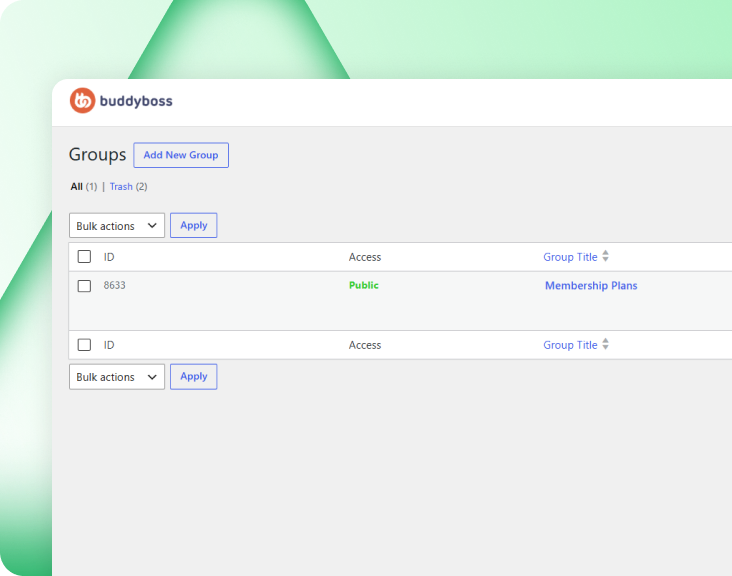
A Membership Group collects several memberships so people can compare them and switch between them. It holds plans, not people — that is what Platform Groups are for there.
— UPGRADE PATH
One ladder, and a way up it
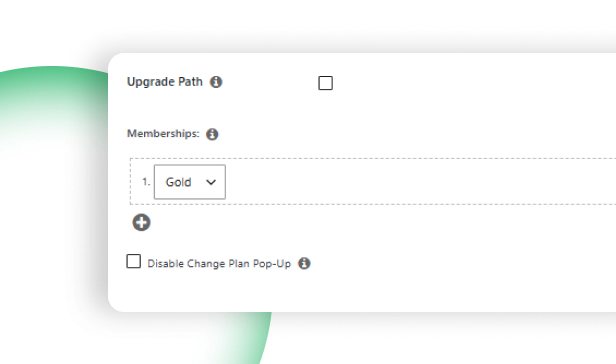
Scrolling past the hero swaps in a slim bar under the nav: video thumb, title, rating, language and byline on the left; price and “Buy Now”, or the completion percentage with a mini bar and “Continue”, on the right.
— PRICE BOX SHORTCODE
Drop the tier table anywhere
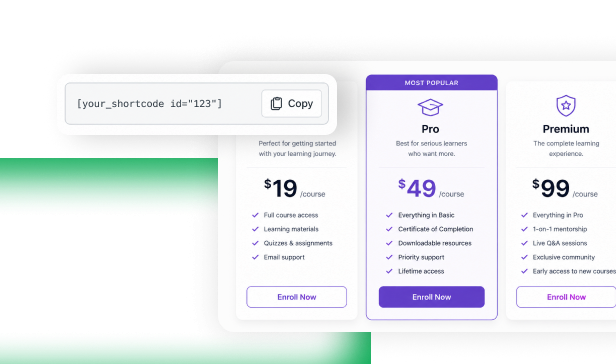
The Group Price Boxes Shortcode outputs a group’s memberships as price boxes on any page or post, so the tiers can be compared away from the pricing page.
Build your community’s home on BuddyBoss
Build thriving communities, membership sites, and online learning platforms with BuddyBoss, the leading WordPress community platform.
— KEEP AND CONTROL —
Keep members and control what they access
— MEMBER PROFILE
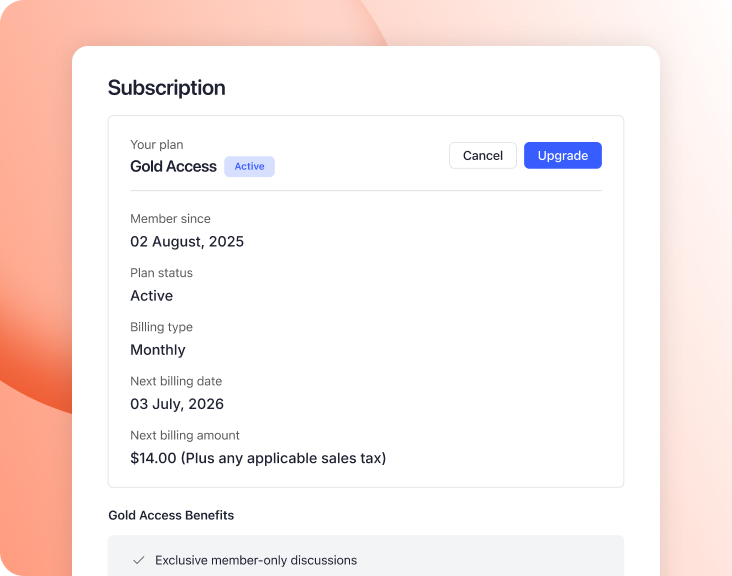
They change plan without asking you
Billing Type is a choice of two, made on every membership. One-Time takes a single payment. Recurrent keeps billing the member until the subscription stops.
— REMINDERS
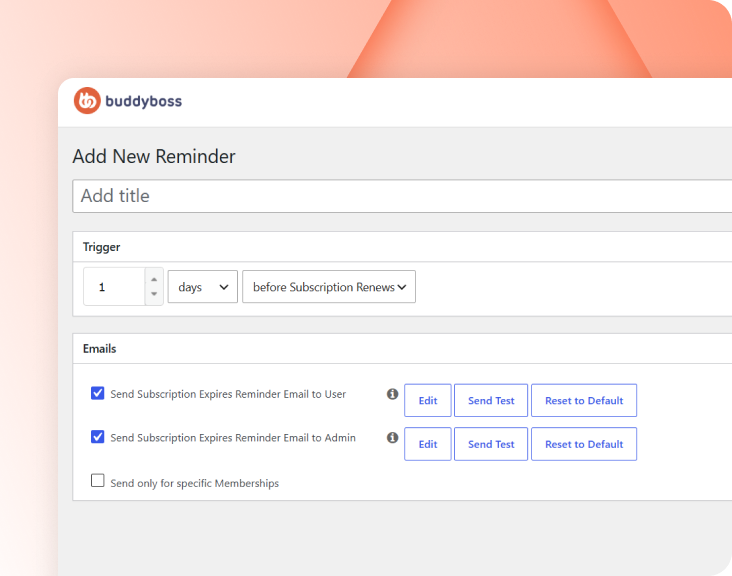
Tell them before it renews or ends
Reminders are automatic emails on membership events such as renewals and expirations. Build one under Memberships > Reminders, and Publish makes it active immediately.
— PLATFORM GROUPS
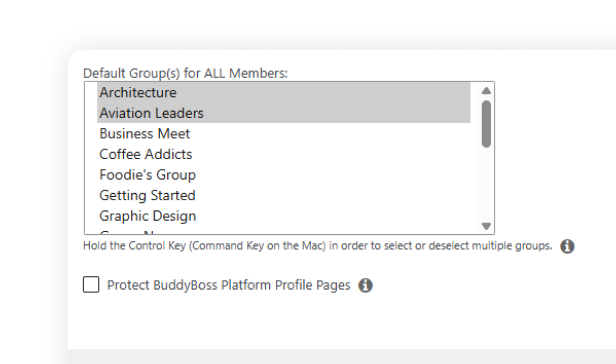
Buy the plan, land in the room
Typography sets font sizes, weights and styles for custom branding. Uploading your own faces happens in Custom Fonts, a separate item in the BuddyBoss menu sitting beside Theme Options rather than inside it.
— RESTRICT ACCESS
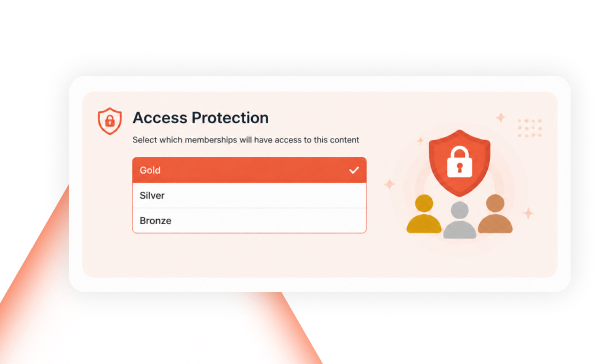
Keep some pages members-only
Logo handles custom logo configuration for branding. It sits directly beneath Styling in the rail and saves on its own, like every panel here — Save Changes, Reset Section and Reset All sit above each one.
Trusted by 65,000+ customers and rated 4.8/5 based on 700+ customer reviews
Build your online community today with 50% off
Build thriving communities, membership sites, and online learning platforms with BuddyBoss—the leading WordPress community platform.
Explore more feature modules
Member Profiles
Everything on a community website revolves around its members. Every user receives a member profile.
Forum & Group
Everything on a community website revolves around its members. Every user receives a member profile.
Moderations
Everything on a community website revolves around its members. Every user receives a member profile.