














Activity Feed
One feed that keeps your whole community talking
Posts, photos, polls and replies in one stream your members already know how to use. They see what their people are doing, join in with a tap, and come back tomorrow.
— Discover —
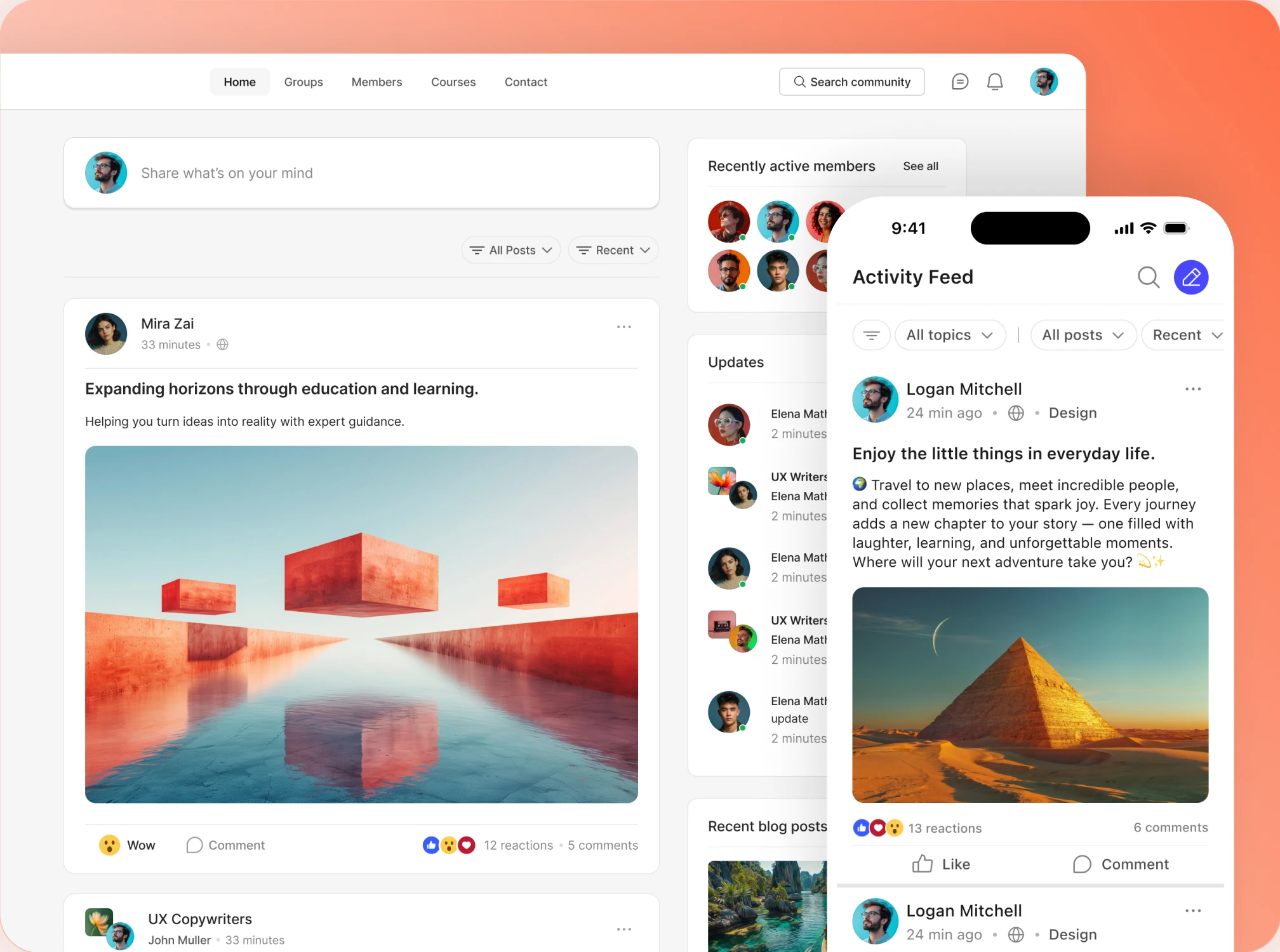
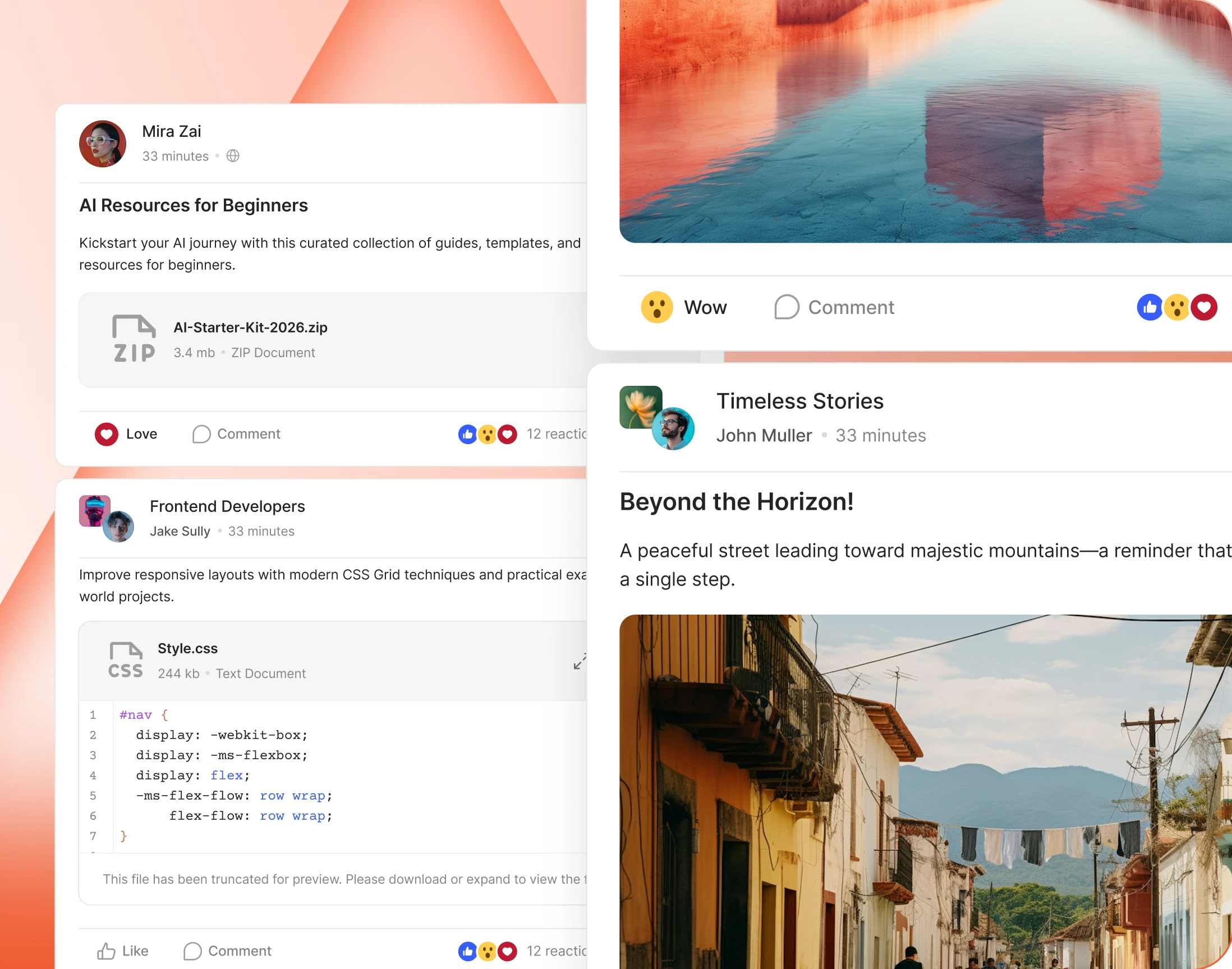
One feed, different for every member
— Relevant Activity
A feed of only the posts that matter to them
Switch it on and every member gets a feed of their own: their groups, their connections, the people they follow, the posts they were mentioned in. Nothing else, and no mystery algorithm.
— Feed Filters
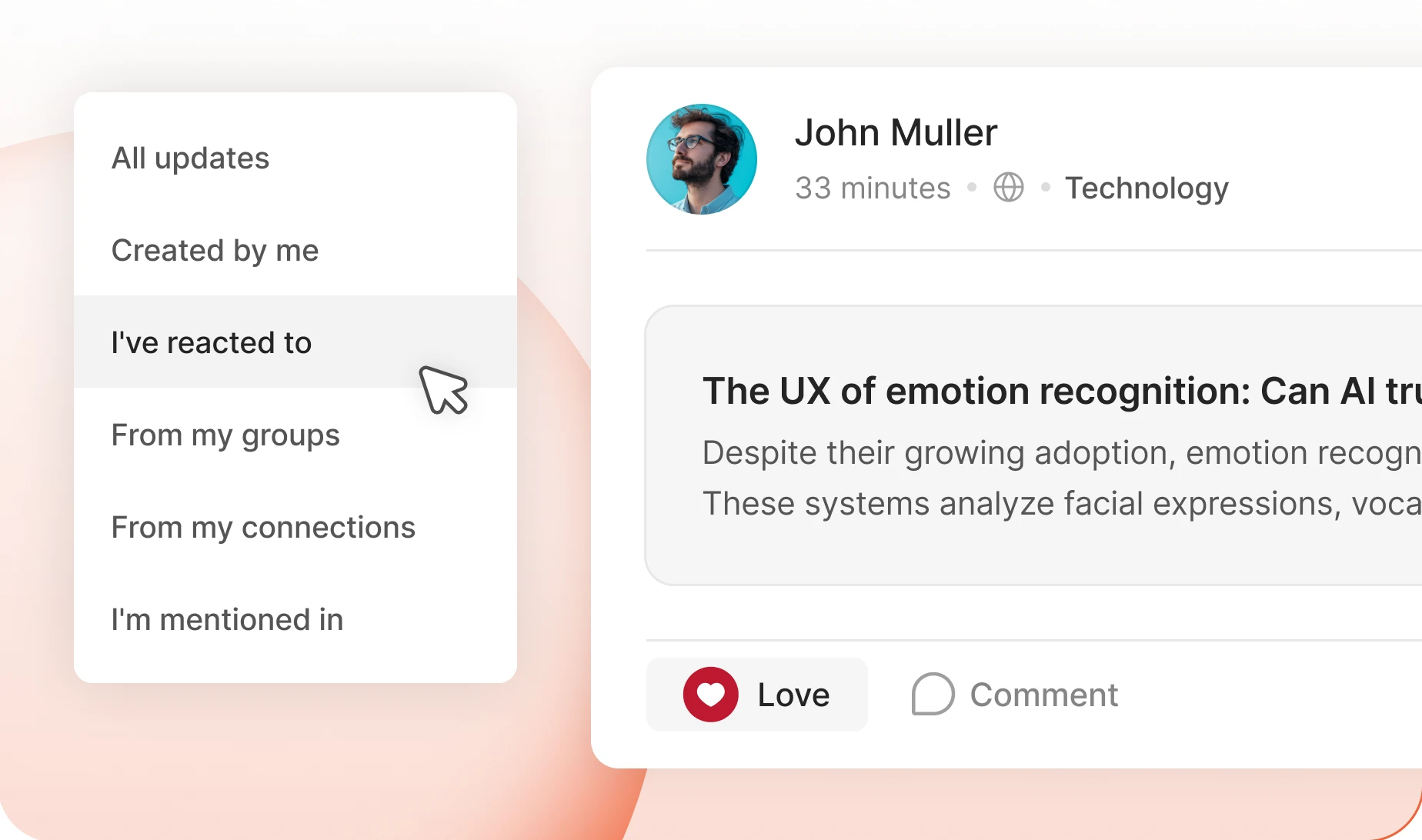
One feed, filtered their way
One tap cuts the feed to what a member came for: their groups, their connections, posts they reacted to, mentions of them. Seven filters, and you choose which appear.
— Activity Topics
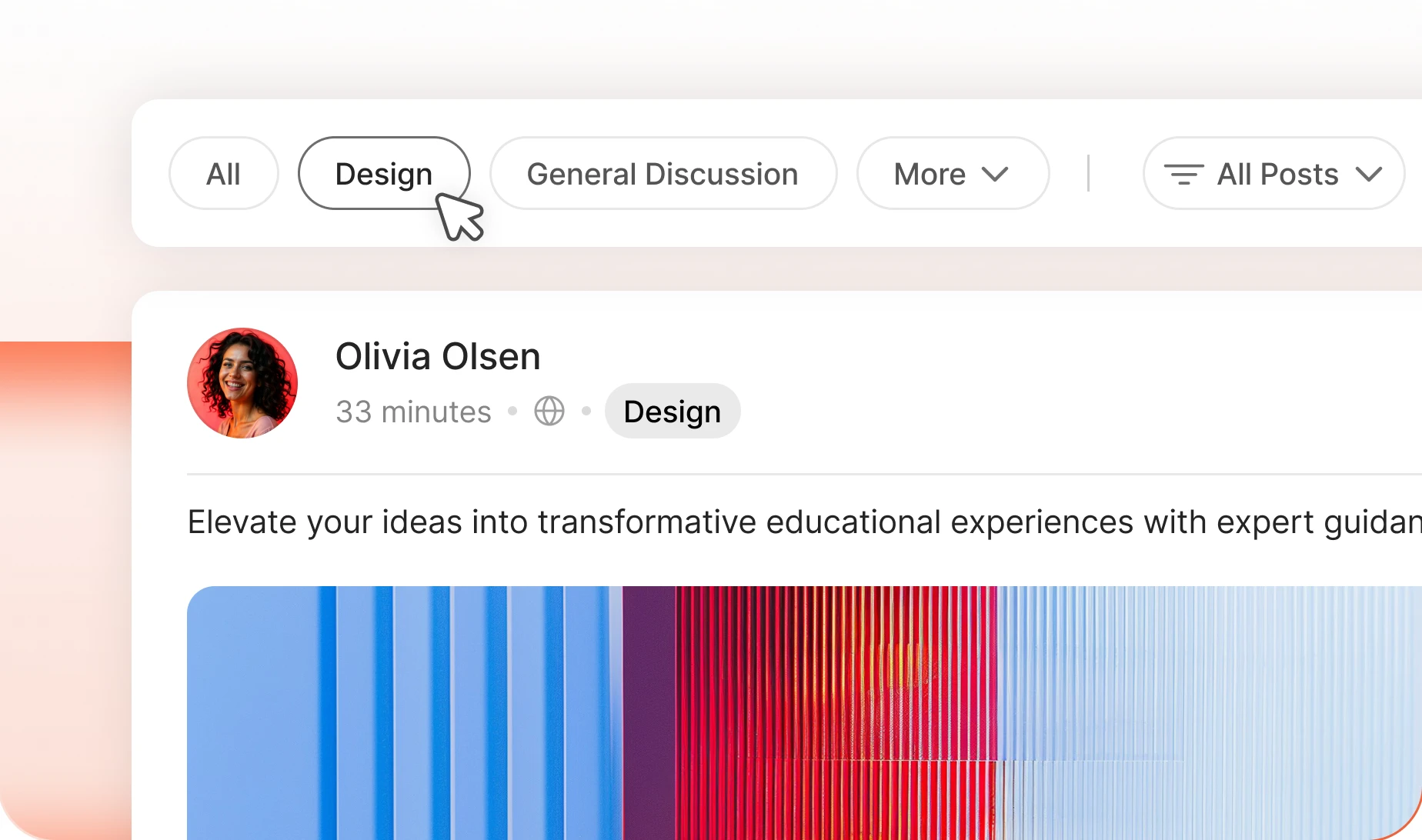
Topics that sort the feed as posts arrive
A topic bar turns one busy feed into conversations people can browse. You write the list, decide whether everyone or only admins can post to each, and can make a topic required.
— Activity Search
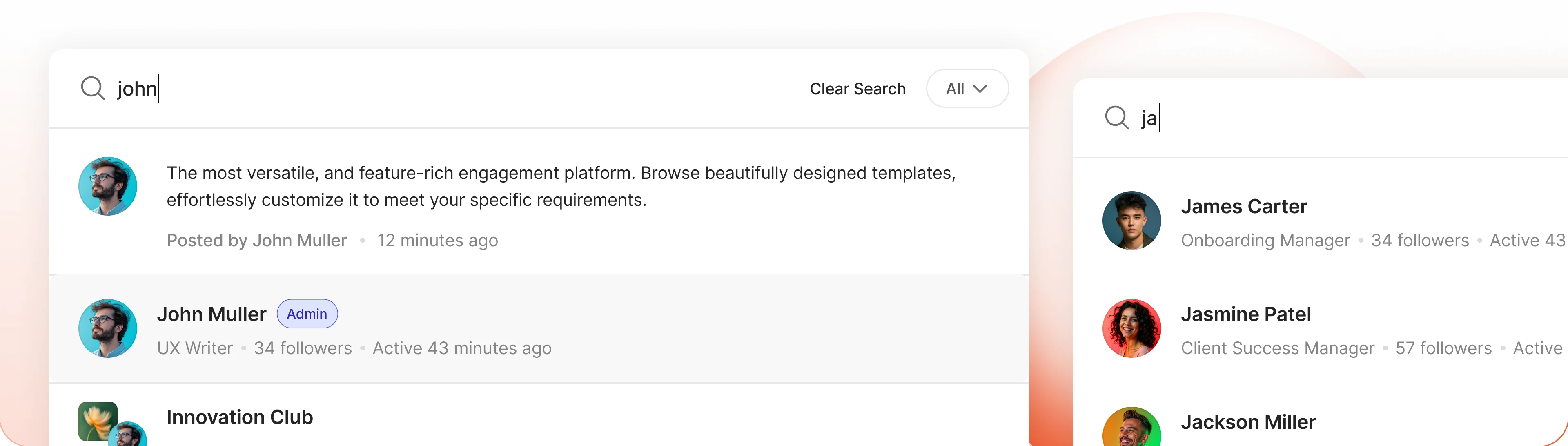
Find any post again in seconds
Search runs across every post and every comment. The answer somebody gave three weeks ago is one search away, so nobody asks twice.
— Activity Auto-refresh
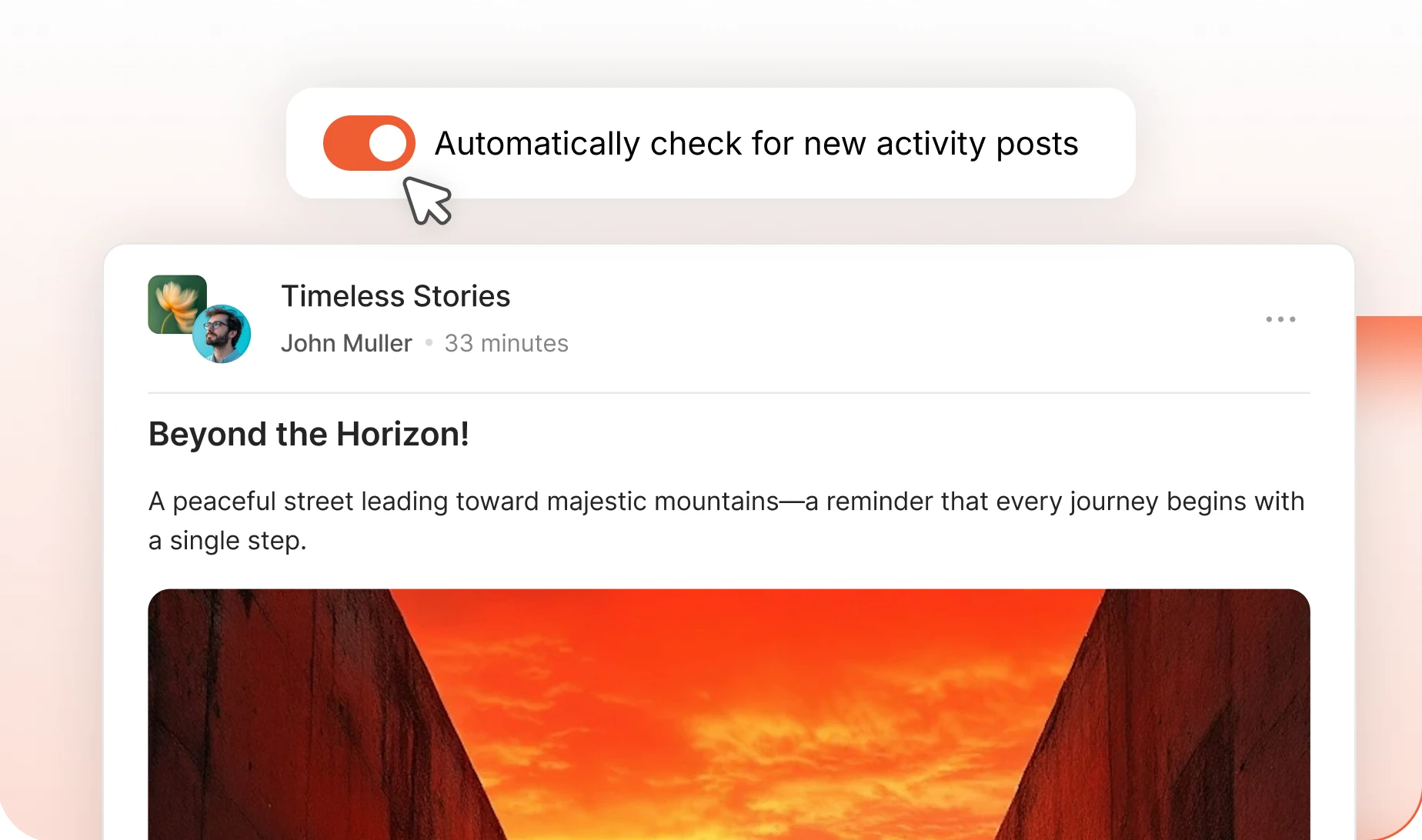
New posts arrive on their own
Turn on “Automatically check for new activity posts” and the feed updates itself. New conversations appear while your member is still reading. Nobody hits refresh.
— Activity Sharing
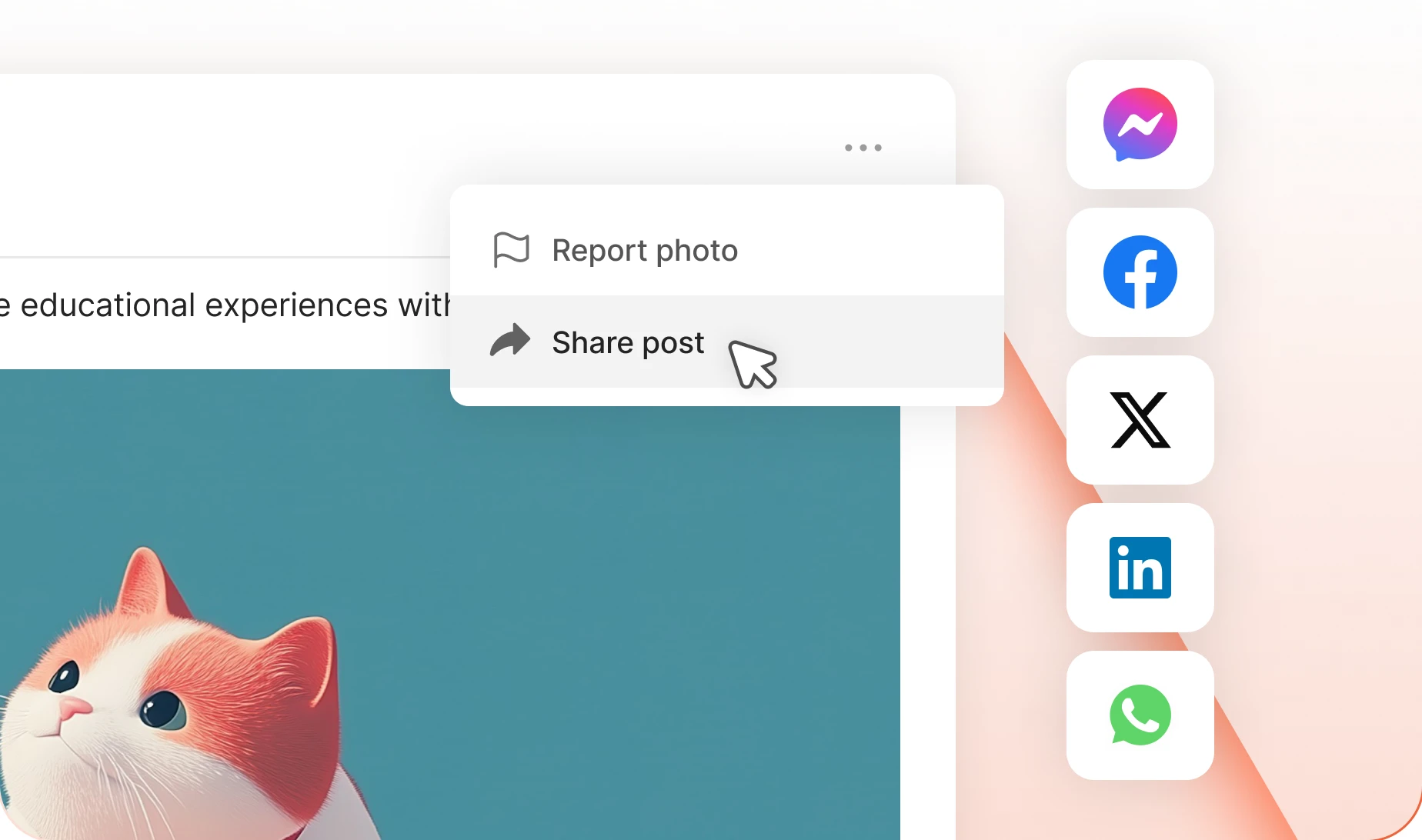
Let a good post travel, inside and out
Every post has a Share button. Members pass it into a group, into a private message, or out to Facebook, LinkedIn or WhatsApp. The replies stay tied to the original post.
Build your community’s home on BuddyBoss
Build thriving communities, membership sites, and online learning platforms with BuddyBoss, the leading WordPress community platform.
— Post —
Give members better ways to post
— Schedule Posts
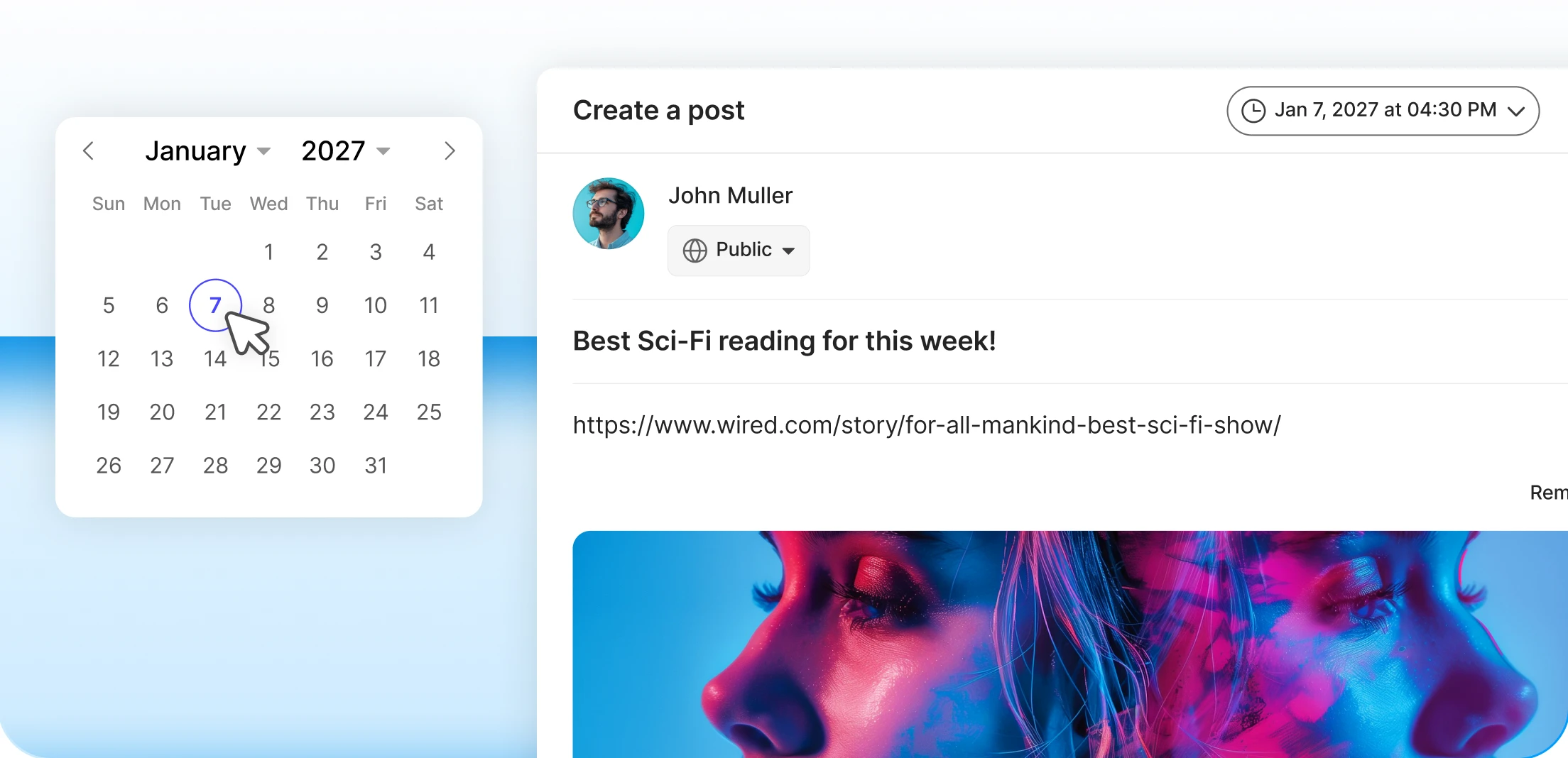
Write it now, publish it on time
Admins, group owners and moderators write a post today and pick the moment it goes out. View Scheduled Posts shows what is queued, and you can change it until it publishes.
— Pin Posts
Keep the post that matters at the top
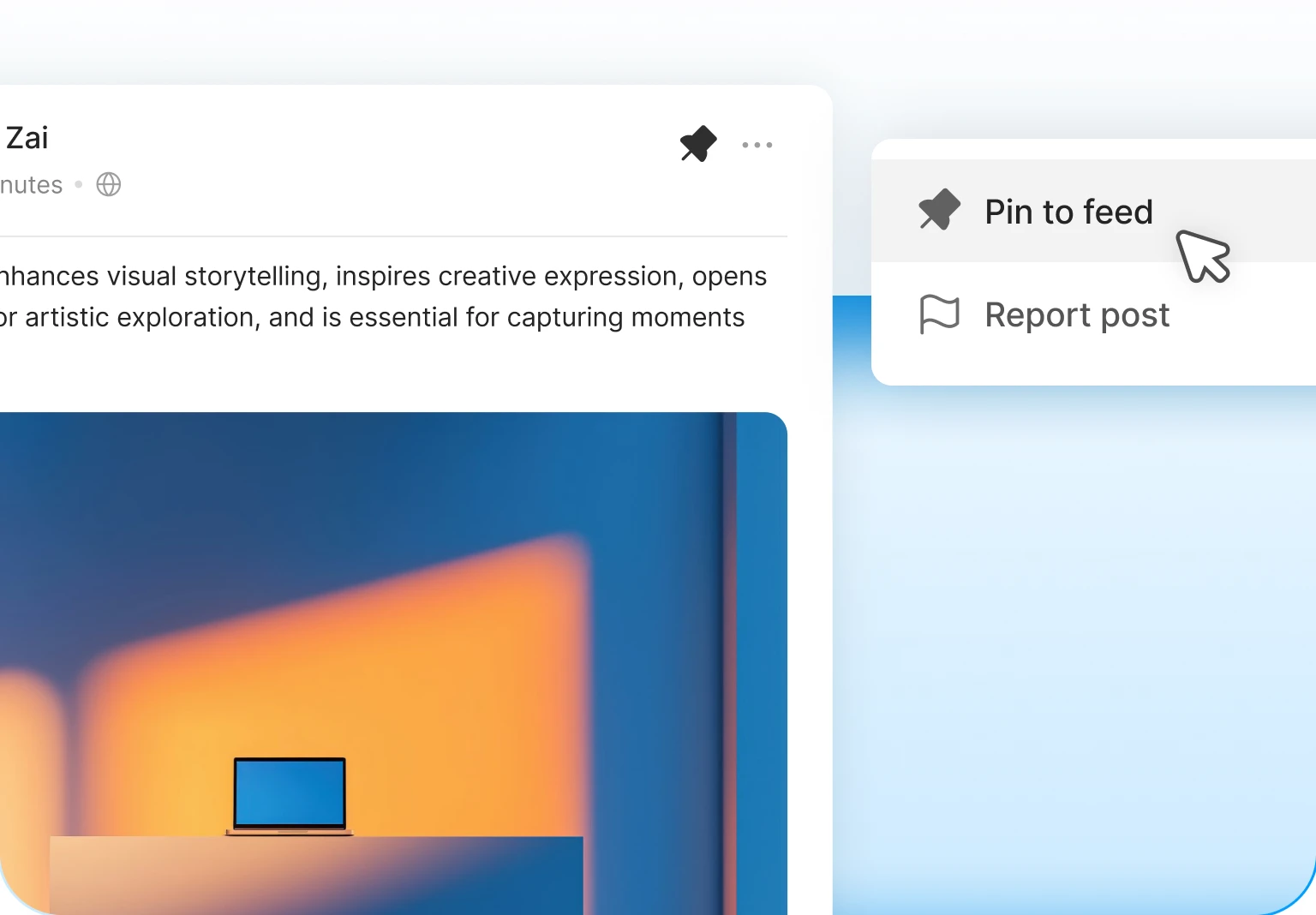
Pin to Feed sits in the menu on every post. Group owners and moderators pin the welcome message, the rules or this week’s announcement, and it stays on top.
— Polls
Ask the whole community and get an answer
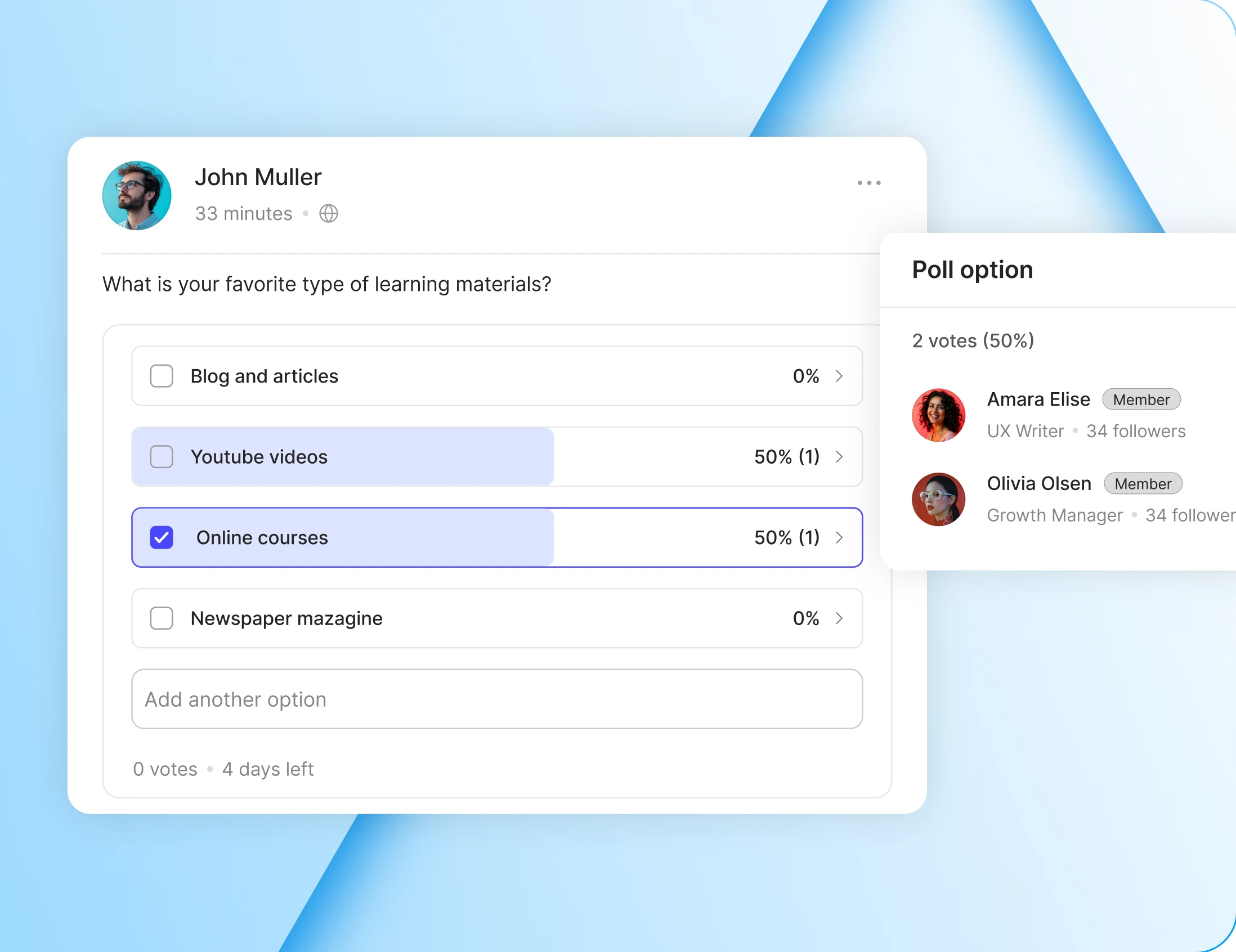
Drop a poll into the composer, give it two to ten options and a closing date, then watch the votes land live. Members answer where they are already reading.
— Post Feature Image
Cover images that turn updates into articles
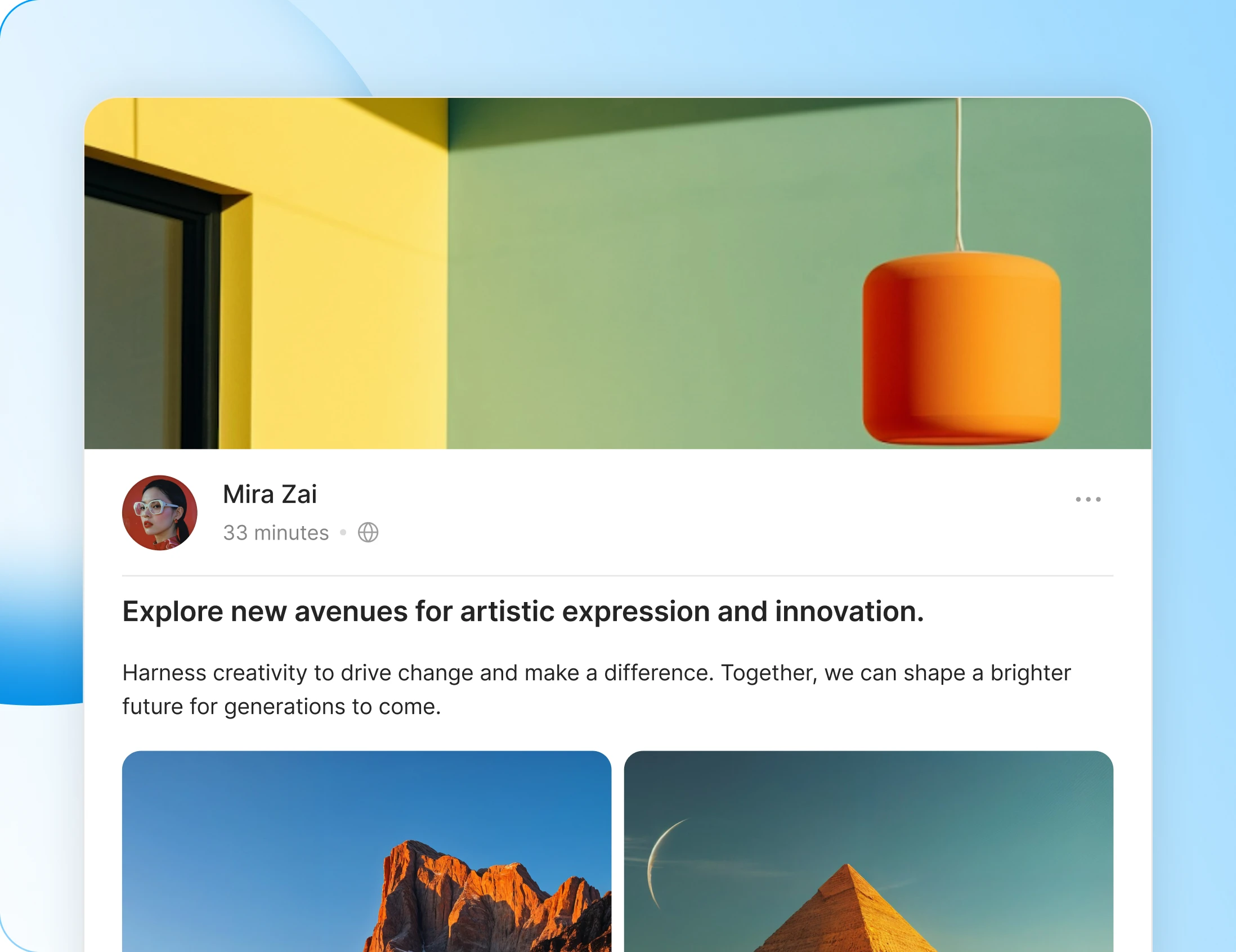
Add a picture at the top of a post and it stops looking like a status update. Click the featured image icon, drop a file in, drag it into place.
Edit Activity
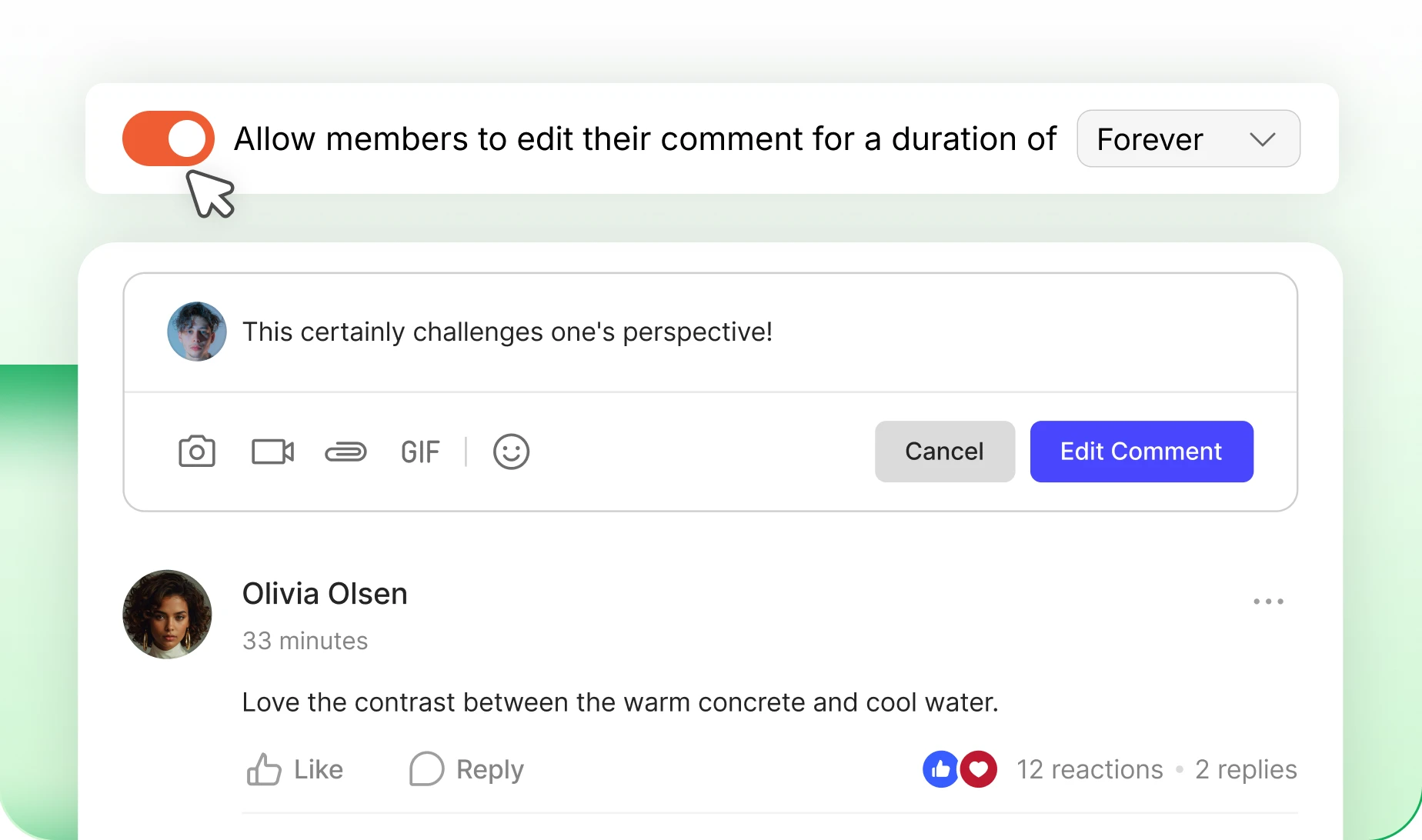
Members fix a typo or reword a post straight from its menu, for as long as you allow. Ten minutes, or forever. No moderator needed.
Close Comments
Pick “Turn off commenting” in the post menu. The thread closes, the post stays readable, and admins can always reopen it.
Post Title
Every member gets a Title field above the post box, and you can make it required. Titles are searchable, so the feed starts reading like a library.
Build your community’s home on BuddyBoss
Build thriving communities, membership sites, and online learning platforms with BuddyBoss, the leading WordPress community platform.
— Engage —
Comments that keep the conversation going
— Enable Comments
Turn every post into a conversation
One switch turns commenting on across the whole feed. Every post becomes somewhere members reply, agree, disagree and answer each other.
— Edit Comments
A window to fix a typo, then it closes
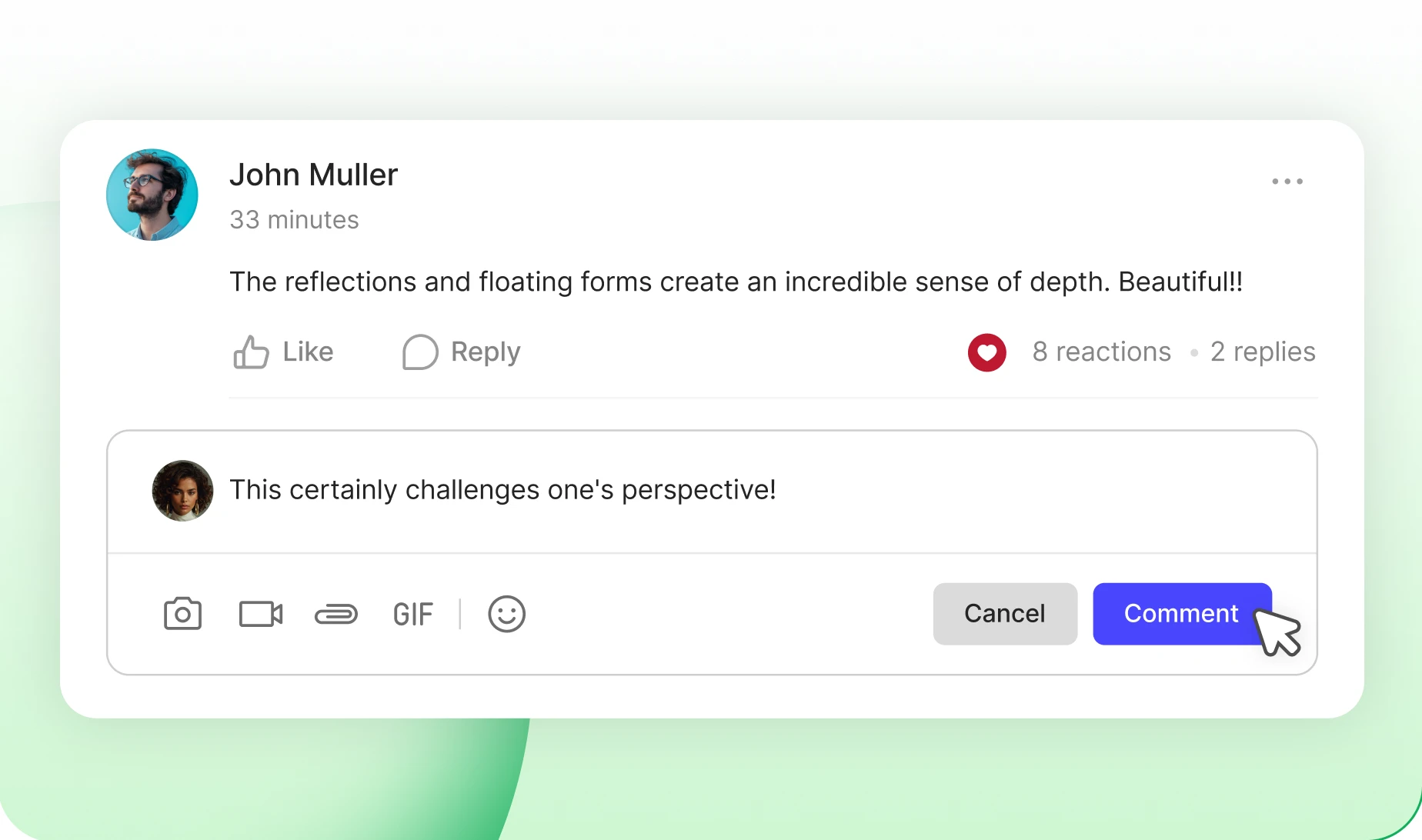
Members edit their own comment for as long as you allow, from ten minutes to forever. Once the window shuts, nobody rewrites what they said.
— Comment Threading
Replies that stay readable
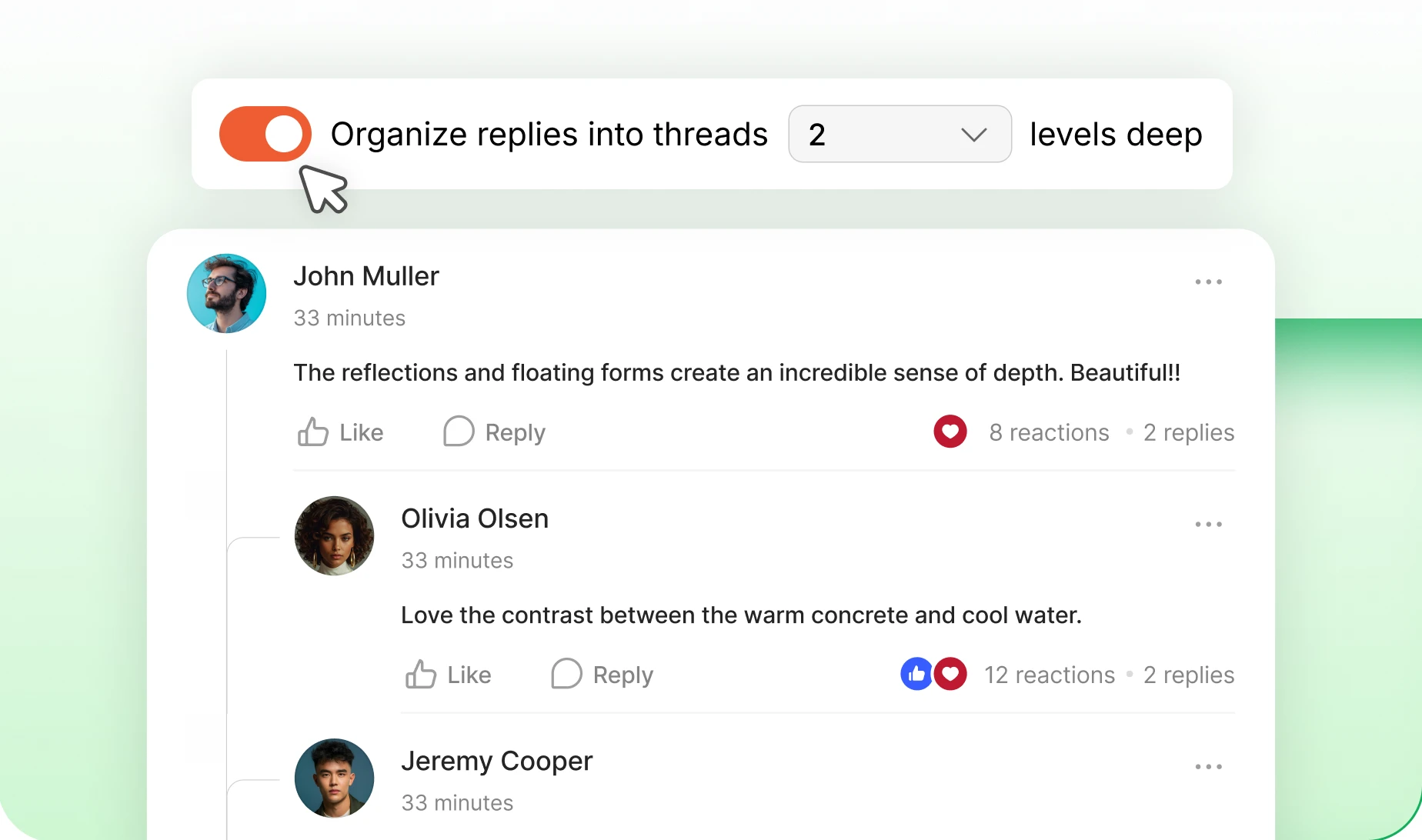
Replies nest under the comment they answer, as deep as you let them go. A hundred-comment thread reads like a discussion instead of a wall.
— Comment Visibility
Show the first few, hide the rest
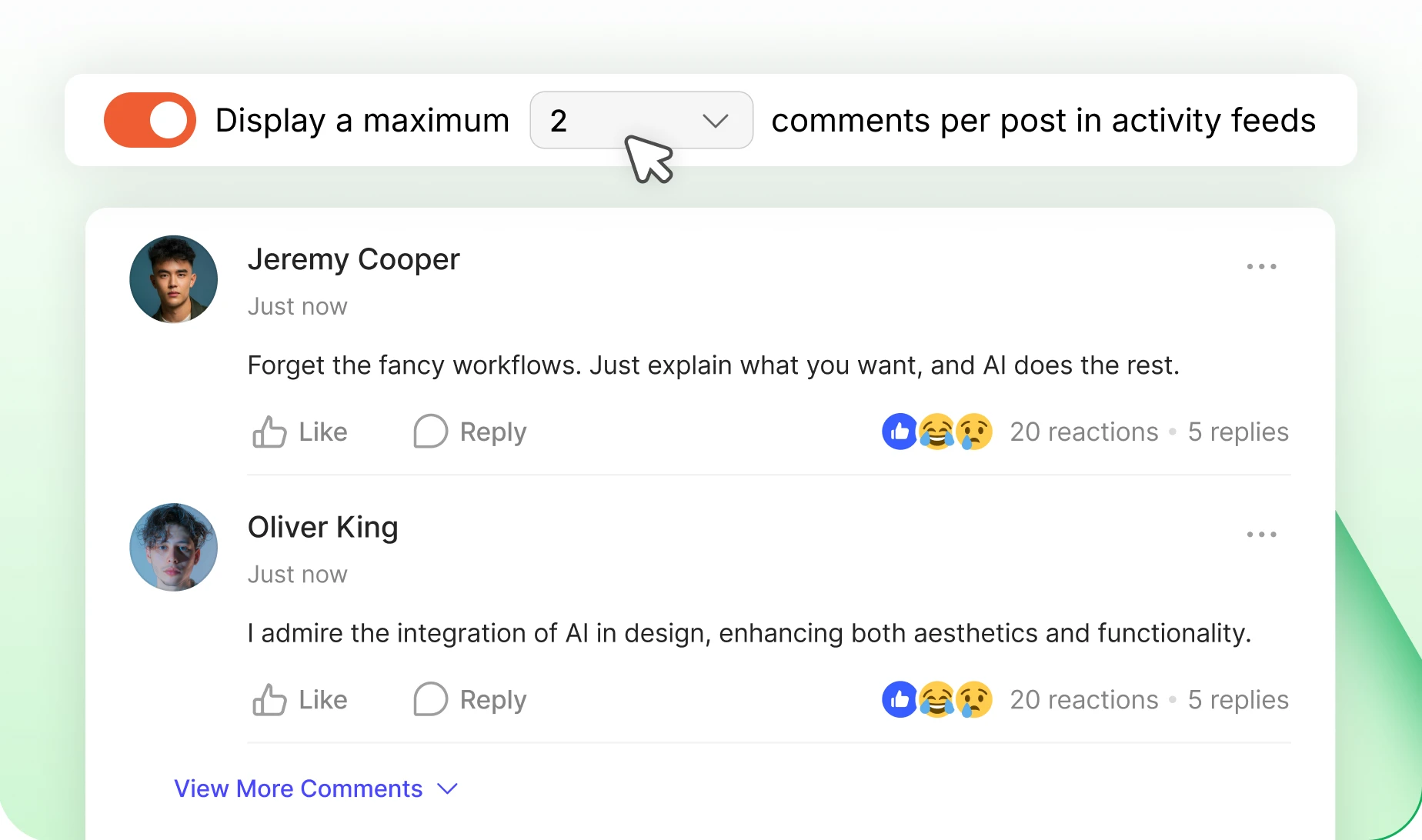
Choose how many comments sit under a post before the rest tuck behind “View more comments”. A busy thread stops burying the post below it.
— Comments Loading
Load more, at the size you set
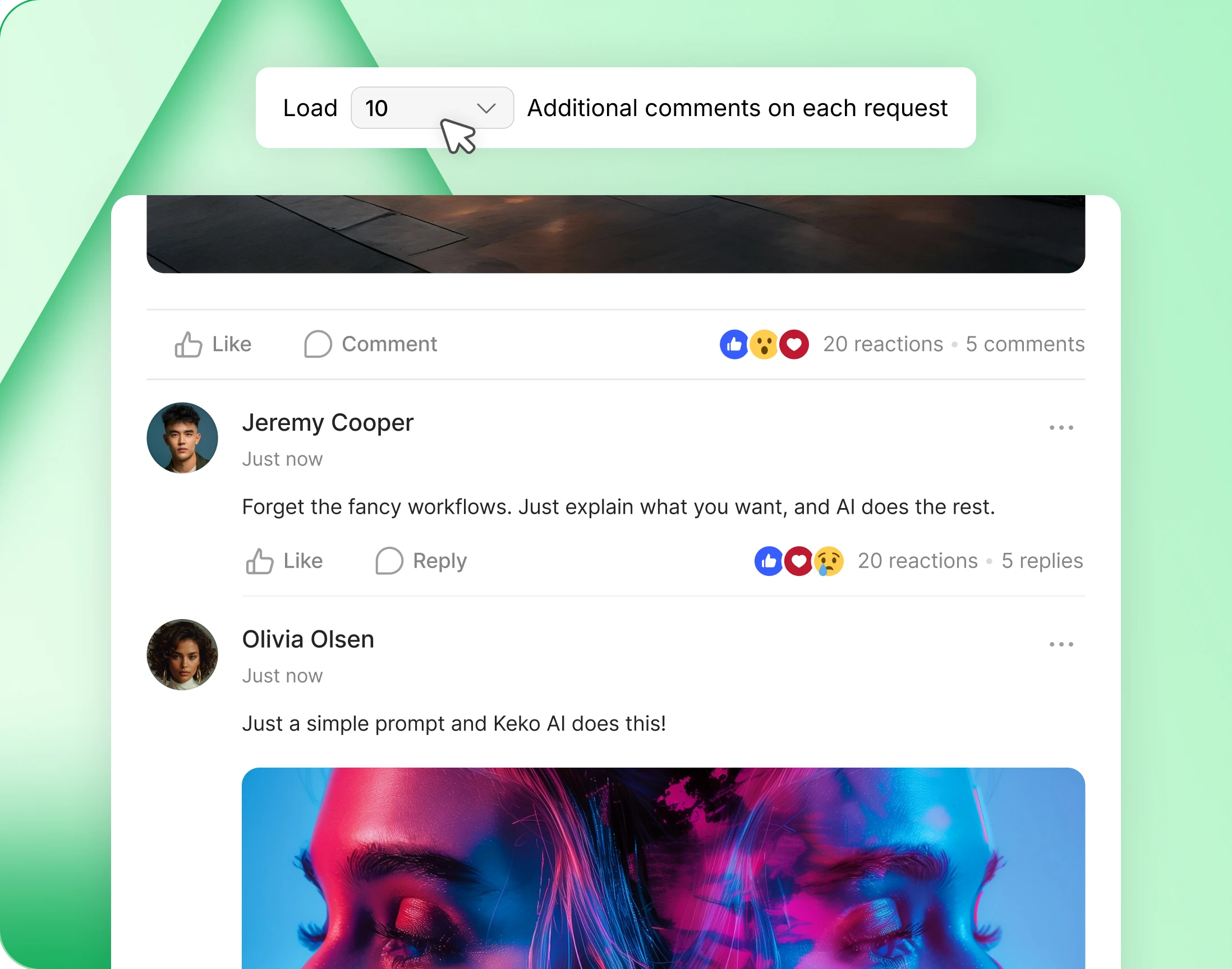
Decide how many extra comments arrive each time somebody asks for more. Readers go as deep as they like and the feed stays quick.
Build your community’s home on BuddyBoss
Build thriving communities, membership sites, and online learning platforms with BuddyBoss, the leading WordPress community platform.
— Control —
Control built in, not bolted on
— Access Control
Decide who gets to post
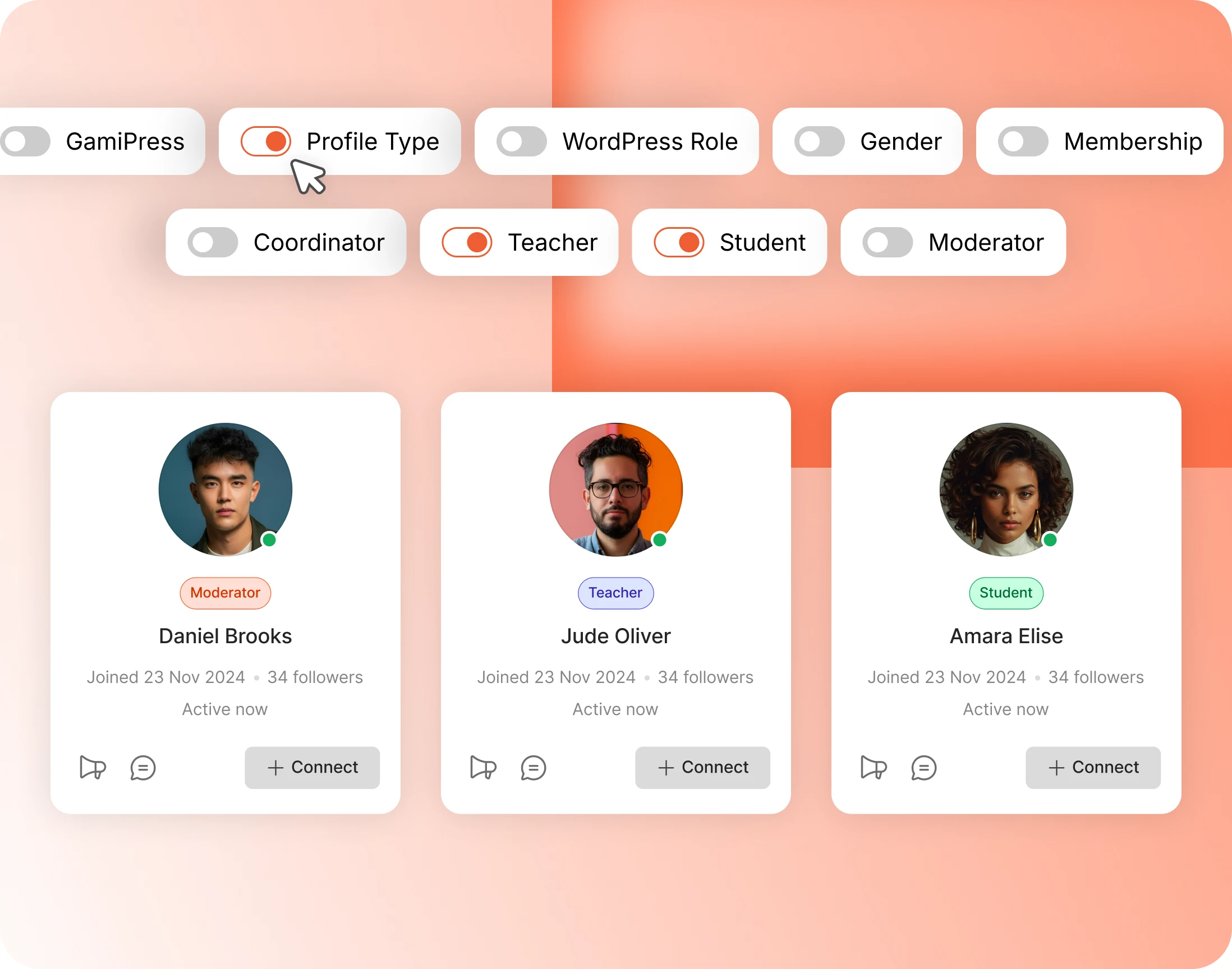
Not everyone should be able to post. Activity Access names exactly who can, so posting becomes something members earn. Administrators always keep full access.
- WordPress role — gate posting on the role a member already has, like Editor or Customer
- Profile type — let Teachers post while Students read
- Membership — make posting one of the things a paid plan buys
- GamiPress — unlock posting once a member has earned it
- Gender — use the profile field where your community needs it
— Posts Visibility
Choose what shows up in the feed
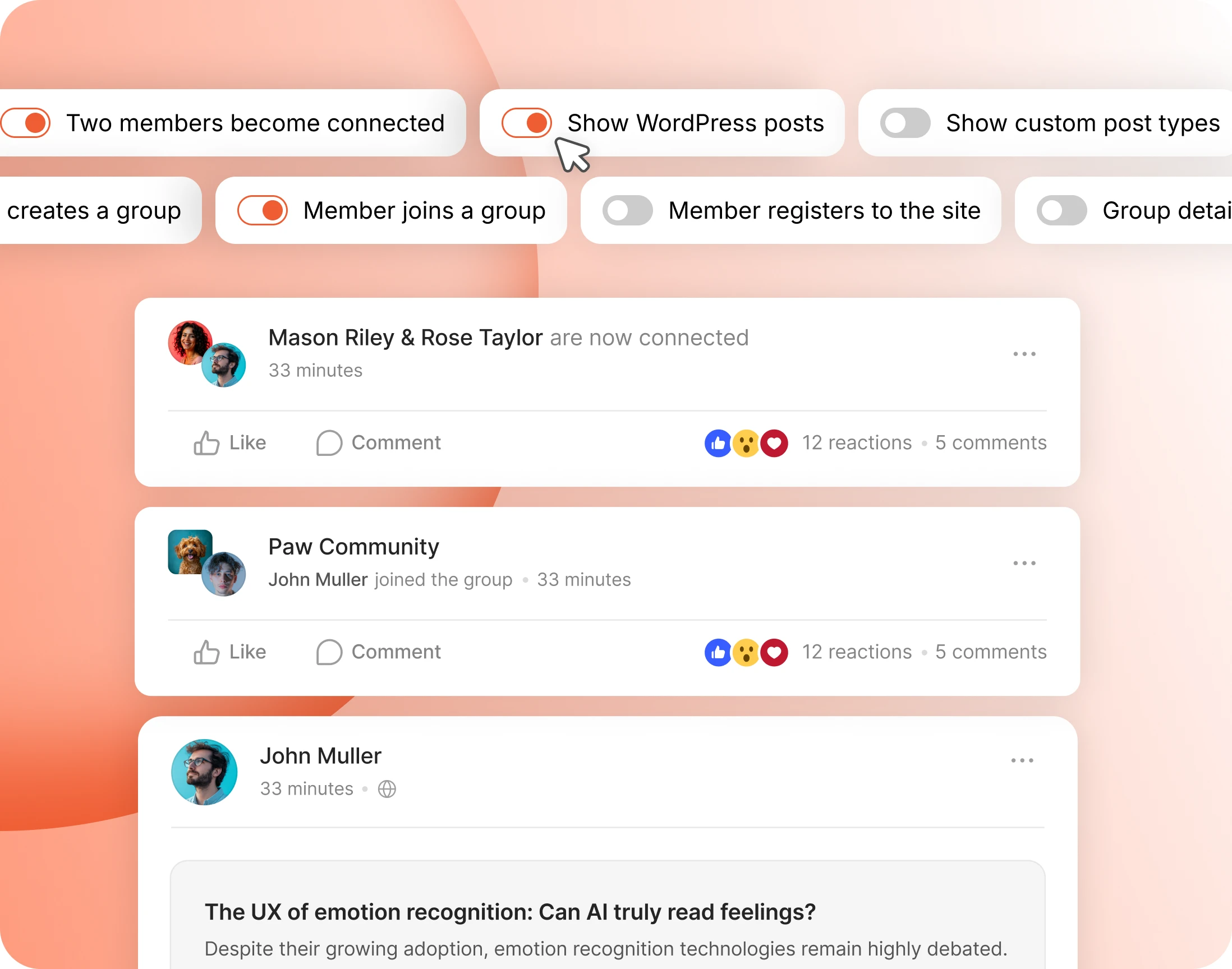
A quiet feed kills a community faster than a busy one. Pick which moments post themselves, and the feed has something in it from day one.
- Two members connect — every new connection shows up as a post
- A member joins a group — the community visibly grows in public
- A member registers — new faces get a welcome without you writing one
- WordPress posts — new blog posts land in the feed with comments switched on
- Custom post types — events, products and courses from other plugins post themselves
Trusted by more than 20,000 communities with 800+ reviews
Give your community a feed worth checking daily
A feed only works if there is something in it. This one fills itself from what your members are already doing.
Explore more feature modules
Member Profiles
Every member gets a page worth visiting, with their own timeline, their connections and the people following them.
Groups
Somewhere smaller to belong. Private spaces, their own feed, and members who actually know each other.
Moderations
Reporting, blocking and a review queue, so the feed stays somewhere people want to be.