














BuddyBoss Appearance
Choose the front end that fits your community
Two front ends, one setting. ReadyLaunch is built into the Platform and needs no theme at all. BuddyBoss Theme is a premium theme, sold separately, for deeper design control.
— BuddyBoss Theme —
A premium theme for deep design control
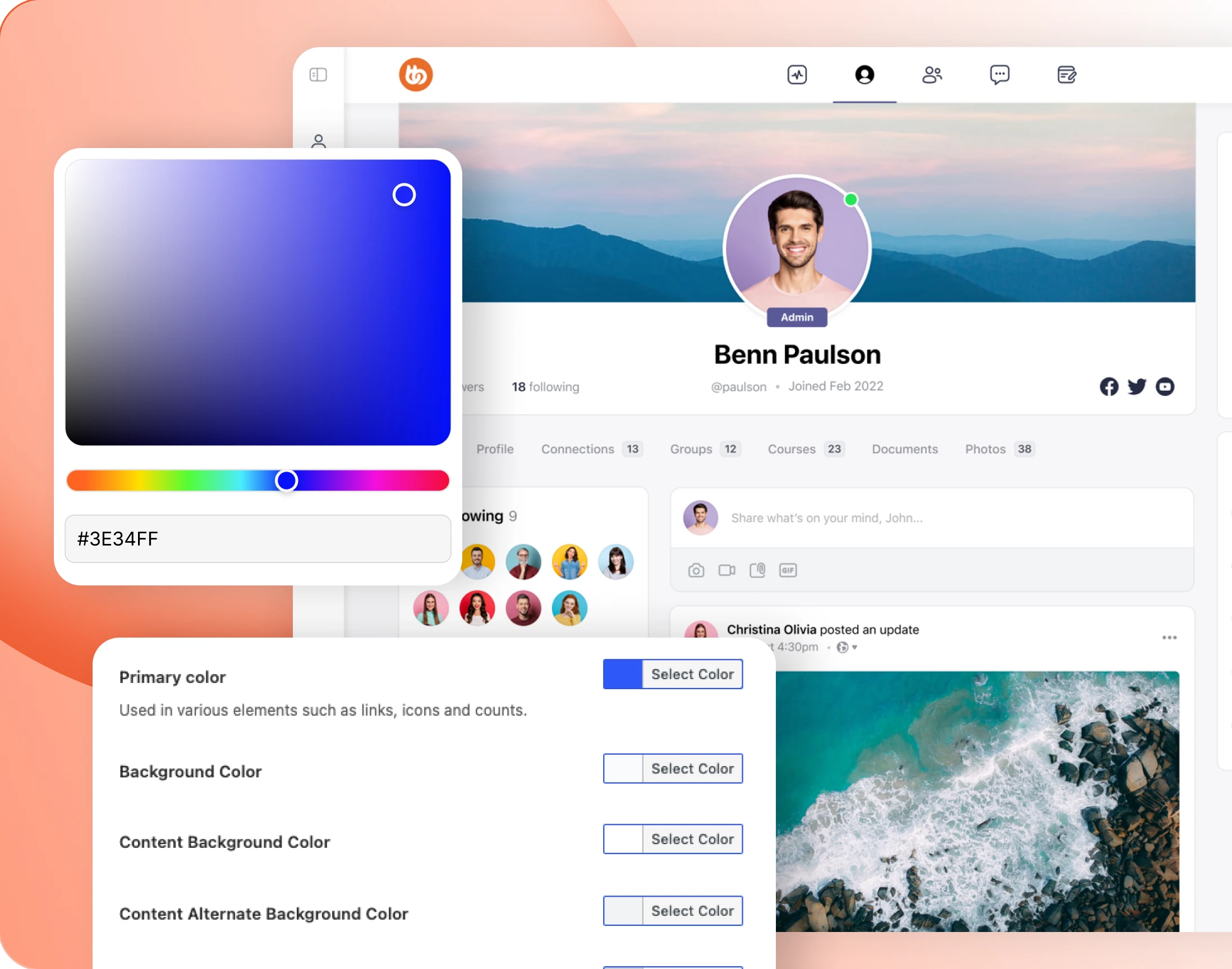
— Color
A colour scheme, not a single colour
Set colours across every major element of the theme, not just one accent. It is a wider surface than the single primary colour ReadyLaunch gives you.
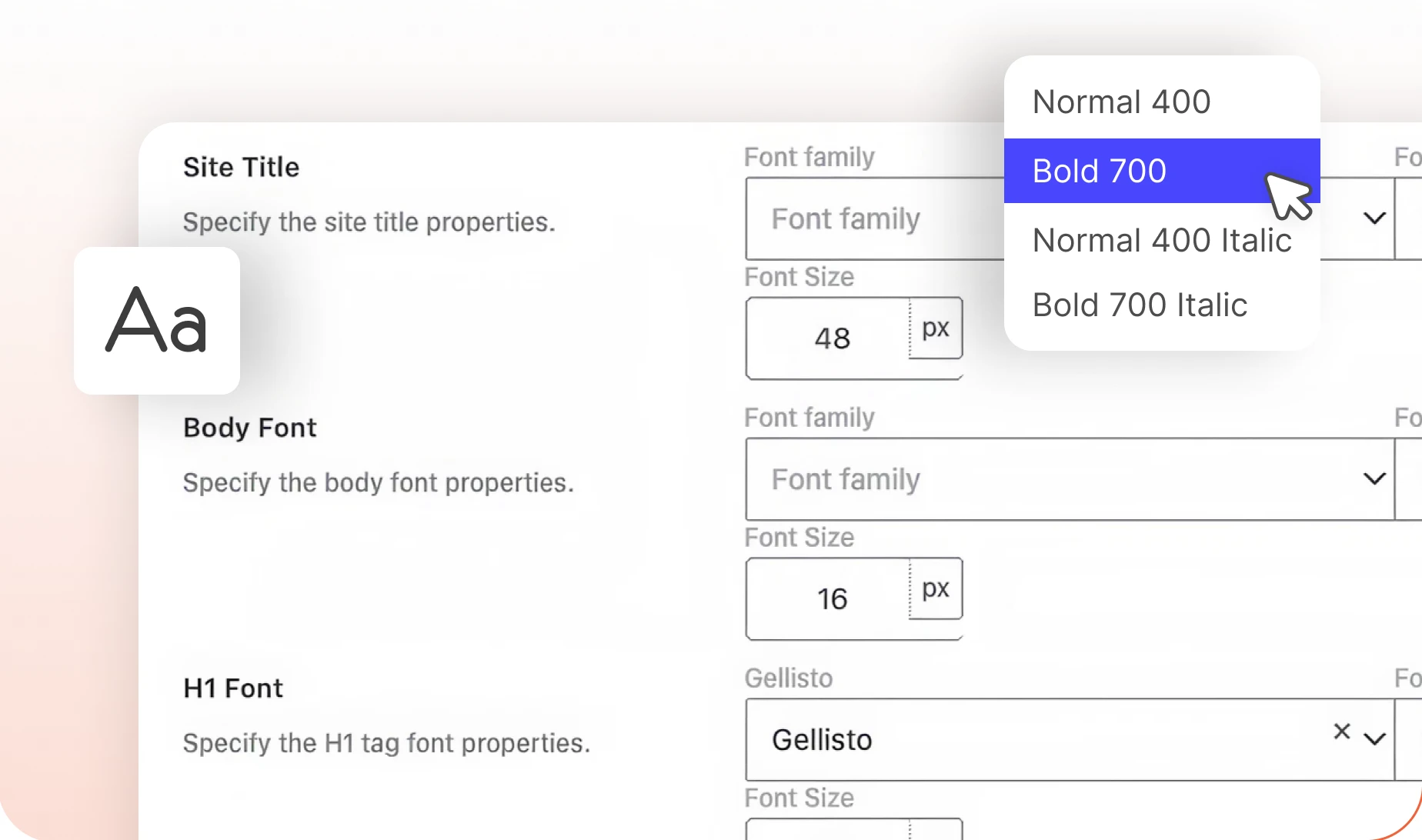
— Typography
Font sizes, weights and styles
Set sizes, weights and styles across the theme. Your own typefaces are uploaded separately, under Custom Fonts, which sits beside Theme Options rather than inside it.
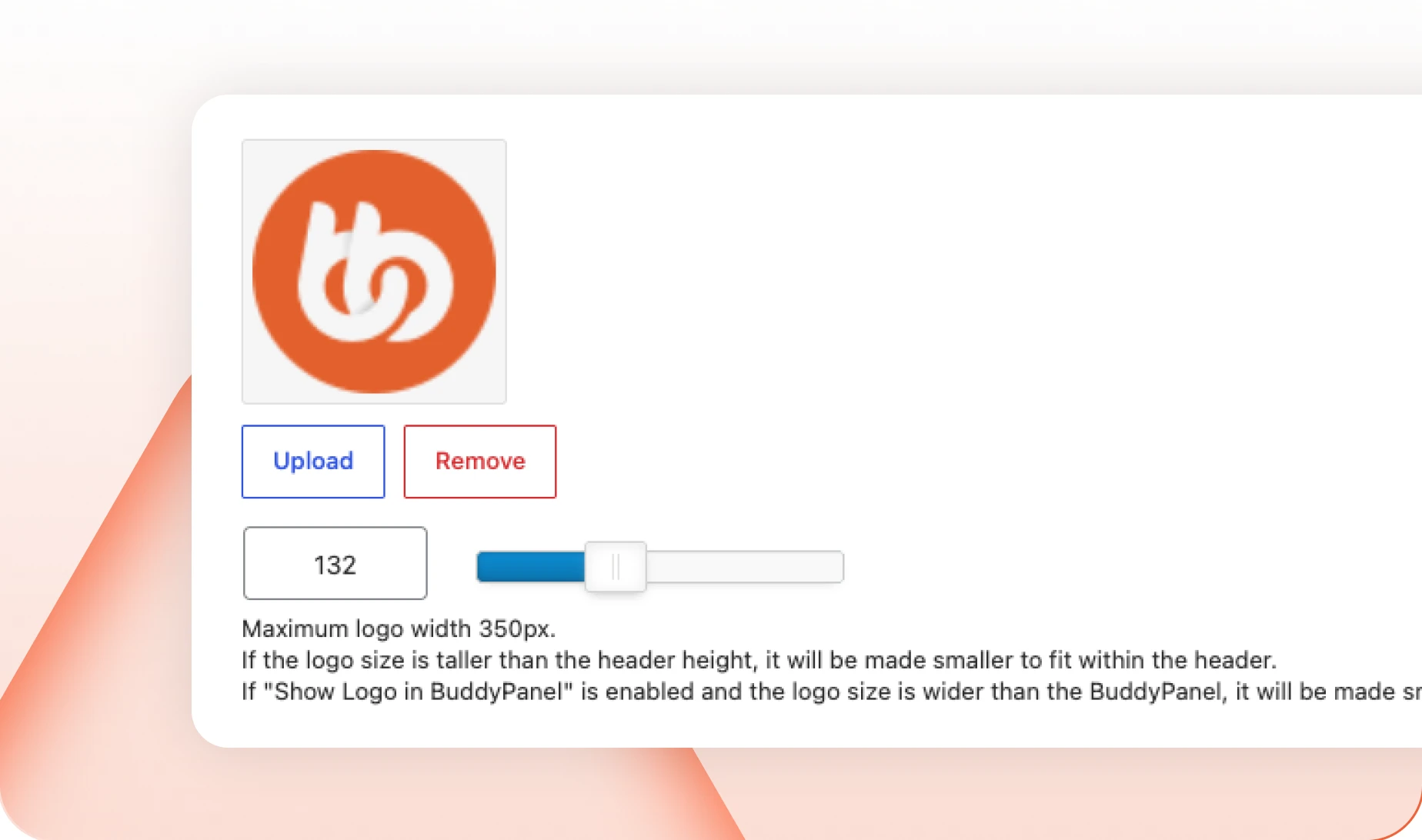
— Logo
Panel of its own, just for the logo
The logo gets its own panel, saved on its own. Every panel here can be reset by itself, so a bad idea in one place never costs you the rest.
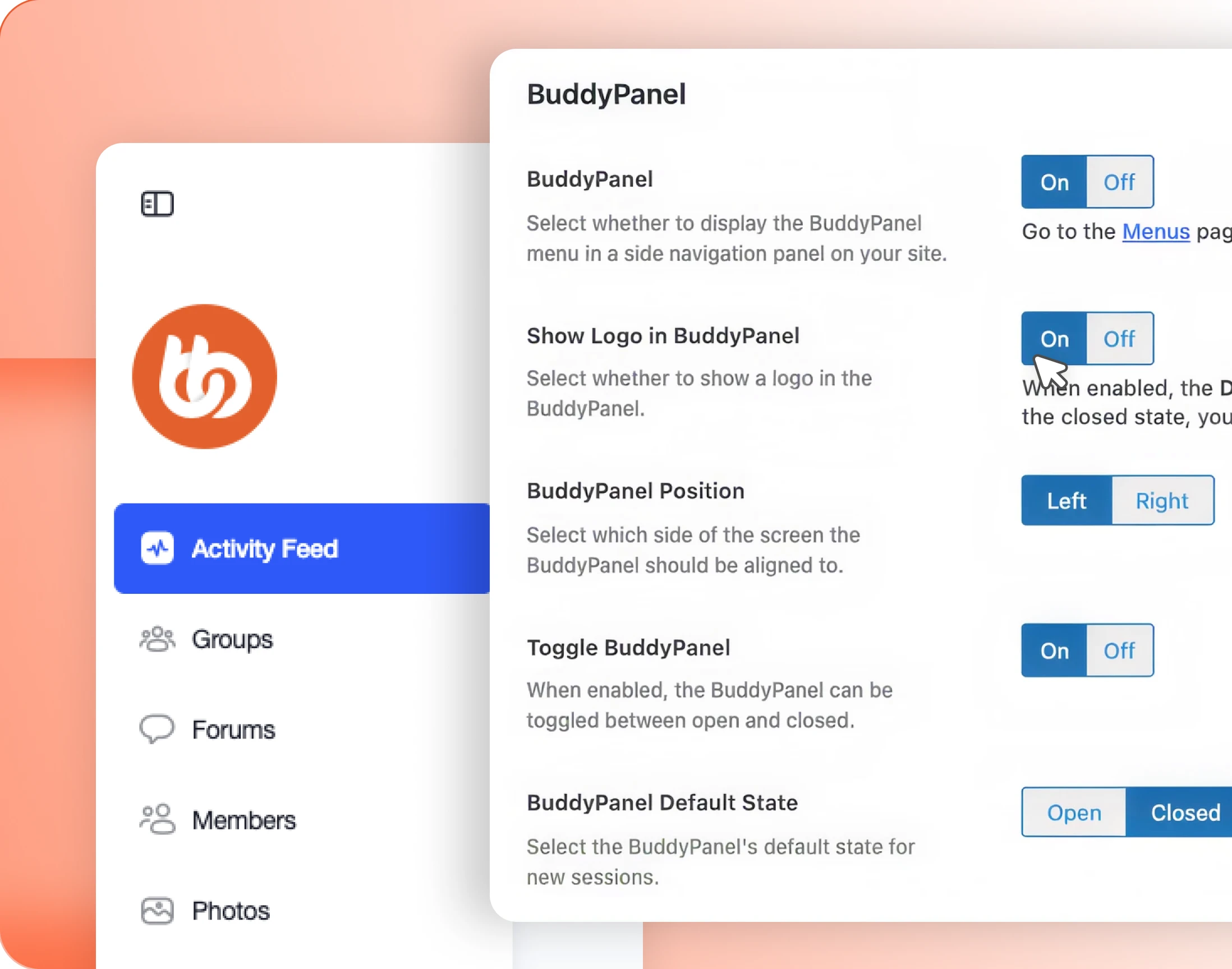
— BuddyPanel
The side navigation rail, built from any menu
The vertical rail down the left of every page. It takes any WordPress menu, so it carries whatever your members actually need rather than a fixed set of links.
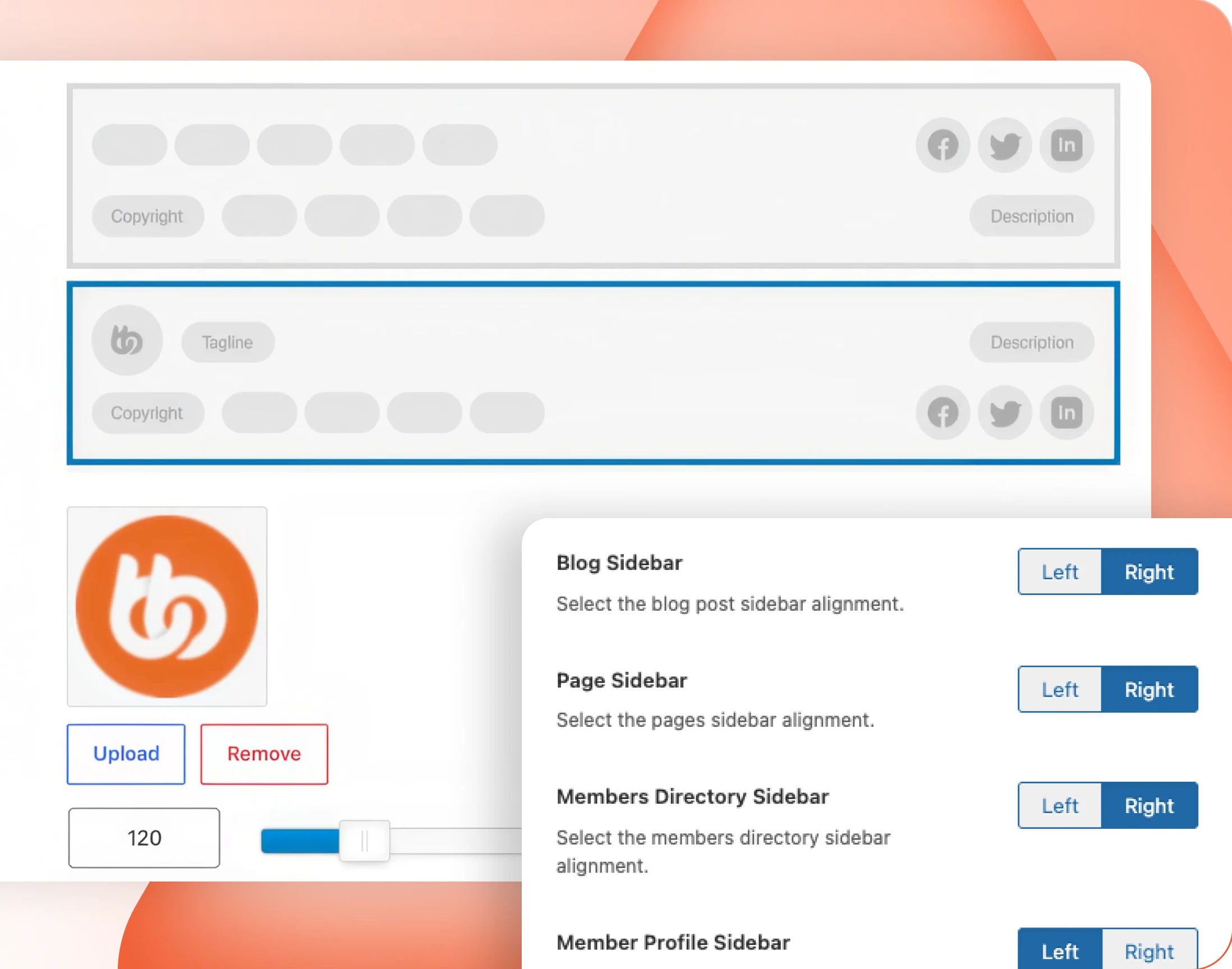
— Sidebars & Footer
Widget areas, top and bottom
Decide what fills the sidebars and the footer. Every WordPress widget, plus BuddyBoss’s own: who is online, active members, active groups, recent activity, profile completion.
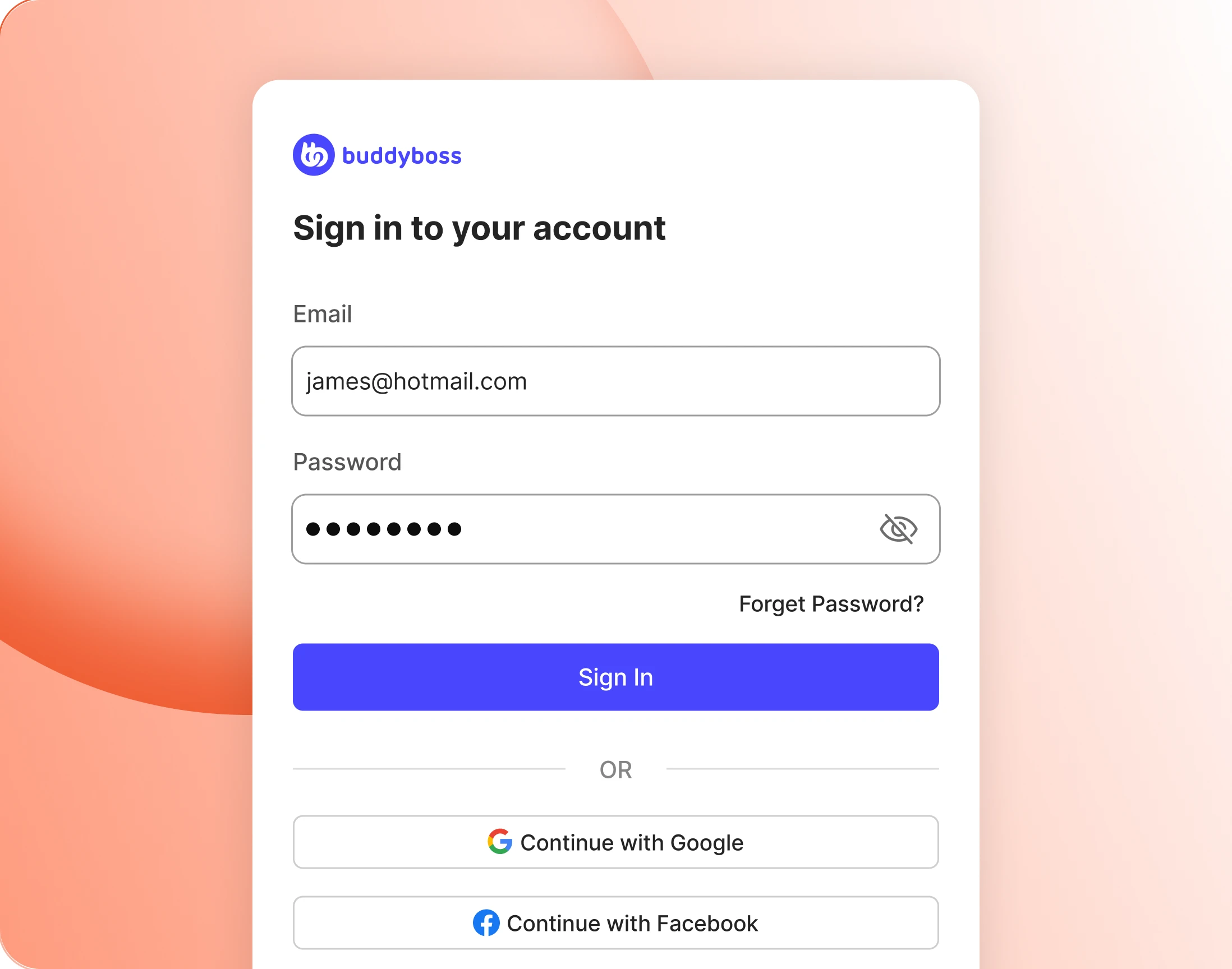
— Login & Registration
Sign-in pages with their own art direction
Give the sign-in and sign-up pages their own logo, wording and background image. They are the first thing a new member sees and usually the last thing anyone styles.
— 404 Page
Design your custom 404 page
Even the page nobody plans to see can look like yours. Give the 404 its own art and its own words, and point people back somewhere useful.

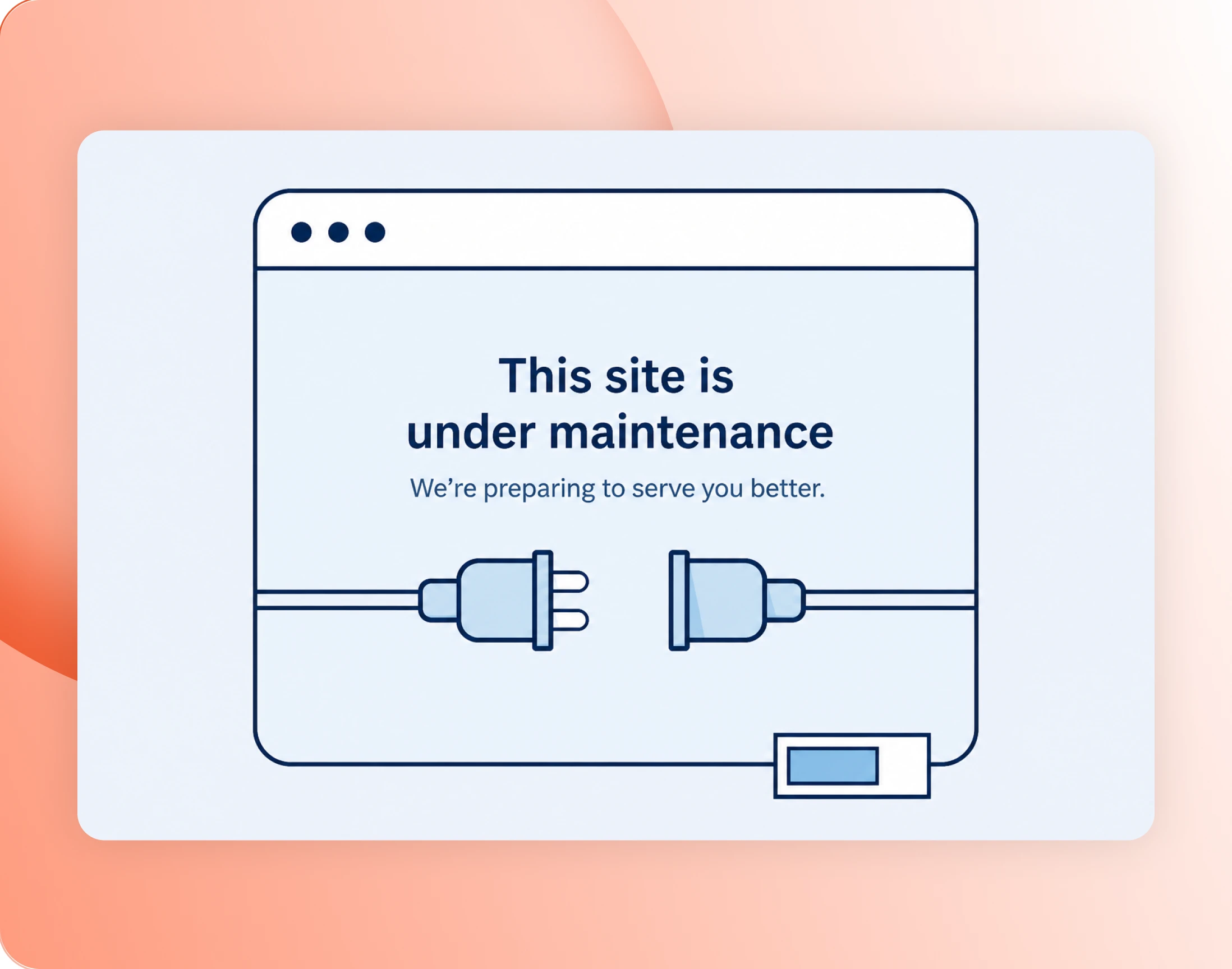
— Maintenance Mode
Close the doors while you work
Put the community behind a holding page while you make changes. Members see something you wrote rather than a half-finished site or a plain error.
Wondering how it compares?
See BuddyBoss next to Mighty Networks, Kajabi, Teachable, Thinkific and BuddyPress, feature by feature.
ReadyLaunch
The interface that ships with the Platform
— ReadyLaunch
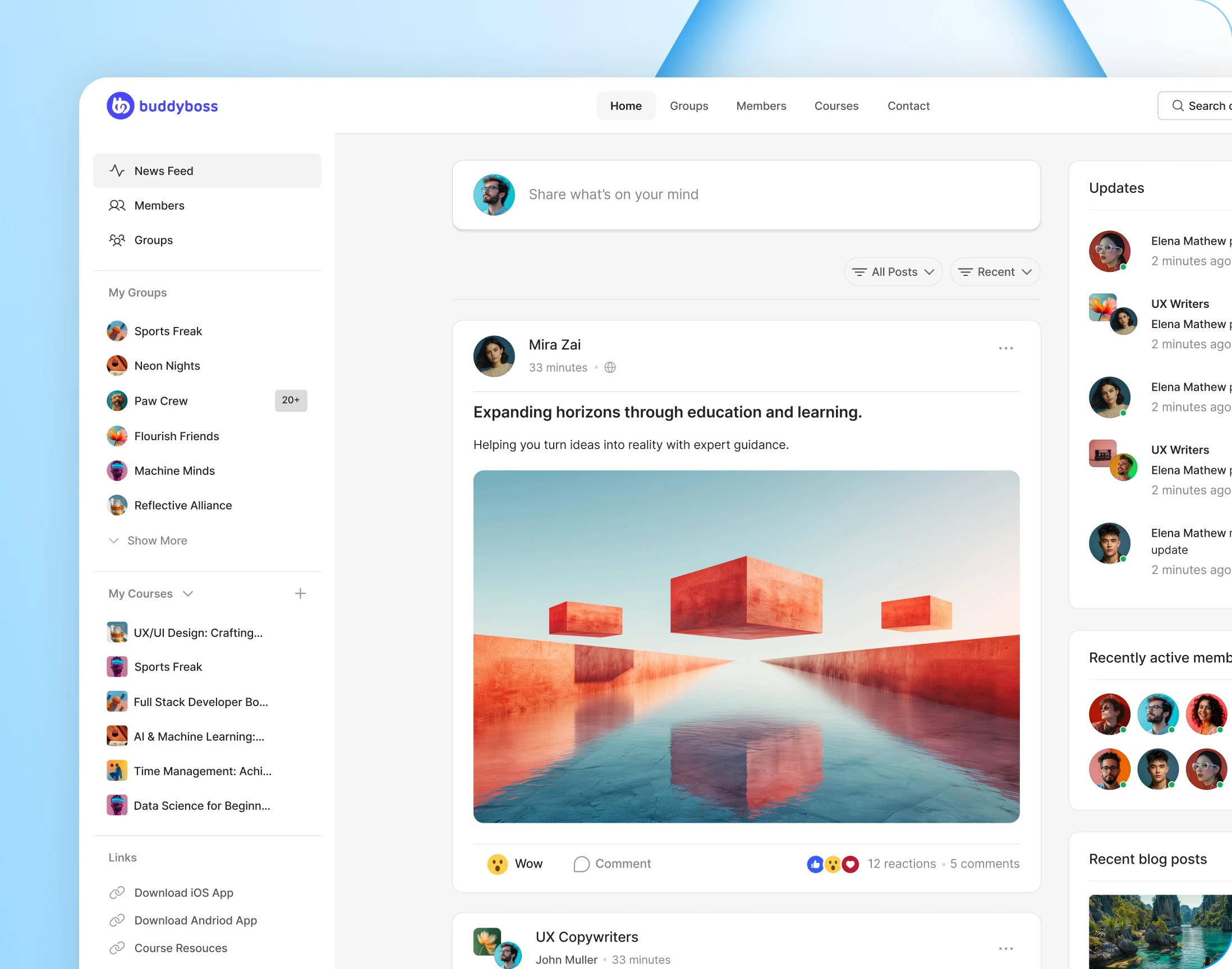
A finished interface, no theme required
A complete community interface wired straight into the Platform, with no theme to buy, install or maintain. A setup wizard takes you from nothing to running.
— Branding
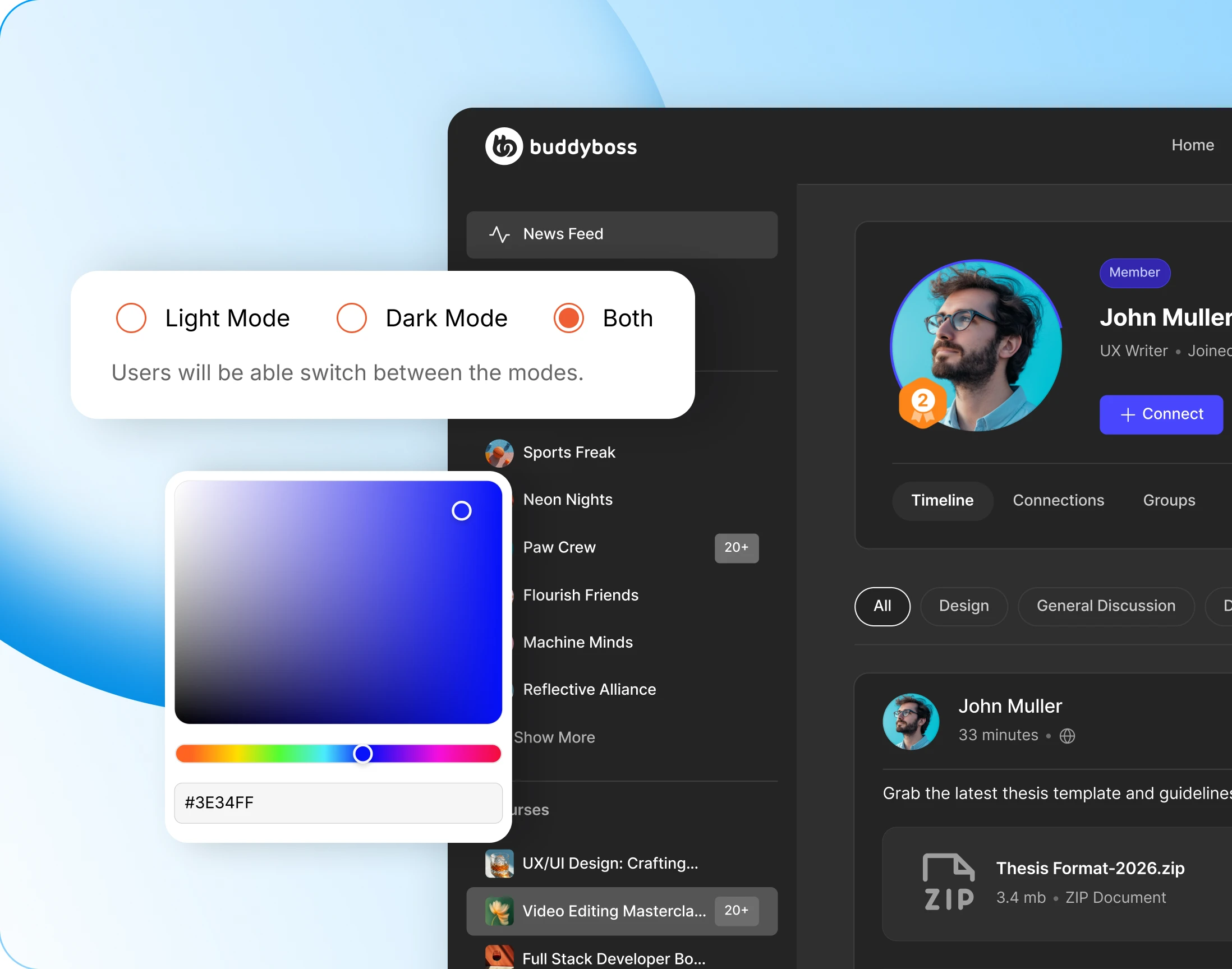
Light mode, dark mode, or let members choose
Run light, run dark, or let each member decide from their own profile menu. Set a logo and a primary colour for each mode and the site follows them.
— Menu
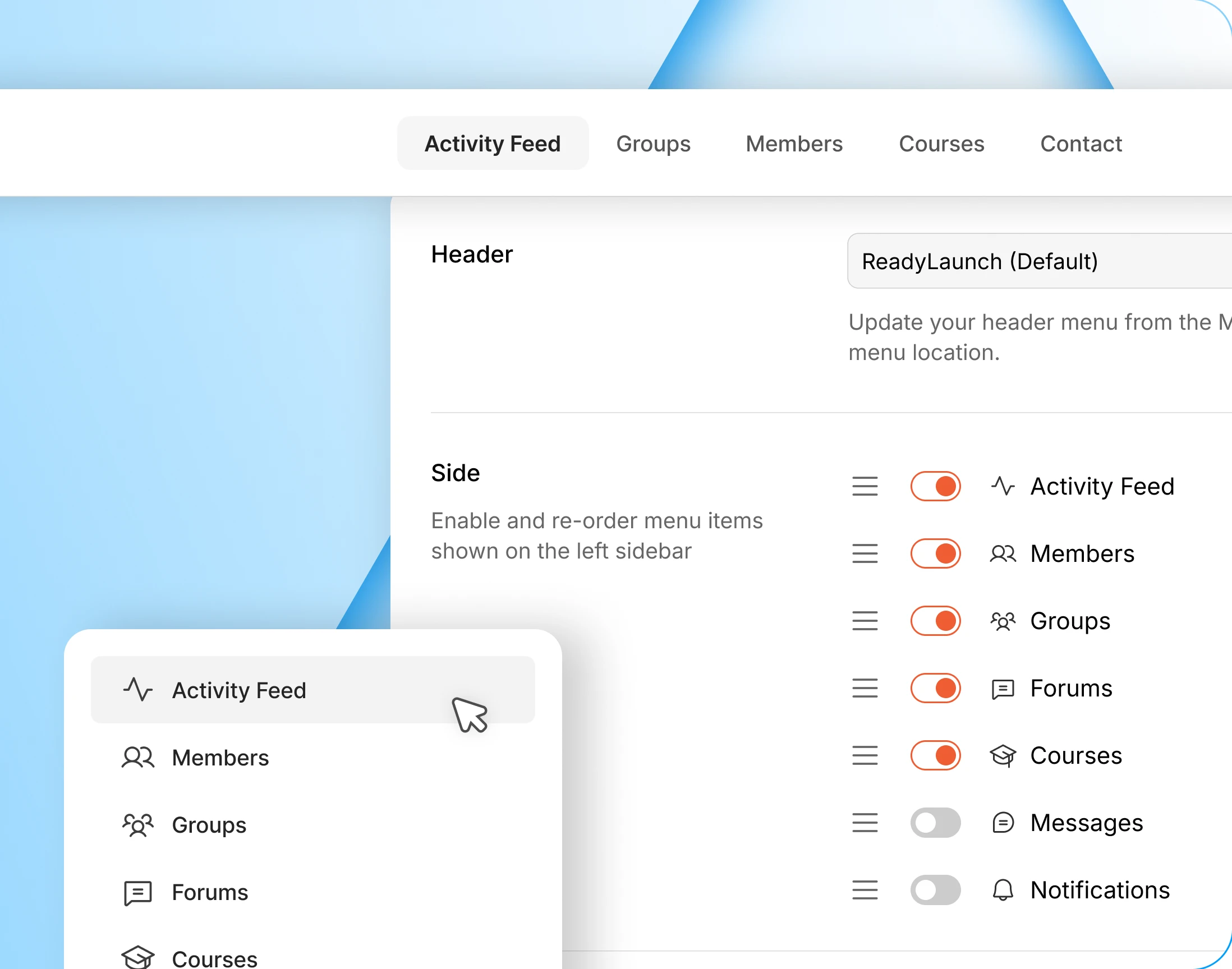
Header and sidebar, set from one screen
Switch the sidebar items on or off, drag them into the order you want, and add links of your own. ReadyLaunch also gets its own header menu location.
— Sidebar Widget
Contextual widgets you turn on or off
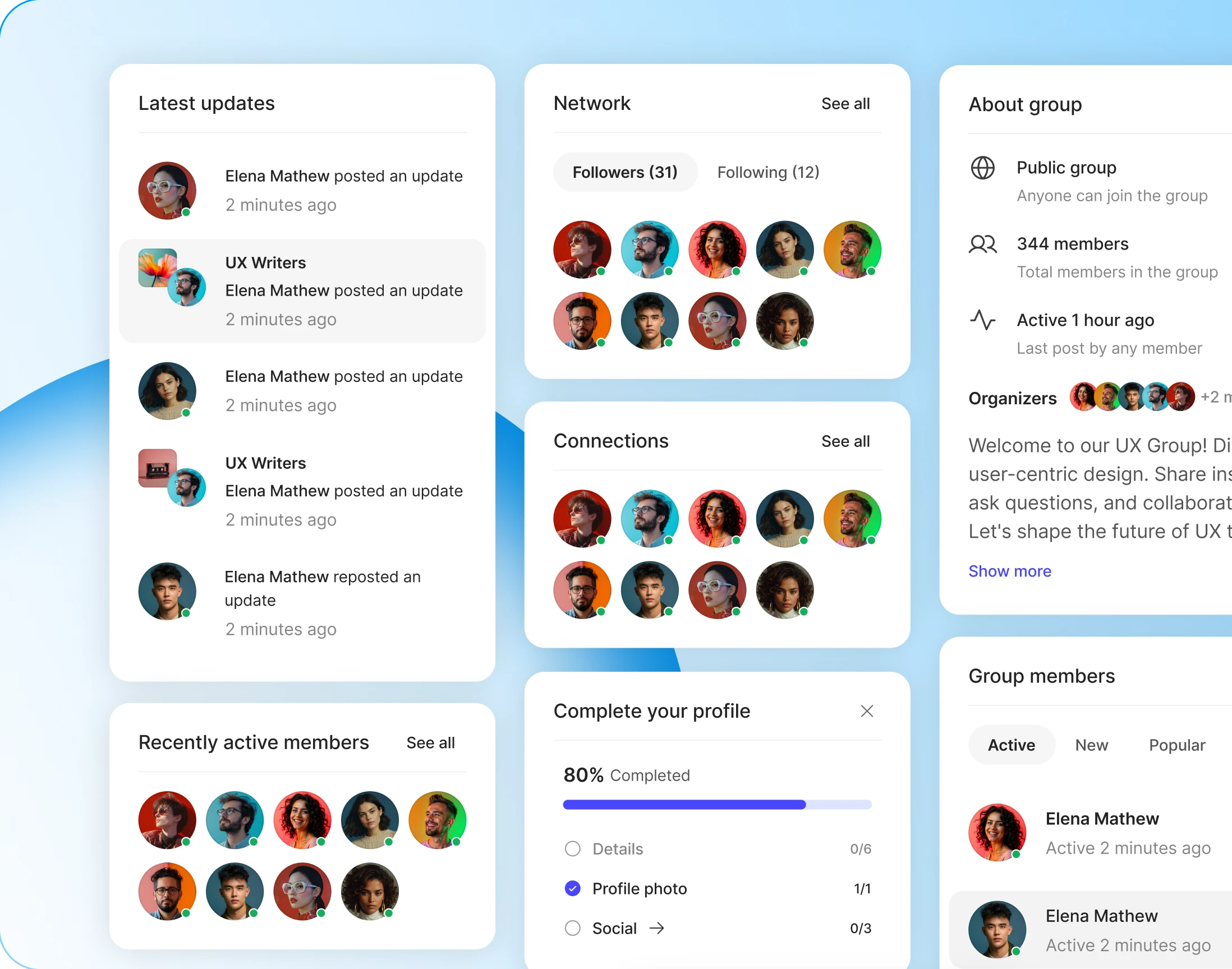
The feed, profiles and groups each get their own set of sidebar widgets. The list is fixed, which is the point: switch on what suits you and skip the choosing.
- Activity feed: complete profile, latest updates, recent blog posts, active members
- Member profiles: complete profile, connections, followers and following
- Groups: about the group, and who is in it
- Only what you run: widgets for components you have switched off never appear
Trusted by more than 20,000 communities with 800+ reviews
Make it look like yours, not like ours
Explore more feature modules
Gamifications
Points, ranks and badges. The most visual thing you will ever put on a profile.
Courses
Course directories, course pages and lesson players, all rendered in your own design.
Member Blogging
A blog directory and post pages your members write, and you style.