














Social Groups
Spaces where your community lives
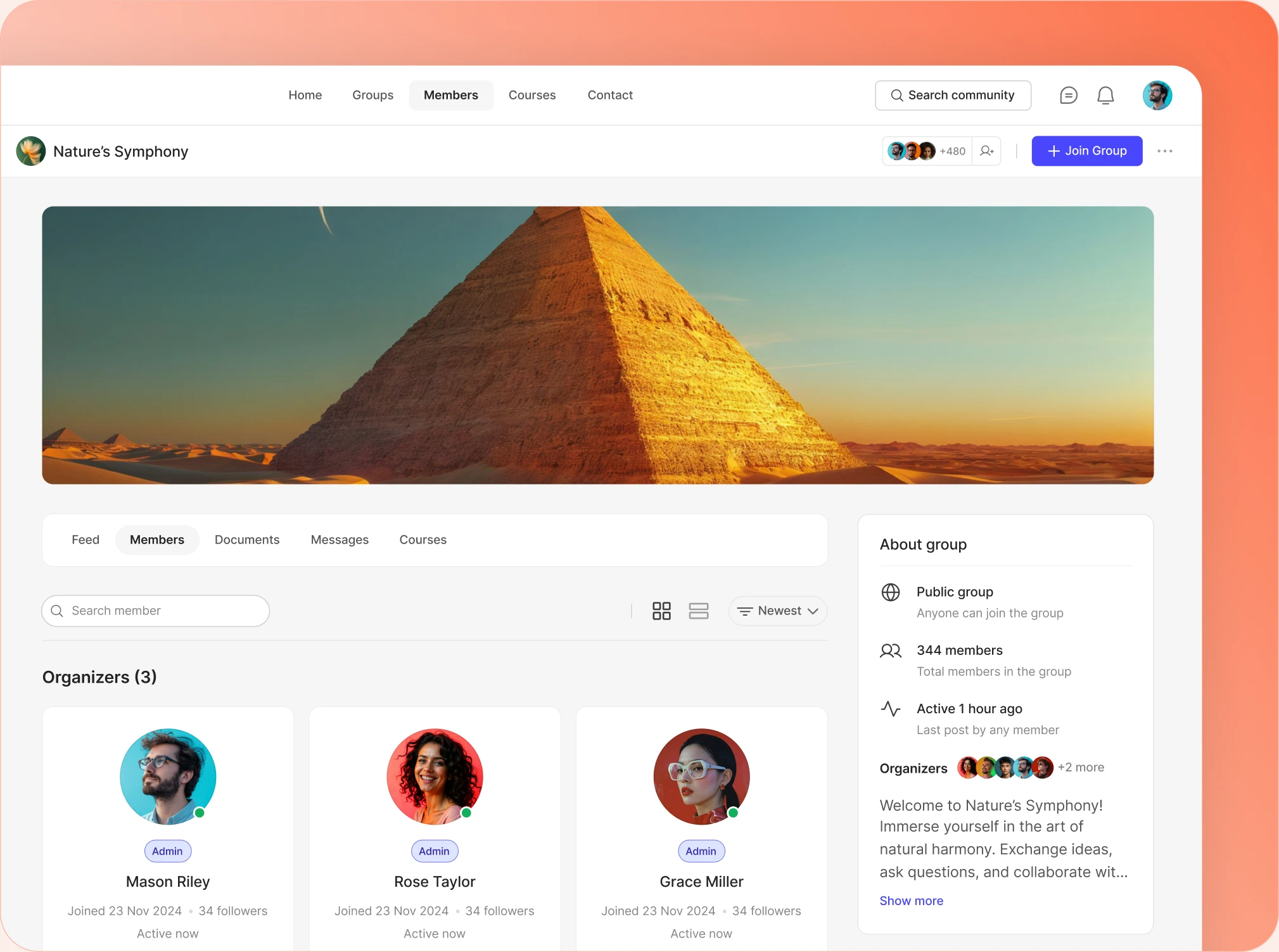
Public, private and hidden groups, each with its own feed, members, media and messages. Members build them. You set the rules from one screen.
— create —
Groups your members build themselves
— Group Creation
Group creation open to everyone, or just your admins
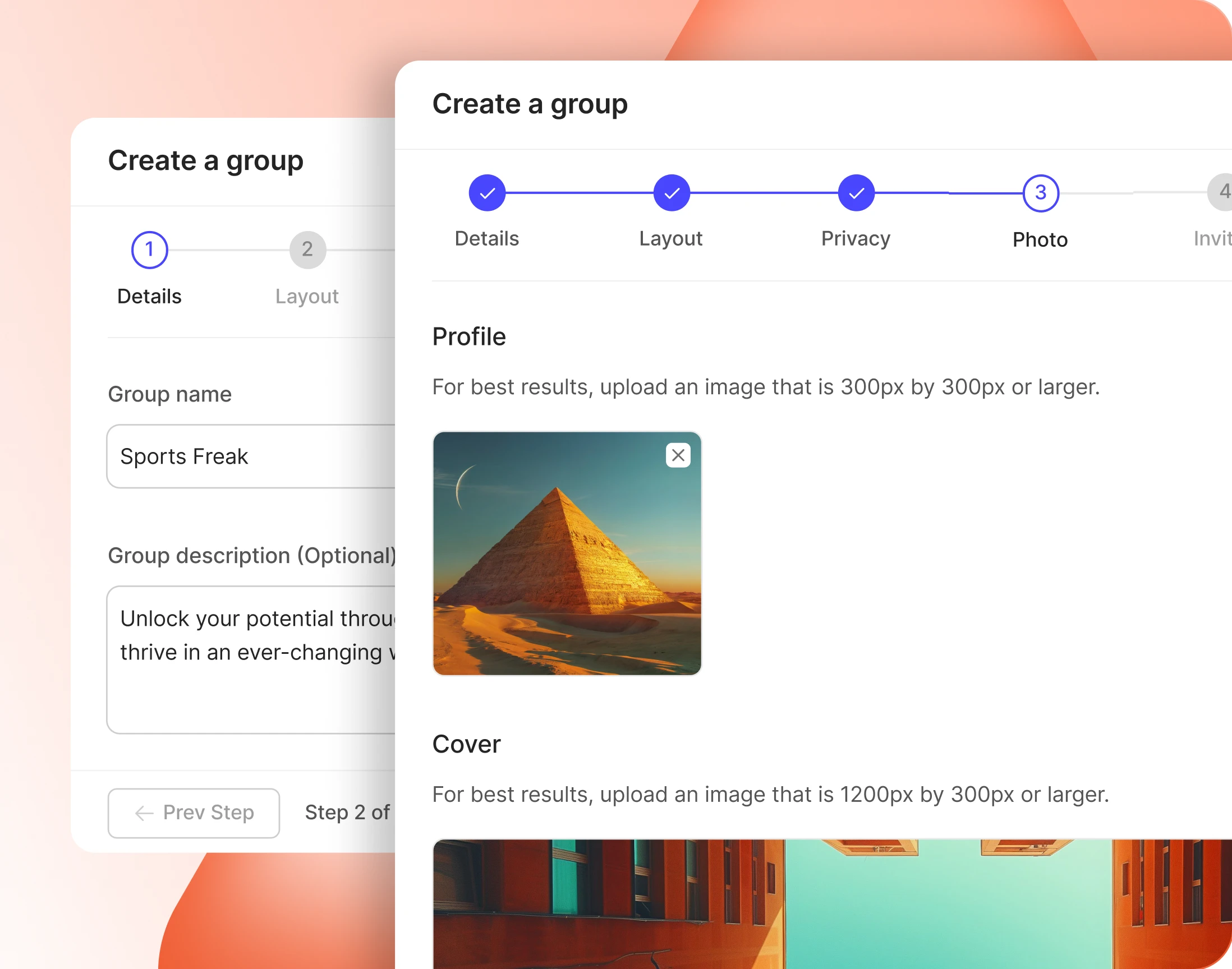
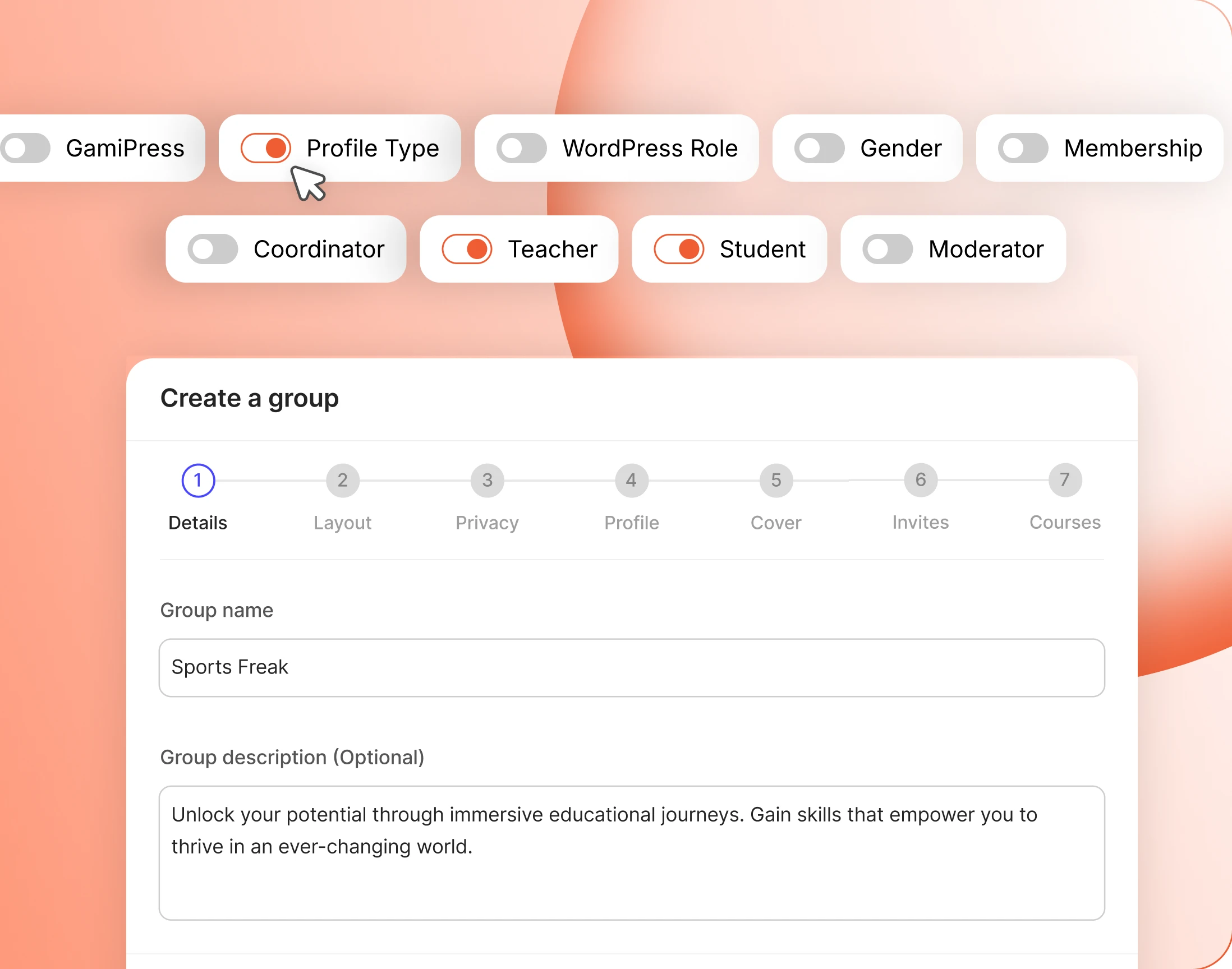
Let every member start a group, or keep it to admins. Either way a guided wizard walks them through details, layout, privacy, images, invites and courses.
— Group Message
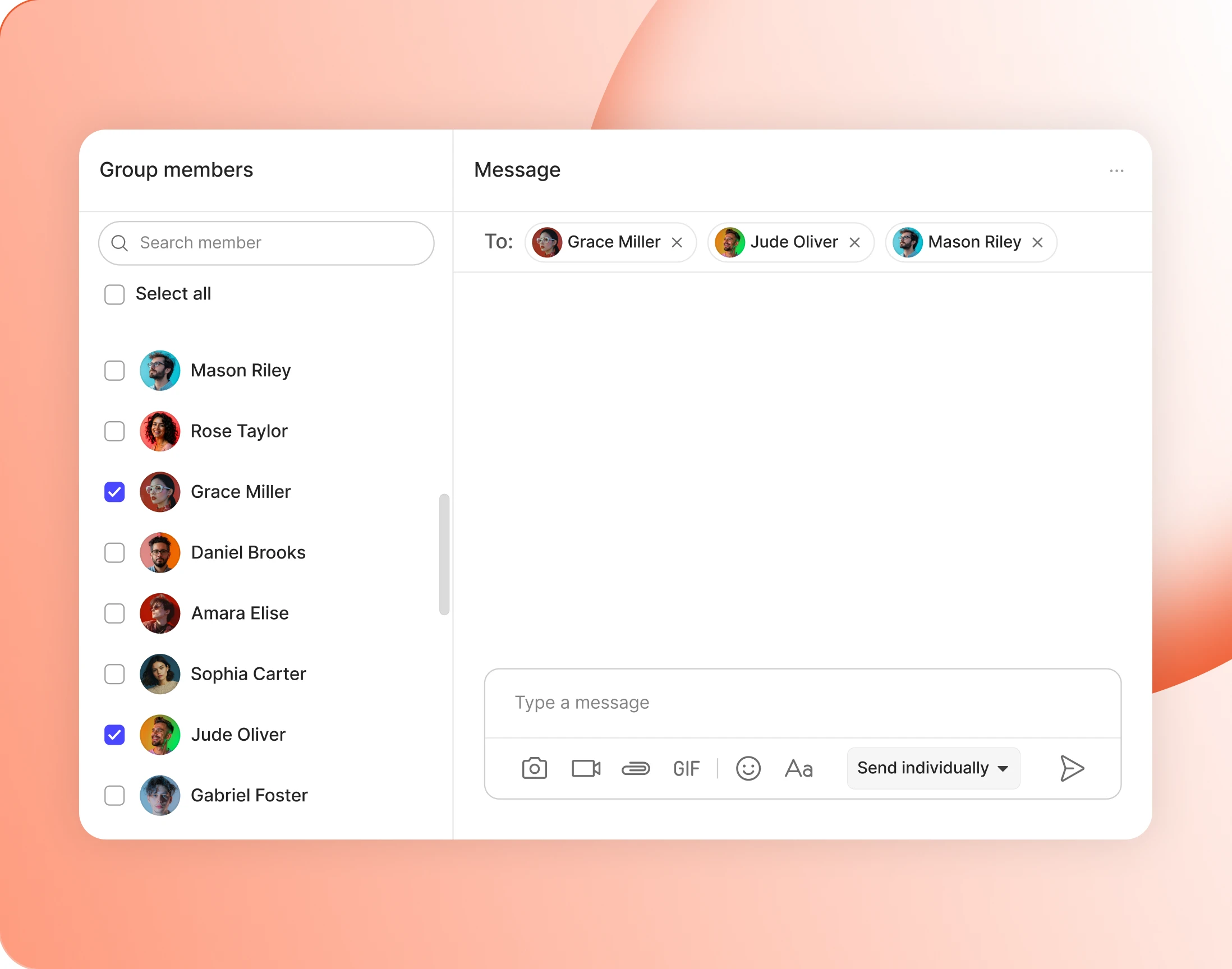
Message every group member at once
Send a message to everyone in a group without leaving it. The composer switches between a group message and a private one, with every member already on the To line.
— identity —
Every group, dressed for your community
— Cover Image Sizes
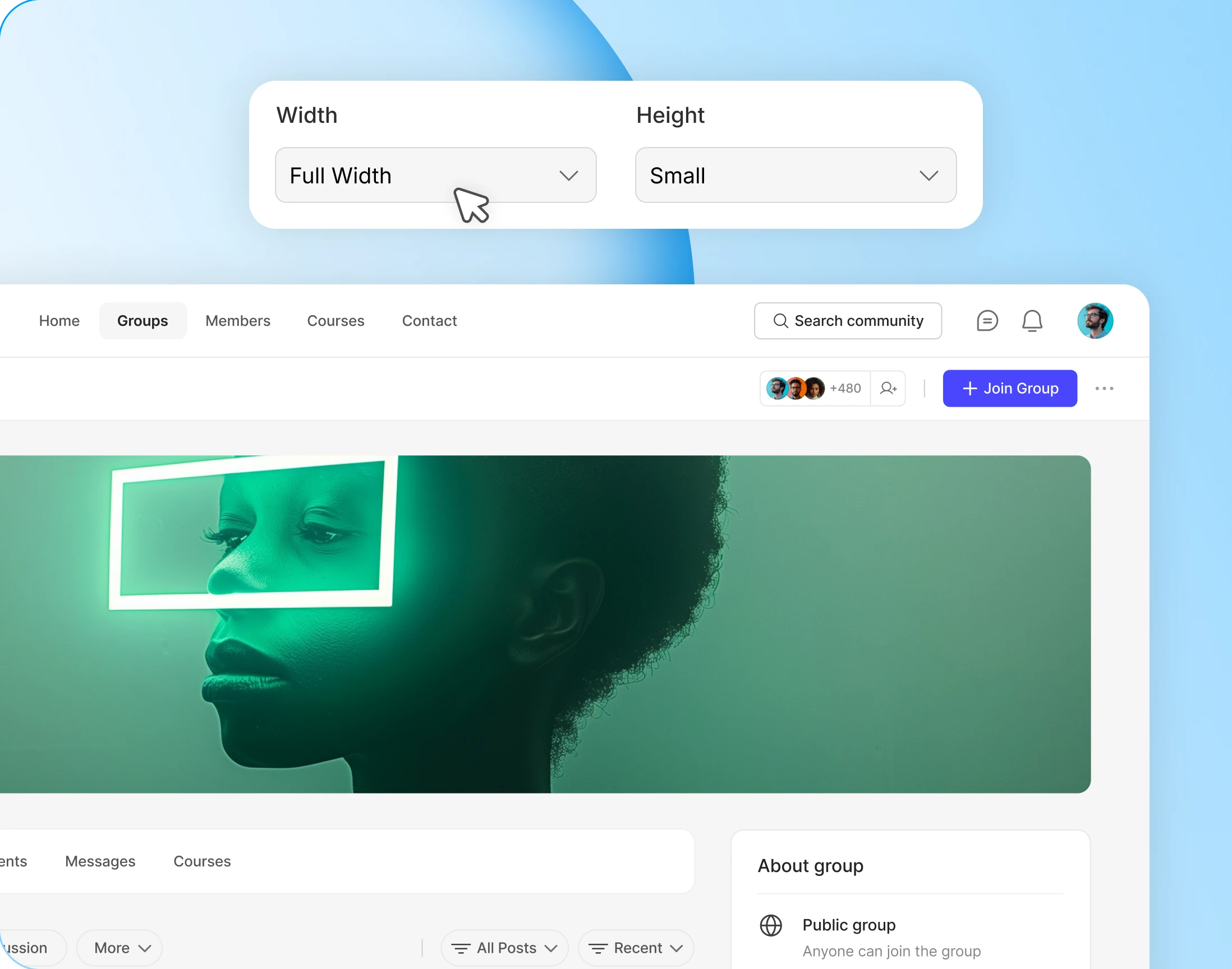
Cover sizes that suit your directory
Set cover width and height once and every group follows. Change it later and covers members already uploaded get repositioned, which the admin warns you about first.
— Default Group Avatar
A default avatar for groups that skip the upload
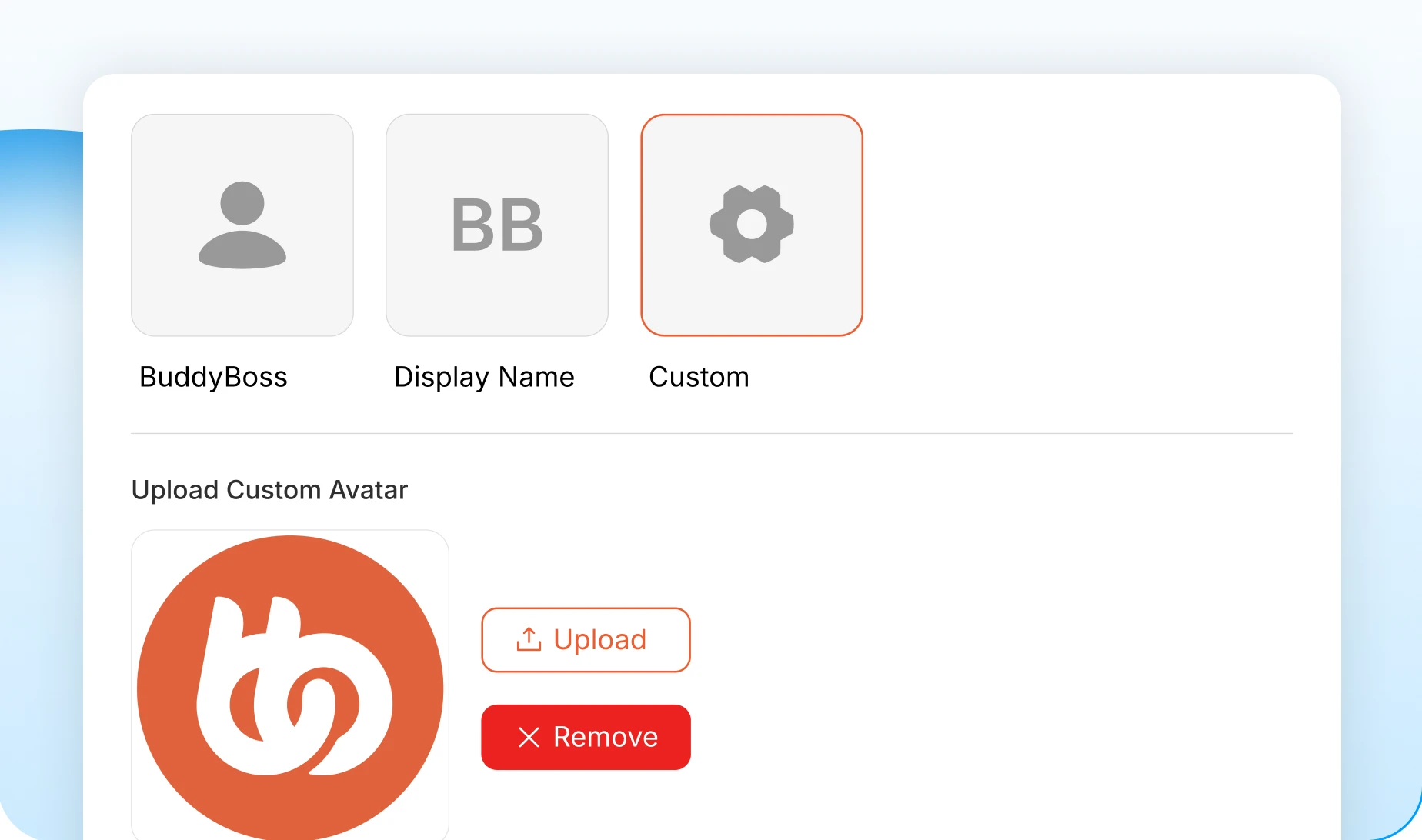
Pick what a new group wears before anyone uploads anything: the BuddyBoss mark, the group name, or your own image. No grey placeholders in your directory.
— Default Group Cover
Default covers so no group launches bare
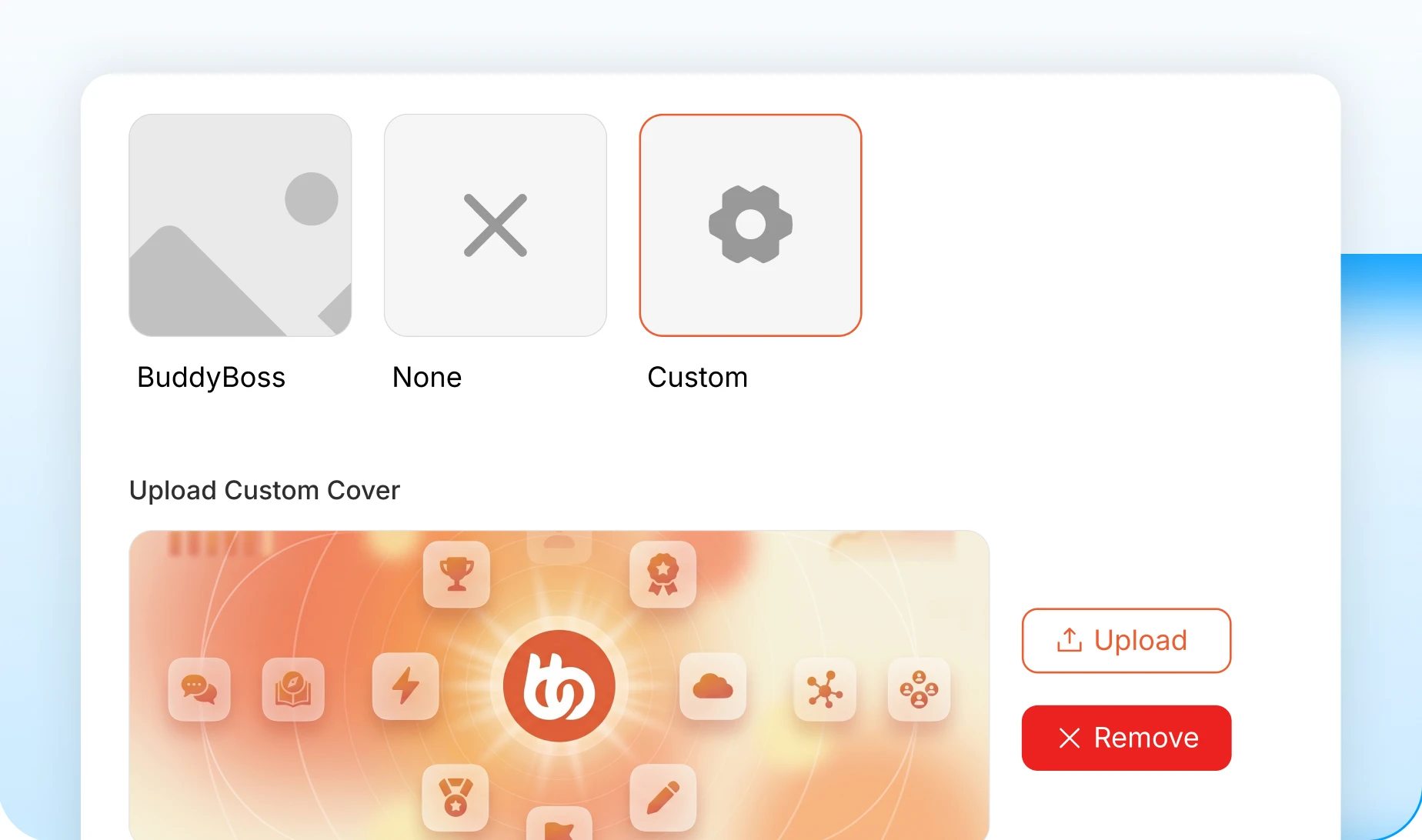
Choose the fallback for groups without a cover: the BuddyBoss image, none at all, or your own. Set it once and every new group starts dressed.
— Header Style
A group header style that matches your brand
Choose left or centered and every group page follows. One setting, applied across the whole network, so no group ends up looking like it belongs somewhere else.

— Header Elements
Header details you switch on and off
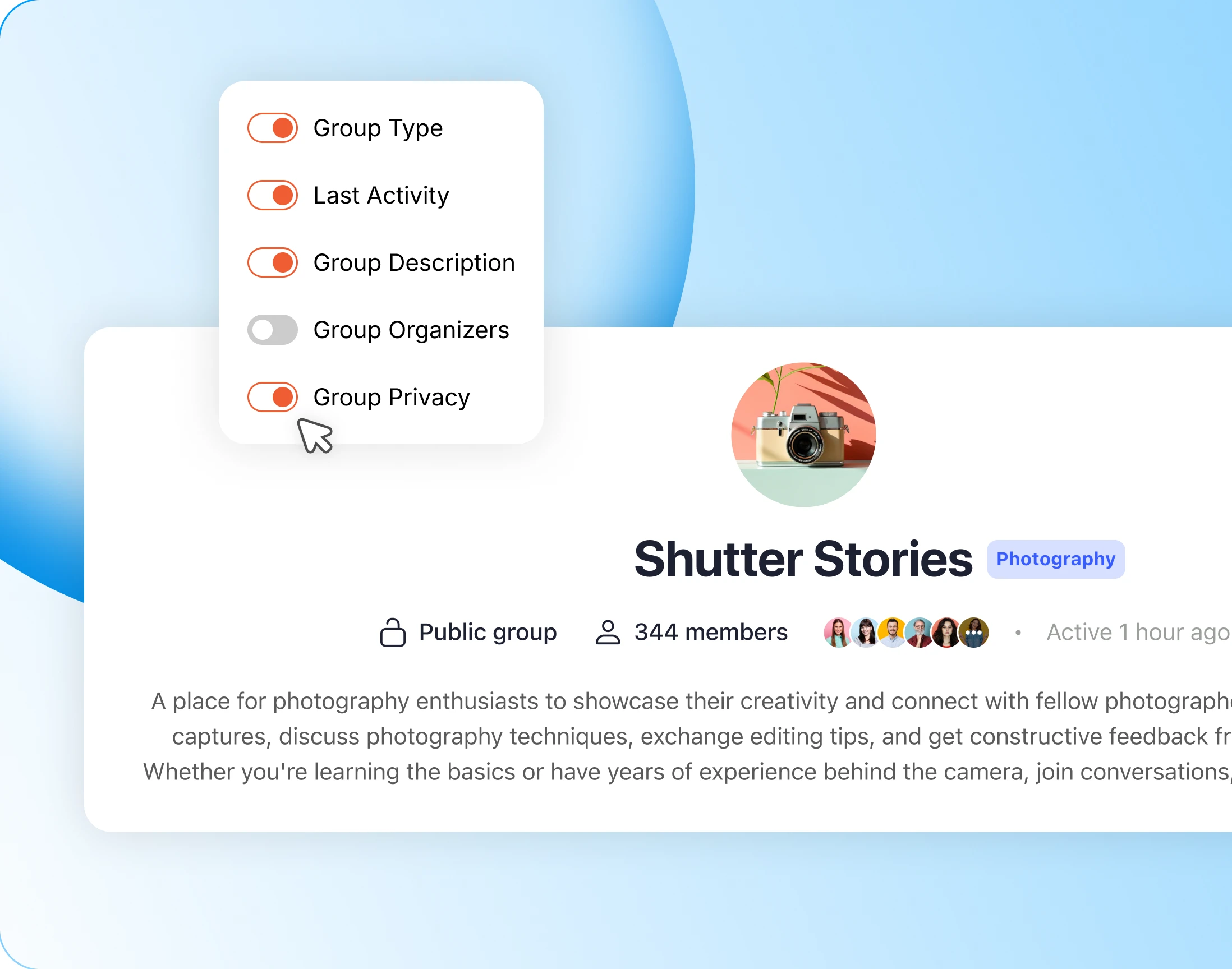
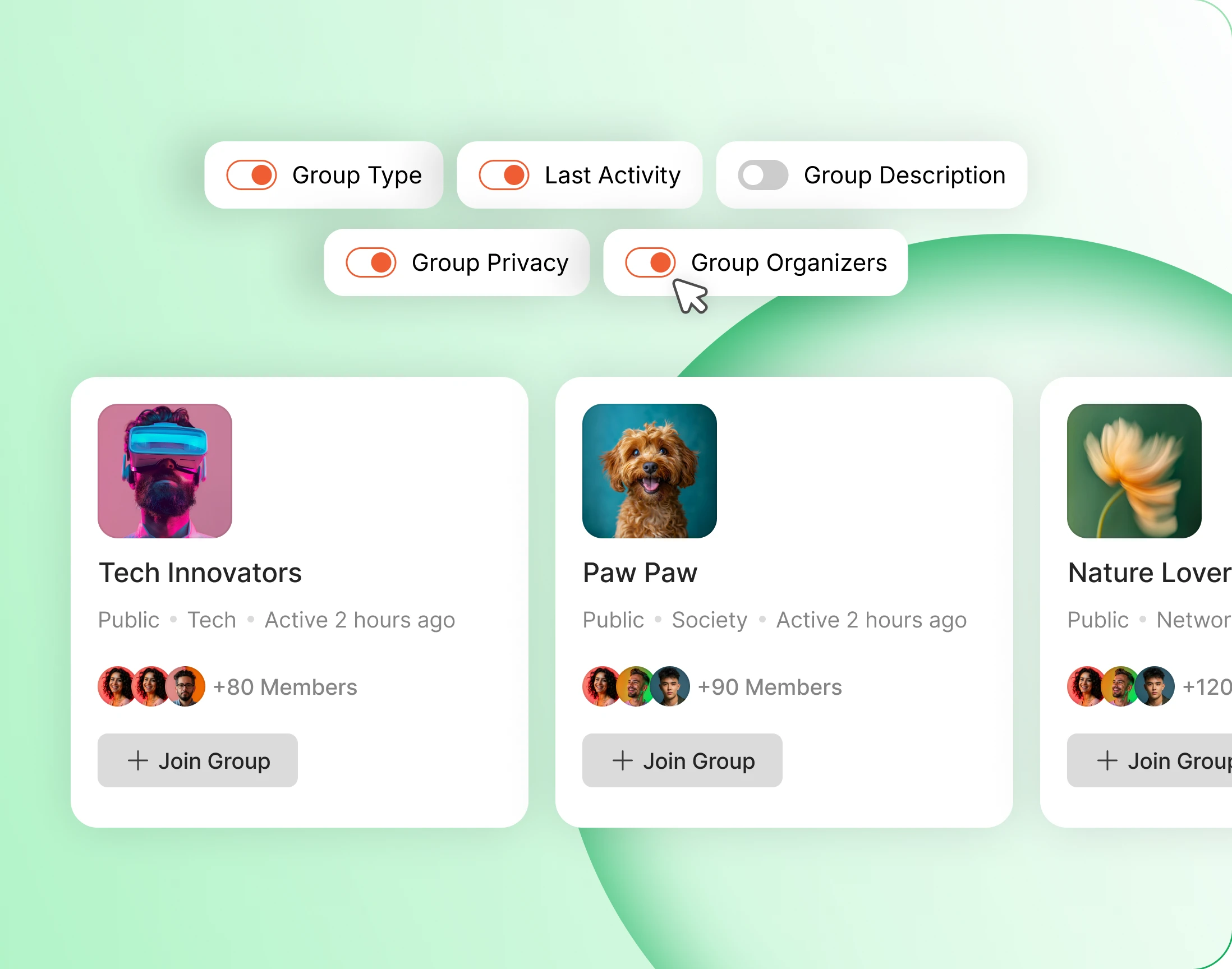
Decide what a group header shows: its type, its privacy, when it was last active, who organises it, what it is for. Turn off whatever your community does not need.
Wondering how it compares?
See BuddyBoss next to Mighty Networks, Kajabi, Teachable, Thinkific and BuddyPress, feature by feature.
— discover —
A directory that sells your groups
— Directory Layout
A groups directory in grid, list, or both
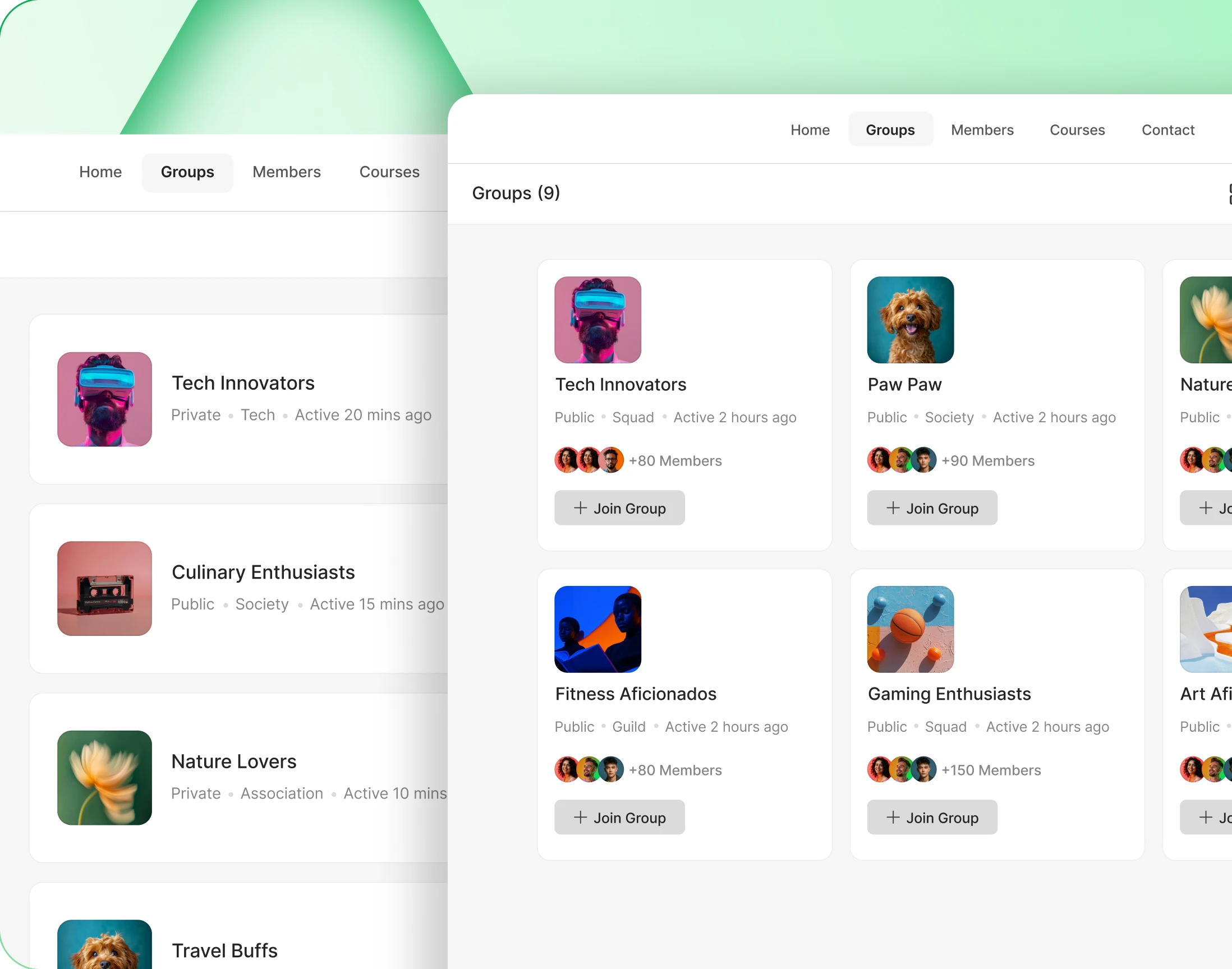
Show groups as a grid, as a list, or let members switch between the two. The switcher sits in the directory header next to the type and activity filters.
— Directory Elements
Every directory card, exactly as you want it
Choose what each card carries: the cover, the avatar, privacy, type, members, a join button. Covers only appear in grid view and descriptions only in list view.
— manage —
Who creates, who joins, who runs it
— Create Groups
Decide who can start a group
Not everyone should be able to start a group. Name exactly who can, and let the rest join instead. Administrators always keep full access.
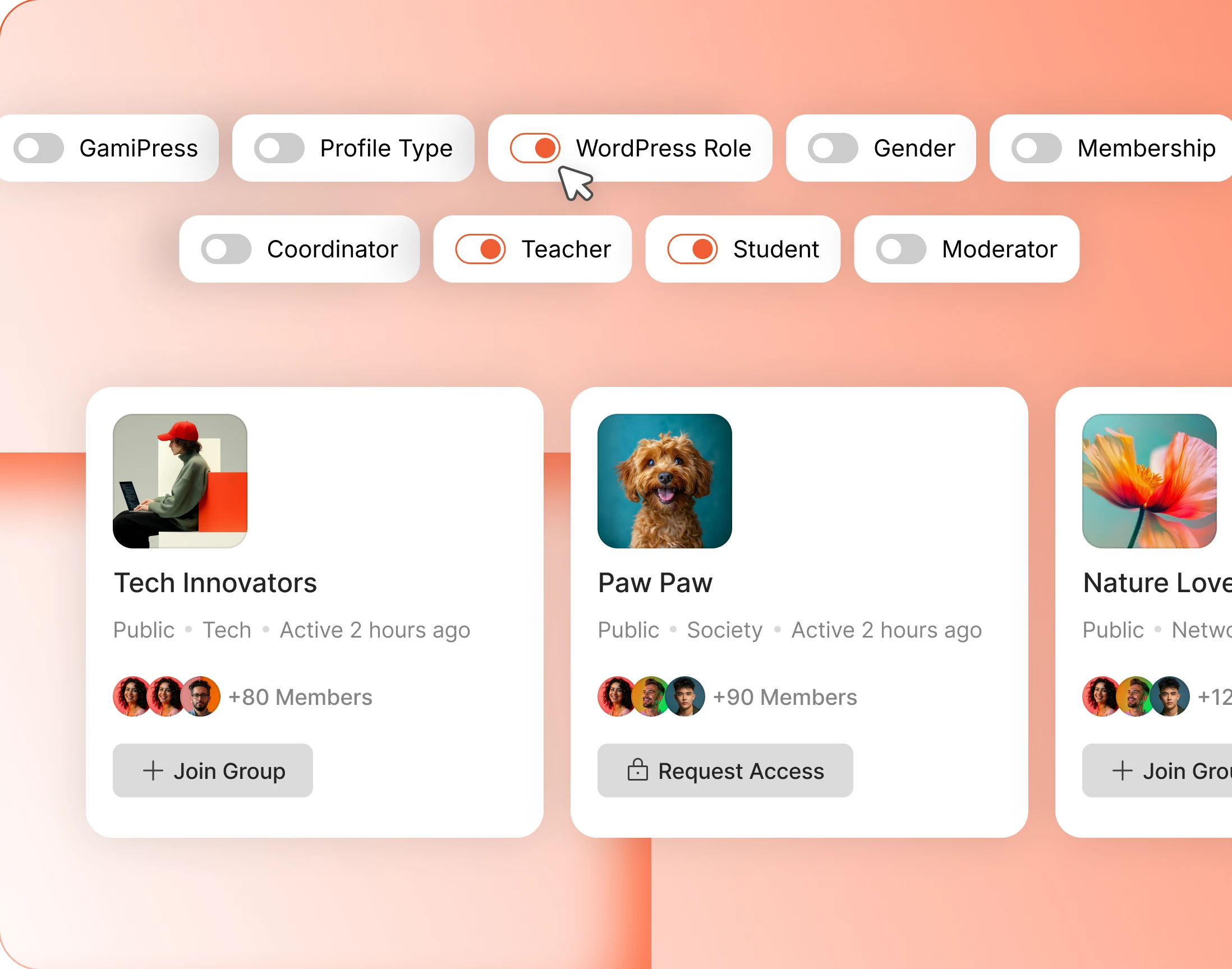
- WordPress role: gate group creation on the role a member already has
- Profile type: let Teachers open a group while Students join one
- Membership: make starting a group something a paid plan buys
- GamiPress: unlock group creation once a member has earned it
- Gender: use the profile field where your community needs it
— Join Groups
Joining rules for public and private groups
Decide who can join a public group and who can ask to join a private one. Members see one button either way: Join Group, or Request Access.
- WordPress role: decide which roles can join without asking
- Profile type: let Students join freely and hold everyone else to a request
- Membership: keep private groups for paying members
- GamiPress: open groups up as members earn their way in
- Gender: use the profile field where your community needs it
— Group Types
Group types that organise the whole network
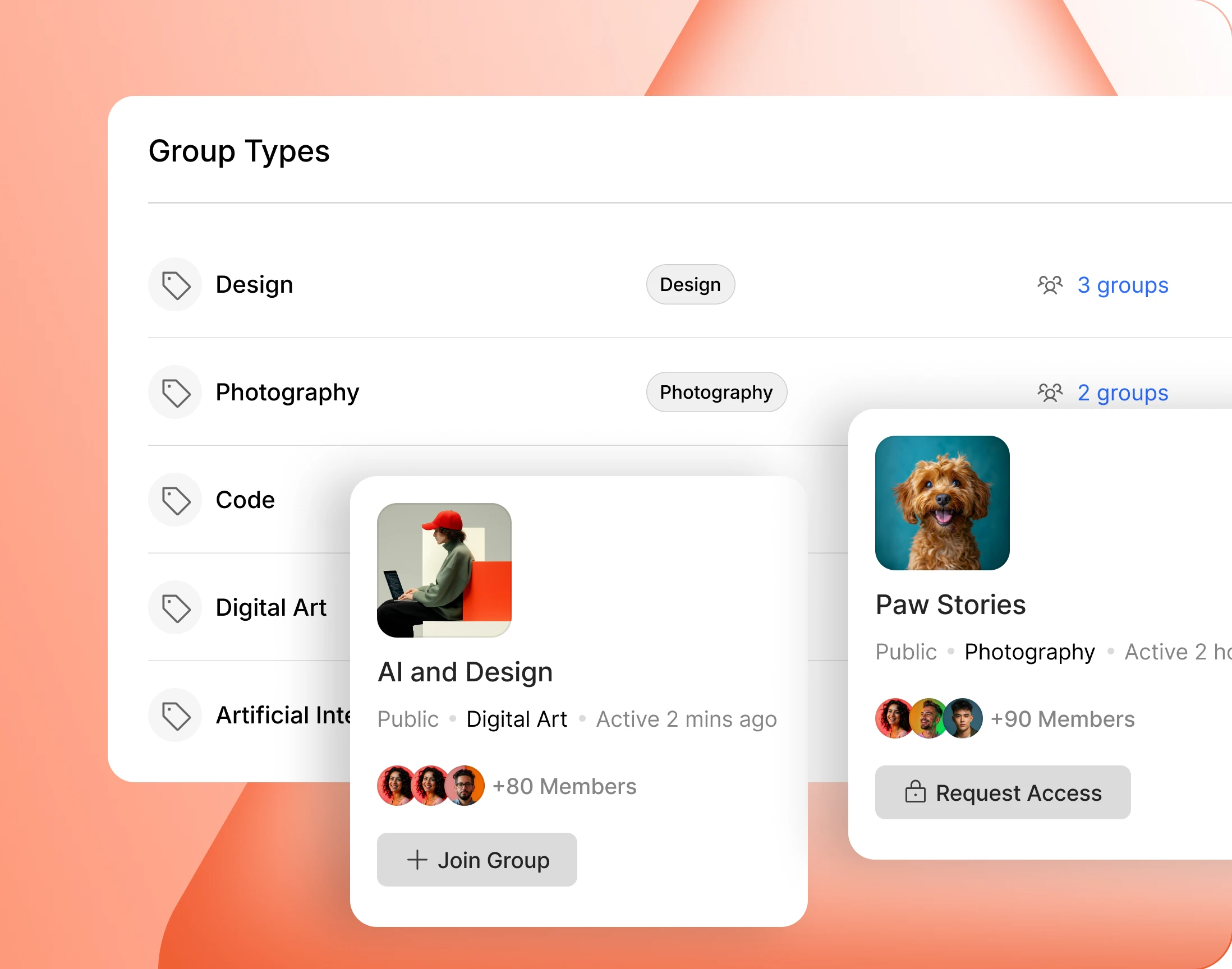
Sort groups into types your community understands: schools, cohorts, clubs. Each type gets its own label and colour, and a shortcode puts any one of them on its own page.
Trusted by more than 20,000 communities with 800+ reviews
Give your community somewhere to gather
A big community is a lonely place. Groups are where twenty people who care about the same thing actually find each other.
Explore more feature modules
Activity Feed
One feed that keeps your whole community talking, with polls, pins and comments.
Moderations
Reporting, blocking and a review queue, so groups stay somewhere people want to be.
Messaging
Message a whole group at once, or one member quietly, without anybody leaving the group.