
REQUIRES: PRO PLAN OR HIGHER • Last updated: Mar 12, 2026 • ~3 min read
The Media Access Controls settings allow you to restrict which members can upload photos, videos, and documents based on specific member conditions. These settings do not apply to administrators, who retain full upload access regardless of the rules configured. This manual walks you through each permission type.
Tutorial Video
Accessing Media Access Controls
To access these settings, navigate to your WordPress Dashboard, go to BuddyBoss > Settings > Media Uploading, then click Access Controls.
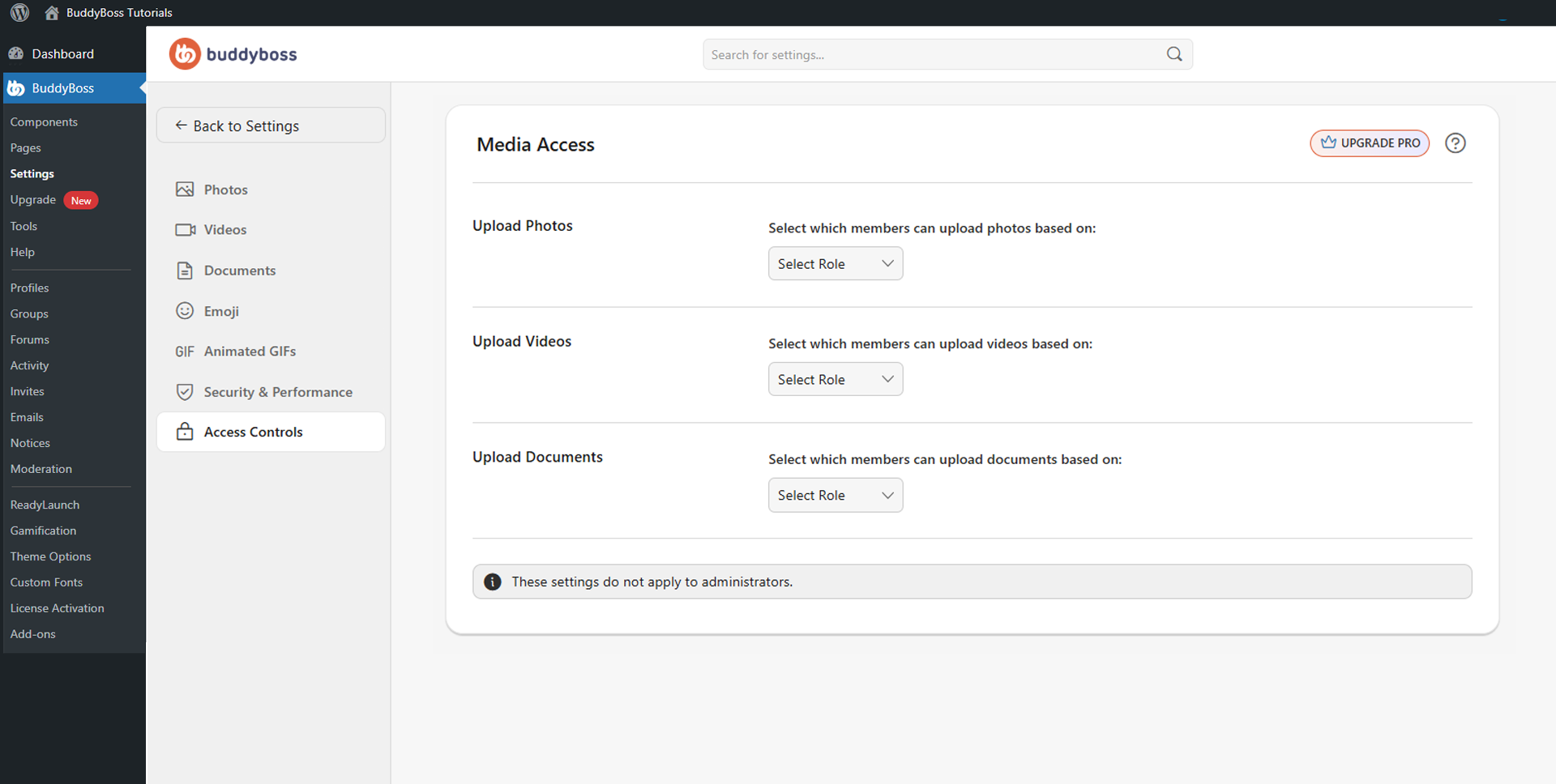
Upload Permissions
Each media type has its own Select Role dropdown. Choose the condition that determines which members have upload access, then configure the specific values for that condition.
The three permission types are:
- Upload Photos: Controls which members can upload photos across the community.
- Upload Videos: Controls which members can upload videos on the site.
- Upload Documents: Controls which members can upload documents across profiles, groups, messages, and forums.
All three use the same condition types: WordPress Role, Profile Type, GamiPress, Membership, and Gender.
© 2026 BuddyBoss LLC. All Rights Reserved. | buddyboss.com