
REQUIRES: PRO PLAN OR HIGHER • Last updated: Mar 12, 2026 • ~3 min read
The Privacy settings allow you to restrict access to your website, REST APIs, and RSS feeds to logged-in members only. This is especially useful for private communities, paid memberships, and internal platforms. This manual walks you through each setting.
Tutorial Video
Privacy Settings
Navigate to your WordPress Dashboard, go to BuddyBoss > Settings > Advanced > Privacy.
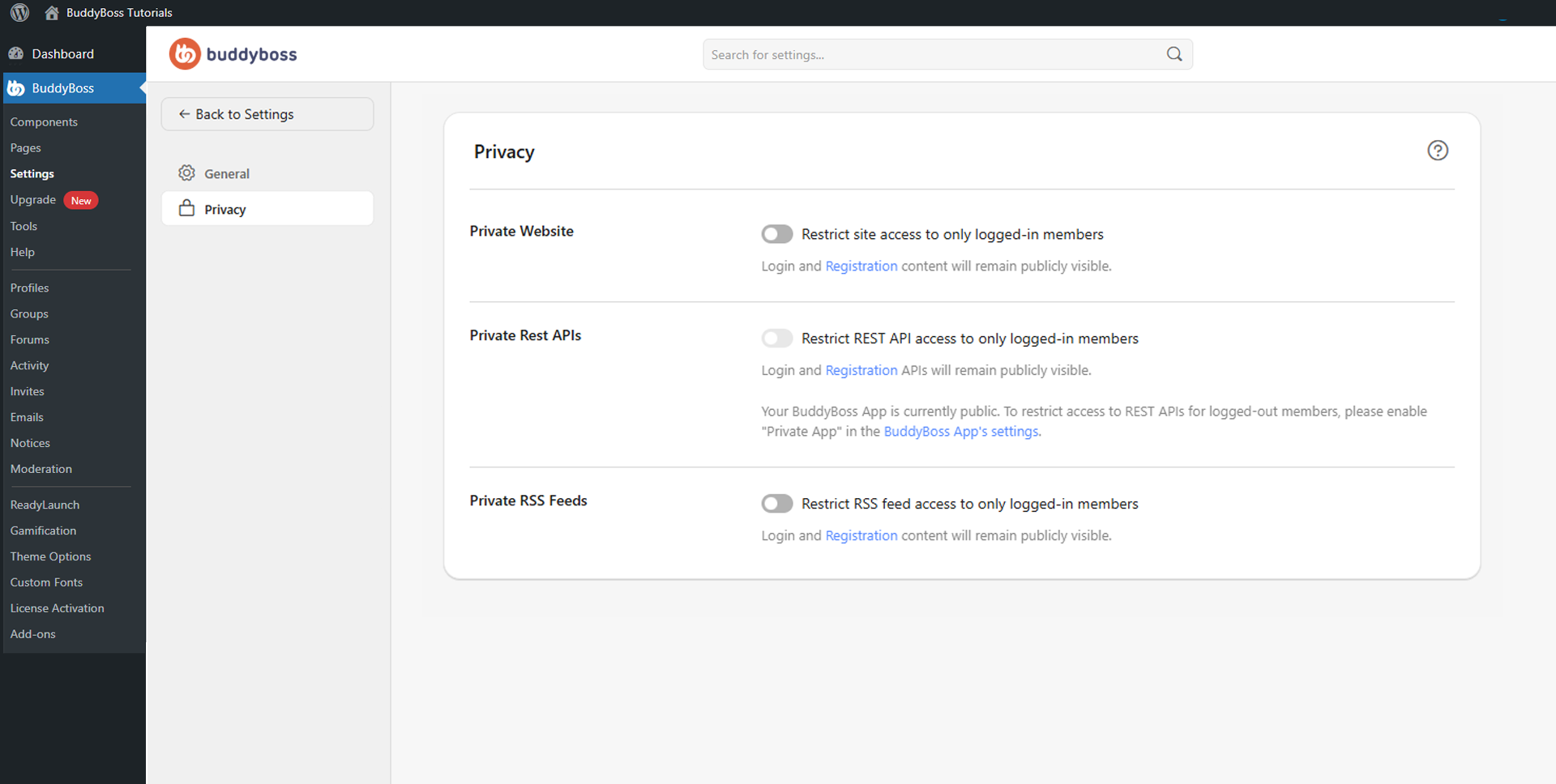
Toggle each restriction on or off and click Save Changes when done. In all cases, login and registration pages remain publicly accessible.
- Private Website: Restricts site access to logged-in members only, preventing public visitors from browsing community content.
- Private REST APIs: Restricts REST API access to logged-in members only, blocking public API calls. If your BuddyBoss App is currently public, also enable Private App inside the BuddyBoss App settings to ensure API protection extends to mobile.
- Private RSS Feeds: Restricts RSS feed access to logged-in members only, preventing public content scraping and protecting member-only content.
© 2026 BuddyBoss LLC. All Rights Reserved. | buddyboss.com