










BUDDYBOSS WEB

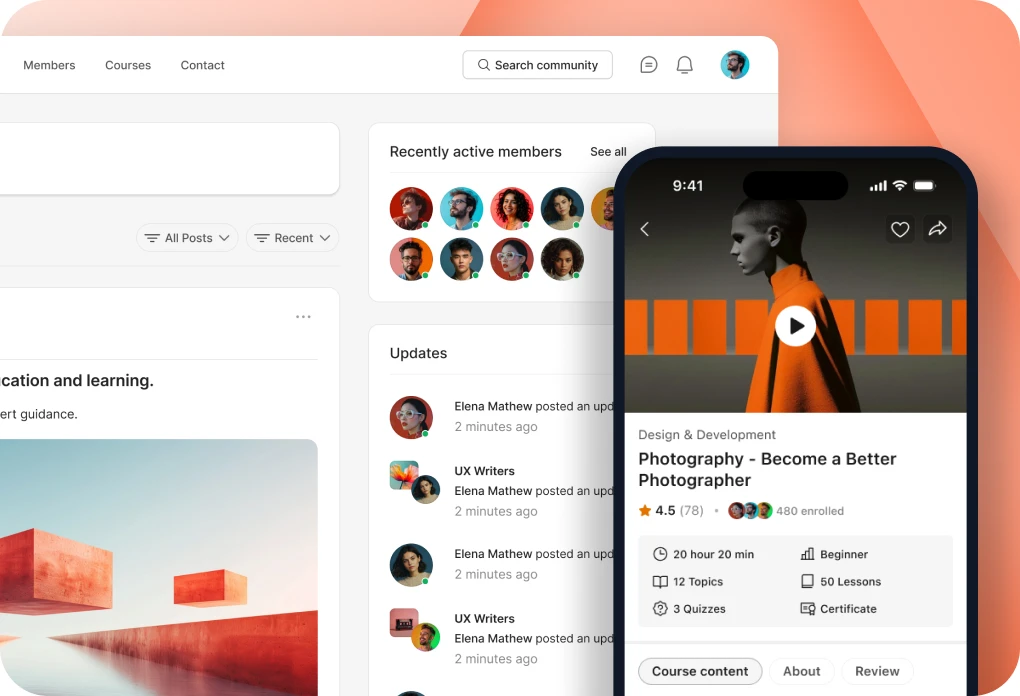
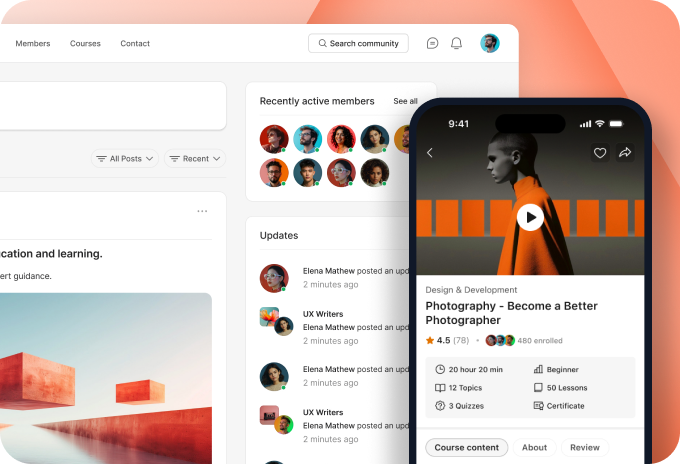
Your community, courses and memberships on your own website.

BUDDYBOSS APP

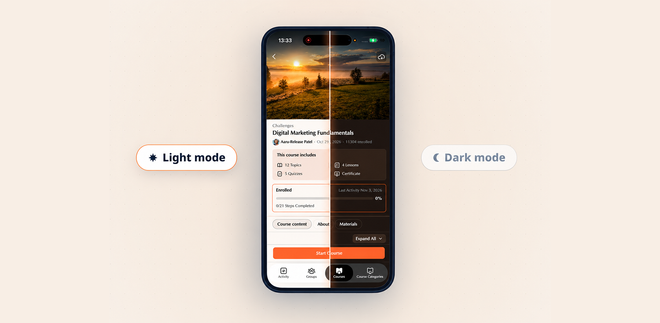
Your own branded app on iOS and Android.

DONE FOR YOU

We build, launch and run it for you.

BuddyBoss website and mobile app

Web + App Done For You

$4,999 flat

Web Scale + Done For You Web

App Launch + Done For You App

PRICING

Web Pricing

Launch, Scale and Done For You Web.

From

$199

first year

App Pricing

Solo, Launch and Done For You App.

From

$499

first year

SITE + APP

Web + App Done For You

Your site and your app, built and run for you.

$4,999

flat, never rises

How to Set Moderator on Groups?

Updated

You can select a specific member of the group to be a Moderator. Please follow the steps below:

    1. Navigate to the BuddyBoss dashboard – Groups – select the group you want to have a moderator and click on Edit.

    2. Under the Members section, click on the dropdown of the user you want to be the group moderator. 

    3. Don’t forget to click on “Save Changes” to apply the role changes.

4. This can also be done on the front end by clicking the group option – Manage – under the Members tab.

Was this article helpful?

Related articles

Subscribe to Our Newsletter

This field is for validation purposes and should be left unchanged.
This field is hidden when viewing the form

Can’t find the answer you’re looking for?

Our support team is here to help with anything the docs don’t cover.