
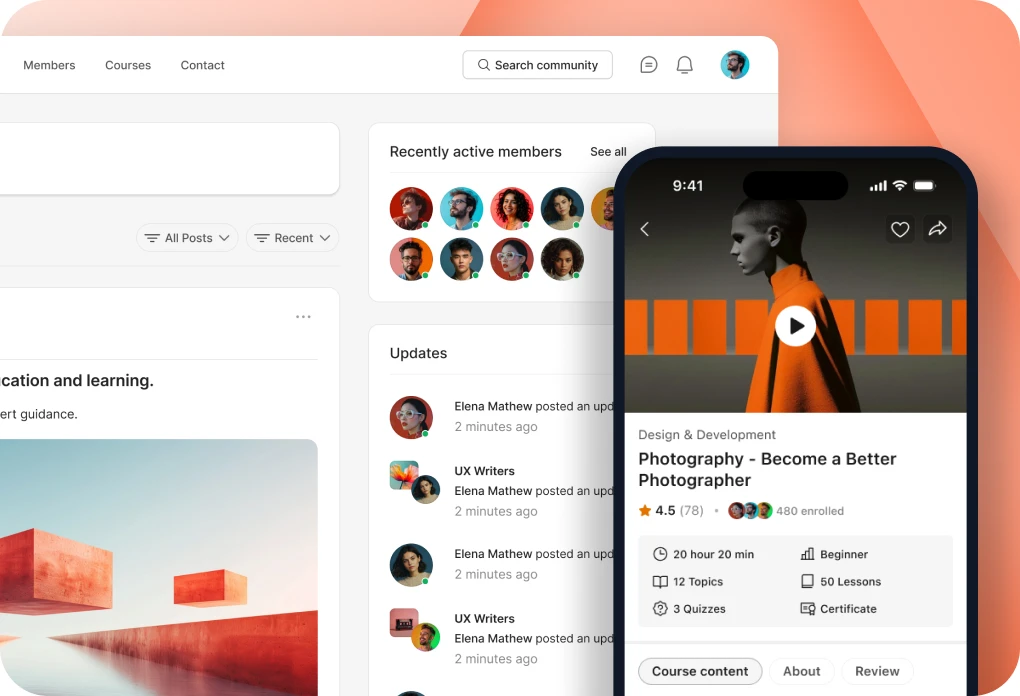












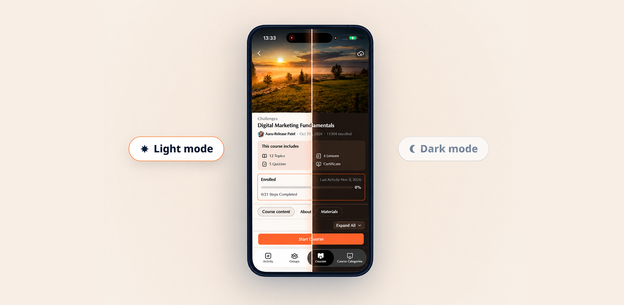
Your courses are the heart of your learning business, and the screens your learners use to reach them should feel just as polished. Today, BuddyBoss App NextGen brings redesigned LearnDash course screens to your app: a new look and layout for the course listing and course pages, designed for light and dark mode and your brand colors.
The redesigned LearnDash app screens are built for course creators and educators who deliver courses through their own mobile app for LearnDash. The new layout makes it easier for learners to find a course, see what it includes and check their progress. And because this is a visual and layout update, LearnDash works the way it always has in your app.
“We want a course creator’s app to feel like one experience, from the community to the courses. This update brings LearnDash in line with the rest of App NextGen.”
What’s Changed in the LearnDash App Screens
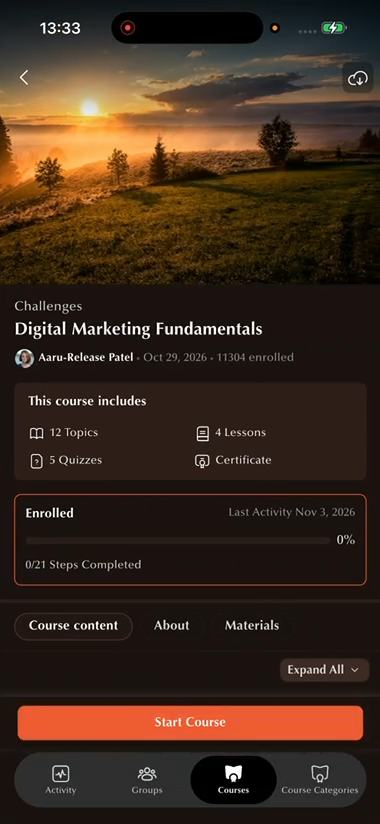
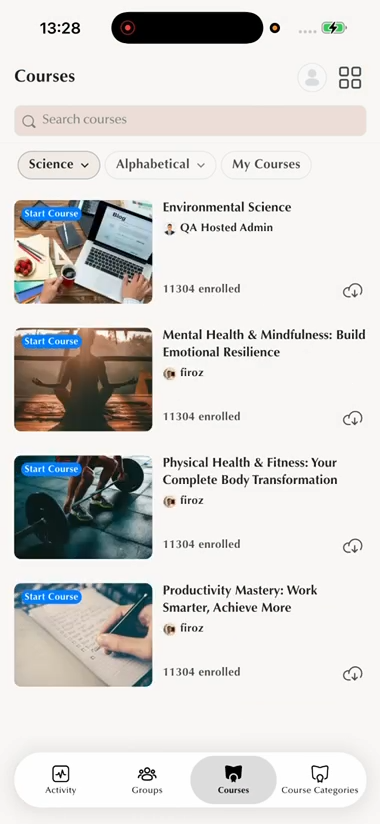
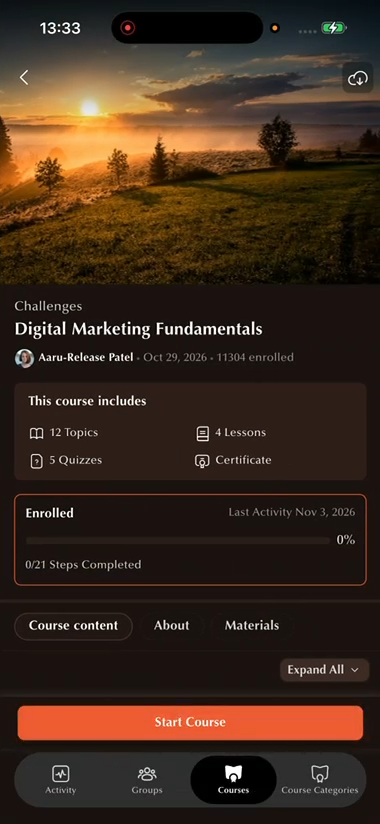
The course listing and course page are redesigned to match the rest of App NextGen, with new cards, typography, spacing and components.
Course listing
- Redesigned course cards: the course image with its status label (such as Start Course or In Progress), the title and instructor, and either the number of learners enrolled or a progress bar.
- Restyled search and filters: the search bar and filters at the top of the list now match the NextGen design.
Course page
- Course summary: a “This course includes” box lists the topics, lessons, quizzes and certificate.
- Progress card: the course status, the last activity date, a progress bar with percentage, and the number of steps completed.
- Tabs: the course content is split into tabs. Course content shows the course outline in collapsible sections.
On both screens
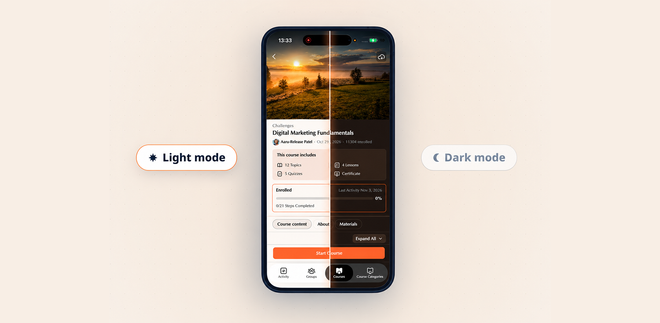
- Designed for light and dark mode.
- Your brand colors: brand, background, text and button colors follow the colors set under BuddyBoss App > Branding > Colors.
Before and now
Here is a quick look at how the LearnDash course listing and course page worked before the redesign, and what learners see now in App NextGen.
| Screen | Before | Now |
|---|---|---|
| Course listing | A list with a square thumbnail on the left (status label and progress bar on the image), then the title, a one-line excerpt and, if enabled, the author and date. A filter bar with Categories, Order by and My Courses. | NextGen-style cards with the status label on the image, the title, the instructor, and the enrolled count or a progress bar with percentage. Restyled search and filters. |
| Course page | One long scrolling page: a “This course includes” summary, a progress card with a progress circle and last activity date, then Course content (with Expand All), Quizzes, and Description and Materials stacked below. | A “This course includes” box, a progress card with a progress bar, percentage and steps completed, and the content split into tabs. |
| Appearance | The original LearnDash screen design, older than the rest of App NextGen. | The same cards, spacing and typography as the rest of App NextGen, in light and dark mode. |
Why This Update Matters
A course app works best when learners never have to wonder where they are or what comes next. The redesigned screens put the essentials where learners expect them: what the course includes, how far along they are, and where to continue.
Because the course screens now match the rest of App NextGen, your courses feel like part of the same app rather than a separate area. Course creators can offer their members one consistent experience, from the community to the courses.
Availability
The redesigned LearnDash app screens are available today in BuddyBoss App NextGen (App v3.2.9). [Add only if Asif confirms customers need a new app build: Your learners see the new screens once you create a new app build and it is live in the App Store and Google Play.] To use them, turn on App NextGen under BuddyBoss App > App Next Gen in the WordPress Dashboard. Light and dark mode are set under BuddyBoss App > Branding > Settings, and dark mode requires App NextGen. Brand colors for each mode are set under BuddyBoss App > Branding > Colors.
New to App NextGen? See what’s included in the Next Gen BuddyBoss App. For setup details, see the LearnDash integration guide.
Want to see your courses in your own app? Explore the BuddyBoss App for LearnDash.
