
Last updated: Mar 12, 2026 • ~2 min read
The Pages settings under Gamification > General allow you to assign a dedicated WordPress page for displaying Awards content. Assigning the correct page ensures members can access earned awards and recognition from a centralized location.
Awards Page
Navigate to your WordPress Dashboard, go to BuddyBoss > Settings > BuddyBoss Gamification. Click General, then scroll to the Pages section.
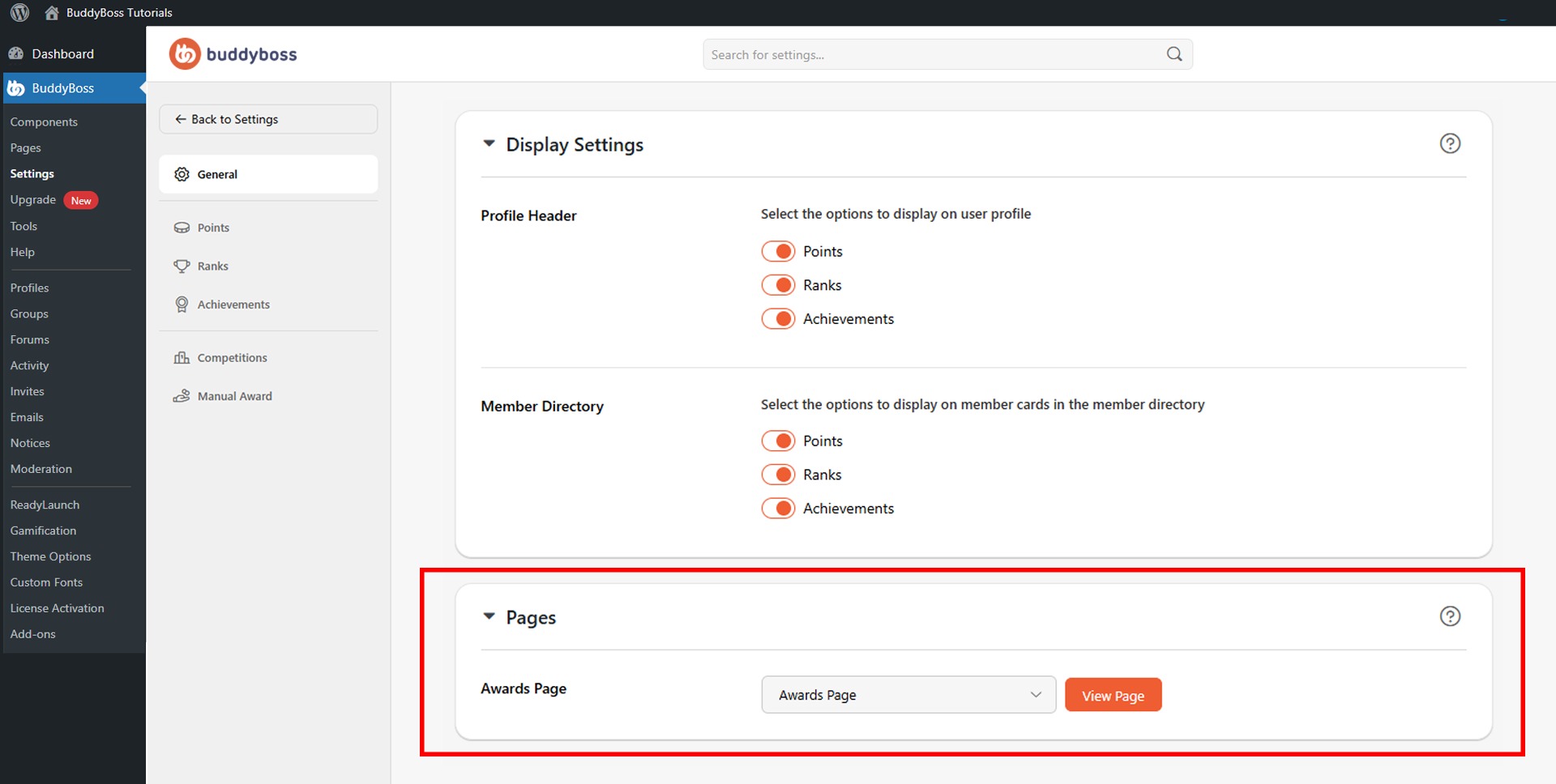
Use the Awards Page dropdown to select the WordPress page that should display member awards. Use the Search Page field to quickly find a specific page, or click View Page to verify the selected page’s content before saving.
© 2026 BuddyBoss LLC. All Rights Reserved. | buddyboss.com