
REQUIRES: PRO PLAN OR HIGHER • Last updated: Mar 12, 2026 • ~2 min read
The Group Forums setting allows you to enable dedicated discussion forums inside social groups. When enabled, each group can have its own forum where members create discussions and reply to topics within the group context. This manual walks you through enabling and disabling the feature.
Tutorial Video
Group Forums
Navigate to your WordPress Dashboard, go to BuddyBoss > Settings > Forum Discussion > Click Forum Features, then scroll to the Group Forums section.
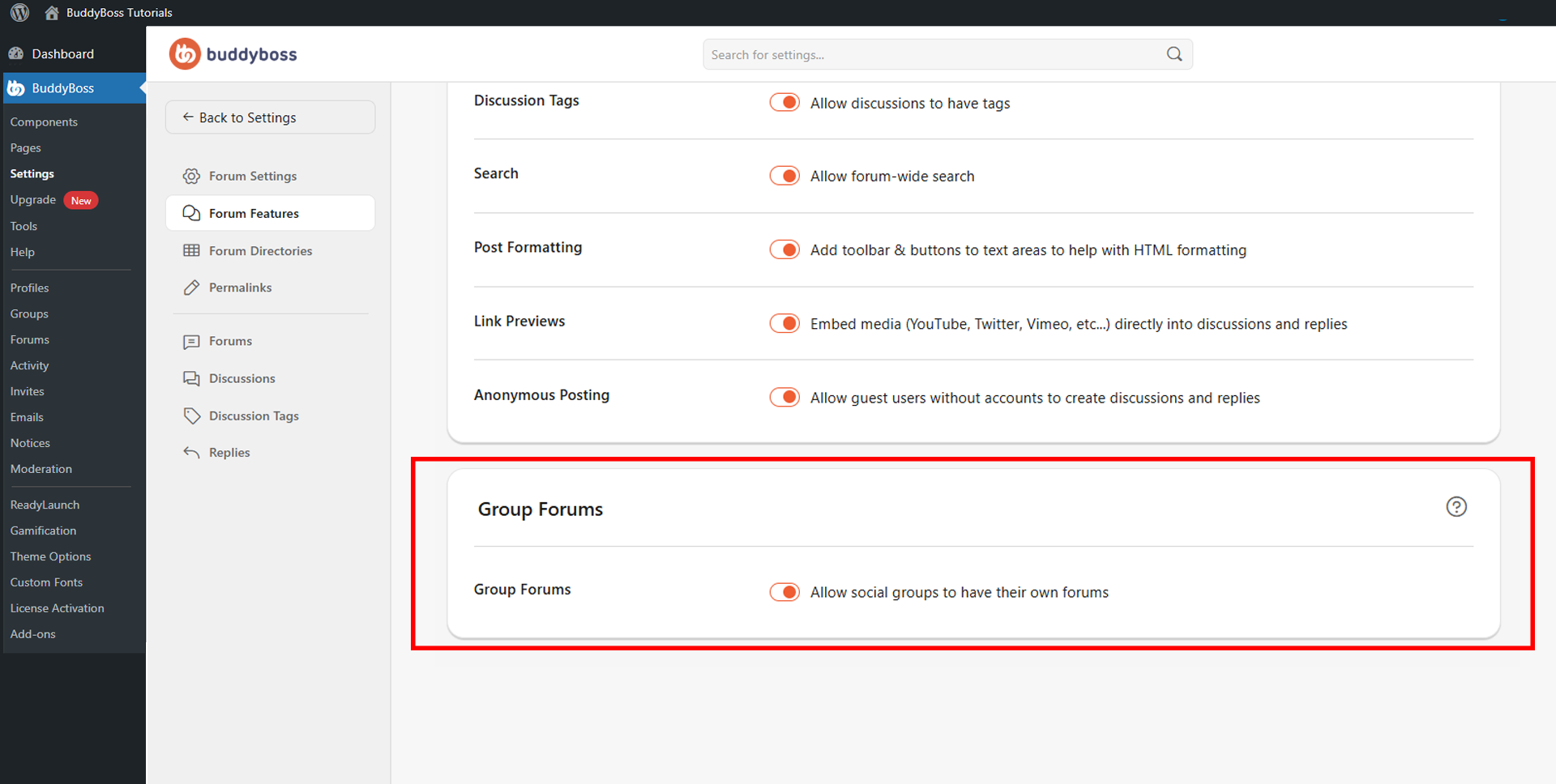
Toggle Allow social groups to have their own forums to give each social group a dedicated forum linked directly to that group. This is especially useful for private member communities, course-based discussion groups, team collaboration spaces, and interest-based communities. When disabled, members can only participate in site-wide forums outside of groups.
© 2026 BuddyBoss LLC. All Rights Reserved. | buddyboss.com