
Last updated: Mar 12, 2026 • ~3 min read
The Rank Settings section allows you to enable the rank system and control how member rank progression is calculated – using a specific point type or the combined total from all point types. This manual walks you through each option.
Rank Settings
Navigate to your WordPress Dashboard, go to BuddyBoss > Settings > BuddyBoss Gamification > Ranks.
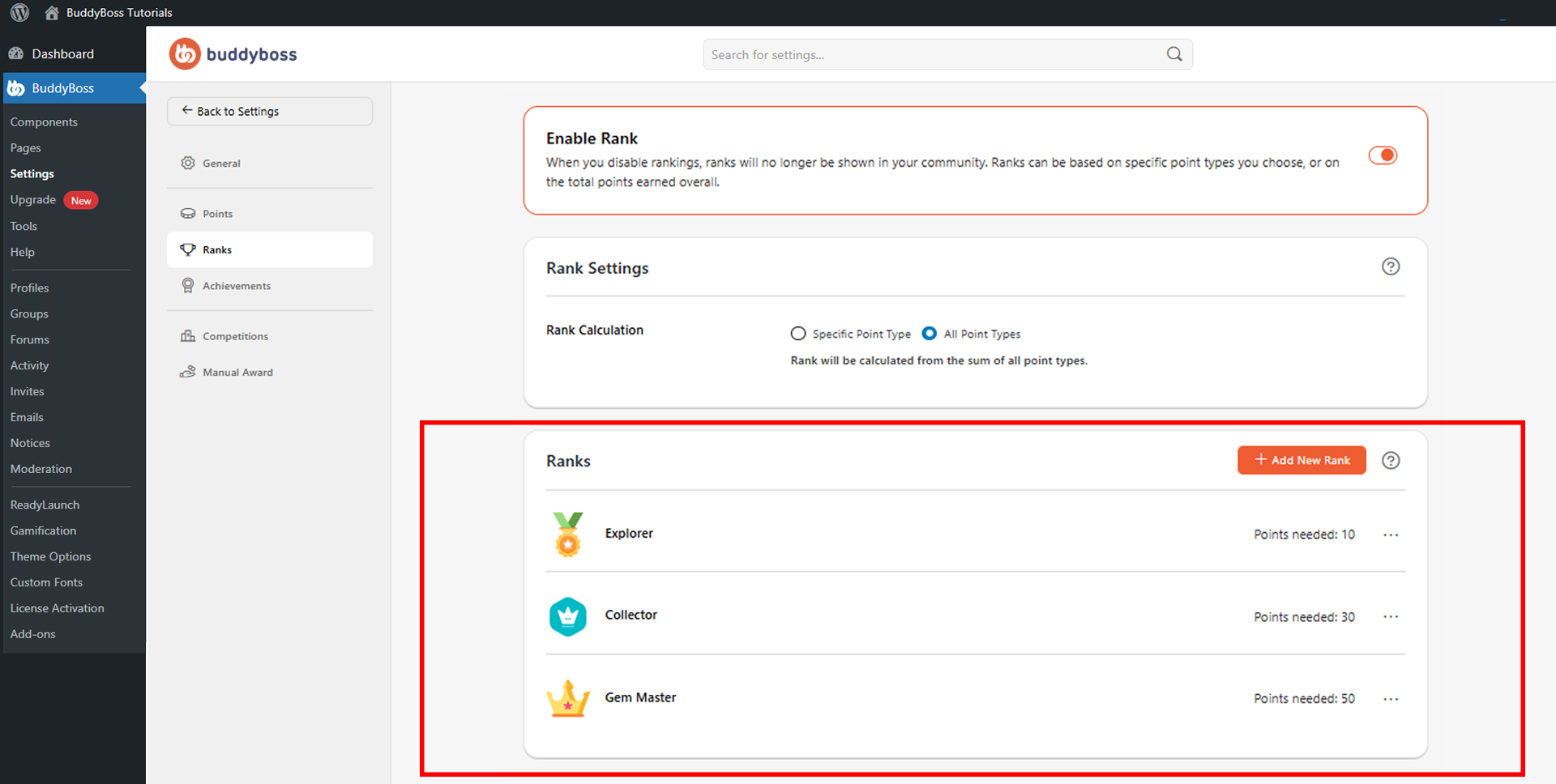
Enable the Enable Rank toggle to activate the rank system across your community. When disabled, ranks are hidden from the site and rank progression stops entirely.
In the Rank Calculation setting, choose how rank progression is measured:
- Specific Point Type: Calculates ranks using a single point type only. Useful when your site uses multiple point systems and you want ranks tied to one specific currency such as XP, Gems, or Coins.
- All Point Types: Calculates ranks using the combined total from all available point types. Ideal for communities where multiple engagement systems all contribute toward member progression.
© 2026 BuddyBoss LLC. All Rights Reserved. | buddyboss.com