Introduction
By default, BuddyBoss displays the Connections tab on user profile pages, even to logged-out visitors. At this time, there is no built-in BuddyBoss setting to hide the Connection tab specifically for logged-out users. However, you can achieve this behavior using a custom CSS snippet.
Custom Workaround
Follow the steps below to hide the Connection tab on profile pages for logged-out users only:
- Go to BuddyBoss > Theme Options
- Under Custom Codes, enable CSS
- Append the following code:
body:not(.logged-in) li#friends-personal-li.bp-personal-tab {

    display: none;

}- Save changes
Troubleshooting and FAQs
Q: Will this remove the Connections feature entirely?
A: No. This only hides the Connection tab from logged-out users. Logged-in members will still see and use Connections normally.
Q: Does this affect logged-in users in any way?
A: No. The CSS targets only logged-out users using the body:not(.logged-in) selector.
Q: The Connection tab is still visible after adding the CSS. What should I check?
A: Clear your site cache and browser cache. If the code is not working, submit a ticket to the support team for assistance.
Q: Can I hide the Connection tab for specific user roles instead of logged-out users?
A: Not with CSS alone. Role-based visibility would require custom PHP development.
Screenshots
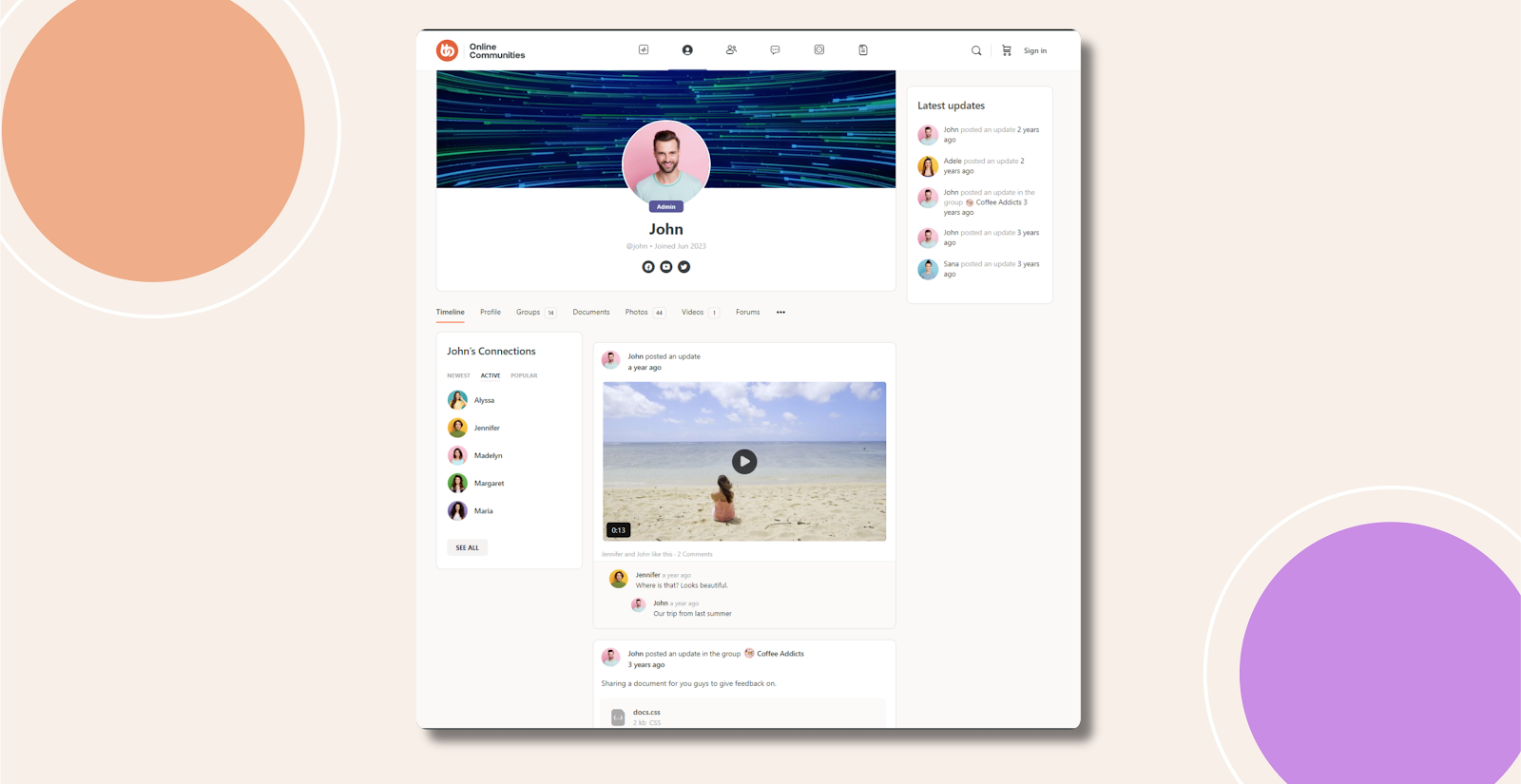
Without Code:
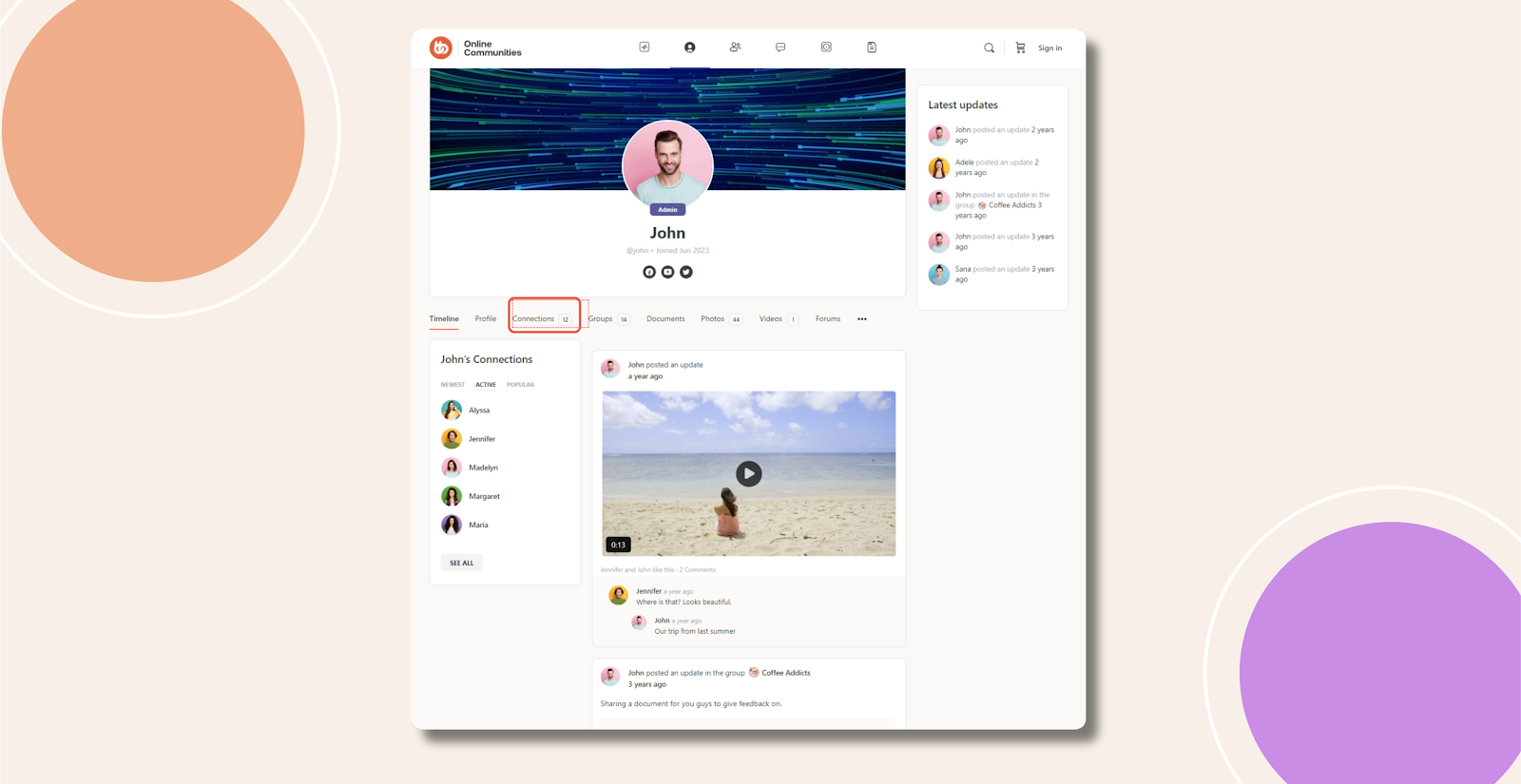
With Code: