














Introduction
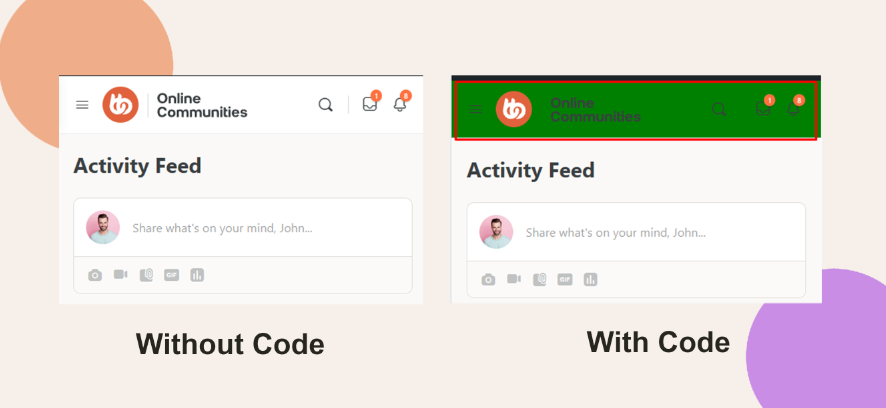
Adjusting the header menu background color on mobile devices can improve visibility and align the mobile experience with your site’s branding. While the BuddyBoss Theme doesn’t include a built-in option for this, you can apply a media query using CSS to target smaller screens.
Custom Workaround
To change the header background color for mobile devices:
- In your WordPress Dashboard, go to BuddyBoss > Theme Options.
- Scroll to the Custom Codes section and toggle Enable CSS.
Append the following CSS code (replace green with your preferred color):
@media only screen and (max-width: 640px) {

  .site-header {

    background-color: green;

  }

}- Click Save Changes.
Troubleshooting and FAQs
Q: The header color didn’t update—what should I do?
A: Clear your site and browser cache. Confirm that the CSS was saved correctly and check that your mobile header is using the .site-header class.
Q: Can I target different screen widths?
A: Yes. Update the max-width value in the media query to suit your design needs—for example, 768px for tablets or 480px for smaller phones.
Q: Will this affect the desktop view?
A: No. The media query ensures that the background color change only applies to screens that are 640px wide or smaller.