














The BuddyBoss App API CDN allows your app to serve media assets such as images, documents, and videos through a Content Delivery Network (CDN). This helps reduce load on your WordPress server and improve media delivery by serving files through your configured CDN.
After enabling the API Performance component, you can add your existing CDN URL under the API CDN settings. API CDN can also support media downloads for LearnDash Offline Courses and can be used alongside API Caching for additional performance improvements.
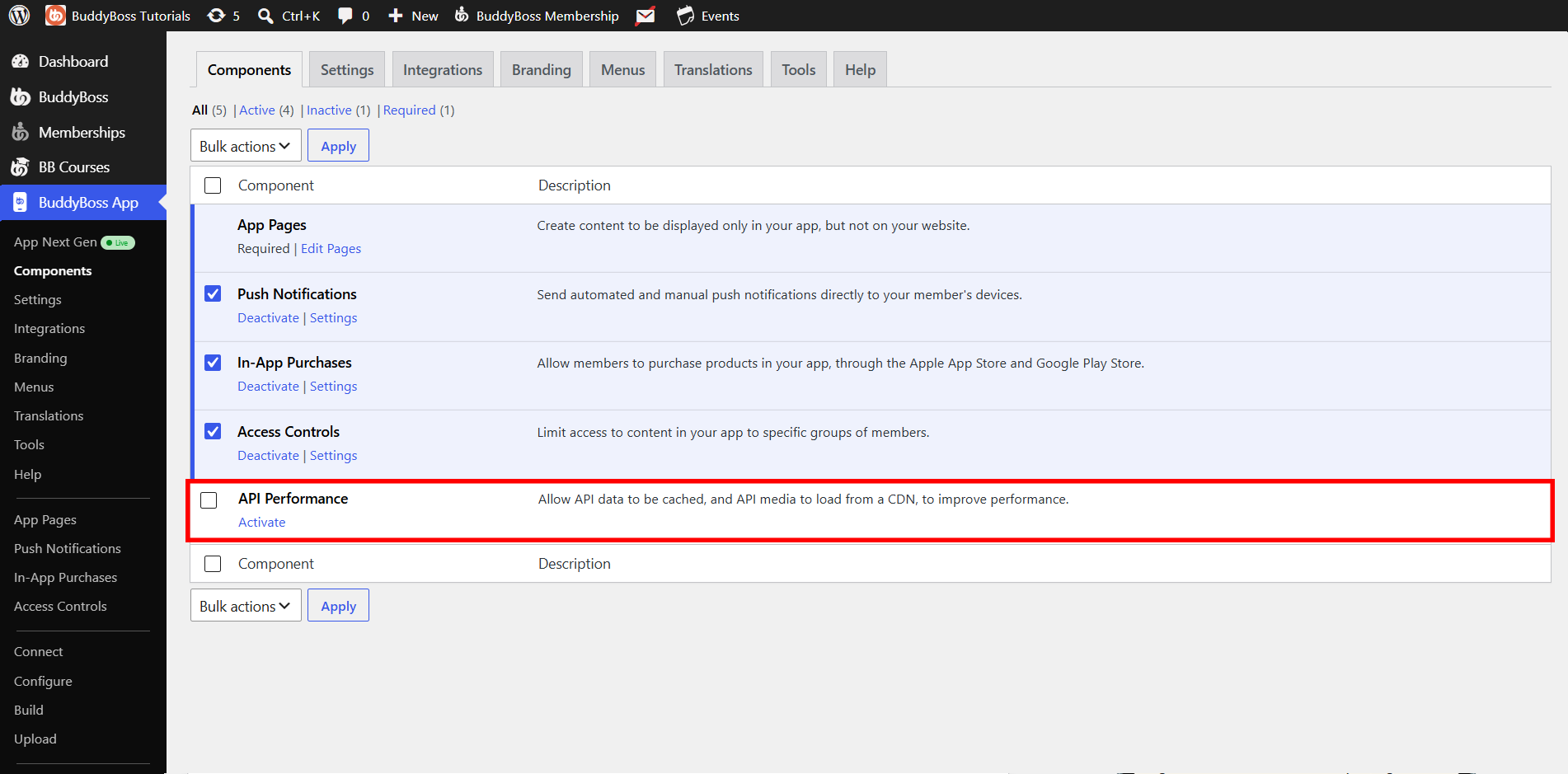
Enabling the API Performance Component
- Go to WordPress Admin > BuddyBoss App > Components.
- Toggle on API Performance and click Save Changes.
Configuring Your CDN URL
- Navigate to BuddyBoss App > Settings > API CDN.
- Check Enable API CDN.
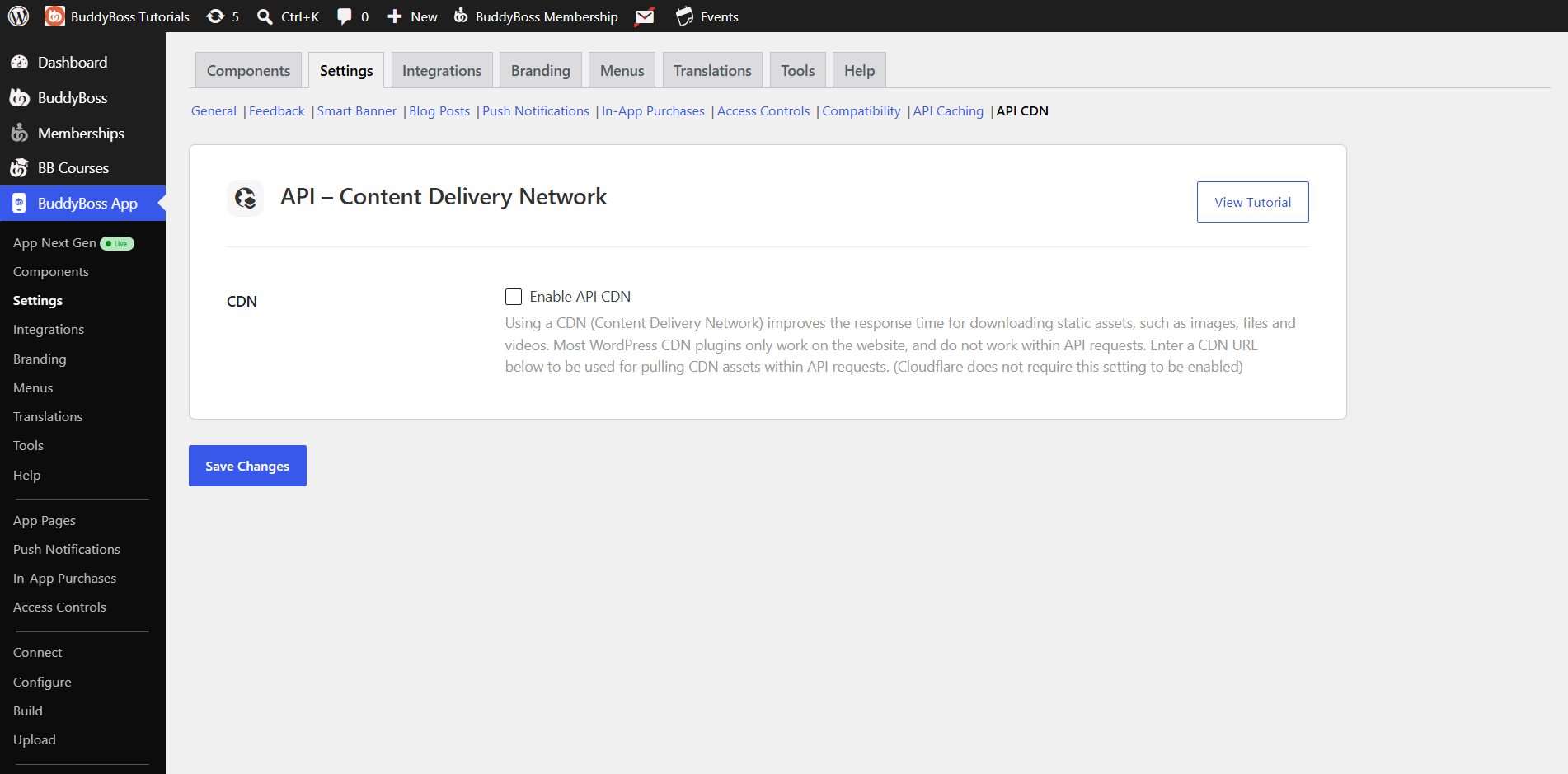
- Paste your CDN base URL (no trailing slash) into the CDN URL field.
- Click Save Changes.
Note: If you already use a CDN plugin or service for your site (e.g., CloudFront, Cloud CDN, StackPath), copy its CDN URL here.
How API CDN Works
- First Request: The app calls WordPress via API, retrieves the media file, and uploads it to your CDN.
- Subsequent Requests: The app rewrites the media URL to your CDN domain, serving assets from the nearest CDN edge server.
- Offline Courses: When using the LearnDash offline feature, downloads also come from your CDN for faster, reliable performance.
Integrations & Recommendations
- Vimeo Integration: For LearnDash video downloads, use the Vimeo integration (requires Pro account).
- Combine with API Caching: Enabling both API CDN and API Caching yields the greatest speed gains. See our API Caching tutorial for details.