














The BuddyBoss App API Caching allows your mobile app to serve media assets such as images, documents, and videos through a Content Delivery Network (CDN) instead of loading them directly from your WordPress server. This can reduce server load and improve media delivery for members in different locations.
After enabling the API Performance component, you can connect your existing CDN URL to the BuddyBoss App. API CDN can also be used with offline LearnDash course downloads and alongside API Caching for additional performance improvements.
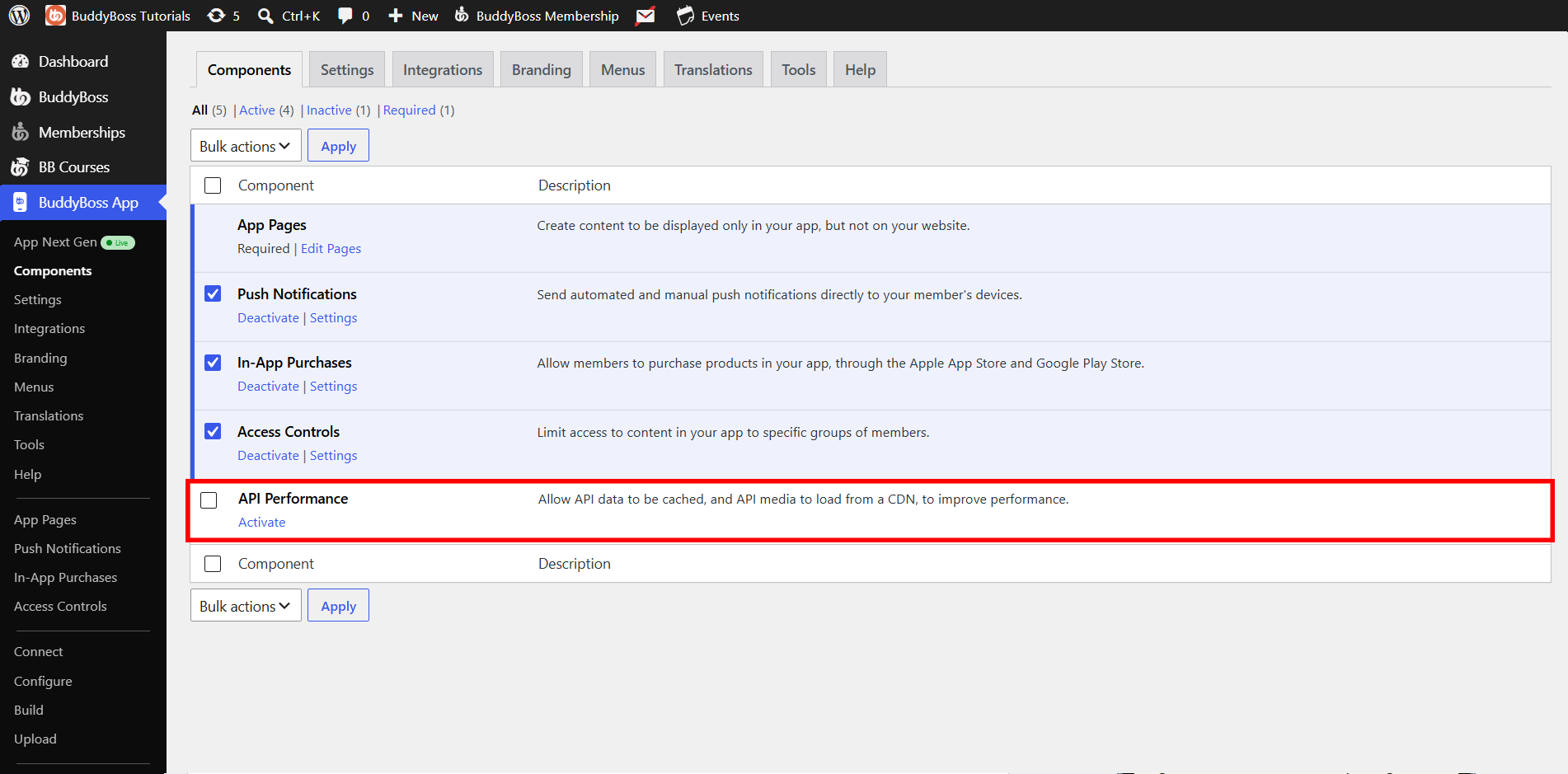
- In your WordPress admin, go to BuddyBoss App > Components.
- Activate on API Performance
Verifying the Must-Use Plugin
Navigate to Plugins > Must-Use and verify that BuddyBoss App API Caching is installed. The verification should indicate the component is present in your Must-Use plugins, confirming it is ready to support BuddyBoss features on your site for quick troubleshooting and proper operation.
If missing, a notice will guide you to download and place it in wp-content/mu-plugins/, then refresh. Follow the on-screen directions in the notice to complete the download and placement steps before you refresh. This ensures the component is added to the correct directory and the site can load the updated cache settings.
Configuring API Caching
- Go to BuddyBoss App > Settings > API Caching.
- Check all the content types you want cached (App Pages, Posts, Social Feeds, LearnDash, etc.).
- Click Save Changes.
Purging Cached Data
- Purge Cache next to a feature to clear its cache only.
- Purge All to reset every cache at once.
How It Works
- First Request: API fetches fresh data from WordPress and stores it.
- Subsequent Requests: API serves the cached response instantly.
- Cache Invalidation: When you or users change data (e.g., new message), the related cache is automatically purged so updated content appears immediately.
Note: If you have third-party plugins or custom endpoints, add code to call bb_api_cache_purge() on relevant hooks so the cache stays fresh. Full developer docs are available in our knowledge base.