











BUDDYBOSS WEB

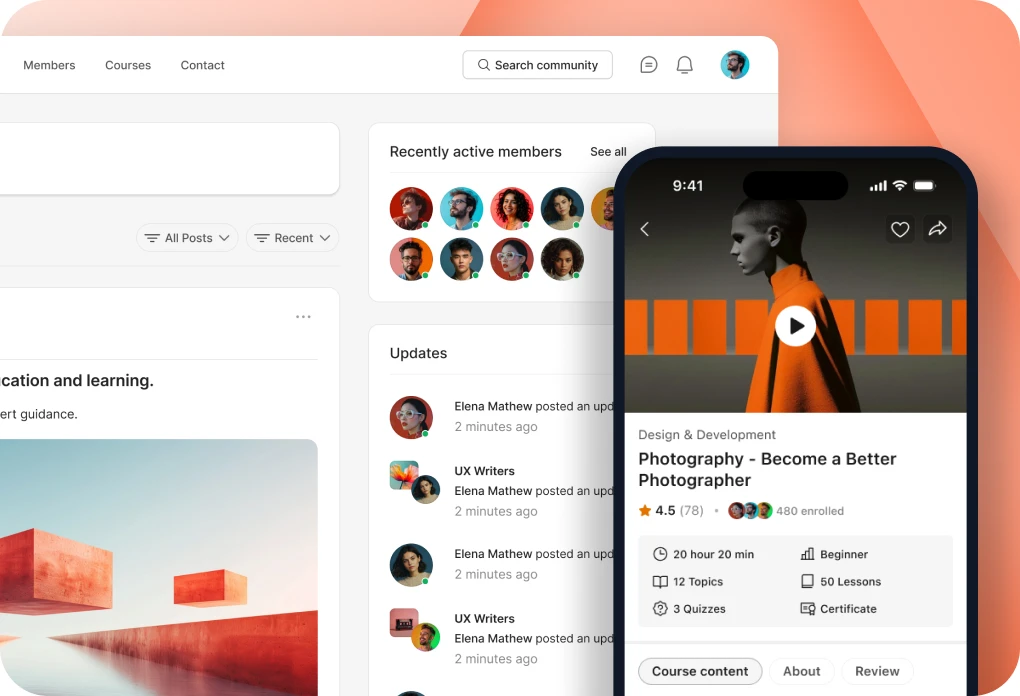
Your community, courses and memberships on your own website.

BUDDYBOSS APP

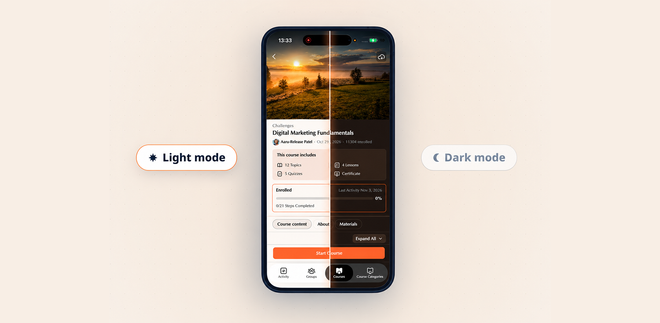
Your own branded app on iOS and Android.

DONE FOR YOU

We build, launch and run it for you.

BuddyBoss website and mobile app

Web + App Done For You

$4,999 flat

Web Scale + Done For You Web

App Launch + Done For You App

PRICING

Web Pricing

Launch, Scale and Done For You Web.

From

$199

first year

App Pricing

Solo, Launch and Done For You App.

From

$499

first year

SITE + APP

Web + App Done For You

Your site and your app, built and run for you.

$4,999

flat, never rises

How to Disable the Download Features on my Site

Updated

The option to disable the download feature is not an available feature on our platform. To set your expectation, this feature requires custom work. However, as an exception, our team was able to create a workaround just for you. 

Note: Make sure to have a complete site backup before proceeding

    1. Navigate to WordPress dashboard – Appearance – Theme Editor.

    2. Under Select theme to edit, choose (BuddyBoss Child/whatever theme is active), then click Select.

    3. Below Theme Files, select Theme Functions (functions.php).

    4. Append the code just before the closing PHP tag “?>”:

add_filter( 'bb_media_user_can_access', 'remove_document_download_globally_bb', 10, 4 ); function remove_document_download_globally_bb( $data, $id, $type, $media_group_id ){ if( 'document' == $type || 'folder' == $type ){ $data['can_download'] = false; } return $data; }

Next is to add CSS code to hide the download button on the activity page. 

    1. Go to BuddyBoss – Theme Options2. Under Custom Codes, enable CSS

    3. Append the following:

a.document-action_download { display: none; }

    4. Save changes.

Note: Any modifications are considered custom work already. Know more about our Support Policy here: https://buddyboss.com/support-policy/

Was this article helpful?

Subscribe to Our Newsletter

This field is for validation purposes and should be left unchanged.
This field is hidden when viewing the form

Can’t find the answer you’re looking for?

Our support team is here to help with anything the docs don’t cover.