














Introduction
Preloading key font files instructs browsers to download them early—before they’re discovered in CSS—reducing render-blocking delays and improving your site’s perceived performance. This feature is available under Preload Fonts in the Preload tab of WP Rocket.
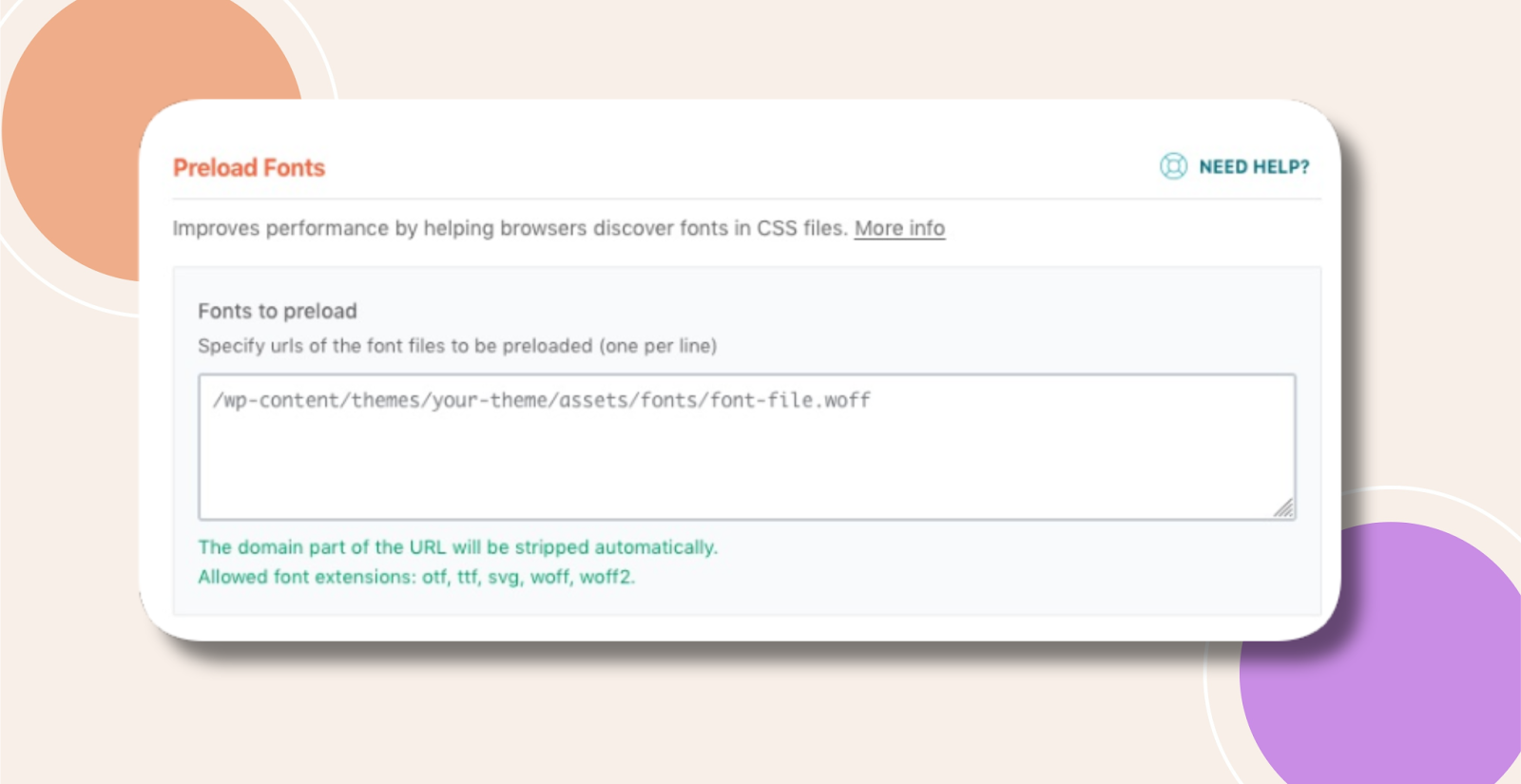
How to Use Preload Fonts
- Run a PageSpeed Insights audit (ideally bypassing WP Rocket) to identify missing font preloads under “Opportunities > Preload key requests.”
- Right-click on the recommended font in PageSpeed.
- Copy the URL.
- Paste the URL into the “Fonts to Preload” field.
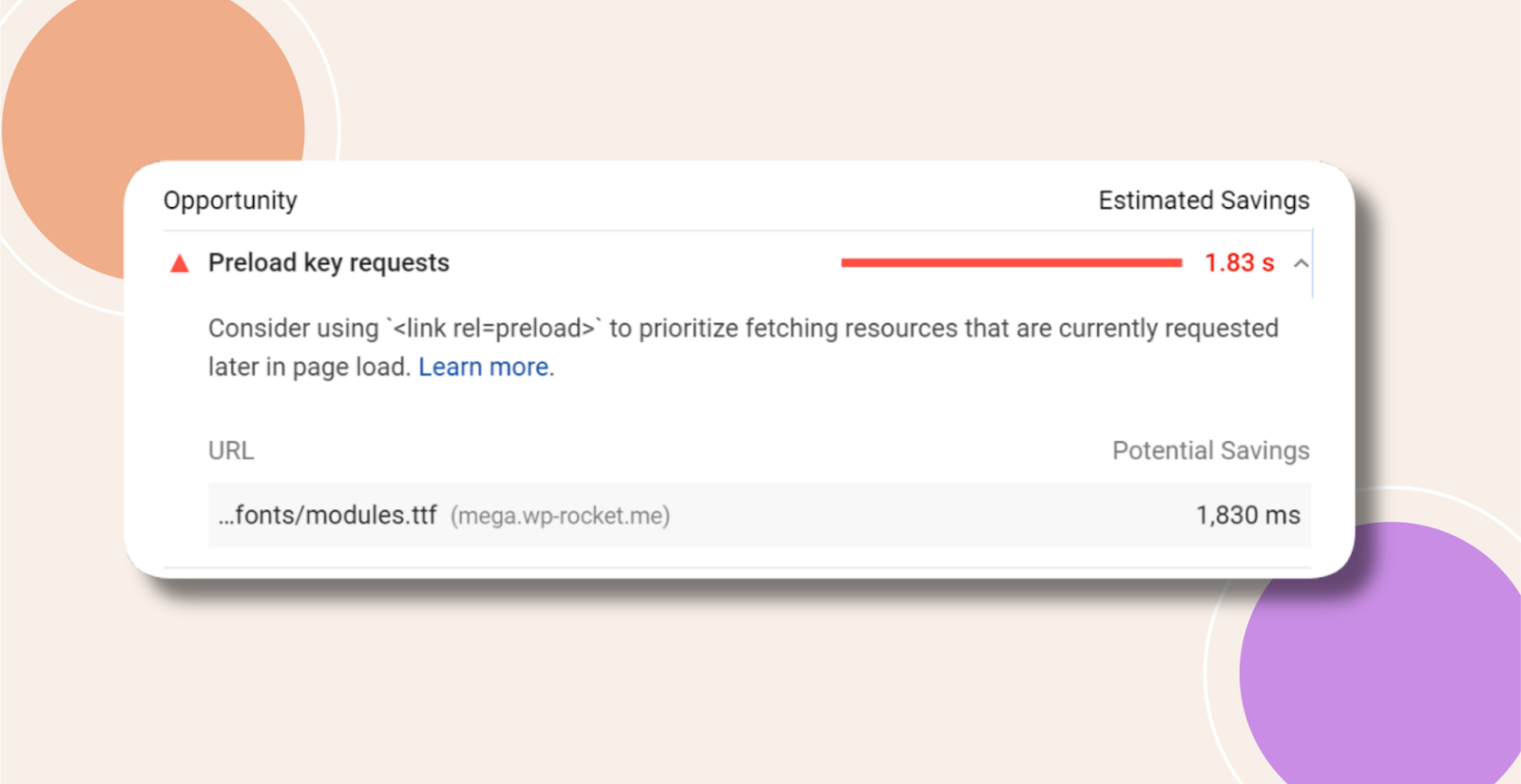
What to Consider
- The font must be hosted on your own domain or your CDN’s domain. You cannot enter externally hosted fonts like Google Fonts here – those are optimized automatically: Optimize Google Fonts
- The font URL must match exactly what PageSpeed provides.
- Bypass WP Rocket when running a PageSpeed test to discover candidates for font preloading.
Best Practices
Preload Sparingly: Only fonts that block the first paint. Preloading too many fonts or multiple formats for the same font creates network bottlenecks.
Avoid Duplicates: Preload only the modern format (e.g., .woff2), not .woff, .ttf, etc.
Remove Unused CSS Interaction: If Remove Unused CSS is enabled, WP Rocket auto-preloads fonts used in the critical CSS, disabling manual preload.
Troubleshooting and FAQs
Q: My font still loads late—what should I check?
A: Verify the URL matches exactly what PageSpeed suggests and that the font file lives on your domain or CDN, not an external host.
Q: Will preloading conflict with my CDN?
A: Only if the URL isn’t properly whitelisted. Confirm your CDN domain matches the preload URL’s hostname.