














Introduction
If the Group Types tab disappears from your BuddyBoss group settings, it’s usually because the feature has been disabled in the global group settings. This article explains how to re-enable Group Types so the tab reappears in each group’s backend.
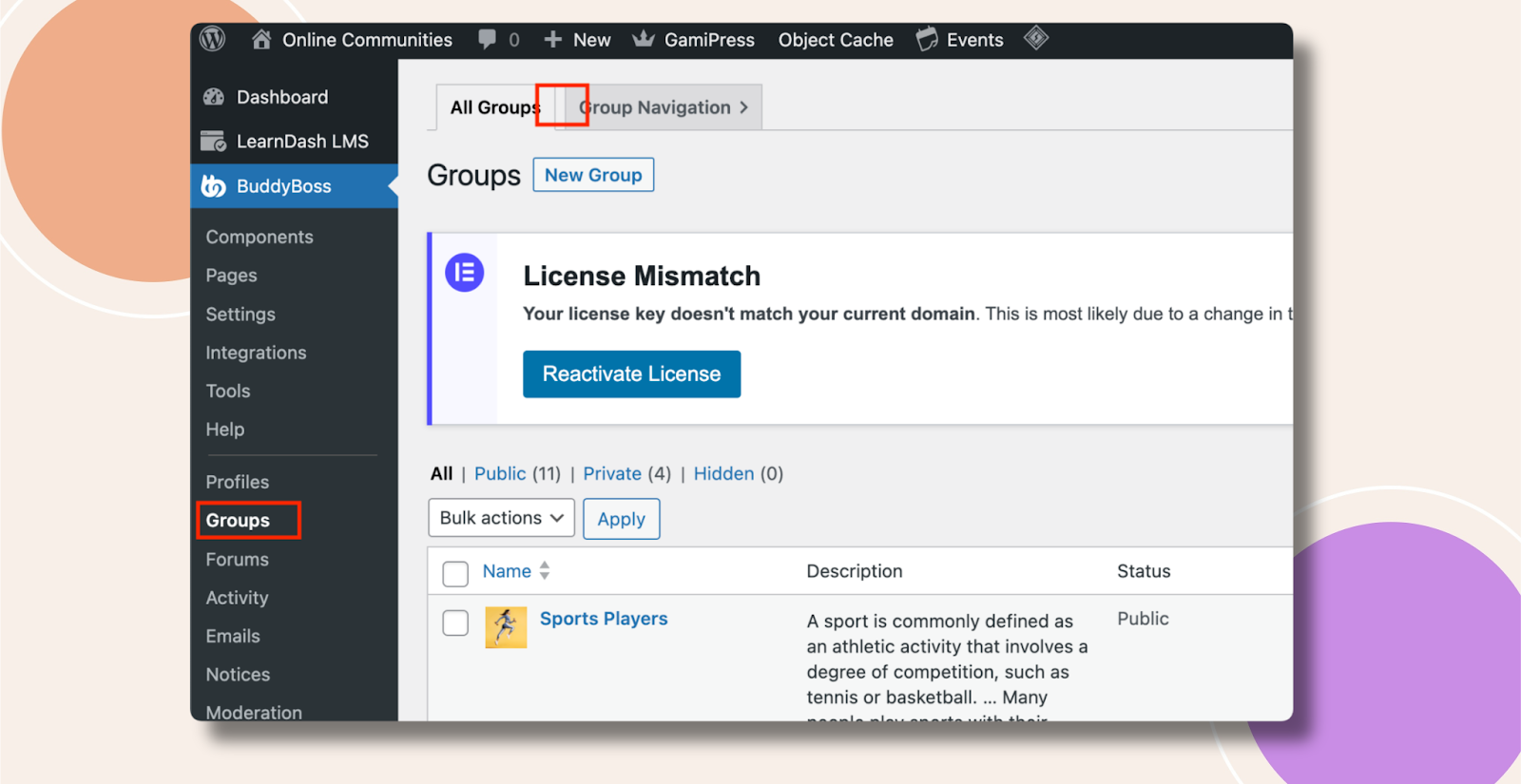
Enable Group Types in Settings
- In WordPress admin, go to BuddyBoss Dashboard > Settings > Groups.

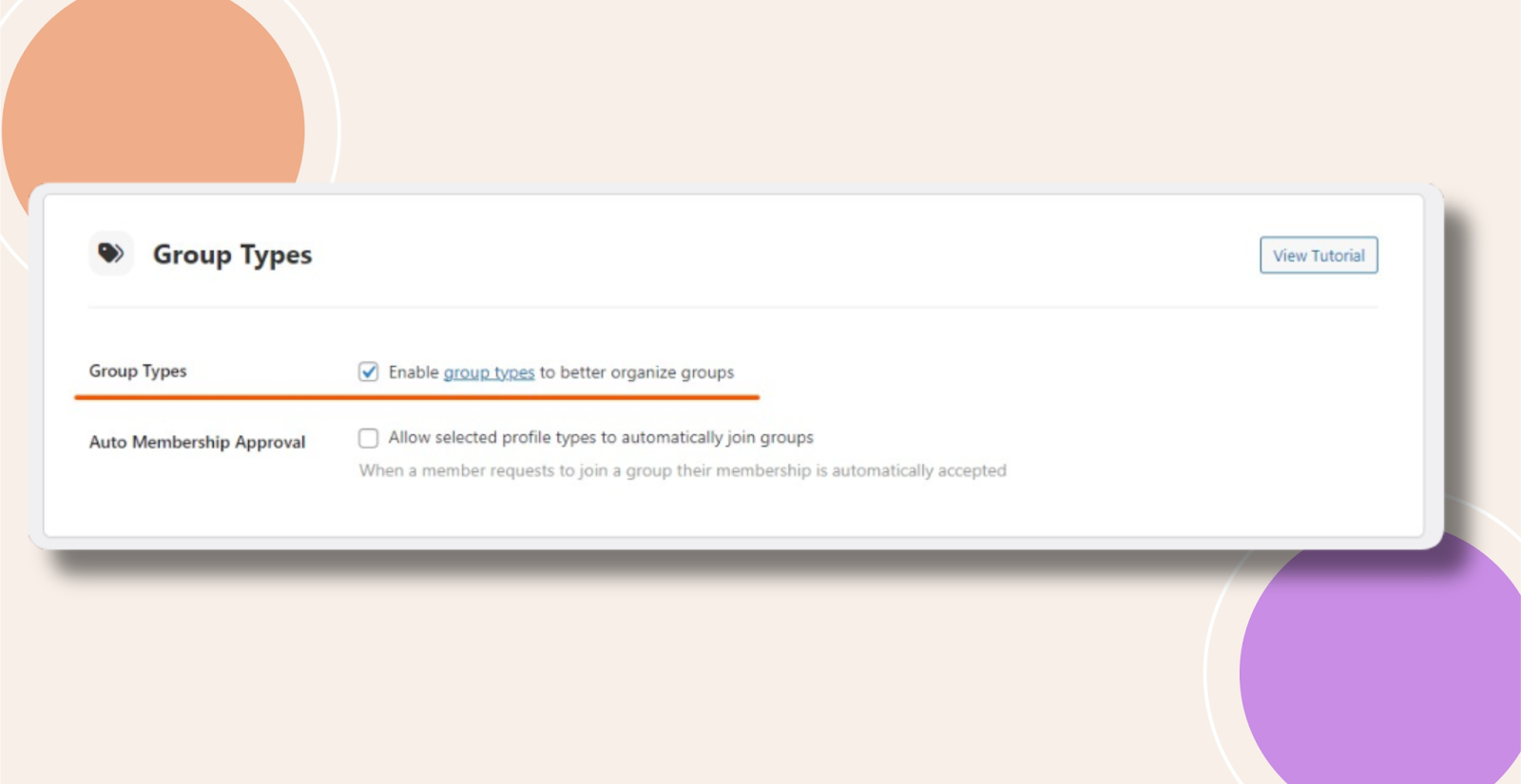
- Scroll down to the Group Types section.
- Check the box next to Enable Group Types.
- Click Save Changes at the bottom of the page.
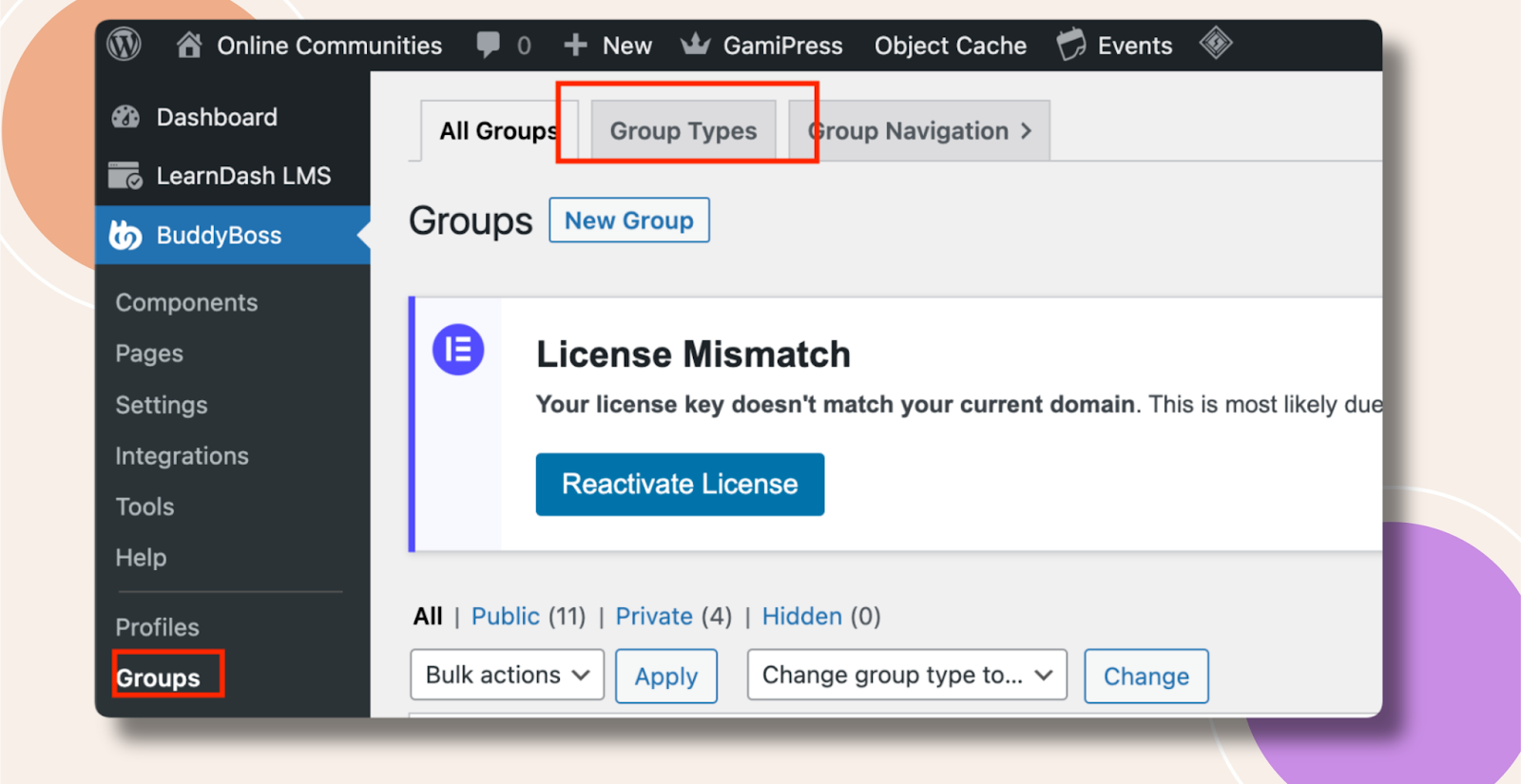
Once saved, return to any group’s edit screen— the Group Types tab should now be visible again.
Troubleshooting and FAQs
Q: Who can enable Group Types?
A: Only users with the manage_groups capability (Administrators and Group Moderators) can toggle this setting.
Q: I never saw this option—why?
A: The Group Types feature was introduced in a recent BuddyBoss update. Make sure you’ve updated to at least BuddyBoss Platform v1.9.0 (or later) to access it.
Q: How do I add or manage specific group types once enabled?
A: After enabling Group Types, go to BuddyBoss Dashboard > Groups > Group Types to add, edit, or delete custom types for classification.