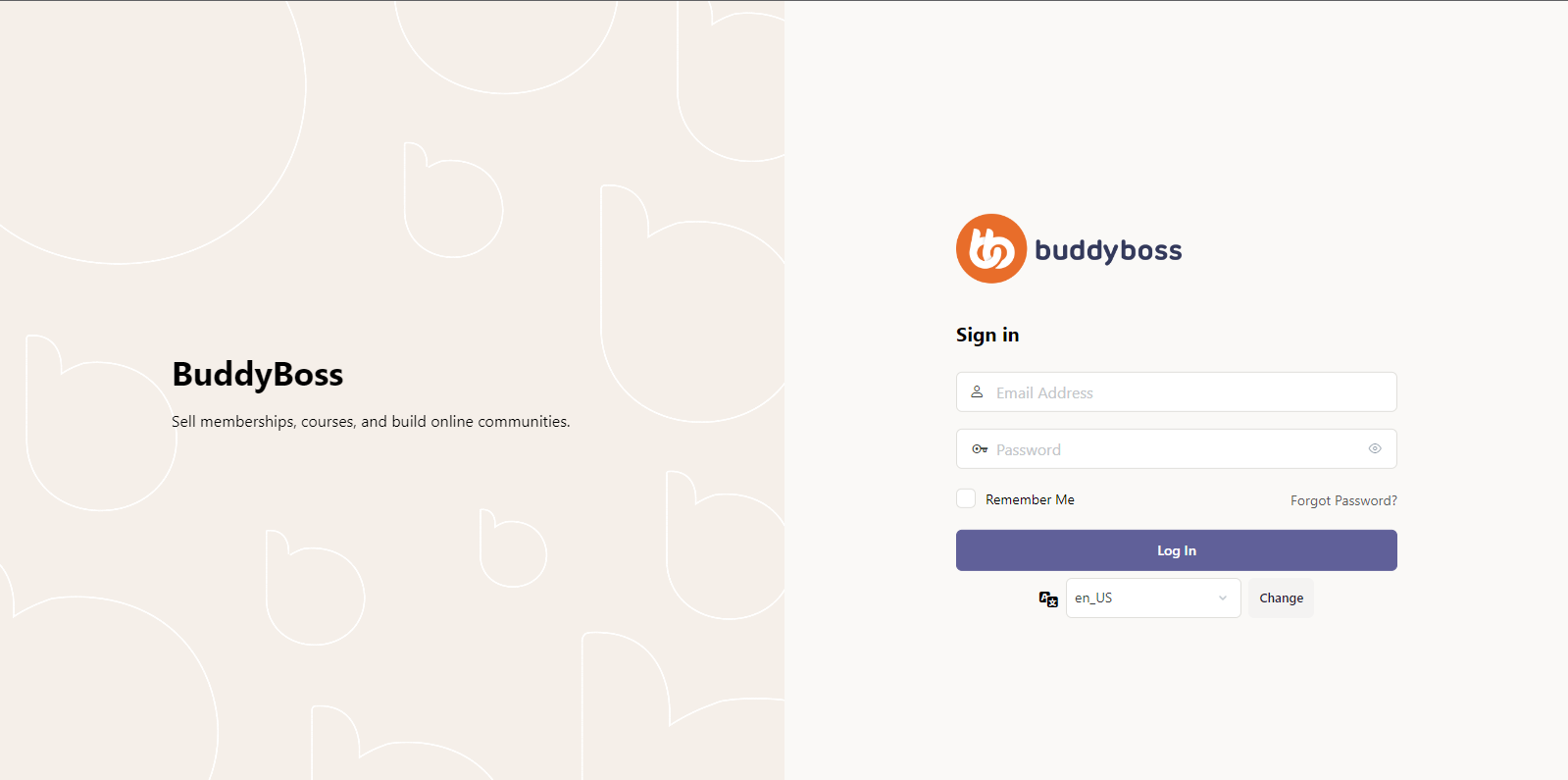
Introduction
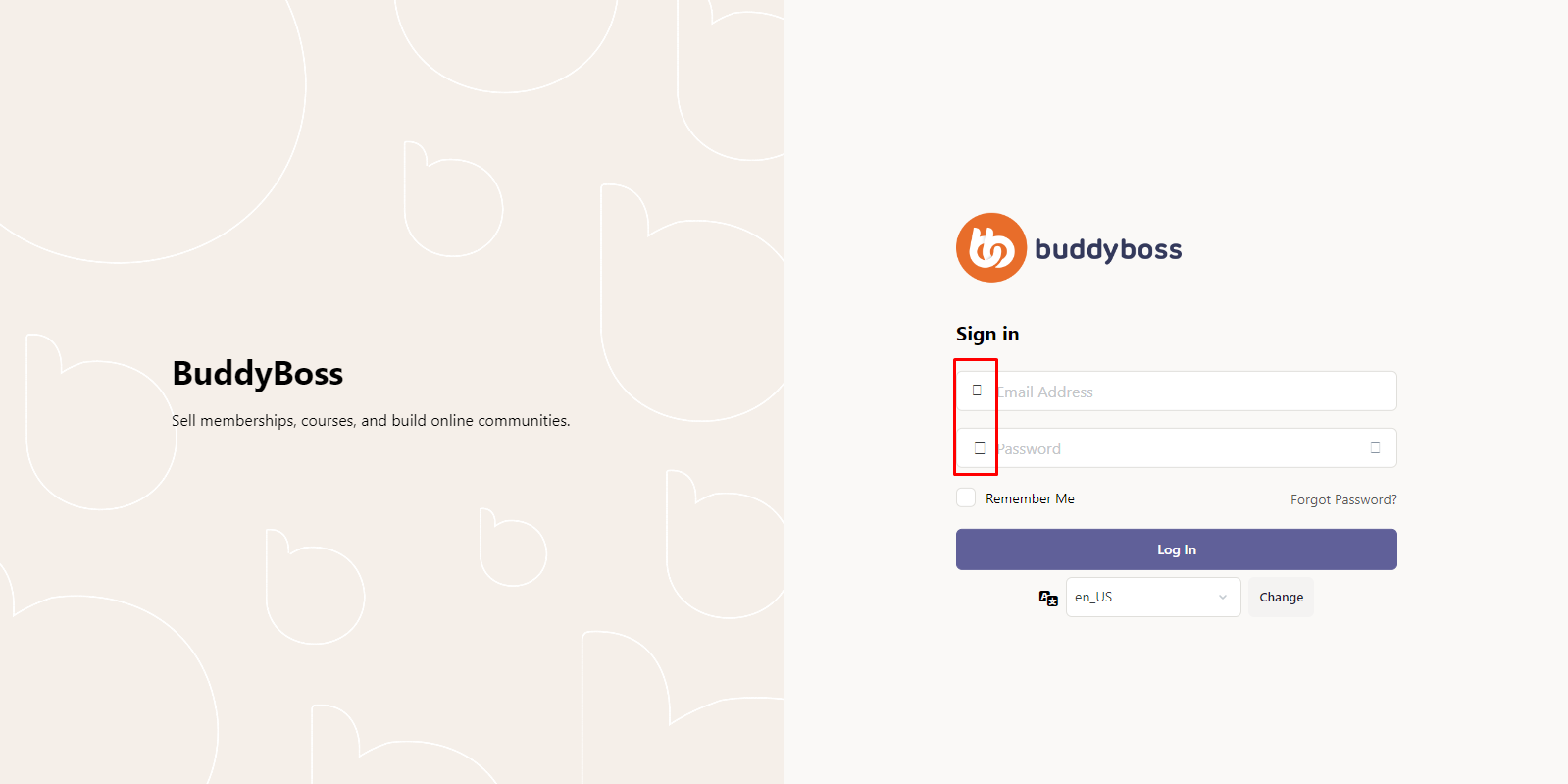
When the BuddyBoss Platform isn’t active, the icon fonts on WordPress’s login page may go missing. This is a known issue currently under development. This guide explains how to enqueue the necessary icon styles via a small code snippet in your theme’s functions.php as a temporary fix.
Enqueue Icon Styles on the Login Page
- In your WordPress admin, go to Appearance → Theme Editor.
- From the Select theme to edit dropdown, choose your active theme (e.g., your BuddyBoss child theme), then click Select.
- In the Theme Files list, click Theme Functions (functions.php).
- Scroll to the bottom of functions.php and paste the following just before any closing ?> tag (or at the end if no closing tag is present):
- Click Update File to apply the fix.
add_action( 'login_enqueue_scripts', function() {
    // Determine if minified CSS should be used.
    $mincss = buddyboss_theme_get_option( 'boss_minified_css' ) ? '.min' : '';


    // Don't enqueue icons if BuddyBoss Platform 1.4.0 or higher is activated.
    if (
        ! function_exists( 'buddypress' ) ||
        ( function_exists( 'buddypress' ) &&
          defined( 'BP_PLATFORM_VERSION' ) &&
          version_compare( BP_PLATFORM_VERSION, '1.4.0', '<' ) )
    ) {
        wp_enqueue_style(
            'buddyboss-theme-icons-map',
            get_template_directory_uri() . '/assets/css/icons-map' . $mincss . '.css',
            [],
            buddyboss_theme()->version()
        );


        wp_enqueue_style(
            'buddyboss-theme-icons',
            get_template_directory_uri() . '/assets/icons/css/bb-icons' . $mincss . '.css',
            [],
            buddyboss_theme()->version()
        );
    }
}, 20 );
Troubleshooting and FAQs
Q: I still don’t see icons after adding the code—what should I check?
A:
- Ensure you edited the active theme’s functions.php (not the parent if you’re on a child theme).
- Clear any caching plugins or your browser cache, then reload the login page.
Q: My theme’s functions.php has no closing ?> tag—where do I paste the snippet?
A: Simply add the code at the very end of the file. Modern PHP files don’t require a closing tag.
Q: Will this fix break after BuddyBoss Platform is updated?
A: No. The code only runs when BuddyBoss Platform is inactive or below version 1.4.0. Once you update to a version that fixes the issue, the condition prevents duplicate enqueues.
Q: I encountered a PHP error after saving—how can I revert?
A: Access your site via FTP or your host’s file manager and restore functions.php from your backup, then reapply the snippet carefully to avoid syntax errors.
Q: Does this impact performance?
A: Minimal. The styles load only on the login page and only when the BuddyBoss Platform’s built-in icon enqueue isn’t available.
Before the code:
After the code: