
Last updated: Mar 12, 2026 • ~5 min read
Competitions allow you to reward members for completing specific actions within your community. You can assign points, award achievements, unlock content, and run time-limited events. Competitions work especially well for communities using groups, activity feeds, media uploads, and LearnDash LMS. This manual walks you through creating and configuring a competition.
Creating a Competition
Navigate to your WordPress Dashboard, go to BuddyBoss > Settings > BuddyBoss Gamification > Competitions.
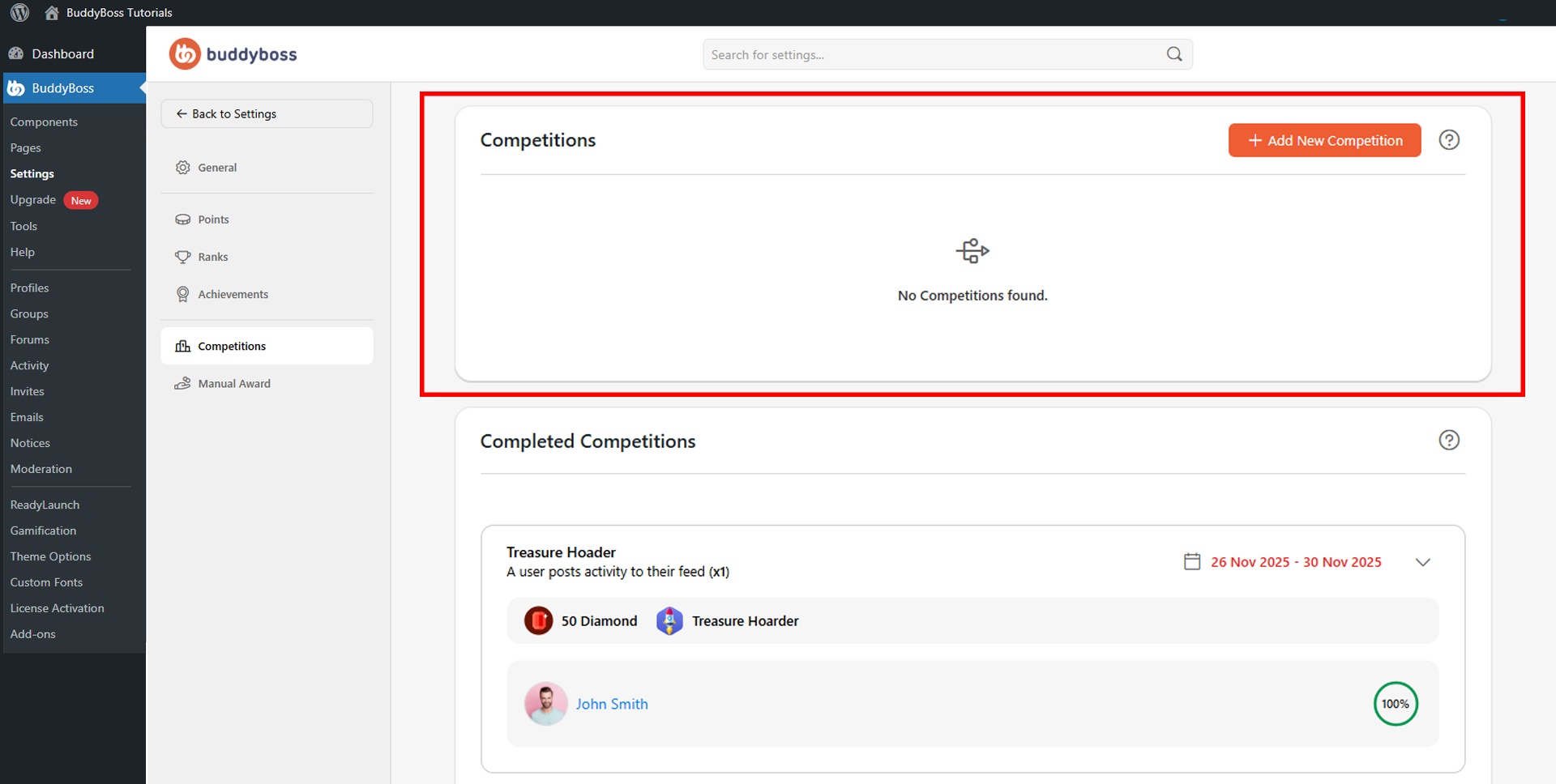
Click Add New Competition. Configure the fields in the popup and click Save when done.
- Competition Name: The title used to identify the competition in the Dashboard (e.g., Reward Rally, Weekly Engagement Challenge).
- User Action: The member activity that triggers the competition. Use the Search action field to find a specific trigger. Options span general login behavior, groups, activity feeds, connections, messaging, profiles, forums, moderation, media uploads, album actions, BuddyBoss Courses, BuddyBoss Membership and LearnDash LMS events. Set
- Number of Actions Required to specify how many times the action must be completed before the competition triggers.
- Award Points: Enter the number of points to award and select the Point Type (e.g., Crystal, Gem, Diamond) that determines where the points are stored in your configured point system.
- Award Achievement: Optionally select an achievement to grant automatically when the competition is completed, combining point and badge rewards in a single trigger.
- Unlock Content: Optionally grant access to protected content on completion. Choose from None, Unlock social group access, or Unlock LearnDash course.
- Duration: Set the Start Date, End Date, Start Time, and End Time for time-limited competitions. The current WordPress timezone is displayed on the page for scheduling reference.
© 2026 BuddyBoss LLC. All Rights Reserved. | buddyboss.com