














Introduction
The BuddyPanel is the collapsible sidebar your members use to navigate your BuddyBoss site. By default it shows text links only, but you can easily add your logo to it for better branding and recognition.
Enable the Logo in BuddyPanel
- In your WordPress admin, go to BuddyBoss Dashboard > Theme Options > BuddyPanel.
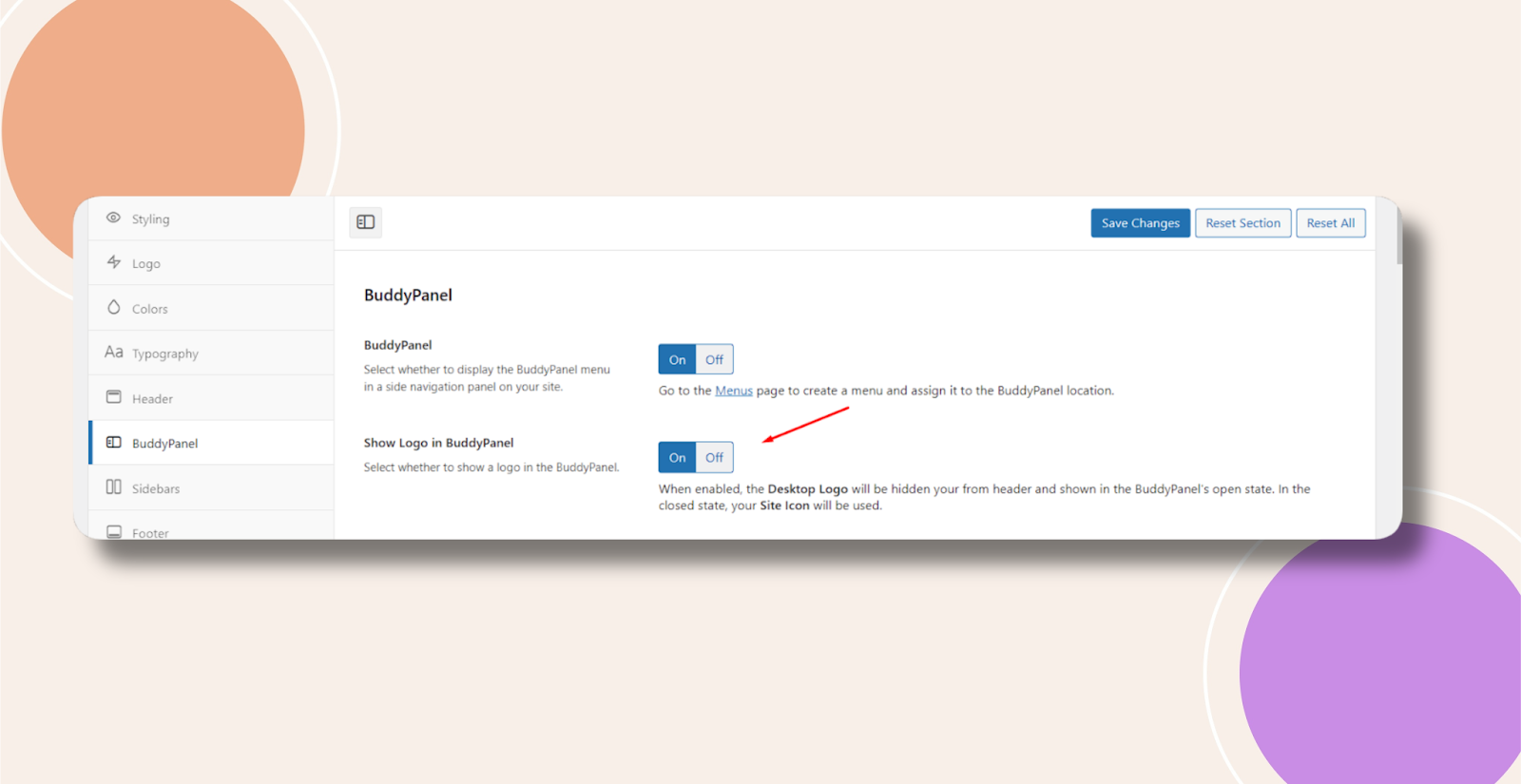
- Find the Show Logo in BuddyPanel toggle and switch it On.
- Click Save Changes at the bottom of the panel.
When enabled, your site’s custom logo (as set under Appearance > Customize > Site Identity) will appear at the top of the BuddyPanel.
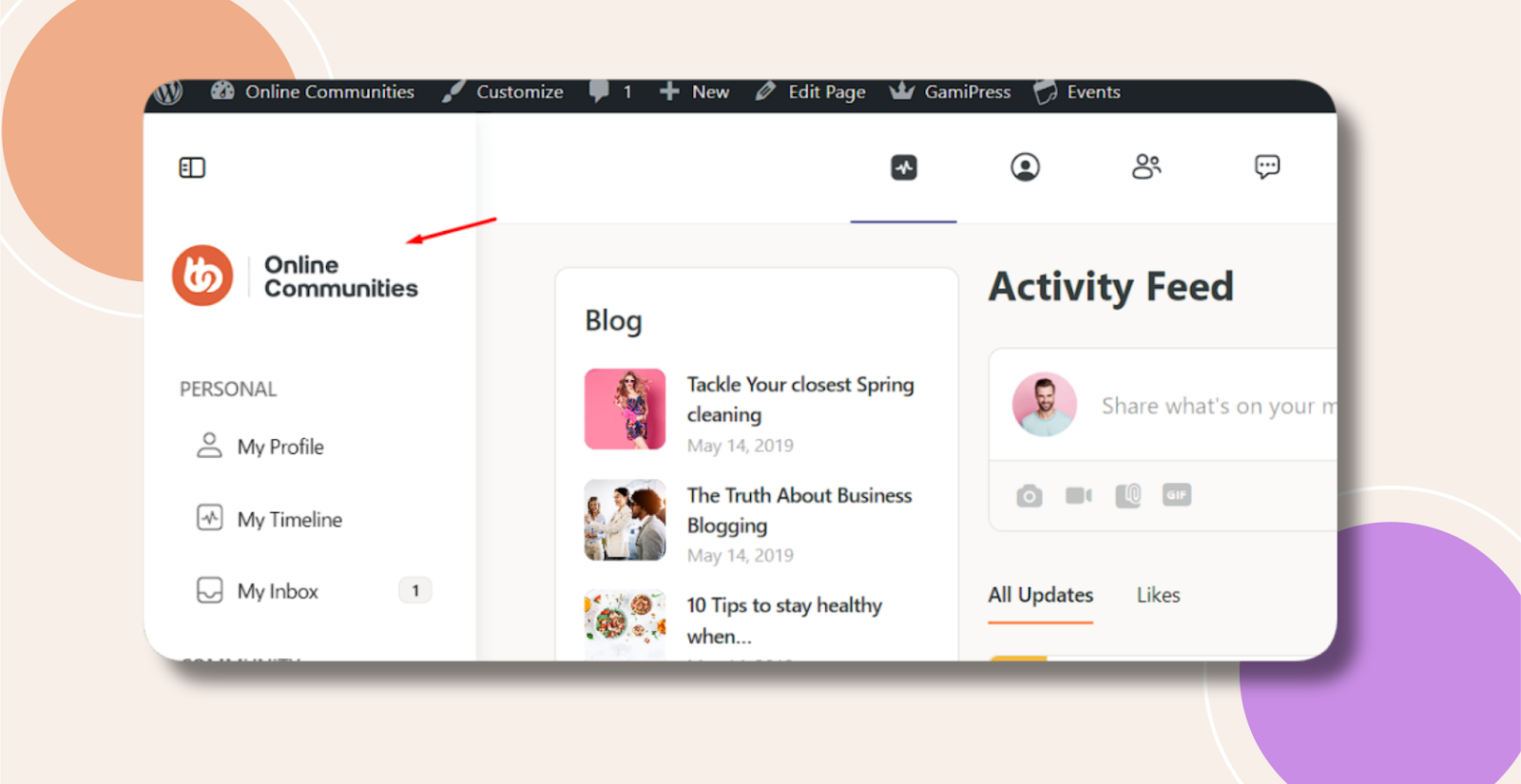
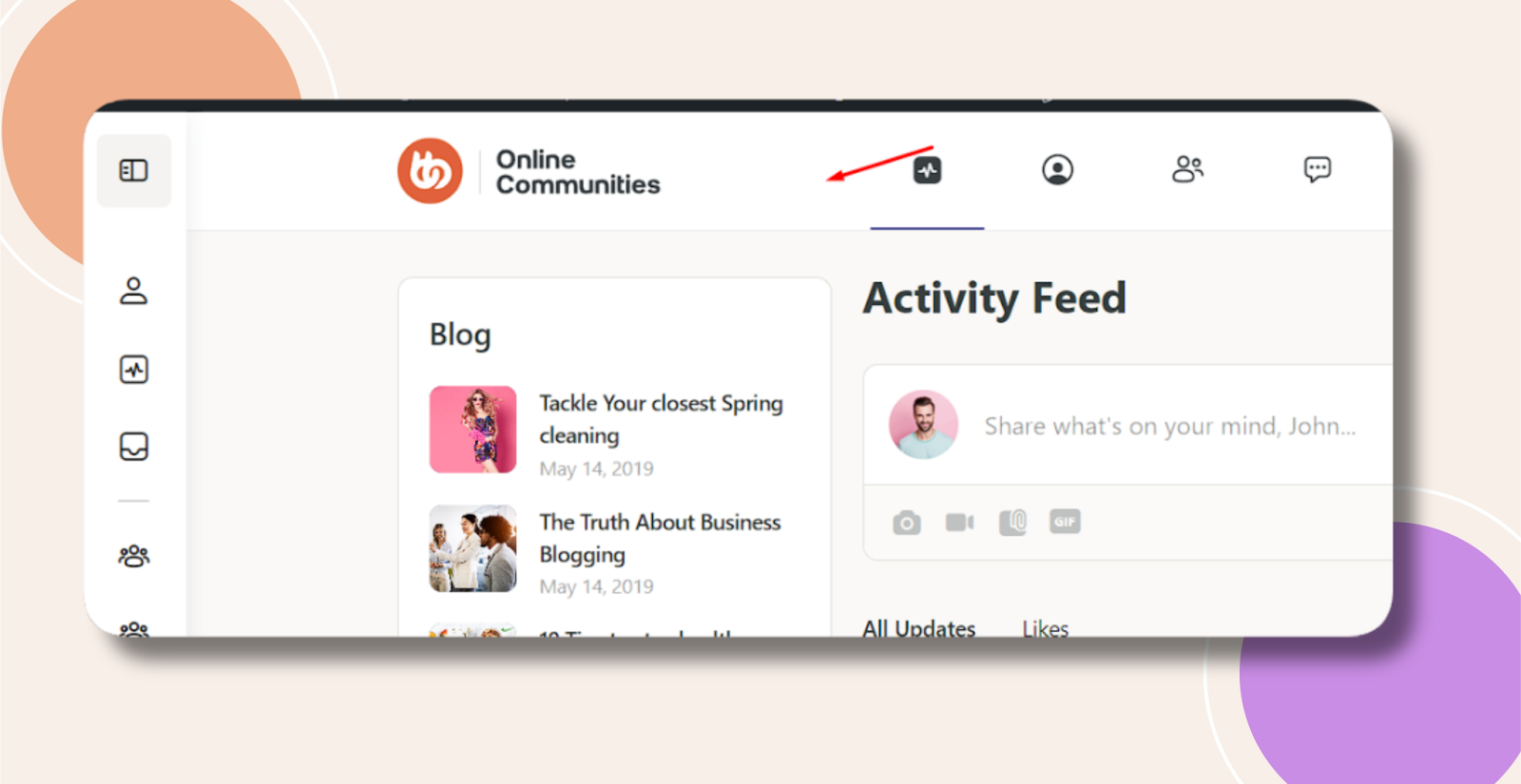
When disabled, the logo is hidden and only text links remain.
Troubleshooting and FAQs
Q: My logo doesn’t appear even after enabling the toggle—what should I check?
A: Ensure you’ve uploaded a logo under Appearance > Customize > Site Identity, then clear any site or browser cache before reloading.
Q: I only want to show the logo on certain user roles—can I do that?
A: Not via the Theme Options toggle. You’d need a small PHP snippet in your child theme to conditionally load the logo based on current_user_can() capabilities.
Q: Does this affect the mobile layout?
A: No. The logo will automatically scale within the mobile BuddyPanel as long as your CSS allows for a fluid width.
Q: Who can I contact for further assistance?
A: Submit a support ticket via your BuddyBoss account dashboard for personalized help.