














Member Blogging
Let members publish real blog posts on your site
A real editor on the front of your site, approval before anything goes live, and a directory the community can browse. Nobody ever sees the WordPress admin.

— write —
A block editor built into the community
— New Blog Post
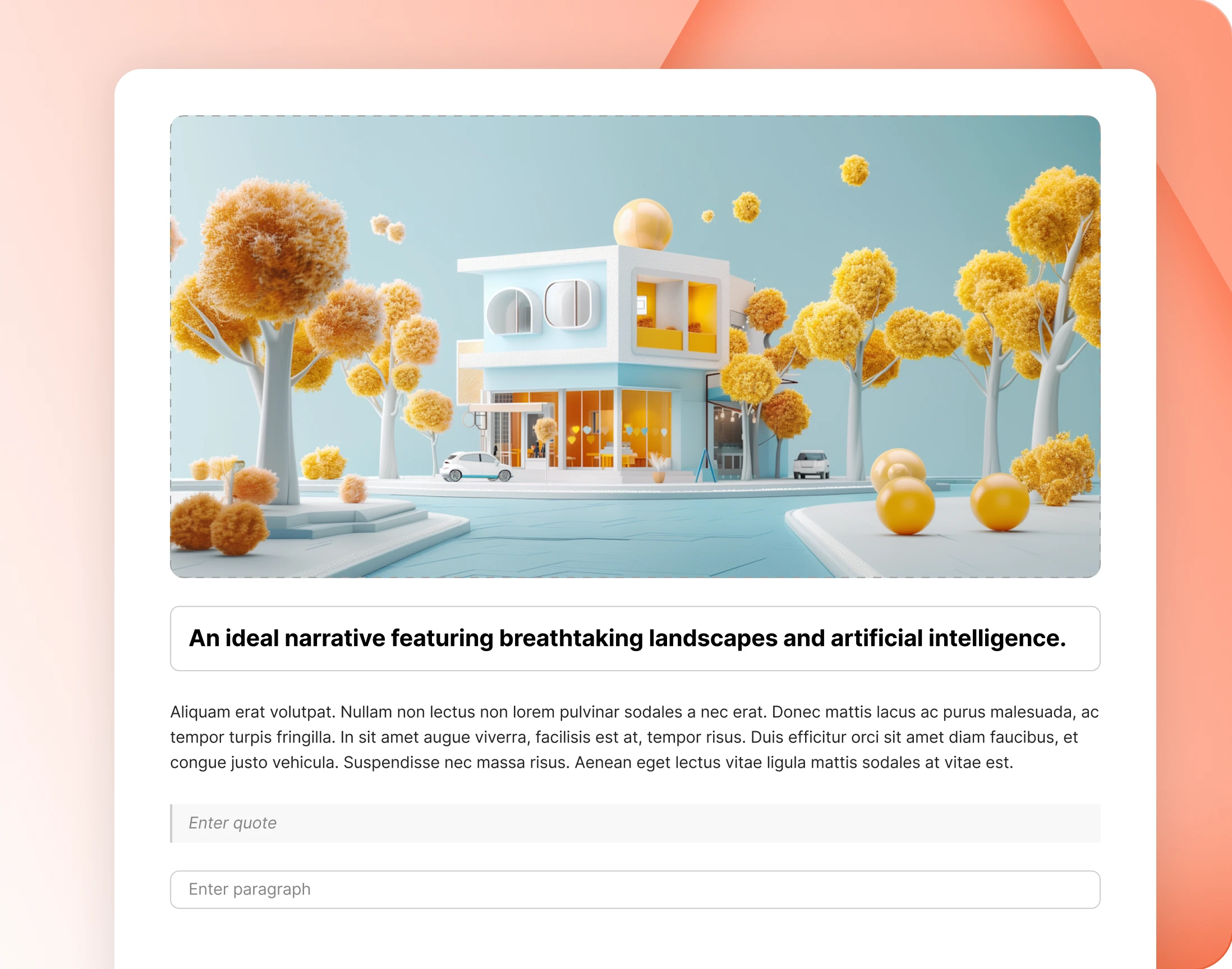
A full create screen on the front end
Members write where they already are. Drop in a feature image, add a title, and start typing, with none of the WordPress admin showing through at any point.
— Add Block
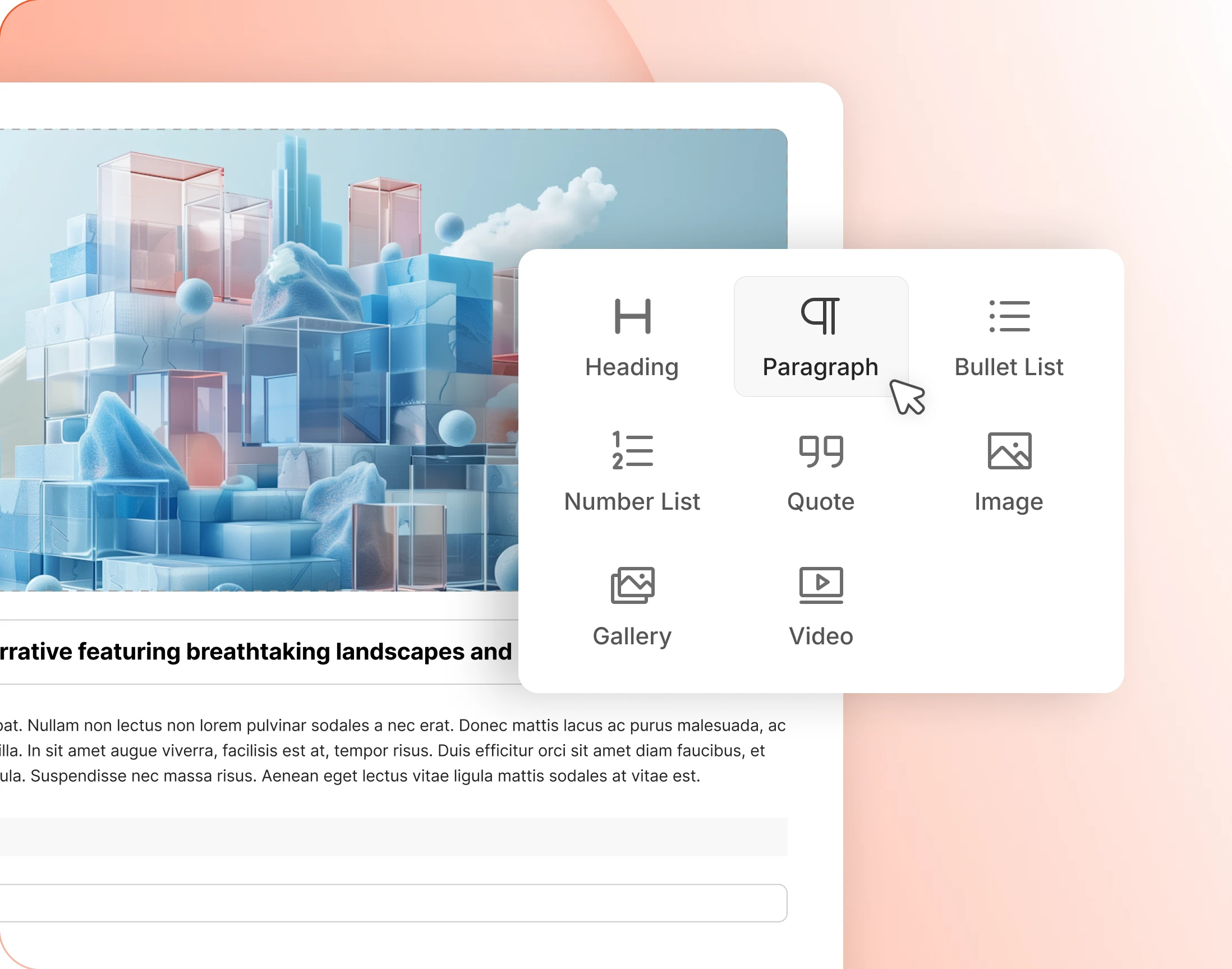
Build the post block by block
Headings, lists, quotes, images, galleries and video, added a block at a time. It is the WordPress editor members already recognise, without the admin around it.
— Auto Save
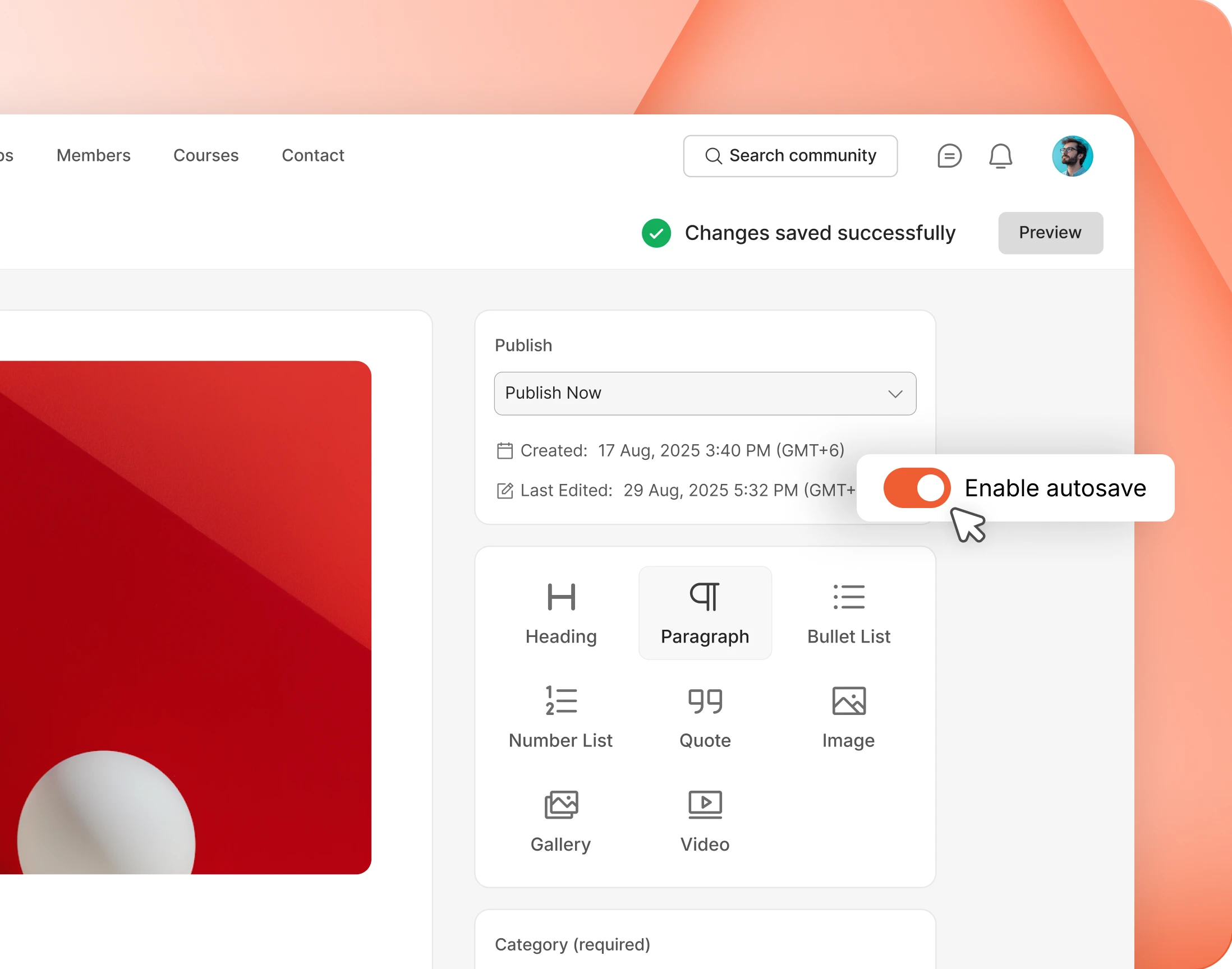
Drafts save themselves while members write
A post saves itself as it is written. A closed tab or a dropped connection costs a sentence, not an afternoon, which is the difference between a writer returning and not.
— publish —
Approval, scheduling, and where a post lands
— Submit For Approval
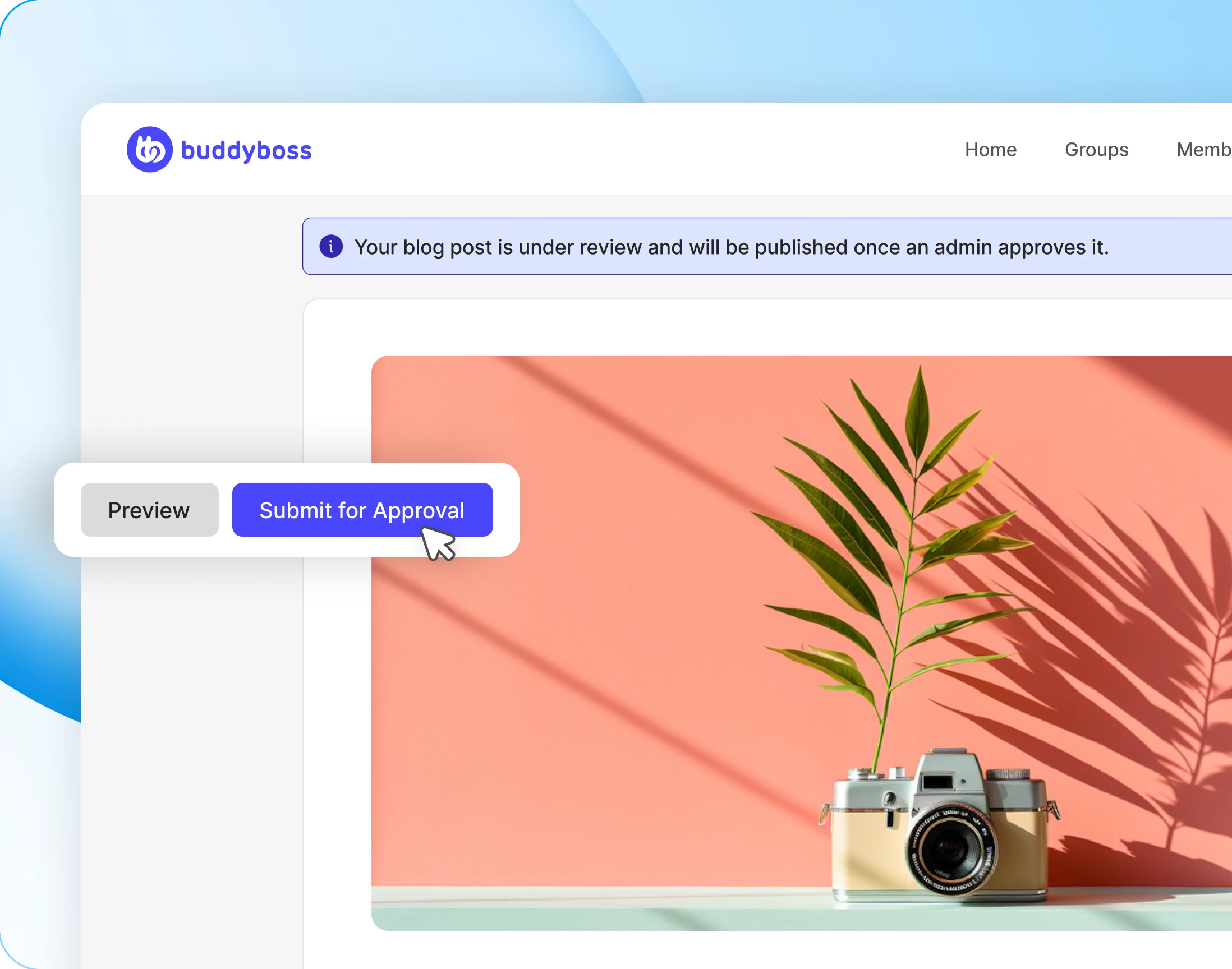
Writers always know where their post stands
A submitted post says it is under review, and says so again when it goes live. Nobody has to email an admin to ask what happened to their piece.
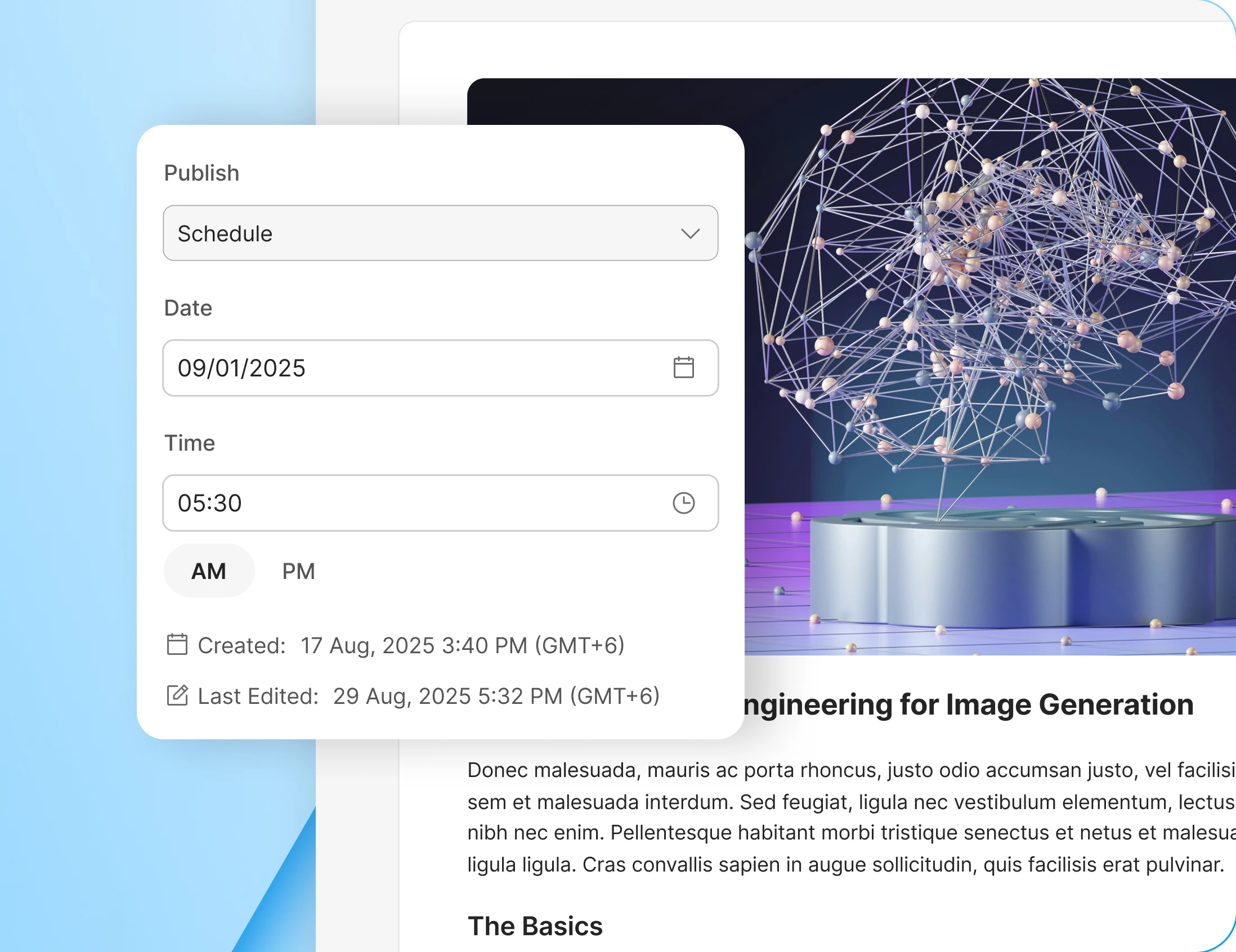
— Schedule
Publish now, or pick a date and time
Members write when they have time and publish when the community is actually reading. A scheduled post goes out on its own, with nobody logging in to press the button.

— My Blogs
Every post a member wrote, in one tab
A Blogs tab on the profile lists everything a member has written, with its status beside it: published, in review, or still a draft. Edit or delete from the same row.
— Activity Post
New posts surface in the activity feed
A published post lands in the feed as a card, with its image and excerpt, and takes reactions and comments like anything else. Writing gets read instead of buried.

Wondering how it compares?
See BuddyBoss next to Mighty Networks, Kajabi, Teachable, Thinkific and BuddyPress, feature by feature.
— read—
A directory the community actually browses
— Blog Directory
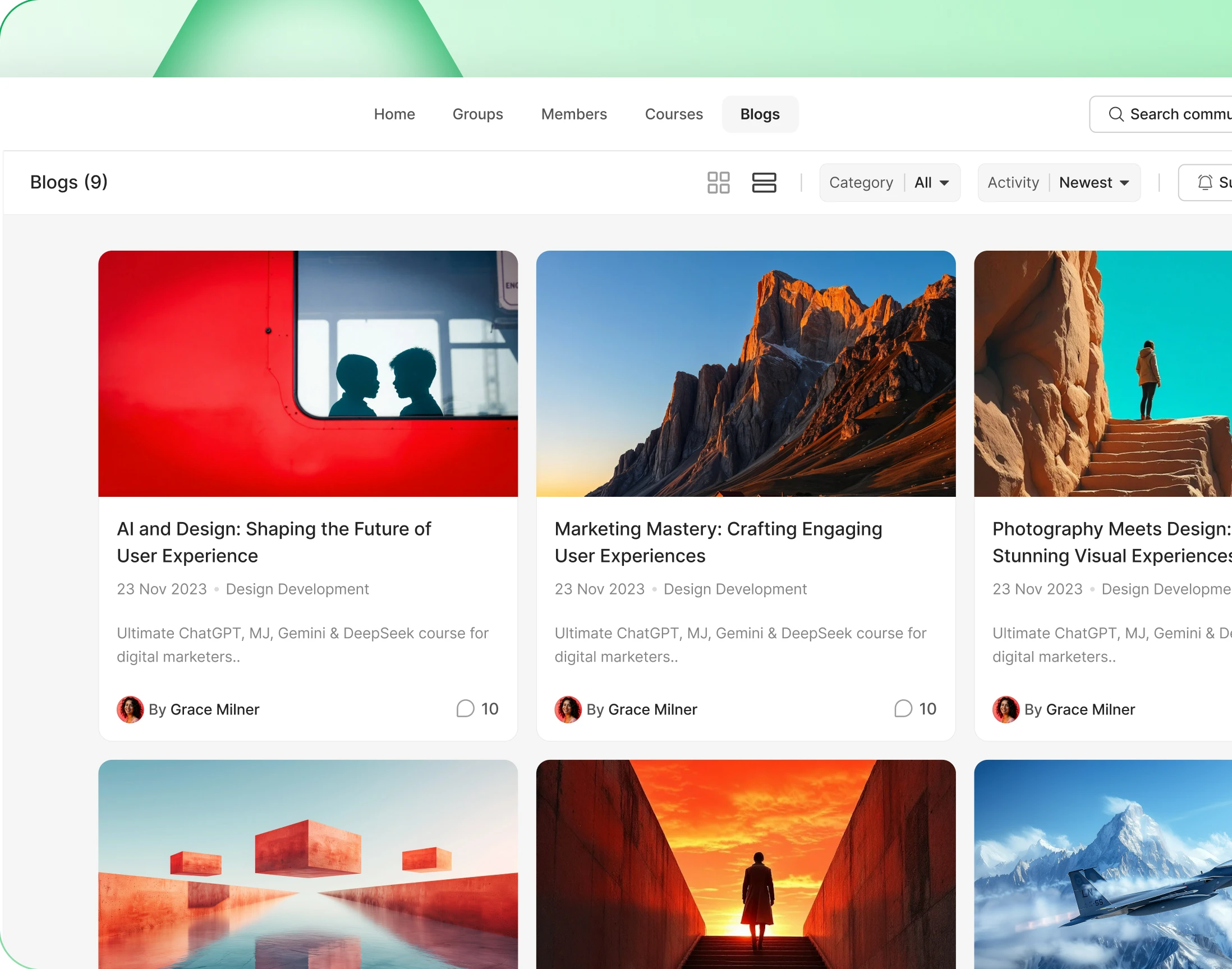
One directory for everything the community writes
Everything members write collects in one place, filtered by category and sorted how the reader likes. They can subscribe, so new writing finds them rather than the other way round.
— Directory Layout
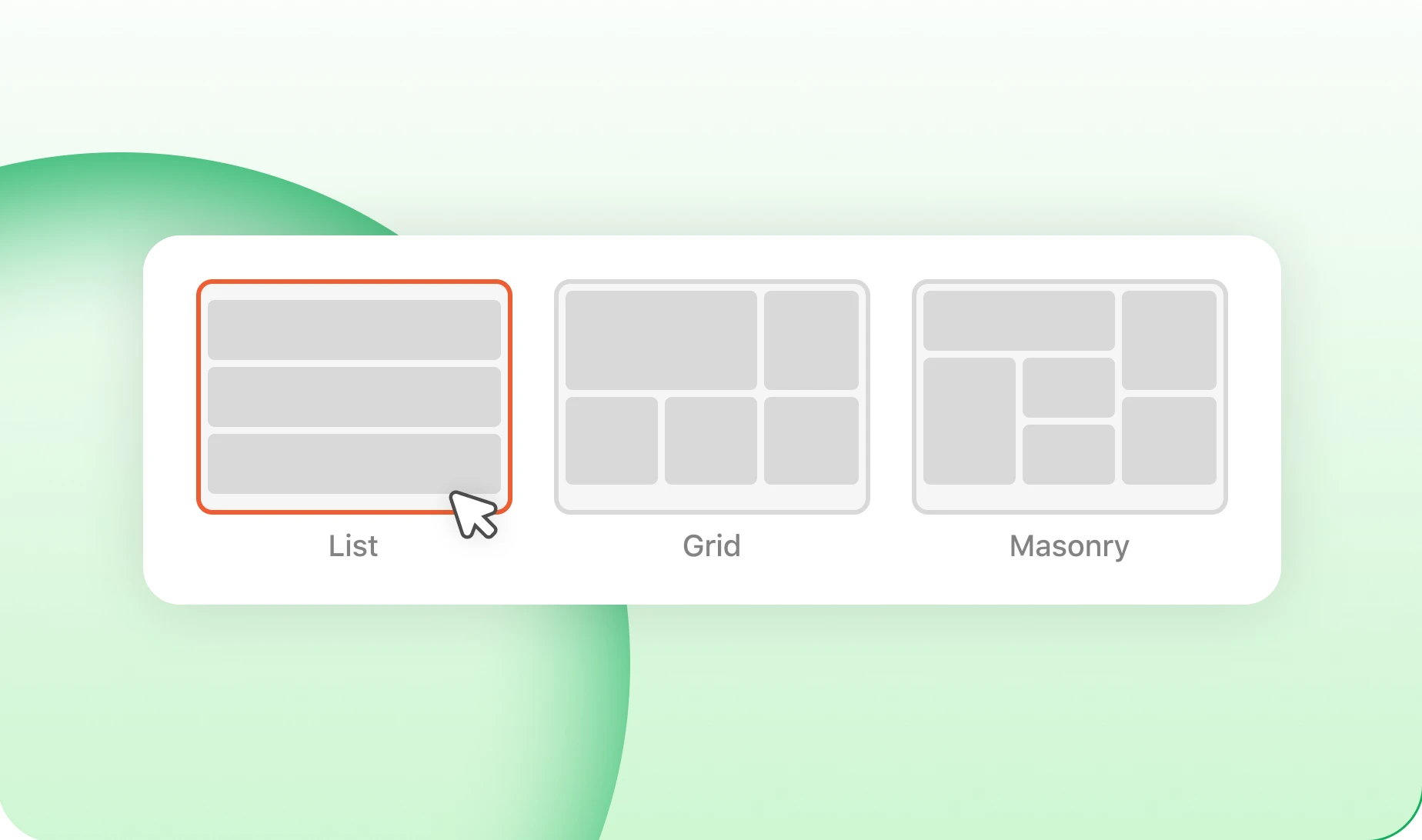
Choose how blog directories and archives look
Run the directory as a grid of cards or a list of headlines, and set the archives to match. A photo-led community and a text-led one should not look the same.
— Feature Image Style
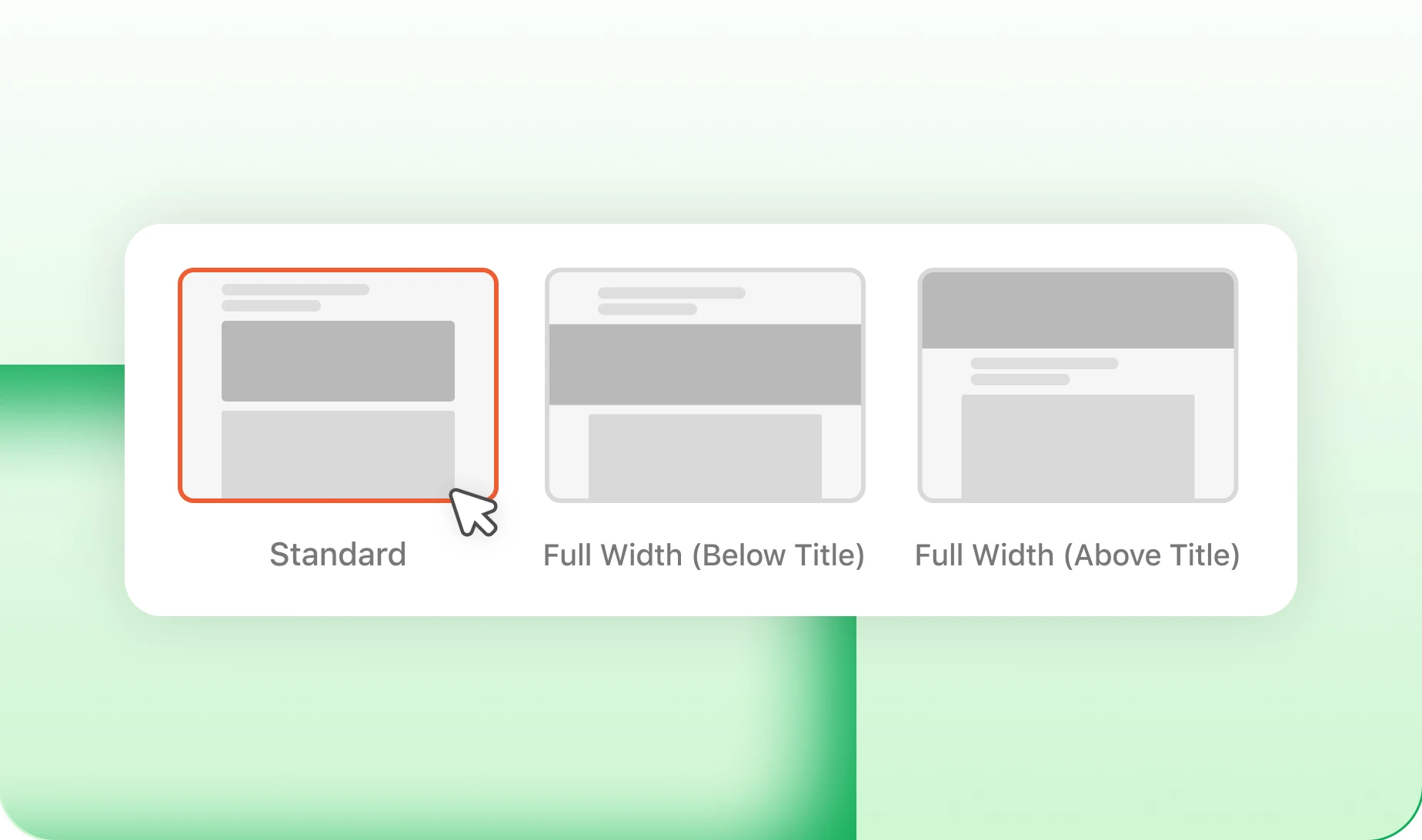
Three featured-image layouts for the post page
Lead a post with a full-width image, a contained one, or none at all. Set it once and every member’s post opens the same way, whoever wrote it.
— Social Share
Pick the share buttons that appear on posts
Choose which networks appear under a post, and leave out the ones your members never use. A good piece then travels, and brings somebody new back with it.
— Author Bio
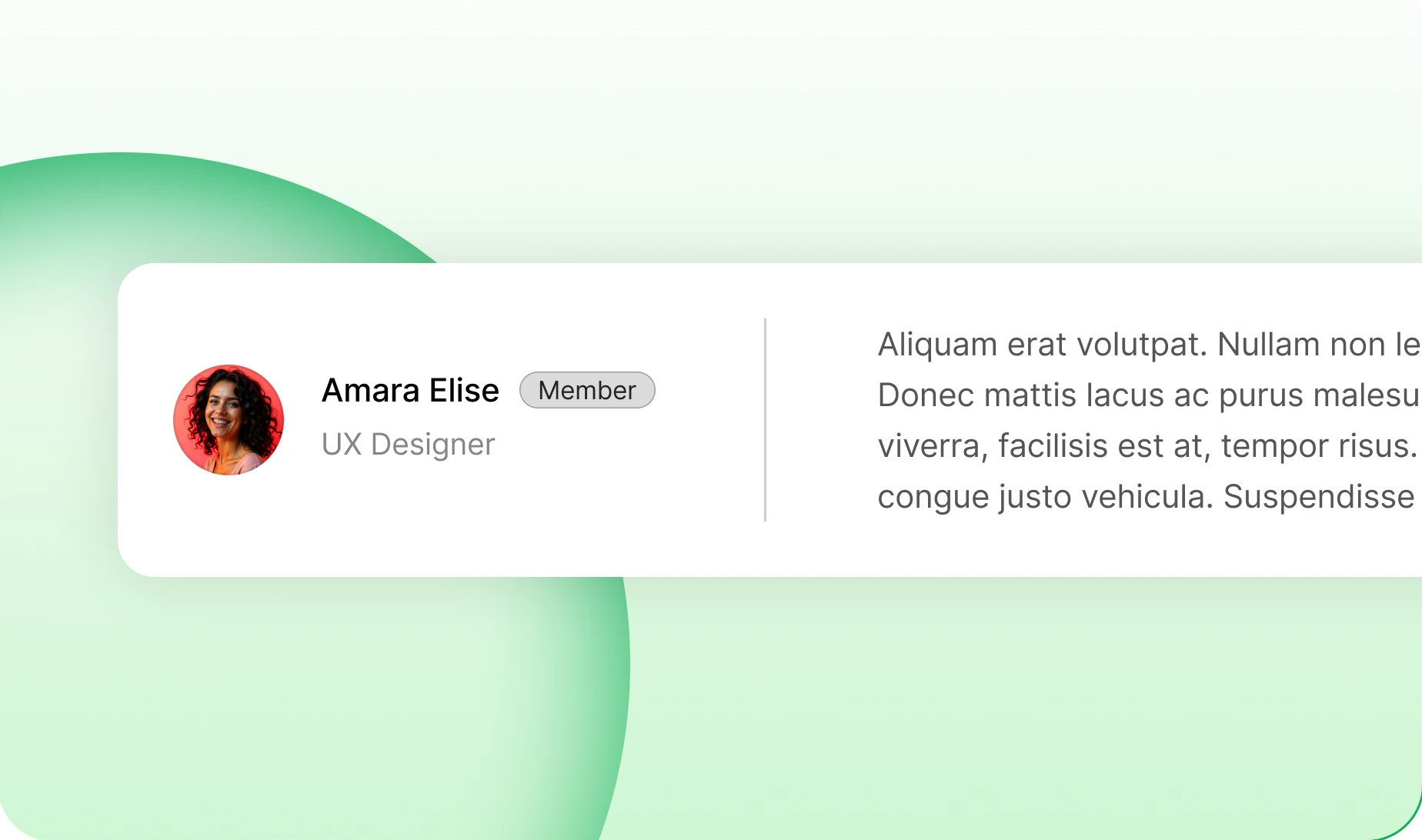
Put the writer at the end of every post
Every post ends with who wrote it and a way to reach them. A good article turns into a new connection instead of an anonymous page.
— Bookmarking
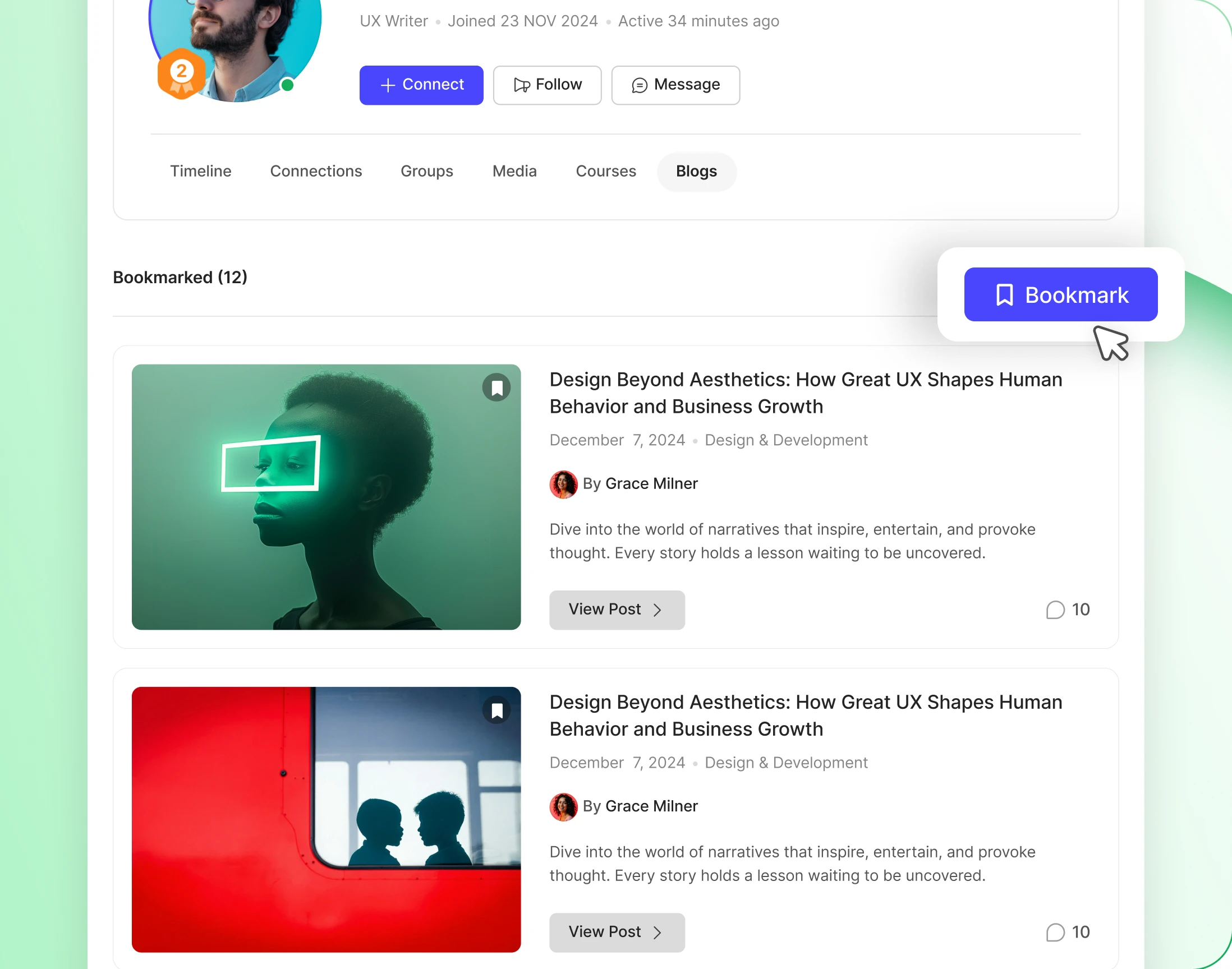
Members save posts to read later
A bookmark button on every post, and a tab on the profile holding everything saved. Members come back for the thing they meant to read, unprompted.
— control —
Who can post, and what they must fill in
— Create Blog Posts
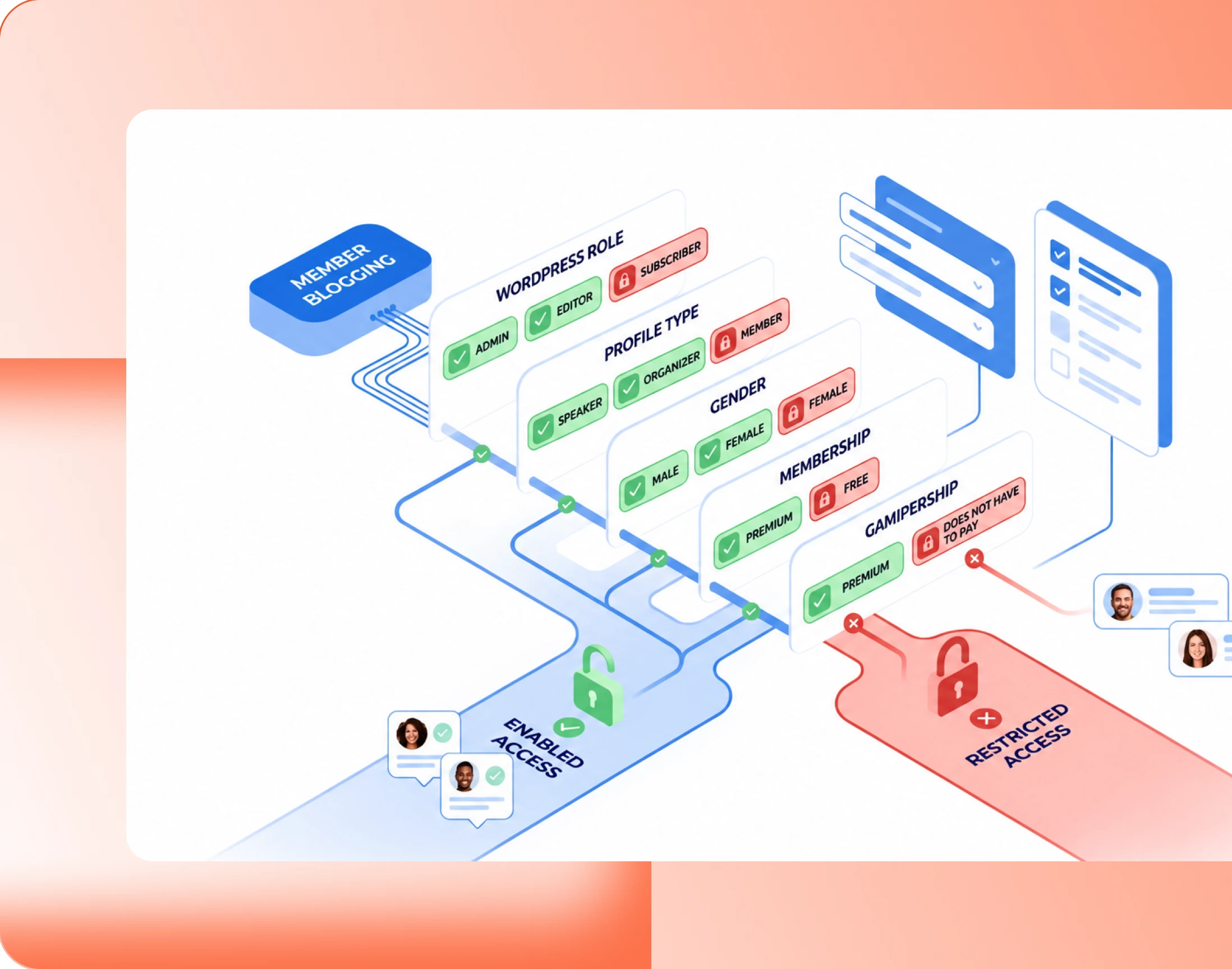
Decide which members can start a post
Not everyone should be able to publish under your name. Name exactly who can, and administrators always keep full access whatever the rule says.
- WordPress role: gate publishing on the role a member already has
- Profile type: let Organizers publish while Members read
- Gamification: unlock publishing once a member has earned it
- Gender: use the profile field where your community needs it
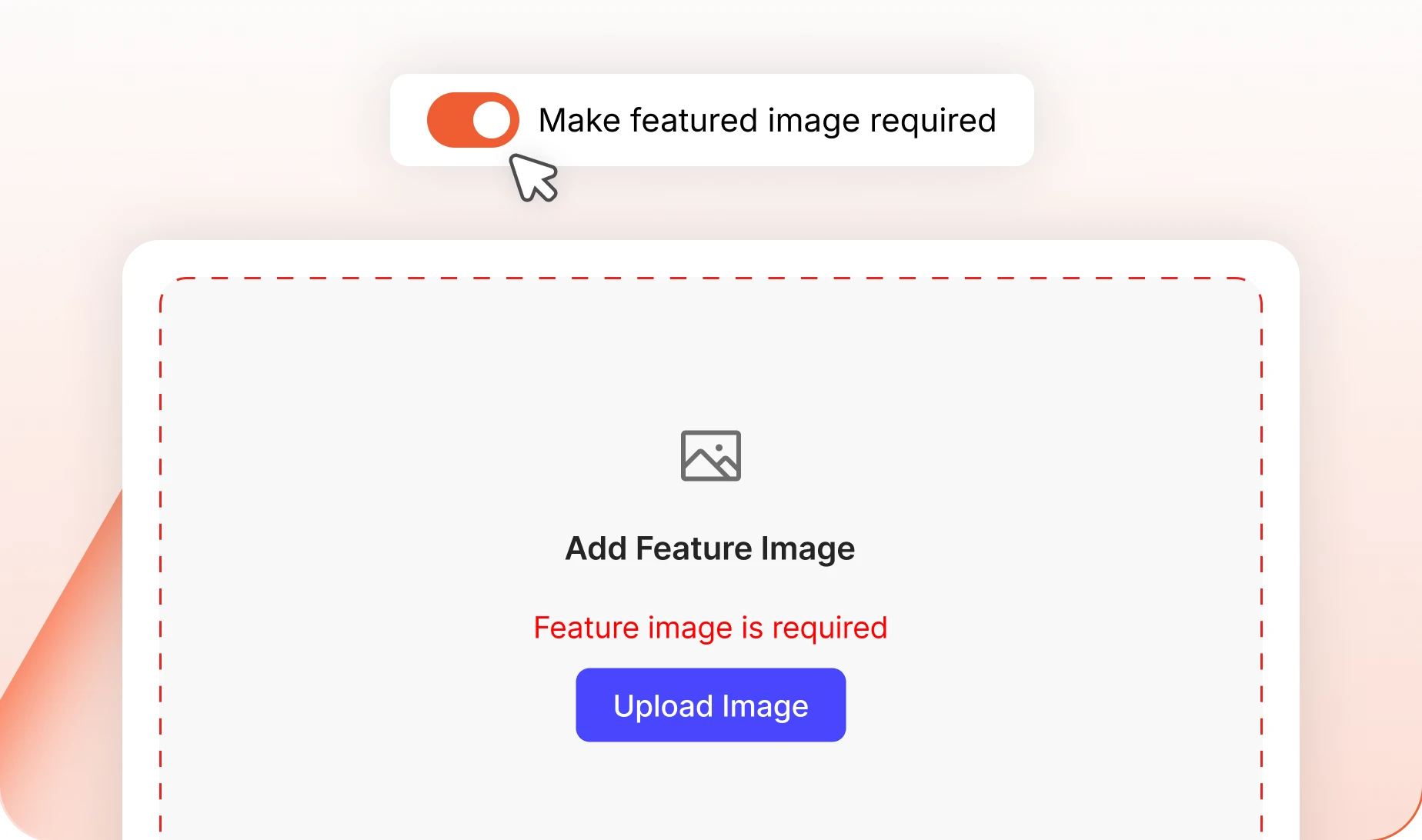
— Require Feature Image
Insist on a featured image before submission
Make a feature image compulsory and no post can be submitted without one. The directory stays a wall of pictures rather than a wall of grey boxes.
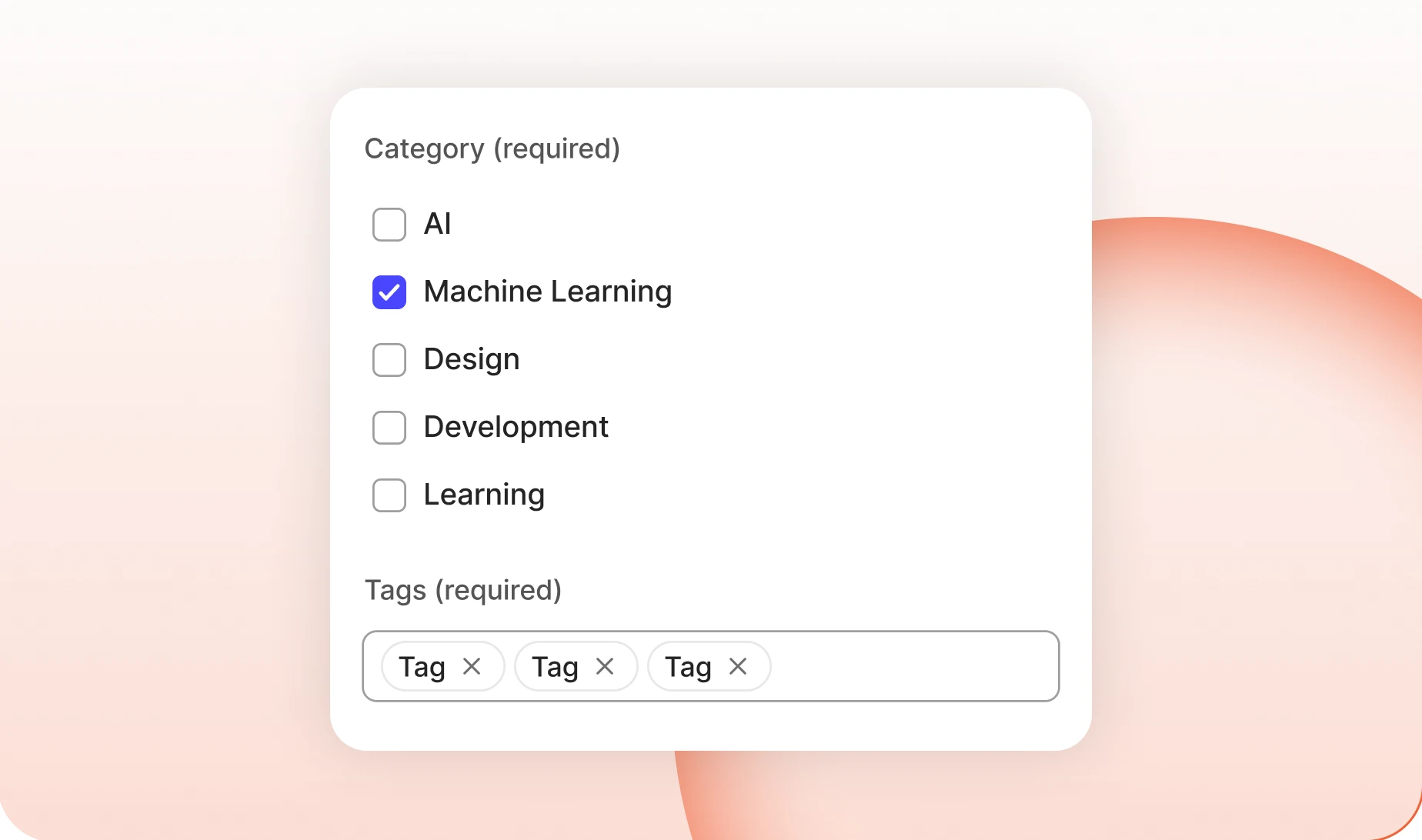
— Tags & Categories
Control how member posts get filed
Let members pick from the categories you created, or let them invent their own tags. One keeps the directory tidy, the other keeps it honest about what people write.
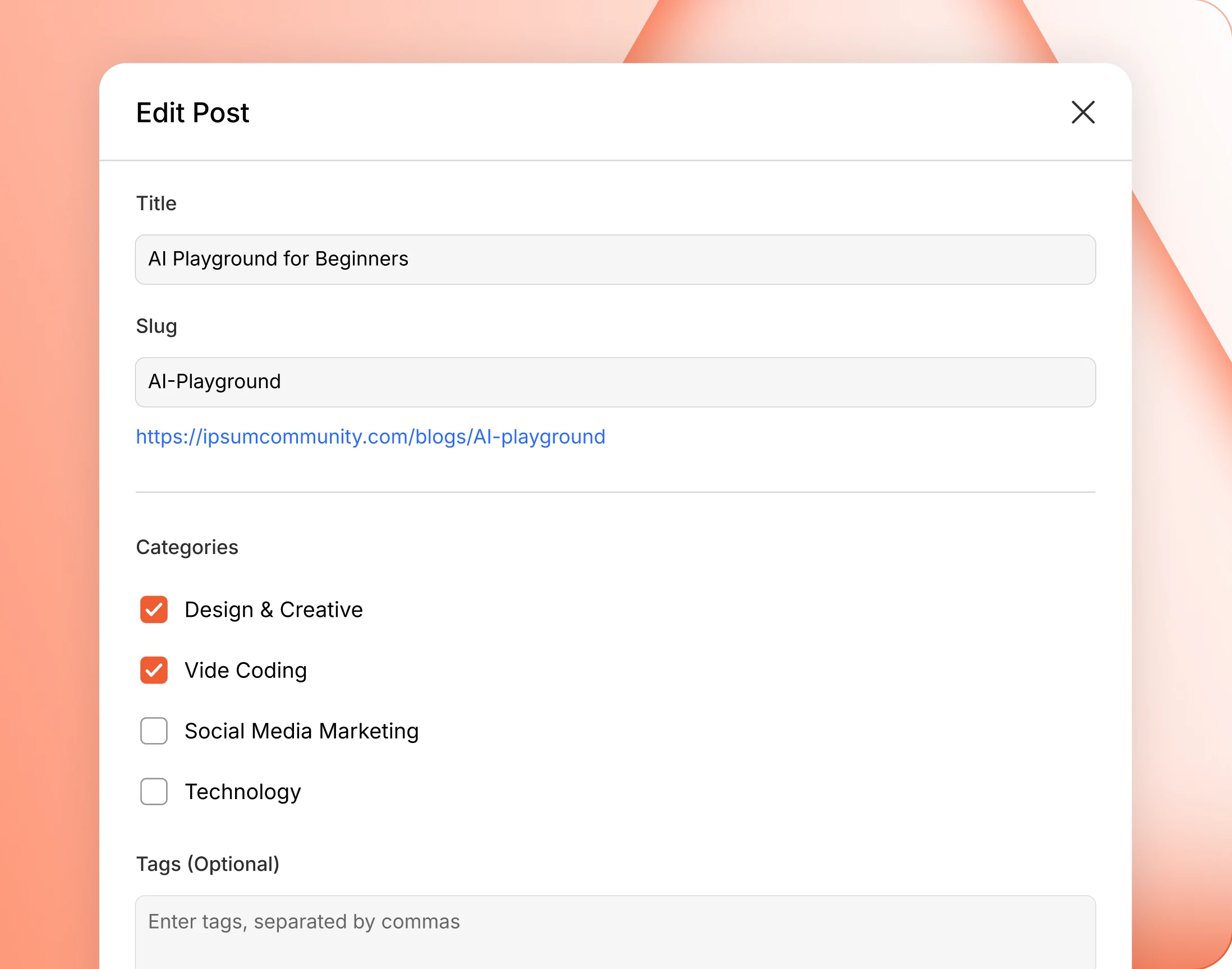
— Edit Post
Fix a post without opening the block editor
Change a title, a slug, a category or who can see it, from one dialog. A typo in a headline does not need the whole editor opened to fix it.
Trusted by more than 20,000 communities with 800+ reviews
Let your members do the writing
The people in your community already know things. Give them somewhere to write it down that is not somebody else’s platform.
Explore more feature modules
Member Profiles
Every member gets a page worth visiting, with their own timeline and connections.
Gamifications
Points, ranks and badges, so the members who write for you get something back.
Appearance
Style the blog directory and every post page, from a built-in interface or a premium theme.