














Member Profiles
Where usernames become a community
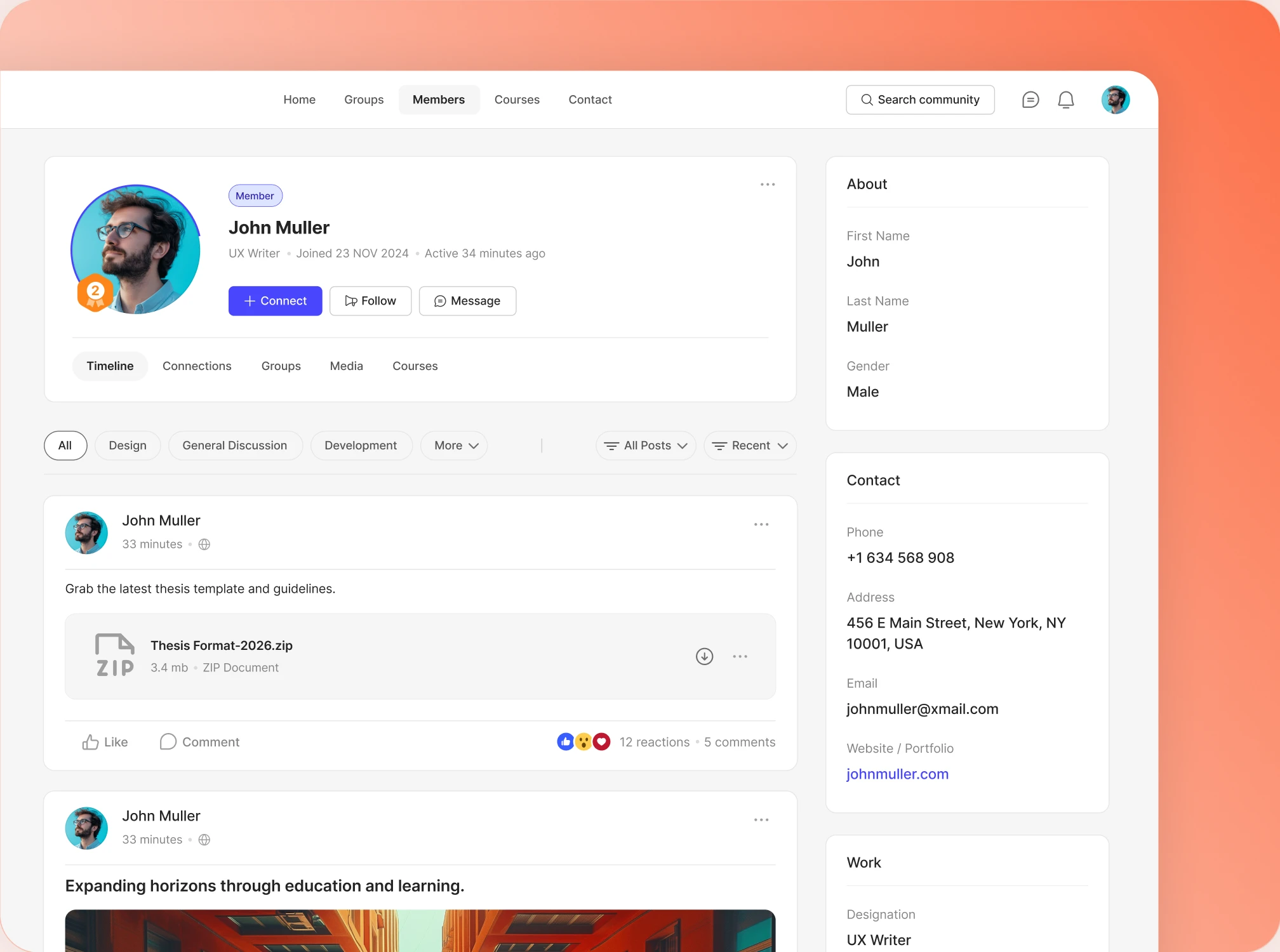
Rich profiles, a member directory people can search, and real connections. What starts as a list of usernames turns into a community that knows itself.
— Identity —
Profiles that show who members are
— Profile Header
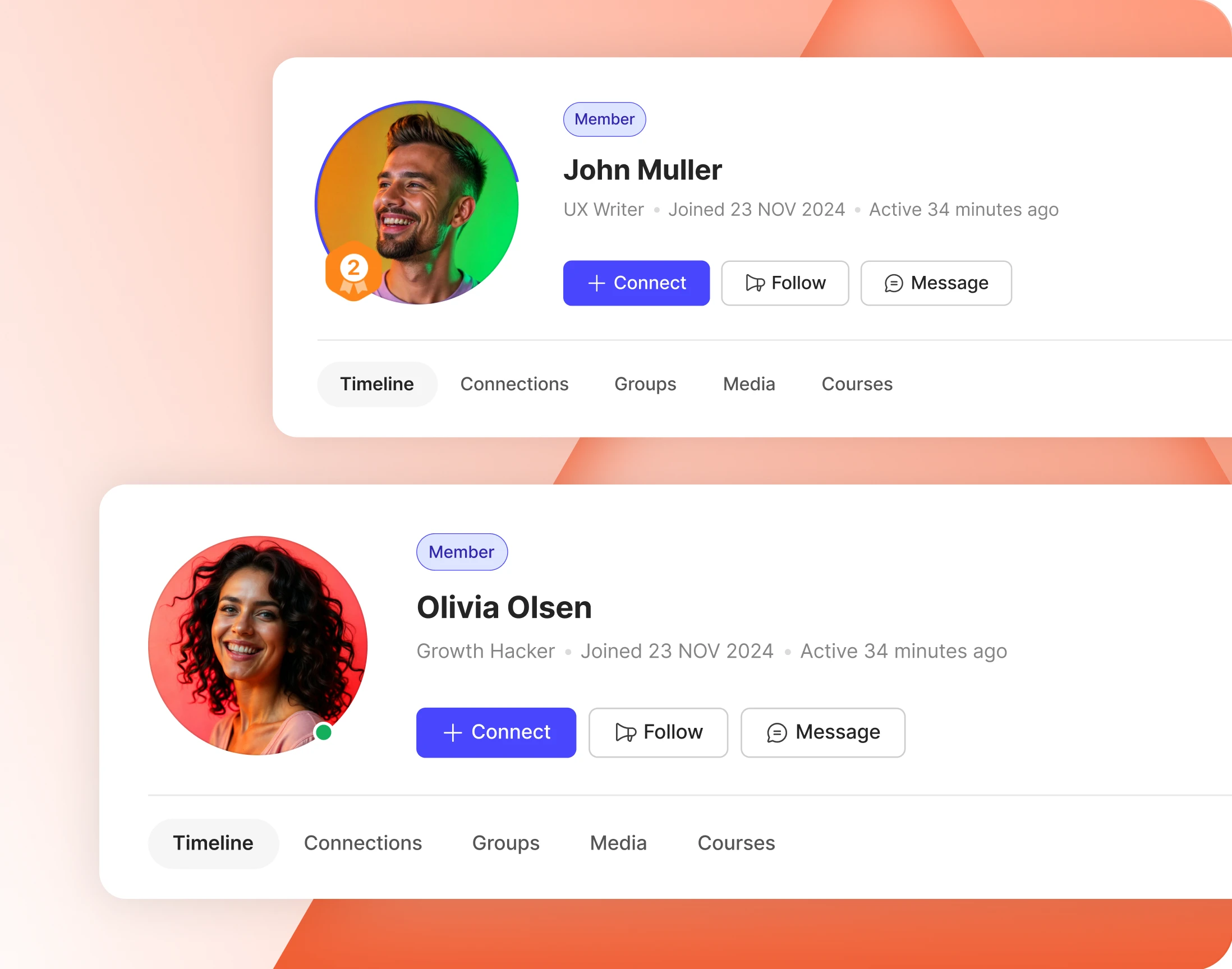
First impressions, composed by you
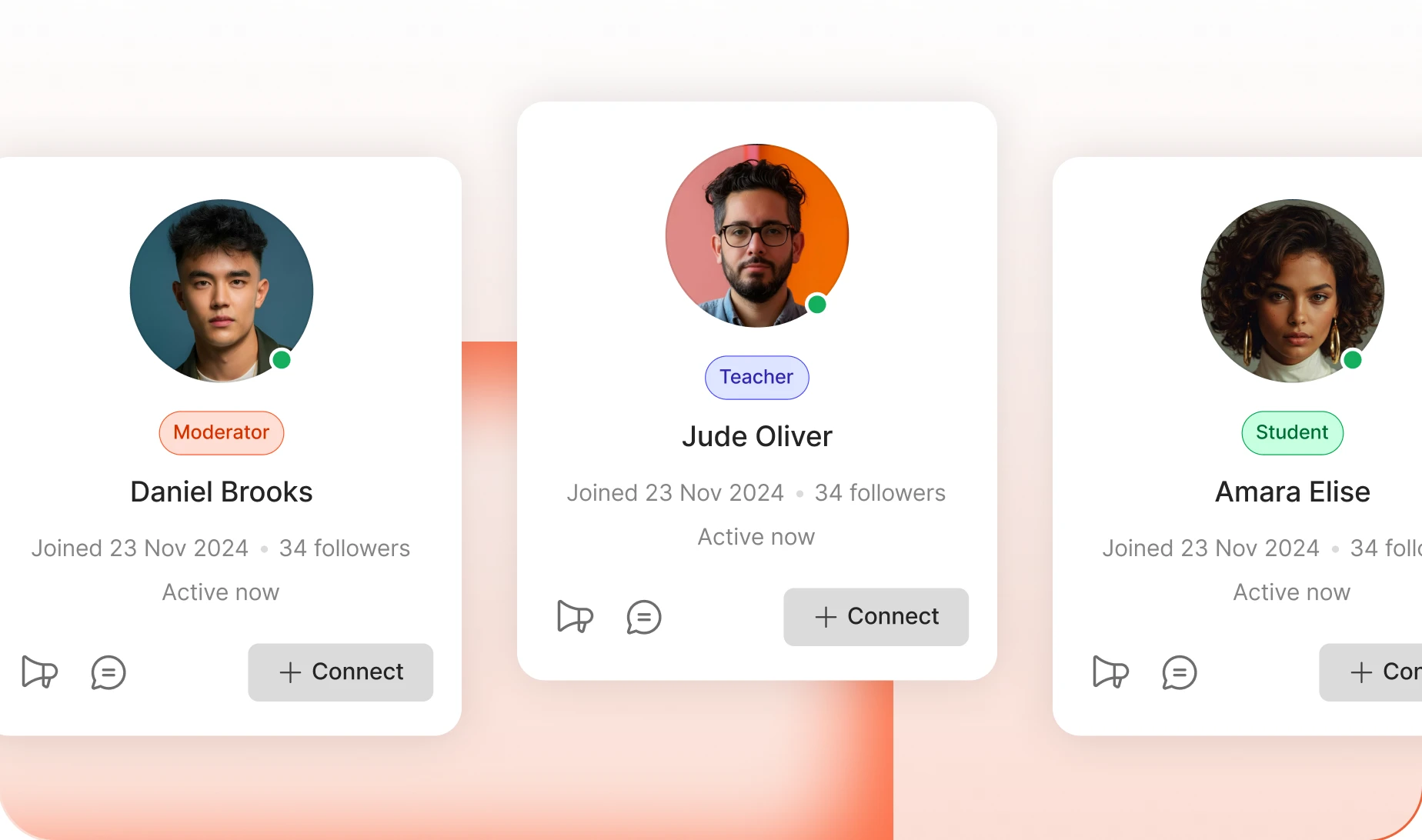
Pick a left or centered header and every profile in the network keeps the same shape. Choose what shows on it: online status, profile type, joined date, followers.
— Custom Profile Fields
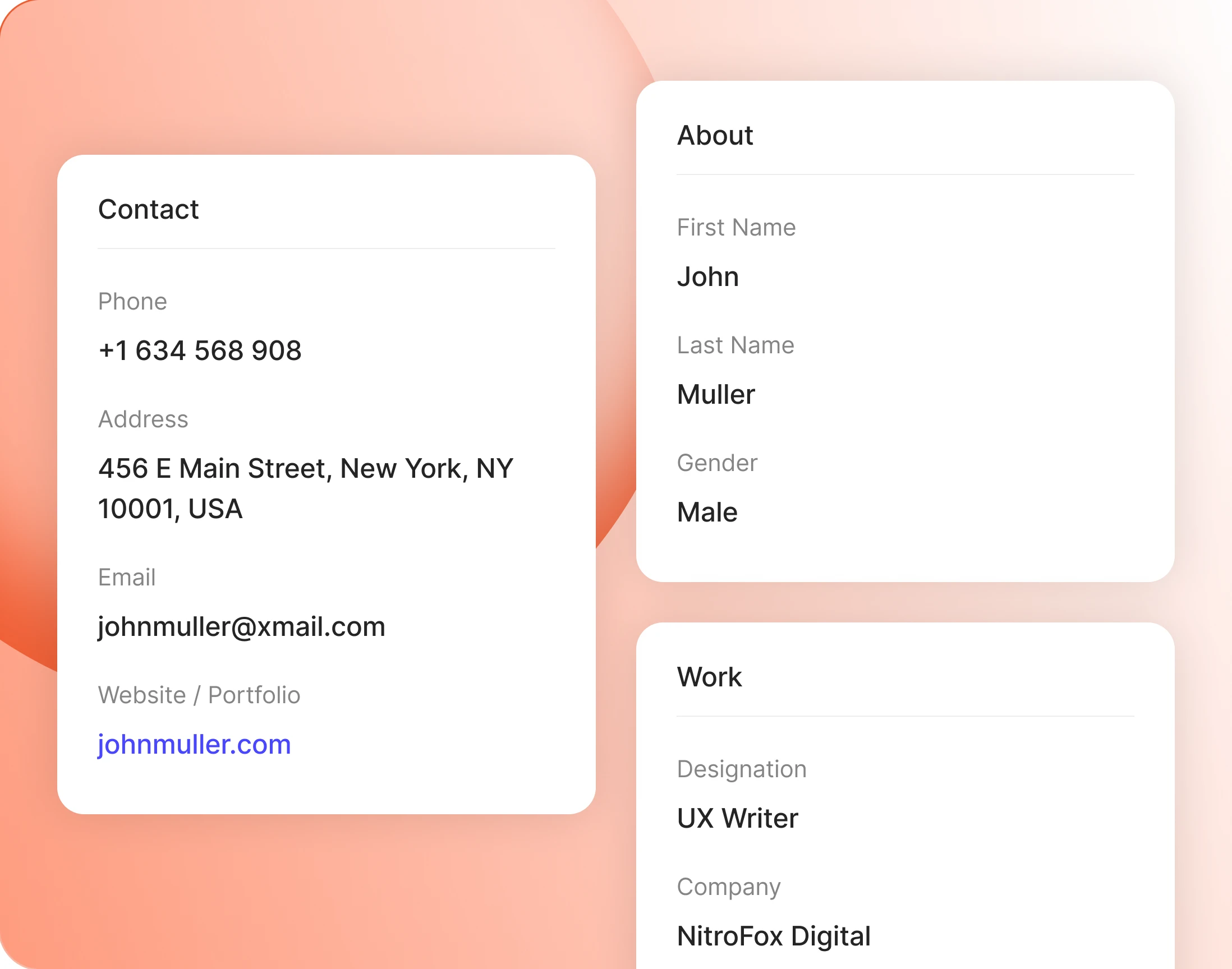
Ask for exactly the info your community needs
Build the fields your community actually needs: dropdowns, dates, phone numbers, social links. Repeater fields let members add one row per job or degree, as many as they like.
— Social Fields
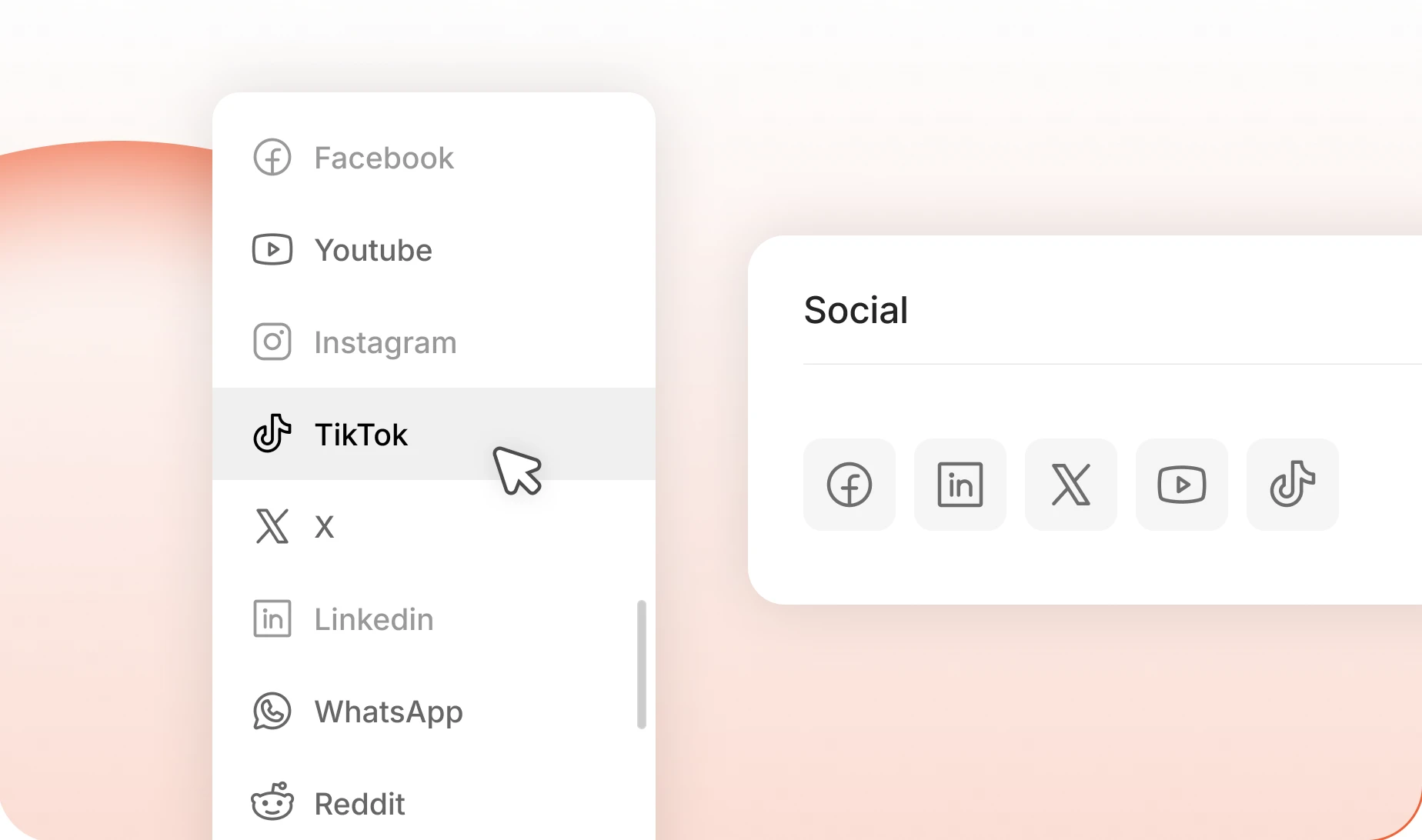
Thirteen networks, one field
Add the Social Networks field and links show as icons on the profile. Facebook, Instagram, LinkedIn, YouTube, Reddit, Medium and seven more, and you pick which ones to offer.
— Profile Types
Members with their own rules
Teachers and students, mentors and mentees, staff and customers: whatever your community runs on. Each type gets its own fields, its own permissions, even its own WordPress role.
— Profile Link
Profile URLs that give nothing away
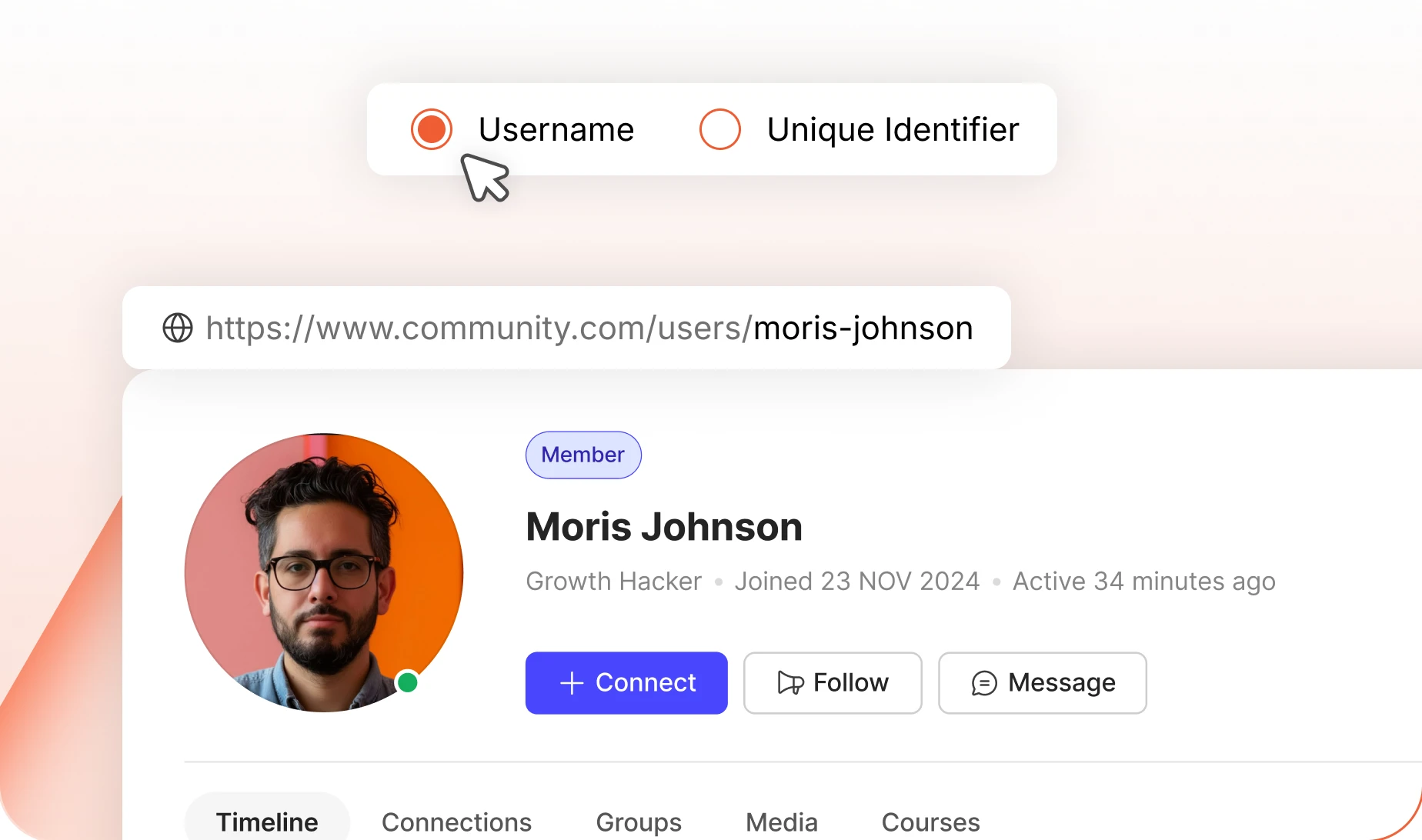
If usernames are built from email addresses, they should not sit in a public URL. Switch profile links to a unique identifier and the address stops leaking.
— Display Name
Names your community uses
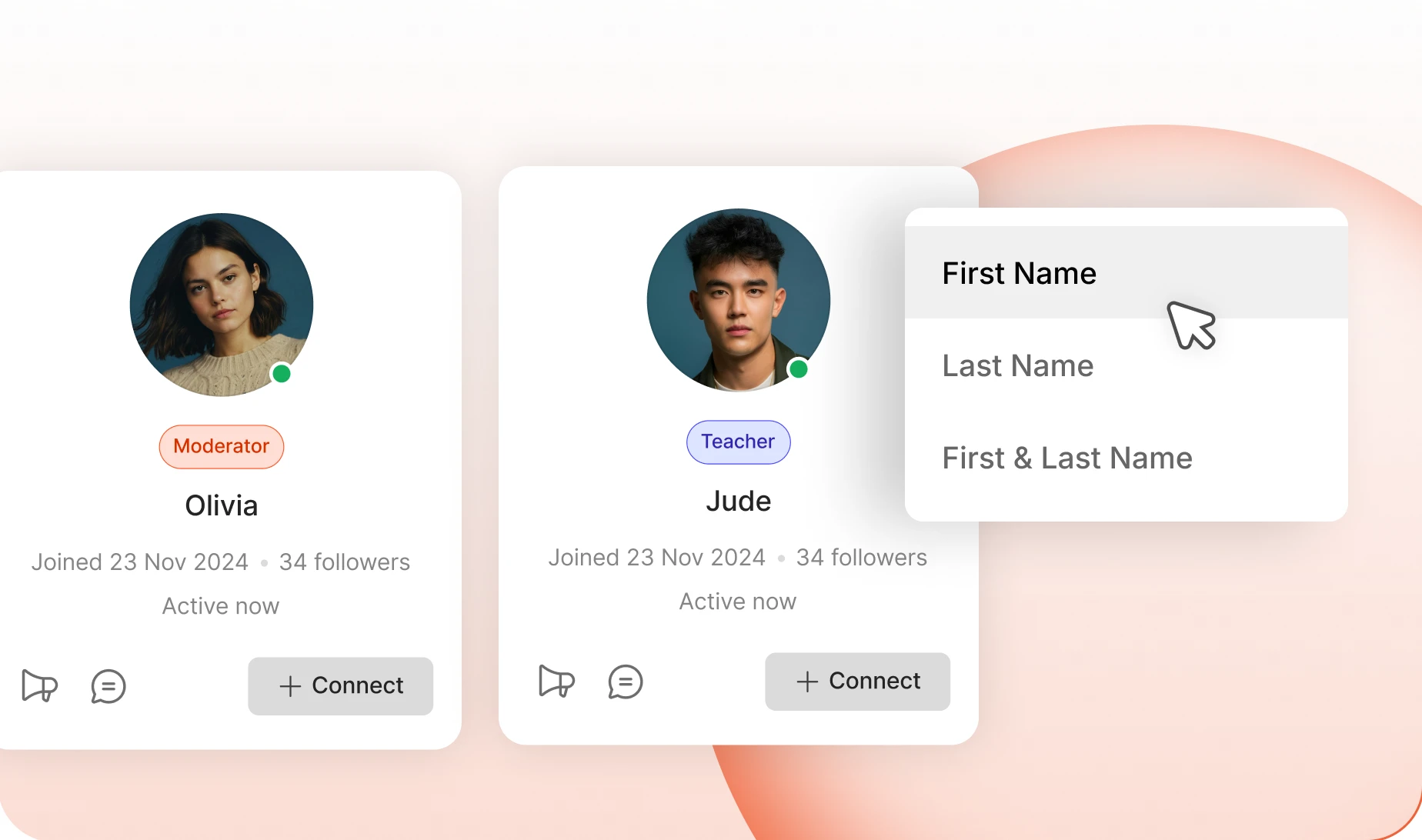
Show first name, first and last, or a nickname, across the whole network. Change it later and Repair Community Tools updates every existing member.
— Profile Navigation
A profile laid out the way you want it read
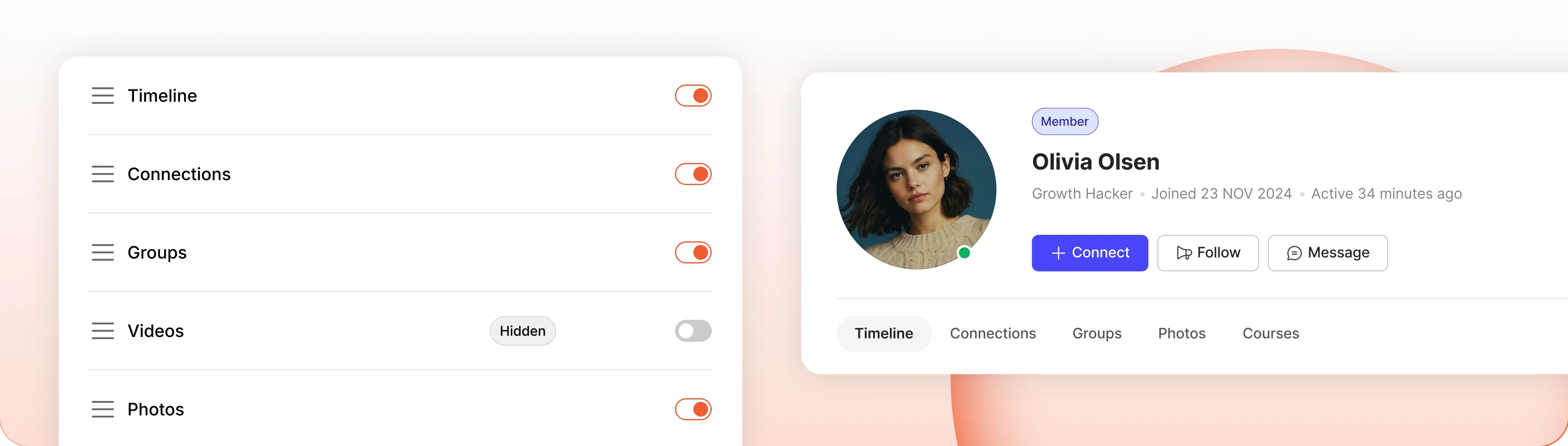
Drag the profile tabs into the order you want, hide the ones you do not need, and choose which one opens first. The default tab always stays visible.
Build your community’s home on BuddyBoss
Build thriving communities, membership sites, and online learning platforms with BuddyBoss, the leading WordPress community platform.
— Discover —
Every member, one community directory
— Member Directory
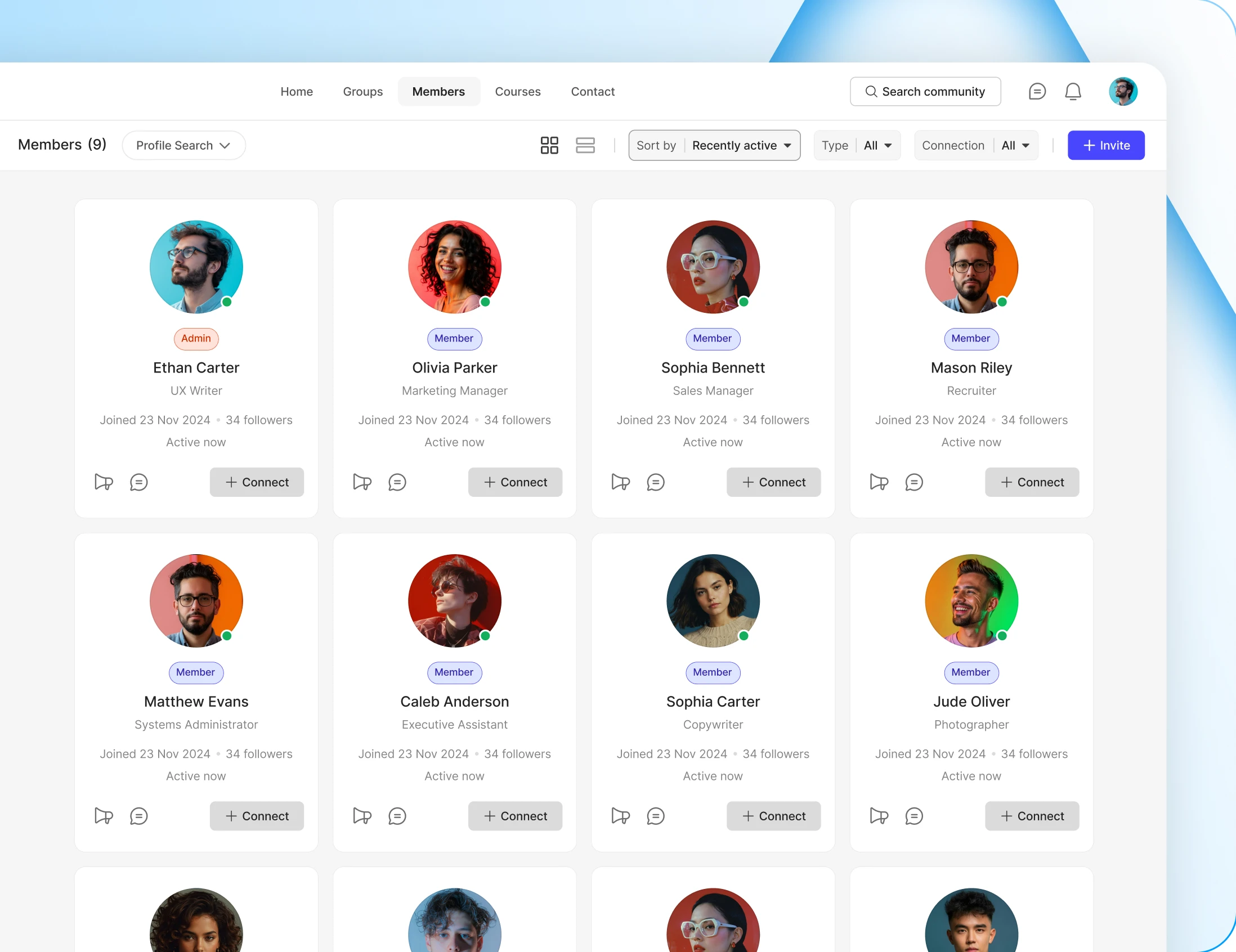
Grid or list, sorted and filtered the way you decide
Run the directory as a grid, a list, or let members switch. You choose the default view and which details each member card carries.
— Directory Elements
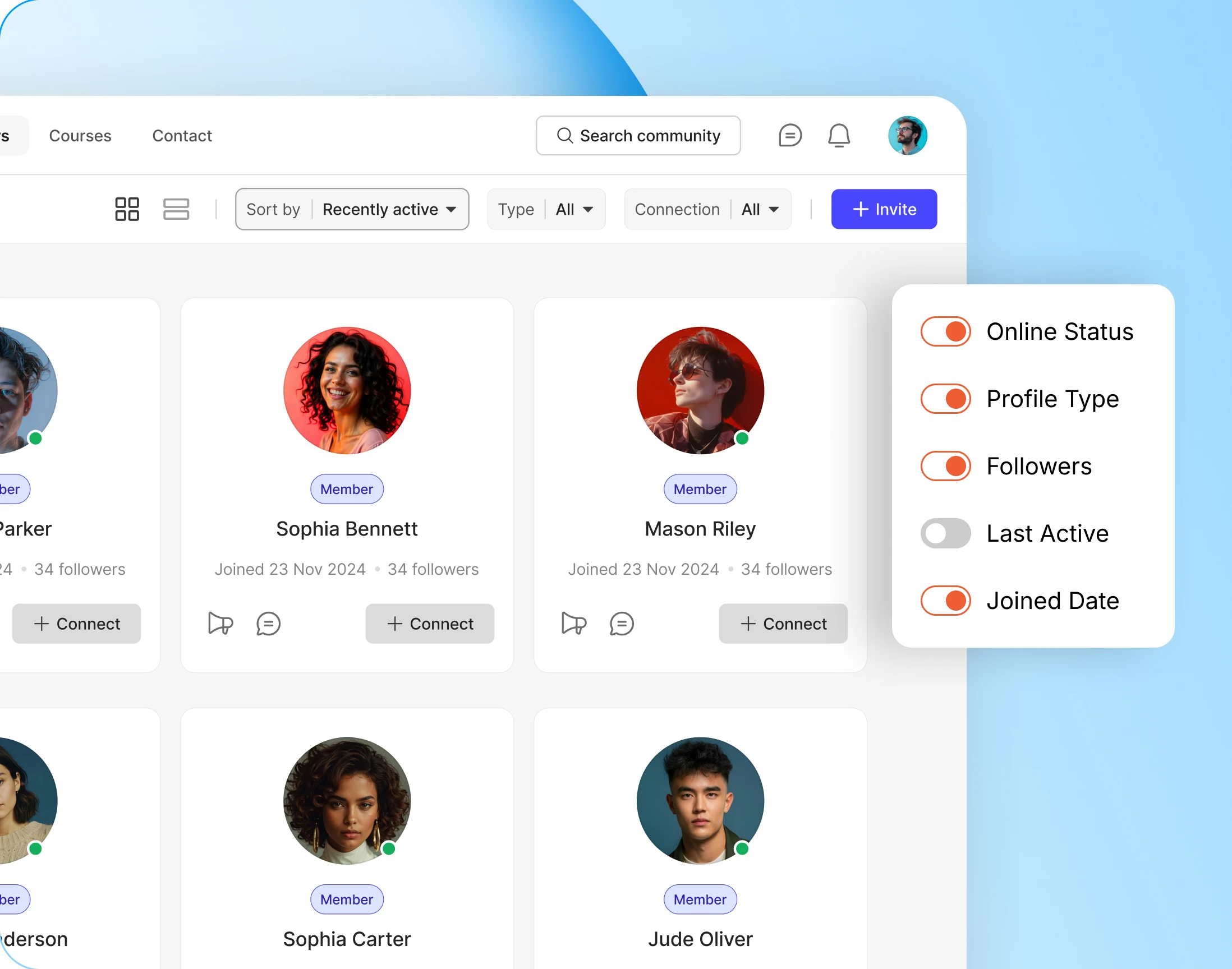
Know someone before you click
The directory keeps its own list of card details, separate from your profile headers. Show online status so people see who is around, or joined date so newcomers stand out.
— Profile Search
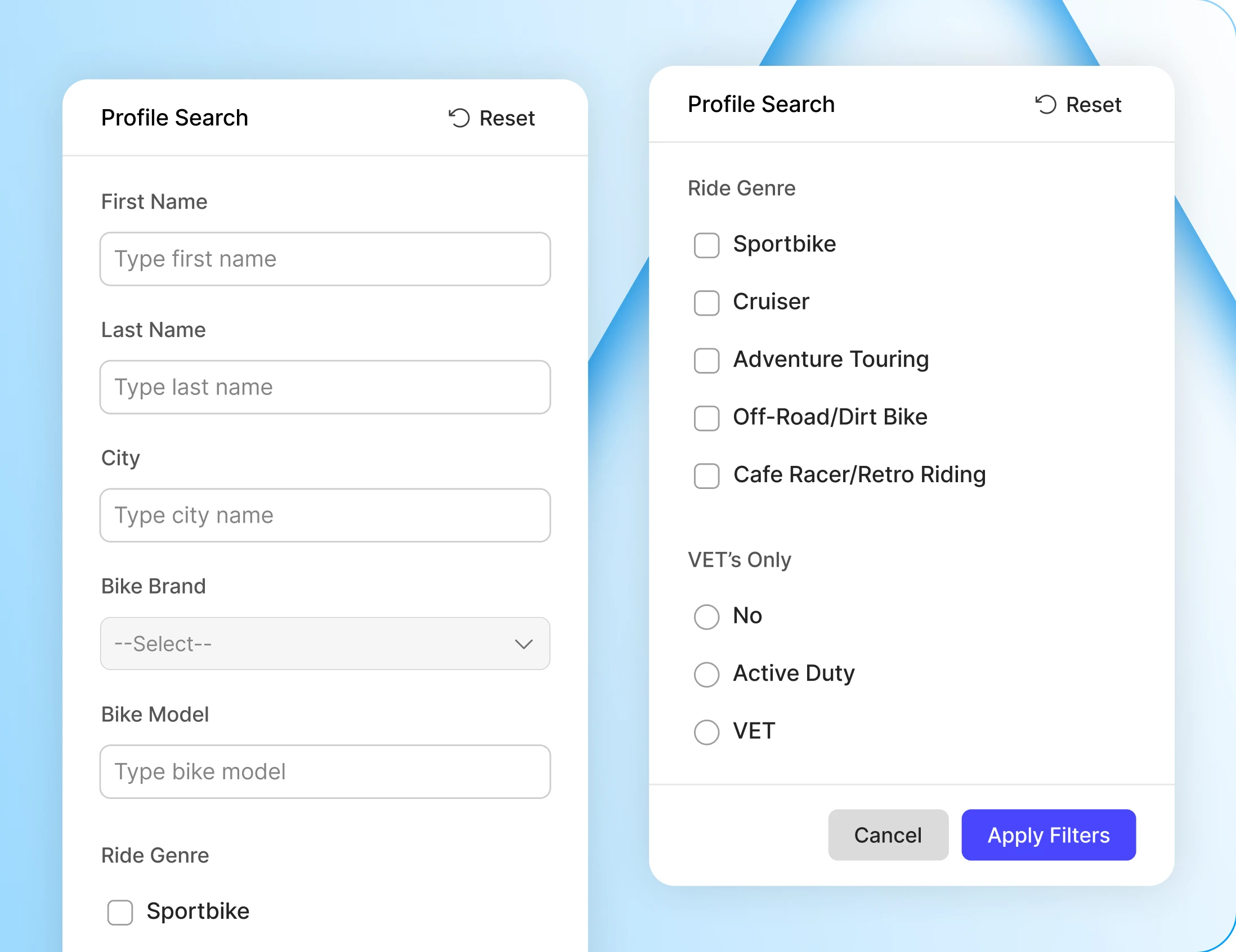
Search by the fields you created
Advanced search is built from your own profile fields. City, skills, industry, whatever you asked for. Members find each other by what matters here, not just by name.
Build your community’s home on BuddyBoss
Build thriving communities, membership sites, and online learning platforms with BuddyBoss, the leading WordPress community platform.
— Connect —
Members who find each other and stay in touch
— Member Connections
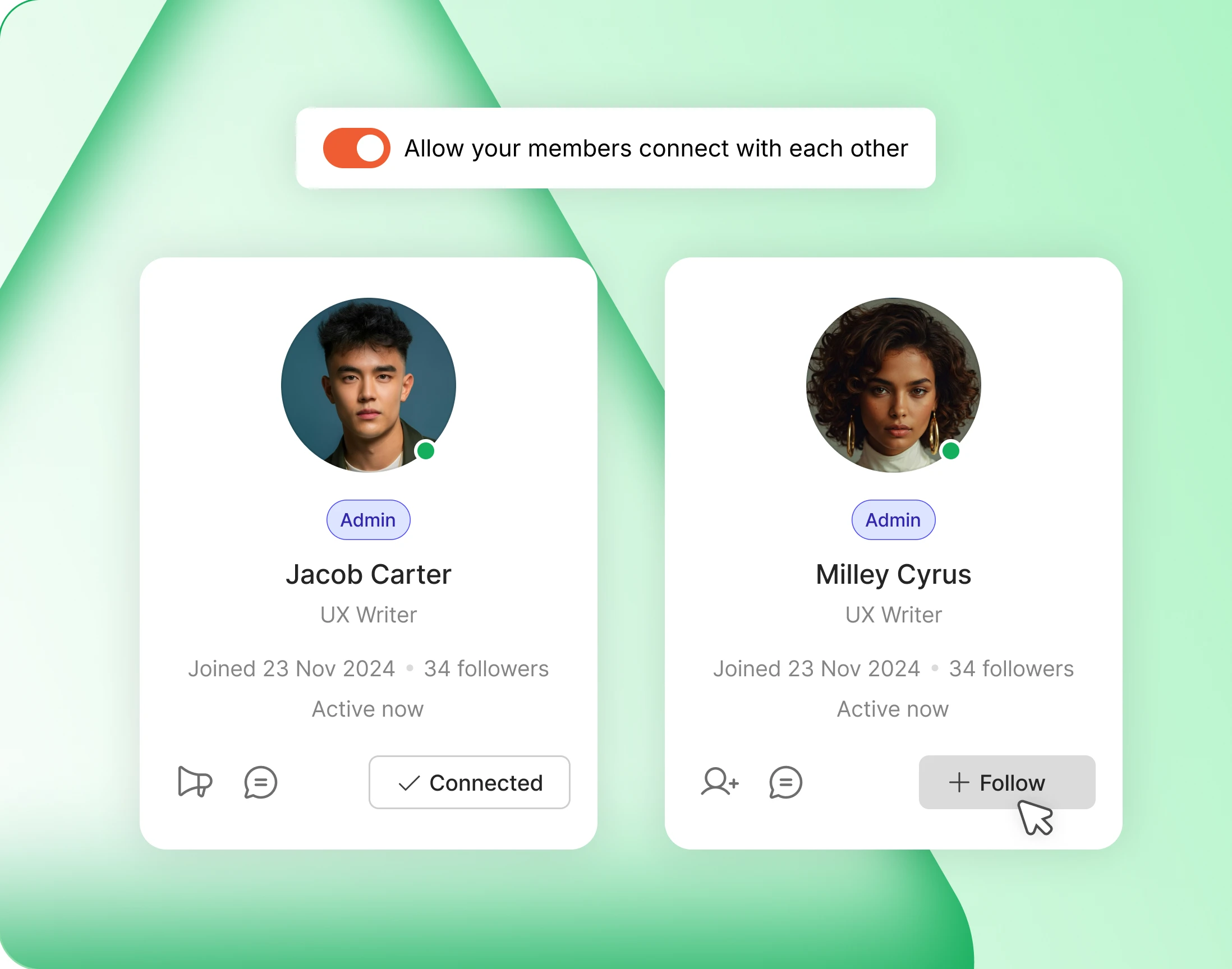
Members connect, follow, and build their own network
Members send connection requests, accept or decline them, and build a network of their own. Follower and following counts sit on every profile.
— Auto Follow
Connecting is also following
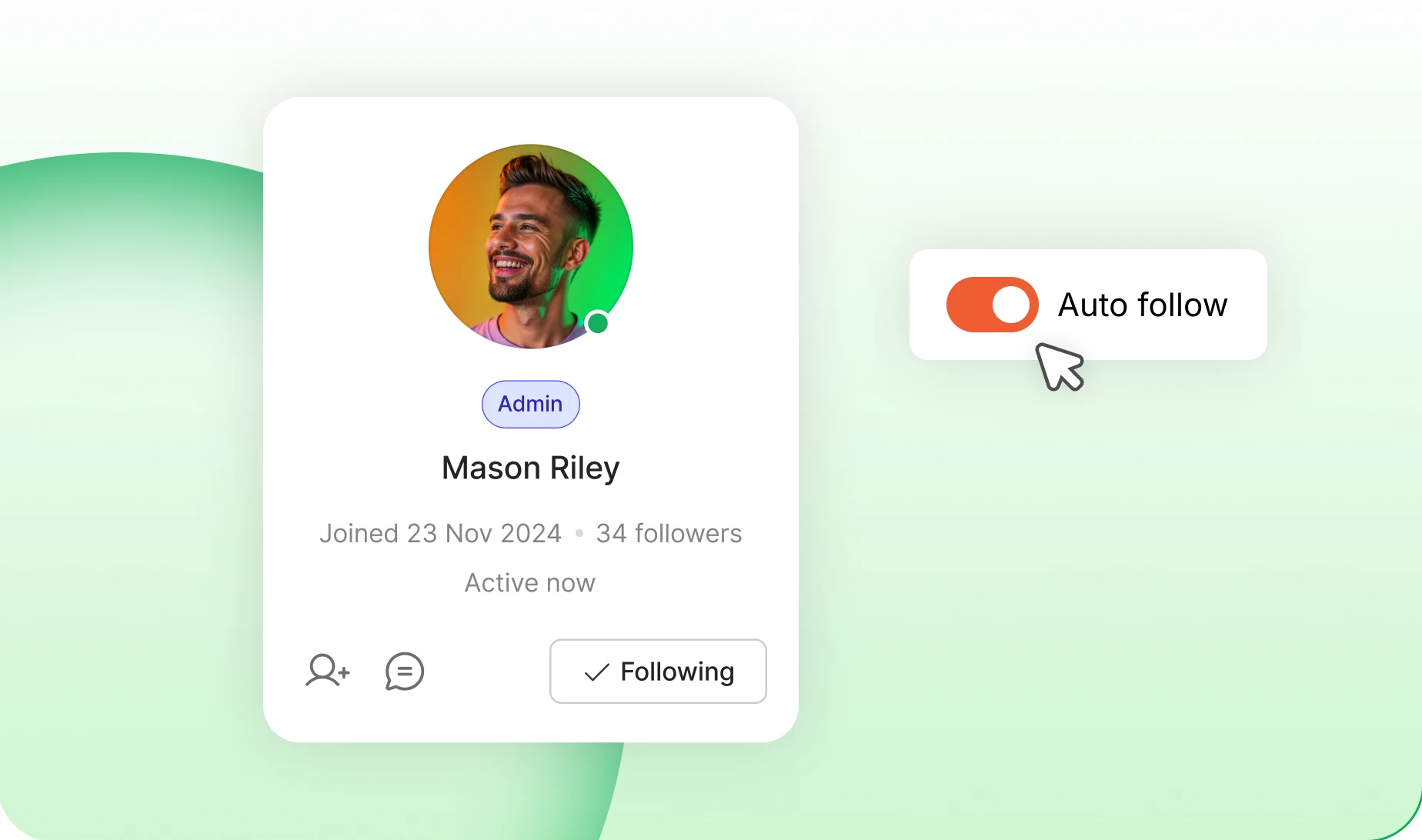
Switch on Auto Follow and connecting starts the follow too. No second step, no separate button. Follow needs to be turned on first.
— Profile Actions
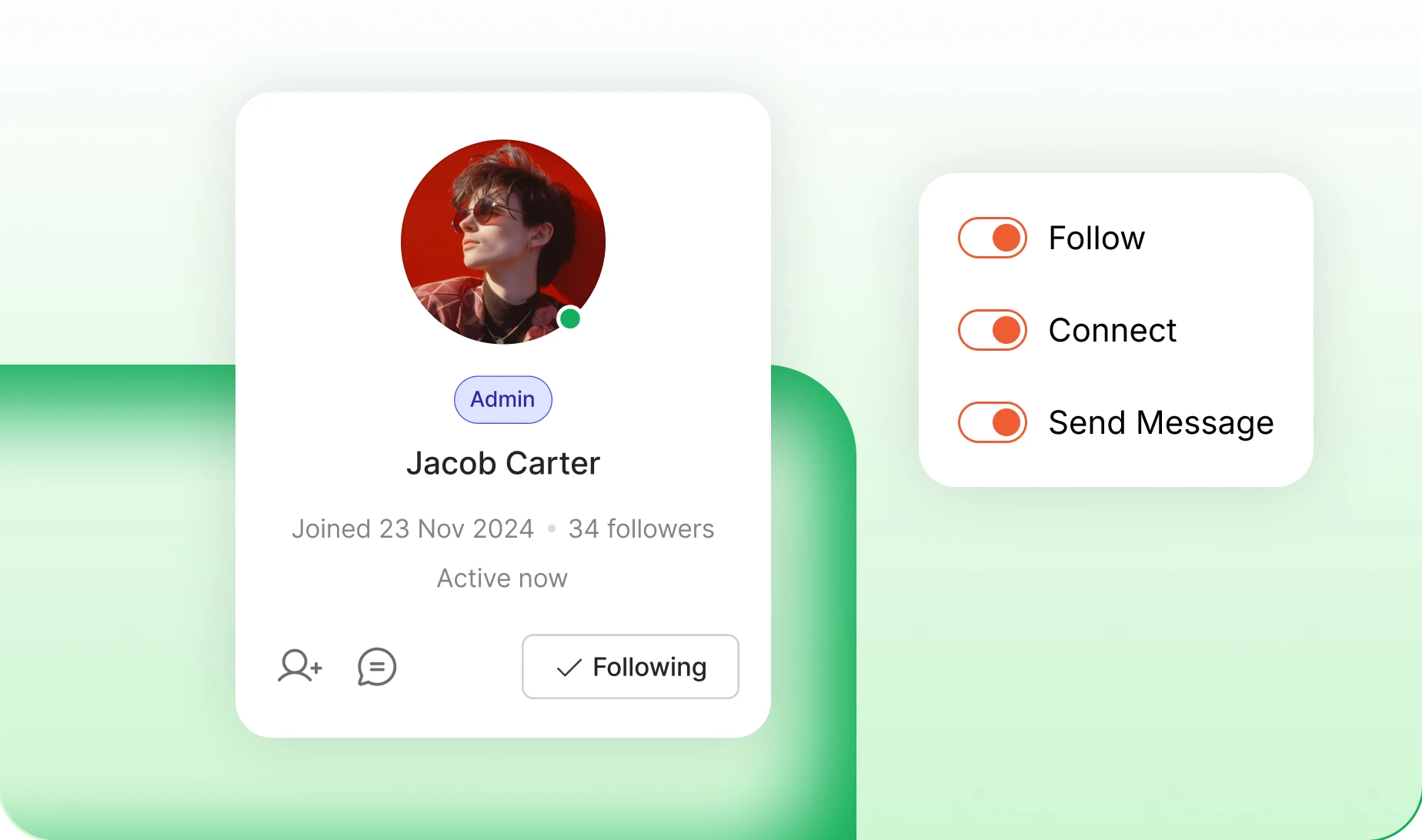
Connect, Follow, Message
Choose which buttons appear on member cards and profiles, and which one leads. Drag them into the order you want. The rest tuck in behind.
— Member Invites
Members grow the community for you
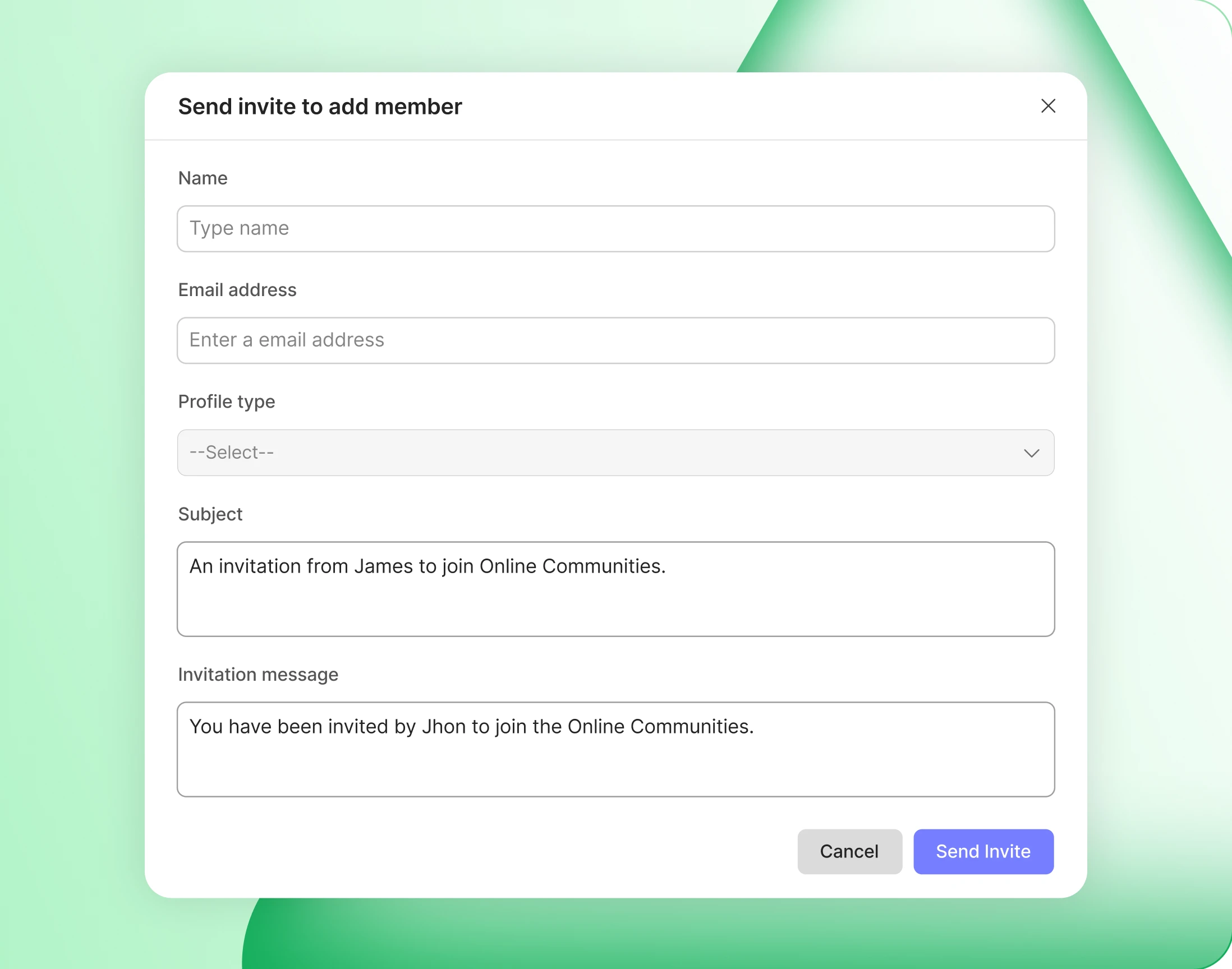
An Invite button right in the directory: name, email, a personal note. Assign a profile type before they sign up and they arrive with the right fields and groups.
Build your community’s home on BuddyBoss
Build thriving communities, membership sites, and online learning platforms with BuddyBoss, the leading WordPress community platform.
— Control —
Privacy and permissions, decided by you
— Field Visibility
Privacy, decided field by field
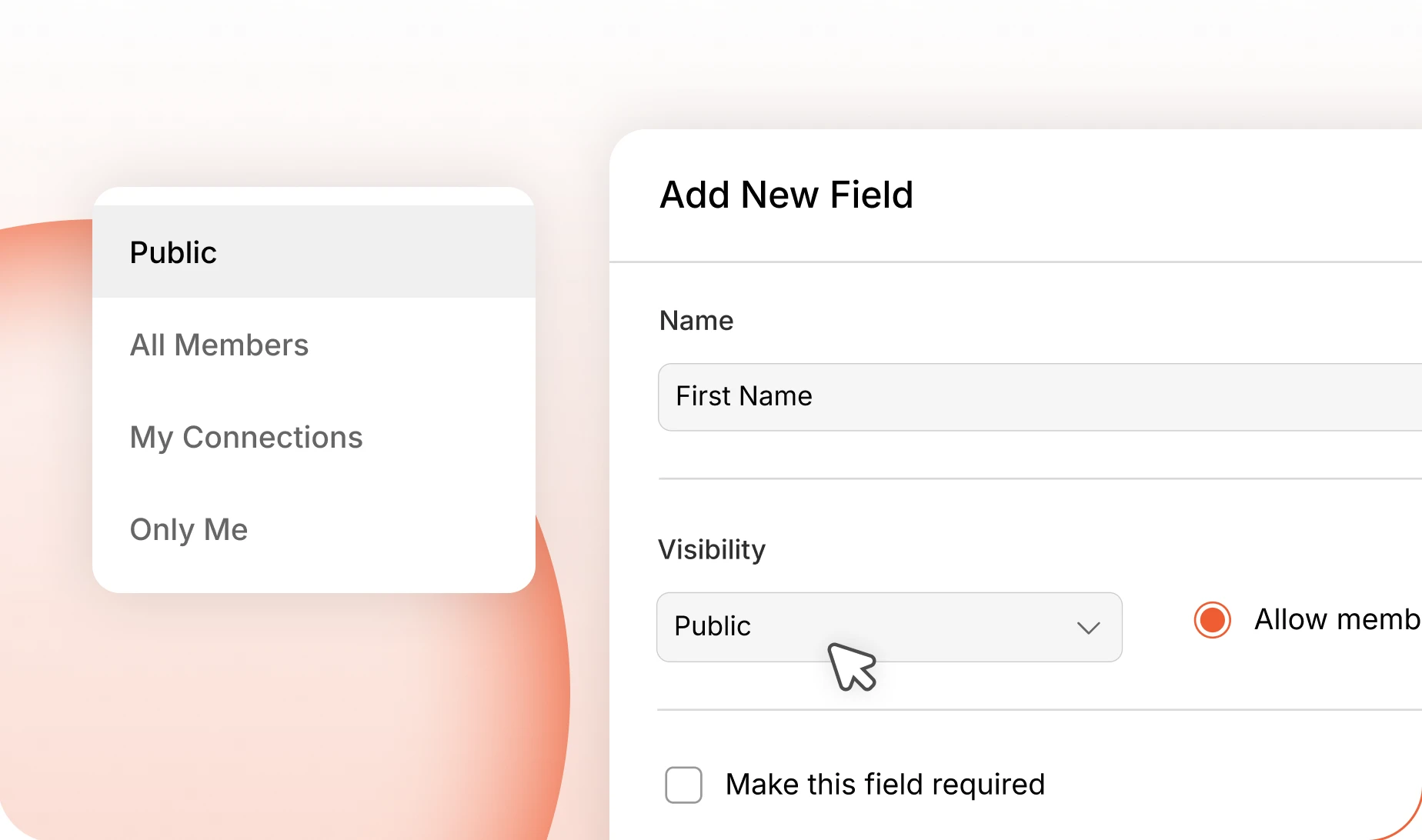
Every profile field carries its own audience: Public, All Members, My Connections, or Only Me. Let members choose per field, or set one they cannot override.
— Account Deletion
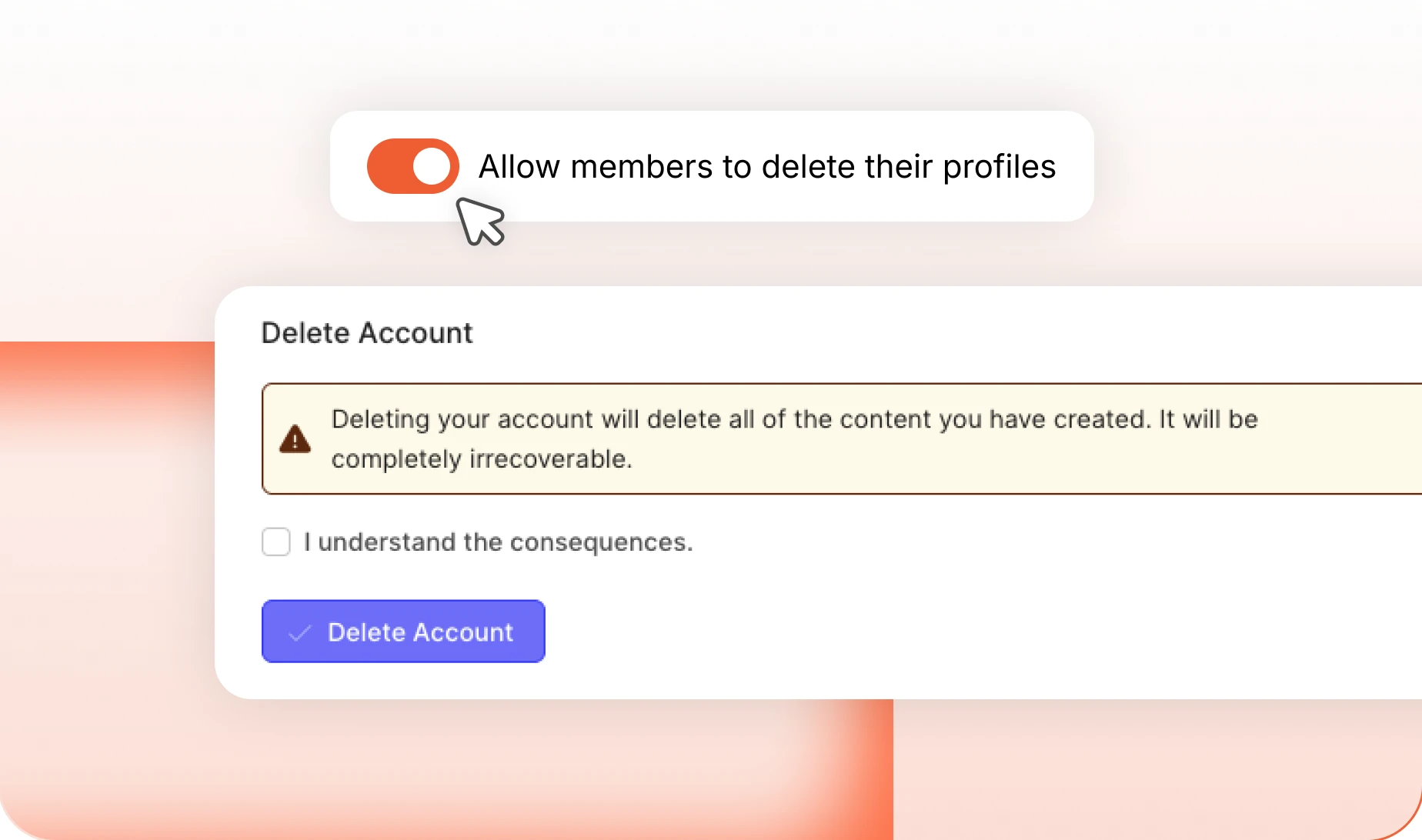
Members can close their own account
Members can delete their own account and export their data first, which is the simplest way to answer GDPR. Leave it to administrators instead where a paid membership needs closing properly.
— Connection Access
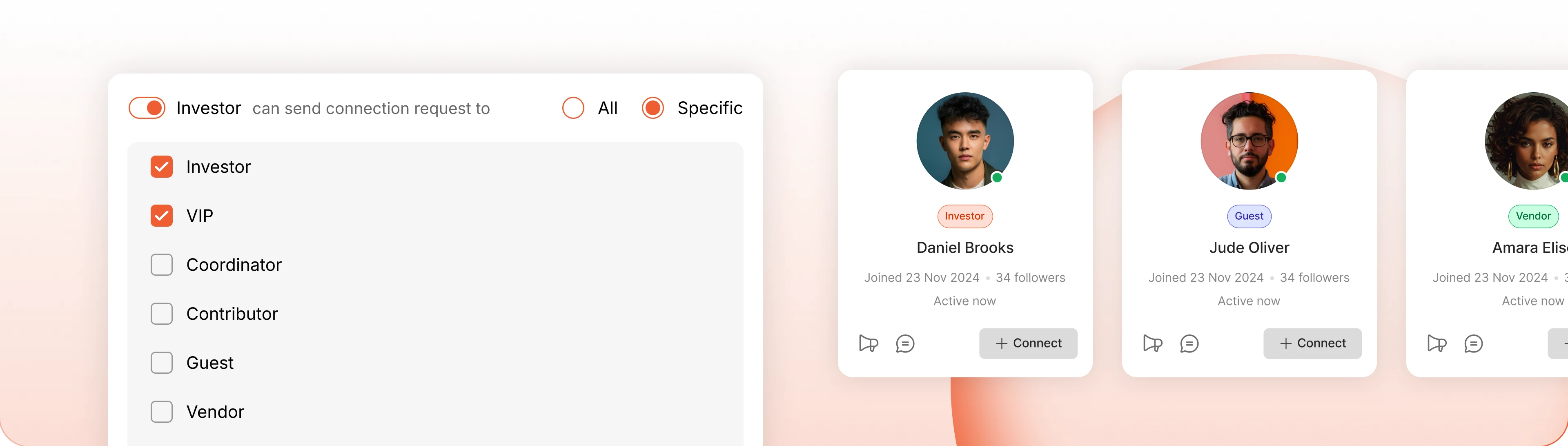
Who can ask to connect
Connection requests do not have to flow every way. Set per profile type who can reach whom, so students can contact coaches without the whole network contacting them.
Connection-Gated Messaging
Require members to be connected before they can message each other, and decide per profile type who can send requests at all. Cold spam never reaches an inbox.
Group Type Approval
Pick the group types a profile type joins automatically. Members land in them the moment their account is activated, with no request and no waiting.
Group Create Permissions
Each profile type carries its own group rules. Let one create any group, hold another to a short list, or take group creation away entirely.
Trusted by more than 20,000 communities with 800+ reviews
Give every member a profile worth filling in
Members fill in a profile when it is worth being seen on. Give them somewhere their answers actually go.
Explore more feature modules
Activity Feed
One feed that keeps your whole community talking, with polls, pins and comments.
Social Groups
Somewhere smaller to belong. Private spaces, their own feed, and members who actually know each other.
Moderations
Reporting, blocking and a review queue, so the community stays somewhere people want to be.