














Notifications
Members hear what matters, on the channel they chose
A bell, alerts on screen and a full history in the product. Every member picks what reaches them by email, on the web and in the app, event by event.
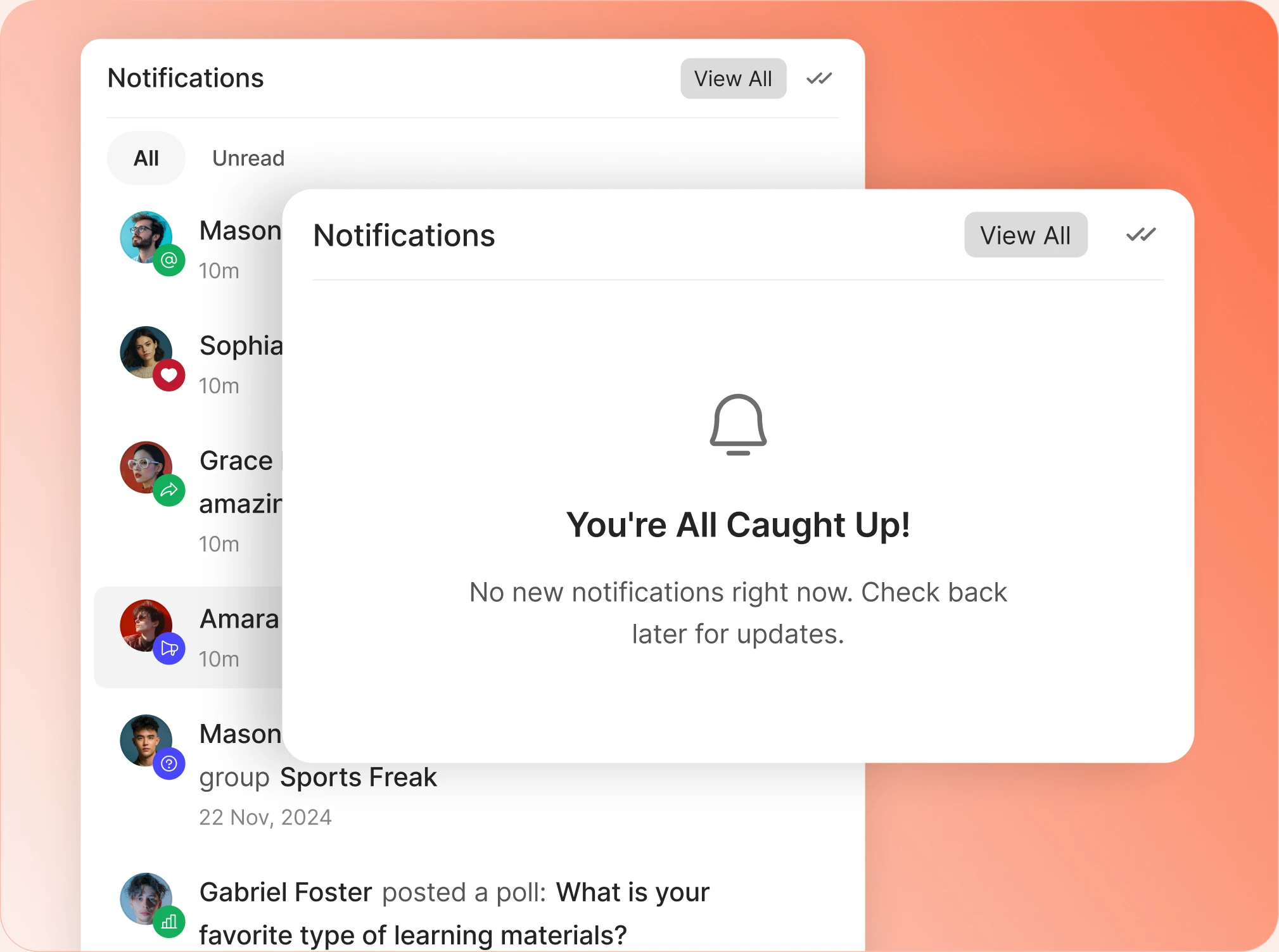
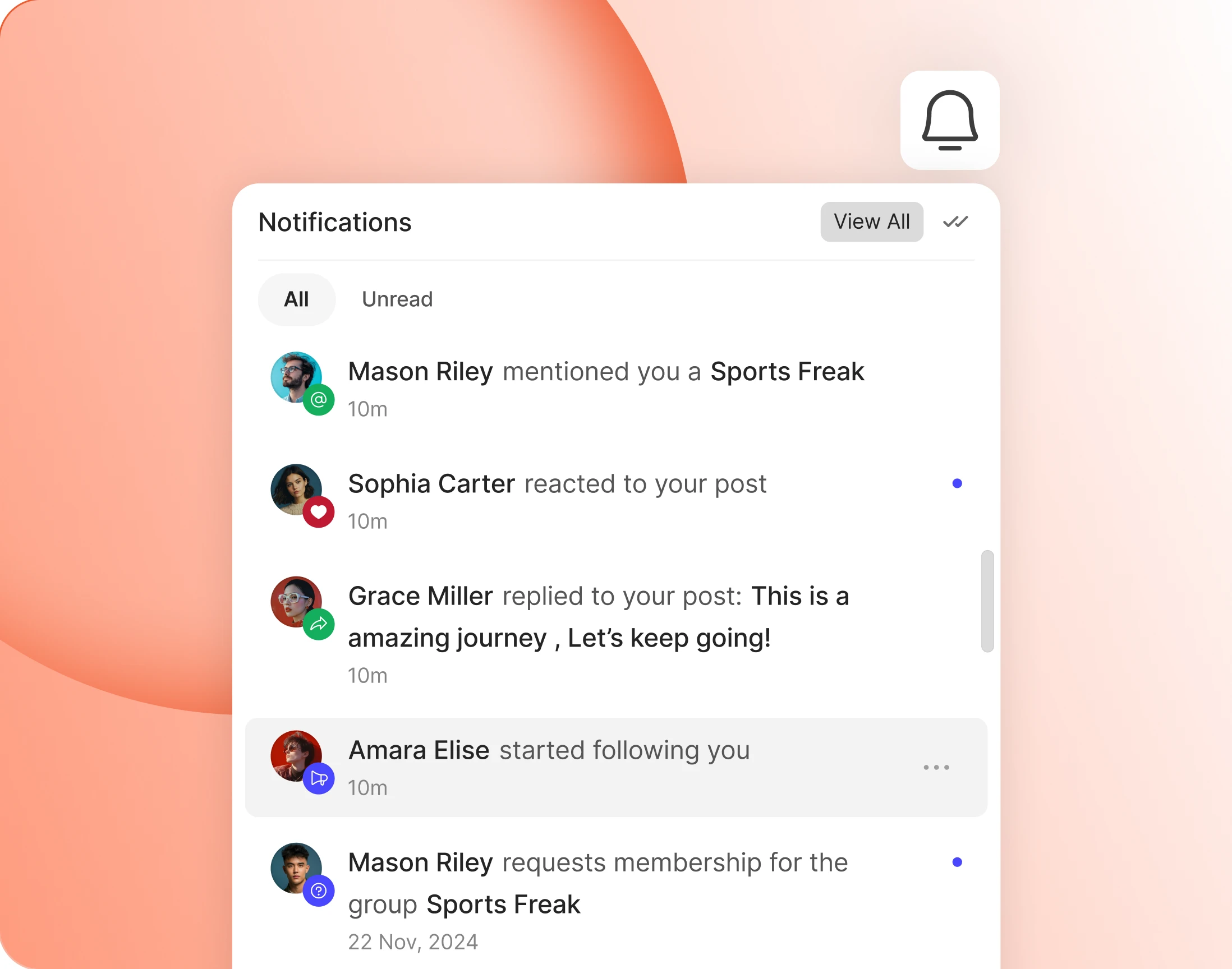
— Notification Bell
The panel members open a dozen times a day
One tap on the bell shows who did what, filtered to everything or only what is unread. Members catch up without leaving whatever page they were on.
— Notification Page
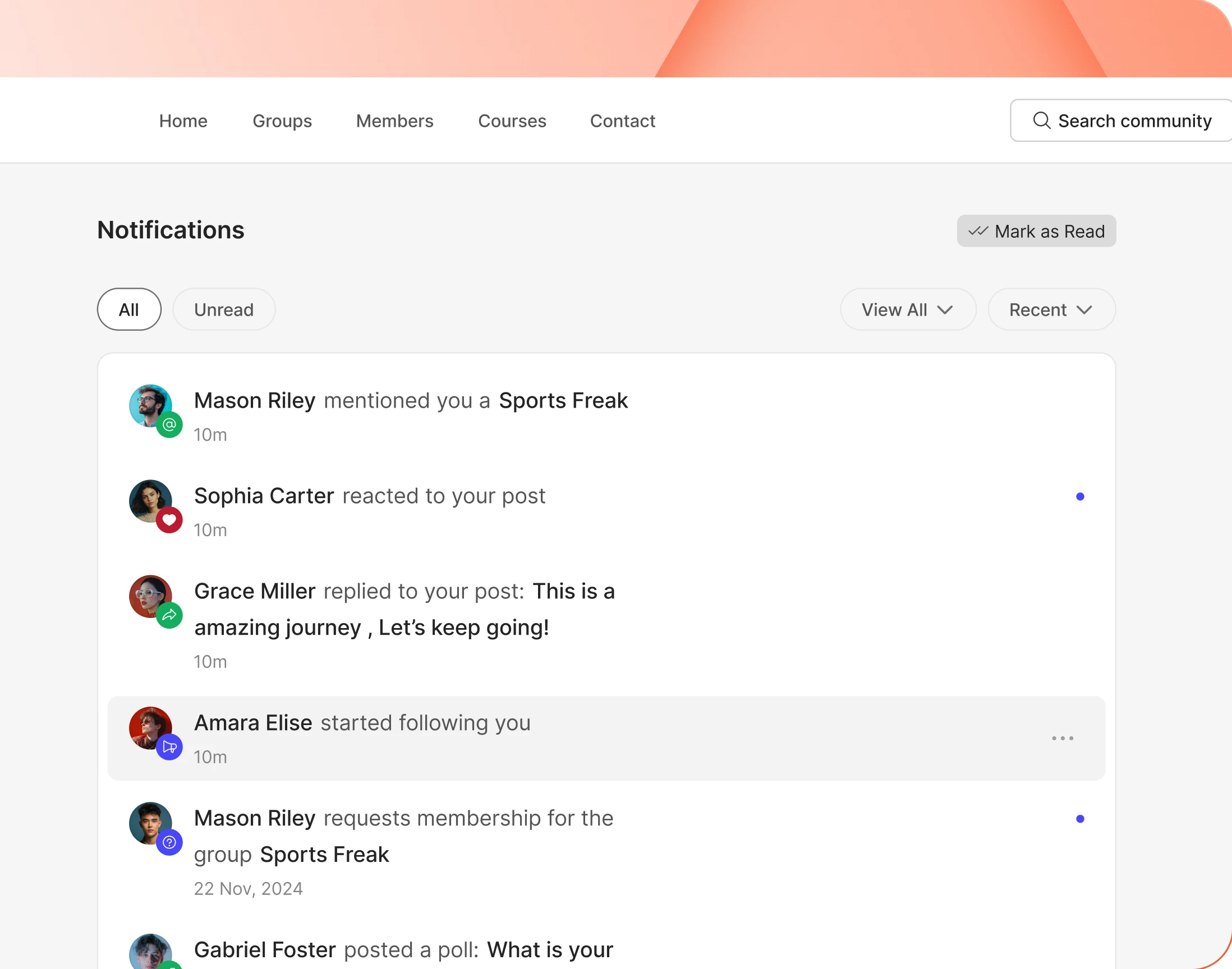
The full history, not just the last few
A full screen holds everything, not just the most recent handful. Filter by type, sort it, and clear the lot with one Mark as Read.
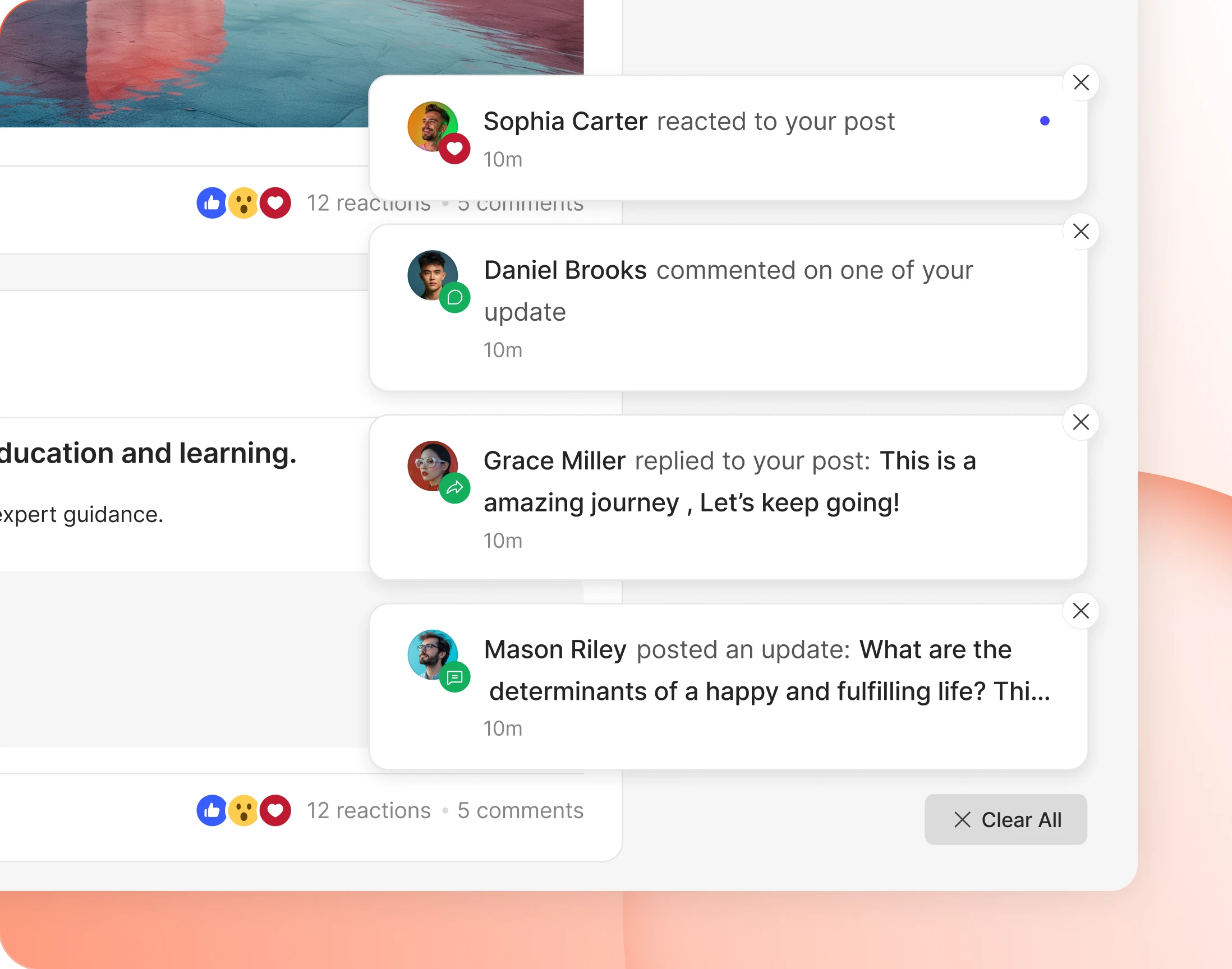
— On-screen Toast
Alerts that arrive without a refresh
Notifications appear in the corner while a member is reading, and stack if several arrive. Each can be dismissed, or the whole pile cleared at once.
— Notification Types
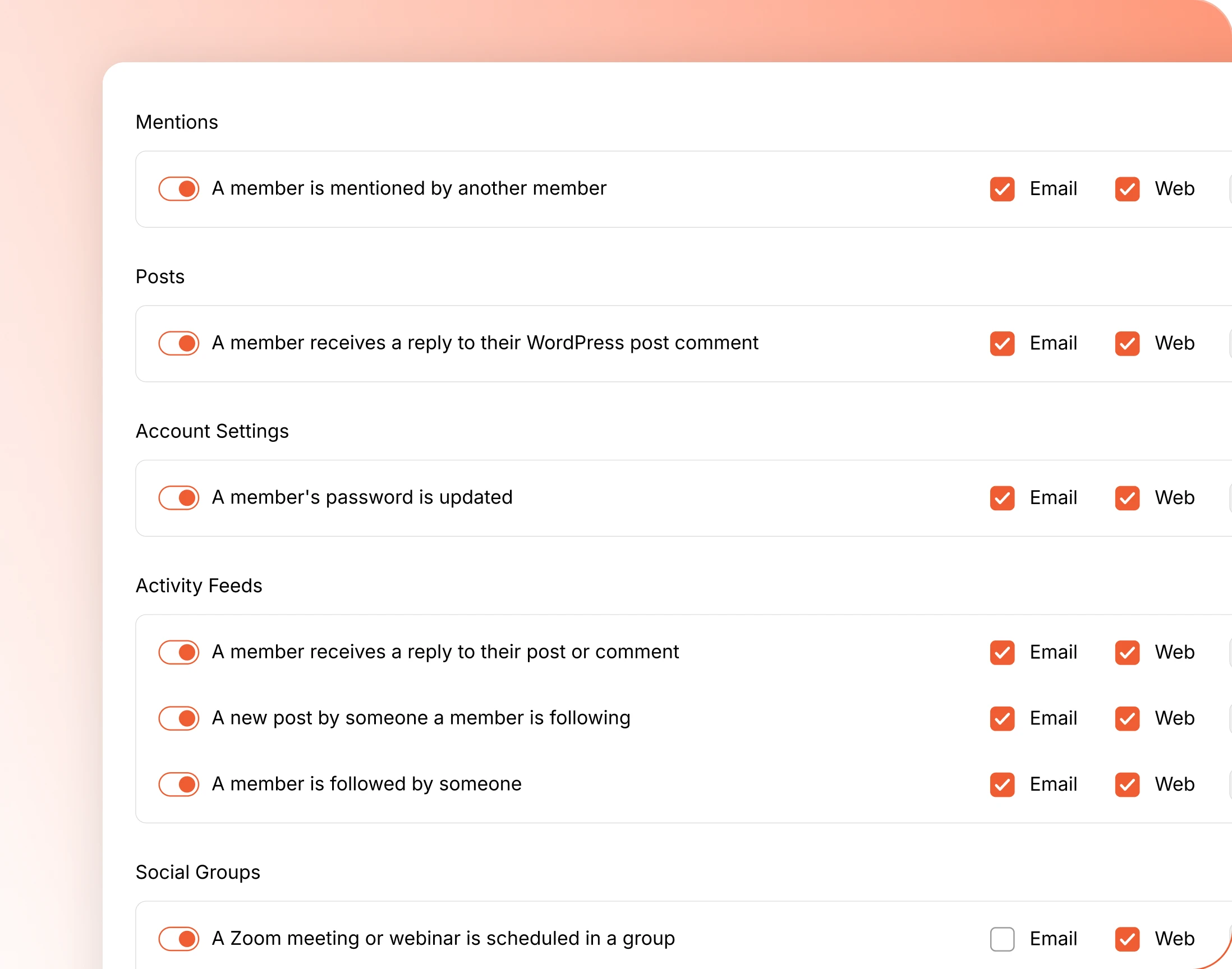
One screen governs every notification
Decide which events generate a notification at all, and what each member gets by default. Anything you switch off is never generated, and never reaches anybody.
— Auto Delete Notifications
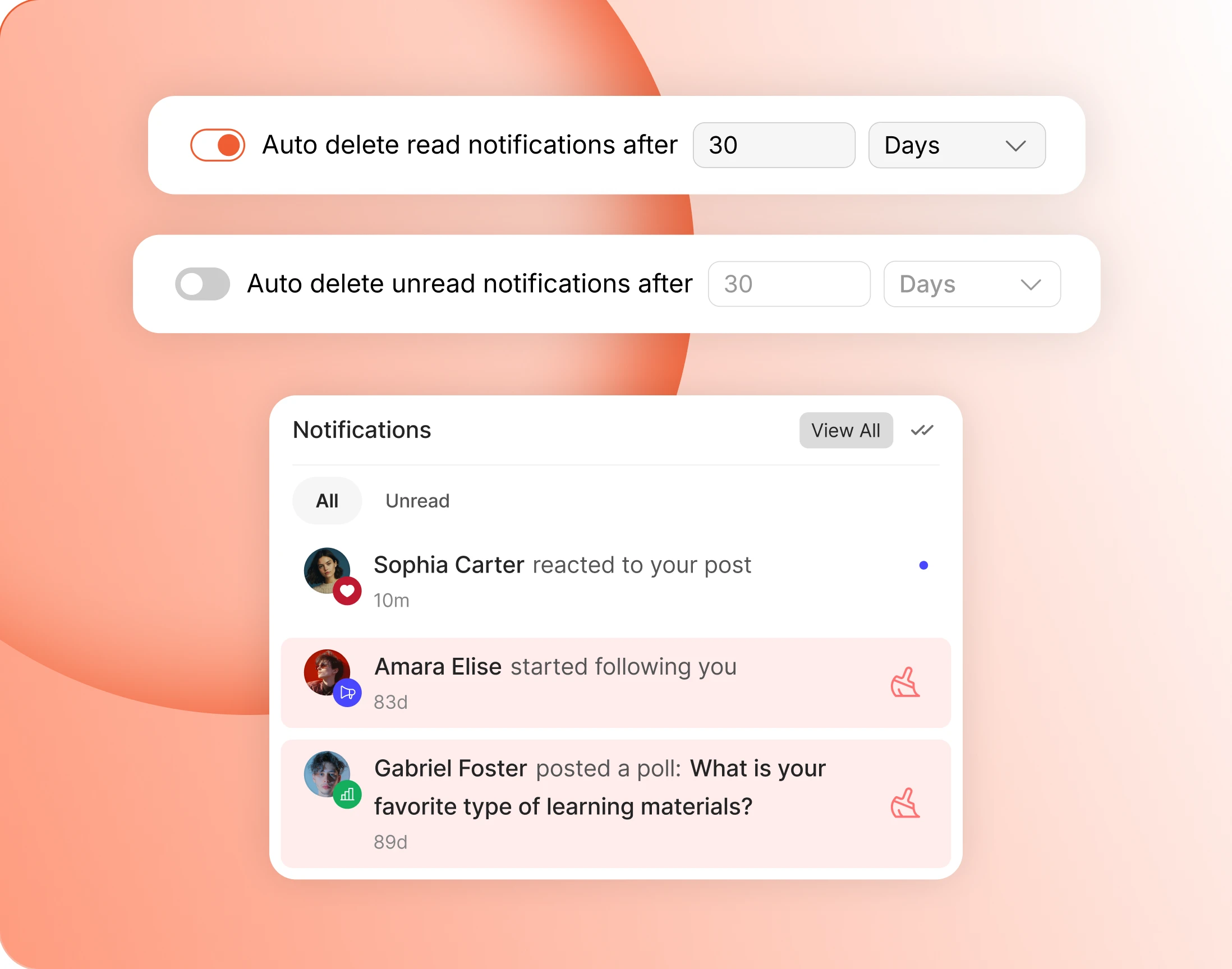
Old notifications clear themselves out
Notifications older than the age you set are deleted automatically. A busy community generates a great many, and none of them are worth keeping for ever.
— On-screen In Mobile
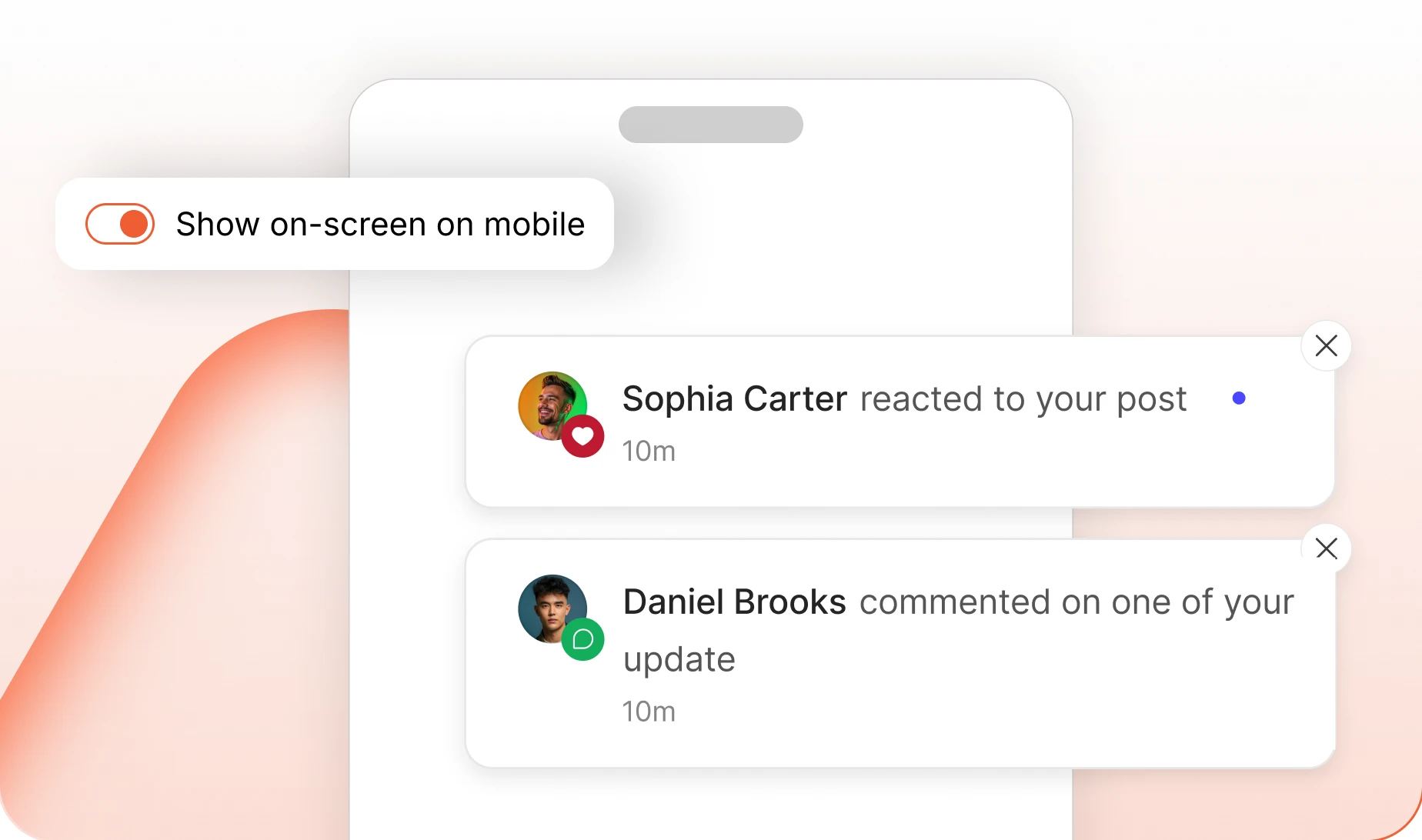
Pick the corner they appear in
Put the stack bottom left or bottom right, so alerts land away from whatever your theme already keeps in the other corner. Mobile has its own switch.
— On-screen In Browser Tab
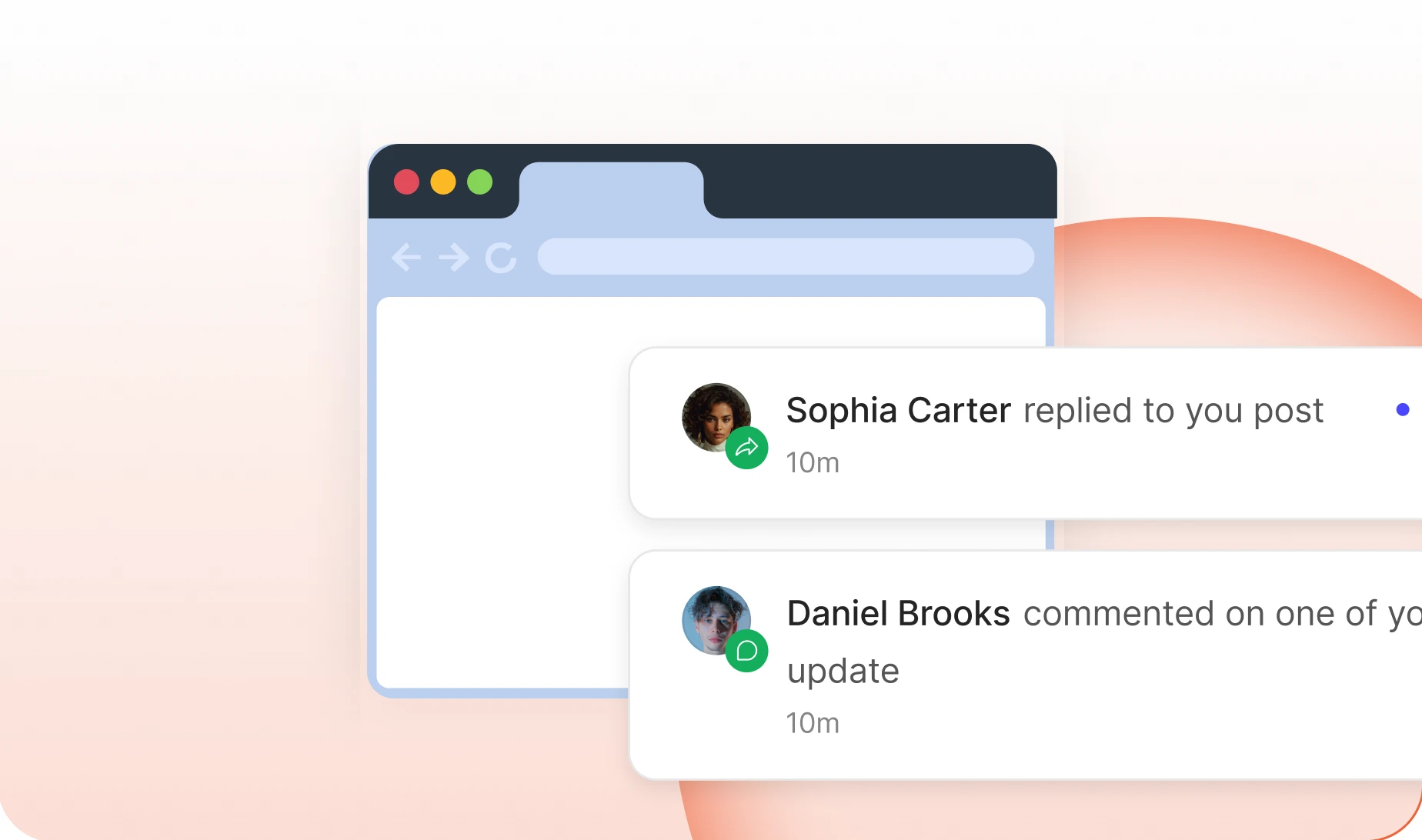
The tab title does the nudging
The browser tab itself changes when something arrives, so a member working in another tab still notices. There is also a timer to hide alerts on their own.
— Web Push Notifications
Web push runs on a separate service
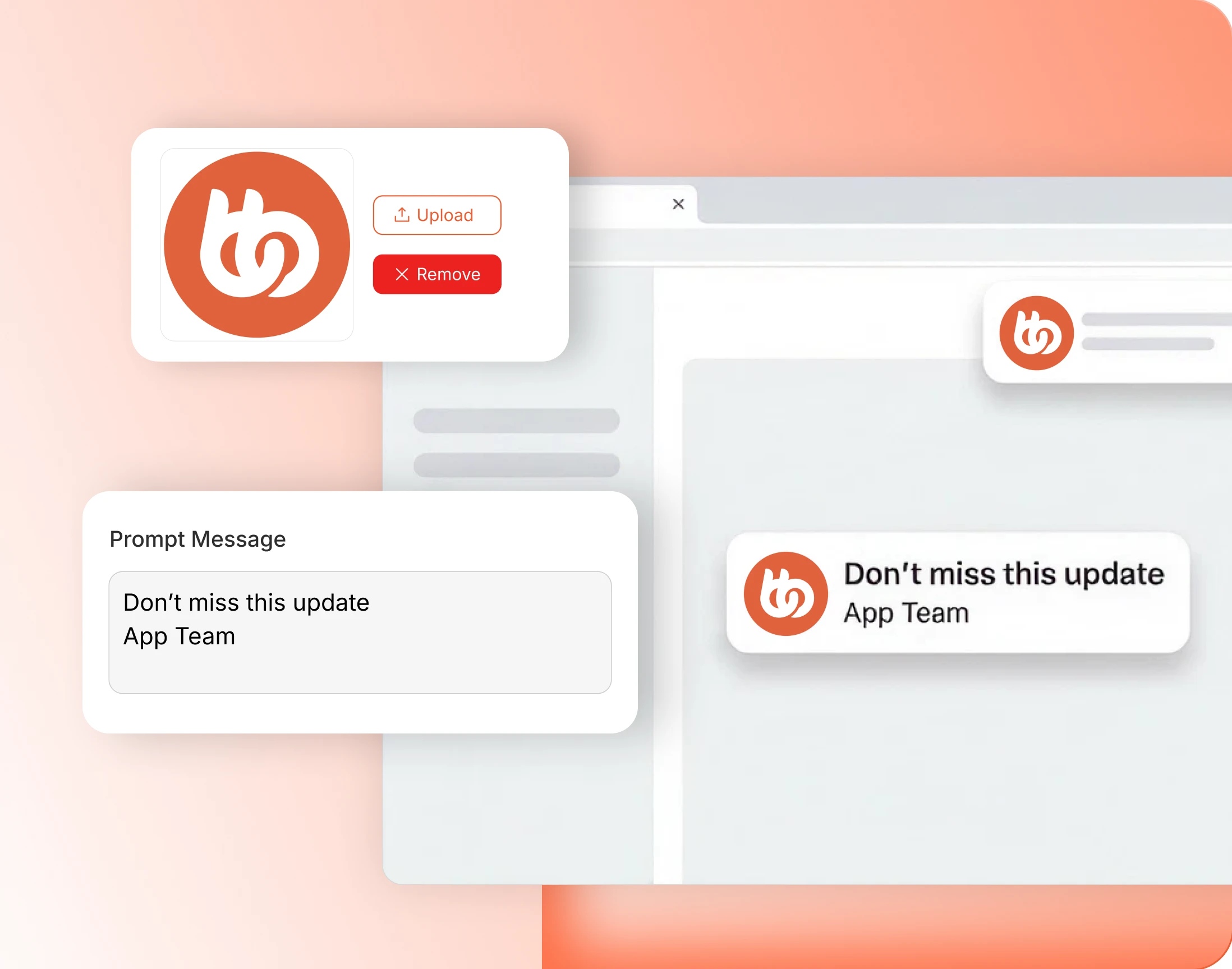
Push runs through OneSignal, which you sign up for and own. Create an app there, paste the credentials in, and notifications start reaching people who have closed the tab.
- Your own branded push: notifications come from your OneSignal app, not from ours
- Members opt in: the browser asks at first login, so far more of them say yes
- Never while they are reading: nobody is pushed at while they are already on the site
- Works with the tab closed: a member who left an hour ago still hears what happened
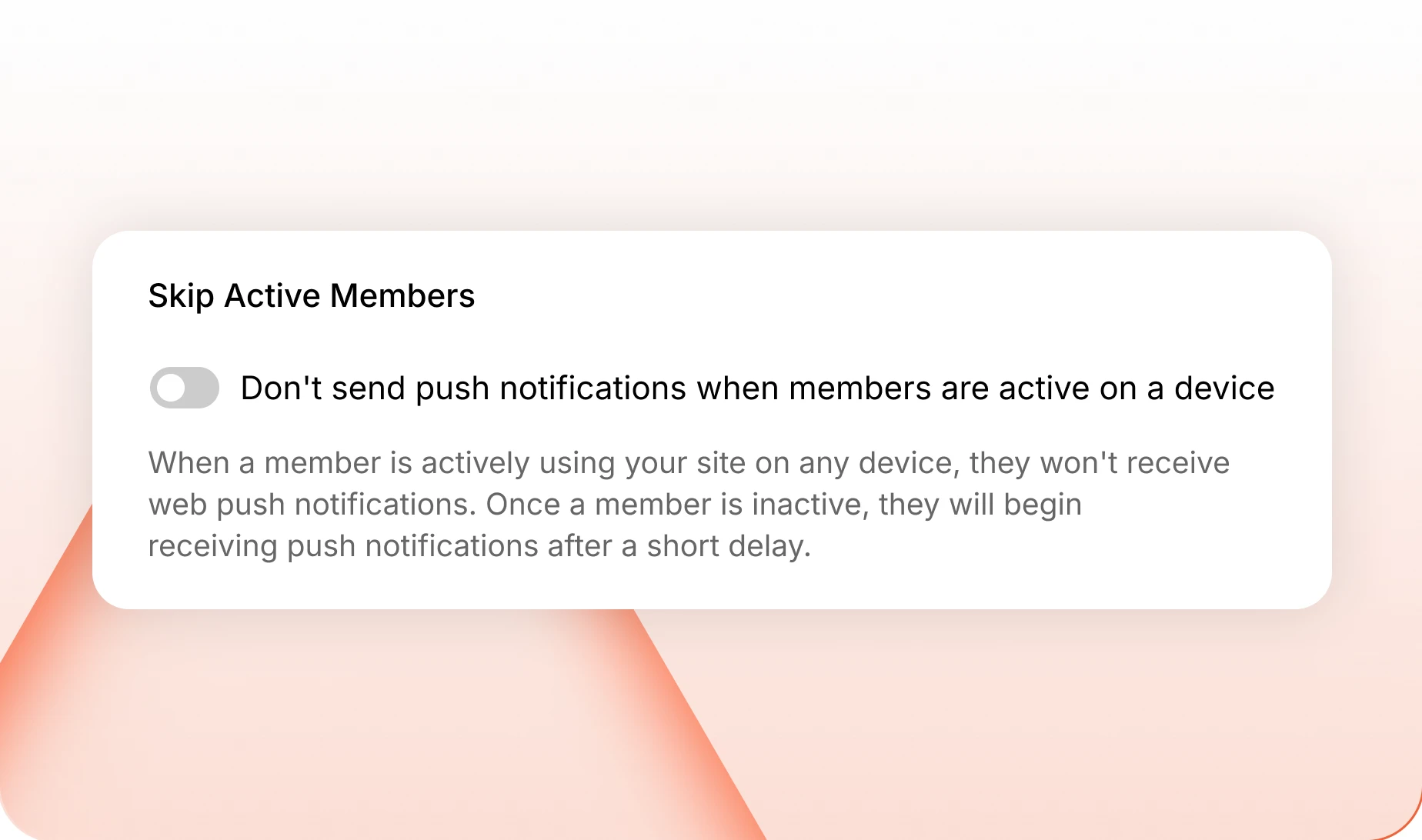
— Skip Active Members For Web Push
No push while they are already reading
A member using the site gets nothing pushed at them. Stop for three minutes and they count as away, and anything waiting arrives within about a minute.
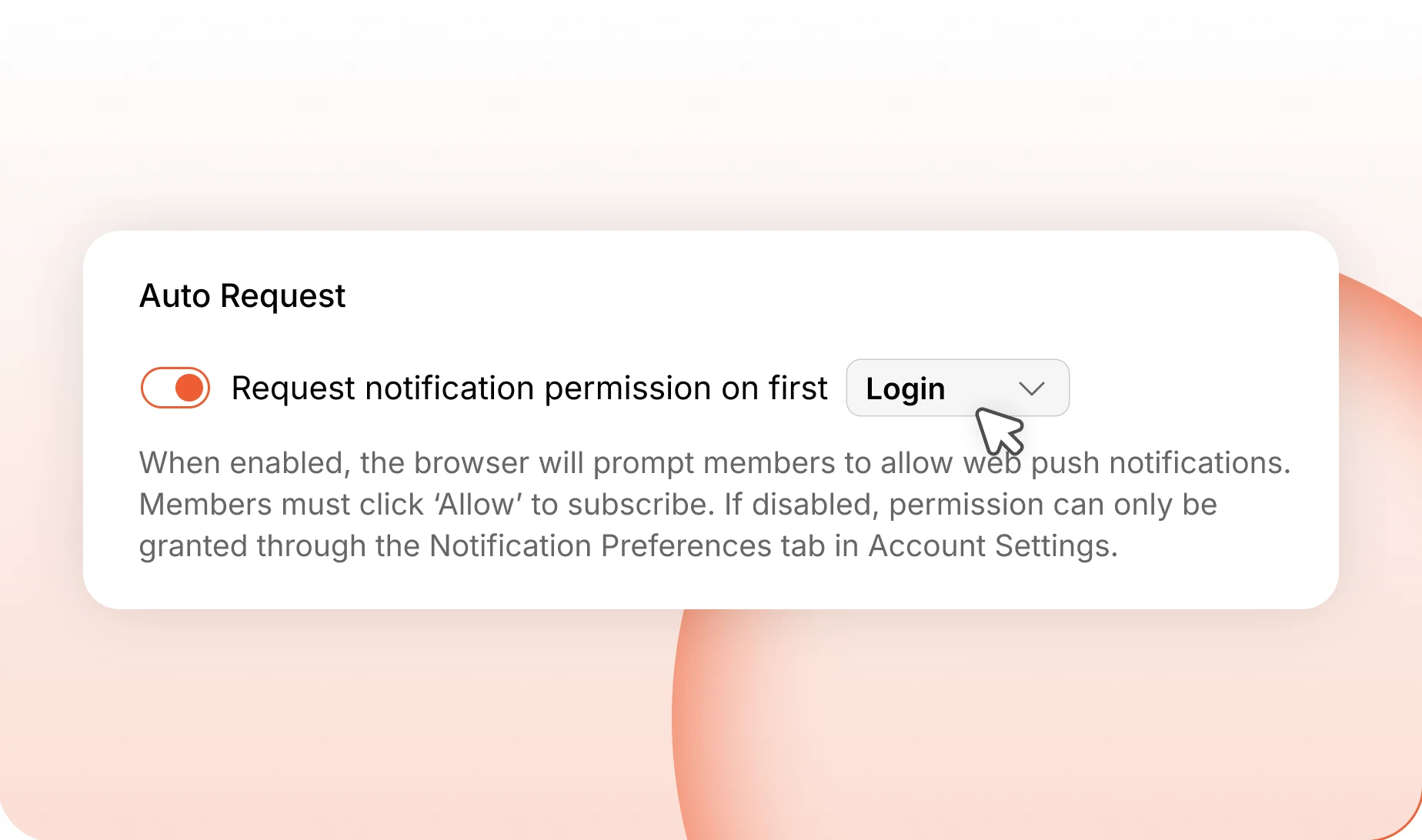
— Auto Request Web Push
Ask for permission on first login
The browser prompt appears when a member first signs in, rather than the moment a stranger lands on your homepage. Far more people say yes.
Trusted by more than 20,000 communities with 800+ reviews
Bring members back without nagging them
Explore more feature modules
Social Groups
Somewhere smaller to belong, and where most of what you get told about actually happens.
Activity Feed
One feed that keeps your whole community talking, with polls, pins and comments.
Messaging
Private threads that carry photos, video and files, without leaving your community.