














Moderations
Community moderation on autopilot
The guardrails under everything else you build. A problem gets contained the moment a member flags it, and every action taken is yours to review or reverse.
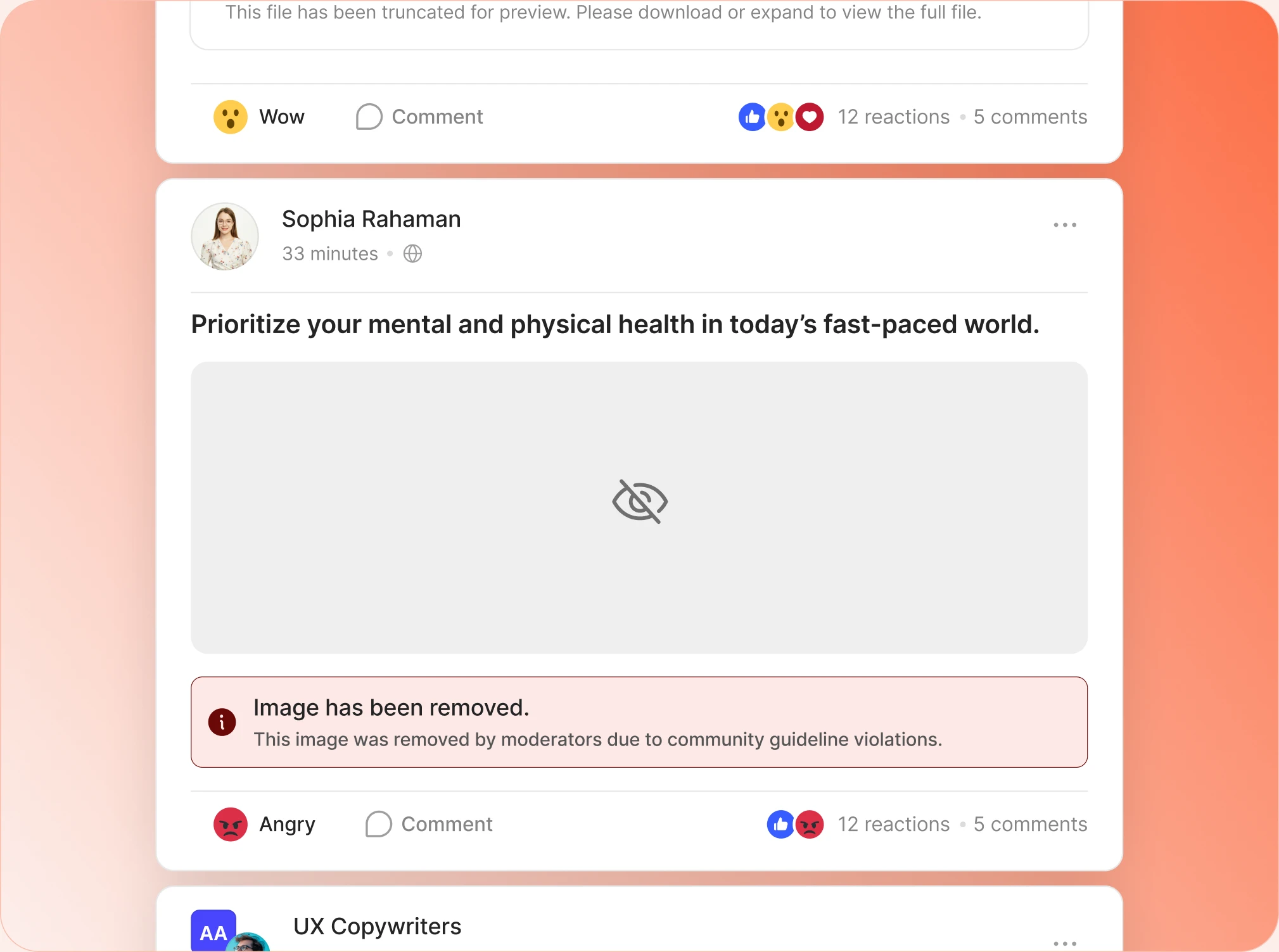
— protect —
The first move belongs to members
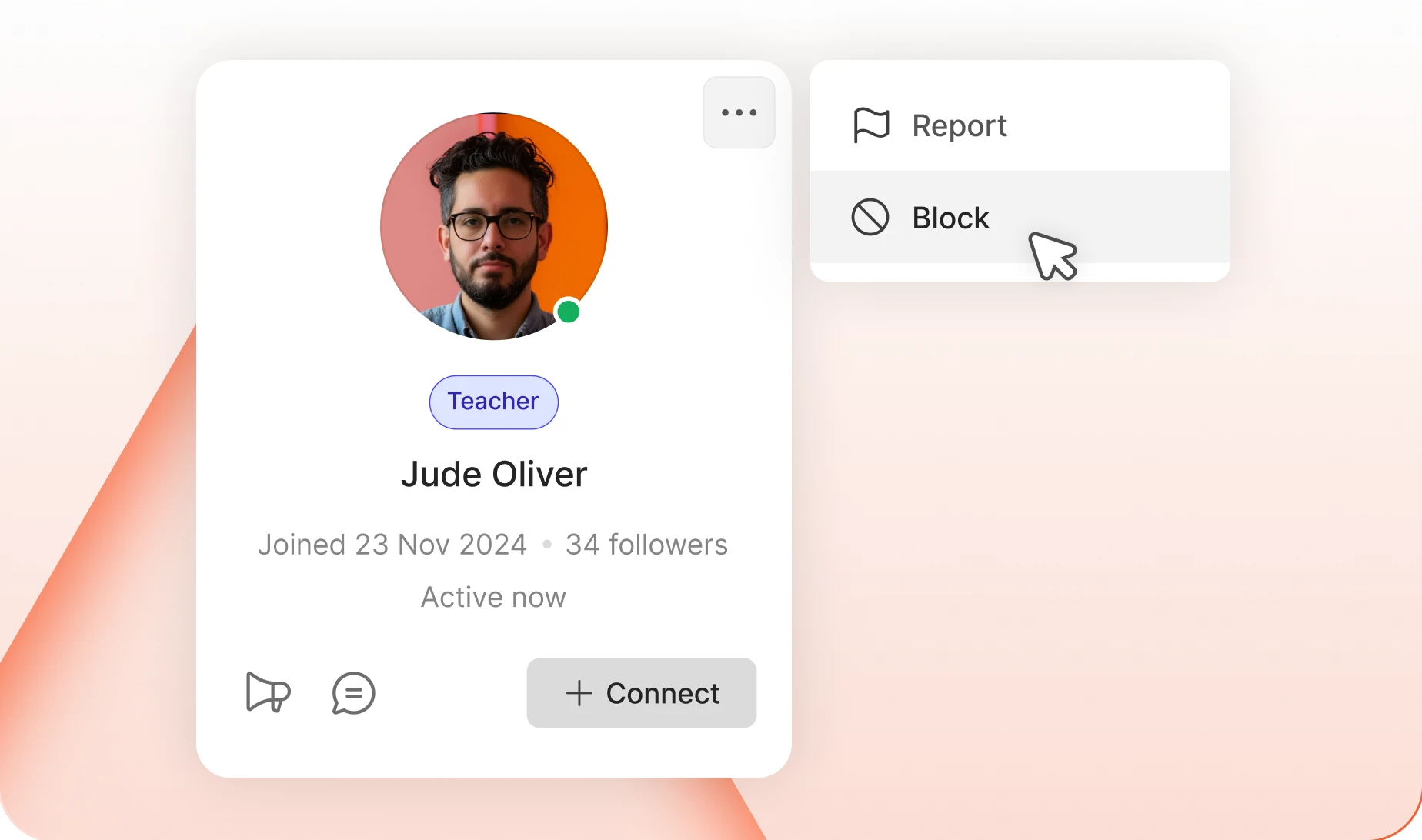
— Member Blocking
Members can hide anyone
Block someone and they disappear: their profile, their posts, all of it. It is a personal setting, so there is no ticket to file and nothing for you to approve.
— Blocked Members
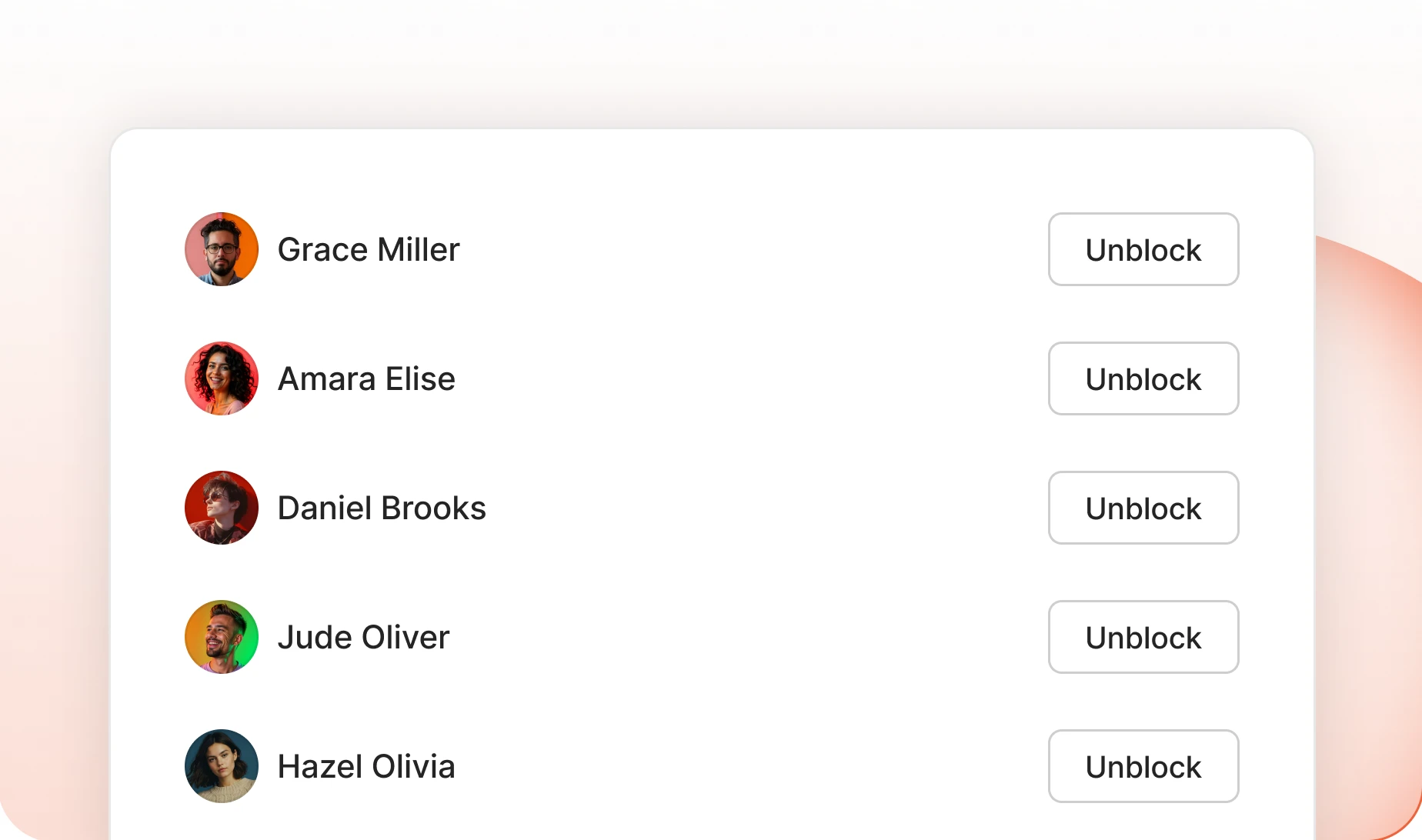
Members keep their own blocklist
Everyone a member has blocked sits in their account settings with an Unblock button beside them. Undoing it is theirs to do, so it never becomes your support ticket.
— Member Reporting
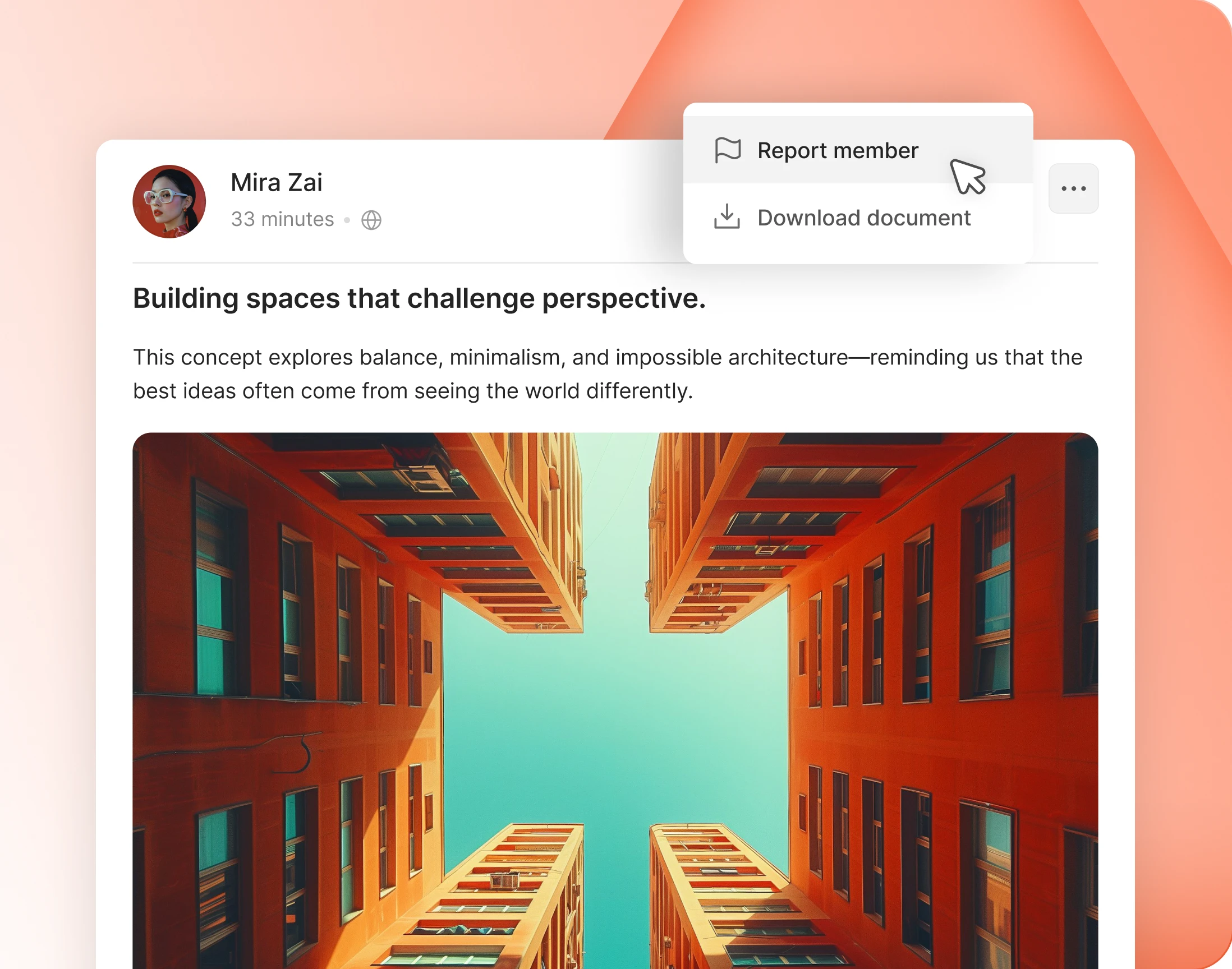
Report members, not just individual posts
Some problems are not one bad comment, they are a pattern across many. A member can report the person, and it lands beside every block that person has already collected.
— Content Reporting
A switch for every kind of content
Activity
Posts in the community feed.
Activity Comments
Replies underneath any feed post.
Groups
The group itself, not just its posts.
Forums
A whole forum, reportable.
Forum Discussions
Individual threads.
Photos
Images in feeds, groups and albums.
Videos
Uploaded video.
Documents
Files members upload.
Blog Comments
Replies under a member’s blog post.
Wondering how it compares?
See BuddyBoss next to Mighty Networks, Kajabi, Teachable, Thinkific and BuddyPress, feature by feature.
— define —
You decide what counts as a problem
— Reporting Category
The reasons members pick are yours to write
It arrives with the categories most communities need, each with a short description. Keep them, reword them in your own voice, or delete the ones your space will never use.
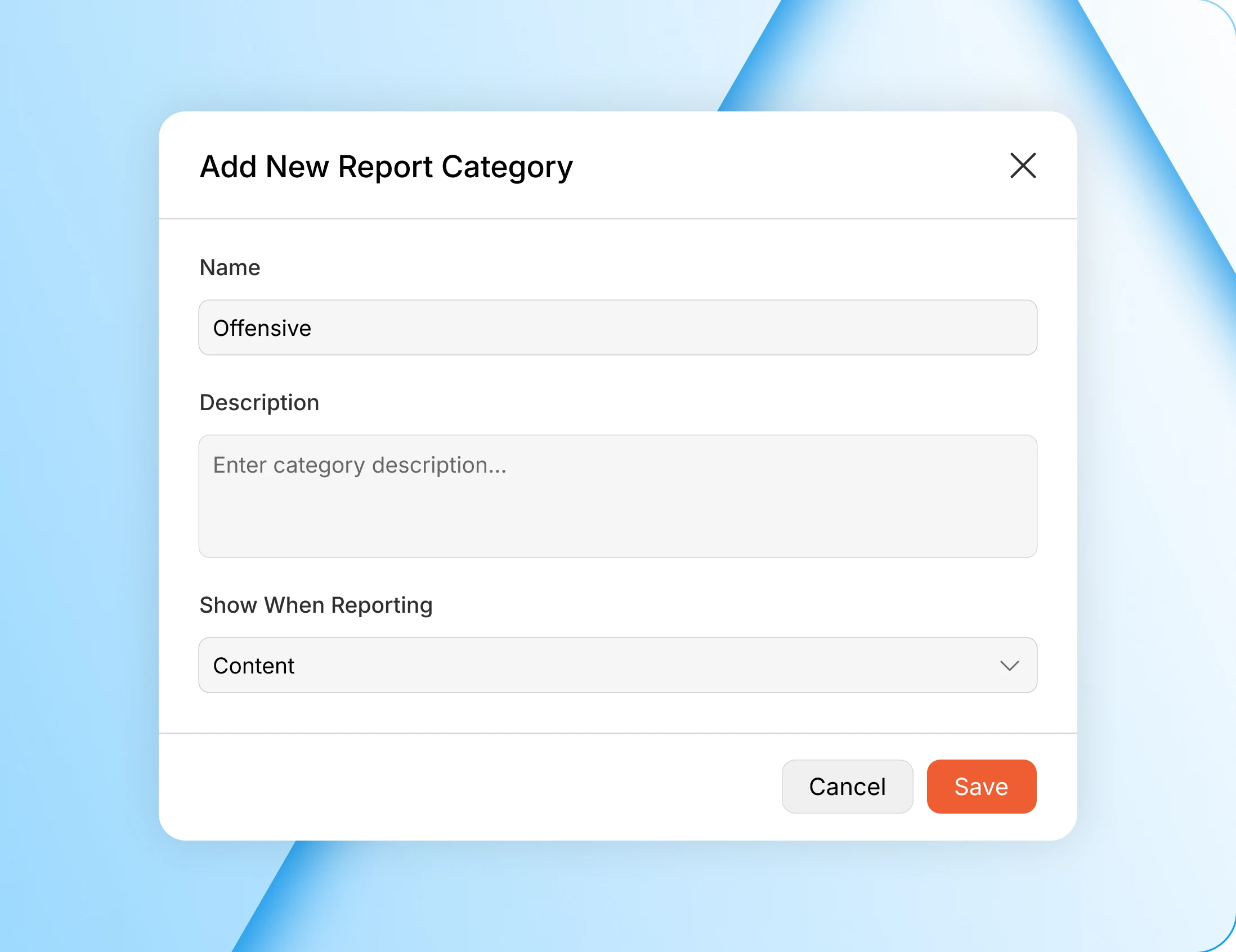
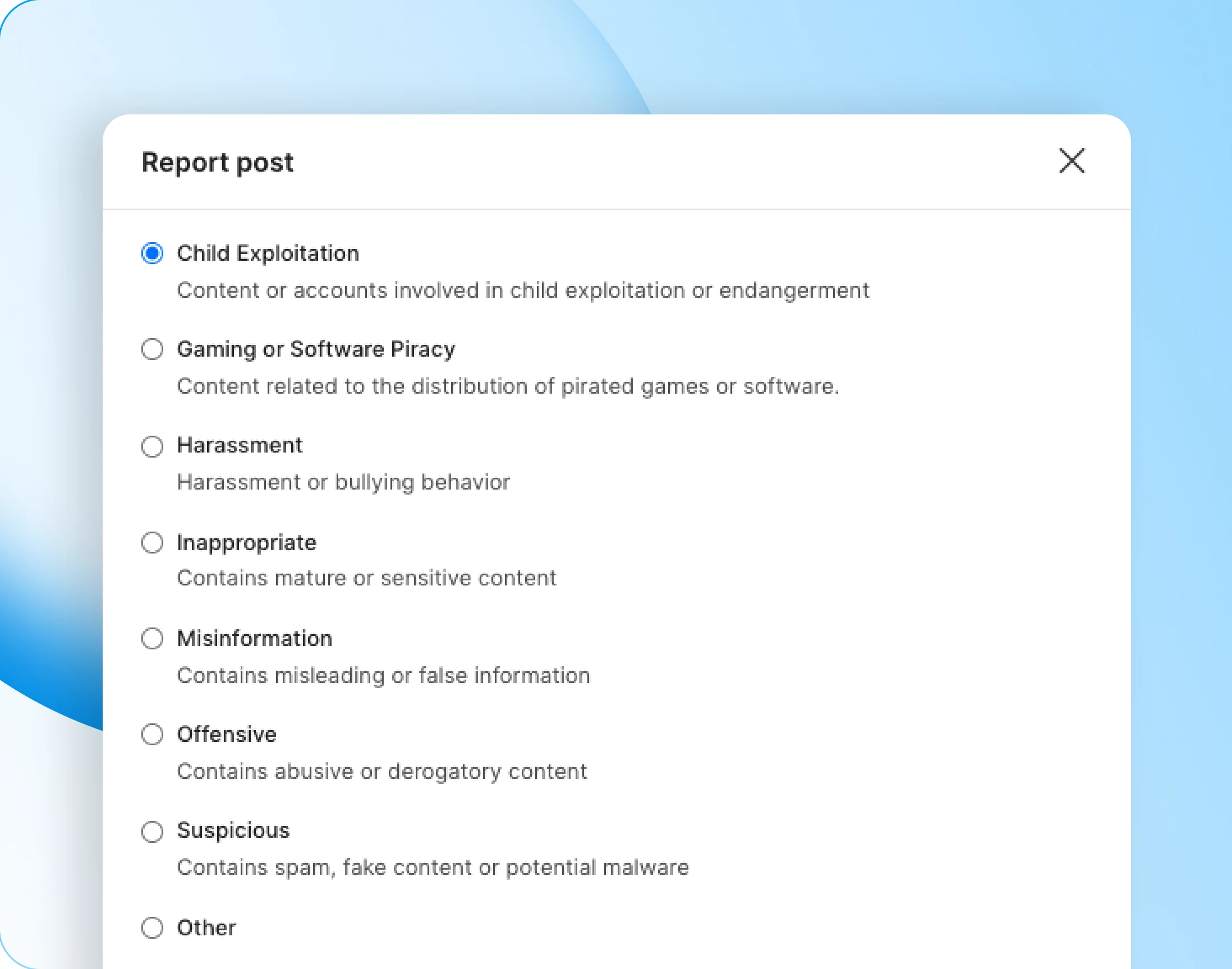
— Show When Reporting
Harassment on people, misinformation on posts
Each category applies to content, to members, or to both, so the reasons a member sees always match the thing they are flagging.
— automate —
Set the number, then step back
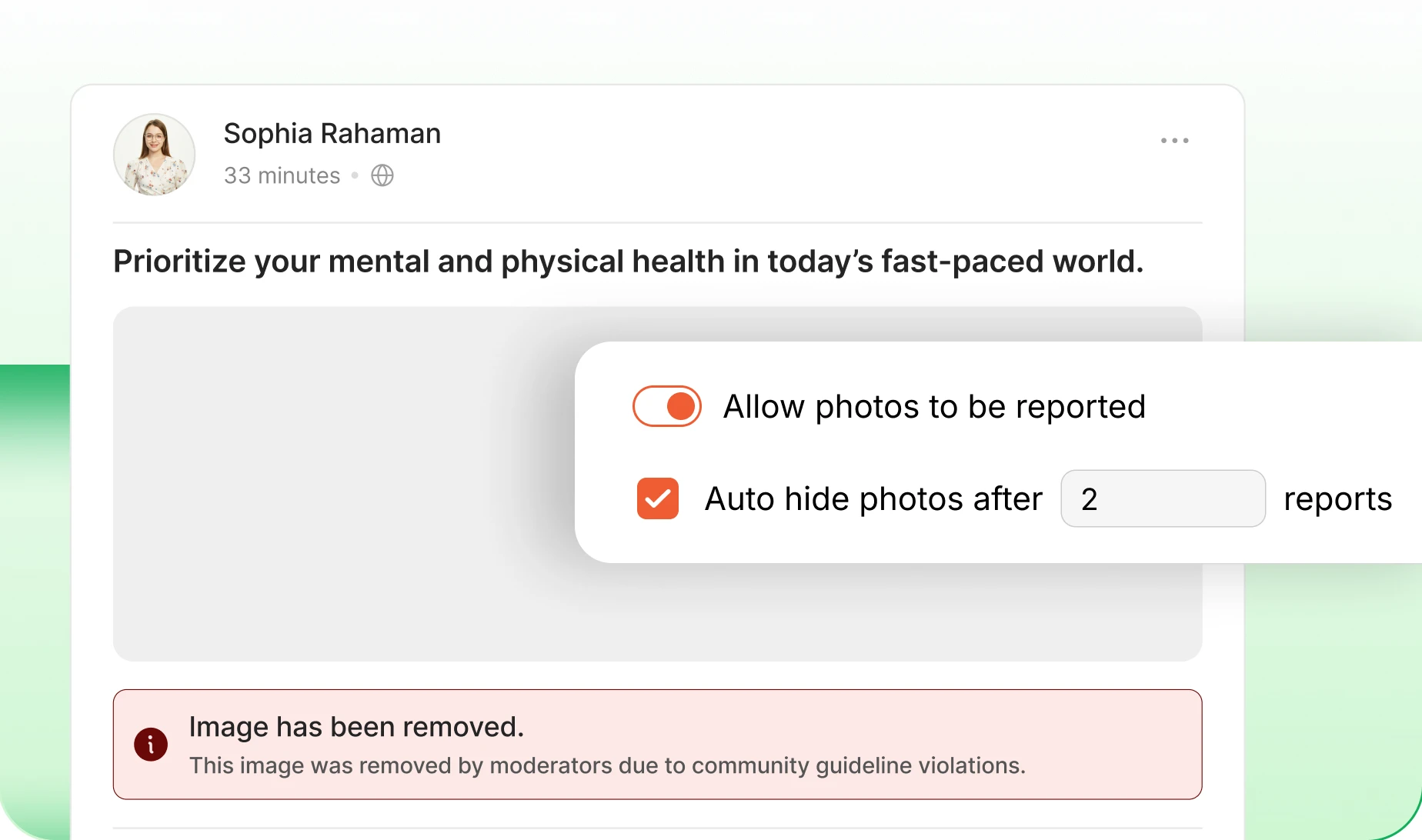
— Auto Hide
It hides itself at the limit you set
Set a report threshold per content type and anything crossing it hides itself, with no admin present. A group and a photo can carry very different tolerances.
— Auto Suspend
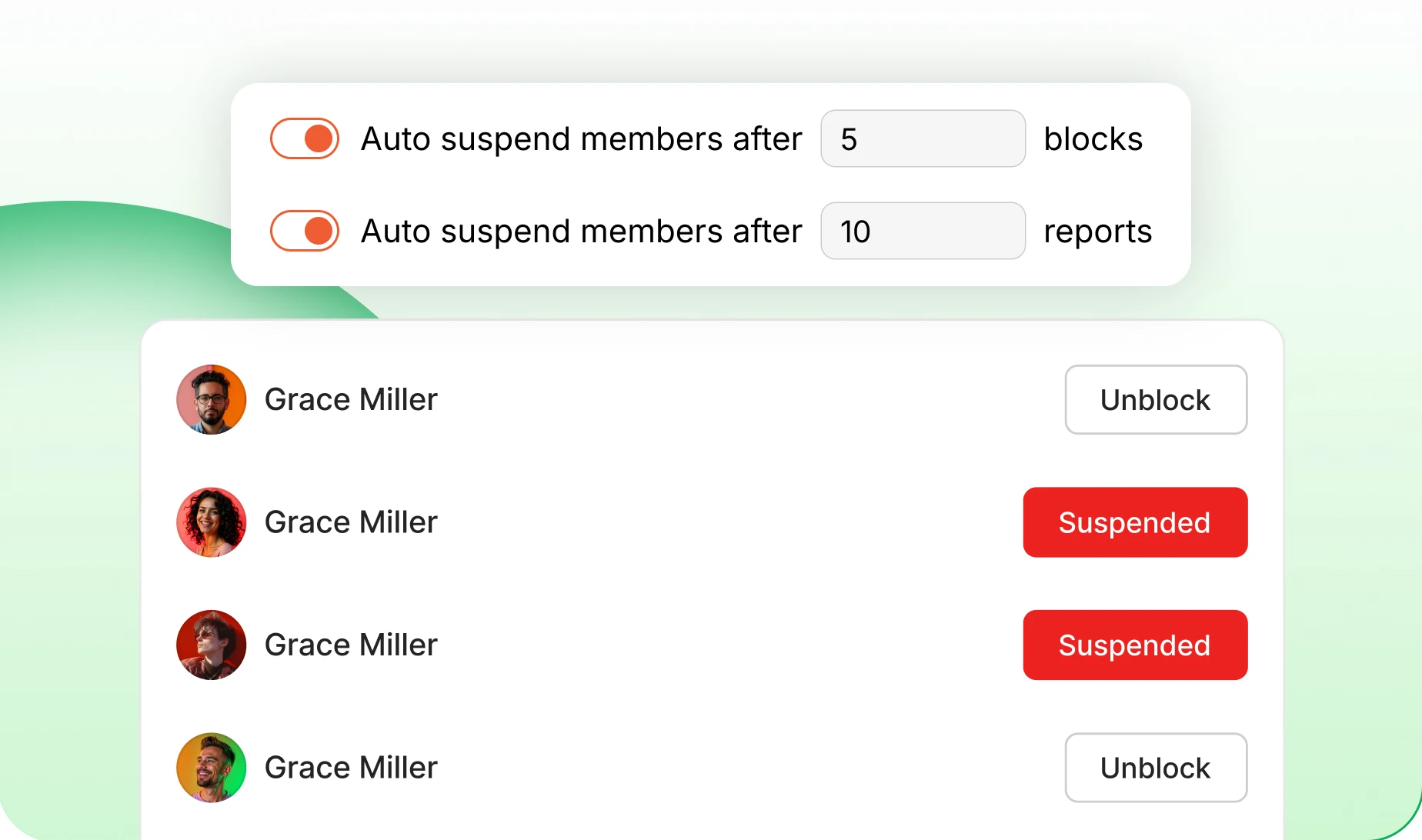
Suspend before it becomes your problem
One threshold counts blocks, the other counts reports. Cross either and the member is suspended on the spot, so one bad night never becomes a bad week.
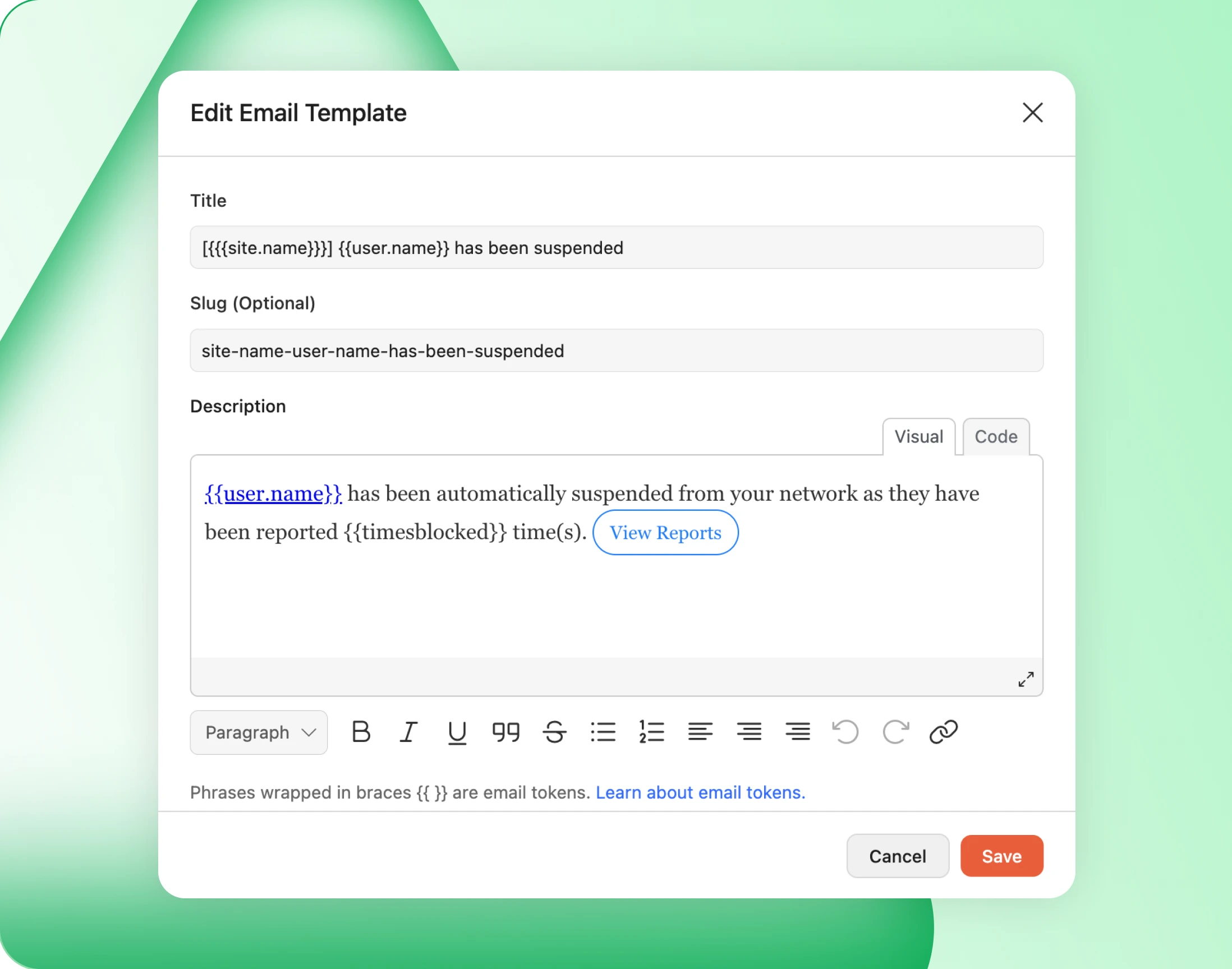
— Email Notification
You hear about it before a member tells you
Automation is only comfortable if you hear about it. Every automatic suspension emails your administrators, so nobody finds out from an annoyed member first.
— resolve —
Every block and report, counted per member
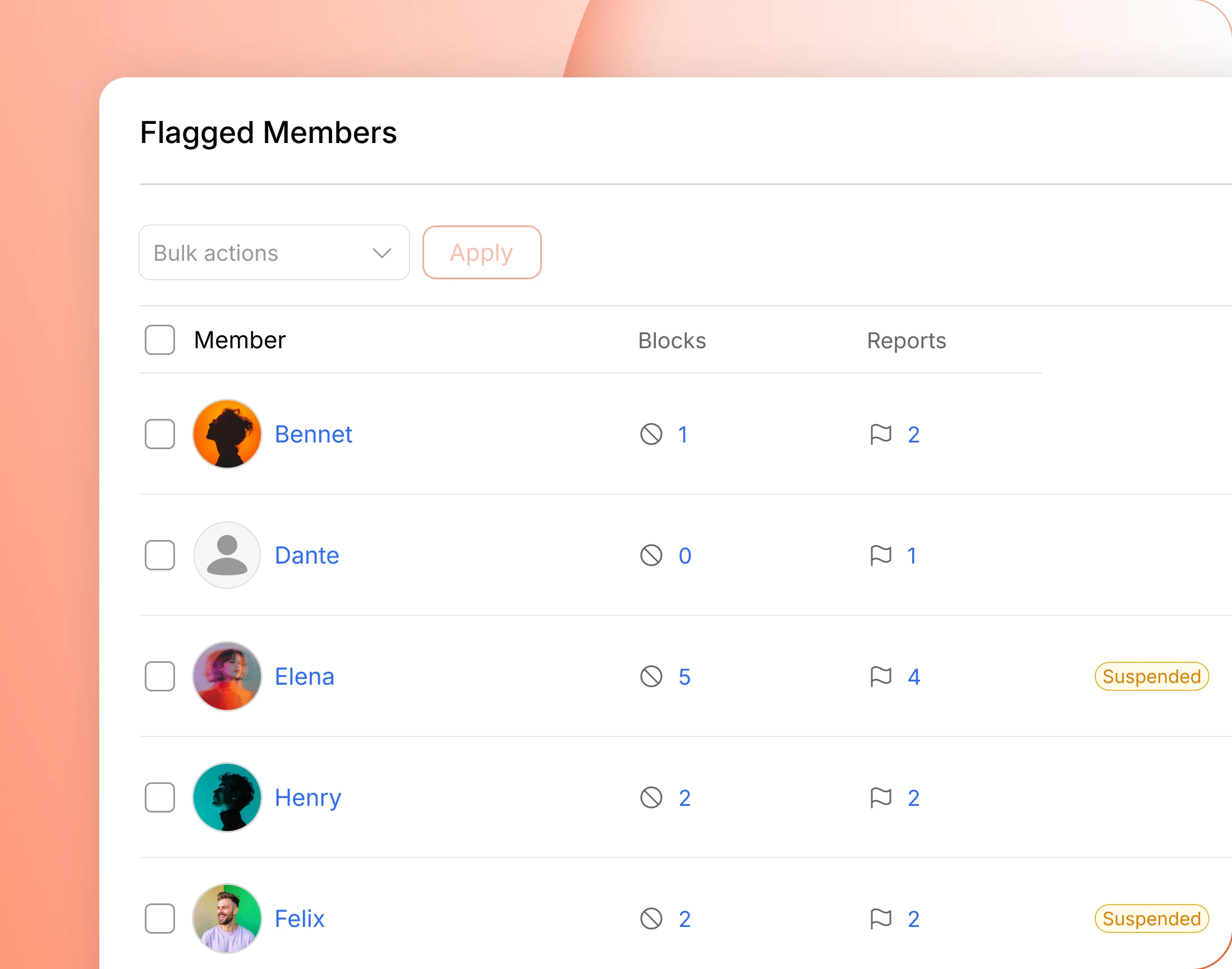
— Flagged Members
One screen for everyone who has been flagged
Blocks and reports roll up per member, with the numbers beside each name. Filter by blocked, reported or already suspended, and a one-off complaint stops looking like a habit.
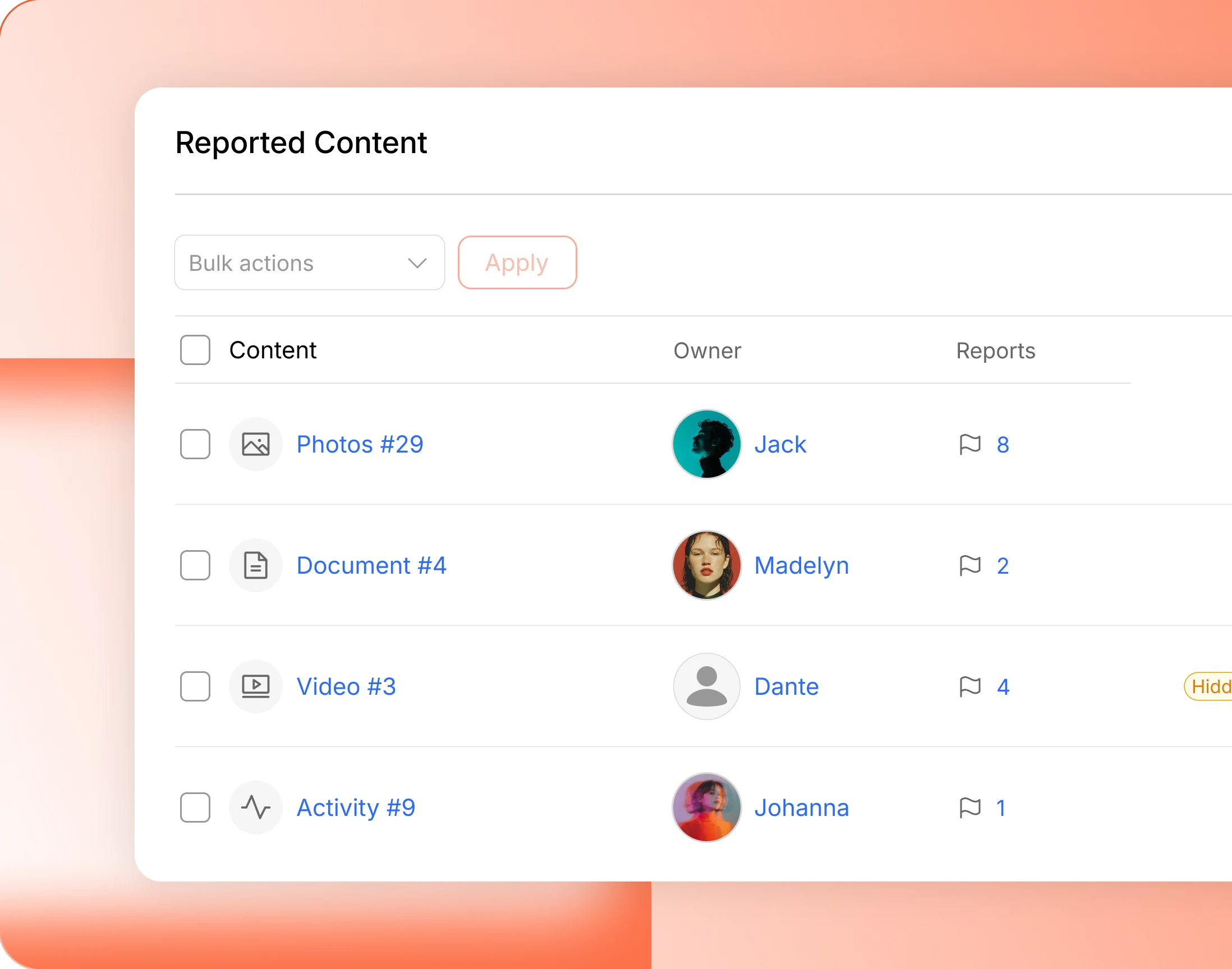
— Reported Content
Photos, groups and forum replies, same table
Everything reported arrives in one table, each item with its owner. Narrow it to a single content type, or to what is currently hidden, and work the pile down.
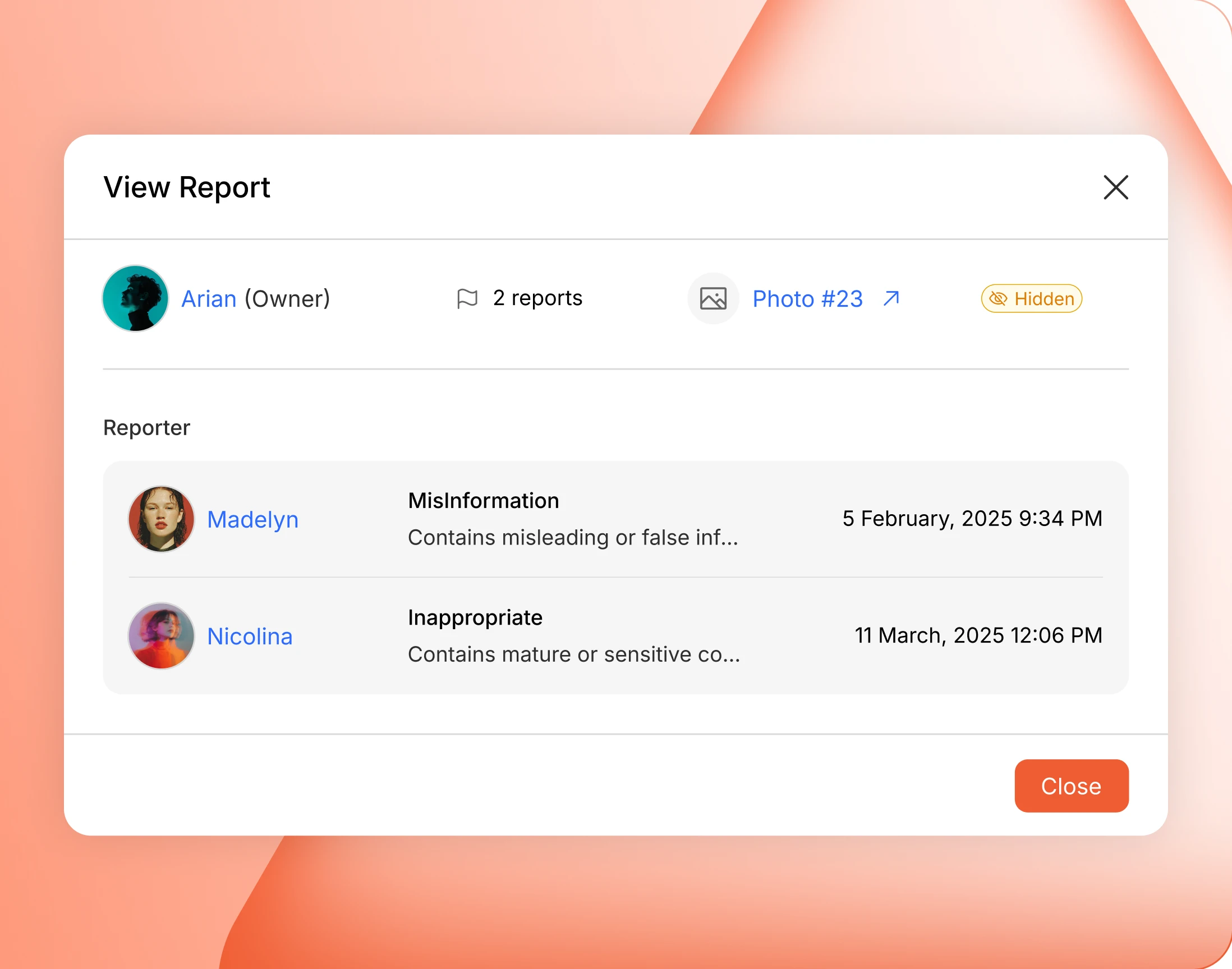
— View Report
Who reported it, why, and when
Open a flagged member and the whole file opens too: every reporter, the reason they picked, every blocker, timestamps on all of it. You act on evidence, not a number.
Trusted by more than 20,000 communities with 800+ reviews
Keep your community somewhere people want to stay
Most members never see the moderation queue. That is the point of having one.
Explore more feature modules
Activity Feed
One feed that keeps your whole community talking, and the busiest thing you will ever moderate.
Member Profiles
Every member gets a page worth visiting, and a member is reportable as well as their posts.
Media Uploading
Photos, video and documents, every one of them reportable and hideable on a threshold you set.