














Introduction
The All in One SEO Pack (AIOSEO) is a WordPress SEO plugin that helps optimize your website for search engines. It provides tools to improve on-page SEO, generate XML sitemaps, manage schema markup, optimize social sharing, and integrate with webmaster tools—all without requiring advanced technical knowledge.
The plugin integrates seamlessly with the BuddyBoss Theme, allowing you to optimize your community website while maintaining a consistent user experience.
Features
- On Page SEO Optimization
- Smart Sitemaps
- Schema Support
- Webmaster Tools Connect
- Google AMP
- WooCommerce SEO
- Advanced Canonical URLs
- Video SEO Module
- Social Media Integration
- Automatic Search Engine Notification
- Translated in 57 Languages and much more.
The Pro version of All in One SEO includes premium support and many more features.
The BuddyBoss Theme adapts the SEO settings seamlessly to optimize your website.
Installing the plugin
To install the plugin:
- Download the All in One SEO Pack plugin from the link below
https://wordpress.org/plugins/all-in-one-seo-pack/ - Extract the downloaded all-in-one-seo-pack.zip file to the WordPress plugins folder yourhostname/wordpress/wp-content/plugins OR
Go to your WordPress Dashboard > Plugins > Add New. Click the Upload Plugin button. Browse to the download file location, select the all-in-one-seo-pack.zip & install the plugin. - Click the Activate Plugin button to activate the All in One SEO Pack plugin on your website. OR
To activate the plugin on your website site go to WordPress Dashboard > Plugins and then click the Activate button for All in One SEO Pack.
Setting up the plugin
To setup the plugin:
- Go to WordPress Dashboard > All in One SEO > General Settings.
- Make the preferred changes to the settings for the SEO optimization of your website.
- Click the Update Options button to apply the settings.
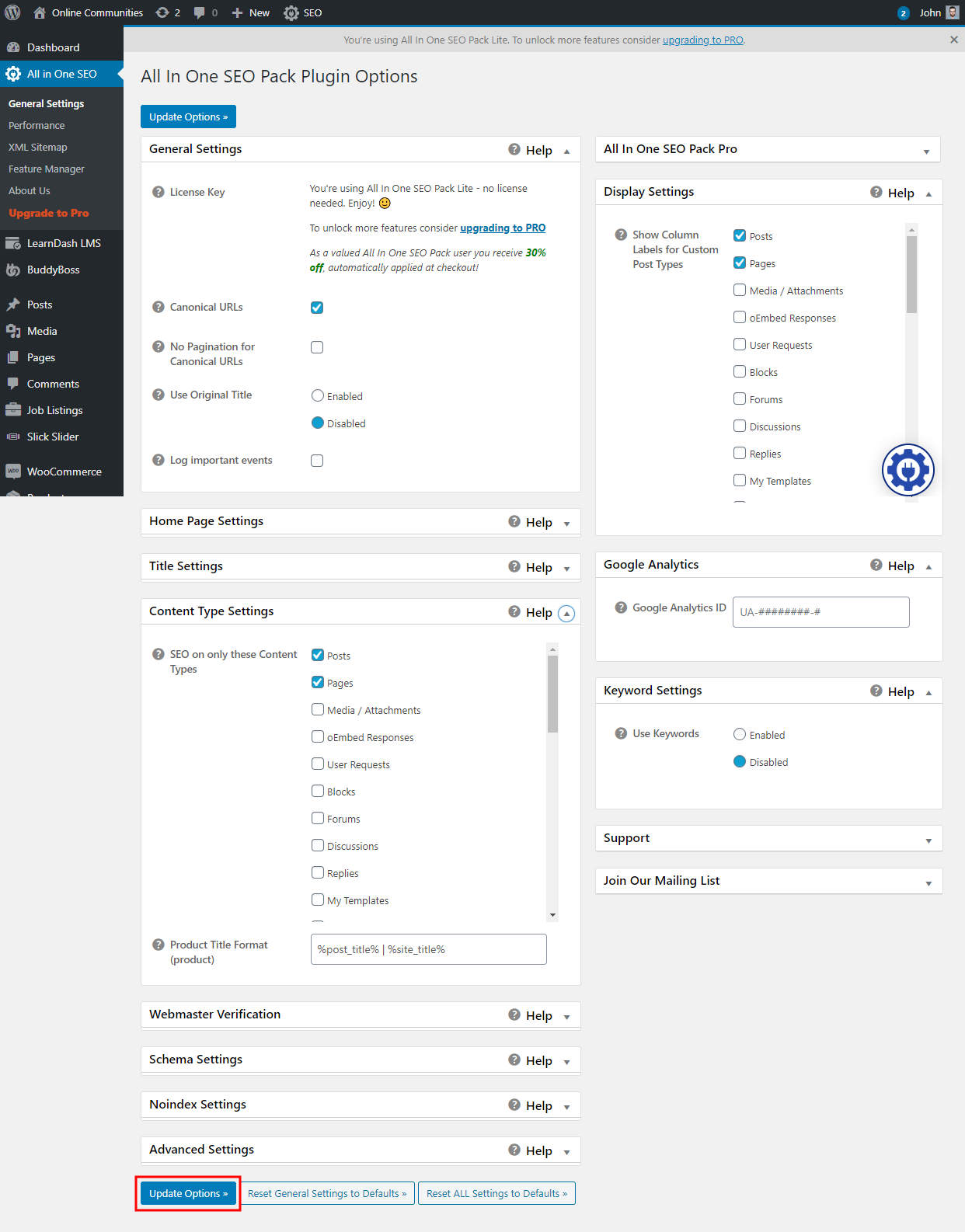
For further setup and usage options, refer to official documentation of All in One SEO.