














Introduction
Suppose your app is a social or dating app. You need to complete the “Child Safety Standards” declaration form in the Google Play Console to comply with Google’s updated Child Safety Standards policy.
In-scope apps must have published standards:
- Child sexual abuse and exploitation (CSAE)
- Provide an in-app feedback mechanism
- Address child sexual abuse material (CSAM)
- Comply with child safety laws
- Designate a child safety point of contact.
This requirement applies regardless of whether your app has child users.
Explore BuddyBoss Platform | BuddyBoss App | BuddyBoss Pricing | Try BuddyBoss Demo
Where to Find the Declaration Form
- Log in to Google Play Console.
- Select your app.
- Navigate to Policy > App Content.
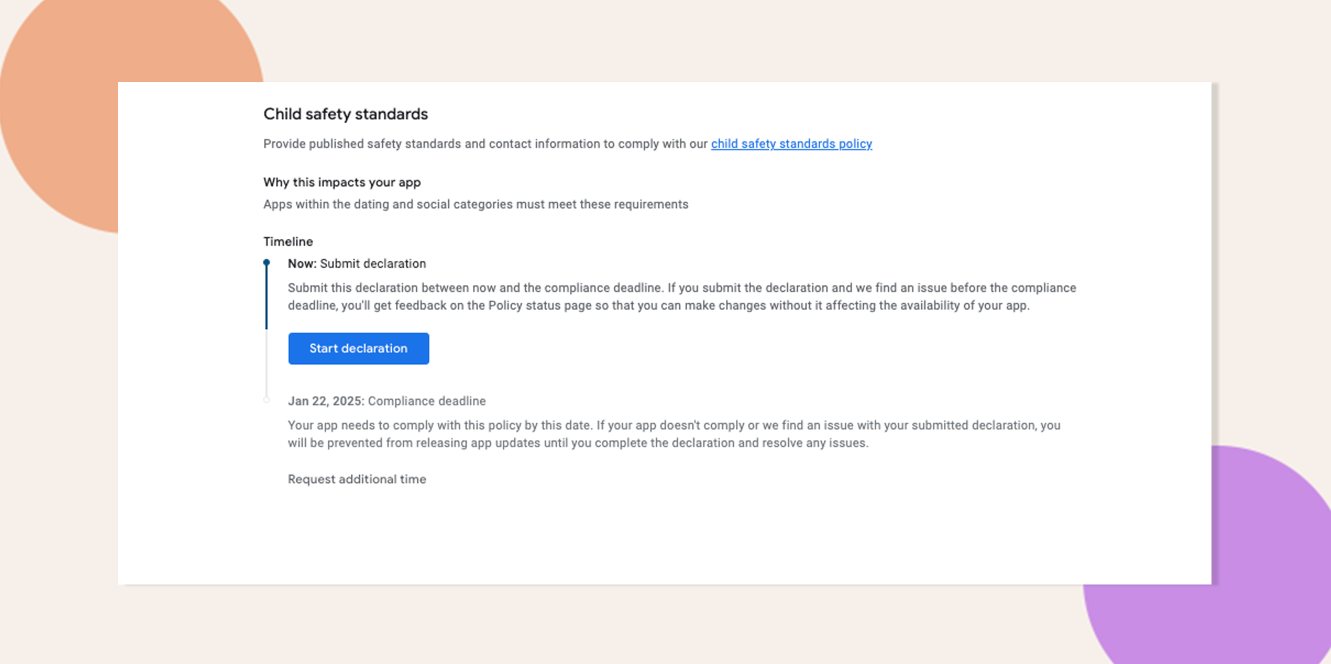
- Locate Child Safety Standards and click Start or Edit.
Complete the Declaration Form
- Provide a functional link to your published CSAE standards. The web resource must:
- Load without errors;
- Mention CSAE or child safety;
- Reference the app or developer name as it appears on your Play Store listing.
- Provide a designated point of contact for CSAE notifications—someone empowered to discuss enforcement procedures and take action.
- Enable the app’s Send a Feedback feature, then self-certify (by ticking the checkbox) that you offer an in-app mechanism for users to submit feedback or reports.
- Self-certify that your app complies with applicable child safety laws and regulations, including a process to report confirmed CSAM to the National Center for Missing and Exploited Children or your relevant regional authority.
Reference Screenshots:

Troubleshooting and FAQs
Q: Who can serve as the child safety point of contact?
A: Any team member responsible for CSAE enforcement—such as a compliance officer or community manager—is suitable.
Q: My app lacks a built-in feedback feature. What should I do?
A: Implement a feedback/reporting form or deep link to an external support page, then enable it as the in-app Send a Feedback mechanism.
Q: When must this form be completed?
A: Complete the declaration before your next app update; Google may block updates for non-compliant apps in affected categories.
Explore BuddyBoss Platform | BuddyBoss App | BuddyBoss Pricing | Try BuddyBoss Demo