
REQUIRES: PRO PLAN OR HIGHER • Last updated: Mar 12, 2026 • ~2 min read
The Activity Loading setting controls how many activity posts load at a time and how additional posts are displayed as members browse the feed. This manual walks you through the two available settings.
Tutorial Video
Activity Loading
Navigate to your WordPress Dashboard, go to BuddyBoss > Settings > Advanced > General, then scroll to the Activity section.
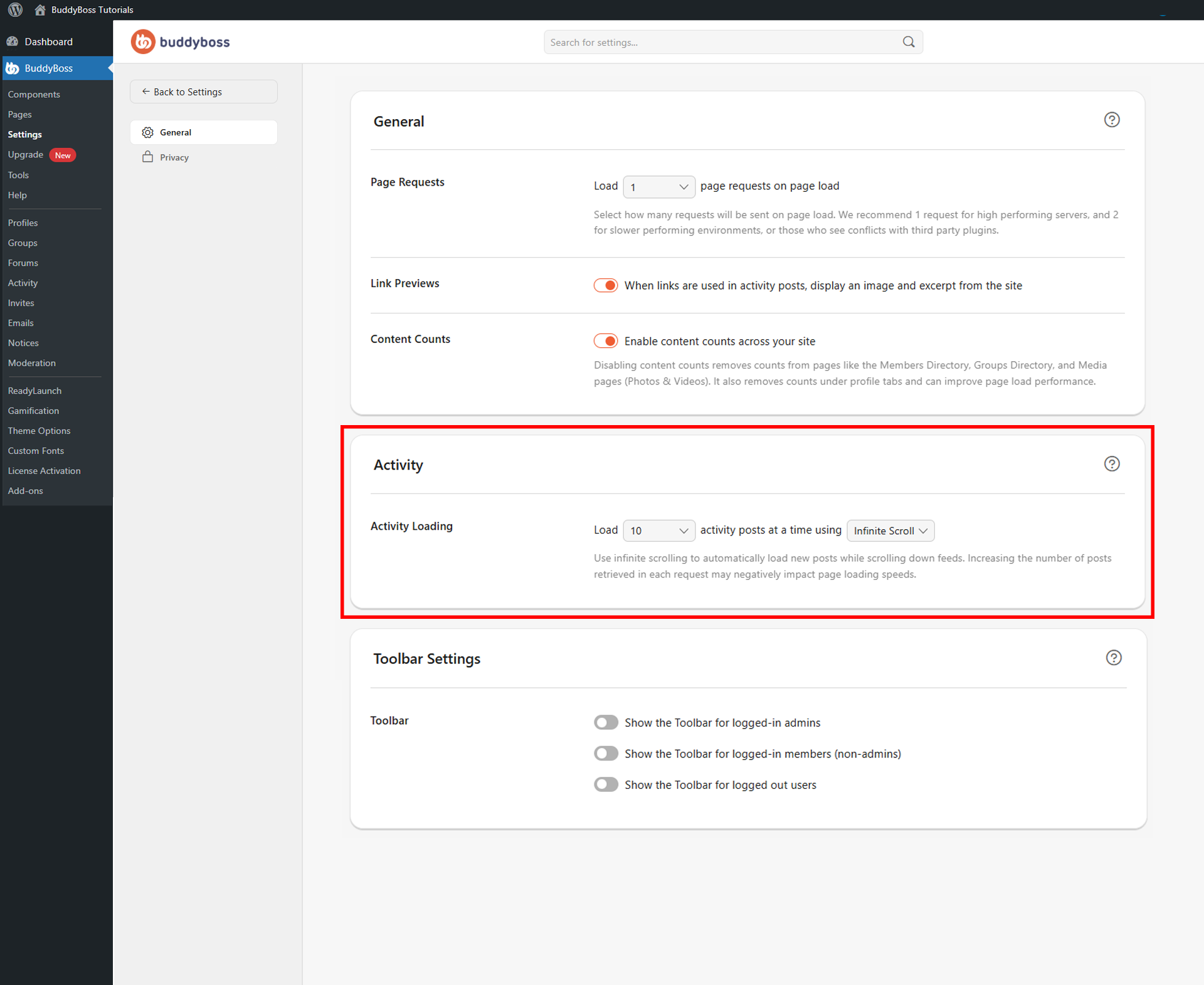
Two dropdowns control the Activity Feed loading behavior.
- Number of posts per request: Select how many activity posts load at one time — available options are 5, 10, 15, or 20. Fewer posts may improve page performance; more posts reduce the number of separate requests needed while browsing.
- Loading method: Choose Infinite Scroll to automatically load new posts as members scroll down, or Load More to require members to click a button for additional posts.
© 2026 BuddyBoss LLC. All Rights Reserved. | buddyboss.com