
REQUIRES: PRO PLAN OR HIGHER • Last updated: Mar 12, 2026 • ~3 min read
The Advanced General settings allow you to optimize activity loading behavior, control link previews, and manage content count display across your community. These settings are particularly useful for large communities and high-traffic sites. This manual walks you through each option.
Tutorial Video
Advanced General Settings
Navigate to your WordPress Dashboard, go to BuddyBoss > Settings > Advanced > General.
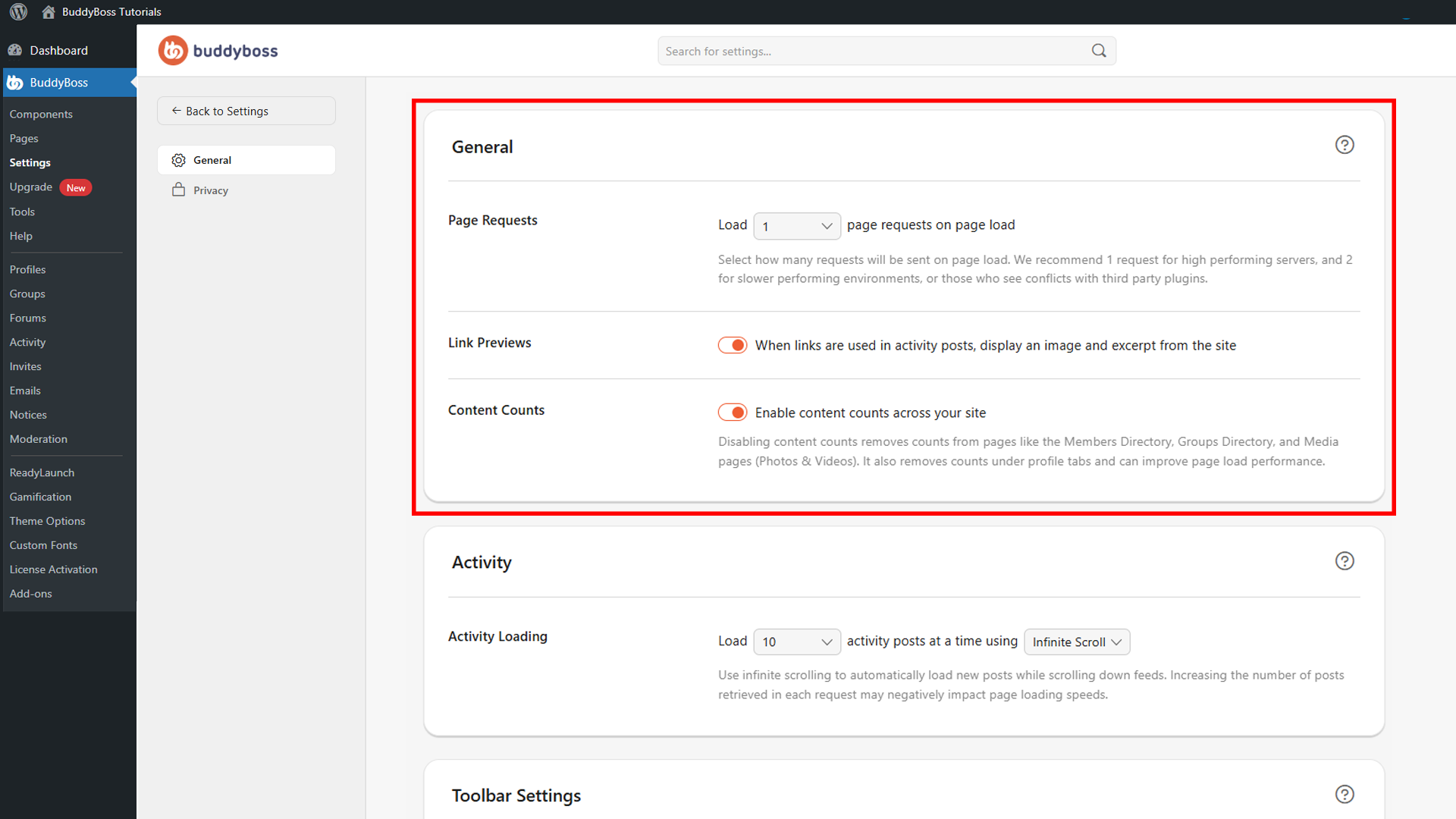
The following three settings are available.
- Page Requests: Controls how many activity requests are sent when a page initially loads. BuddyBoss recommends 1 request for high-performance hosting environments and 2 requests for slower servers or sites experiencing third-party plugin conflicts.
- Link Previews: When enabled, BuddyBoss automatically retrieves and displays a featured image, title, and description for links shared inside activity posts, making shared content more visually engaging.
- Content Counts: When enabled, BuddyBoss displays totals for members, groups, photos and videos, and profile tab content across your site. Disabling this may improve performance on larger communities.
© 2026 BuddyBoss LLC. All Rights Reserved. | buddyboss.com