
REQUIRES: PRO PLAN OR HIGHER • Last updated: Mar 12, 2026 • ~3 min read
The Group Cover Image settings control how cover images appear on group profiles. You can enable group cover images, set a default for groups without their own image, and adjust cover dimensions. This manual walks you through each option.
Tutorial Video
Accessing Group Cover Image Settings
To access these settings, navigate to your WordPress Dashboard, go to BuddyBoss > Settings > Social Groups, then click Group Images from the left menu.
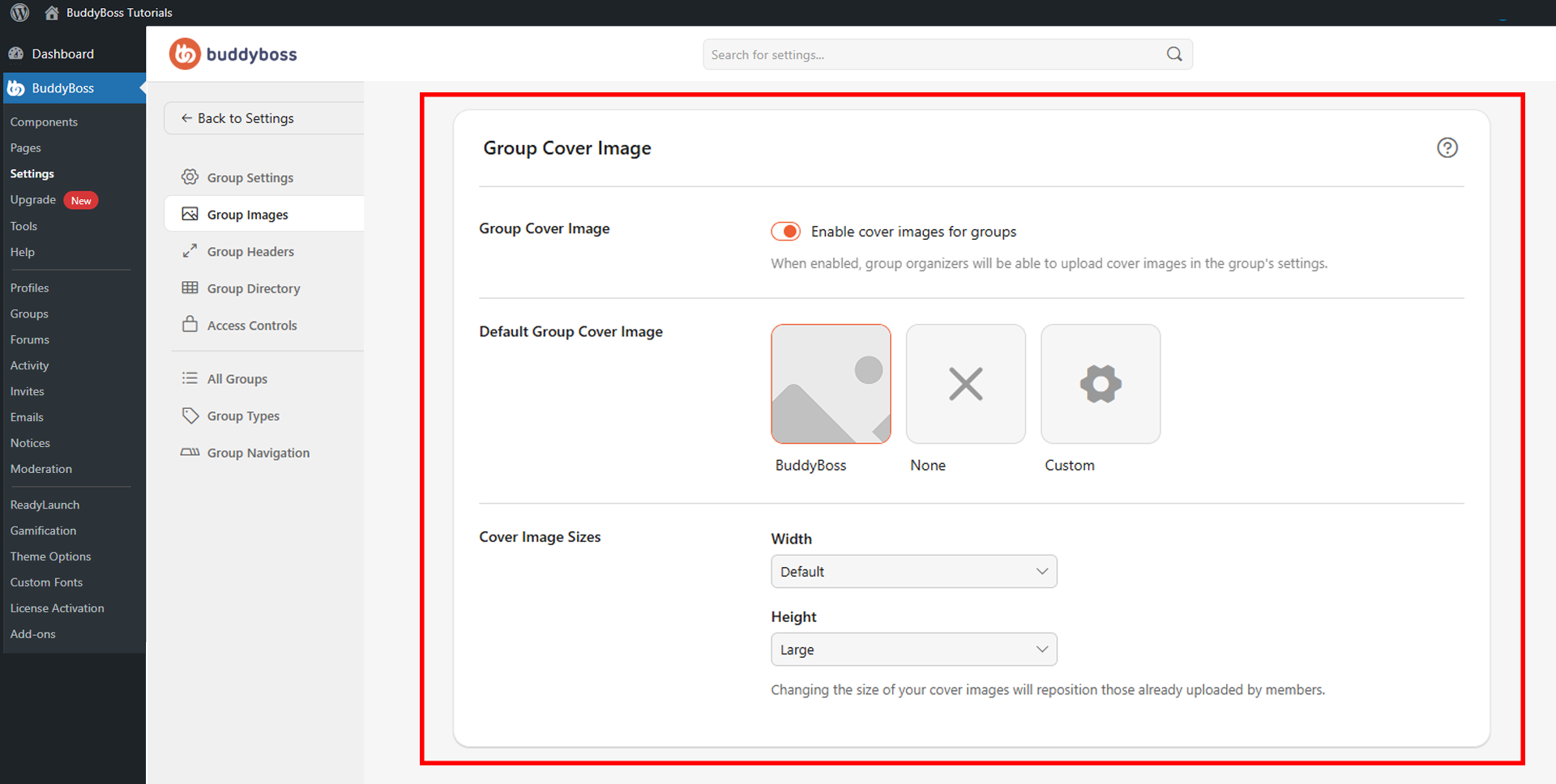
Enable Group Cover Images
Toggle Enable cover images for groups on to activate cover images on group profiles. When enabled, group organizers can upload a cover image directly from the group settings page.
Default Group Cover Image
The Default Group Cover Image setting determines what appears in the cover area for groups that have not uploaded their own image. Select from the available options:
- BuddyBoss: Uses the default BuddyBoss cover image style.
- None: No cover image is displayed for groups without their own image.
- Custom: Upload your own default cover image to display across groups that have not set their own.
Cover Image Size
The Cover Image Sizes section lets you set the dimensions for group cover images using the Width and Height dropdowns. Width options include Default for the standard theme width and Full Width to expand the cover image across the full screen. Height options include Small for a shorter cover area and Large for a taller, more prominent display.
Note that changing these values will reposition existing cover images uploaded by group organizers.
© 2026 BuddyBoss LLC. All Rights Reserved. | buddyboss.com