
REQUIRES: PRO PLAN OR HIGHER • Last updated: Mar 12, 2026 • ~3 min read
The Registration Pages settings allow you to assign dedicated WordPress pages for member registration, account activation, terms of service, and privacy policy. These page assignments are used throughout the registration and login experience to provide a seamless onboarding flow. This manual walks you through each assignment.
Assigning Registration Pages
Navigate to your WordPress Dashboard, go to BuddyBoss > Settings > Appearance > Pages, then scroll to the Registration Pages section.
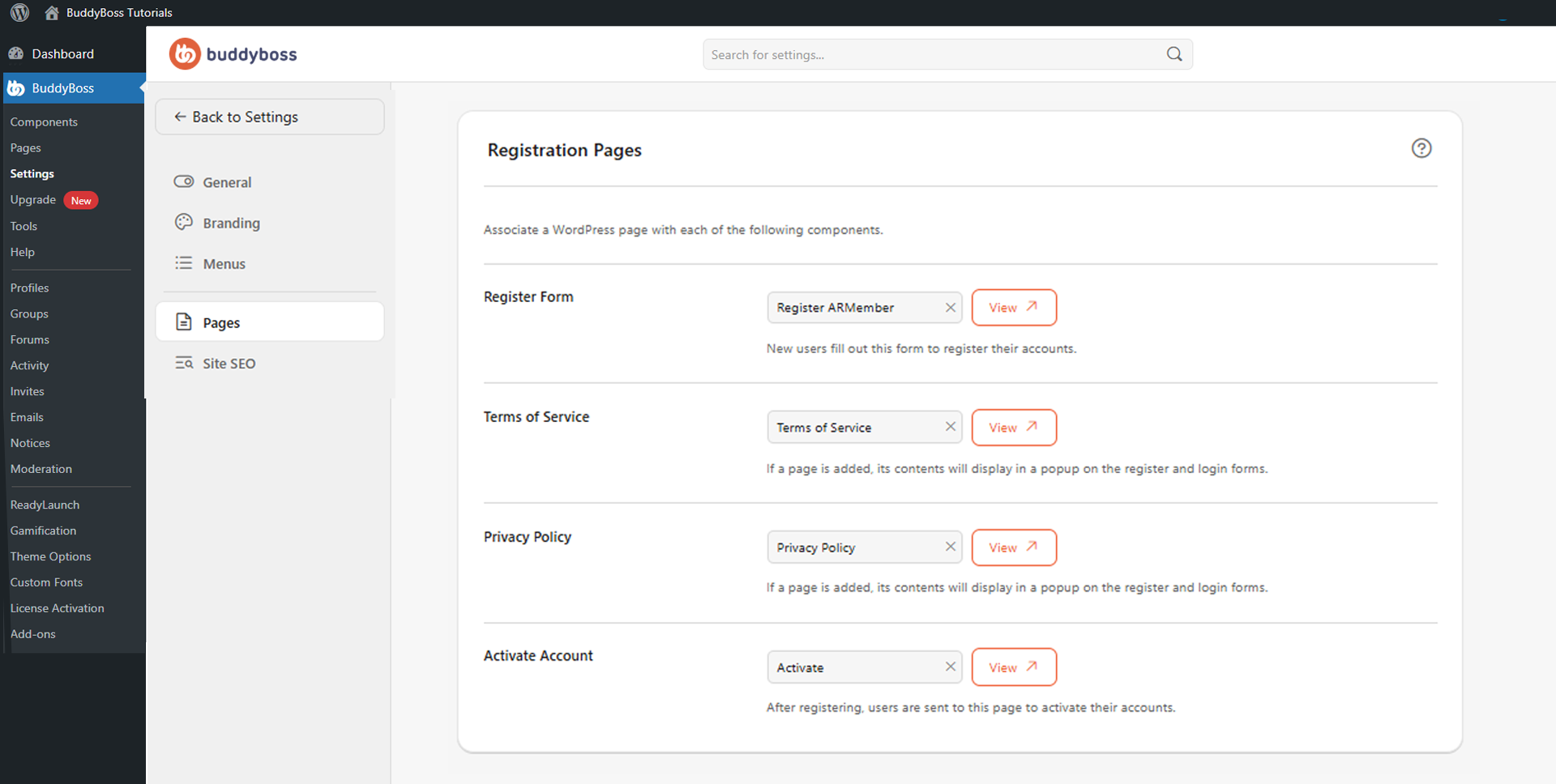
For each field, use the dropdown to select the appropriate WordPress page. A View button next to each field opens the assigned page for preview. The four pages to configure are:
- Register Form: The page where new members create their accounts. This becomes the default registration page used by BuddyBoss.
- Terms of Service: The page containing your terms and conditions. When configured, its content appears in a popup during registration and login.
- Privacy Policy: The page informing users how their data is collected and managed. When configured, its content appears in a popup during registration and login.
- Activate Account: The page members are redirected to after completing registration in order to activate their account.
© 2026 BuddyBoss LLC. All Rights Reserved. | buddyboss.com