














Introduction
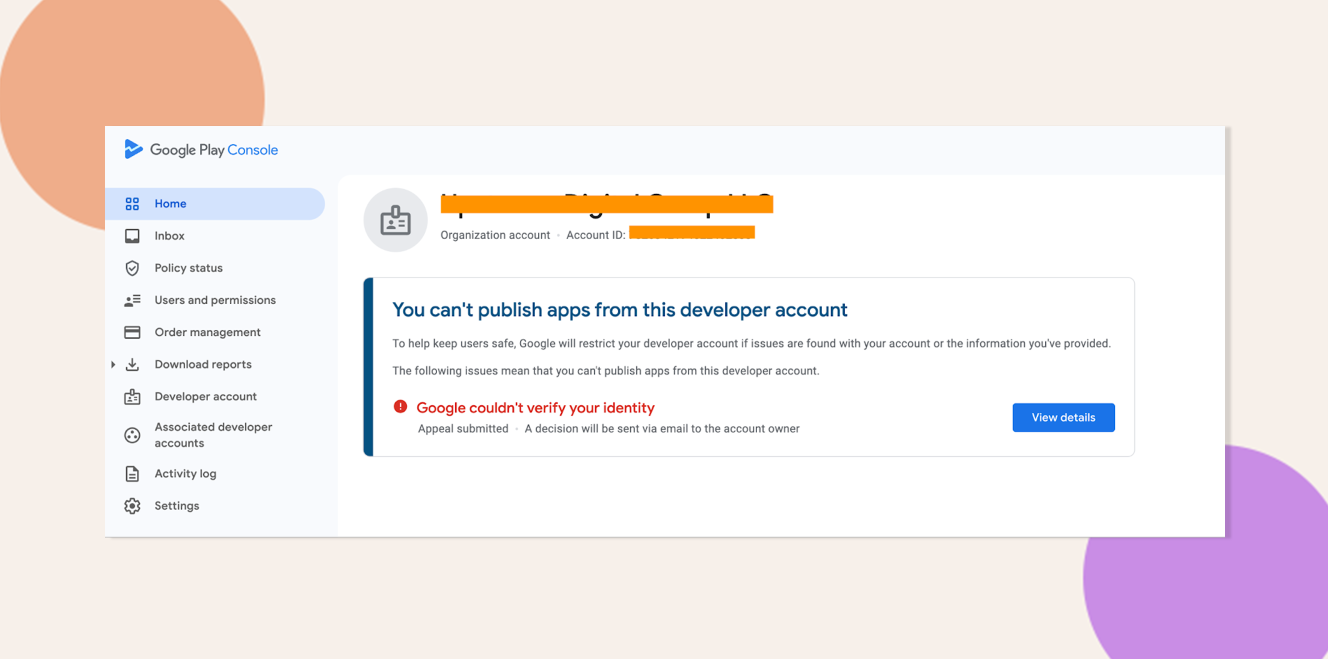
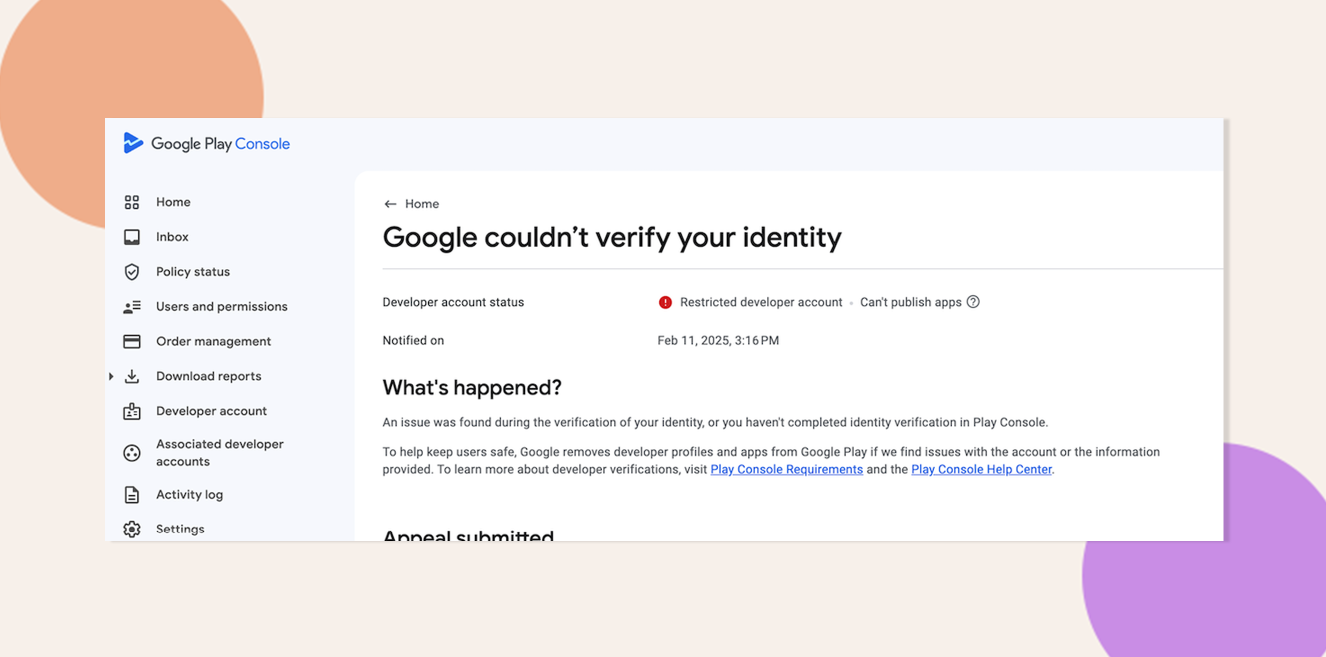
If you see “Google couldn’t verify your identity” when accessing your Play Console, your developer account is restricted pending identity verification. Google requires this step to ensure the safety and legitimacy of all publishers. Depending on your account type—Individual or Organization—you must submit matching documentation to restore full access.
Explore BuddyBoss Platform | BuddyBoss App | BuddyBoss Pricing | Try BuddyBoss Demo
Verification Requirements
- Individual Account
Requires a government-issued photo ID (e.g., passport, driver’s license) that matches the name on your Google account. - Organization Account
Requires legal business documents (e.g., certificate of incorporation, business registration) that exactly match your company name and address.
Note: When creating a new Google Play Console account, Google requires verification of the account owner’s identity. This verification process depends on the type of account.
Complete the Identity Verification
- Submit their personal information and upload the required documents.
- Ensure that the details provided in the form match exactly with the uploaded documents.
Here’s a reference article that can guide you through:
Verify your developer identity information – Play Console Help
Google couldn’t verify your identity – Google Play Developer Community
Troubleshooting and FAQs
Q: Which file formats are accepted for documents?
A: JPEG, PNG, or PDF are recommended. Ensure file size does not exceed 10 MB.
Q: My documents were rejected—what next?
A: Review Google’s feedback email, correct any mismatches (name spelling, address format), and re-upload the updated files.
Q: Can someone else (e.g., an employee) complete verification?
A: No. The account owner must submit personal or business documents directly to comply with Google’s policies.
Explore BuddyBoss Platform | BuddyBoss App | BuddyBoss Pricing | Try BuddyBoss Demo