














Introduction
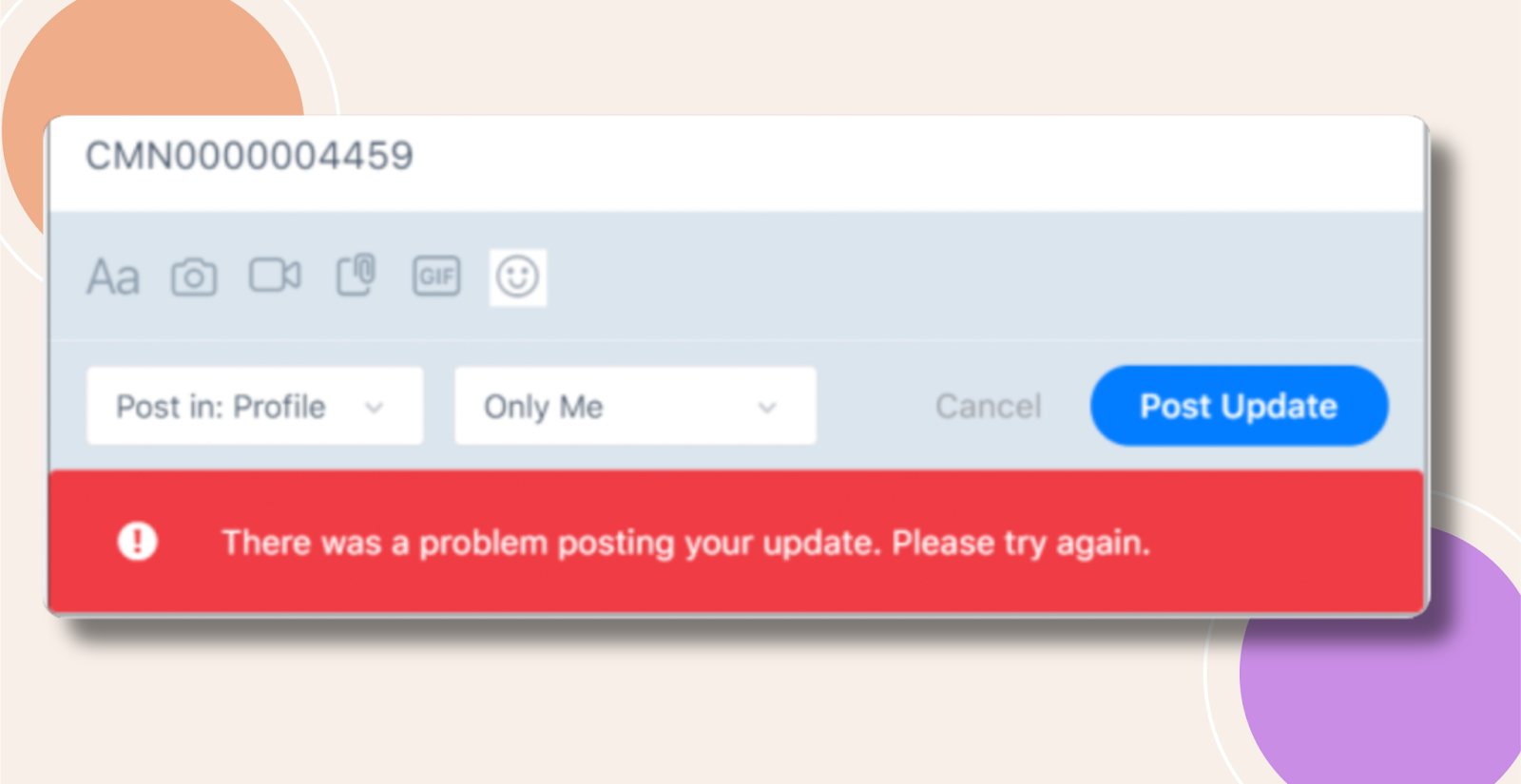
By default, WordPress limits how many links non-admin users can include in comments or activity-feed posts. If users see errors like “There was a problem posting your update. Please try again.” or “You have posted too many links.”, you can adjust the limit in the Discussion settings to permit more links.
Comment Moderation
- In your WordPress admin, navigate to Settings > Discussion.
- Under the Comment Moderation section, find “Comment must have at least ___ approved comments before a comment appears” (this also controls link limits in some setups) and/or “Maximum number of links in a comment”.
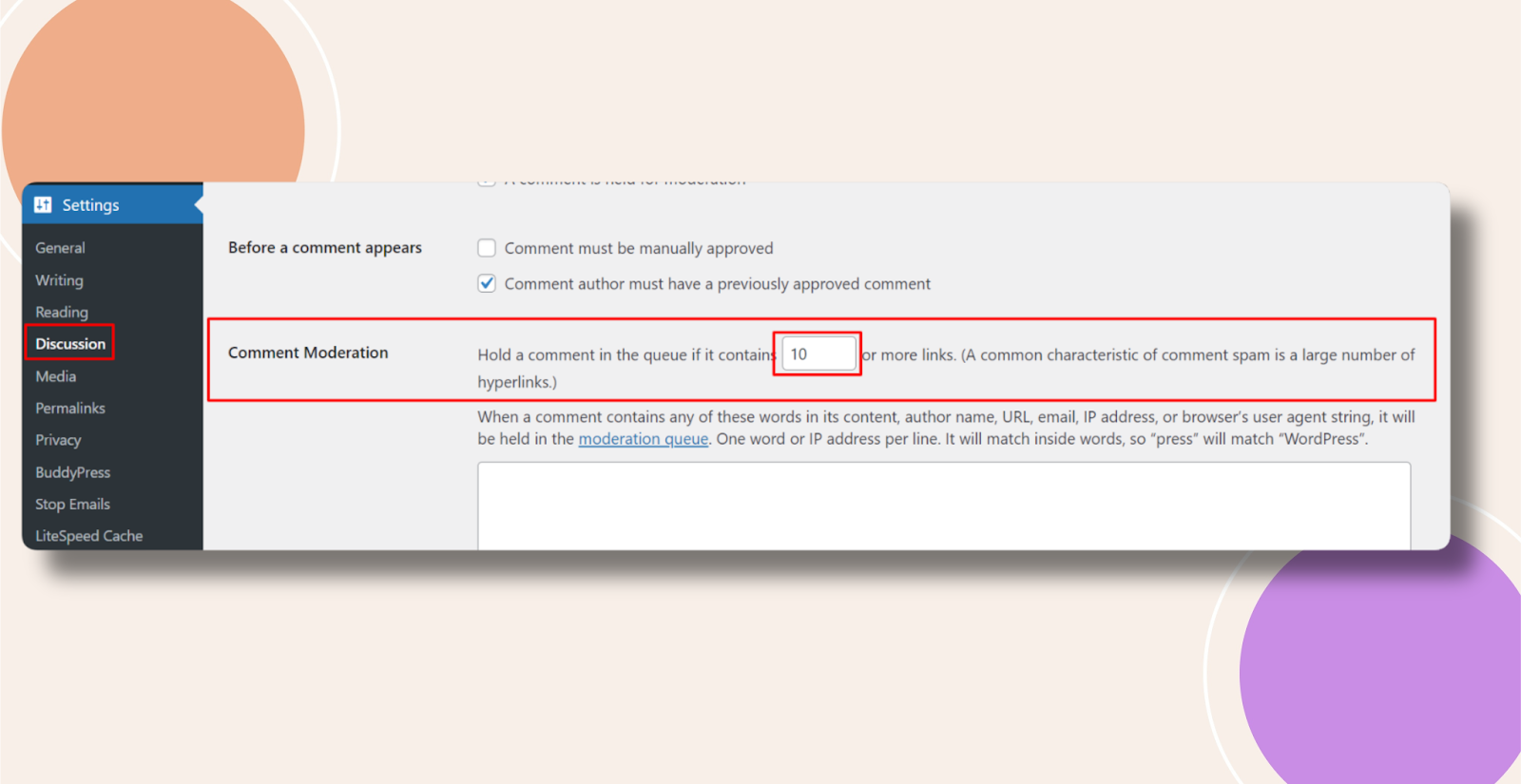
- Increase the Maximum number of links value to the desired limit.
- Scroll down and click Save Changes.
Troubleshooting and FAQs
Q: I still see the “too many links” error—what should I check?
A: Make sure you increased the correct Maximum number of links field under Comment Moderation (not Comment Blacklist). Then clear any caching and retry.
Q: Admins can post unlimited links—why are only members affected?
A: WordPress applies the link limit only to users without the unfiltered_html capability (typically non-admins).
Q: Can I disable this limit entirely?
A: Setting the maximum to a very high number effectively removes the restriction. For full control, you could also use a custom filter in a child theme.